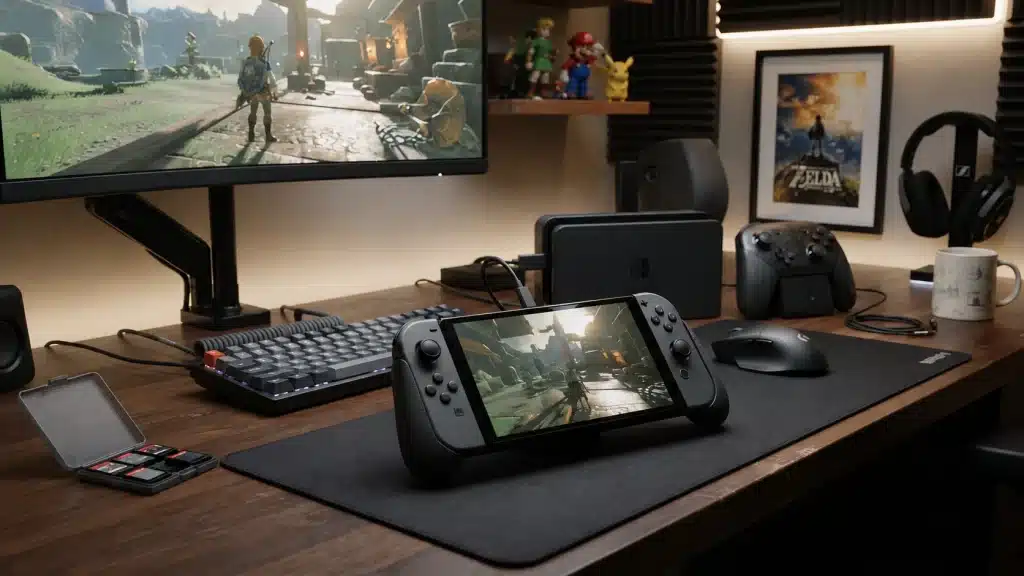
Your Switch OLED still works fine, so why does everyone suddenly want the new one? I asked myself the same question before spending several weeks with the Switch 2, running it through daily gaming sessions right alongside my old console to see if the upgrade actually holds up outside a keynote presentation.
This Switch 2 review breaks down the hardware, the new features, real gaming performance, and the parts that fell short during testing.
You’ll get a straight comparison between the Switch OLED and the original Switch, plus a clear answer on whether buying or upgrading makes sense for your setup, budget, and how you actually play.
Switch 2 Overview: What Changed?
According to the official Nintendo Switch 2 product page, the Switch 2 is the direct successor to the original 2017 console and represents a major step up in performance, display quality, and everyday usability.
The biggest practical change is improved hardware that allows newer games and features to run better than on previous Switch models.
The Switch 2 makes the most sense for first-time Nintendo buyers, original Switch owners looking for a noticeable upgrade, and players interested in future Switch 2-exclusive games.
Switch OLED owners should consider their current needs carefully, since the upgrade is more about performance than replacing the OLED screen experience.
How I Tested the Switch 2
I tested the Switch 2 across different gaming conditions to evaluate everyday performance, battery life, and usability.
- Tested over several weeks with around 40 hours of gameplay in handheld and docked modes.
- Played Mario Kart World, Cyberpunk 2077, and The Legend of Zelda: Tears of the Kingdom for performance checks.
- Used the latest firmware with 70% brightness, moderate volume, and Wi-Fi enabled.
- Checked the battery during demanding and lighter gaming sessions.
- Tested docked mode on a 4K TV using the official dock for visuals and stability.
These tests covered the areas that matter most for daily use, from handheld comfort to big-screen gaming performance.
Hardware and Performance Breakdown
Nintendo also introduced new features that improve multiplayer, communication, and everyday usability, making the Switch 2 experience more convenient beyond hardware and graphics upgrades.
1. Design and Display

The Switch 2 keeps the original hybrid design but uses a larger body and screen. It remains 13.9 mm thick, though the wider frame is more noticeable during long handheld sessions.
- Screen: 7.9-inch LCD, compared with 6.2 inches on the original Switch and 7 inches on the Switch OLED.
- Resolution: 1080p in handheld mode.
- Display features: Supports HDR and refresh rates up to 120Hz in compatible games.
- Kickstand: Wider and more adjustable for stable tabletop play.
- Joy-Con 2: Larger controllers attach magnetically and provide a wider grip.
The larger screen makes text easier to read, while the wider controls improve comfort. However, OLED owners may still prefer the deeper contrast of their current display.
2. Processing Power and Graphics
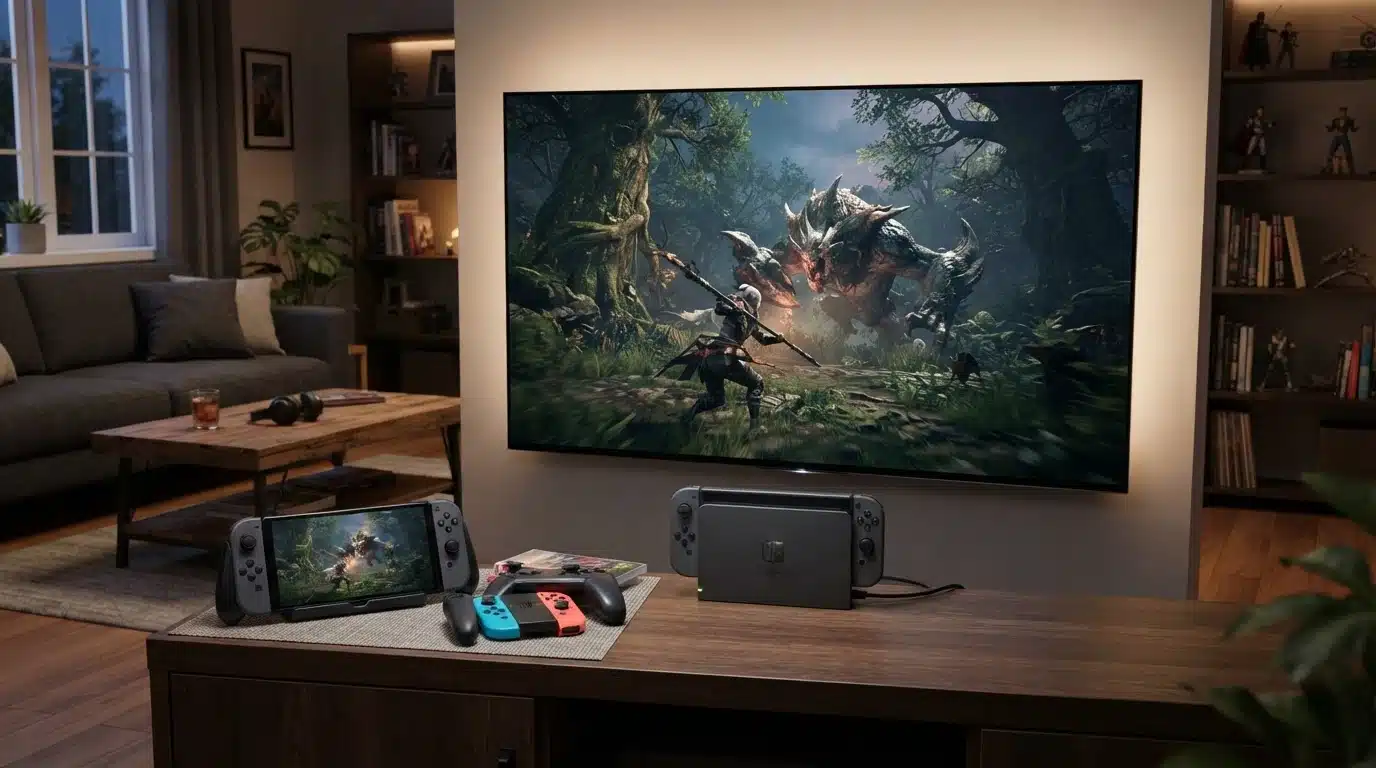
A custom Nvidia processor gives the Switch 2 a major performance increase. It supports DLSS upscaling, improved graphics, and better performance in games that place heavier demands on the hardware.
- Handheld mode: Supports 1080p output at refresh rates up to 120Hz.
- Docked mode: Supports output up to 4K at 60 fps in compatible games and displays.
- DLSS support: Helps supported games produce sharper images while managing performance.
- Game performance: Cyberpunk 2077 uses DLSS, while Mario Kart World offers sharper environments and stable gameplay.
- Heat and noise: Regular play remains controlled, though demanding games can make the fan more noticeable.
Newer games show the clearest improvement. Older Switch titles may benefit from faster loading and steadier performance, but visual changes depend on game support.
3. New Features Worth Knowing
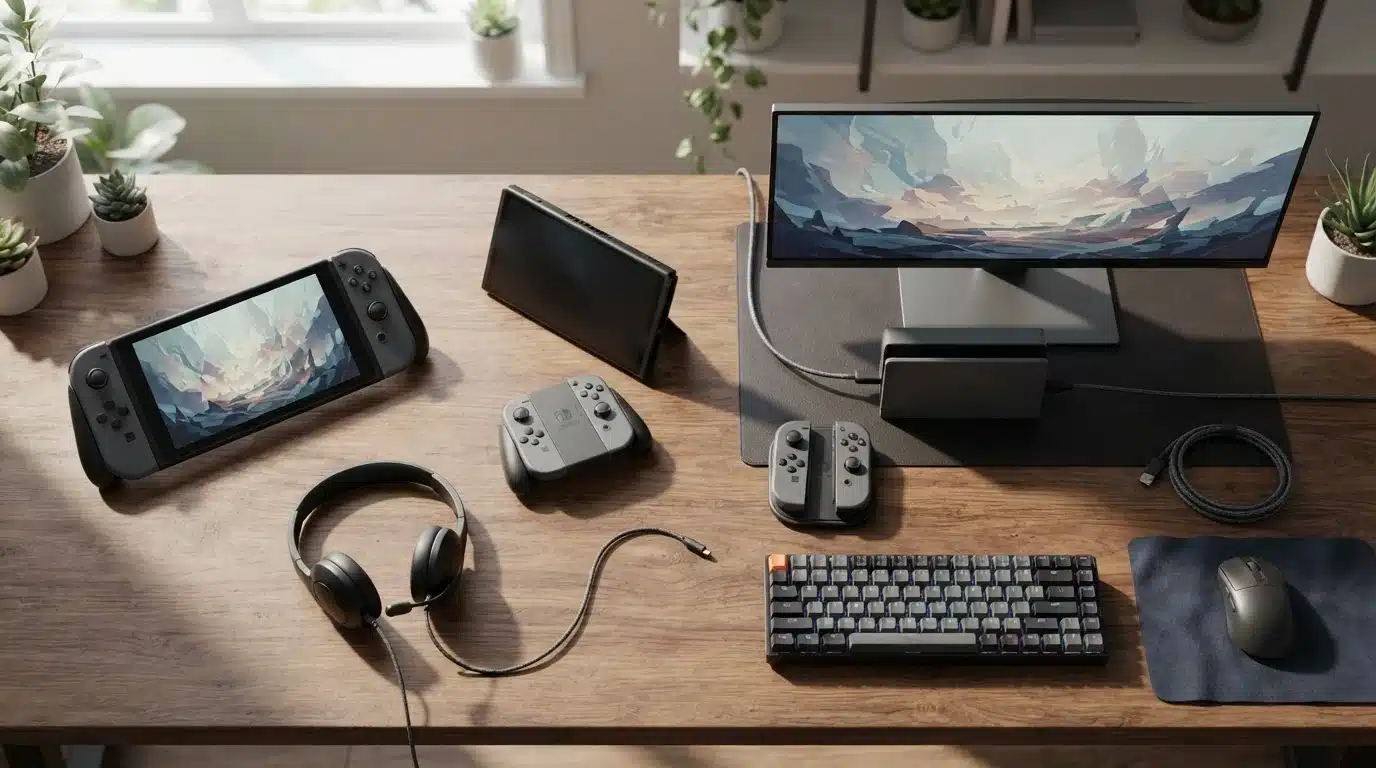
Nintendo has added features that make multiplayer, communication, and menu control easier. Some require supported games, extra hardware, or a Nintendo Switch Online membership.
- Mouse controls: Each Joy-Con 2 can work like a mouse in compatible games and applications.
- GameChat: The C button opens voice or video chat, though video requires a compatible camera.
- GameShare: Supported games can be shared temporarily with compatible systems during a local or online session.
- Built-in microphone: Supports voice communication without requiring a separate headset.
- Connectivity: Wi-Fi 6 support can provide faster wireless performance when used with a compatible router.
These additions are most useful for multiplayer users. Compatibility varies by game, so each title should be checked before buying accessories or expecting mouse and sharing support.
4. Battery Life, Storage, and Daily Use
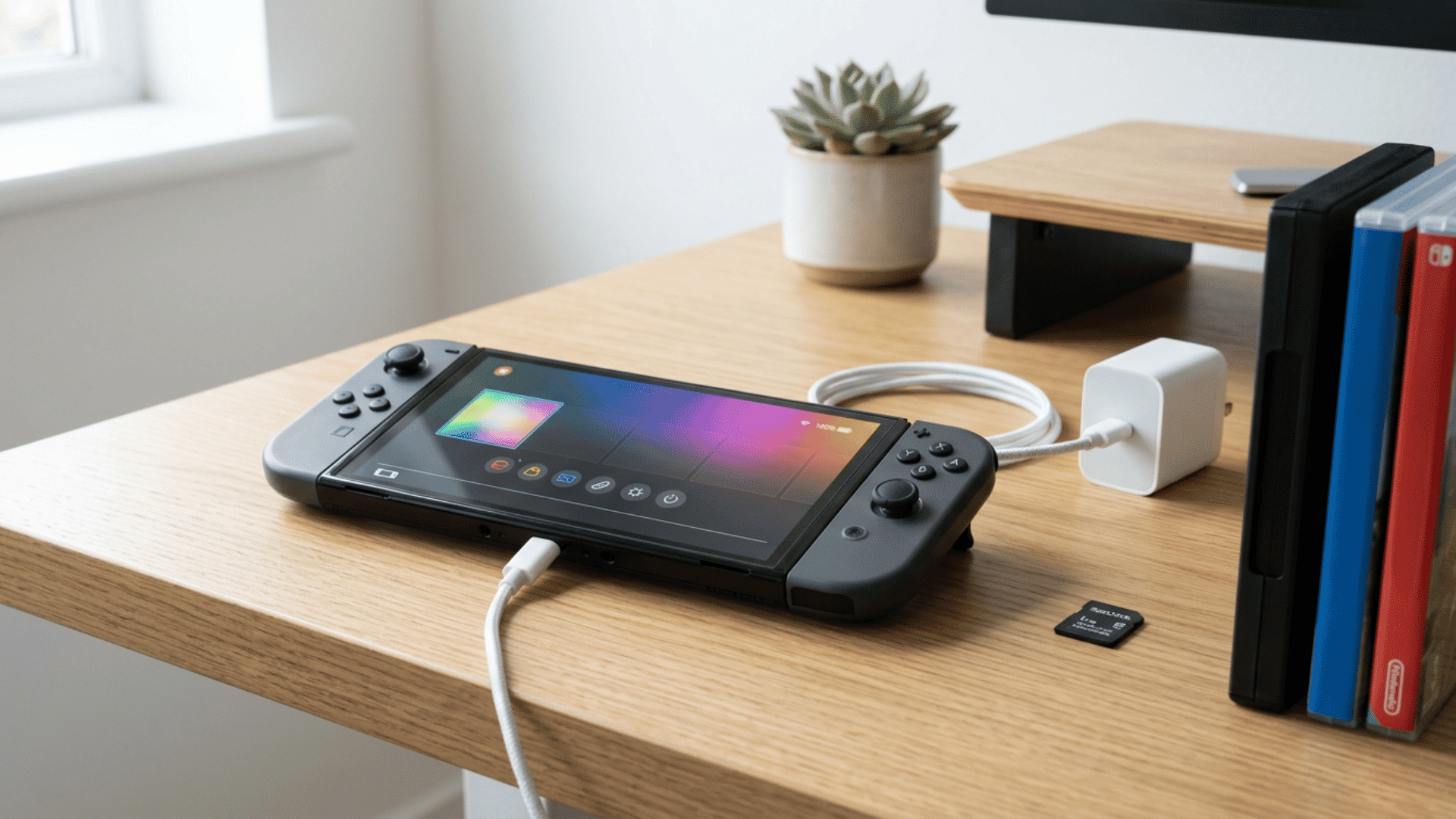
Battery life remains limited compared with the storage improvements. Nintendo rates the Switch 2 for approximately 2 to 6.5 hours, depending on the game, settings, and wireless activity.
- Official battery estimate: Approximately 2 to 6.5 hours.
- Demanding games: Often estimated at around 2 to 3 hours during typical handheld use.
- Lighter games: May reach around 4 to 6 hours with lower power demands.
- Charging time: Approximately three hours in sleep mode using the supplied AC adapter.
- Internal storage: 256GB of UFS storage.
- Expansion: Switch 2 games require microSD Express cards for expanded storage.
Battery results change with brightness, volume, Wi-Fi, and game demands. Buyers planning to install several digital games should include the cost of a microSD Express card in their budget.
Gaming Experience and Game Support
Hardware means little without games worth playing, and this is where many buying decisions are made. Switch 2 titles generally offer sharper resolution, steadier frame rates, and shorter loading times than their original Switch versions.
Several older games have received free or paid Switch 2 Edition upgrades that use the console’s added processing power. These upgrades may improve resolution, frame rates, loading times, or add new features, depending on the title.
Most original Switch games work on Switch 2, but certain titles may have limited features or compatibility issues. Buyers should check Nintendo’s official compatibility information before upgrading, especially if they regularly play older games or use original accessories.
Upcoming exclusives, including a FromSoftware title and new entries from established Nintendo series, point to a growing catalog through 2026 and beyond.
For many owners, the familiar library and expanding exclusive lineup support the purchase. Buyers interested in one specific game should confirm its release date and Switch 2 compatibility first.
Nintendo Switch 2 Real User Experience: What Players are Saying
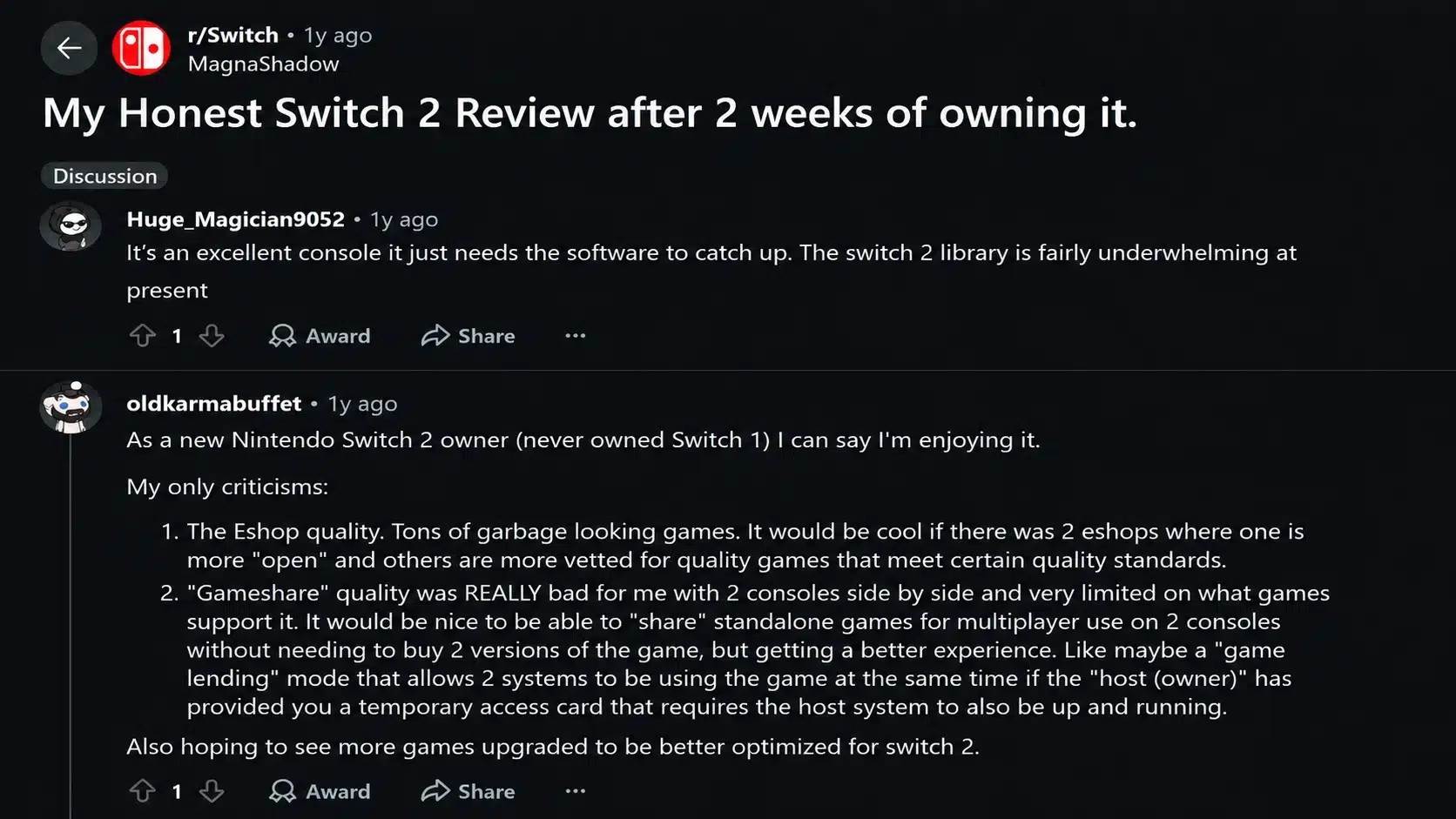
Specs only tell part of the story, so player experiences add useful context after launch. A detailed two-week ownership discussion on r/Switch shares personal impressions about performance, display quality, controls, and common frustrations.
These comments represent individual experiences from Reddit users and should not be treated as a complete picture of all Switch 2 owners.
What users like:
- The jump in raw performance, especially in games that previously struggled to hit a stable frame rate
- The bigger, sharper screen and smoother docked-to-4K output
- The more premium feel of the magnetic Joy-Con
- The mouse control option in supported games
Common complaints:
- Price, especially after Nintendo confirmed a $50 increase to $499.99, taking effect September 1, 2026
- Battery life, which underperforms the original Switch in day-to-day use
- Limited upgrade value for some Switch OLED owners who feel their console still works fine
- A thinner-than-expected exclusive lineup at launch
Even so, most owners describe the jump as a real generational improvement in performance and social features, while agreeing that the price and battery life hold it back from feeling like a complete win.
Switch 2 vs Switch OLED vs Original Switch
Seeing the numbers side by side makes the upgrade decision easier. This comparison shows where the Switch 2 improves on older models and where the Switch OLED or the original Switch may still fit different gaming needs.
| Feature | Switch 2 | Switch OLED | Original Switch |
|---|---|---|---|
| Performance | Custom Nvidia chip with DLSS support | Same chip as original Switch | Tegra X1, struggles with some demanding games |
| Display | 7.9″ LCD, 1080p, 120Hz, HDR | 7″ OLED, 720p | 6.2″ LCD, 720p |
| Storage | 256GB | 64GB | 32GB |
| Battery Life | 2–6.5 hrs (often around 2–3 hrs in demanding games) | 4.5–9 hrs | 2017 HAC-001 model: 2.5–6.5 hrs; revised HAC-001(-01) model: 4.5–9 hrs |
| Features | Mouse-style Joy-Con 2 controls, GameChat, GameShare | Standard Joy-Con, improved kickstand | Standard Joy-Con |
| Best For | New buyers, demanding games, multiplayer | Balanced handheld use, OLED display quality | Budget buyers, casual or offline play |
New buyers gain the most from choosing the Switch 2, as it supports the existing library while offering stronger performance and new features. Original Switch owners with older hardware will notice a clearer jump in speed and visuals.
Switch OLED owners should carefully consider their priorities, as their current display quality and battery life may still meet their needs.
Who Should Buy the Switch 2?
The Switch 2 upgrade makes the most sense for players who will benefit from stronger hardware, better visuals, and upcoming exclusive games. The value depends heavily on the console you already own and how you usually play.
Buy the Switch 2 if you:
- Own the original Switch and want faster loading, smoother performance, and improved graphics in newer games.
- Are you buying your first Nintendo console and want the latest hardware with access to the full Switch library?
- Play demanding 3D games, multiplayer titles, or upcoming Switch 2 exclusives.
- Prefer playing on a TV and want improved docked visuals with higher resolution support.
Consider waiting if you:
- Already own a Switch OLED and mainly play casual games where the current performance is enough.
- Prefer long handheld sessions and are concerned about shorter battery life.
- Mostly play older titles that already run well on your existing Switch.
- Are waiting for a larger exclusive lineup or future price changes.
The Switch 2 is a stronger choice for performance-focused players, while existing Switch OLED owners may find the upgrade less urgent unless they want access to newer games and improved hardware.
Is the Switch 2 Worth It?
The Switch 2 upgrade depends on which Nintendo console you already own. At $449.99, it offers the strongest value for new buyers and original Switch owners. After the announced $499.99 price increase from September 1, 2026, the upgrade becomes a more careful decision.
1. First-time Nintendo buyers
The Switch 2 is the easiest choice, offering the latest hardware, access to the Switch library, improved performance, and future exclusives.
2. 2017 Original Switch owners
The upgrade is highly worthwhile, bringing faster loading, smoother performance, better visuals, and a larger display.
3. Revised Switch owners (HAC-001(-01))
Players with the revised model already have better battery life, so upgrading mainly makes sense for those wanting improved performance and newer games.
4. Switch OLED owners
The upgrade focuses on performance, features, and future titles rather than display quality. At $449.99, it is easier to justify, while the higher price makes waiting more reasonable for casual players.
Overall, Switch 2 is the biggest upgrade for new buyers and original Switch owners, while OLED owners should decide based on their gaming habits.
The Final Power-Up
After weeks of testing, the Switch 2 proves that the Switch 2 delivers meaningful improvements for players who want better performance and access to future games.
This Switch 2 review shows clear gains in performance, loading speeds, visuals, and multiplayer features while keeping access to the existing Switch library.
New buyers and original Switch owners get the biggest benefit, especially those looking for smoother gameplay and future exclusives.
Switch OLED owners should upgrade mainly for performance improvements and future exclusives. The value depends on timing, especially for buyers considering the upcoming price increase.
Share your Switch 2 experience in the comments, or check out more Nintendo coverage for related comparisons and updates.
Frequently Asked Questions
Can Save Data Be Transferred from an Older Console?
Yes, saved data can be transferred from an older Nintendo Switch console to Switch 2. The process depends on the game and transfer method, as some titles support cloud saves through Nintendo Switch Online while others may require a system transfer.
Does It Support Bluetooth Headphones?
Yes, Switch 2 supports Bluetooth audio devices, allowing users to connect compatible wireless headphones and earbuds. However, some Bluetooth features may have limitations, such as microphone support for voice chat.
Can Digital Games Be Shared Between Family Members?
Digital games can be shared between family members through Nintendo’s account and console settings, but access depends on account ownership, console setup, and Nintendo’s game-sharing rules. Some features may require the primary account holder.
Does It Work with Portable Monitors?
Yes, Switch 2 can work with compatible portable monitors that support HDMI input. For the best experience, the monitor should support the console’s output resolution and provide enough power when used in portable setups.