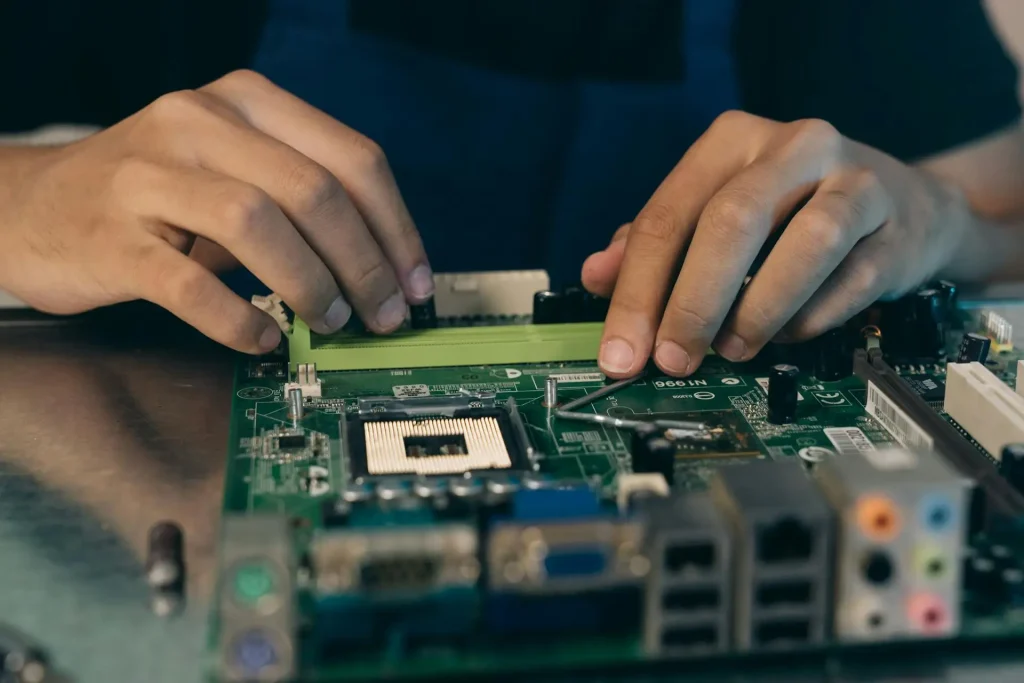
A hardware load balancer is a physical appliance that sits between your clients and your servers. Its job is to distribute incoming traffic across multiple backend servers so no single server gets overwhelmed. The device inspects each request, selects a server using a configured algorithm, and forwards the traffic. If a server goes down, the appliance detects the failure and routes traffic to the remaining healthy servers.
These appliances have been standard in enterprise data centers since the late 1990s. They ship with specialized chips for packet processing and SSL/TLS encryption, a hardened operating system, and a management interface. You rack them, cable them, configure them, and they run. The trade-off: they cost a lot, they scale vertically (meaning you buy a bigger box when you need more capacity), and they lock you into one vendor’s ecosystem.
This article explains what is inside a hardware load balancer, how traffic actually flows through it, where these devices still make sense, and when a software-based approach, like an enterprise load balancer, is the better call.
What Is Inside a Hardware Load Balancer
A hardware load balancer is a rack-mounted box with five core components. Each one handles a specific part of the traffic pipeline.
Network Interfaces
The appliance has multiple network ports (typically 1GbE, 10GbE, or 25GbE) split into front-end (client-facing) and back-end (server-facing) interfaces. Front-end ports receive incoming client requests. Back-end ports connect to your server pool. Higher-end models include 40GbE or 100GbE interfaces for data centers pushing serious bandwidth.
Processing Engine
This is where routing decisions happen. Older appliances used custom ASICs (Application-Specific Integrated Circuits) built exclusively for packet switching. Newer models use multi-core x86 CPUs or FPGAs (Field-Programmable Gate Arrays). The processing engine reads incoming packets, evaluates which server should get each request based on your configured algorithm, and forwards the packet. On a Layer 7 appliance, the engine also parses HTTP headers, cookies, and URI paths before making the routing decision.
SSL/TLS Offload
Encrypting and decrypting traffic takes CPU cycles. A hardware load balancer handles SSL/TLS termination, so your backend servers do not have to. The appliance decrypts incoming HTTPS traffic, inspects it, and forwards plain HTTP (or re-encrypted HTTPS) to your servers. Older appliances used dedicated crypto accelerator chips for this. Modern CPUs with AES-NI instructions have made dedicated chips less necessary, which is one reason software load balancers have caught up in this area.
Health Checks
The appliance regularly pings each backend server to confirm it is alive and responding correctly. Health checks can be simple (open a TCP connection to port 80) or detailed (send an HTTP GET request and verify the response code and body content). When a server fails its check, the appliance removes it from the pool. When it recovers, the appliance adds it back. This is the mechanism behind high availability solutions: traffic automatically reroutes around failures without manual intervention.
Management Interface
A web GUI, CLI, and sometimes a REST API for configuration. You use these to define virtual IPs, assign backend server pools, configure health-check parameters, upload SSL certificates, and view real-time traffic stats. The GUI is also where you configure load balancing algorithms, rate limits, and security policies.
How Traffic Flows Through the Appliance
Here is what happens when a user hits your website and a hardware load balancer sits in the path:
The client sends an HTTPS request to a virtual IP address (VIP) hosted on the load balancer. The appliance terminates the TLS connection, stripping the encryption so it can read the request. It inspects the HTTP method, headers, cookies, and URL path. Based on the configured load balancing algorithm (round-robin, least-connections, etc.), it selects a backend server. It forwards the request to that server, inserting an X-Forwarded-For header so the server knows the real client IP. The server processes the request and sends a response back through the load balancer. The appliance re-encrypts the response and sends it to the client.
Along the way, the appliance can also compress responses, cache static content, apply web application firewall rules, enforce rate limits, and log everything for later analysis.
One detail worth noting: hardware load balancers are almost always deployed in pairs. The primary unit handles all traffic, while the secondary unit sits in standby mode (active-passive), or both units share the load (active-active). They synchronize connection tables and session state over a dedicated heartbeat link. If the primary fails, the secondary takes over the VIP within 1-3 seconds using VRRP (Virtual Router Redundancy Protocol). This redundancy is critical because the load balancer is a single point of failure in the traffic path. If it goes down without a backup, every server behind it becomes unreachable, regardless of how healthy those servers are.
Load Balancing Algorithms
The algorithm determines which server the appliance assigns to each request.
Here are the ones you will find on most hardware load balancers:
| Algorithm | What it does | Use it when |
| Round robin | Sends each new request to the next server in line. Server A, then B, then C, then back to A. | All servers are identical in capacity. |
| Weighted round robin | Same rotation, but servers with higher weights get more requests. A server with weight 3 receives three times as much traffic as a server with weight 1. | Servers have different hardware specs. |
| Least connections | Picks the server currently handling the fewest active connections. | Requests vary in processing time (some fast, some slow). |
| IP hash | Hashes the client IP to always send that client to the same server. | You need session persistence without cookies. |
| Least response time | Combines fewest connections with fastest current response time to pick the server. | Latency matters more than even distribution. |
Layer 4 vs. Layer 7: What Is the Difference
Hardware load balancers operate at two levels, and the distinction matters because it determines what the device can see and act on.
Layer 4 (transport layer) load balancing makes decisions based on IP addresses and TCP/UDP port numbers. The appliance does not open or read the actual content of the request. It just looks at the packet header and forwards it. This is fast because there is less processing per packet. It works for any protocol: HTTP, database traffic, mail servers, DNS, anything running over TCP or UDP.
Layer 7 (application layer) load balancing opens the request and reads the content. For HTTP traffic, that means inspecting headers, cookies, URL paths, query strings, and sometimes the request body. This lets the appliance make smarter routing choices: send API calls to one pool, send static file requests to another, block requests matching a known attack pattern, or apply bot detection rules based on request fingerprints. The trade-off is that Layer 7 requires more processing per request.
Most hardware appliances support both. You configure Layer 4 for raw TCP workloads and Layer 7 for HTTP/HTTPS applications where you need content-aware routing.
A practical example: say you run an e-commerce platform. You might use Layer 4 to load balance your database connections across a pool of read replicas, because the load balancer just needs to distribute TCP connections evenly. But for your web application, you use Layer 7 so the load balancer can route /api/* requests to your application server pool and /static/* requests to a CDN origin pool. Layer 7 also lets you inspect request headers for session cookies, enabling sticky sessions that keep a returning user on the same backend server throughout their shopping session.
Where Hardware Load Balancers Fall Short
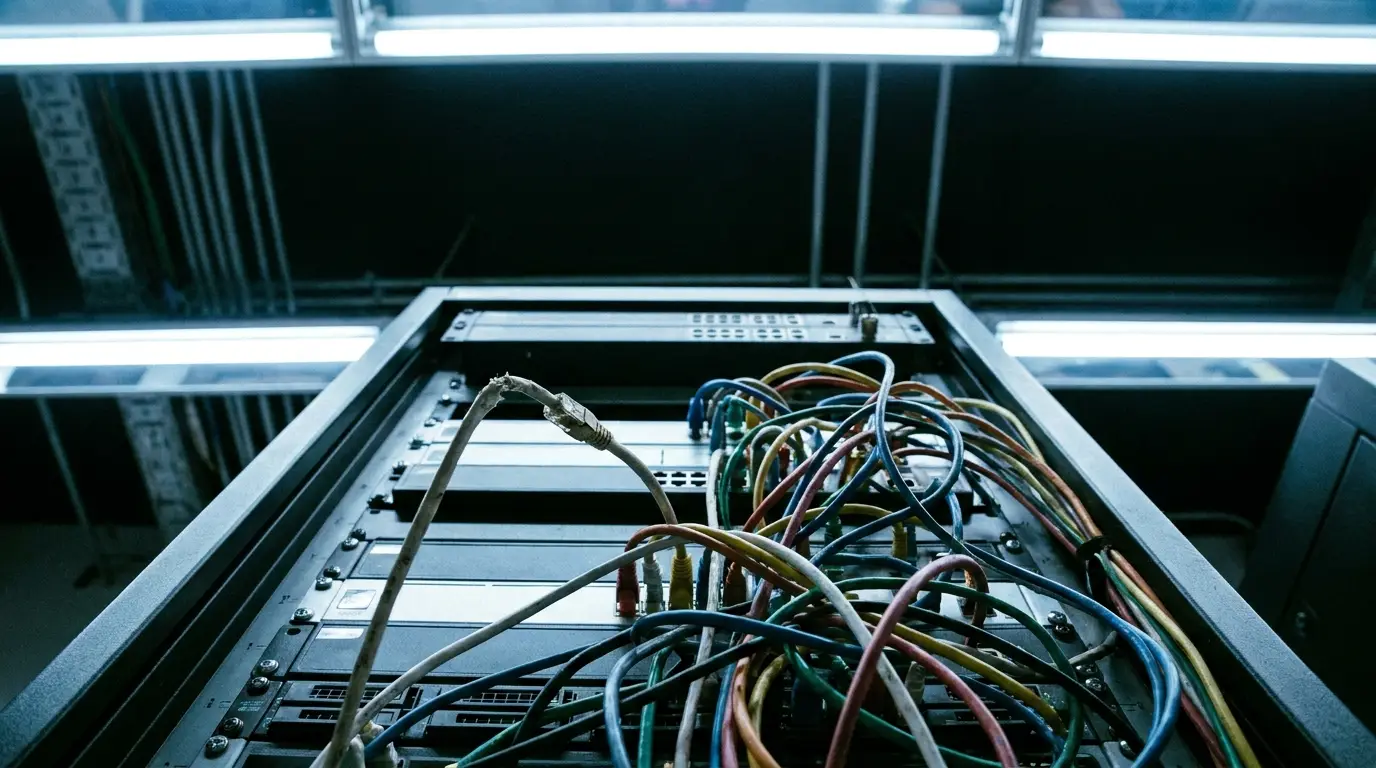
Hardware appliances do two things well: predictable performance and straightforward operation once configured. But they have real limitations:
- Scaling is expensive and slow. When you max out your appliance’s throughput or connection limit, you buy a bigger box or add another unit. That means a procurement cycle, rack space, cabling, and configuration. A single enterprise-grade hardware load balancer can cost $50,000 to $300,000+, depending on throughput and license tier. Compare that to spinning up another software load balancer instance in minutes.
- They do not fit cloud or container environments. Hardware appliances were designed for static data center topologies in which servers have fixed IP addresses and remain online for months. In Kubernetes environments, pods come and go in seconds. The load balancer needs to update its backend pool constantly, and most hardware appliances lack native integration with container orchestrators, service discovery systems, or cloud APIs.
Vendor lock-in is the other problem. Your health check configs, persistence rules, and routing logic are all written in a vendor-specific format. Moving to a different vendor or a software-based model means rebuilding your configuration from scratch.
Hardware vs. Software Load Balancers
The core argument for hardware used to be performance: dedicated silicon beats general-purpose CPUs. That argument does not hold up the way it once did. Modern multi-core processors with kernel-bypass networking (DPDK, io_uring) and AES-NI encryption acceleration allow software load balancers to handle millions of requests per second and tens of thousands of concurrent TLS connections on commodity hardware.
Software load balancers run anywhere: bare metal, VMs, containers, any cloud provider. You can manage them through APIs, version their config in Git, deploy changes through CI/CD pipelines, and scale horizontally by adding instances. That flexibility is why they have become the default in modern load balancing solutions.
If you want the plug-and-play simplicity of an appliance without the rigidity of proprietary hardware, a hardware or virtual appliance that runs on standard hypervisors (VMware, KVM, Hyper-V) provides a management GUI, a pre-configured networking stack, and predictable resource allocation, without locking you into proprietary hardware.
When Hardware Still Makes Sense
Two scenarios.
First: legacy stability. You have a stable on-prem environment with predictable traffic. The hardware is paid off. It meets your throughput needs. Your requirements are not changing. In that case, migrating to software entails risks and costs with limited upside. Leave it alone until the hardware hits end-of-life.
Second: physical security mandates. Some regulated industries (government, defense, certain financial services) require physically isolated, tamper-evident network appliances within controlled facilities. If your compliance framework requires it, hardware is the answer.
Outside those two cases, the industry is moving toward software-defined application delivery platform models. The cost, flexibility, and operational advantages are too clear to ignore.
How to Evaluate Your Load-Balancing Needs
Four things to map before picking a form factor:
Traffic profile. What is your peak throughput? What protocols (HTTP, TCP, UDP, gRPC)? Do you need Layer 7 content inspection or is Layer 4 enough? If you are running an API gateway pattern, you need Layer 7.
Deployment environment. Single data center with fixed servers? Hardware or a virtual appliance works. Multi-cloud with Kubernetes? You need a software load balancer that talks to your orchestrator.
Total cost of ownership. Price out hardware (appliance + license + support + refresh every 3-5 years) against software (per-instance cost + management time). Include the cost of scaling: hardware means another box; software means another instance.
Compliance. If you operate in the EU, your load balancer is part of your NIS2 and DORA compliance solution. These frameworks require logging, real-time incident detection, and application-layer auditability. Make sure whatever you deploy supports those capabilities natively.
FAQ
What Is the Difference Between a Hardware and a Software Load Balancer?
A hardware load balancer is a physical box with dedicated processors, shipped by a vendor, racked in your data center. A software load balancer is the same load balancing logic running as a process on a general-purpose server, VM, or container. Hardware gives you dedicated resources and simpler initial setup. Software gives you deployment flexibility, API-driven management, and the ability to run anywhere.
Can Software Match Hardware Load Balancer Performance?
Yes. Software load balancers on modern hardware routinely exceed two million HTTP requests per second on a single instance. With kernel-bypass networking and AES-NI encryption, the performance gap between software and dedicated ASICs is negligible for most workloads. The bottleneck is almost always the NIC or the backend servers, not the load balancer.
Do I Need Hardware for SSL/TLS Termination?
No. Dedicated SSL accelerator chips made sense when encryption was expensive on general-purpose CPUs. Current processors handle TLS handshakes and bulk encryption through AES-NI at speeds comparable to hardware appliances. The only exception is extremely high new-connection rates (hundreds of thousands of TLS handshakes per second), where dedicated crypto hardware still has a marginal edge.