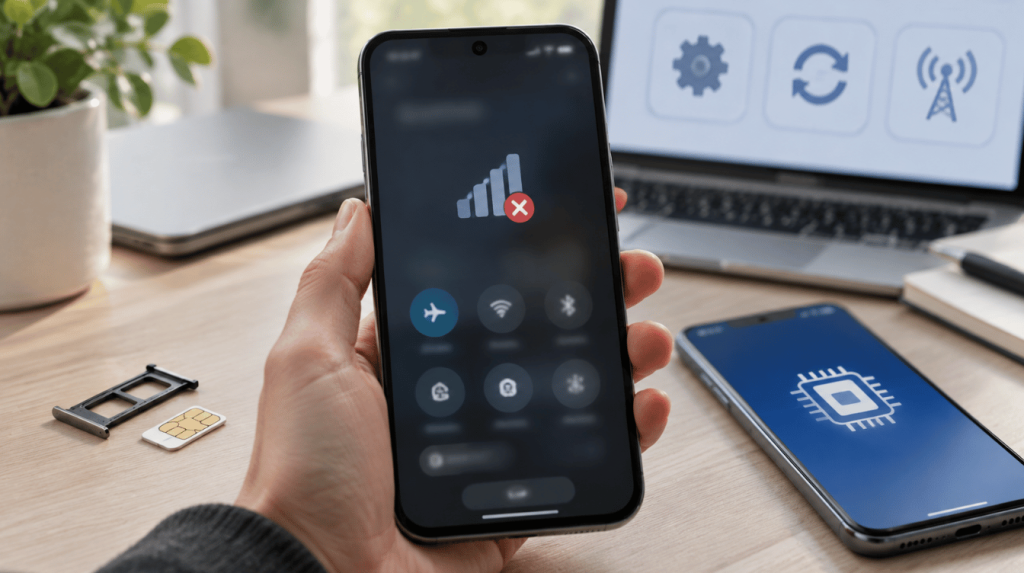
One second your phone shows full bars, and the next the screen reads No SIM, cutting off every call, text, and data connection at once. It is a jarring message mainly because nothing about the phone changed in between.
Type why does my phone say no SIM into a search bar, and you will find the same short list of culprits repeating: a shifted or damaged card, a suspended carrier account, or a software bug after an update.
Anyone whose phone says no SIM more than once has probably already tried a restart. I’ve tested each fix below on real iPhone and Android units before writing it down, in the order that clears the error fastest.
What Does “No SIM” Mean on a Phone?
Before trying any fix, it helps to know exactly what the phone is telling you. This message means the phone cannot detect a SIM card, or it detects one it cannot use.
Depending on the model and operating system, you might instead see No SIM Card Installed, Invalid SIM, SIM Not Supported, No Service, or SOS Only. Each version points to a slightly different problem.
No SIM usually means the phone finds nothing in the tray or eSIM slot. Invalid SIM or SIM Not Supported means the phone sees a card but rejects it, often because of a carrier lock or an incompatible SIM.
No Service means the SIM is recognized, but the phone cannot reach a tower. SOS Only means the phone can reach emergency services but not your regular network.
Why This Error Keeps Showing Up More Often
This isn’t just a random annoyance, and it isn’t just you. Phone makers have been quietly redesigning how SIMs work, and that shift changes which fixes actually apply.
GSMA Intelligence, the mobile industry’s own research group, projects that eSIM smartphone connections will roughly double between 2025 and 2026, with North America expected to cross 50 percent eSIM adoption by 2027.
Apple started the eSIM-only trend in the US with the iPhone 14 in 2022, Google followed with the Pixel 10 in 2025, and other manufacturers are testing the same move.
In practice, this means the old advice to “just check the SIM tray” now applies to only about half of new phones sold, which is why the table below is worth checking before anything else.
Does Your Phone Even Have a SIM Tray?
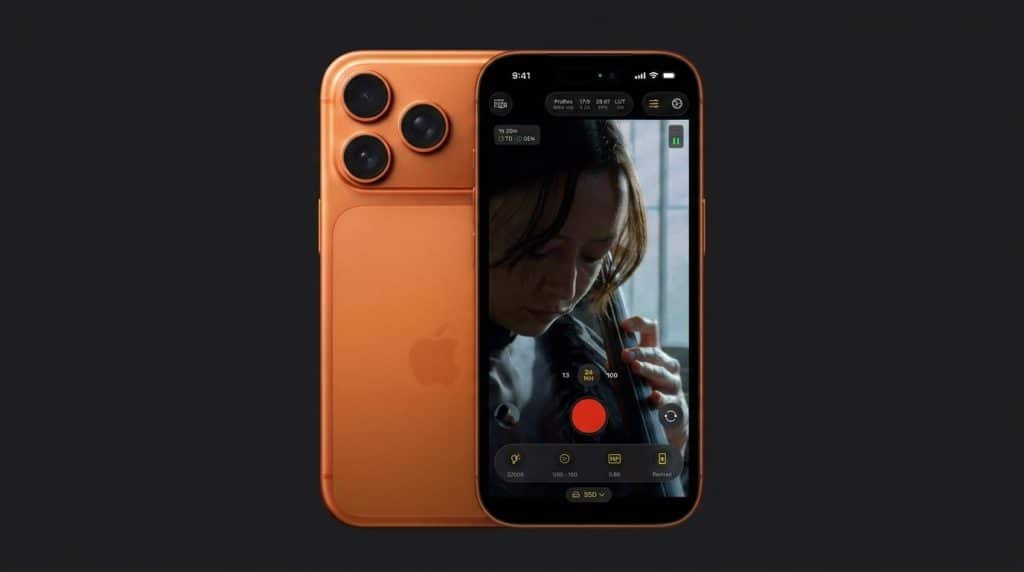
Before assuming a physical card is even involved, check your exact model. Several recent flagship phones, on both iOS and Android, have dropped the SIM tray entirely, a shift most visible in Apple’s own eSIM-only design, which changes which fixes below actually apply to you.
|
Phone (US model) |
Physical SIM Tray? |
|---|---|
|
iPhone 13 and earlier, including SE (2nd and 3rd gen) |
Yes |
|
iPhone 14 through 17 series, including 16e |
No, eSIM only |
|
iPhone Air |
No, eSIM only worldwide |
|
Google Pixel 9 and earlier |
Yes |
|
Google Pixel 10, 10 Pro, and 10 Pro XL |
No, eSIM only |
|
Google Pixel 10 Pro Fold |
Yes |
|
Samsung Galaxy S25 and earlier |
Yes |
|
Samsung Galaxy S26 series (S26, S26+, S26 Ultra) |
Yes, hybrid Nano-SIM tray + eSIM (Samsung kept the tray in the US) |
If your model has no tray, skip every tray-related and card-reseating step below. Go straight to the eSIM section instead, since that covers your actual troubleshooting path.
Why Does My Phone Say No SIM?
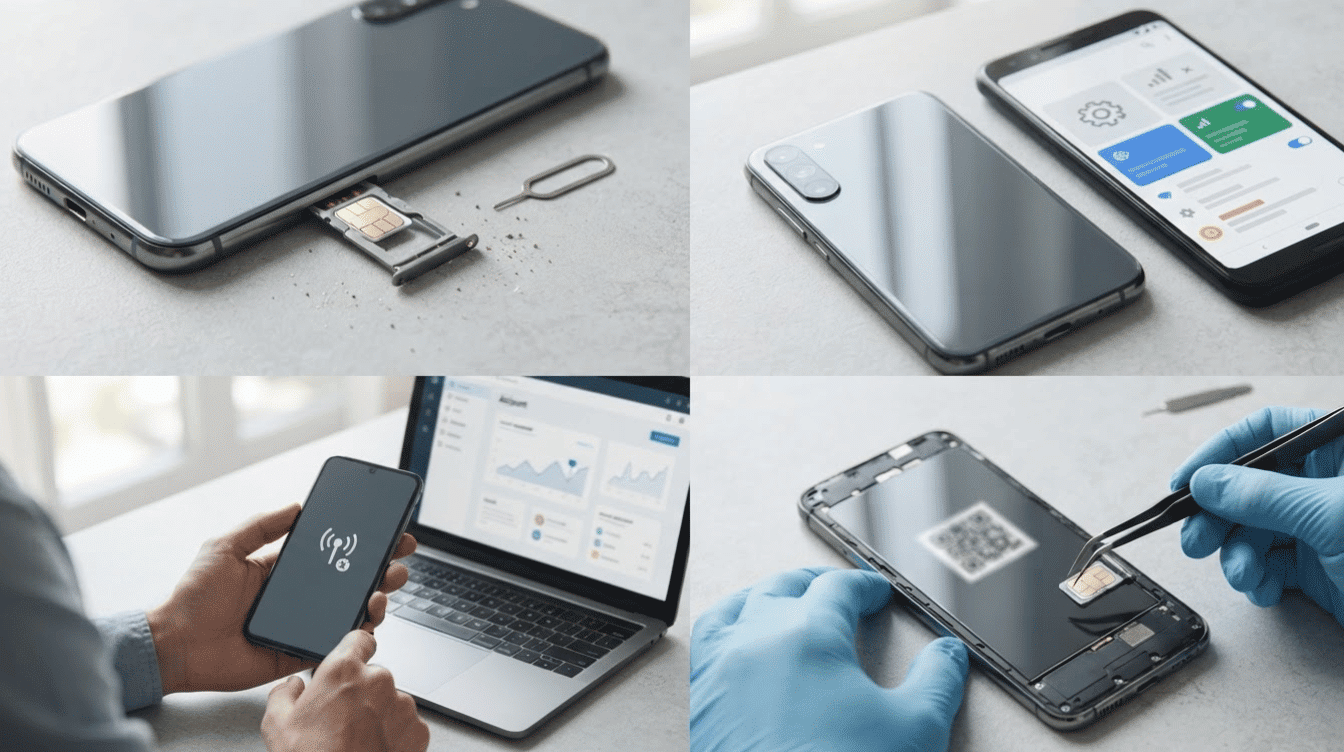
A handful of causes repeat across most reports of this error. Understanding which category yours falls under saves time before you open a settings menu or pull out the SIM tray.
1. SIM Card and Tray Problems
A SIM that has shifted, even slightly, will not make contact with the reader. This can happen after a drop, a case change, or months of carrying the phone in a pocket.
Dust, lint, or a light scratch on the gold contacts has the same effect, since the connection depends on a clean, flush fit. A bent tray adds to the problem by holding the card at the wrong angle.
Of every cause on this list, this is the one we see clear up fastest, usually the moment the card is reseated firmly.
2. Software and Carrier Settings
An outdated operating system can misread the SIM even when the card and tray are fine. Manufacturers regularly patch cellular bugs in smaller updates, so even one release behind can sometimes trigger this message.
Carrier settings, which include your device’s network configuration profile, need their own update and don’t always refresh automatically.
Checking for a software update, and separately for a carrier settings update, is worth ruling out before hardware checks.
3. Carrier Account and Activation
Sometimes the card is fine, but the account behind it isn’t. A suspended line for a missed payment, a number transfer still in progress, or a SIM never fully activated will all produce the same No SIM message.
Carriers are generally required to notify you before suspending service, usually by email, text, or mail, so it is worth checking those channels before assuming the SIM itself has failed.
Signing in to your carrier account online or calling support directly confirms whether the SIM is active and whether any transfer is still pending.
4. eSIM and Hardware Issues
eSIM issues behave differently than physical card problems, since an eSIM is hardwired into the device itself, with no tray to check.
A profile can fail to finish activating, get corrupted during a phone transfer, or drop after an update.
On the hardware side, a damaged SIM reader, and less commonly a logic board issue, typically following a drop or exposure to water, produces the same message no matter which card is used. If every SIM fails, including a known working one, hardware is the likely cause.
Quick Fixes to Try First
With the likely cause narrowed down, work through these steps in order. A phone says no SIM for only a handful of reasons, and most clear up before you reach the final step.
- Toggle Airplane Mode on for fifteen seconds, then off, and fully restart the phone.
- Power off, eject the tray, check the SIM for damage, and reinsert it firmly.
- Confirm the carrier account is active, then update the phone’s software and carrier settings.
- If the message still appears, reset network settings to restore your default connection setup. This clears saved Wi-Fi passwords, so have those handy.
If the error returns after every step above, the SIM and the phone are still both suspects. The next section gives you a direct way to tell which one is actually at fault.
Is the Problem Your SIM or Your Phone?
A short swap test settles the question faster than any setting change. Put your SIM in a different phone, and try a different SIM in yours, then match the result below.
|
Test |
Likely Cause |
|---|---|
|
Your SIM fails in another phone |
SIM card or carrier account |
|
Your SIM works fine in another phone |
Your phone’s tray or SIM reader |
|
Another working SIM fails in your phone |
Tray, reader, or internal hardware |
|
Another working SIM works fine in your phone |
Your original SIM or account |
|
Physical SIM works, but eSIM does not |
eSIM activation or provisioning |
Once you know which side the fault is on, the remaining decision is simple: contact your carrier about the SIM and account, or have a technician look at the phone.
What to Do for Each Specific Error Message
Not every version of this warning needs the same fix. Match the exact wording on your screen to the guidance below.
- No SIM / No SIM Card Installed: Power off, reseat the tray, and confirm the card sits flush. If your model has no tray, this points straight to an eSIM problem instead.
- Invalid SIM or SIM Not Supported: The phone has found a card and rejected it. Check whether the phone is carrier-locked to a different network, and confirm the SIM’s physical size matches the tray.
- No Service: This usually is not a SIM problem at all. The card is being read, but the phone cannot reach a tower. Check your carrier’s coverage map before touching the SIM.
- SOS Only: Your phone can dial emergency numbers but nothing else. This typically points to a suspended account, an expired plan, or a region outside your carrier’s network. Confirm account status directly with your carrier.
We separate these out because treating a No Service message like a hardware problem, or the other way around, is the single most common way people waste an afternoon fixing the wrong thing.
What About eSIM?
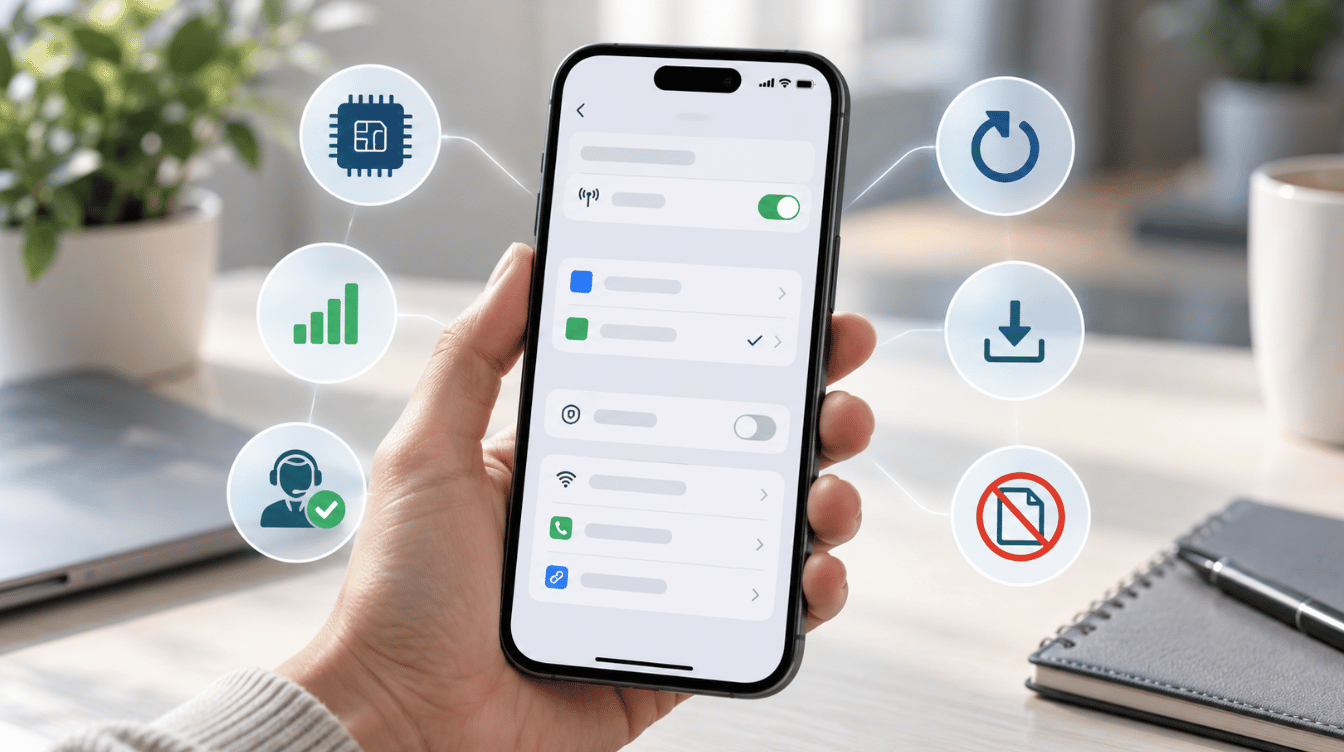
eSIM problems look identical to a physical SIM error on screen but require a different response, since no tray or card is involved. Try these steps instead of the ones above.
- Check that your cellular plan still appears in your phone’s SIM or Cellular settings.
- Restart the phone and confirm the eSIM line shows as active
- Update your phone’s software, since eSIM issues are often addressed in smaller updates.
- Confirm with your carrier that the profile finished activating and any porting is complete
- Avoid deleting the eSIM profile before speaking with your carrier, since some plans need a new activation code
If your carrier confirms the eSIM is active and updated, and the message still appears, the issue likely lies with the phone rather than the plan or profile.
Fixing a No SIM Error on iPhone and Android
iPhone: Check Settings > General > Software Update (Apple’s update guide) for cellular fixes, and let Carrier Settings update automatically under Settings > General > About (this can take a few minutes over Wi-Fi before it appears). Eject the tray with the included tool or a straightened paperclip; never anything sharp.
Android: Check Settings > System > System Update, and also check the Play Store for a carrier or SIM app update. SIM settings live under Settings > Network & Internet > SIM Cards, where eSIM status also shows; search “SIM” directly if that menu has moved on your version. Use the included eject tool for the tray.
Still stuck: Apple Support, Apple Support Communities, Google Pixel Support, and Samsung Support all offer live chat and phone help, and each runs a community forum where model-specific SIM quirks, like one OS version misbehaving on one device generation, get discussed.
Should You Reset Your Phone?
A full reset should always come after every step above, never before it. Erasing a phone deletes photos, messages, and settings, and it rarely fixes a SIM error caused by the card, the carrier account, or a hardware fault, since none of those live on the phone’s software.
Back up the device first, either to a cloud account or a computer, so you don’t lose anything if you need to reset it.
Reserve this option for cases where official support recommends it directly, or where you’ve already ruled out every other cause on this page through the tray check, the software update, the network reset, and the SIM swap test described earlier.
Final Verdict
A phone that will not recognize its SIM is rarely a single-cause problem, which is why the swap test and the checks above matter more than restarting the device.
Typing “why does my phone say no SIM” into a search bar is easy; the honest answer depends on whether the fault is in the card, the account, or the phone itself.
Work through the tray check, the software update, and the account confirmation in order, and the swap test will settle almost any case that survives all three.
If your phone still says no SIM afterward, the fastest path is a direct conversation with your carrier or manufacturer, not another reset. Drop a comment below if your exact message was not covered.
Frequently Asked Questions
Can a SIM Card Suddenly Stop Working?
Yes. A SIM chip can wear down after years of insertion and removal, and contacts can oxidize even without visible damage. We have seen a SIM that tested fine for years fail within a week of a phone swap, purely from wear on the contacts. If your phone says no SIM after years on the same card, gradual wear is the likely cause.
Why Does My Phone Keep Switching Between No SIM and Normal Service?
This pattern usually points to a loose card, a worn tray, or a signal handoff issue rather than a permanent fault. Note when it happens, such as during movement, since that detail helps a technician narrow down the cause faster.
Does a Phone Case Ever Cause a No SIM Error?
It is uncommon, but a very tight metal-backed case, or a case that presses against the SIM tray edge, can occasionally stop the tray from sitting fully flush. If the error appears only after you put on a new case, remove it and check whether the tray still ejects and reseats cleanly.
Is a no SIM error more likely on eSIM-only phones or phones with a tray?
Neither is immune. A physical tray can fail from wear, dust, or a bent pin, while an eSIM profile can fail from a corrupted transfer or an interrupted activation. eSIM removes the hardware failure points but adds a software-dependent one in their place.
Can Extreme Heat or Cold Trigger a No SIM Error?
Yes, in some cases. Phones that overheat, such as after sitting in a hot car, can temporarily disable cellular functions as a safety measure, which can look identical to a SIM error until the phone cools down. Extreme cold can cause similar temporary drops on some models.