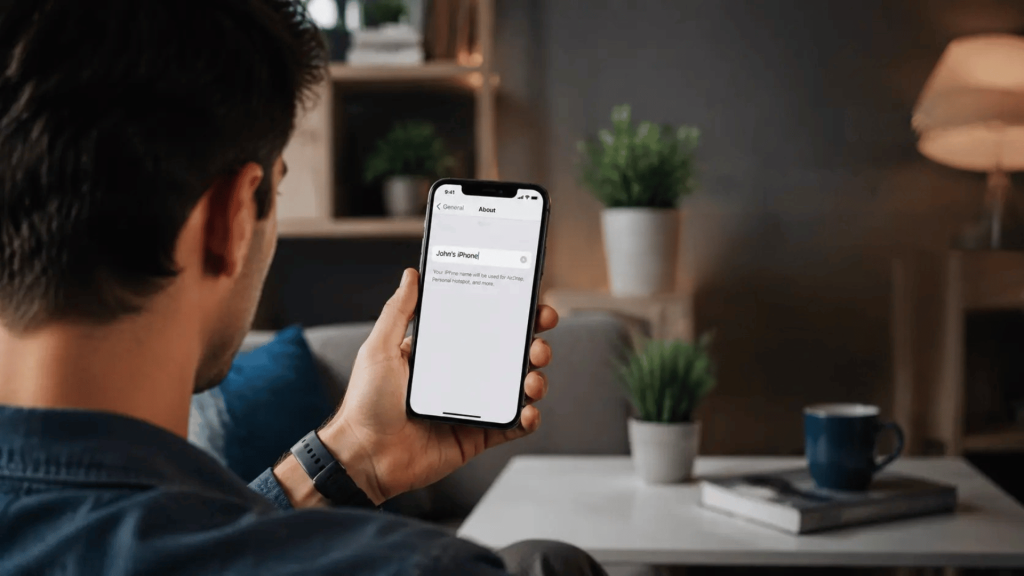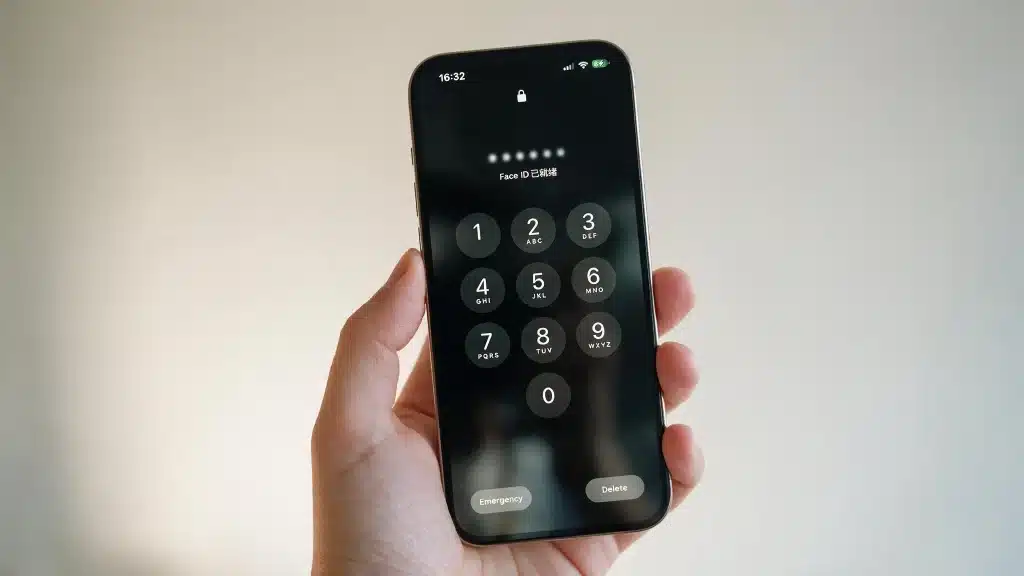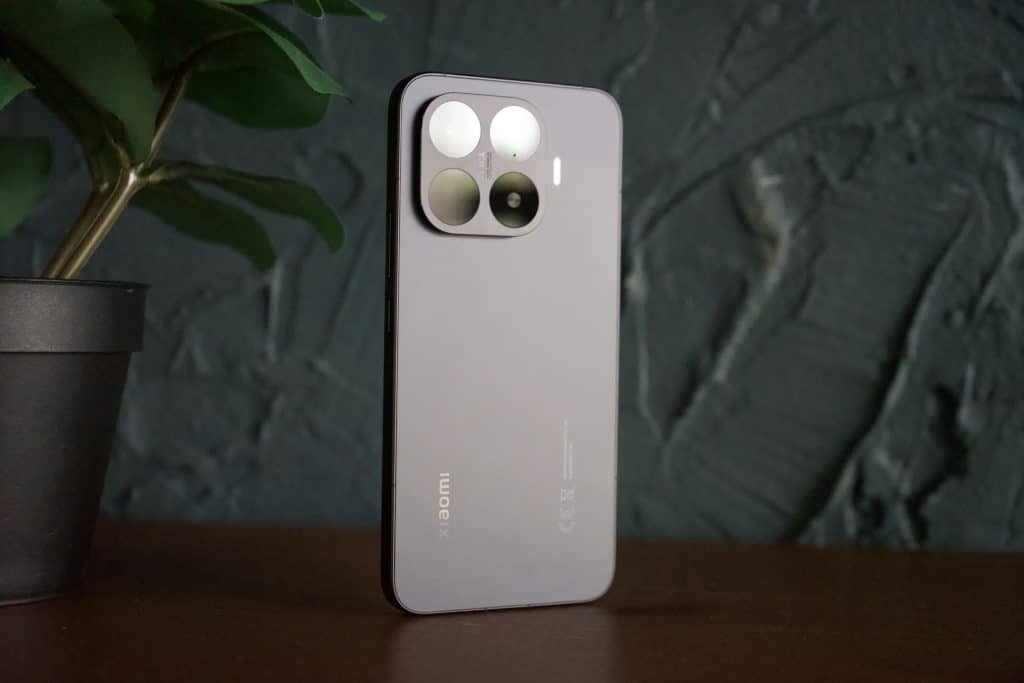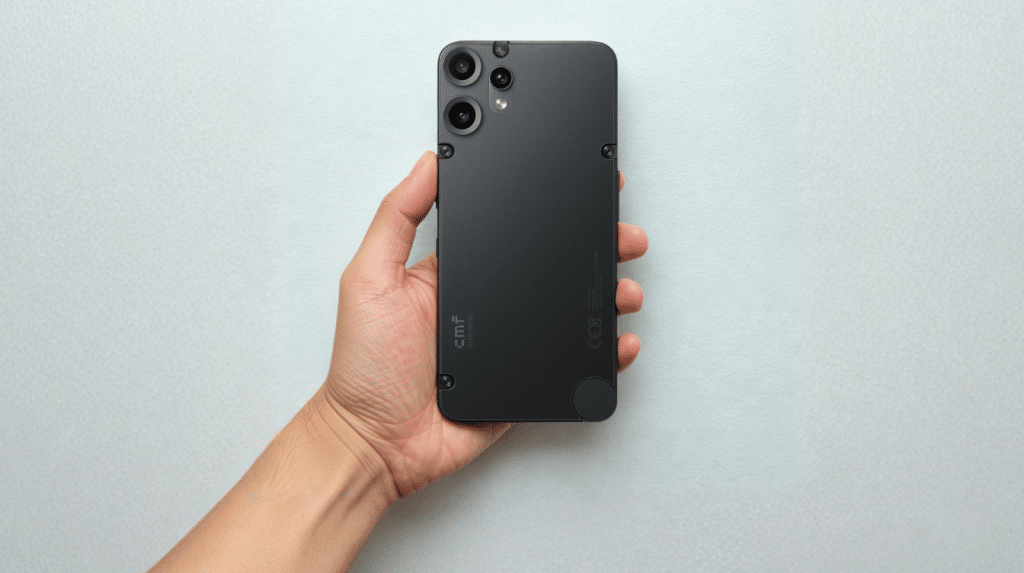
Handing a child their first phone often raises more questions than excitement, especially around safety and online habits. Bark Phone reviews are useful for understanding how this device performs in real family situations before you decide.
If you are looking at Bark Phone for a child, the details that matter most include daily use, parental controls, and the experience families have after setup.
I look at the key features, common concerns, costs, and feedback to help you understand what this phone offers.
The goal is to answer the questions parents usually have before choosing a kids’ smartphone and highlight the factors that can affect the experience. A closer look at its strengths and limitations can make a choice clearer.
Bark Phone Reviews: Quick Verdict
The Bark Phone works best for families that want more control over a child’s first smartphone experience. It provides strong safety features, but the subscription cost and limited freedom may not suit every household.
| Category | Verdict |
|---|---|
| Safety Features | Strong monitoring and alerts |
| Parental Controls | Easy for most parents to manage |
| Setup Process | Simple with Bark app support |
| Calls And Texts | Reliable for everyday communication |
| App Control | Limited compared with normal smartphones |
| GPS Tracking | Useful for location awareness |
| Cost | Higher due to subscription fees |
| Best For | Children getting their first phone |
| Not Ideal For | Teens wanting full smartphone access |
The biggest advantage is that parents can introduce phone ownership without immediately giving unrestricted access to apps and online content. Before handing over any device, it also helps to cover some basic digital safety habits with your child, regardless of which phone you choo
Key Features that Matter to Parents
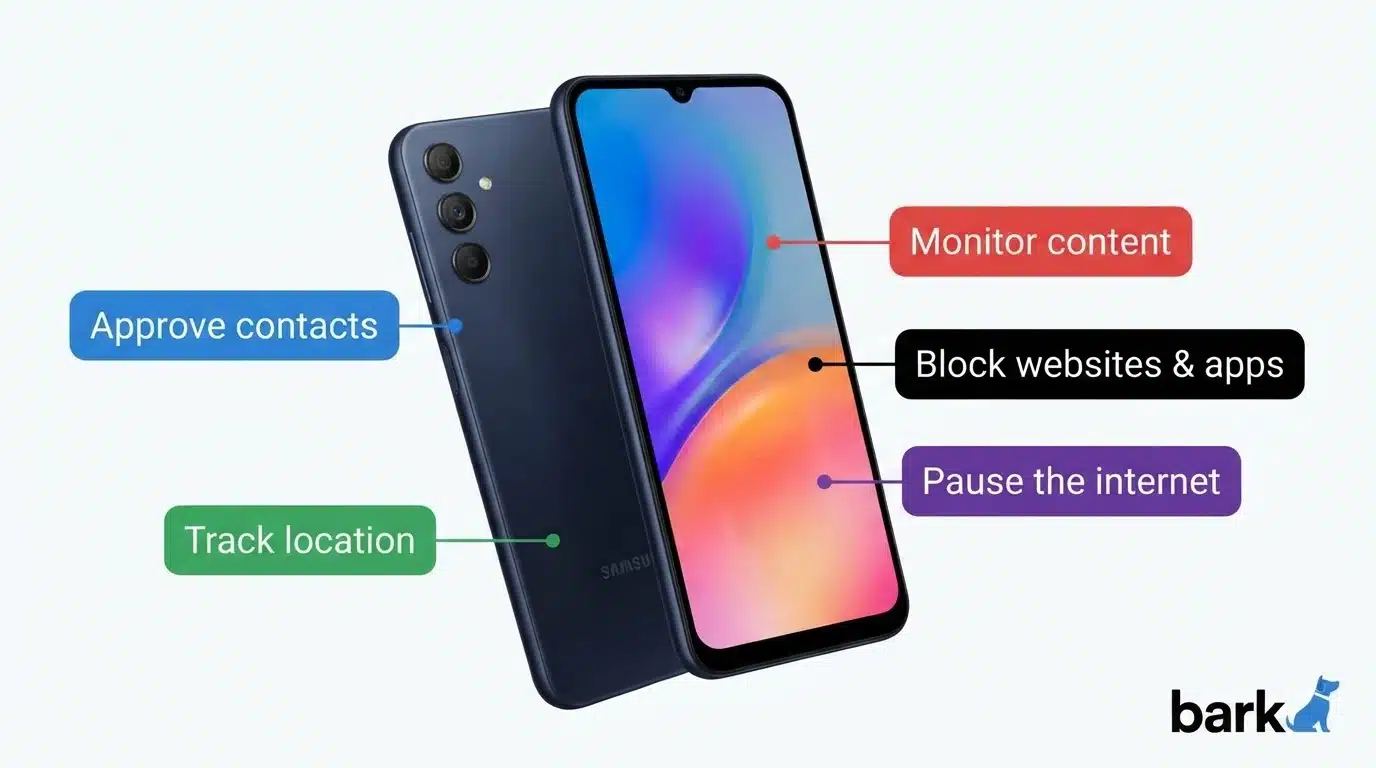
The Bark Phone’s main value comes from its built-in safety tools. Instead of adding separate monitoring apps, parents get controls for apps, contacts, screen time, and online activity in one place.
1. Parental Monitoring and Safety Controls
Bark Phone includes built-in monitoring tools that help parents manage their child’s digital activity while creating safer phone habits from day one. Instead of constantly checking the device themselves, parents receive real-time alerts and can adjust settings based on their child’s age and needs.
These controls cover communication, online activity, app usage, and daily phone limits from a single dashboard, while letting children gradually learn responsible smartphone use over time.
2. Text and Call Monitoring
Bark Phone monitors text messages and calls to identify possible safety concerns that may need a parent’s attention, including signs of bullying, predatory contact, or explicit content. Instead of manually checking every conversation, parents receive alerts only when the system detects potential risks.
This lets families discuss important topics openly while still respecting a child’s day-to-day privacy, creating a safer communication environment without needing to read every single message. That balance mirrors a broader shift toward protecting personal privacy without giving up all oversight
3. Screen Time Management
Screen time management allows parents to create healthier phone habits by setting limits around daily usage, school hours, and bedtime routines.
Parents can control exactly when the device works, create downtime schedules that pause access automatically, and prevent excessive screen exposure without physically taking the phone away.
These controls help children learn responsibility with technology over time, while still allowing access to important communication features whenever they’re genuinely needed.
4. Website Filtering
Website filtering helps parents reduce a child’s exposure to inappropriate or unsafe online content by controlling exactly what pages and categories the browser can access.
Bark Phone can block certain websites entirely and limit broader online activity based on family preferences and the child’s age.
This gives children a safer internet experience while they learn to use online resources responsibly, and parents can adjust settings as trust and maturity grow.
5. App Restrictions
Bark Phone gives parents control over which applications children can install and use on the device itself. Approved apps can be selected individually based on age, purpose, and family rules, which helps reduce distractions and blocks unwanted or unsafe content before it ever reaches the phone. This feature is especially useful for younger users who need real smartphone access but aren’t yet ready for complete, unsupervised app freedom day one.
6. Contact Management
Contact management helps parents decide exactly who can communicate with their child through phone calls and text messages.
Families can review and approve contacts one by one, limit or block unknown numbers entirely, and maintain much better control over who actually reaches their child’s phone.
This feature adds another important layer of safety while still letting children stay connected with trusted people, such as family members and approved caregivers.
The combination of monitoring, app controls, and daily-use limits makes Bark different from basic kids’ phones. It is designed for families who want to introduce smartphone access while keeping safety settings in place.
Bark Phone Pricing Breakdown
Bark prices the phone as two separate charges, a device payment and a wireless plan, rather than one flat fee. Here’s the current breakdown:
- Device: Bark Phone runs $10/month for 24 months. The tougher Bark Phone Pro runs $25/month for 24 months. There’s no activation fee either way.
- Wireless plan (required): $39/month for Wi-Fi-only service, $49/month for 4GB of data, $59/month for 8GB, or $79/month for unlimited data. Most families land on the 4GB plan.
- What’s included: Every plan comes with the full parental control suite, monitoring, app approval, contacts, screen time, plus a free Bark Premium subscription that covers up to 10 other family devices.
- Realistic yearly cost: Even the cheapest combo (Bark Phone + Wi-Fi-only plan) runs about $588 a year. With the more common 4GB data plan, expect closer to $700 a year.
- Returns: Bark offers a 60-day money-back guarantee on the device itself, though wireless plan payments aren’t refundable once paid.
A kids’ first phone rarely comes cheap once monitoring and data are factored in; Gabb, Pinwheel, and Troomi all carry their own monthly fees too, which we compare below. Whichever device you land on, it’s worth pairing it with a few general smartphone security steps so the setup holds up over time.
Tip: Younger kids may only need calling, texting, and location tracking, the Wi-Fi-only or 4GB plan covers that. Save the higher-data plans for kids who’ll actually browse or use approved apps.
Pros and Cons at a Glance
No phone is perfect, and the Bark Phone is no exception. Its strengths lean heavily toward safety and long-term flexibility, while most of its weak spots stem from software polish and cost. Here’s the balanced view side by side:
| Pros | Cons |
|---|---|
| Monitoring is built in and hard for kids to disable | Reports of a glitchy parent app and occasional slow performance |
| Alert-based approach protects a child’s privacy while flagging real risks | Some parents saw spam calls despite approved-contact settings |
| No app-store loopholes or VPN workarounds | Locked to Bark’s own wireless service on T-Mobile |
| Grows with your child: upgrade plans while keeping the same phone | Total monthly cost adds up (device plus plan) |
| Solid Samsung hardware with a headphone jack and fast charging | No money-back guarantee, though there’s a 7-day free trial with SafetyDetectives |
| Free Bark Premium covers up to 10 other family devices | You’ll need to research which apps are safe for your child |
The takeaway: if your priority is a safety-first phone that adapts as your child matures, the pros carry real weight. If you’re sensitive to monthly cost or want a rock-solid, bug-free app on day one, factor the cons into your decision before committing.
What Parents Say About the Bark Phone
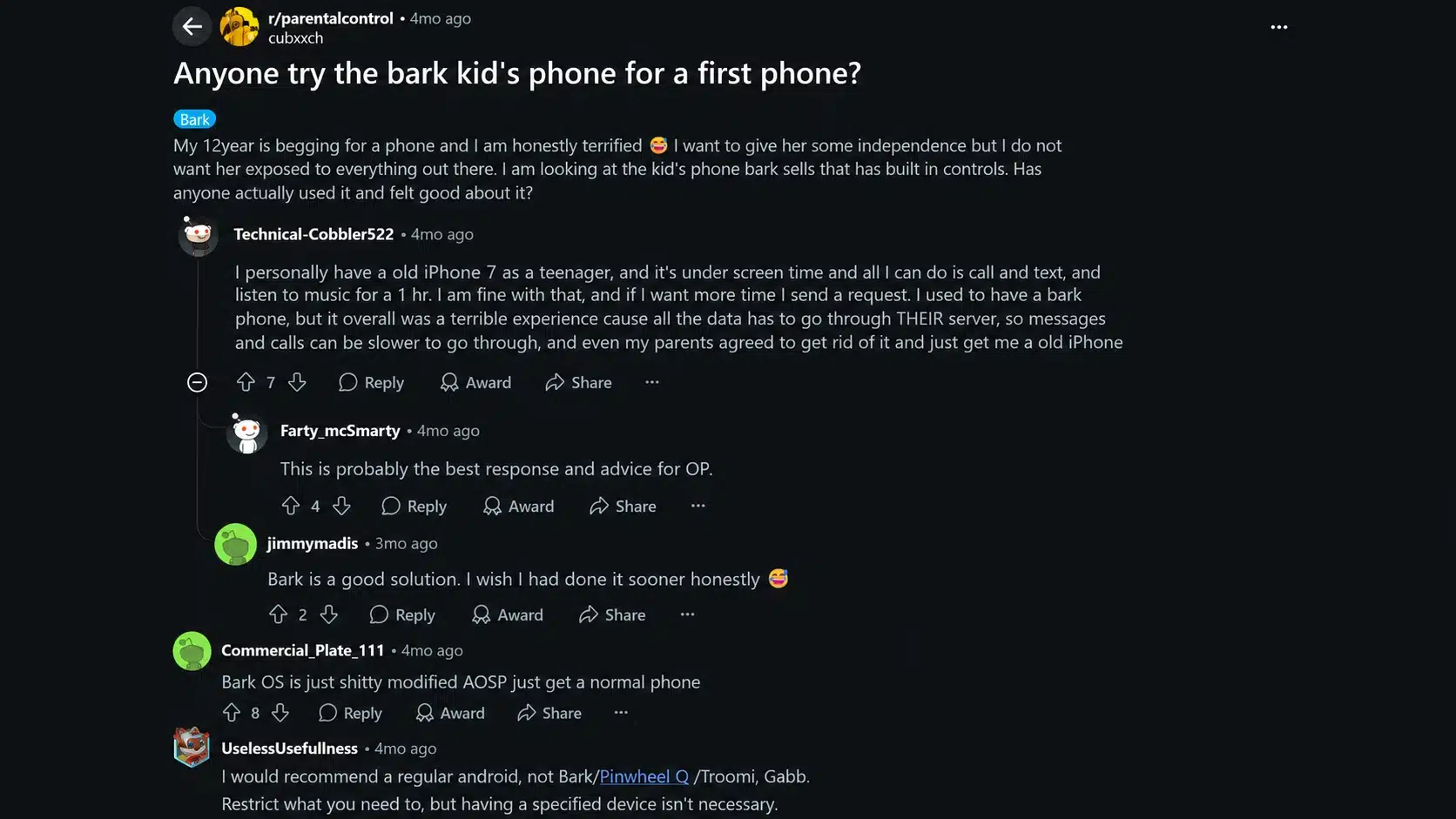
Parent discussions on Reddit often focus on one main question: does Bark Phone work well as a child’s first phone? In community conversations, many parents appreciate the added safety features, especially for younger children who need communication access without having a fully open smartphone.
Users commonly mention that monitoring tools, app controls, and reduced social media exposure are major reasons for choosing Bark Phone.
Some parents also point out concerns about the subscription cost and the possibility that older children may feel restricted as their phone expectations grow.
A few discussions mention that the device works best when parents explain the rules clearly instead of using monitoring features without conversation.
Overall, Reddit feedback suggests that Bark Phone is viewed as a practical starting point for families prioritizing safety and control.
However, parents recommend considering the child’s age, maturity level, and future needs before buying. Individual experiences can vary depending on family rules, expectations, and how the phone is used.
Bark Phone vs. Gabb vs. Pinwheel vs. Troomi: Key Differences
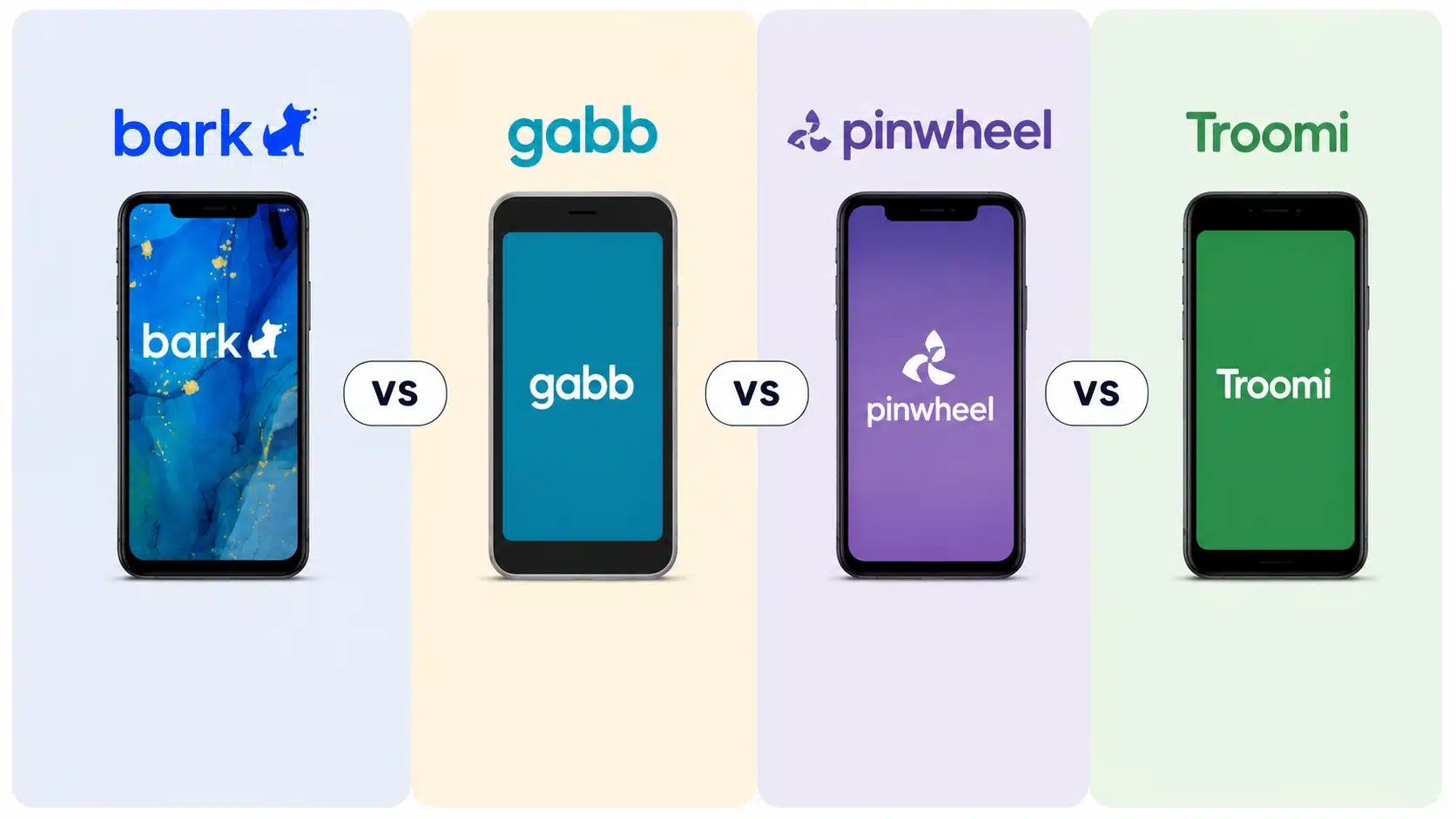
Every family has different expectations for a child’s first phone. Some parents want strong monitoring, while others prefer simple calling features or a smaller selection of approved apps. Comparing these options helps show where the Bark Phone fits among other popular kids’ phone choices.
| Factor | Bark Phone | Gabb | Pinwheel | Troomi |
|---|---|---|---|---|
| Best for | Tweens/teens needing monitoring | Younger kids, minimalism | Custom carrier + text visibility | Curated app access |
| Web browser | Yes (safe, filtered) | No | No | Optional |
| Text monitoring | Alert-based (private) | None | Parents see all | Parents see all |
| App approach | Parent approves any app | Curated few | Curated few | Curated app store |
| Carrier choice | Bark Wireless only | Limited | Flexible | Flexible |
Choose Bark if monitoring and safety features matter most; pick Gabb for minimalism; consider Pinwheel if you want a specific carrier. Troomi offers a curated kids’ app store, but reviews note it’s less robust at detecting harmful messages than Bark.
Which One Should You Choose?
The best option depends on your child’s age, how much access you want to provide, and the level of control you prefer. Each phone takes a different approach to keeping kids connected while adding safety features.
- Choose Bark Phone: Best for families who want a real smartphone experience with built-in safety monitoring and a gradual transition to independence.
- Choose Gabb: A good fit for children who mainly need calls and texts without many smartphone features.
- Choose Pinwheel: Suitable for parents who want more control over apps and communication settings.
- Choose Troomi: Works well for families looking for a controlled app environment made for children.
Overall, Bark is a stronger choice for parents who want a balance between smartphone access and safety tools, while the other options may better suit families with simpler needs or different control preferences.
Final Verdict: Is The Bark Phone Worth It?
Choosing a first phone for a child is about finding the right balance between connection, safety, and independence.
I found that the Bark Phone offers useful tools for families who want more control over digital habits without removing smartphone access completely.
The biggest strengths are its monitoring features, app controls, and safety alerts, while the subscription cost and restrictions are important factors to consider.
These Bark Phone reviews show how the device performs in real family situations. If you are deciding on a kids’ phone, compare your child’s needs and expectations carefully. Share your experience with Bark Phone or check out related family technology tips.
Frequently Asked Questions
Does the Bark Phone Work Internationally?
No. It runs only on T-Mobile’s U.S. network, and international SIM swaps or roaming aren’t supported, so it generally won’t function reliably outside the country.
Can My Child Use It Without Wi-Fi?
Yes. Bark continues to monitor and track via the cellular connection, even on the Wi-Fi-only plan, so alerts and location updates are still available when your child is away from Wi-Fi.
Is There A Free Trial or Money-Back Guarantee?
Bark offers a 7-day free trial but no money-back guarantee. The 24-month device installment may also continue if you cancel early, so review the terms first.
What Happens When My Child Outgrows the Starter Plan?
You upgrade directly from your parent dashboard, adding apps, browsing, and data while keeping the same phone. No new device purchase or number change is needed.
Does the Bark Phone Have Expandable Storage?
Yes. It ships with 128GB of storage and includes a microSD card slot, so heavy photo or video users can add more storage without buying a pricier model.