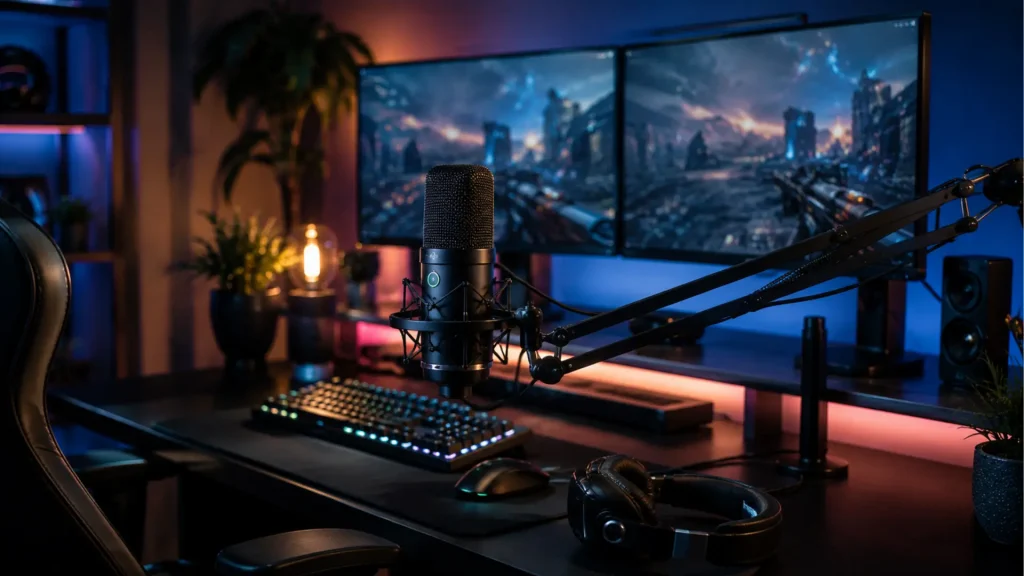
Calling out teammates, streaming, or recording gameplay all depend on clear audio, and your mic can matter as much as your headset.
A clear voice keeps your audience engaged, holds attention during long sessions, and makes your content sound more professional.
With so many USB, XLR, condenser, and dynamic options on the market, choosing the right one can get confusing fast, especially when brands list features that sound similar on paper.
The best microphone for gaming isn’t always the most expensive option; it’s the one that fits your room, platform, and recording habits. This comparison covers the top gaming microphones, condenser versus dynamic models, and the features and buying mistakes that matter most.
How to Choose the Right Gaming Microphone?
Choosing the right gaming microphone starts with understanding where and how you play. A quiet room suits a condenser microphone, which captures more detail and a richer vocal tone than most budget mics can manage.
Keyboard clicks, fan noise, or other background sounds usually call for a dynamic microphone instead, since it naturally rejects more of what happens off to the side.
Also weigh a simple USB microphone that plugs straight into your computer against an XLR microphone that offers more room for upgrades down the line.
A cardioid pattern, tap-to-mute button, and zero-latency monitoring all improve the everyday gaming experience. Testing a mic in your actual room, rather than trusting a spec sheet alone, remains the most reliable way to judge its sound before you buy.
Best Overall Microphone for Gaming
The best microphone for gaming depends on your budget and setup. These picks stand out for reliable voice quality, practical features, and good value.
1. Rode NT-USB+
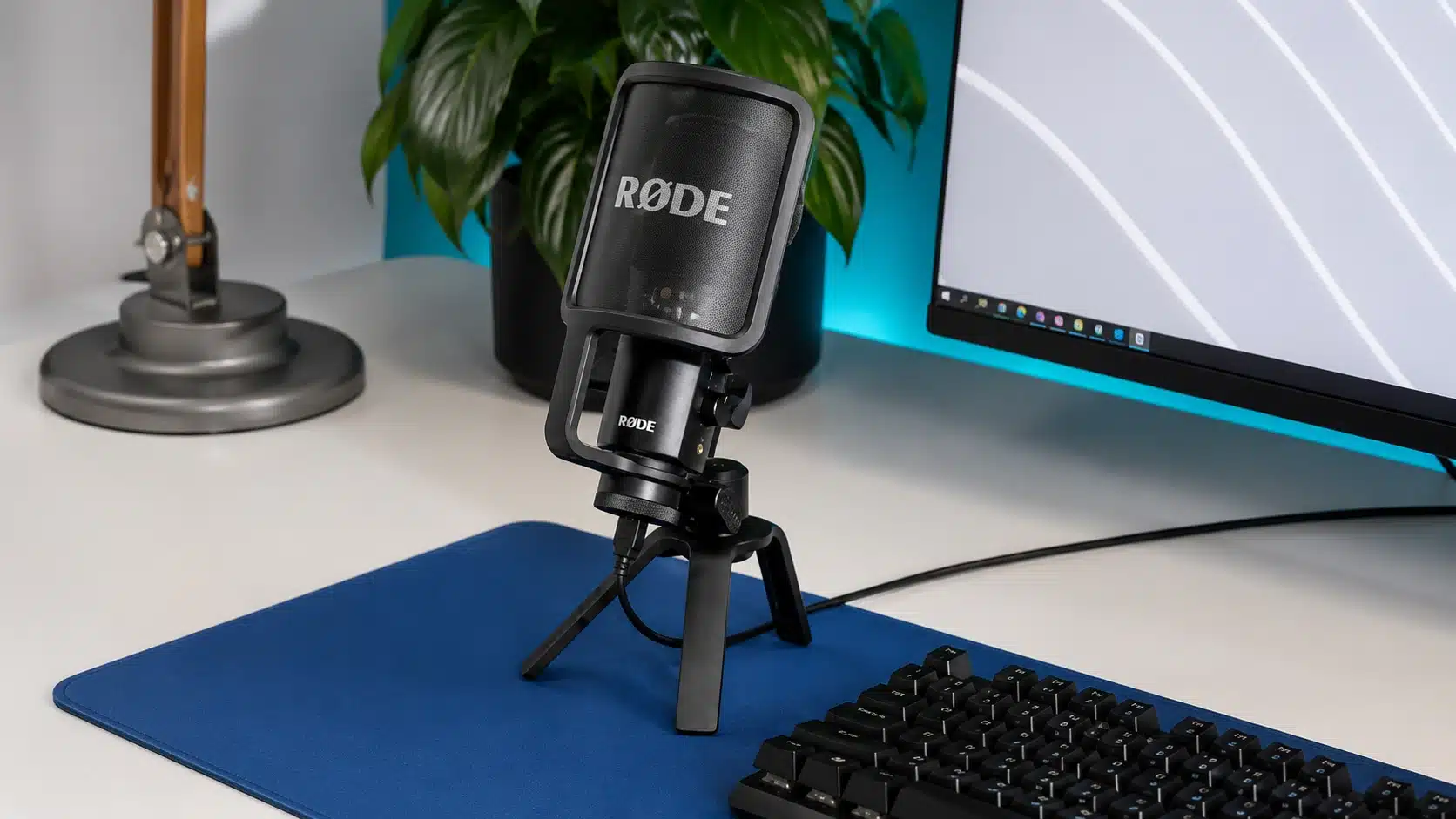
Approx – $169
The Rode NT-USB+ stands out for its sound quality, simple USB-C setup, built-in Revolution Preamp with onboard DSP, and a zero-latency headphone jack.
Best for: Gamers wanting premium audio without an XLR setup.
2. Elgato Wave:3
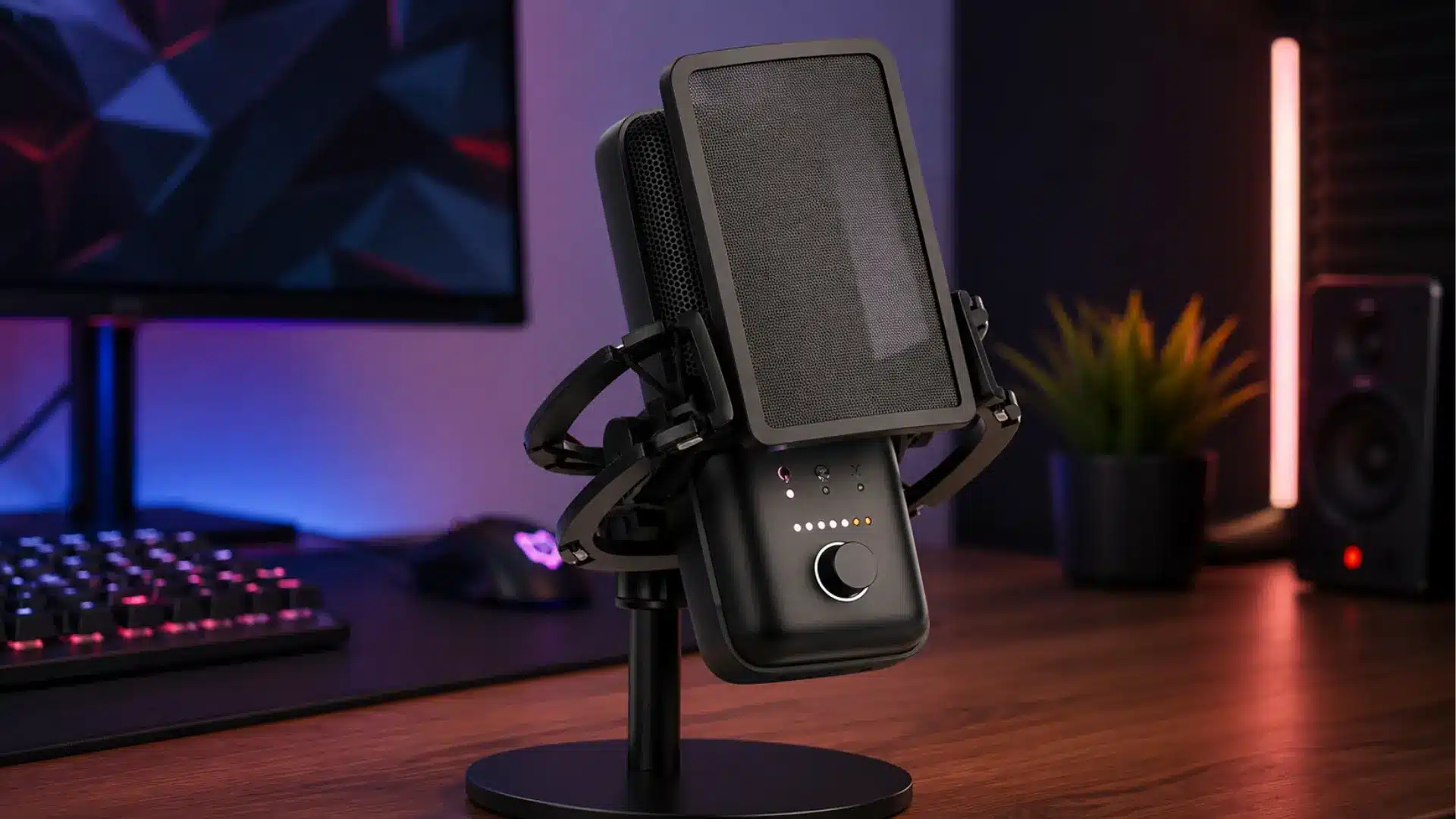
Approx. $150
The Elgato Wave:3 pairs broadcast-quality audio with Clipguard technology to prevent distortion on loud voices, plus Wave Link software for mixing audio sources.
Best for: Streamers wanting advanced controls with minimal setup.
3. Blue Yeti X
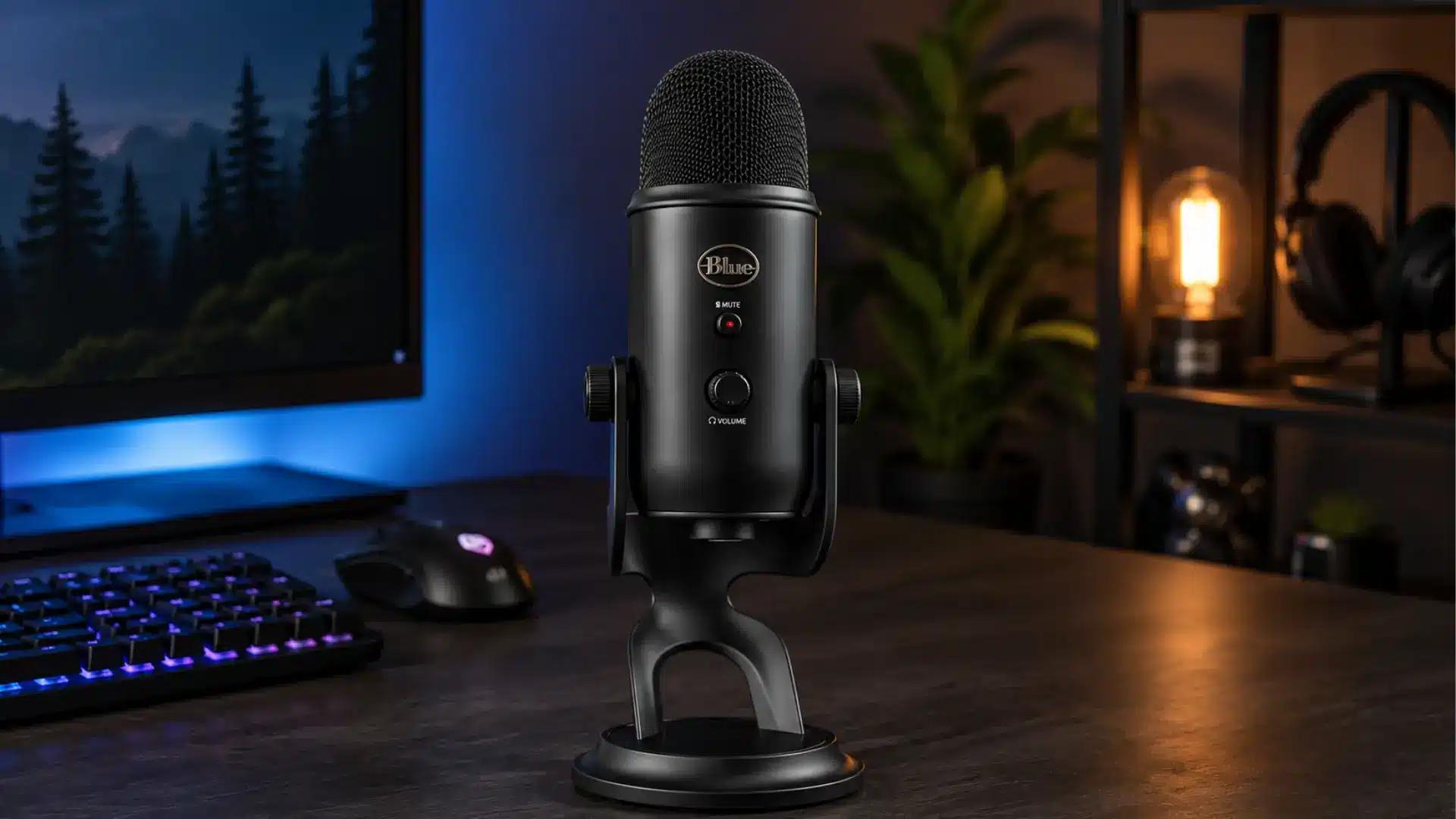
Approx. $170
The Blue Yeti X remains popular for its four polar patterns, LED metering, clear condenser sound, and plug-and-play USB connectivity and onboard gain controls.
Best for: Users wanting one versatile mic for gaming and content creation.
Best Microphone for Gaming in Noisy Rooms
If your setup isn’t perfectly quiet, the right microphone matters more than the priciest one. These dynamic mics reduce keyboard clicks, fan noise, and room echo.
4. Shure MV7+
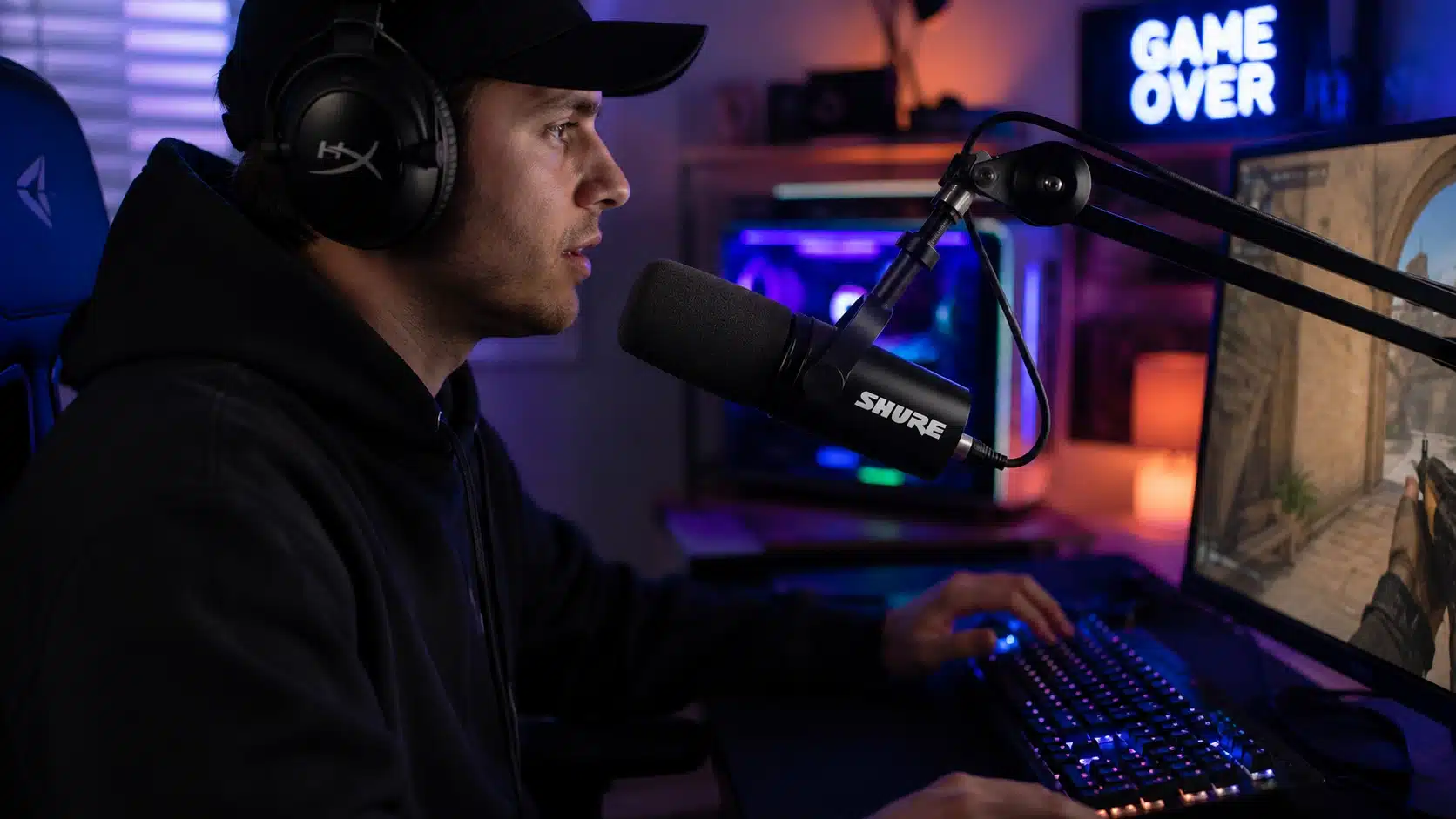
Approx. $279
The Shure MV7+ is a dynamic mic built to reject background noise better than most USB condensers, with USB-C and XLR outputs, Auto Level Mode, and Voice Isolation Technology.
Best for: Gamers with loud keyboards or shared living spaces.
5. Rode PodMic USB
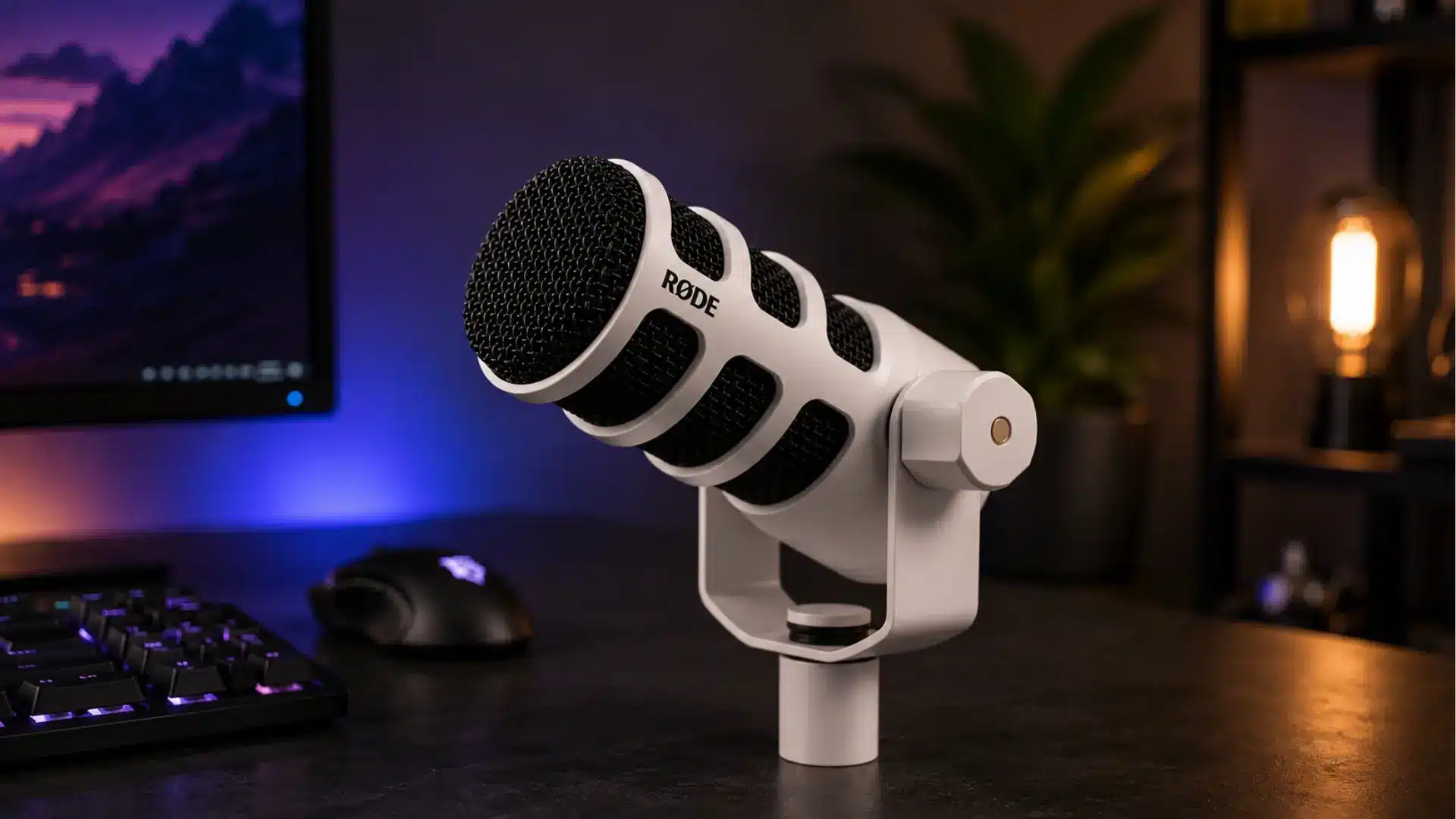
Approx. $199
The Rode PodMic USB combines dynamic performance with USB and XLR connectivity, reducing room noise while keeping warm vocals, with built-in DSP for noise reduction.
Best for: Streamers recording in untreated or noisy rooms.
6. Audio-Technica AT2040USB
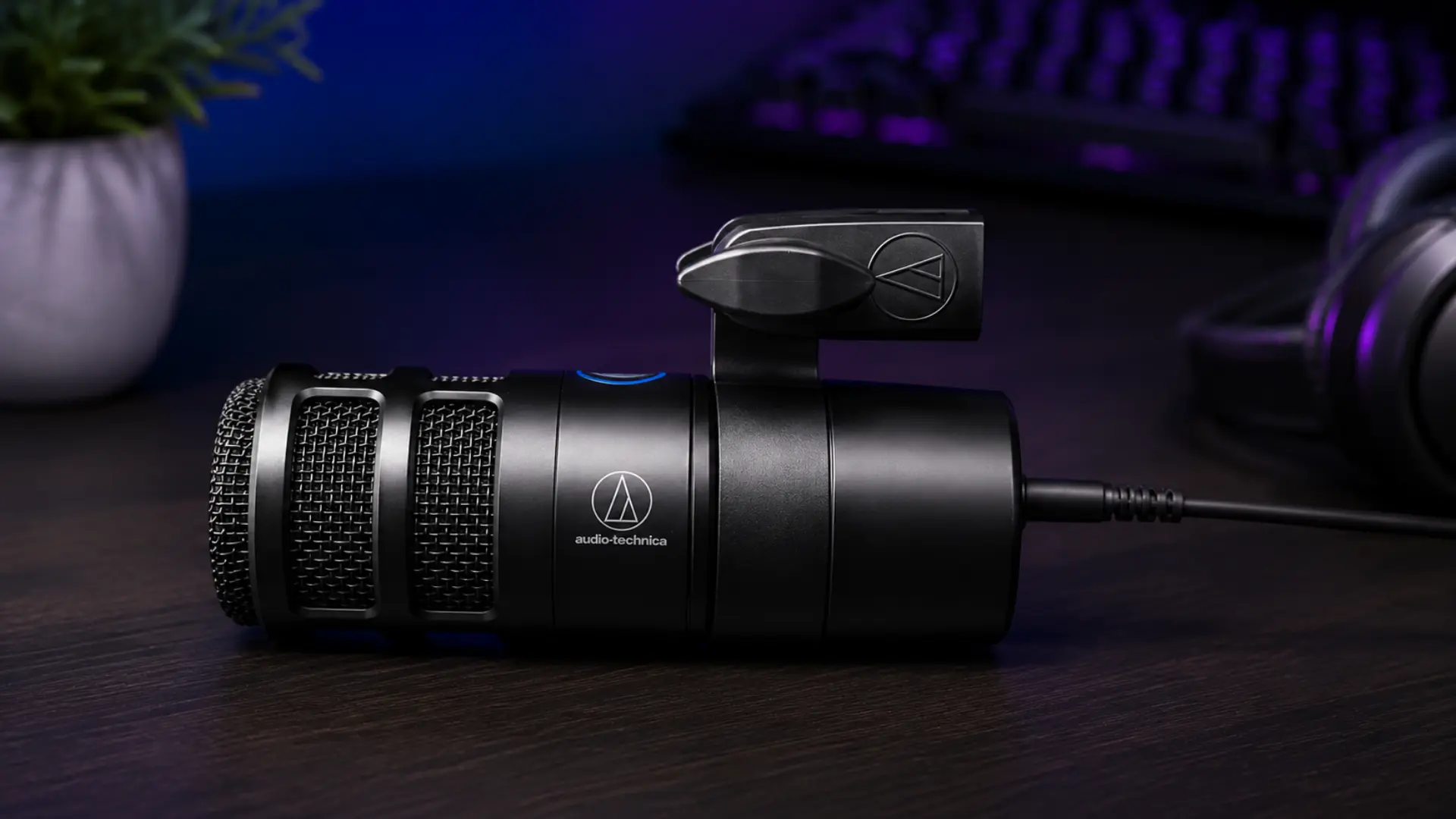
Approx. $149
Built around a broadcast-style dynamic capsule, the AT2040USB minimizes keyboard clicks and room echo, with a headphone output and touch-sensitive mute button.
Best for: Competitive gamers needing clear voice in noisy environments.
Best Microphone for Streaming
A good streaming mic should do more than sound clear. These options combine strong voice quality with RGB lighting, tap-to-mute controls, and advanced audio software.
7. HyperX QuadCast 2 S
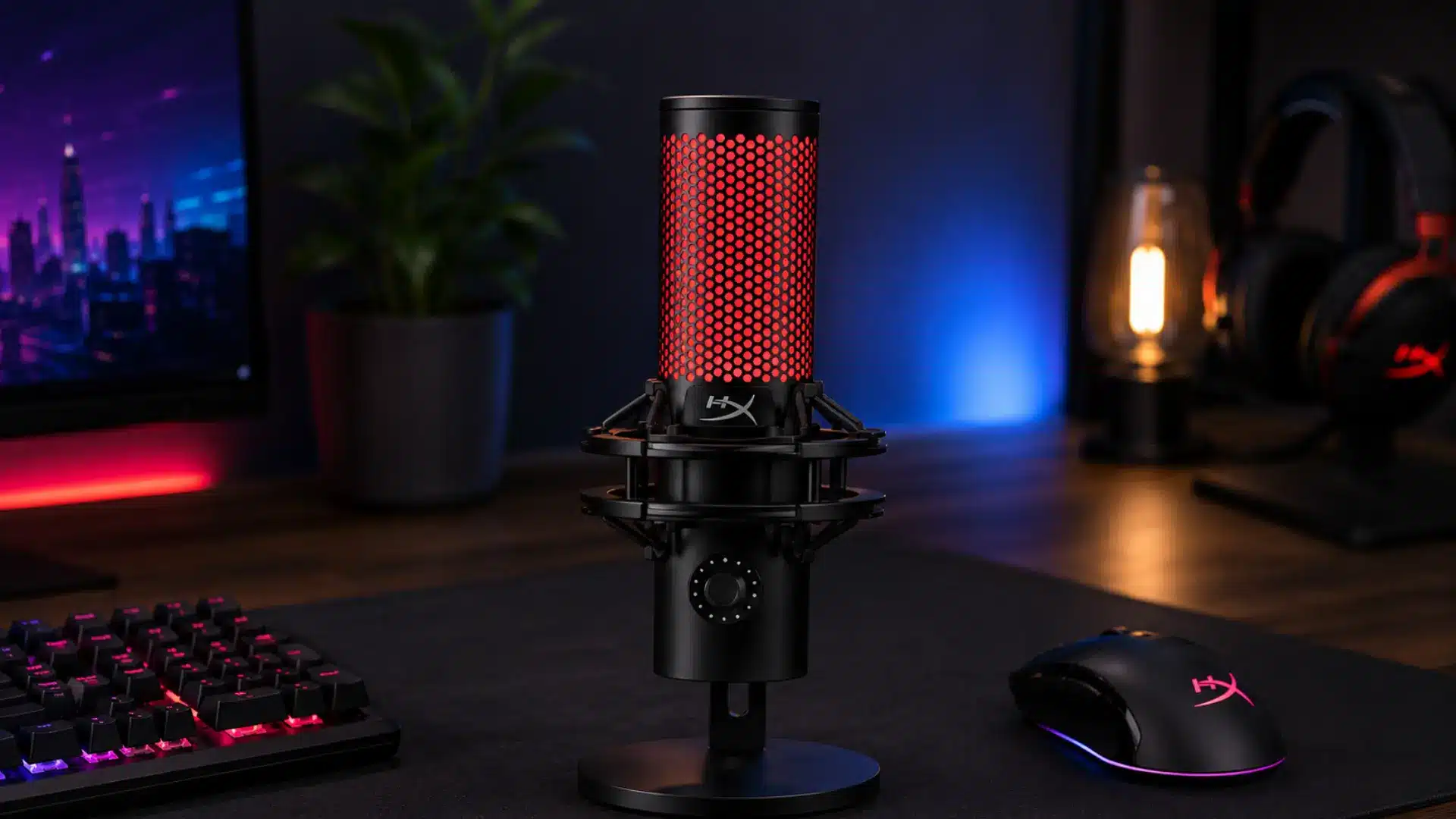
Approx. $200
The HyperX QuadCast 2 S is built for streamers, with RGB lighting, a tap-to-mute sensor, multiple polar patterns, and a built-in shock mount.
Best for: Streamers who value both looks and sound quality.
8. Razer Seiren V3 Chroma
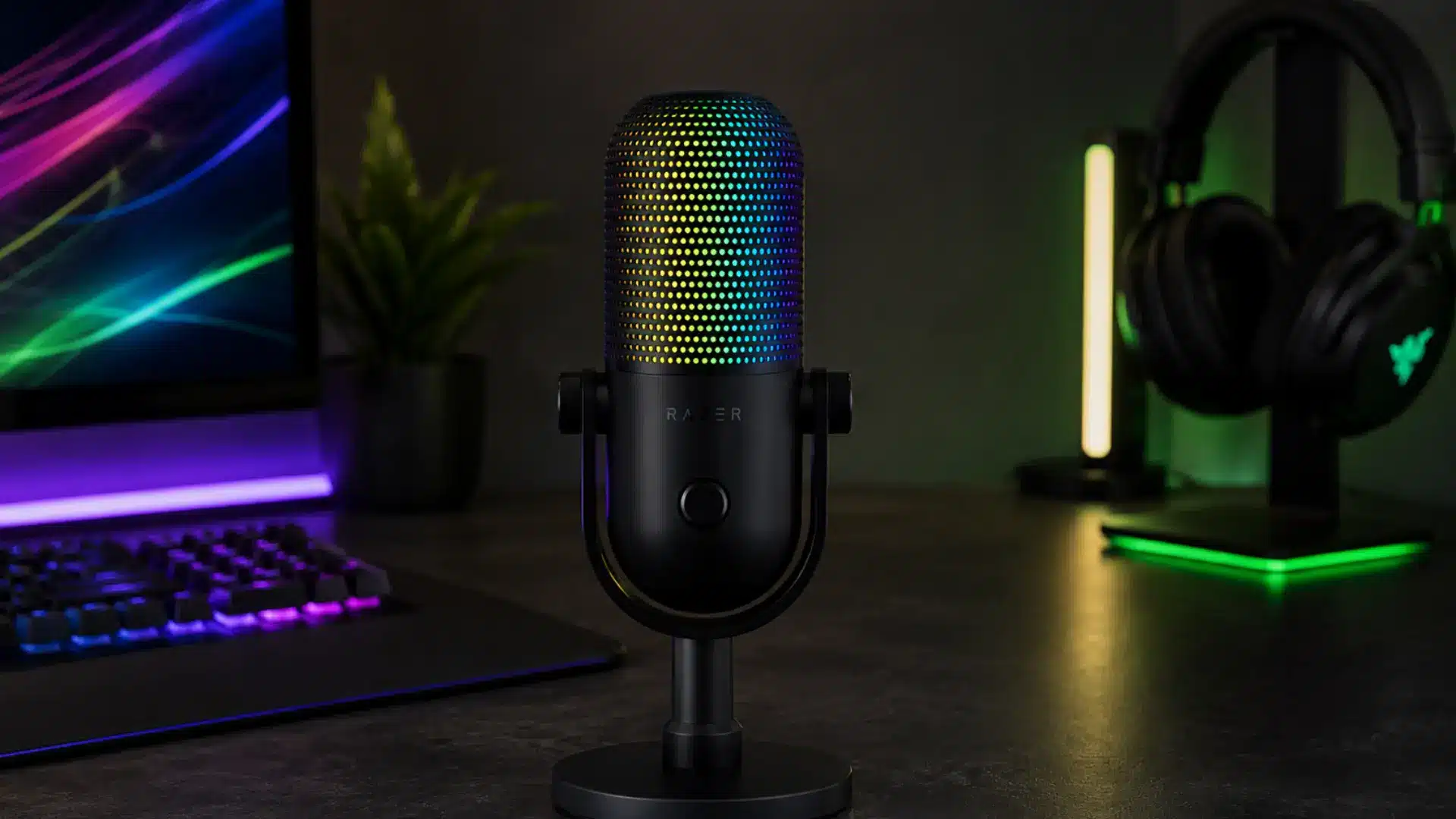
Approx. $170
The Razer Seiren V3 Chroma combines condenser audio with reactive RGB lighting, a tap-to-mute sensor, digital limiter, and automatic gain management.
Best for: Creators wanting premium visuals with strong voice performance.
Best Budget Microphone for Gaming
You don’t need a fortune for clear, reliable voice quality. These budget mics offer strong performance, easy setup, and far more value than their price suggests.
9. HyperX SoloCast 2
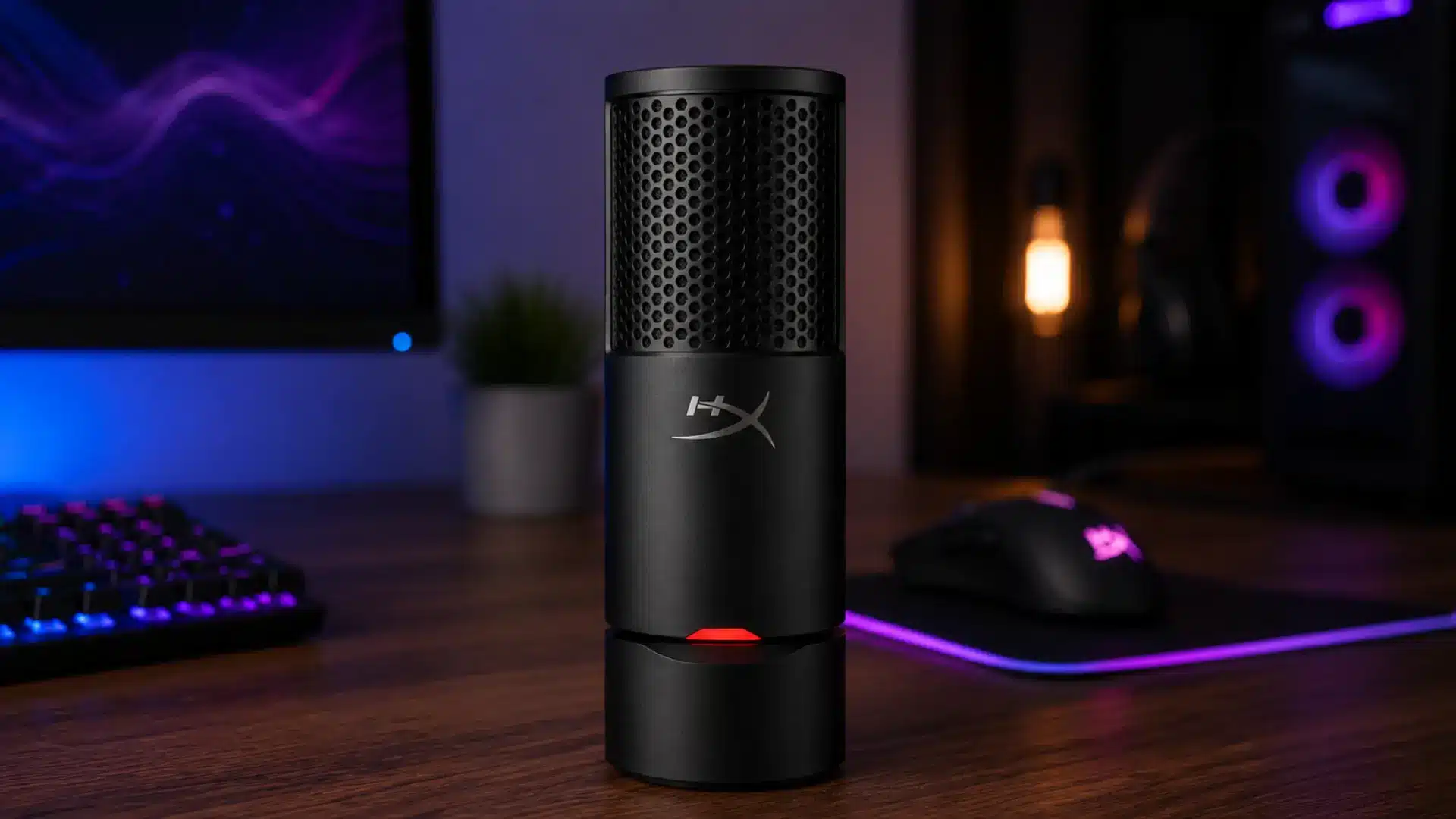
Approx. $60
The HyperX SoloCast 2 offers strong value with clear condenser audio, USB-C connectivity, true plug-and-play setup, and voice quality that rivals pricier microphones.
Best for: Beginners and casual gamers on a budget.
10. Razer Seiren Mini
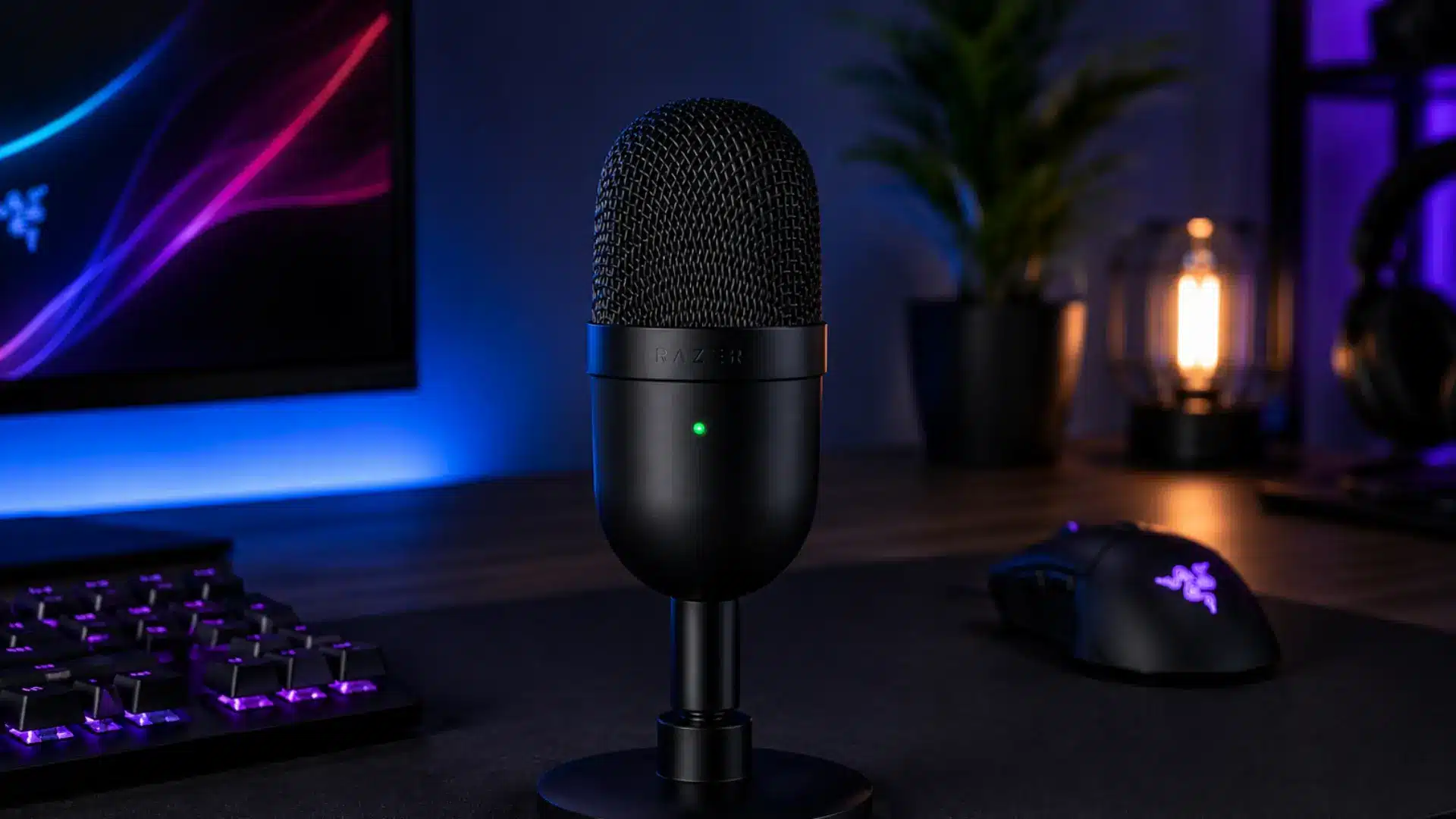
Approx. $50
The Razer Seiren Mini is one of the smallest gaming microphones available, yet delivers clear audio, with a supercardioid pattern that reduces surrounding noise.
Best for: Gamers wanting reliable quality without spending much.
11. Fifine AM8
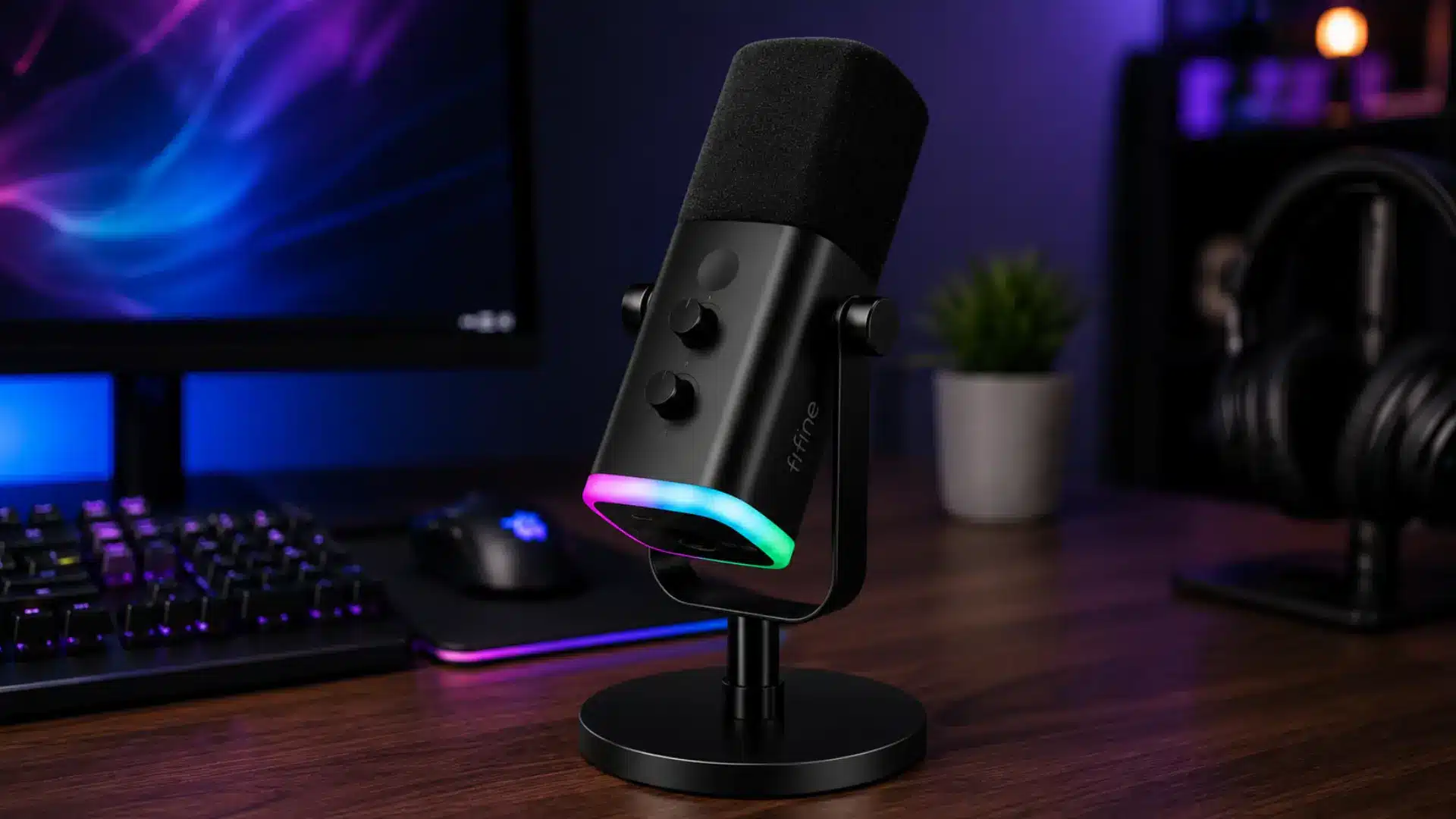
Approx. $60–70
The Fifine AM8 offers USB and XLR connectivity at a budget price. As a dynamic mic, it rejects background noise better than inexpensive condensers and includes RGB lighting.
Best for: Budget-conscious gamers planning an XLR upgrade later.
Best Premium Microphone for Gaming
If you’re willing to invest more, premium mics deliver broadcast-quality audio, superior build, and features that justify the price, suited to studio-level voice work.
12. Shure SM7B
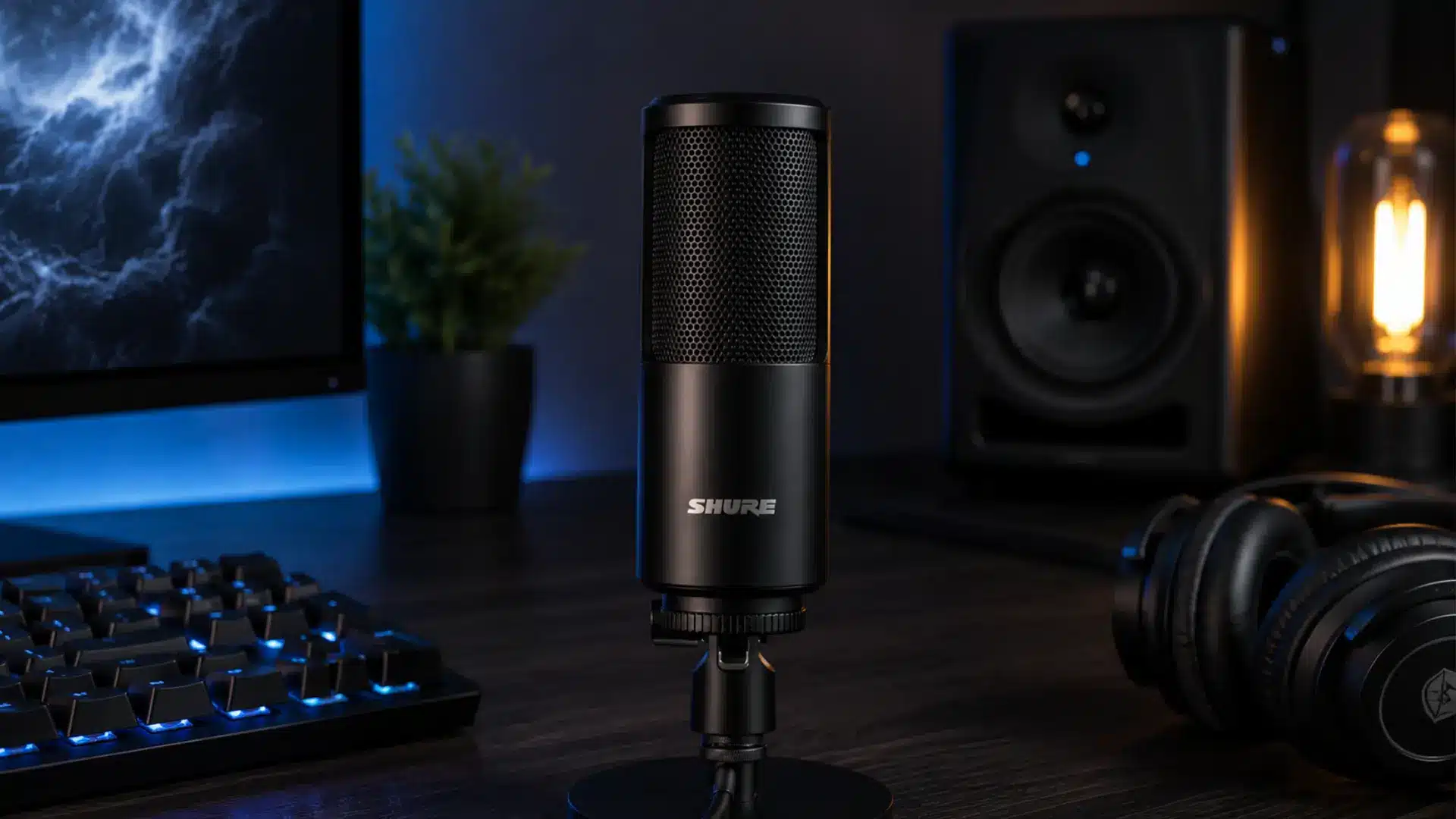
Approx. $399
The Shure SM7B is an industry-standard dynamic mic trusted by broadcasters worldwide, delivering warm vocals and strong room-noise rejection. It needs an XLR interface and often a preamp.
Best for: Professionals building a high-end recording setup.
13. Electro-Voice RE20
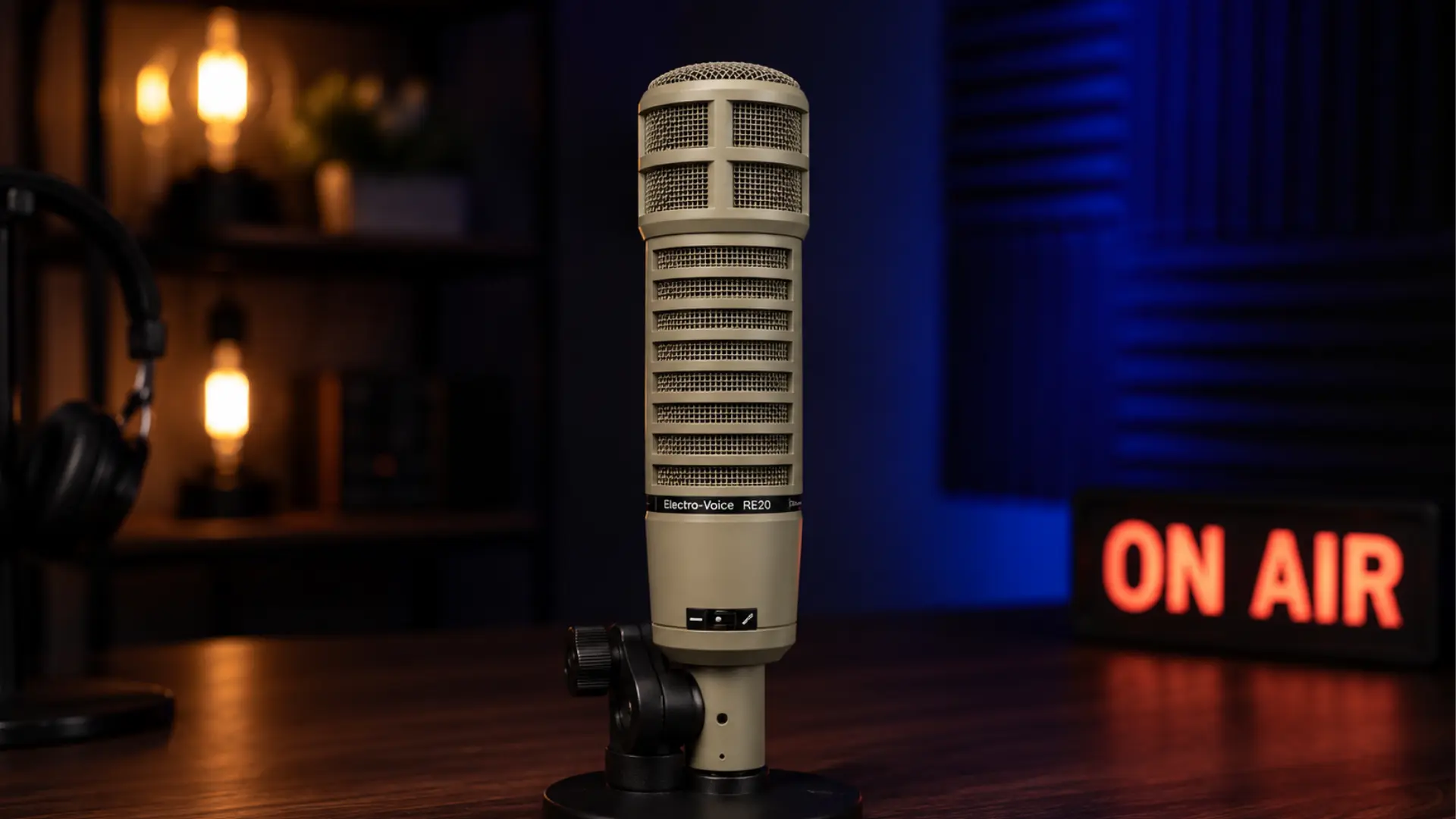
Approx. $450
The RE20 features Variable-D technology, minimizing proximity effect and keeping a consistent tone as you move, with natural vocals and a rugged, radio-studio-favorite build.
Best for: Professionals seeking studio-grade recordings for streaming.
14. Rode NT1 5th Gen
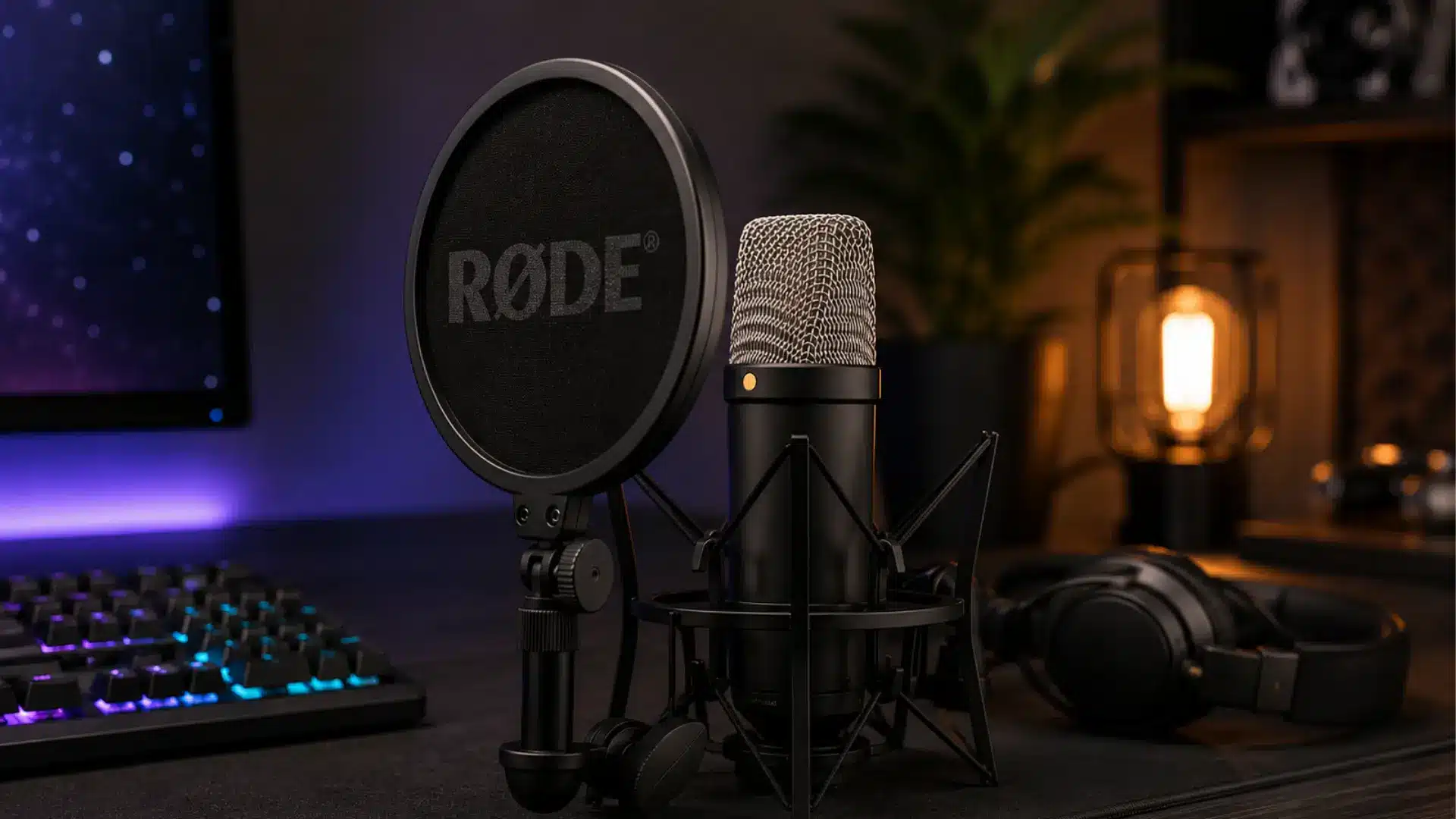
Approx. $249
The Rode NT1 5th Gen is a premium condenser microphone with USB-C and XLR connectivity, known for ultra-low self-noise and high-resolution recording, and it performs best in treated rooms.
Best for: Creators wanting studio-quality recordings with flexibility.
Condenser vs Dynamic: What Gamers Prefer
Both types produce great audio, but the right choice depends on room, noise, and setup. Here’s a clear difference:
| Feature | Condenser Microphone | Dynamic Microphone |
|---|---|---|
| Best for | Quiet rooms, streaming, podcasts | Noisy rooms, gaming, voice chat |
| Voice Quality | Captures more vocal detail and a wider frequency range | Produces a clear, focused voice with less background pickup |
| Background Noise | Picks up keyboard clicks, fans, and room sounds more easily | Naturally rejects background noise and echoes |
| Mic Placement | Works best 6–12 inches from your mouth | Performs best when positioned very close to your mouth |
| Gaming Setup | Ideal for quiet bedrooms or home offices | Better for shared spaces, loud PCs, or street noise |
| Community Preference | Popular with beginner streamers in quiet environments | Preferred by gamers with noisy setups |
| Recommended Polar Pattern | Cardioid | Cardioid |
A quiet space favors a condenser mic. Constant background noise favors a dynamic mic.
What People Are Saying Online?
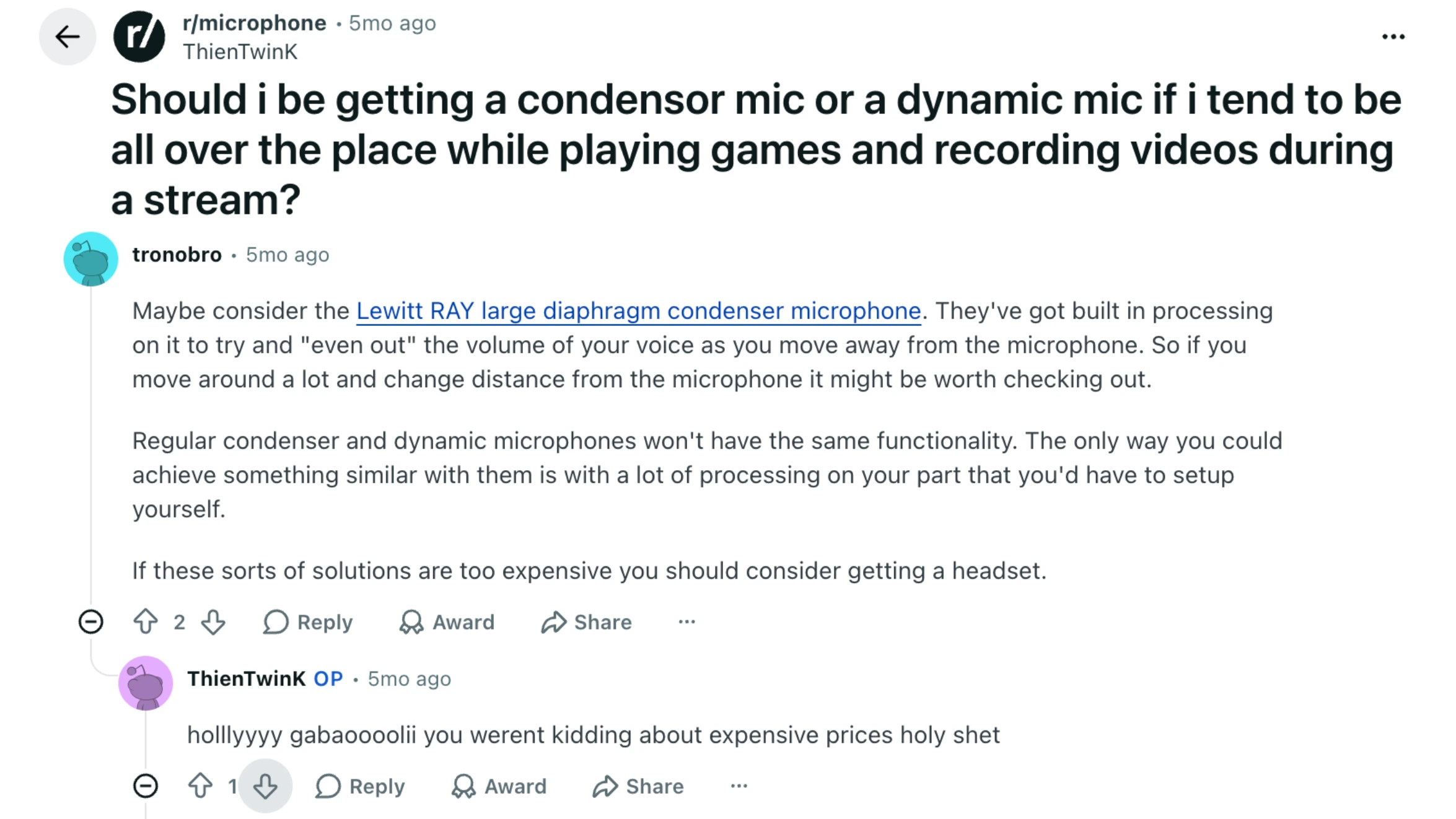
A recent Reddit discussion highlights that there isn’t a one-size-fits-all answer when choosing between a condenser and a dynamic microphone for gaming or streaming.
One of the most upvoted replies explains that if you move around while playing, the microphone type matters less than using a cardioid pickup pattern and applying software compression.
Compression helps keep your voice at a more consistent volume as you move closer to or farther from the mic.
Other users suggest looking at microphones with built-in distance compensation if your budget allows, while some recommend a quality headset microphone or even a wireless lavalier mic for people who are constantly moving during gameplay.
The overall takeaway is that your recording environment, movement, and microphone placement often have a greater impact on audio quality than simply choosing between a dynamic and a condenser microphone.
USB vs XLR Gaming Microphones
Choosing between USB and XLR depends on experience, budget, and future plans. USB suits beginners, while XLR offers more flexibility and higher-quality audio for advanced setups.
| Feature | USB Microphone | XLR Microphone |
|---|---|---|
| Best For | Beginners, casual gamers, streamers | Experienced streamers, creators, and podcasters |
| Setup | Plug directly into your PC or laptop | Requires an audio interface or mixer |
| Ease of Use | Simple plug-and-play | More complex setup with extra equipment |
| Audio Quality | Excellent for most gaming and streaming needs | Greater control and potential for higher-quality sound |
| Upgrade Options | Limited to the microphone itself | Easy to upgrade microphones, interfaces, and other audio gear |
| Cost | Lower overall cost | Higher initial investment due to additional hardware |
| Portability | Easy to move between devices | Less portable because of extra equipment |
A USB microphone is the easiest choice for a quick, affordable setup. An XLR microphone offers more room to grow if you plan to expand your setup later.
Room Setup Basics That Change How You Sound
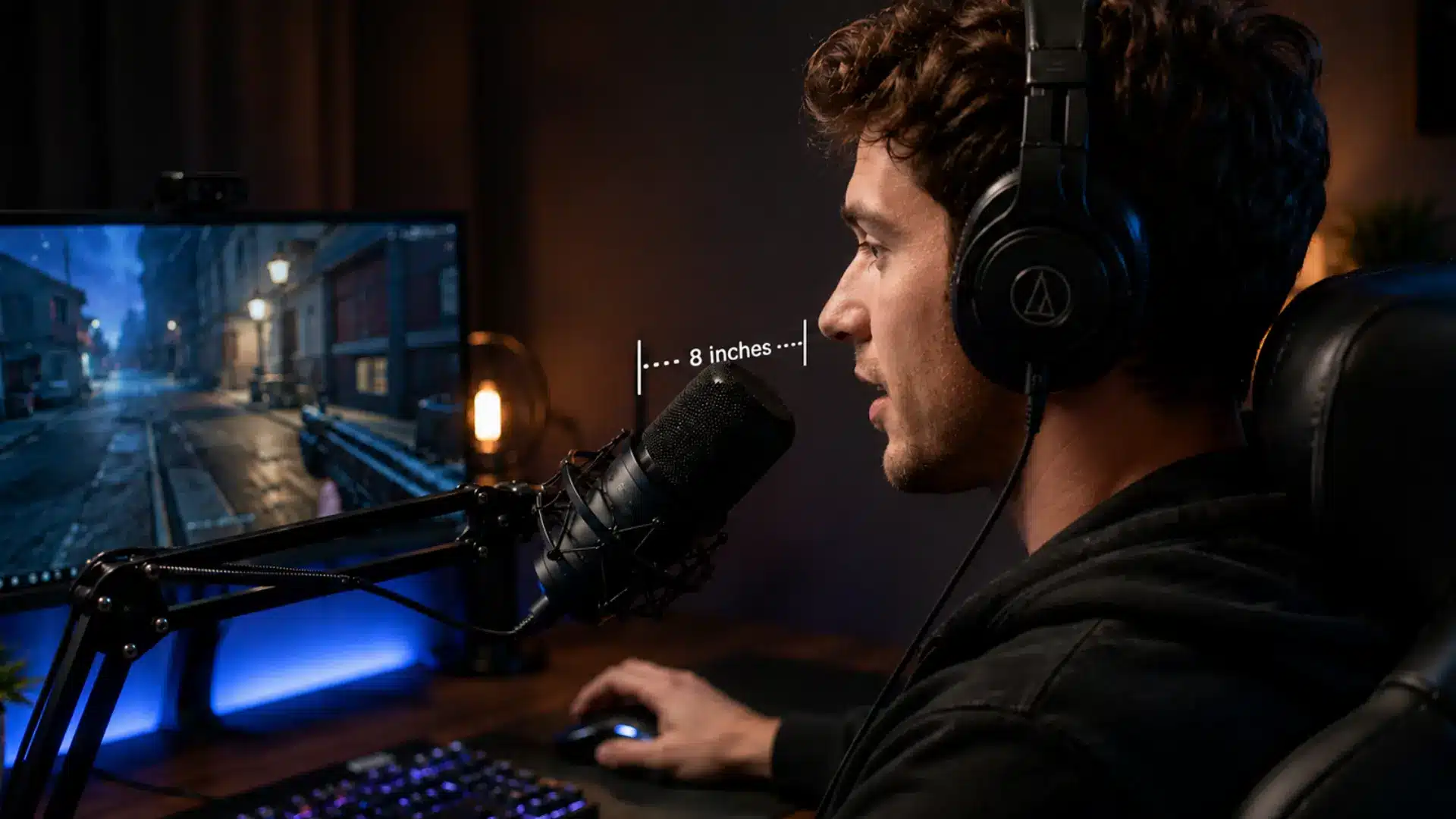
A mic upgrade only gets you so far if your room works against you. Hard surfaces like bare walls bounce sound around, adding a hollow quality even to a good mic. A rug, curtains, and a bookshelf absorb enough reflection to make a real difference.
Positioning matters just as much. Most condenser mics perform best 6 to 12 inches away, angled slightly off-axis rather than speaking directly into the capsule, which reduces plosives and explains most of the gap between your recorded voice and how you hear yourself.
Even the best gaming microphone won’t sound its best if placed incorrectly. Position USB condenser mics about 6 to 12 inches from your mouth and slightly to the side, which reduces popping on strong “p” and “b” sounds.
Aim the mic’s front toward your mouth, since most use a cardioid pattern, and mount it on a boom arm if possible to reduce desk vibrations and keep a consistent distance.
What to Look for Before You Buy?
Before buying, check the features that actually affect voice clarity, setup ease, and compatibility, not just the brand name.
- Polar pattern: Cardioid is standard for gaming since it isolates your voice from side and rear noise; Omnidirectional is best for group recordings.
- USB vs. XLR: USB mics are plug-and-play, requiring no extra gear. XLR needs an interface but offers more flexibility.
- Tap to mute: A physical mute button matters more than expected during intense moments.
- Zero-latency monitoring: A headphone jack lets you hear your voice in real time without PC delay.
- Onboard DSP: Built-in noise gates and limiters clean up your signal before it reaches your software. The same microphone placement fundamentals AV teams use for live events apply at a gaming desk too.
The best microphone for gaming is the one that fits your space, platform, and recording style, not the one with the longest feature list.
Common Mistakes Gamers Make When Choosing a Mic
Choosing a gaming mic isn’t just about how it looks on your desk; small setup mistakes affect how clear and professional your voice sounds.
- Buying for RGB lighting instead of sound quality. A mic that looks great but sounds thin won’t fix itself later.
- Ignoring room acoustics entirely. Even a great condenser mic sounds bad in a room full of hard surfaces and echo.
- Skipping a pop filter or windscreen. Harsh “p” and “b” sounds show up quickly, and most budget mics lack a built-in fix.
- Assuming console compatibility without checking. PlayStation supports USB mics; Xbox generally does not.
- Placing the mic too far from your mouth. Most USB condensers need close-range use, typically 6 to 12 inches.
A good mic works best when it matches your room, device, and setup, so check the basics instead of relying on looks alone.
Final Setup
Picking the best microphone for gaming comes down to your room, not just your budget.
A quiet space favors a condenser mic and its extra vocal detail; a noisy one calls for a dynamic mic that filters out the chaos before it reaches your audience.
Cardioid pickup and solid mic placement do more for your sound than RGB lighting or software plugins ever will. Start with what your setup needs, not what looks impressive in a photo, and try one of the picks above for a week to see how your teammates or viewers react.
Drop a comment below and let me know which one you picked.
Frequently Asked Questions
Do I Need an Audio Interface for a Gaming Microphone?
Only if you choose an XLR mic. USB microphones connect directly to your PC or console.
Can I Use a Gaming Microphone on a Laptop?
Yes, as long as your laptop has a USB port. Most gaming microphones are plug-and-play, with no special drivers required.
How Far Should I Sit From My Microphone While Gaming?
Most USB condenser mics sound best at 6 to 12 inches away. Closer risks distortion or breath noise; farther thins out your voice.
Will a Gaming Microphone Work With a PS5 or Xbox?
PlayStation 5 supports USB microphones directly. Xbox generally does not, so a headset remains the practical choice there.