Most homes do not need an outdoor security camera on every wall. They need the right count for doors, driveways, side paths, and blind corners. Outdoor security cameras work best as a perimeter map, not a generic two or four-pack.
You will often start with two cameras on a small townhouse, four on a typical detached home, and six or more on corner lots, long driveways, or hidden approach routes. This guide covers priority entry points, mounting angles and overlap, tiered camera counts, power and Wi-Fi limits, when one smart camera can replace two fixed views, and how outdoor coverage pairs with indoor monitoring.
Real Entry Points for Outdoor Security Cameras
Camera planning works better when it starts with vulnerability mapping. For outdoor security cameras for home use, list every ground-level route someone could use to reach a door, vehicle, package area, or hidden walkway. The house tells you the baseline before the product shelf does.
Work through the list in priority order.
Front Door
- Daily traffic, deliveries, unexpected visitors, and most first contact with the home
- Deserve dedicated coverage even when visible from the street, because identification matters as much as deterrence
Back Door or Sliding Glass Door
- Often behind fences, patios, or landscaping, where someone can stay longer without being seen by neighbors
- For most detached homes, a rear camera is the second half of the basic perimeter, not an optional add-on
Driveway and Garage
- Cars, tools, bikes, outdoor gear, and garage entry doors raise the value of the area
- Help track direction of travel, not just a face at the door
Secondary Zones
- Side gates, basement doors, low first-floor windows, and detached structures
- Count these after the three priorities above. How many security cameras do I need is usually the number of meaningful access zones, minus zones already covered by overlap
Angles and Overlap in Outdoor Camera Placement
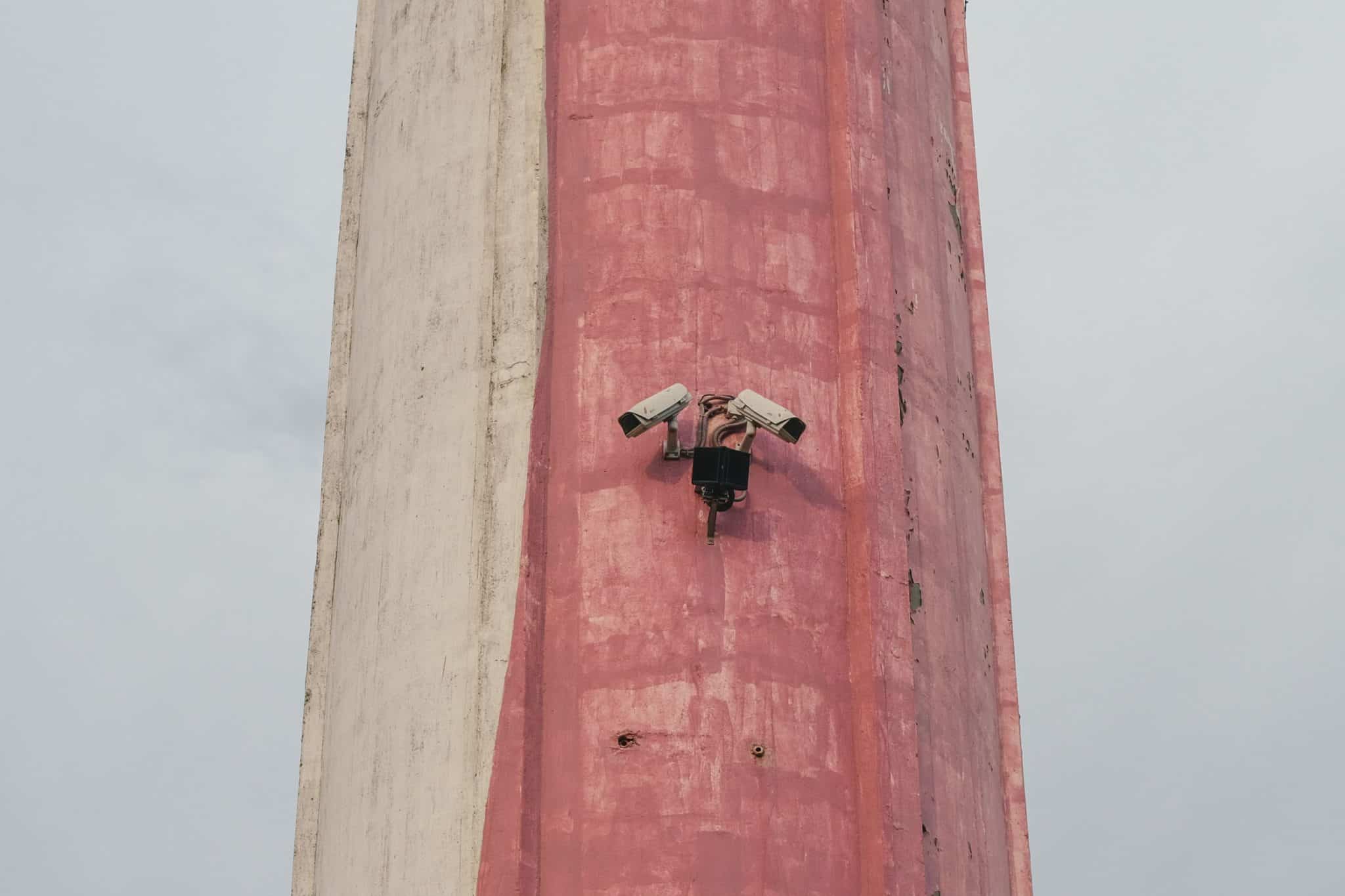
Once entry zones are mapped, placement decides how much each camera actually sees. The field of view sounds abstract until you put it against a wall. A 130 to 140 degree diagonal field of view can cover a broad slice of a porch, driveway, or yard, but it does not see through the mounting surface or straight down under the bracket. Flat wall mounts create dead space near the wall line and below the lens.
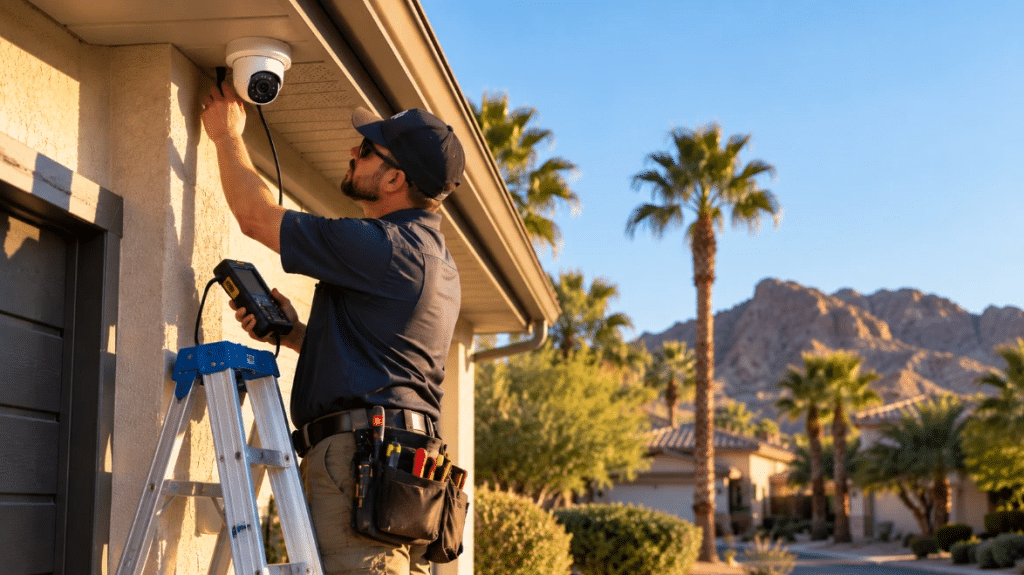
That is why the best outdoor camera placement is not only about height. Eight to nine feet is common because it discourages tampering while preserving detail. Mount too high, and faces turn into hats and shoulders. Mount too low, and the camera is easier to cover or damage.
A fixed camera throws a wedge of coverage outward from the wall, not a full ring around the mount. Anything behind that wedge, tight along the wall, or around the corner becomes a blind spot. On a side path, one camera may see entry while a second confirms where the person went.
Overlap is the quiet part of good design. The edge of one camera view should fall inside the detection zone of another camera when the route is important. That does not mean every inch of lawn needs duplicate coverage. It means an intruder should not be able to leave one camera frame and cross ten feet of useful approach space before entering the next one.
Security Camera Counts by Coverage Tier
Use tiers to keep the math grounded when you ask how many security cameras do I need for your property. Count routes, not walls. Start with the front door, back door or patio slider, driveway, or garage, then side yard, gate, shed, basement door, or other hidden approach. A wide field of view can show a large scene, but useful coverage is narrower when you need faces, plates, or clothing detail. Treat one fixed camera as one main approach route, not an entire side of the house.
- Two Cameras: The minimum viable setup for tight townhomes, duplexes, or narrow lots. Cover the front entry and rear door or patio slider first.
- Four Cameras: The full perimeter setup for many detached homes. Cover the front door, driveway or garage, rear patio, and the most hidden side gate or utility path.
- Six or More Cameras: The no blind spot plan for corner lots, multiple exterior doors, detached garages, tool sheds, pool gates, or long driveways. Add cameras only when they close a real gap.
The tier is not a status ladder. A small house with two exposed doors may be safer with two well placed cameras than a larger home with six poorly aimed ones, and once that map is set, the prime day security camera page is a practical next stop if you are comparing seasonal deals on outdoor hardware.
Power and Walls in The Placement Plan
The cleanest coverage map often runs into physical limits. Hardwired cameras need junction boxes, cable paths, or professional drilling. Battery and solar cameras give more freedom, but still depend on reachable mounts, sun exposure, and maintenance access. A shaded wall under a roof overhang may be the right angle and the wrong power plan.
Walls matter too. Brick, masonry, stucco, foil-backed insulation, dense cladding, and wet foliage can weaken Wi-Fi. Before drilling, test the signal and live view at the mount. If the signal is weak, move the camera, add a mesh node, or use a wired model for that side.
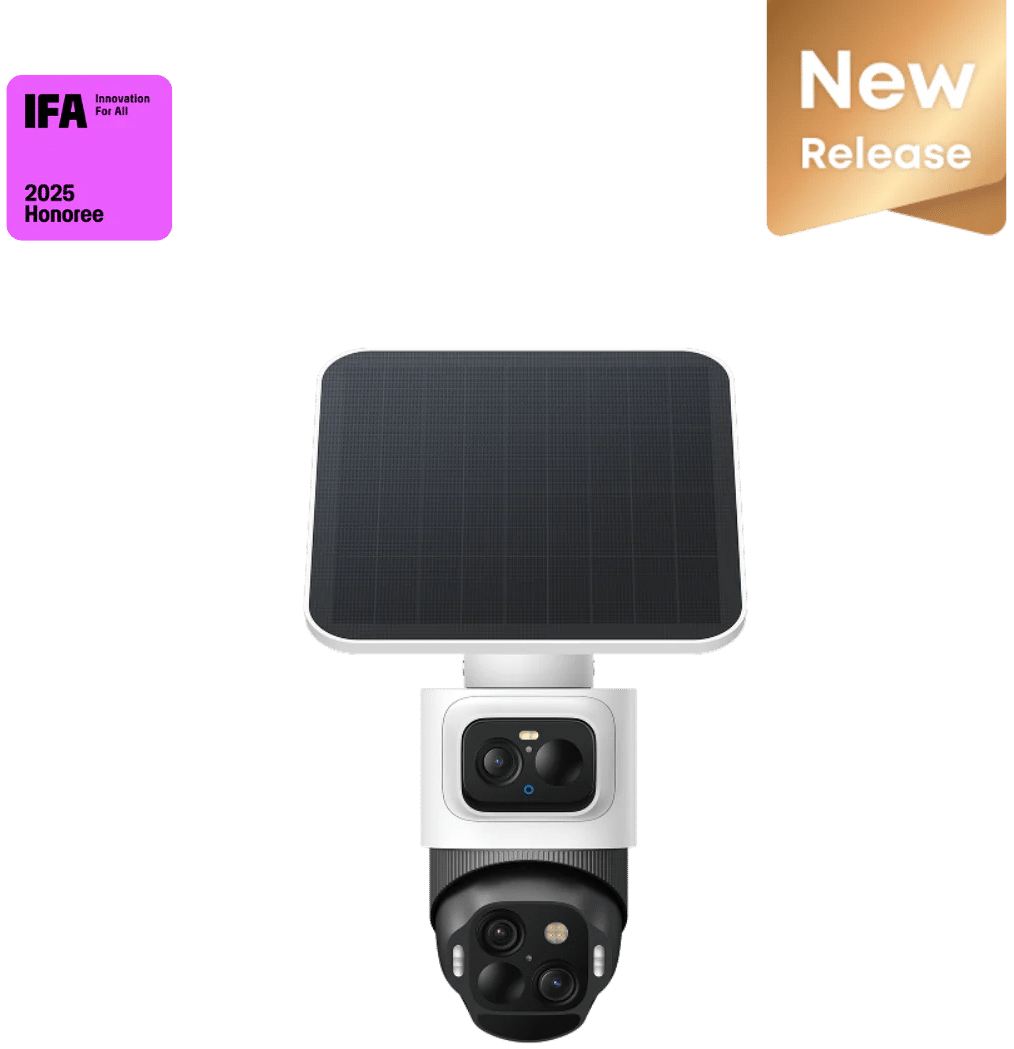
On corners where a second mount is awkward because of power, sun, or Wi-Fi, one flexible camera sometimes replaces two fixed views. A bullet and PTZ combo can watch movement across open space while the upper lens holds a wide scene and the lower unit tracks and zooms toward a driveway, gate, or walkway chokepoint. That setup only works when activity stays in one related area, not when two unrelated events need separate views at the same time.
The eufyCam S4 is a useful example for that layout. A fixed wide view can watch the yard while the PTZ unit follows movement toward a gate or driveway, when a second mount is not realistic. SolarPlus™ 2.0 is rated for one hour of direct sunlight per day, so the camera can stay on a rear corner or fence line without new wiring. Radar and PIR sensors, together with on-device human and vehicle detection, can cut nuisance alerts from pets, leaves, or shadows compared with basic motion-only setups.
Outdoor Perimeter and Indoor Monitoring
Once your entry list and outdoor tier are set, indoor cameras become a follow-up choice. They should answer what happened after someone crosses a covered route, not replace a driveway, gate, or side path that never received an outdoor camera.
Indoor cameras have a narrower role. They work best in main hallways, basement entries, stair landings, or rooms with valuables where the household has a clear reason to monitor inside. They should answer what happened after entry, not make up for a driveway, gate, or side path that was never covered outside.
This is partly a privacy decision. Outdoor cameras monitor approach paths that are already visible from the street, driveway, or yard. Indoor cameras enter private living spaces, so each one should have a clearer reason. A hallway camera aimed at an entry route is easier to justify than multiple cameras pointed at everyday family rooms.
The count should also stay practical. A two-camera outdoor setup may pair with one indoor camera. A four-camera perimeter often needs only one or two interior checks. Larger properties may need more outside, but six outdoor cameras should not automatically mean six indoor cameras.
A simple rule holds up well. Cover outside first, then add indoor monitoring only where it answers a specific question. Buy coverage for routes, not anxiety. When your outdoor count is set, the eufy outdoor security cameras collection is a useful place to compare wire-free, solar, and fixed models before you add interior views.
Conclusion
Camera count should follow routes to your doors, driveway, and hidden paths, not a bundle discount at checkout. Start with front and rear entry points, add driveway or side gate coverage when those zones stay out of view, and use overlap only where movement must chain from one frame to the next.
Before you mount, test Wi-Fi at each bracket and confirm power or solar reality on that wall. Two well-aimed cameras often beat six rushed installs when each unit covers a defined approach instead of filling an empty wall.