Managing data at scale is one of the more time-consuming parts of running a modern business.
I’ve watched organizations lose hours every week to manual exports, copy-paste errors, and disconnected systems that never quite talk to each other cleanly. Data automation software solves exactly that.
It connects your tools, moves and transforms data automatically, and frees your team to focus on decisions instead of data wrangling.
In this guide, you will see some of the top platforms, the features worth prioritizing, and the real-world scenarios where these tools make the biggest difference.
Quick Answer: What Are the Best Data Automation Software Tools?
The best data automation software tools include Zapier, Microsoft Power Automate, Workato, UiPath, Alteryx, Informatica, Apache Airflow, Fivetran, Talend, Hevo Data, and Boomi.
These tools help businesses move, process, and manage data with less manual work.
Some focus on workflow automation, while others handle data integration, reporting, or large-scale data pipelines.
The right choice depends on your goals, budget, and technical needs. Small businesses often prefer easy-to-use tools like Zapier, while larger companies may choose platforms such as Informatica or Workato for advanced automation.
Good data automation software saves time, reduces errors, and helps teams work more efficiently. Comparing features and use cases can help you pick the best fit.
What Is Data Automation Software?
Data automation software is a technology solution designed to streamline and control data workflows across multiple systems without manual effort.
It enables automated data integration, transformation, validation, and storage processes while ensuring accuracy and consistency.
These tools reduce repetitive tasks, improve operational speed, and support structured data quality management.
They also provide automation analysis capabilities, helping organizations monitor performance, identify inefficiencies, and enhance decision-making through real-time insights across business environments.
Top Data Automation Software for Better Workflows
Data automation software enables organizations to manage, process, and optimize data workflows without manual effort.
1. Zapier
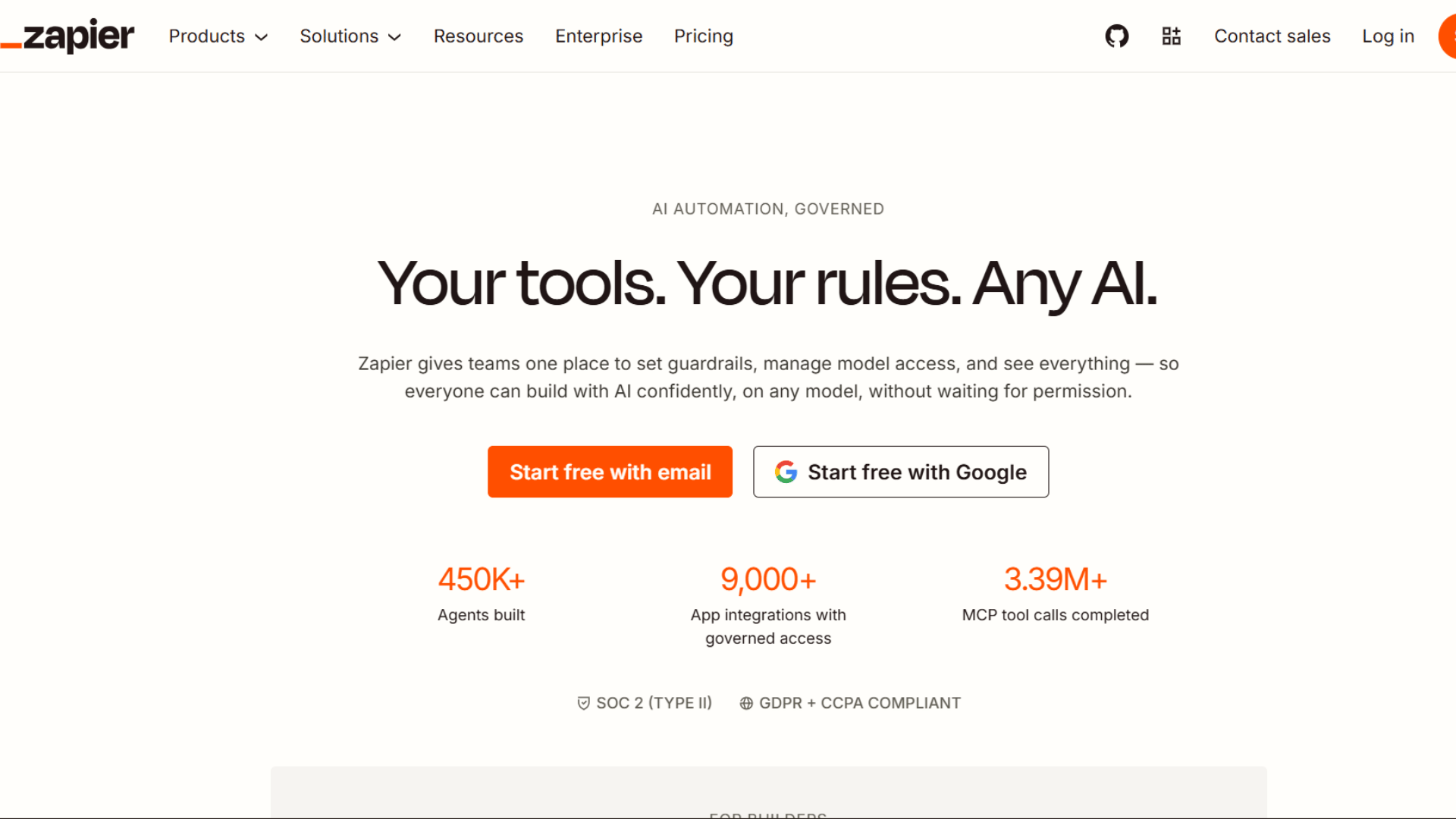
Zapier is a popular no-code automation platform that connects multiple applications and enables workflow automation through triggers and actions.
It helps businesses automate data transfer between SaaS tools without manual coding.
Users can create automated pipelines for tasks like lead capture, notifications, and data syncing.
It is widely used for simple to medium-level automation needs, especially in marketing, CRM, and productivity workflows across cloud-based applications.
2. Microsoft Power Automate
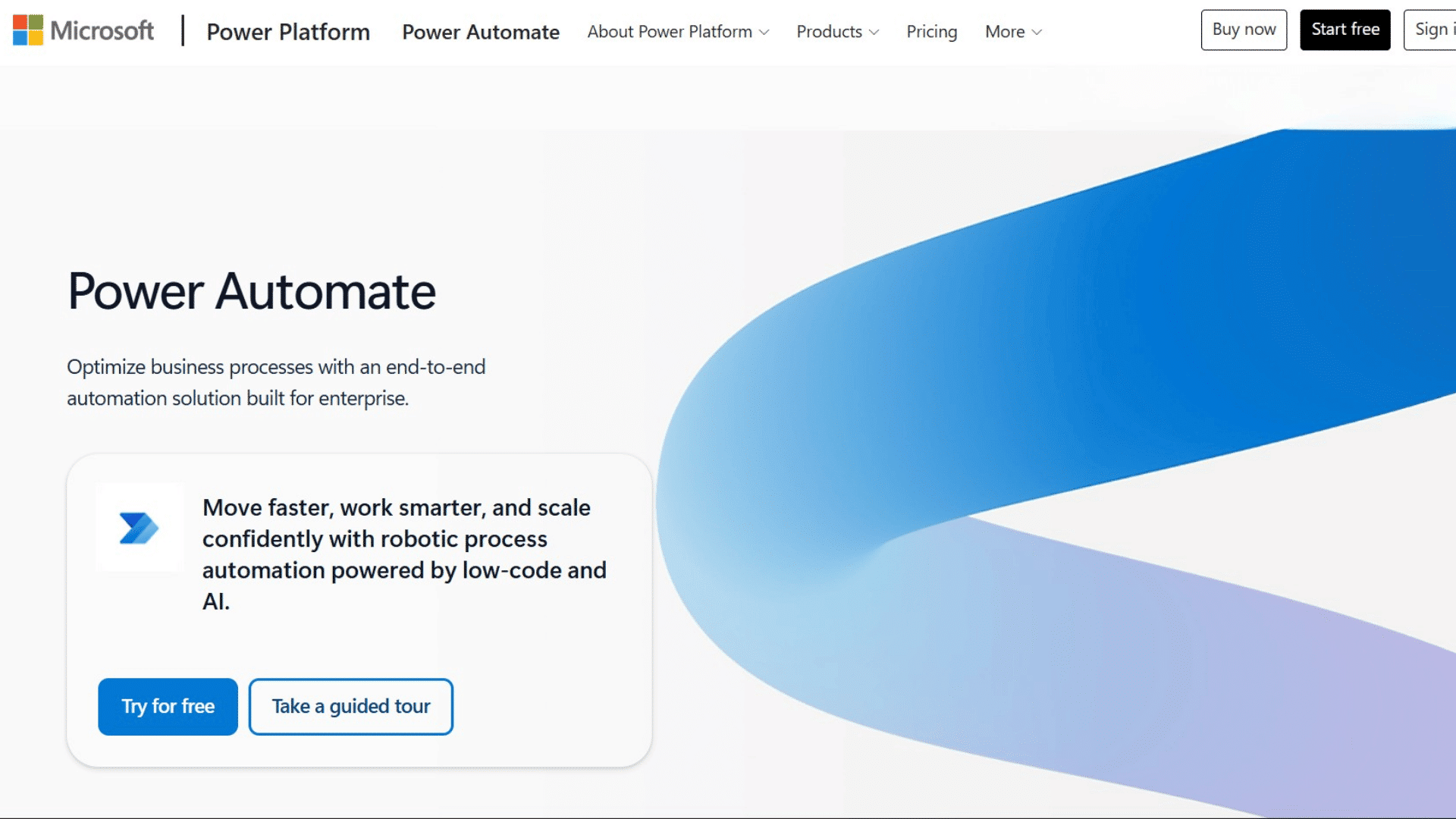
Microsoft Power Automate is a cloud-based automation tool designed to streamline workflows across Microsoft and third-party services.
It enables users to automate data processes such as approvals, notifications, and system integrations.
With strong integration into Microsoft 365, it supports enterprise-level automation across multiple business processes.
This helps organizations reduce manual work, improve efficiency, and maintain a steady flow of data between applications and internal systems.
3. UiPath
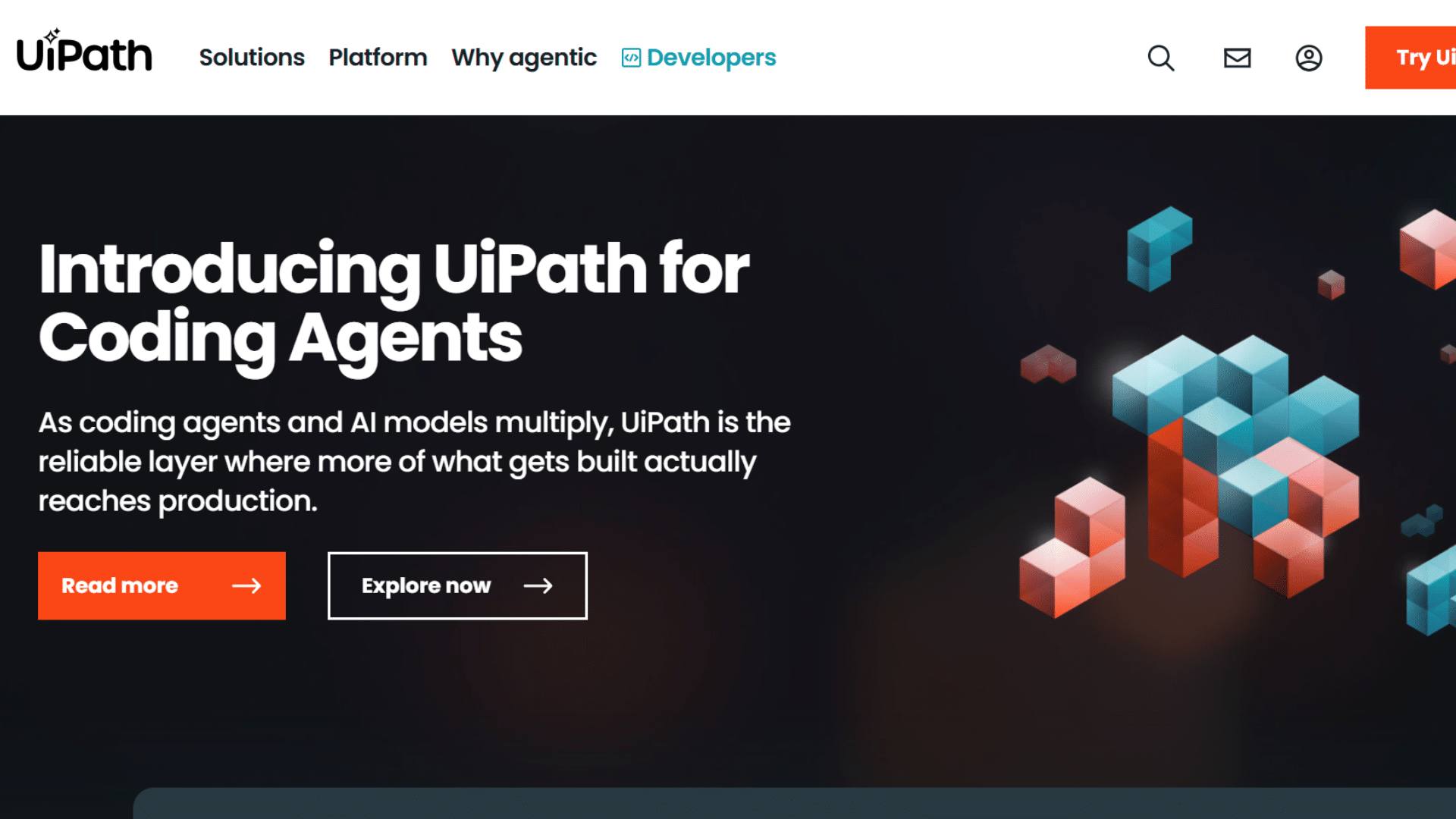
UiPath is a leading robotic process automation (RPA) platform that automates repetitive, rule-based data tasks.
It is widely used for handling UI-level operations such as data entry, extraction, and system updates.
UiPath helps enterprises reduce manual workload, improve accuracy, and accelerate business processes by deploying software robots that mimic human actions across applications and enterprise systems.
4. Fivetran
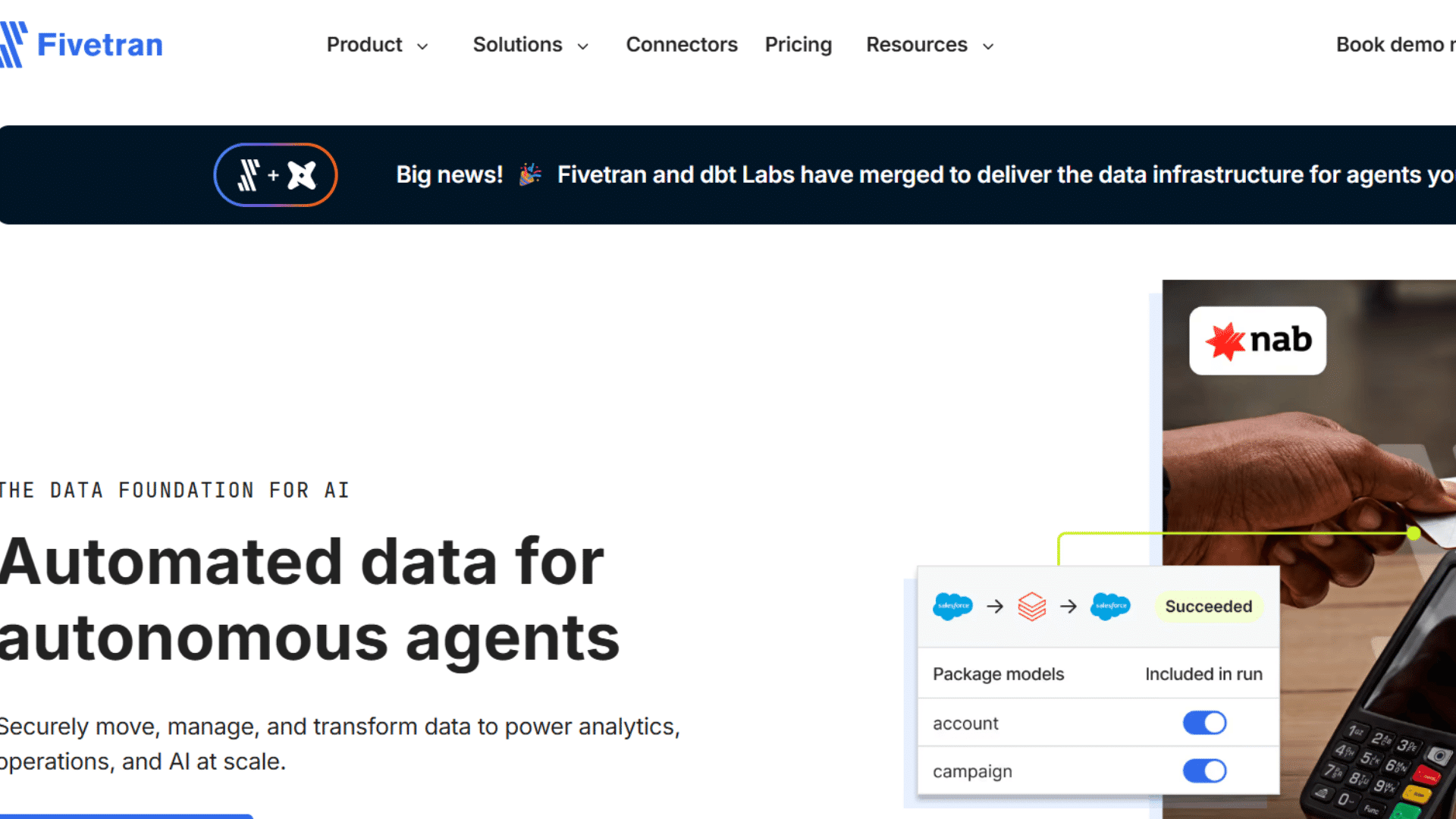
Fivetran is a fully managed data integration platform that automates the extraction and loading of data from various sources into cloud data warehouses.
It simplifies pipeline management by automatically handling schema changes and data synchronization.
Fivetran is ideal for organizations that need reliable, low-maintenance data pipelines for analytics, reporting, and real-time business intelligence without heavy engineering effort.
5. Hevo Data
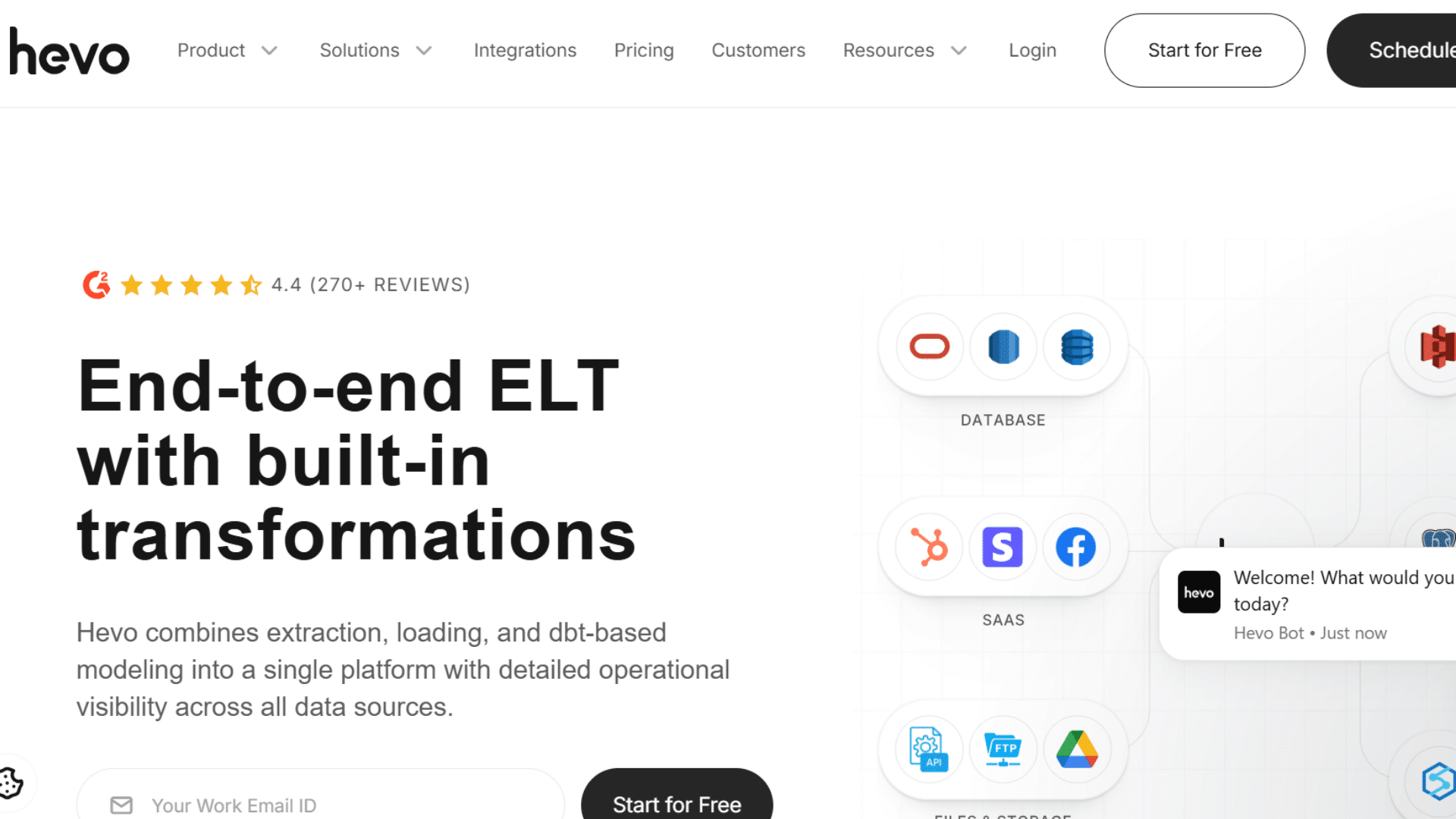
Hevo Data is a no-code data pipeline platform that enables real-time data integration from multiple sources into analytics systems.
It supports automated data ingestion, transformation, and loading with minimal configuration.
Hevo Data helps businesses maintain accurate and up-to-date datasets for reporting and decision-making. It is widely used for fast deployment of scalable data pipelines in modern cloud-based environments.
6. Alteryx
Alteryx is a data analytics and automation platform that enables users to prepare, blend, and analyze data without extensive coding.
It automates complex workflows and helps organizations generate insights quickly.
Alteryx is widely used in business intelligence, financial analysis, and predictive modeling.
It supports teams that need advanced analytics combined with automation to improve decision-making, reduce manual effort, and enhance overall efficiency in data-driven environments.
7. Apache Airflow
Apache Airflow is an open-source workflow orchestration tool for creating, scheduling, and monitoring data pipelines programmatically.
It is designed to manage complex, scalable workflows across different systems.
Data engineers use Airflow to automate ETL processes, schedule recurring tasks, and track pipeline performance.
It provides flexibility, scalability, and strong control over workflow dependencies, making it ideal for large-scale data engineering and automation projects.
8. Talend
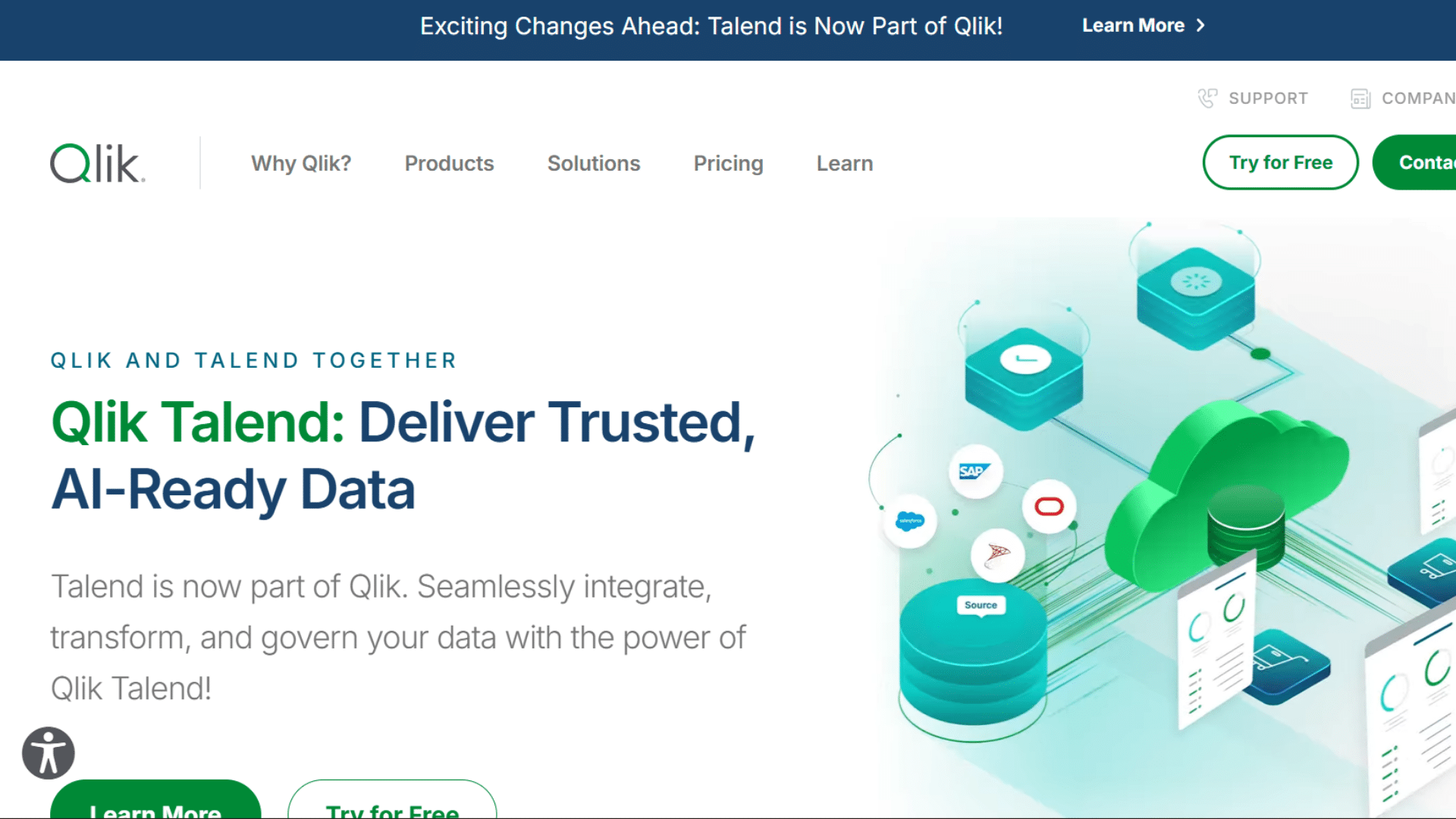
Talend is a data integration and transformation platform that helps organizations manage data across cloud and on-premises systems.
It provides tools for data cleansing, migration, and workflow automation.
Talend is widely used in enterprise environments to ensure data quality, consistency, and seamless integration across business applications.
It supports organizations in building reliable data pipelines and maintaining structured data environments for analytics and operational efficiency.
9. Make
Make, formerly known as Integromat, is a visual automation platform that allows users to design workflows connecting multiple applications.
It uses a drag-and-drop interface to build complex automation scenarios without coding.
Businesses use Make for marketing automation, CRM integration, and operational workflows.
It helps improve efficiency by connecting tools and automating repetitive tasks, making it suitable for both beginners and advanced users managing multi-step automation processes.
10. Snowflake
Snowflake is a cloud-based data platform that enables secure data storage, processing, and analytics at scale.
It supports seamless data sharing and integration across different systems and applications. Organizations use Snowflake to build modern data pipelines and perform real-time analytics.
Its scalable architecture allows businesses to handle large volumes of data efficiently while maintaining performance.
Making it a popular choice for enterprise-level data management and automation solutions.
11. Google Cloud Dataflow
Google Cloud Dataflow is a fully managed service for stream and batch data processing.
It allows users to build automated and scalable data pipelines for real-time analytics and ETL workflows.
Dataflow integrates with the Google Cloud ecosystem, making it useful for machine learning preparation and large-scale data processing.
Businesses rely on it for efficient, automated handling of continuous data streams and ensuring reliable performance in cloud-based environments.
Why Do Businesses Need Data Automation Software?
Businesses use data automation software to eliminate inefficiencies caused by manual data handling. It helps improve accuracy, reduce operational costs, and maintain consistency across multiple systems.
- Accuracy: Reduces manual errors in data handling
- Performance: Improves operational efficiency and speed
- Cost: Lowers overall processing expenses
- Consistency: Enhances uniformity across systems
- Scalability: Supports growing data workloads
Role of Automation Analysis in Data Systems
Automation analysis evaluates and monitors data workflows to improve system performance and reliability. It identifies inefficiencies, detects bottlenecks, and enhances operational visibility across pipelines.
By analyzing workflow patterns, it supports predictive improvements and ensures optimized data processing.
This approach helps organizations maintain stable, efficient, and insight-driven data environments for better decision-making.
- Detection: Identifies workflow bottlenecks
- Monitoring: Improves system visibility and control
- Efficiency: Enhances operational performance
- Prediction: Supports proactive optimization
- Insight: Strengthens decision-making accuracy
It improves operational efficiency by connecting systems, streamlining processes, and ensuring accurate data movement across platforms.
These solutions support scalable architectures, reduce reliance on repetitive tasks, and enhance consistency in business operations.
Core Categories of Data Automation Software
Data automation software is divided into specialized categories that support different stages of data handling, processing, and optimization.
| Category | Purpose | Key Capabilities | Common Use Case |
|---|---|---|---|
| Data Integration Tools | Unify multiple data sources into a single flow | API connectivity, ETL/ELT pipelines, real-time streaming | CRM + ERP sync, cloud + on-premise alignment |
| Data Quality Management Tools | Maintain accurate and consistent datasets | Data cleansing, duplicate detection, validation rules, profiling | Error-free reporting and analytics |
| Database Automation Software | Simplify database operations and maintenance | Backup scheduling, query tuning, indexing, performance tracking | IT and DevOps database optimization |
| Workflow Automation Platforms | Automate end-to-end business processes | Trigger-based actions, cross-system execution, automated reporting | Business workflow orchestration and reporting pipelines |
Key Features to Look for in Data Automation Software
Data automation software should deliver strong scalability, seamless integration, real-time capabilities, and strict security controls to support modern enterprise data environments.
1. Scalability and Performance
Scalability and performance determine how efficiently a system manages increasing data volumes while maintaining consistent speed and reliability.
Modern data automation software uses distributed computing models and cloud-native infrastructure to process large workloads without performance drops.
It supports parallel processing and resource optimization, ensuring uninterrupted operations even during peak demand.
- Load Handling: Manages growing data volumes efficiently
- Processing: Supports distributed computing models
- Architecture: Cloud-native infrastructure support
- Stability: Maintains performance under high demand
- Expansion: Adapts to enterprise growth needs
2. Ease of Integration
Ease of integration is a critical feature that allows data automation software to connect effortlessly with diverse tools, platforms, and systems.
It ensures smooth interoperability between cloud services, on-premise databases, and third-party applications.
Strong API support and pre-built connectors reduce implementation complexity and improve deployment speed.
- Compatibility: Works with third-party applications
- Connectivity: API and connector availability
- Flexibility: Supports hybrid system environments
- Unification: Enables smooth data exchange
- Adaptability: Fits diverse tech stacks
3. Real-Time Processing Capabilities
Real-time processing capabilities enable data automation software to handle and analyze information instantly as it is generated.
This ensures real-time data flow, low latency, and fast system response.
Event-driven architecture supports automated triggers that activate workflows without delay, improving operational speed and responsiveness.
- Streaming: Continuous data flow processing
- Latency: Minimal processing delay
- Architecture: Event-driven workflow design
- Speed: Instant data updates
- Responsiveness: Real-time system reactions
4. Security and Compliance
Security and compliance features ensure that data automation software protects sensitive information while meeting regulatory standards.
Advanced encryption safeguards data during storage and transmission, while role-based access controls restrict unauthorized usage.
Compliance support for global frameworks such as GDPR and HIPAA ensures legal adherence across industries.
- Encryption: Secures data in transit and storage
- Access Control: Role-based permissions system
- Compliance: Supports GDPR and HIPAA standards
- Protection: Prevents unauthorized access
- Integrity: Maintains data trustworthiness
5. Advanced Analytics and Automation Analysis
Advanced analytics and automation analysis enhance the intelligence of data automation software by providing deep insights into system performance and workflow efficiency.
Built-in dashboards provide real-time insights, while predictive analytics help forecast issues and improve processes.
Automation analysis evaluates workflow behavior, identifies inefficiencies, and suggests improvements for better performance.
- Dashboards: Visual performance tracking tools
- Insights: Predictive data evaluation
- Optimization: Workflow improvement suggestions
- Monitoring: Continuous system analysis
- Decision Support: Enhances strategic planning
This capability is essential for growing enterprises that require flexible expansion, stable processing power, and efficient handling of high-frequency data across multiple environments and applications.
Benefits of Using Data Automation Software
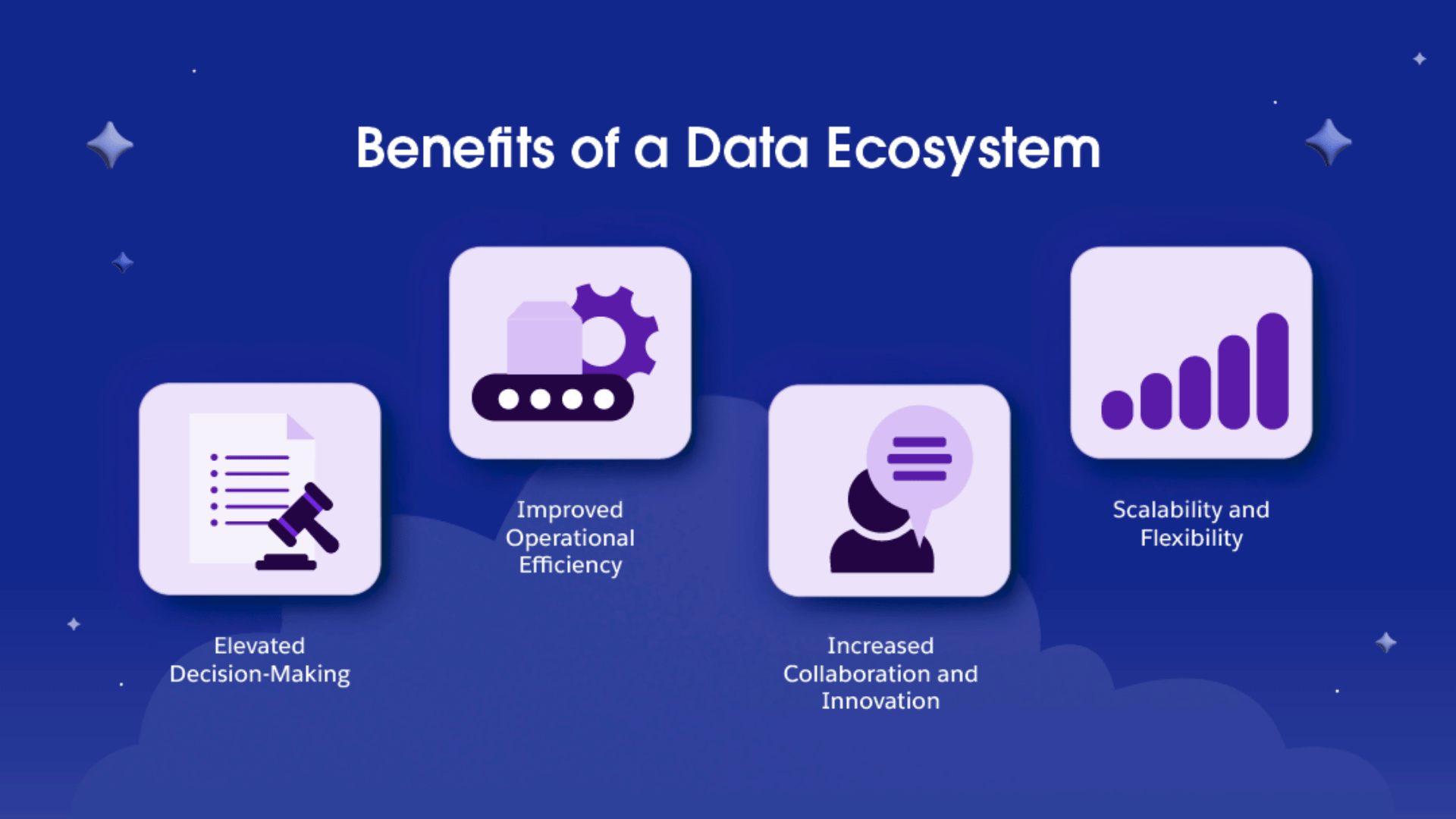
Data automation software enhances enterprise performance by improving operational flow, strengthening data reliability, reducing expenses, and enabling faster decision-making.
- Efficiency: Reduces manual effort and accelerates repetitive workflows
- Accuracy: Ensures clean, standardized, and validated data processing
- Cost Control: Lowers operational and infrastructure-related expenses
- Insights: Provides real-time visibility for informed decision-making
- Forecasting: Supports predictive analysis for better planning
- Agility: Enables quick adaptation to changing business needs
It supports scalable systems that handle complex data tasks with minimal manual intervention, ensuring consistent output and improved business responsiveness across digital environments.
Use Cases of Data Automation Software Across Industries
Data automation software is widely adopted across industries to streamline workflows, improve data handling, and enhance decision-making.
| Industry | Key Applications | Core Benefit |
|---|---|---|
| Finance and Banking | Fraud detection, transaction processing, risk modeling | Improves security and financial accuracy |
| Healthcare Sector | Patient data integration, reporting systems, record sync | Enhances data reliability and coordination |
| E-commerce Platforms | Inventory automation, behavior tracking, recommendations | Boosts customer experience and sales insights |
| IT and Software Development | CI/CD automation, monitoring alerts, log processing | Improves system stability and deployment speed |
| Marketing and Analytics | Campaign tracking, lead automation, segmentation | Strengthens targeting and performance analysis |
After leveraging data automation software, industries gain faster operations, better data consistency, and improved analytical capabilities.
It enables scalable digital transformation by connecting systems, automating repetitive processes, and supporting real-time insights for smarter business decisions.
Data Automation Workflow Diagram
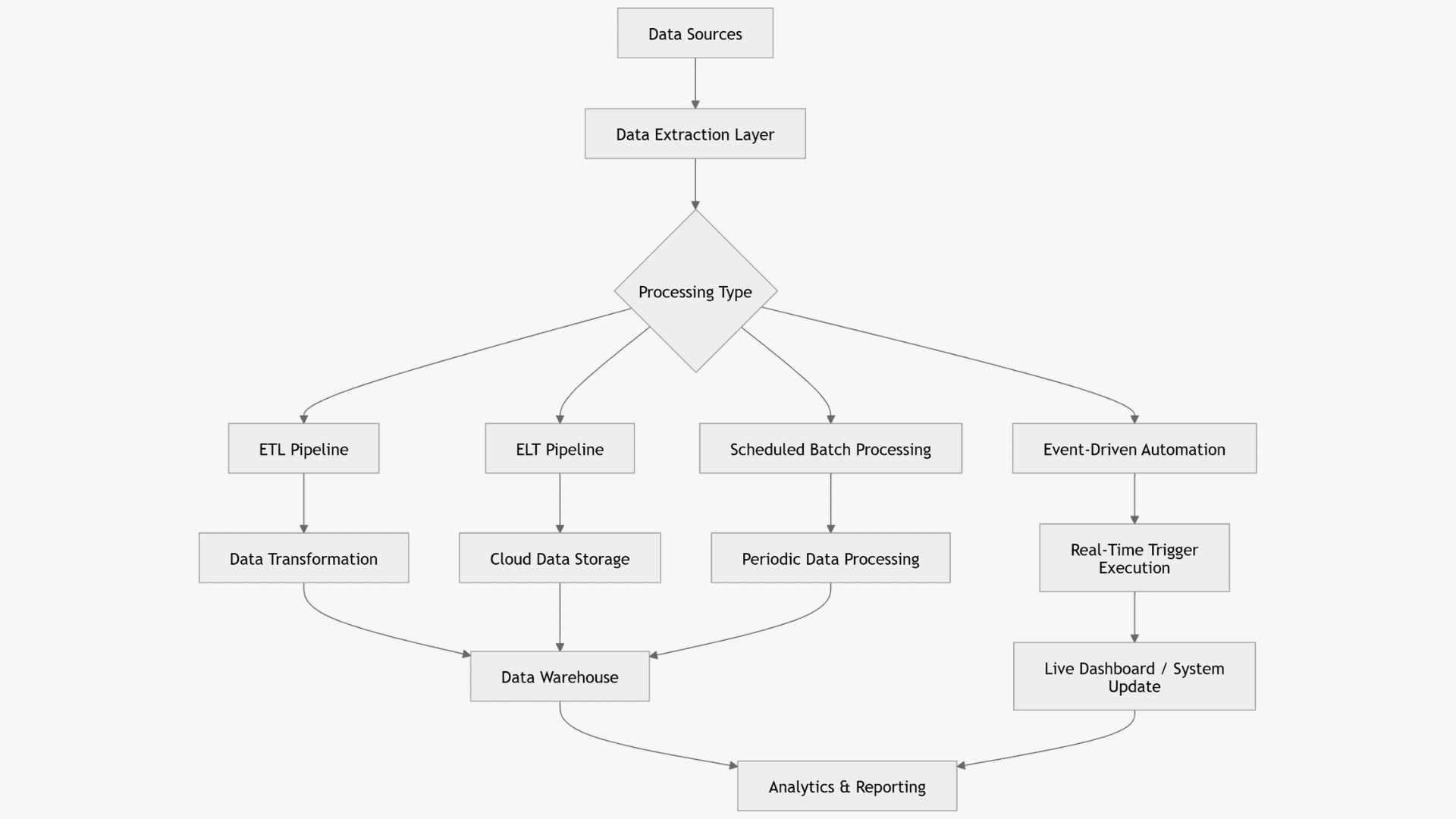
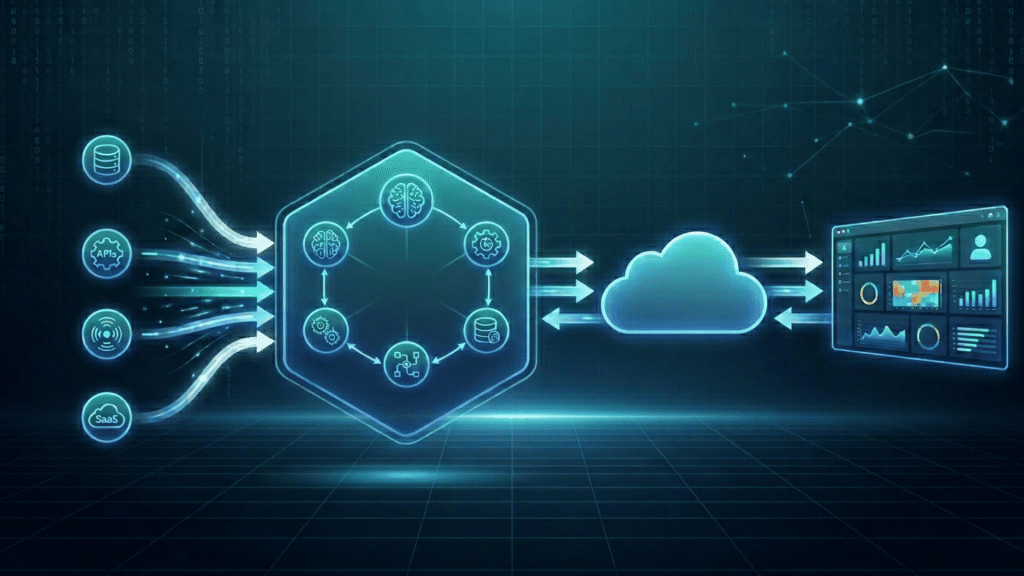
Data automation workflows follow a structured flow that connects data sources, processing layers, and analytics systems.
Data is first collected from multiple sources such as applications, databases, and cloud platforms.
It then moves into an extraction layer where raw information is gathered and prepared for processing. Depending on business needs, the system applies ETL, ELT, event-driven automation, or scheduled batch processing.
After processing, the structured data is stored in a centralized warehouse or cloud environment.
Finally, analytics tools convert this data into dashboards, reports, and actionable insights that support decision-making and business strategy.
Challenges in Implementing Data Automation Software
Implementing data automation software can significantly improve operational efficiency, but organizations often face several technical and structural challenges during adoption.
| Challenge Area | Key Issues | Impact on Operations |
|---|---|---|
| Data Silos and Fragmentation | Legacy system integration, isolated storage structures | Limits unified data flow and slows processing |
| High Initial Setup Complexity | Infrastructure planning, skilled technical requirement | Increases deployment time and implementation effort |
| Security Risks | Data breaches during integration, workflow misconfigurations | Threatens data safety and system reliability |
| Maintenance and Monitoring | Continuous updates, automation failure tracking | Requires ongoing oversight and system stability control |
Organizations must continuously monitor performance, secure data, and optimize workflows.
Proper planning, skilled resources, and strong monitoring practices help reduce risks and improve long-term efficiency in automated data environments.
Future Trends in Data Automation Software
The future of data automation software is evolving toward intelligent, adaptive, and highly accessible systems.
- AI Automation: Machine learning-driven workflows and predictive systems improve decision accuracy and process optimization
- Hyper Automation: Integration of AI, RPA, and analytics enables complete end-to-end process automation
- Real-Time Systems: Instant data synchronization with edge computing supports faster and continuous data flow
- Self-Healing Pipelines: Automatic error detection and recovery reduce system downtime and manual intervention
- Low-Code Platforms: Simplified development tools expand access for non-technical users and speed up deployment
Emerging technologies are improving how organizations process, analyze, and manage data. By combining automation, artificial intelligence, and real-time processing capabilities into unified ecosystems.
Conclusion
Data automation software is transforming how organizations manage, process, and analyze information across complex digital environments.
It improves efficiency, accuracy, and decision-making while reducing manual work and costs.
With capabilities like integration, real-time processing, and automation analysis, businesses can build smarter and more reliable data systems.
As technologies evolve, AI, hyper-automation, and self-healing pipelines will further improve performance.
Adopting these solutions helps organizations stay competitive, agile, and future-ready in a data-driven business landscape.
Frequently Asked Questions
What Industries Benefit Most from Data Automation Software?
Industries like finance, healthcare, e-commerce, IT, and marketing benefit by improving speed, accuracy, and data-driven operations.
How Long Does It Take to Implement Data Automation Software?
Implementation time varies by complexity, but small setups may take days while enterprise systems can take weeks or months.
What Problems Can Data Automation Solve in Business Operations?
It reduces manual errors, removes repetitive tasks, improves data consistency, and speeds up reporting and decision-making.
Is Data Automation Suitable for Real-Time Data Processing?
Yes, many platforms support real-time processing using streaming and event-driven architectures for instant data updates.
What Is the Role of Cloud Systems in Data Automation?
Cloud systems provide scalable infrastructure for storing, processing, and managing automated data workflows efficiently.