Losing important business data can happen faster than most people expect.
One ransomware attack, accidental deletion, server crash, or cloud outage can stop daily operations within minutes.
Many businesses realize the importance of managed backup and disaster recovery only after facing downtime, financial loss, or damaged customer trust.
That moment of panic when files disappear, or systems fail, is something no company wants to experience twice.
Reliable cloud backup and disaster recovery solutions give businesses peace of mind by protecting critical data and helping teams recover quickly during unexpected disruptions.
Building a stronger backup strategy today can save businesses from stress, lost revenue, and major recovery costs later.
What is Managed Backup and Disaster Recovery?
Managed backup and disaster recovery help businesses protect important data and recover quickly after unexpected problems.
Managed backup services are usually handled by a third-party provider that monitors, stores, and restores business data automatically.
These services include scheduled backups, file versioning, encryption, remote cloud storage, and monitoring dashboards that help track backup performance.
Unlike file syncing, which only updates files across devices, backup creates separate recoverable copies that can restore lost or damaged data.
Disaster recovery focuses on restoring systems, applications, and operations after events like server failure, cyberattacks, cloud outages, accidental deletion, or natural disasters.
It uses failover systems and recovery processes to reduce downtime and data loss.
Two metrics guide every disaster recovery plan:
- Recovery Time Objective (RTO), which defines how quickly systems must be restored after an incident.
- Recovery Point Objective (RPO), which defines the maximum acceptable amount of data loss measured in time.
Together, managed backup and disaster recovery improve business continuity, and they form one practical layer of a broader cyber resilience strategy that also covers incident response and long-term threat preparedness.
How Managed Cloud Backup and Disaster Recovery Work Together?
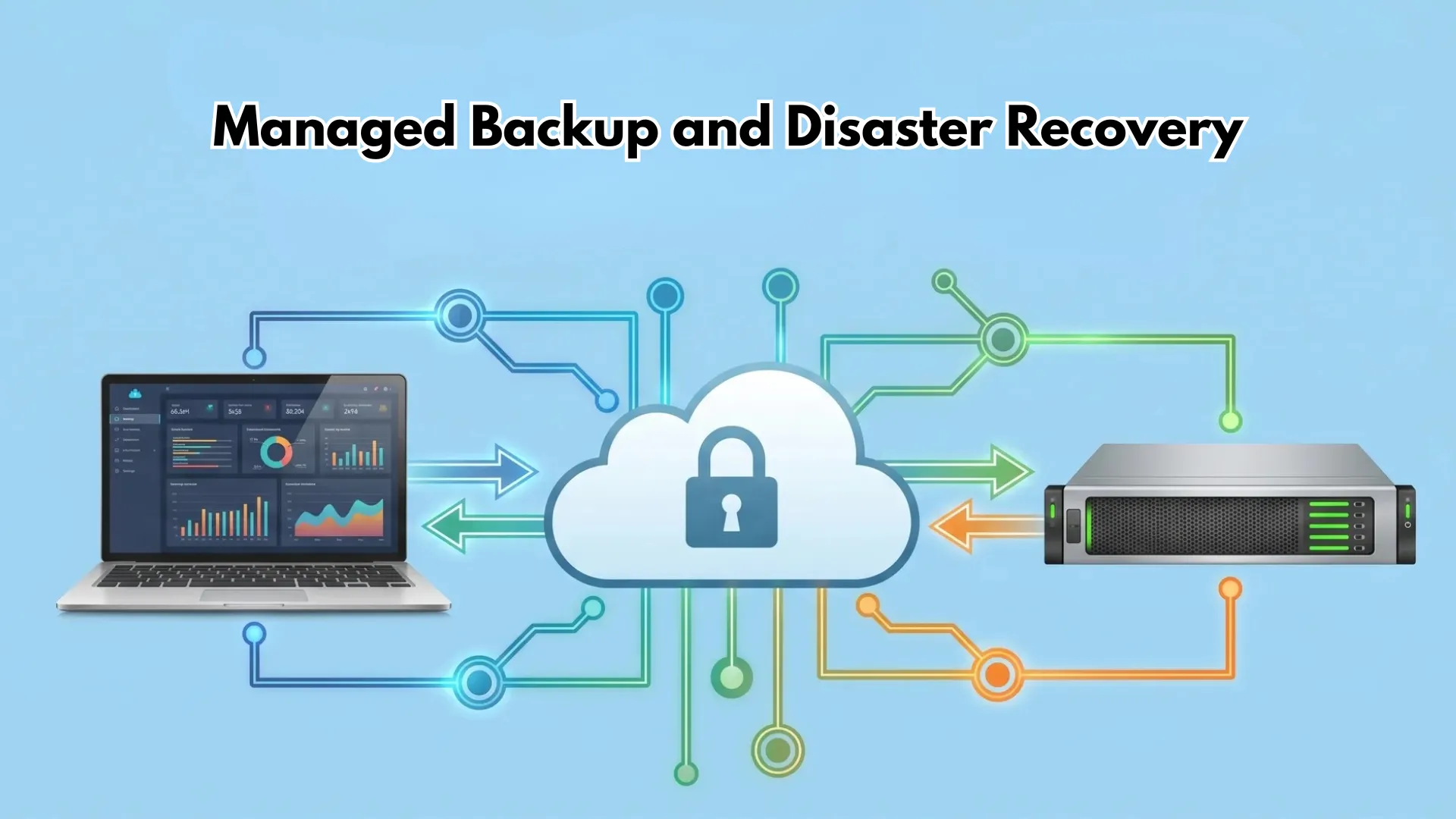
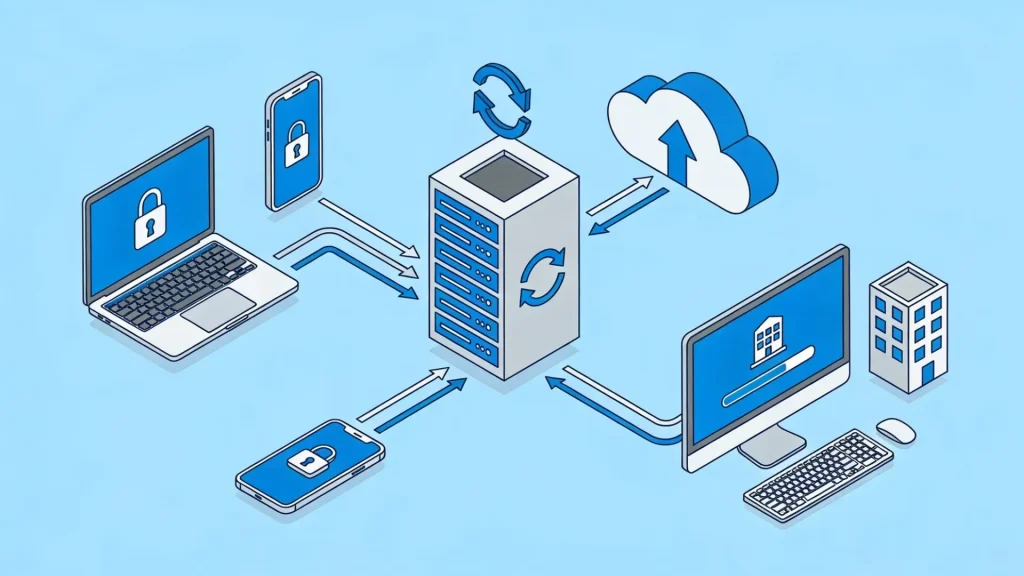
They work together to provide continuous protection for business data and systems.
Cloud backup regularly creates secure copies of files, applications, and databases, while disaster recovery helps restore operations quickly after an outage or attack.
The process usually starts with data replication, where information is copied to remote cloud servers in real time or at scheduled intervals.
Snapshot backups save system states at different points, making recovery faster and more accurate.
Recovery orchestration automates the steps needed to restore systems without long delays or manual work. Cloud failover allows workloads and applications to switch to backup environments during downtime.
Many businesses use Backup as a Service (BaaS) for automated backups and Disaster Recovery as a Service (DRaaS) for complete recovery and failover management in the cloud.
Types of Cloud Backup and Disaster Recovery Solutions
Businesses use different cloud backup and disaster recovery solutions based on their size, infrastructure, security needs, and recovery goals.
- Backup as a Service (BaaS): A cloud-based backup solution that automatically stores and manages business data through a third-party provider. It reduces manual work and supports scheduled backups, encryption, and remote storage.
- Disaster Recovery as a Service (DRaaS): A recovery solution that helps businesses restore servers, applications, and operations quickly after outages, cyberattacks, or system failures through cloud failover systems.
- Hybrid Cloud Backup: A combination of local backup storage and cloud backup that improves recovery speed while keeping off-site protection for emergencies and disasters.
- Multi Cloud Disaster Recovery: A strategy that stores backups across multiple cloud providers to reduce dependence on one platform and improve availability during cloud outages.
- Immutable Backup Storage: A secure backup method where stored data cannot be changed or deleted, helping businesses protect backup files from ransomware attacks and accidental deletion.
Best Practices for Managed Backup and Disaster Recovery
A strong backup and disaster recovery strategy helps businesses reduce downtime, protect important data, and recover quickly after unexpected problems.
1. Follow the 3-2-1 Backup Rule
The original 3-2-1 backup rule has evolved. The current standard, widely adopted as of 2026, is the 3-2-1-1-0 model:
- 3 copies of data (production plus at least two backups)
- 2 different storage media types, such as disk and object storage
- 1 copy stored off-site and isolated from the primary environment
- 1 immutable or air-gapped copy, protected from deletion or encryption
- 0 errors on recovery verification, backups must be tested, not assumed
That final principle is the one most teams overlook. A backup that has never been tested is not a backup; it is a hope. Regular recovery testing turns a backup strategy into real-world resilience.
2. Automate Backup Scheduling
Automating backup scheduling helps businesses avoid mistakes caused by missed or incomplete manual backups.
Employees may forget to run backups regularly, especially in busy work environments.
Automated systems handle the process on a schedule without requiring daily attention. Businesses can set hourly, daily, or continuous backups based on how important the data is.
Critical systems such as customer databases, payment platforms, and healthcare records often use real-time backups to reduce data loss.
3. Test Recovery Regularly
Regular recovery testing helps confirm that backup files are complete, secure, and usable during emergencies.
Businesses should perform quarterly recovery drills to check how quickly systems can be restored after a failure.
Sandbox testing creates isolated environments where recovery processes can be tested safely without affecting live systems.
Validation reports also help confirm that backup copies remain accurate and free from corruption.
4. Use Encryption and Access Controls
Strong encryption and access controls help protect backup data from unauthorized access and cyber threats.
AES 256 encryption is commonly used because it provides high security for stored and transferred data.
Businesses should also enable multi-factor authentication, often called MFA, to add another layer of login protection.
This reduces the risk of compromised accounts during phishing attacks or password theft. Role-based permissions are equally important.
5. Protect Against Ransomware
Ransomware attacks can lock businesses out of important files and systems within minutes.
Knowing how ransomware targets backup systems specifically helps teams build defenses that hold up when an attack actually hits.
Strong backup protection helps organizations recover without paying attackers for decryption access.
Immutable storage is one of the most effective protections because stored backup files cannot be changed or deleted after creation. This prevents ransomware from encrypting backup copies.
Threat detection tools also help identify suspicious activity before attacks spread across systems. Backup isolation adds another layer of security by separating backup environments from primary networks.
6. Monitor Backup Health Continuously
Backup failures can happen because of network interruptions, storage issues, expired licenses, or configuration errors.
Failed backup alerts notify IT teams immediately so problems can be fixed quickly.
Storage analytics also help businesses track backup capacity, system performance, and future storage needs.
Compliance monitoring is important for industries that must meet legal or security requirements for data retention and protection.
7. Document Every Recovery Procedure
Recovery playbooks provide step-by-step instructions for restoring servers, applications, and data after an incident.
These documents reduce confusion and improve coordination during stressful situations.
Incident response workflows also help teams understand how to detect problems, report issues, and begin recovery processes quickly.
Staff responsibilities should be clearly assigned so every employee knows their role during an emergency.
Common Mistakes Businesses Make With Backup and Disaster Recovery
Many businesses invest in managed backup and disaster recovery tools and still suffer data loss. The failure is usually not technical; it is procedural. These are the most common gaps:
- Treating cloud storage as backup: Cloud syncing keeps files accessible across devices. It does not create independent recovery copies for ransomware-encrypted or accidentally deleted data.
- Skipping recovery testing: Corrupted files and misconfigured recovery settings go undetected until the backup is actually needed.
- Single backup location: One backup environment exposed to the same attack or outage as the primary system offers no real protection.
- Ignoring endpoint devices: Employee laptops and remote devices are frequently excluded from backup policies, creating serious gaps in coverage.
- Weak access security: Missing MFA and weak password policies leave backup environments exposed to unauthorized access.
Managed Backup and Disaster Recovery Use Cases
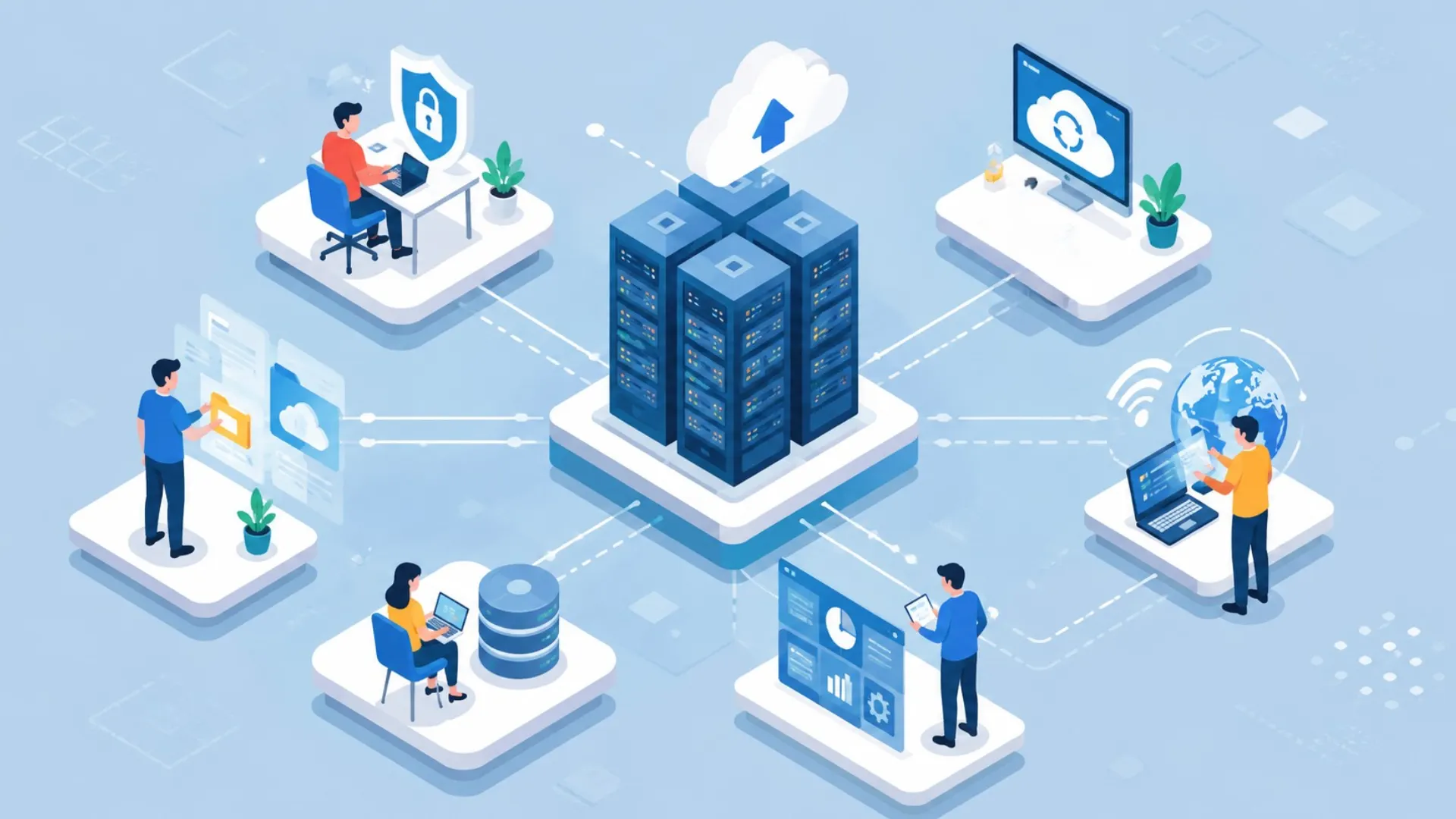
From small businesses to large enterprises, it improves security, business continuity, and operational stability in daily operations and emergency situations.
- Small Business Protection: Helps small companies recover important files, customer records, and operations after accidental deletion or system failures.
- Healthcare Data Recovery: Protects patient records and medical systems while supporting compliance with strict healthcare data protection regulations.
- Ecommerce Downtime Prevention: Keeps online stores running during outages by restoring payment systems, customer data, and website operations quickly.
- Remote Workforce Backup: Secures laptops, mobile devices, and remote employee data across distributed work environments and cloud platforms.
- Enterprise Disaster Recovery: Supports large organizations with multi-region backup systems, cloud failover, and continuous business operations protection.
- Ransomware Recovery Support: Allows businesses to restore clean backup copies after cyberattacks without paying expensive ransomware demands.
Compliance and Regulatory Requirements
Regulatory pressure around data backup has increased significantly in recent years, and buyers evaluating managed backup and disaster recovery solutions need to understand the compliance layer before choosing a provider.
Three frameworks are worth noting for 2026:
- HIPAA (healthcare): Updated rules finalized in 2026 have shifted backup requirements from “addressable” to mandatory for covered entities. Healthcare providers must demonstrate a 72-hour restoration capability for critical patient data. Verify exact requirements with your compliance team before publishing.
- DORA (EU financial sector): The Digital Operational Resilience Act requires financial entities to maintain backup policies and tested restoration procedures. Backups must be logically and physically separated from the source system.
- NIS2 (EU critical infrastructure): Requires essential and important entities to maintain up-to-date backups and a tested plan for restoring IT systems after an incident.
When evaluating BDR providers, confirm which compliance certifications they hold (SOC 2, HIPAA, PCI DSS, ISO 27001) and whether their environment supports your specific regulatory requirements.
Note: This section covers regulatory requirements for informational purposes only. Requirements vary by region, industry, and organization type. Consult a qualified compliance or legal professional before implementing policies based on this information.
Emerging Trends in Cloud Backup and Disaster Recovery
Cloud backup and disaster recovery are changing fast to meet new demands.
Businesses now use AI to predict failures and automate backups, making data protection smarter and quicker.
Immutable storage and ransomware protection have become standard to stop attacks from wiping out backups.
Many companies are shifting to multi-cloud setups for better flexibility and to avoid depending on one provider. Recovery times are getting shorter with instant failover and automated testing.
Edge computing is also growing, letting teams back up data from remote locations in real time.
Additionally, serverless options and pay-as-you-go models are cutting costs.
These trends help companies recover faster, spend less, and stay secure even during major outages. Staying updated with them is key to strong data safety.
Conclusion
Managed backup and disaster recovery are no longer optional for businesses that rely on digital systems and cloud data.
A strong backup strategy helps reduce downtime, protect sensitive information, and keep operations running during cyberattacks, hardware failures, or unexpected outages.
Choosing the right cloud backup and disaster recovery solution also improves long-term security and business continuity.
The most important thing is staying prepared before a disaster occurs instead of reacting after data is lost.
Every business has different recovery needs, so building a plan that fits daily operations is essential.
Have you faced a backup failure or recovery challenge before? Share your experience, lessons, or questions in the comments below and join the conversation.
Frequently Asked Questions
What are the 4 Types of Backup?
The four main backup types are full backup, incremental backup, differential backup, and mirror backup. Each offers different storage, speed, and recovery advantages.
What are the 5 Steps of Disaster Recovery?
The five disaster recovery steps include risk assessment, backup creation, recovery planning, recovery testing, and system restoration to reduce downtime and data loss.
What is the Difference Between Cloud Backup and Cloud Storage?
Cloud backup creates recoverable copies of data, while cloud storage mainly helps users access and sync files across devices online.