Phone screens sometimes act up without warning. One minute, everything works fine; the next, your taps and swipes barely register. This is where hidden service tools come into play.
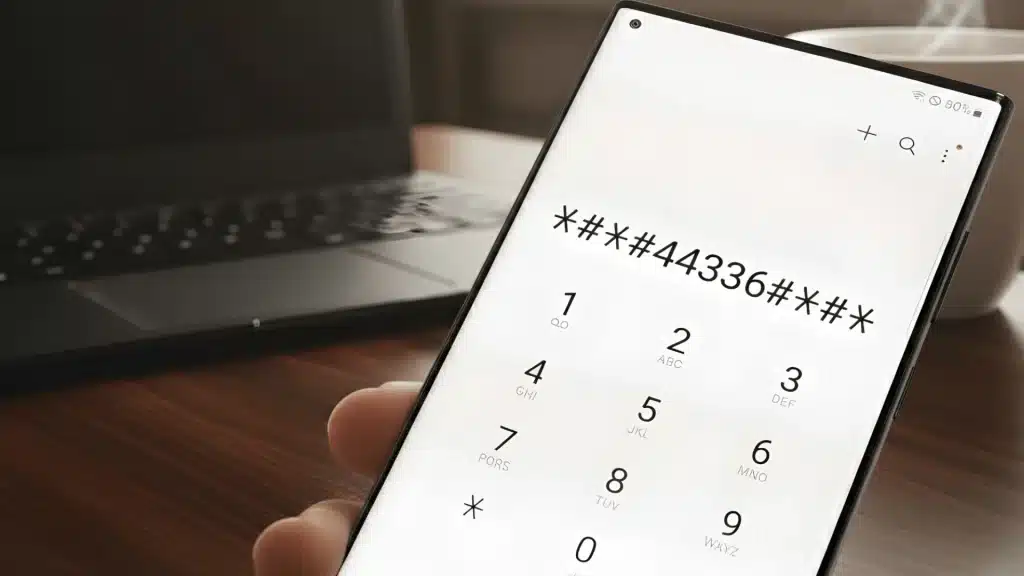
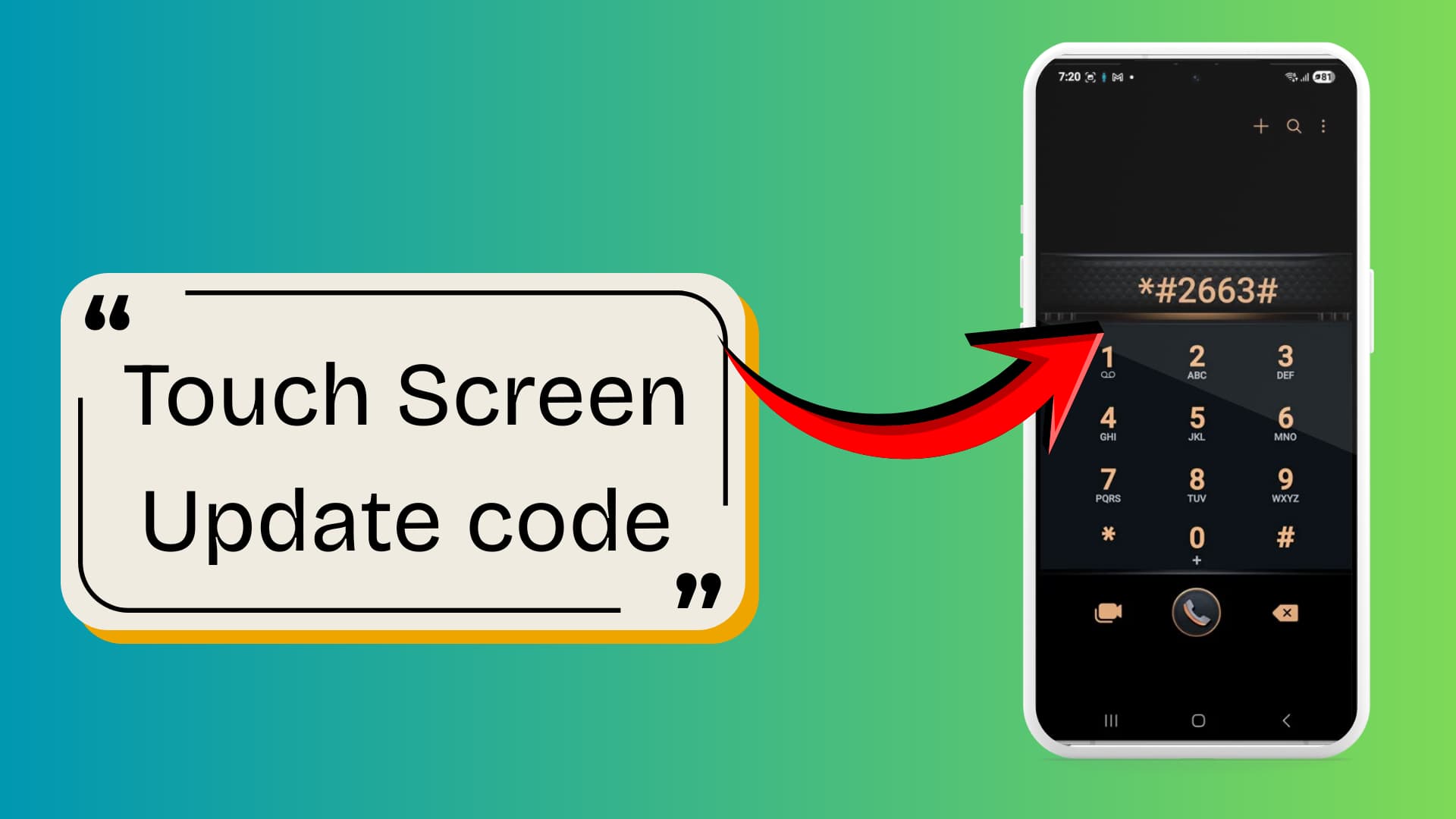
Many users search for fixes like the *#2663 touch screen update, a built-in code that can refresh touchscreen firmware on certain phones.
At the same time, people often confuse such tools with a master code to unlock a phone, even though they serve different purposes.
Understanding what these codes actually do can save you time and frustration.
In this blog, you will learn what the *#2663 touch screen update is, how it works, and how using it can actually fix touchscreen problems.
What Is the *#2663 Touch Screen Update Code?
The *#2663 touch screen update code is a hidden service code found on many Samsung smartphones.
When entered in the phone dialer, it opens a system menu that allows the device to update or refresh the touchscreen firmware.
This process can help improve how the screen detects taps and swipes, especially if the phone has started responding slowly.
People usually search for this code when their phone screen begins lagging, missing touches, or acting inconsistently.
Instead of replacing the screen right away, users try this update to see if a firmware refresh solves the issue.
Note: The code commonly appears on Samsung Galaxy devices, including several models in the Galaxy S, Note, and some Galaxy A series.
Why Phone Screens Become Unresponsive?
A phone screen can stop responding for several reasons, and it does not always mean the screen is damaged.
One common cause is temporary software glitches that affect how the system reads touch input. When the phone is running too many apps at once, the processor can slow down and delay touch response.
Outdated system updates can also create compatibility issues that interfere with the touchscreen driver.
In some cases, a recently installed app may conflict with system functions, causing the screen to freeze or ignore touches.
This is why troubleshooting steps, such as a Network Reset Fix for Service Errors, are sometimes recommended.
Background processes, overheating, or a bug in the operating system can also interrupt normal touch detection, making the phone feel unresponsive for short periods.
How to Use the *#2663 Touch Screen Update Code?
If your phone screen feels slow or misses touches, the *#2663 touch screen update code can refresh the touchscreen firmware and improve how your device registers input.
- Open the Phone Dialer: Unlock your phone, then launch the default dialer app where you normally enter phone numbers.
- Enter the Code: Carefully type *#2663# in the dialer. The service menu should appear automatically without pressing the call button.
- Access the Firmware Menu: Once the menu opens, look for the option related to TSP firmware update or touchscreen firmware settings.
- Run the Touch Screen Update: Tap the TSP FW Update option to refresh the touchscreen firmware stored in the device.
- Wait for the Process to Finish: The phone will update the firmware and display a confirmation message once the touchscreen update completes successfully.
I’d like to give credit to Xfix for their informative video, which served as a reference for this guide
Is It Safe To Use the *#2663 Code?
Yes, the *#2663 touch screen update code is generally safe to use on supported Samsung devices because it simply refreshes the touchscreen firmware already installed on the phone.
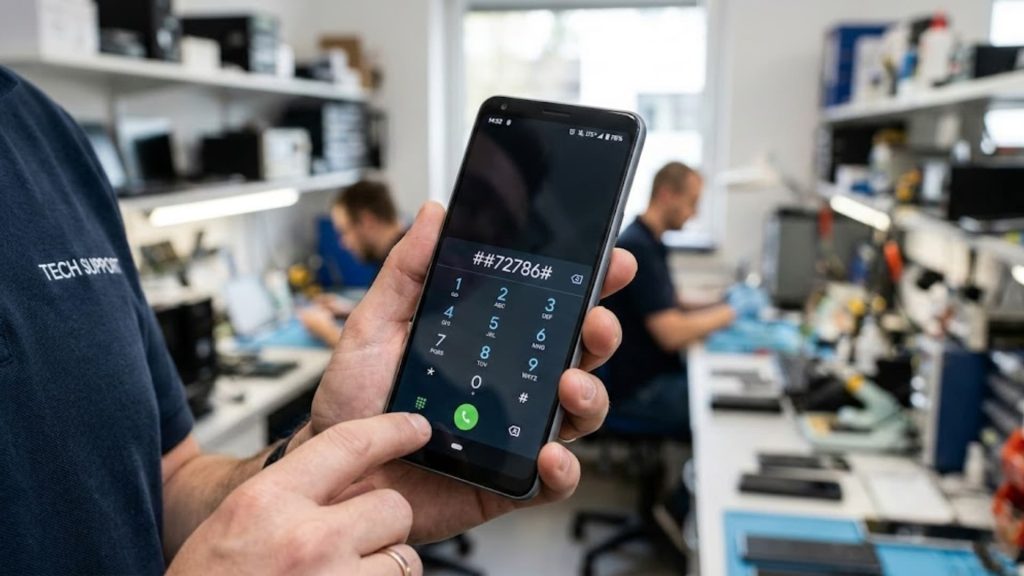
It does not erase personal data or change major system settings. Many technicians use this code to troubleshoot touch issues before considering hardware repair.
However, it should only be used when the device actually supports the service menu. Running the code on unsupported phones will usually do nothing, but repeated attempts are unnecessary.
You should also avoid using it if the screen is physically damaged, cracked, or water-damaged.
In such situations, the problem is hardware-related, and a firmware update will not fix the touchscreen behavior.
What To Do If the Update Does Not Work?
If the *#2663 touchscreen update does not resolve the problem, the issue may be due to system glitches, outdated software, or temporary cache errors.
In many cases, a few basic troubleshooting steps can restore normal touch response without needing repairs.
First, restart the phone. A quick reboot clears temporary processes that may interfere with touch input. Next, check for system updates in the settings menu, since software patches often fix touchscreen bugs.
Finally, try clearing the system cache or recalibrating the touch settings if your device supports it. These steps can often resolve software-related responsiveness issues rather than hardware damage.
Common Problems After Using the Code
Even after running the *#2663 touchscreen update, some users still notice touchscreen issues. These problems usually happen due to software conflicts:
- Touch Lag Still Happens: The screen may continue to respond slowly if the issue stems from heavy background apps, system bugs, or limited device performance.
- Screen Becomes Less Responsive: In some cases, the touchscreen may register fewer touches if the firmware update does not properly refresh the touch driver.
- Code Does Not Work on Some Phones: Many modern devices block service codes, especially on non-Samsung phones or carrier-locked models.>
- Menu Does Not Open: Entering the code may show no response if the phone firmware restricts access to hidden service menus.
- Hardware Damage Still Exists: If the digitizer or screen hardware is damaged, the update code cannot fix the physical problem.
Conclusion
Touchscreen problems can be frustrating, especially when your phone suddenly stops responding to taps and swipes.
In many cases, this touchscreen update can refresh the touchscreen firmware and improve responsiveness on supported Samsung devices.
While it is not a guaranteed fix for every issue, it is a simple troubleshooting step worth trying before considering repairs.
If the problem persists, checking for software updates or inspecting for possible hardware damage may be necessary.
Knowing how these hidden service codes work can save time and effort when dealing with screen issues.
If you have tried the *#2663 touchscreen update, share your experience and leave your comments below.