The Samsung Galaxy Tab S9 has made quite a splash in the tablet market, but is it truly worth the hefty price tag it demands today?
In this blog, I will share its performance in everyday scenarios, from work tasks to streaming shows and light creative activities. I’ve gathered key insights that go beyond the spec sheets.
This review discusses real-world performance, display quality, battery life, and overall usability, offering a clear picture of how the Galaxy Tab S9 fits into daily routines.
Instead of just listing features, I’ve paid close attention to the finer details like comfort during long hours of use, smoothness in software flow, and the balance it strikes between power and portability.
If you’re considering this tablet alongside other premium options, this in-depth overview will help support your decision.
Samsung Galaxy Tab S9: Brief Overview
The Samsung Galaxy Tab S9 is a premium tablet designed for those seeking an adaptable device that excels in both productivity and entertainment.
With a sleek and modern design, it strikes a balance between performance and portability. Its display is vibrant and sharp, offering an immersive experience for streaming, gaming, or creative work.
The tablet’s software is smooth and intuitive, making navigation effortless while supporting multitasking and productivity apps.
Whether for work tasks, casual browsing, or light creative projects, the Galaxy Tab S9 adapts to a range of needs, making it a solid choice for those who value tablet flexibility.
The device is also built for comfort during extended use, ensuring it remains functional and convenient for long hours of work or leisure.
Overall, it offers a well-rounded experience for users looking for a premium tablet.
Samsung Galaxy Tab S9 Review: Key Features
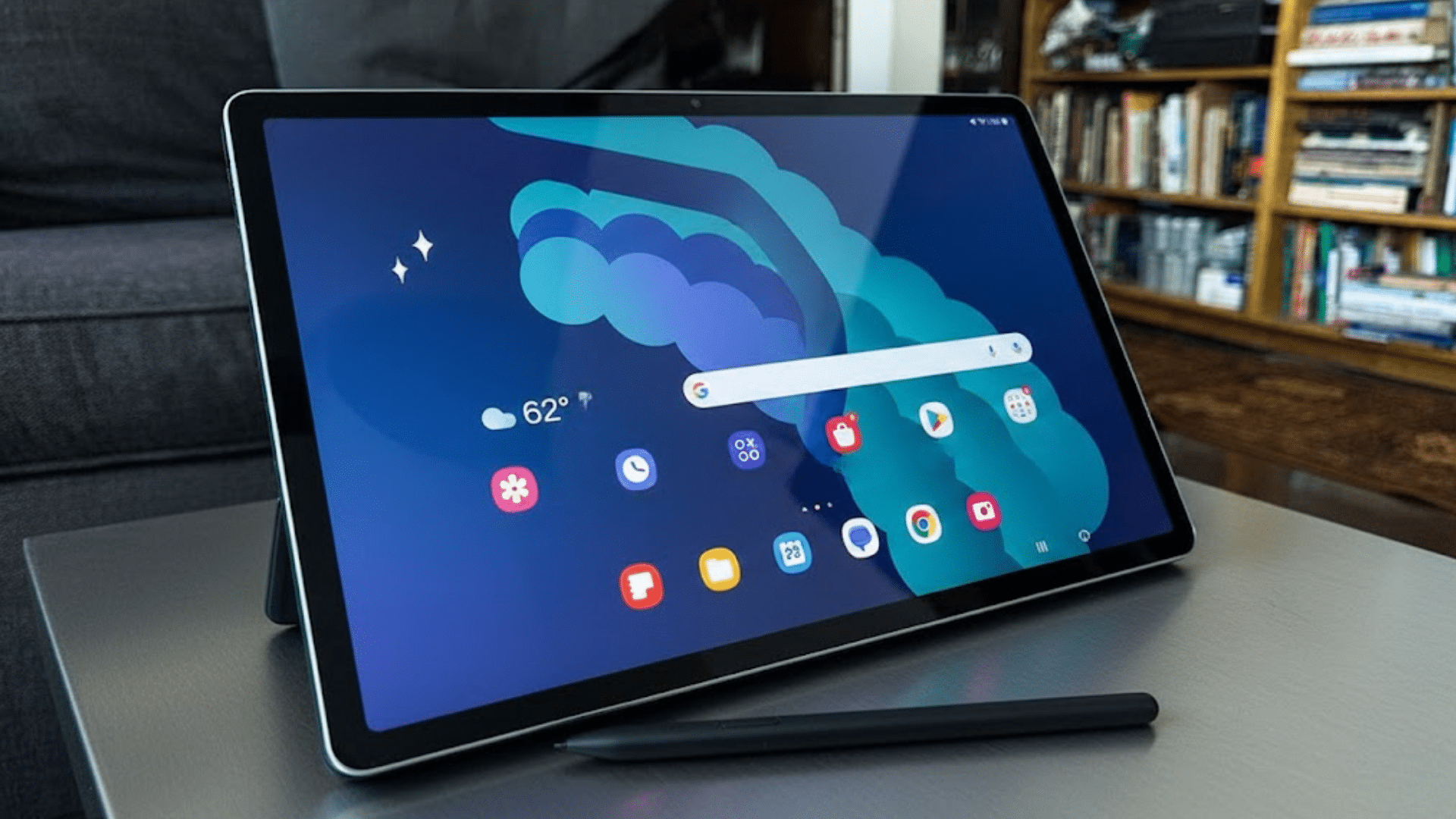
The features listed below highlight how the tablet handles daily use, covering hardware choices, performance balance, and practical value for users considering this device today.
1. Design and Build Quality
The build focuses on durability while maintaining a slim, lightweight profile suitable for long sessions.
The tablet features an Armor Aluminum frame with an IP68 rating, offering resistance to dust and water. Materials feel solid, resisting flex and fingerprints during regular handling.
Button placement is practical, allowing easy access in both landscape and portrait use. The tablet maintains balance when paired with accessories like the S Pen, which is included and magnetically attaches.
2. Display Performance
Screen quality plays a significant role in tablet satisfaction, and this panel delivers sharp visuals with consistent color output.
The 11-inch Dynamic AMOLED 2X display supports a 120Hz refresh rate, providing smooth scrolling and playback. Brightness levels remain comfortable indoors and outdoors.
The resolution supports clear text and detailed visuals for streaming and multitasking. Thin bezels keep the device compact while maximizing screen space.
3. Camera Quality Assessment
Camera performance supports basic photography and video needs, but it does not replace dedicated cameras.
The rear 13MP camera captures clear images in good lighting, while the 12MP ultra-wide front camera suits video calls and meetings.
Color accuracy remains stable, and autofocus helps with document scanning. Video recording stays steady for handheld use. Camera software remains simple and practical.
4. Battery Life and Charging
Battery life is designed to last through a full day of mixed use without frequent charging breaks. The 8,400mAh battery handles streaming, browsing, and productivity tasks at a steady pace.
Standby efficiency helps conserve power when the device is idle. The tablet supports 45W fast charging, allowing quicker top-ups during short charging sessions.
Heat control remains stable during charging, ensuring safe, consistent performance.
5. Audio Quality and Speaker Performance
Speaker output delivers clear sound suitable for media, calls, and casual listening without external accessories.
The quad-speaker setup, tuned by AKG and supporting Dolby Atmos, delivers balanced audio with good volume. Bass remains controlled, while dialogue stays clear during videos and calls.
Stereo separation improves immersion in landscape mode. Audio tuning adapts well across music, games, and streaming content.
Software Experience of Samsung Galaxy Tab S9
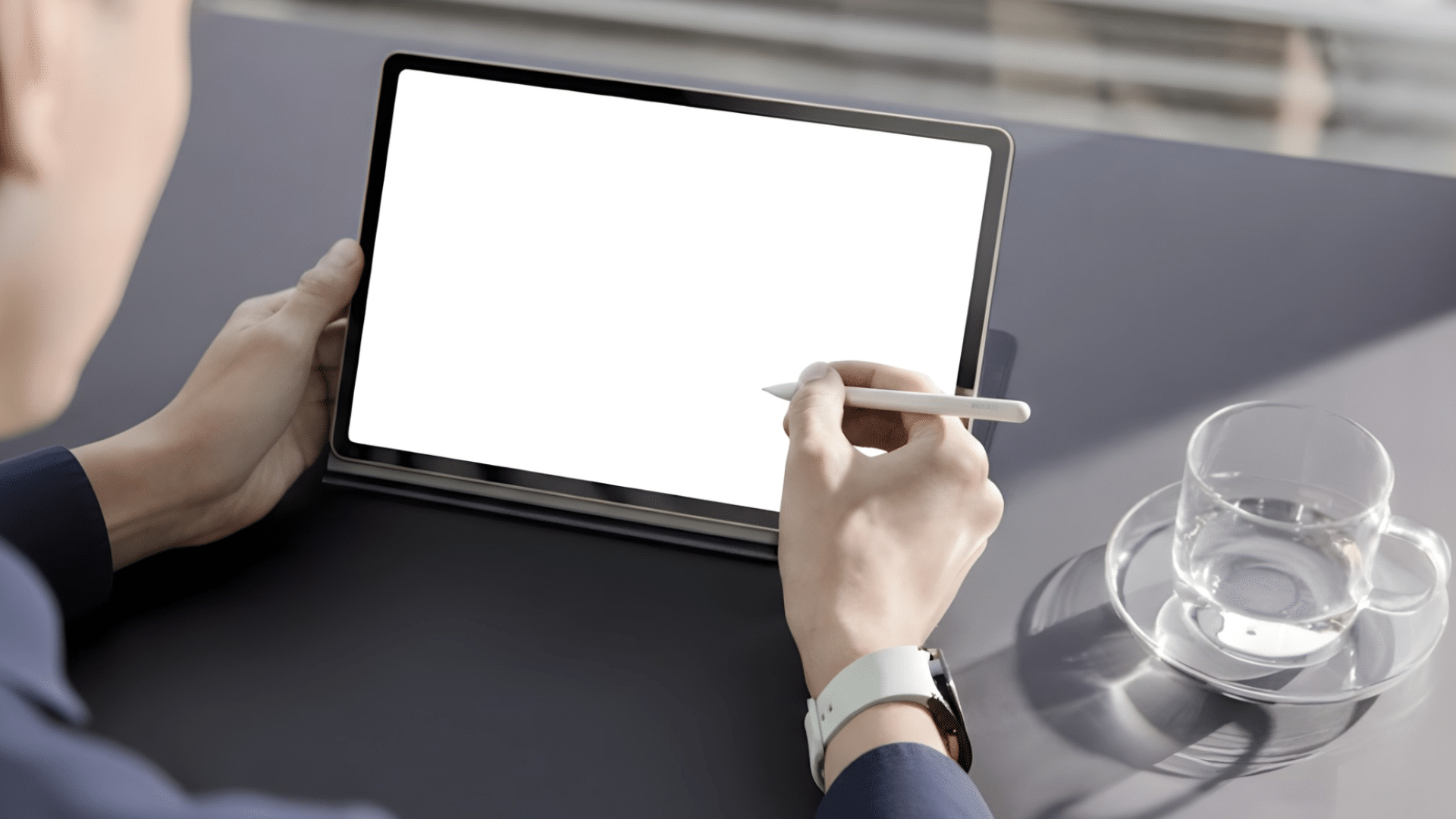
The software experience combines One UI with Android to deliver a smooth, organized interface. Navigation feels intuitive, with clear menus and logical placement of settings.
Multitasking tools support split-screen and floating-window modes, making productivity tasks easier to manage.
App compatibility remains strong, ensuring access to a wide range of work and entertainment options. Regular updates help maintain security and performance stability over time.
Customization options allow users to adjust layouts, notifications, and controls to match personal preferences.
Integration with other Samsung devices adds convenience, supporting file sharing and workflow continuity.
Overall, the software environment balances simplicity with valuable features for daily tablet use across work, learning, and leisure activities.
Pricing and Value Analysis of Samsung Galaxy Tab S9
Samsung Galaxy Tab S9 offers top-tier performance. Its Snapdragon 8 Gen 2 chip handles demanding tasks smoothly.
The 11-inch Dynamic AMOLED 2X display shines at 120Hz. IP68 rating ensures durability against water and dust.
S Pen inclusion boosts creativity and notes. The battery lasts up to 16 hours for all-day use. The 128GB Wi-Fi model costs $650-$800. The 256GB version reaches about $920.
Seven years of updates rival iPads. DeX mode enables desktop-like multitasking. MicroSD expansion adds storage flexibility.
Cameras include 13MP rear and 12MP front. AI tools like Note Assist enhance productivity. The premium build justifies the price for power users.
Samsung Galaxy Tab S9 Review: Community Feedback
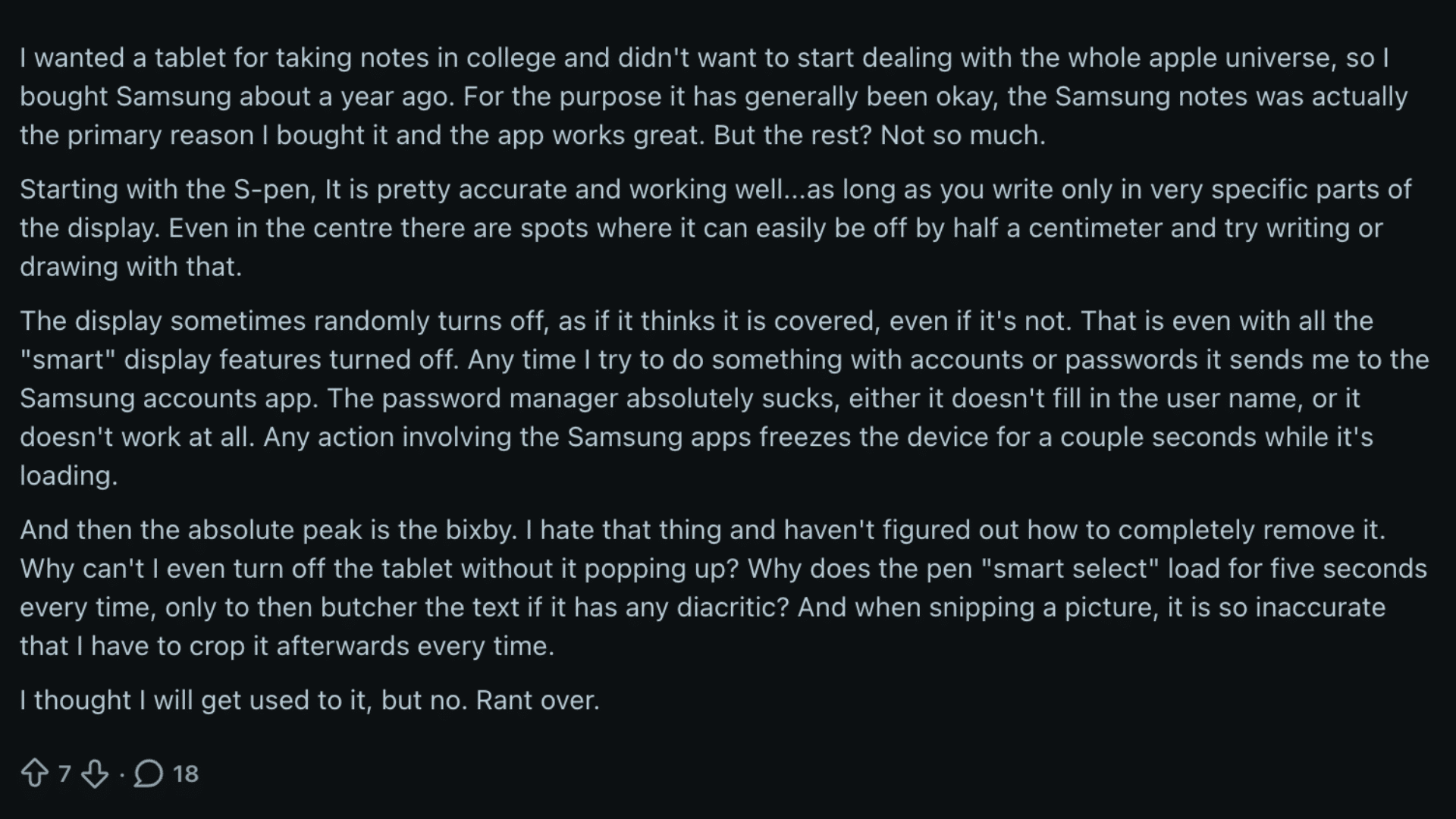
Community feedback on Reddit is mixed about the tablet’s long-term use.
Many college users chose it mainly for note-taking, with Samsung Notes often praised for reliability and smooth writing flow.
However, several Reddit users report inconsistent S Pen accuracy, noting offset issues in certain screen areas that affect writing and drawing precision.
Other concerns include random display shutdowns, frequent system slowdowns when Samsung apps load, and frustrations with the built-in password manager.
Bixby is a common complaint, described as intrusive and difficult to disable, especially during basic actions like powering off the device.
Features such as Smart Select and screenshot tools are also criticized for slow response and poor accuracy.
Overall, this Samsung Galaxy Tab S9 review sentiment reflects appreciation for core features but growing frustration with software behavior, based on Reddit discussions.
Pros and Cons of Samsung Galaxy Tab S9
A quick overview of the main strengths and limitations helps clarify what the Samsung Galaxy Tab S9 offers before weighing its overall value and suitability for different users.
| Pros | Cons |
|---|---|
| Bright, smooth AMOLED display | Premium price point |
| Strong performance for multitasking | Keyboard sold separately |
| Solid battery life | Limited desktop-style apps |
| Water and dust resistance | Charging speed could be faster |
| Clean One UI experience | The camera’s average performance in low light |
Who Should Buy the Samsung Galaxy Tab S9?
Buying a premium tablet makes sense only when it matches daily habits and expectations.
The Samsung Galaxy Tab S9 Review is aimed at users who want a powerful Android tablet for focused productivity, creative hobbies, and high-quality media use.
Students benefit from smooth multitasking, note-taking support, and a clear display for reading and research.
Professionals who travel or work remotely gain value from strong performance, long battery life, and reliable software tools.
Content consumers will enjoy the rich screen and balanced speakers for streaming and casual gaming. It also suits users already invested in the Samsung ecosystem for easy device syncing.
Users requiring full desktop software, advanced video editing, or intensive coding may find a laptop more suitable than a tablet for demanding professional work and long-term performance needs.
Conclusion
I’ve shared an honest look at where this tablet fits and where it does not. This Samsung Galaxy Tab S9 review shows a device built for smooth performance, strong visuals, and dependable daily use.
It works well for students, professionals on the move, and anyone who prefers a premium Android tablet experience.
The display, battery life, and software balance make it reliable for work and downtime alike. At the same time, it is essential to weigh the price and understand its limits compared to laptops.
If those trade-offs align with your needs, this tablet can be a wise choice. Still unsure?
Drop your thoughts, questions, or buying concerns in the comments below and join the discussion.
Your feedback helps others decide faster and keeps the conversation useful.