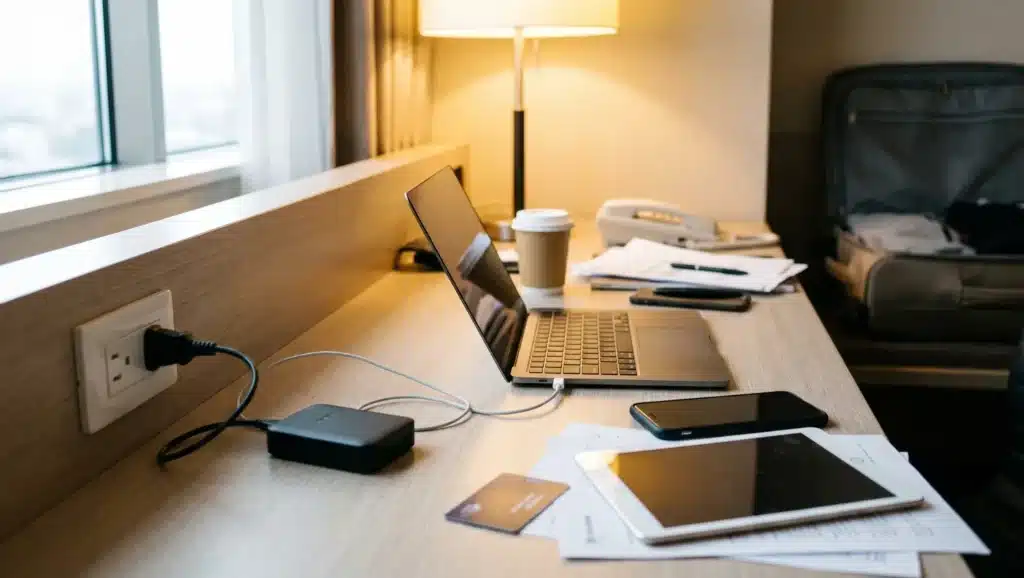
Travel Wi-Fi can seem fine until your laptop connects, your phone drops the connection, and your streaming stick will not open the login page. That small mess can slow down work, plans, or a quiet night in your room.
If you have asked what a travel router is, think of it as a pocket-sized Wi-Fi helper for trips. It gives your devices one saved network to use when hotel Wi-Fi feels limited or hard to manage. It does not give you internet access on its own unless it has SIM or eSIM support.
You can use it in hotels, rentals, dorms, offices, and other places where the Wi-Fi process feels harder than it should. A few basics can help you decide if it is worth packing.
What is a Travel Router?
A travel router is a compact router designed for trips, remote work, and shared internet connections. It creates a private Wi-Fi network for your devices, making it easier to stay connected while away from home.
Instead of connecting each phone, laptop, tablet, or streaming device directly to the hotel or public Wi-Fi, you connect them to the travel router. This gives you one consistent network throughout your trip.
Many travel routers also support Ethernet, USB tethering, or SIM and eSIM connections, giving you multiple ways to get online when traditional Wi-Fi is unavailable.
A travel router won’t make a slow internet connection faster, but it can simplify setup, reduce connection hassles, and make managing multiple devices much easier.
How Does a Travel Router Work?
A travel router acts as a bridge between your devices and the available internet connection.
First, connect the router to a source such as hotel Wi-Fi, airport Wi-Fi, an Ethernet port, USB tethering, or mobile data. The router then creates its own secure Wi-Fi network with a unique name and password.
Once your devices are connected to that network, they continue using the same connection throughout your stay.
In many hotels, you only need to complete the Wi-Fi login once through the router instead of repeating the process on every device.
Depending on the hotel’s network rules, the router may also count as a single connected device, making it useful where device limits apply.
How Portable Wi-Fi Routers Work
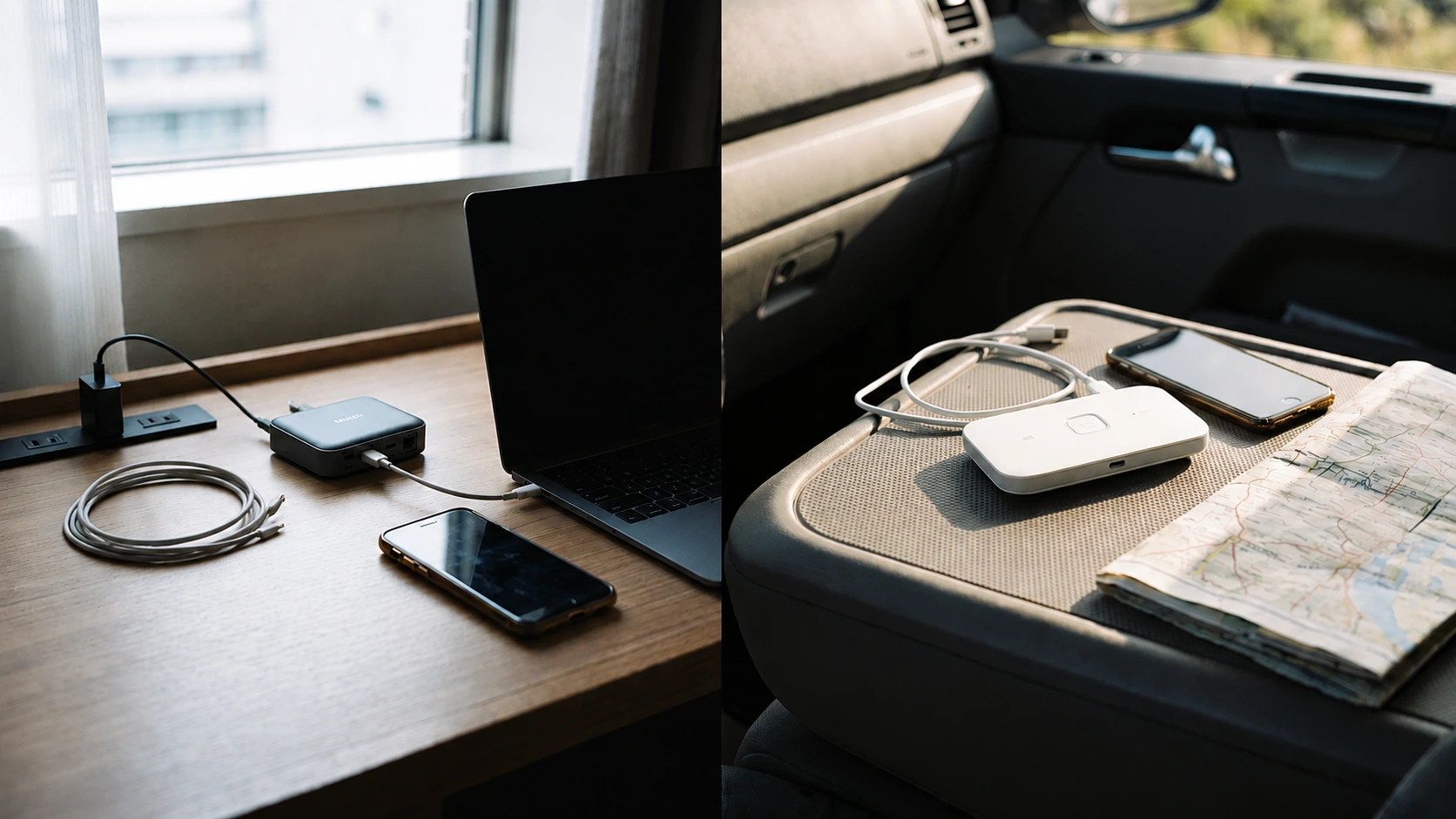
The question of how portable wifi routers work usually comes from a mix-up. Some people mean a travel router, while others mean a mobile data device.
A basic travel router shares the existing internet connection. It connects to Wi-Fi or Ethernet, then lets your devices join through one saved connection. This type usually does not need its own monthly plan.
A portable Wi-Fi router with a SIM or eSIM connects to a 4G or 5G mobile network and shares that mobile data over Wi-Fi. This type usually needs a data plan.
| Device | Internet source | Best use |
|---|---|---|
| Travel router | Existing Wi-Fi or Ethernet | Hotels, rentals, dorms, offices |
| Portable router with SIM | Mobile data | Road trips, RVs, backup internet |
| Phone hotspot | Phone data | Short use with a few devices |
| Regular router | Home broadband | Full home Wi-Fi |
If Wi-Fi already exists where you stay, a basic travel router may be enough. If there is no Wi-Fi, look for a cellular model instead.
Why Use a Travel Router?
A travel router helps when travel internet feels harder than it needs to be. It is useful when you carry more than one device, use hotel Wi-Fi often, or want more control over how your devices connect. Key reasons travelers use one include:
- Easier device setup: Your devices can remember one Wi-Fi name, so you do not have to connect each one from scratch every time you travel.
- Help with hotel device limits: Some hotels limit how many devices can connect. A travel router may count as a single device, while your phone, laptop, tablet, or streaming device connects to it.
- More privacy on shared Wi-Fi: Public Wi-Fi is shared. A travel router can place your devices behind your own small network, which can reduce direct exposure to other users.
- VPN support on some models: Some travel routers let you run a VPN through the router. This can help with devices that do not run VPN apps well, such as streaming sticks, smart TVs, or gaming consoles.
A travel router does not replace safe browsing or a trusted VPN, but it can make travel Wi-Fi easier to use and manage.
Which Type Fits Your Trip?
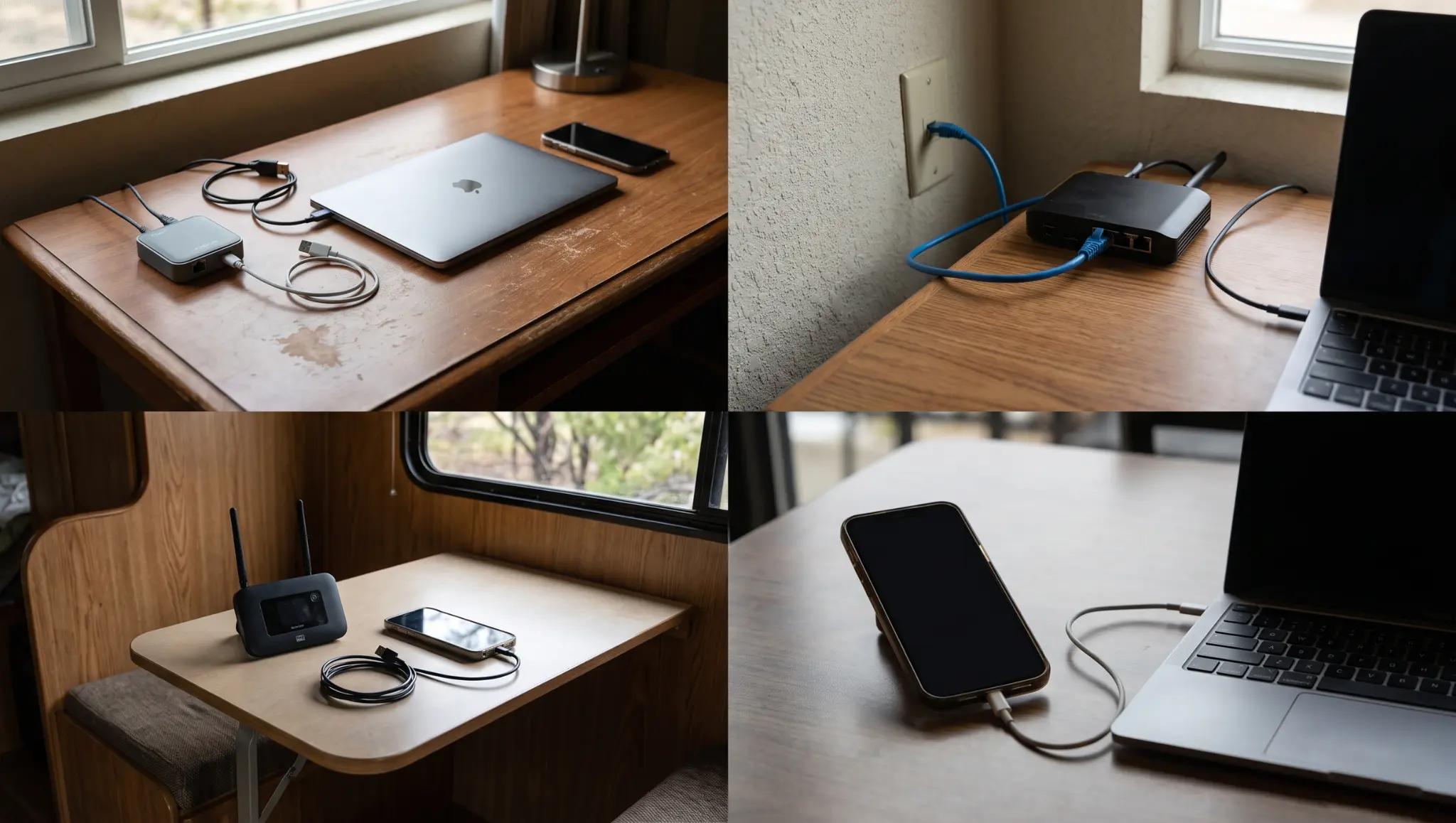
Not every traveler needs the same kind of device. The right choice depends on where you are going, how many devices you carry, and whether Wi-Fi already exists there.
| Travel situation | Better choice | Why it fits |
|---|---|---|
| Hotel stay with Wi-Fi | Basic travel router | It can make hotel Wi-Fi easier to share with your own devices |
| Hotel room with Ethernet | Travel router with Ethernet | It can turn a wired port into Wi-Fi for your phone, laptop, or tablet |
| Road trip or RV stay | SIM or eSIM portable router | It can use mobile data when regular Wi-Fi is not available |
| Cruise or paid public Wi-Fi | Travel router, with caution | It may help with device sharing, but the network rules can still limit use |
| Remote work trip | Mid-range travel router | It gives you better control, Ethernet support, and VPN options on some models |
| One phone and light browsing | Phone hotspot | It may be enough if you only need a short connection for one or two devices |
This section makes the choice clearer. If Wi-Fi is already available, a basic travel router is usually the practical option. If you need internet away from Wi-Fi, a portable SIM or eSIM router makes more sense.
Simple Hotel Setup Steps
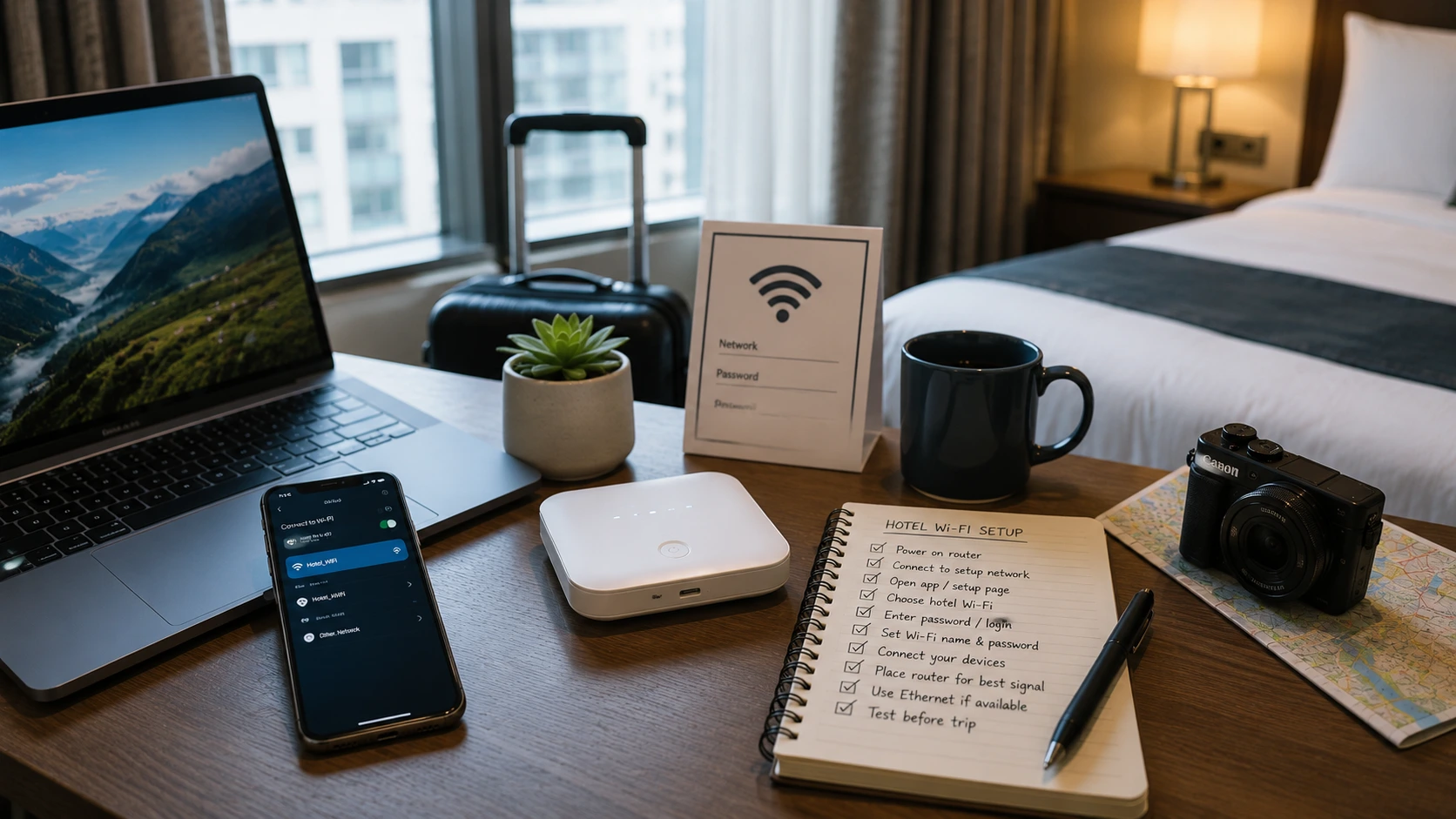
Hotel Wi-Fi is one of the clearest use cases for a travel router. The setup is usually easier after you test the device once at home.
- Power on the router
- Connect your phone or laptop to its setup network
- Open the router app or setup page
- Choose the hotel Wi-Fi
- Enter the password or complete the login page
- Set your own Wi-Fi name and password
- Connect your devices to that network
Place the router where the hotel signal is stronger. If your room has Ethernet, use it when possible. Testing before your trip can save time later. For spots with no hotel Wi-Fi at all, some travelers now rely on a satellite dish that connects to a router, much like a home broadband modem.
Cost and When It Makes Sense
A travel router can be a one-time purchase or an ongoing cost, depending on the type you choose. A basic model costs less because it only shares Wi-Fi or Ethernet. A SIM or eSIM model costs more because it can use mobile data.
| Type of device | Rough device cost | Ongoing cost | Best for |
|---|---|---|---|
| Basic travel router | $25 to $60 | Usually none | Hotel Wi-Fi, rentals, dorms, and short trips |
| Mid-range travel router | $60 to $130 | Usually none | Frequent travel, remote work, VPN use, and more devices |
| Advanced travel router | $130 to $200+ | Usually none unless using mobile data | Faster Wi-Fi, stronger features, and heavier travel use |
| SIM or eSIM portable router | $150 to $500+ | Usually needs a data plan | Road trips, RVs, backup internet, and places without Wi-Fi |
| Phone hotspot | No extra device cost | Uses your phone plan | Short use with one or two devices |
Prices change by brand, speed, and features, so use these as rough ranges rather than fixed costs. A basic travel router makes sense when Wi-Fi already exists, but connecting your devices feels annoying or limited. If you need internet where there is no Wi-Fi at all, choose a SIM or eSIM model instead.
Beyond SIM and eSIM routers, tiered pricing like this also shows up in other portable tech, with entry-level, mid-range, and pro-level gear often following a similar price ladder based on features and build quality.
Quick Tips Before You Use One
A few small checks can help your travel router work better once you reach your hotel, rental, or work stay.
- Test it before you travel: Turn it on at home, open the setup page or app, and make sure you know how to change the Wi-Fi name and password.
- Pack the right power cable: Some travel routers use USB-C, while others need a wall adapter. Bring the cable and charger that match your model.
- Place it in a better signal spot: If the room Wi-Fi is weak near the desk, move the router closer to the strongest signal area.
- Use Ethernet if you have it: A wired port can be more stable than weak room Wi-Fi, especially for work calls or streaming.
- Check router settings early: If you need special settings, update them before the trip so you are not troubleshooting after check-in.
These tips focus on setup problems you can avoid before they slow you down.
Last Drive
By now, what a travel router is should feel much clearer. It is a small Wi-Fi helper that sits between your devices and the internet source you already have.
It can make hotel Wi-Fi easier to use, support VPN use on some models, and make it easier to connect your devices during a trip.
It will not fix every weak connection, and it still depends on the internet source available where you are staying. Still, if you travel with several devices or work away from home, it can be a smart buy.
I would choose based on your actual trips, not only the device specs. Check your travel habits, compare the right type, and choose one before your next stay with confidence. Drop a comment below and let me know if hybrid worked for you.
Frequently Asked Questions
Can It Work on a Cruise?
Yes, it can work on some cruises, but ship Wi-Fi often has stricter login rules, paid plans, and device limits. Some networks may block sharing, so check the cruise internet terms before relying on it.
Will It Make Slow Wi-Fi Faster?
Usually, no. It can improve placement and make device sharing easier, but speed still depends on the original network. If the hotel connection is weak or crowded, your own network will still feel slow, too.
Can It Help with a Streaming Stick?
Yes. Streaming sticks often struggle with hotel login pages because they lack easy access to a browser. After the main login is handled through the setup page, the stick can join your saved Wi-Fi more easily on trips.
Is the Setup Hard for Beginners?
Not usually, but the first setup can take a few minutes. The hotel login page is often the hardest part. Test the device at home, save your network name, and pack the right cable too.