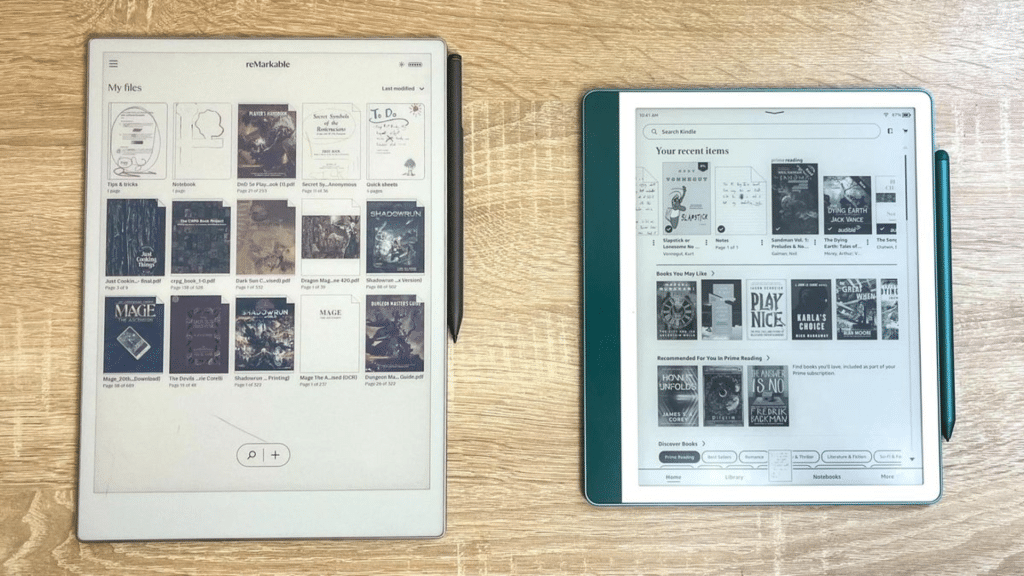
Choosing between the Remarkable vs Kindle Scribe can feel confusing, especially when both promise a paper-like screen and smart note-taking. I noticed that most users are not just looking at specs.
They want real opinions from people who actually use these devices every day. That is exactly what this comparison focuses on.
Instead of relying on brand claims, this post is shaped by real reviews and discussions from users who have shared their honest experiences with both the Remarkable 2 and the Kindle Scribe.
Some users care more about writing feel, while others focus on reading, PDFs, or daily workflow. By pulling those voices together, this article helps show how each device performs in real life.
If you are trying to decide which E-Ink tablet fits your needs, these shared experiences can make that choice clearer.
General Review Based on User Experiences
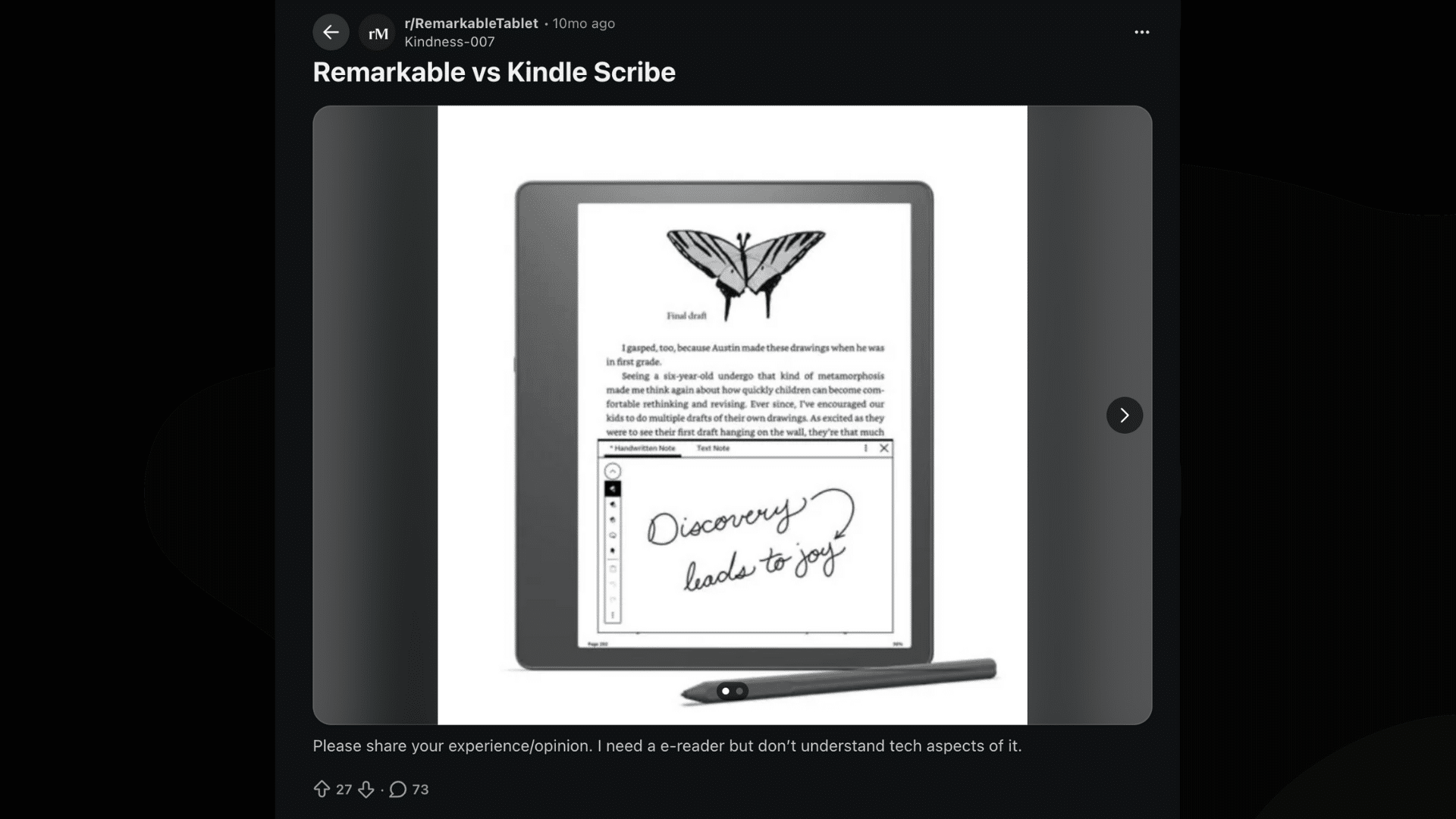
Users talk about reMarkable vs Kindle Scribe on Reddit; the overall tone is clear and practical. Most people are not arguing about which device is “better” in general.
Instead, they share how each one fits into real daily use. Many users describe the Kindle Scribe as a solid choice for reading books, reviewing PDFs, and adding quick notes while reading.
It feels familiar, especially for those already using Kindle devices.
On the other side, users often describe the Remarkable 2 as a focused writing tool. They like how it feels closer to paper and helps them stay on task.
Across reviews, the standard message is simple: Kindle Scribe works best for readers who also take notes, while reMarkable suits people who write first and read second.
User-Noted Differences: Remarkable vs Kindle Scribe
This section shares how real users describe the everyday differences between reMarkable and Kindle Scribe based on hands-on use.
1. Kindle Scribe – Built Around Reading
When users compare Remarkable vs Kindle Scribe, many describe the Kindle Scribe as a reading-focused device with note-taking added on.
Users say it works best for Kindle books, PDFs, and research files, especially for long reading sessions. Highlighting and quick notes feel smooth, but several users mention that writing tools feel limited for detailed notebooks.
Overall, users see it as a strong option for readers who occasionally write rather than people who rely on heavy note-taking.
2. Remarkable 2 – Built Around Writing
In the Remarkable vs Kindle Scribe comparison, users consistently point to the Remarkable 2 as the stronger writing-focused device.
Many say the pen feels closer to real paper, which makes long notes, journaling, and daily planning more comfortable and natural.
Users also appreciate the distraction-free layout, saying it helps them stay focused during writing sessions.
While the device supports PDFs and ePubs, several users mention that reading tools feel limited and less convenient than what the Kindle Scribe offers.
Cost and Storage Comparison
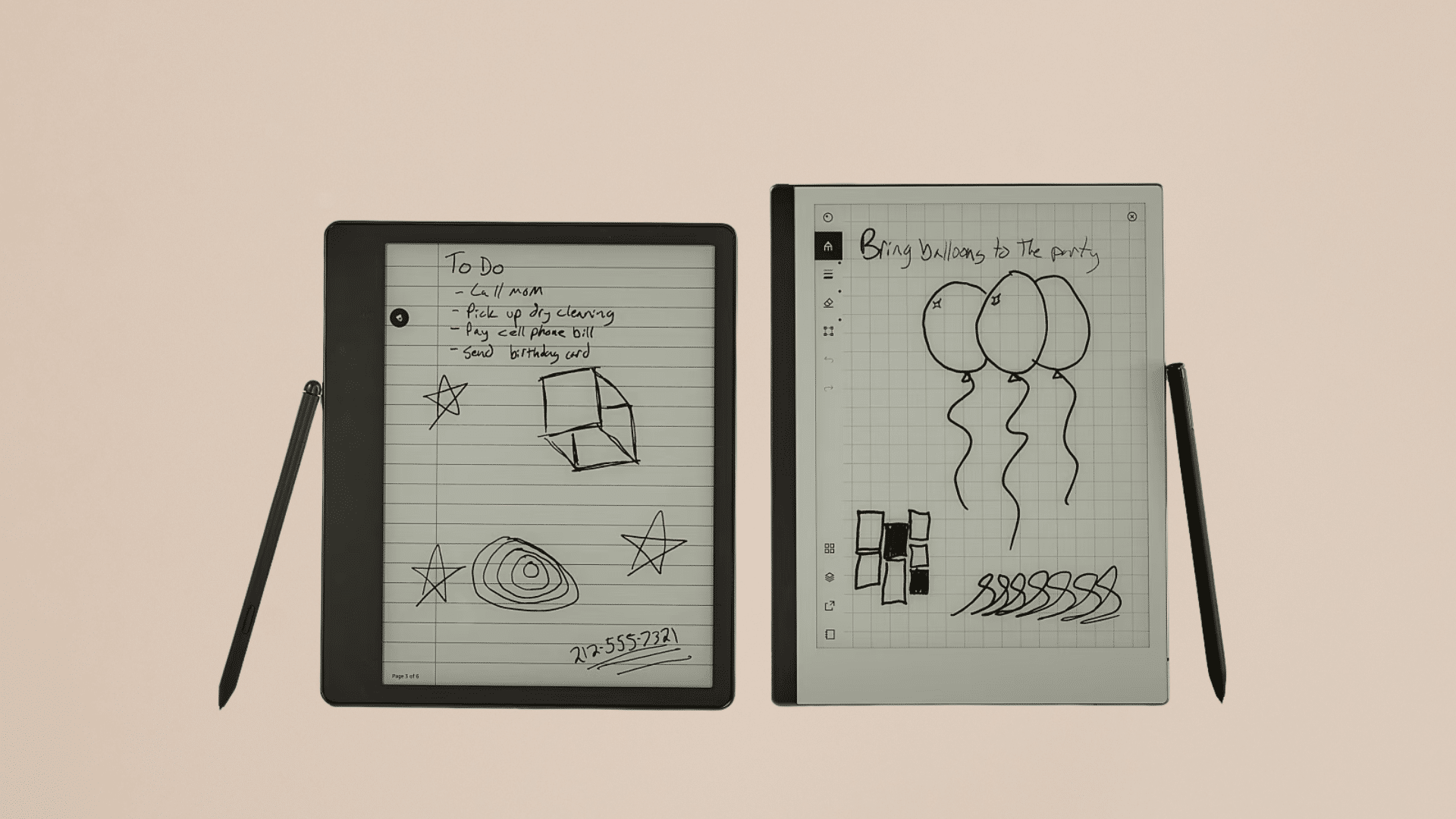
This section looks at how users evaluate cost and storage when choosing between these two E-Ink tablets. Genuine reviews show that storage needs often influence which device feels more practical long-term.
1. Kindle Scribe
In the Remarkable vs Kindle Scribe comparison, users frequently point out that the Kindle Scribe provides more flexibility in both storage and pricing.
It is available in 16GB, 32GB, and 64GB models, ranging from $399.99 to $449.99. Each version includes Amazon’s Premium Pen, which does not require charging and features a built-in eraser.
Users say the higher storage options help save large PDFs, ebooks, and notes without constantly managing space.
2. Remarkable 2
When users discuss Remarkable vs Kindle Scribe, they often point out that Remarkable 2 is sold in a single 8GB model priced at $399.
It comes with the standard Marker, while the Marker Plus with an eraser costs extra. Although 8GB may seem small, users say it can store thousands of notes, PDFs, and documents.
That said, users who want audiobooks or plan to store larger files often feel the Kindle Scribe is a more suitable option.
Comparing Size and Design
This section covers how users feel about the size, weight, and overall design of each device in daily use. Honest feedback highlights comfort, portability, and how each tablet feels in the hand.
1. Kindle Scribe
In the Remarkable vs Kindle Scribe comparison, users often describe the Kindle Scribe as a larger and heavier device.
The 10.2-inch screen feels roomy and comfortable for reading books and reviewing PDFs over long periods. Users say the solid, flat design feels durable and well-built.
However, some mention that its size can feel bulky when held for an extended time. Because of this, many users view the Kindle Scribe as better suited for desk use rather than daily travel.
2. Remarkable 2
In the Remarkable vs Kindle Scribe comparison, users often describe the Kindle Scribe as a larger and heavier device.
The 10.2-inch screen feels roomy and comfortable for reading books and reviewing PDFs over long periods. Users say the solid, flat design feels durable and well-built.
However, some mention that its size can feel bulky when held for an extended time. Because of this, many users view the Kindle Scribe as better suited for desk use rather than daily travel.
Screen Quality and Display Differences
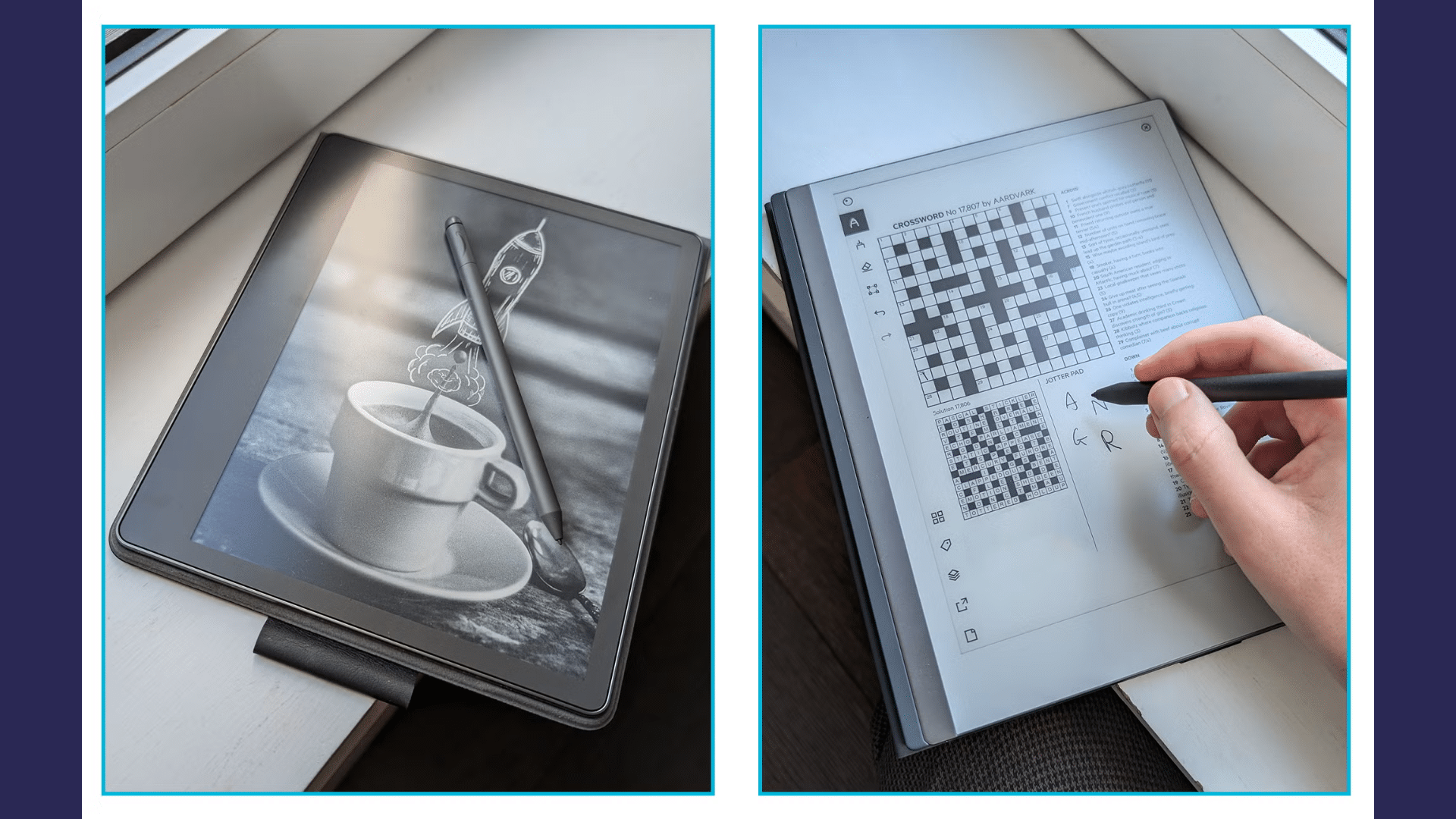
This section shares how users feel about screen quality, comfort, and visibility during everyday use. Honest opinions focus on clarity, lighting, and how the display supports reading and writing.
1. Kindle Scribe
In the Remarkable vs Kindle Scribe comparison, users often praise the Kindle Scribe’s display for reading. The large 10.2-inch E-Ink screen feels sharp and clear, making text easy on the eyes.
Users also appreciate the built-in front light, which allows comfortable reading in low-light settings.
Many say this feature alone makes a big difference for nighttime reading and long sessions, especially compared to devices without adjustable lighting.
2. Remarkable 2
When users discuss Remarkable vs Kindle Scribe, they describe the reMarkable 2 display as paper-like and straightforward.
The screen has no front light, which users say helps it feel closer to real paper when writing.
While this works well in bright rooms, some users mention it limits use in darker spaces. Overall, users value the natural writing feel but note the lack of lighting for reading.
Stylus and Handwriting Experience
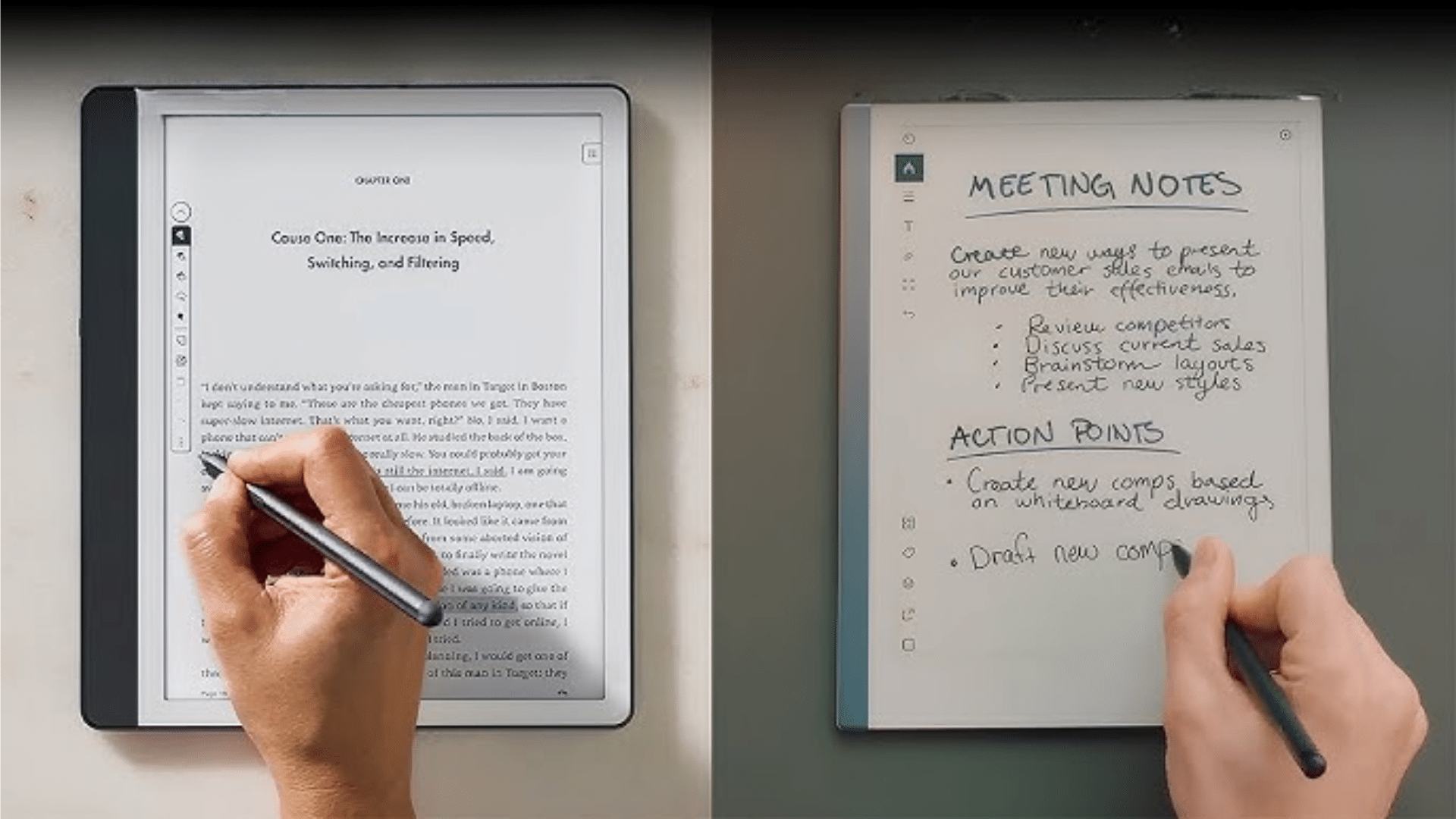
This section highlights how users describe the pen feel and writing comfort on each device. Real feedback focuses on control, pressure feel, and how natural writing feels.
1. Kindle Scribe
In the Remarkable vs Kindle Scribe comparison, users say the Kindle Scribe’s Premium Pen feels solid and responsive.
They like that it does not need charging and includes an eraser and shortcut button. Writing feels smooth for notes and annotations, especially while reading.
However, some users mention that the handwriting experience feels more like writing on glass than paper, which makes it less ideal for long writing sessions.
2. Remarkable 2
When users talk about Remarkable vs Kindle Scribe, they often highlight Remarkable 2 for its handwriting experience.
Many say the Marker creates noticeable friction on the screen, which makes writing feel closer to using a real pen and paper.
Users enjoy the natural pressure response and steady control, especially during long note-taking sessions, journaling, and sketching.
This paper-like feel helps reduce hand fatigue and is a significant reason users consistently prefer reMarkable 2 for writing-focused tasks.
Performance, Battery Life, and Connectivity
This section covers how users describe speed, battery performance, and connectivity in daily use. Real feedback highlights reliability, charging habits, and syncing behavior.
1. Kindle Scribe
In the Remarkable vs Kindle Scribe comparison, users often describe the Kindle Scribe as smooth and dependable for reading and light note-taking.
Page turns, highlighting, and annotations respond quickly with very little lag. Many users report strong battery life that can last for weeks during regular reading.
Wi-Fi syncing with the Kindle library works smoothly and feels convenient. However, some users note that frequent or heavy note-taking tends to drain the battery faster than reading alone.
2. Remarkable 2
When users discuss Remarkable vs Kindle Scribe, they often describe Remarkable 2 as fast and reliable for writing tasks.
Handwriting feels responsive, with minimal delay between pen movement and on-screen ink. Users say battery life is solid, usually lasting several days to a few weeks, depending on how often they write.
Wi-Fi syncing generally works well, though some users mention that cloud features are essential for accessing notes across multiple devices.
Side-by-Side Comparison of Kindle Scribe & Remarkable 2
This table shows how users compare Remarkable vs Kindle Scribe across key features based on real everyday experiences.
| Feature | Kindle Scribe | Remarkable 2 |
| Price & Storage | 16GB–64GB storage options ($399.99–$449.99) | Single 8GB model ($399) for notes and documents. |
| Size & Design | Larger, heavier, 10.2-inch display. | Slim, lightweight, and easy to carry. |
| Display | Sharp E-Ink screen with built-in light. | Paper-like screen with no front light. |
| Stylus & Handwriting | No-charge pen; smooth, glass-like feel. | Pen-and-paper feel with added friction. |
| Performance, Battery & Connectivity | Smooth use with long battery life. | Fast writing with stable battery life. |
Practical Points from Users to Consider
This section highlights small but essential details users often mention after using these devices daily.
These practical points can strongly affect long-term satisfaction and everyday comfort.
- Ecosystem Limitations: Users point out that in the Remarkable vs Kindle Scribe comparison, reMarkable does not support Kindle ebooks natively. Files must be converted, while Kindle Scribe gives direct access to the Kindle library.
- Note Organization: Many users say reMarkable offers better tools for organizing notebooks, folders, and writing templates. Kindle Scribe notes can feel mixed with reading content.
- Subscriptions and Extras: Users mention that reMarkable may require a subscription for full cloud features, adding long-term cost. Kindle Scribe does not need a subscription for basic use.
- Daily Use Style: Reviews show that reading-focused users lean toward Kindle Scribe, while writing-focused users prefer Remarkable.
Which E-Ink Tablet is Right for You?
When users compare Remarkable vs Kindle Scribe, most agree the right choice depends on daily habits rather than features alone.
Users who spend more time reading books, PDFs, or research papers often prefer the Kindle Scribe. Its built-in Kindle library, front-lit screen, and easy annotations make reading comfortable and straightforward.
Many describe it as a reading-first device with note-taking as a helpful extra.
On the other hand, users who write often usually lean toward Remarkable 2. The paper-like screen, responsive pen, and distraction-free layout make it better for journaling, planning, and long note sessions.
Reviews show that neither device replaces the other completely. The best option comes down to whether reading or writing plays a bigger role in your everyday routine.
Conclusion
After reviewing real user experiences, I feel the Remarkable vs Kindle Scribe choice becomes clearer when I focus on daily habits instead of features alone.
Most users are not searching for a device that does everything. They want something that fits naturally into how they already read or write.
From what I have seen, Kindle Scribe works best for people who spend more time reading books, PDFs, and research, with note-taking as a bonus.
What stands out to me is how consistent these opinions are across reviews.
Once I match the device to my primary use, the decision feels practical and straightforward instead of confusing.
Still unsure which one fits you best? List your daily reading and writing habits, then choose the device that matches them most.