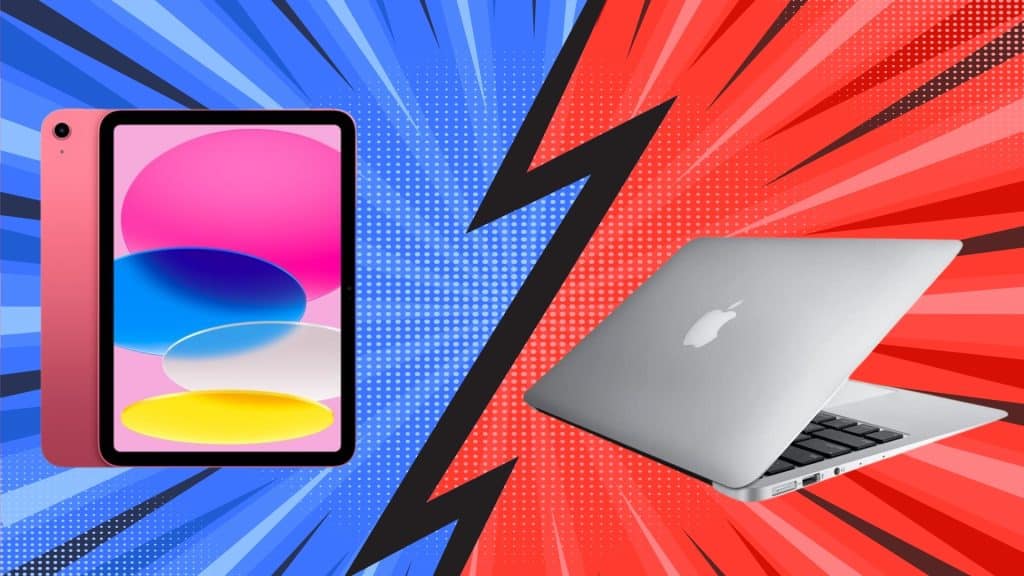
Walk into an Apple Store with $1,000 to spend, and you face a tough choice: should you grab a MacBook or an iPad?
Both look capable, both run on Apple’s fast M-series chips, and both promise to handle your work. The answer isn’t obvious anymore.
Here’s the catch: despite sharing similar specs and prices, these devices work differently in your daily routine.
A MacBook might breeze through tasks that an iPad struggles with, while the iPad offers experiences no MacBook can match.
This comparison shows you the real differences and which device fits your workflow and needs. By the end, you’ll know exactly which one fits your needs and why it matters for the way you work.
About MacBook and iPad
The MacBook is a traditional Apple laptop with a built-in keyboard that runs macOS for desktop-style work.
It handles complex tasks like video editing, manages files easily across folders and drives, and runs professional software without restrictions or compromises.
The iPad is a tablet running iPadOS, designed for touch interactions and apps that focus on simplicity over advanced features.
It needs accessories like a keyboard to function like a laptop, but it supports Apple Pencil for drawing and note-taking.
Both use Apple’s M-series chips, but they approach computing in fundamentally different ways.
How They Differ: Operating System and Hardware
The real differences lie in how macOS and iPadOS handle tasks and whether your keyboard is built-in or costs extra. Understanding these differences helps you choose the device that matches your workflow.
1. macOS vs iPadOS
macOS works like a traditional computer with a full file system. You can organize files in folders, run multiple apps side by side, and use professional software without missing features.
It’s actually built for keyboard and mouse work, which is pretty easy to understand.
iPadOS focuses on touch controls and simplicity, making it easier to pick up and use, but less flexible for complex work. File access is more limited, and multitasking feels different despite Stage Manager improvements.
2. Hardware Layout and Usage Approach
MacBooks are all-in-one devices, with everything built in: keyboard, trackpad, and screen work together right out of the box.
Most models include multiple USB-C ports, while Pro versions add HDMI and SD card slots for connecting cameras and external monitors.
In contrast, iPads take a modular approach, requiring add-ons to match laptop functionality while offering greater flexibility.
The Apple Pencil turns the iPad into a precision drawing tool with pressure sensitivity that no MacBook can replicate.
Technical Specifications Comparison
Here’s a side-by-side look at the latest MacBook Air and iPad Air to help you compare their key specs at a glance.
| Specification | MacBook Air (M4, 2025) | iPad Air (M3, 2025) |
|---|---|---|
| Processor | Apple M4 chip (10-core CPU, 8/10-core GPU) | Apple M3 chip (8-core CPU, 9-core GPU) |
| RAM Options | 16GB, 24GB (base now 16GB) | 8GB |
| Storage Options | 256GB, 512GB, 1TB, 2TB | 128GB, 256GB, 512GB, 1TB |
| Display Size | 13.6″ or 15.3.” | 11″ or 13″ |
| Resolution | 2560×1664 (13″) / 2880×1864 (15″) | 2360×1640 (11″) / 2732×2048 (13″) |
| Battery Life | Up to 18 hours | Up to 10 hours |
| Ports | 2x Thunderbolt 4, MagSafe 3, Headphone jack | 1x USB-C (10 Gbps) |
| Weight | 2.7 lbs (13″) / 3.3 lbs (15″) | 1.02 lb (11″) / 1.36 lb (13″) |
| Keyboard | Built-in backlit keyboard | Requires separate Magic Keyboard ($269-$319) |
| Apple Pencil Support | No | Yes (Apple Pencil Pro, USB-C Pencil) |
| Touchscreen | No | Yes |
| Starting Price | $999 (13″) / $1,199 (15″) | $599 (11″) / $799 (13″) |
Note: Specifications reflect the latest models released in March 2025. MacBook Air M4 released March 12, 2025. iPad Air M3 released March 12, 2025. Actual prices may vary based on configuration and retailer.
MacBook Air vs iPad Air: Performance Test
Both devices offer excellent displays and powerful chips. However, cooling approaches, battery endurance, and RAM configurations differ significantly.
These distinctions determine how each handles intensive work and all-day use.
1. Processing Power and Cooling
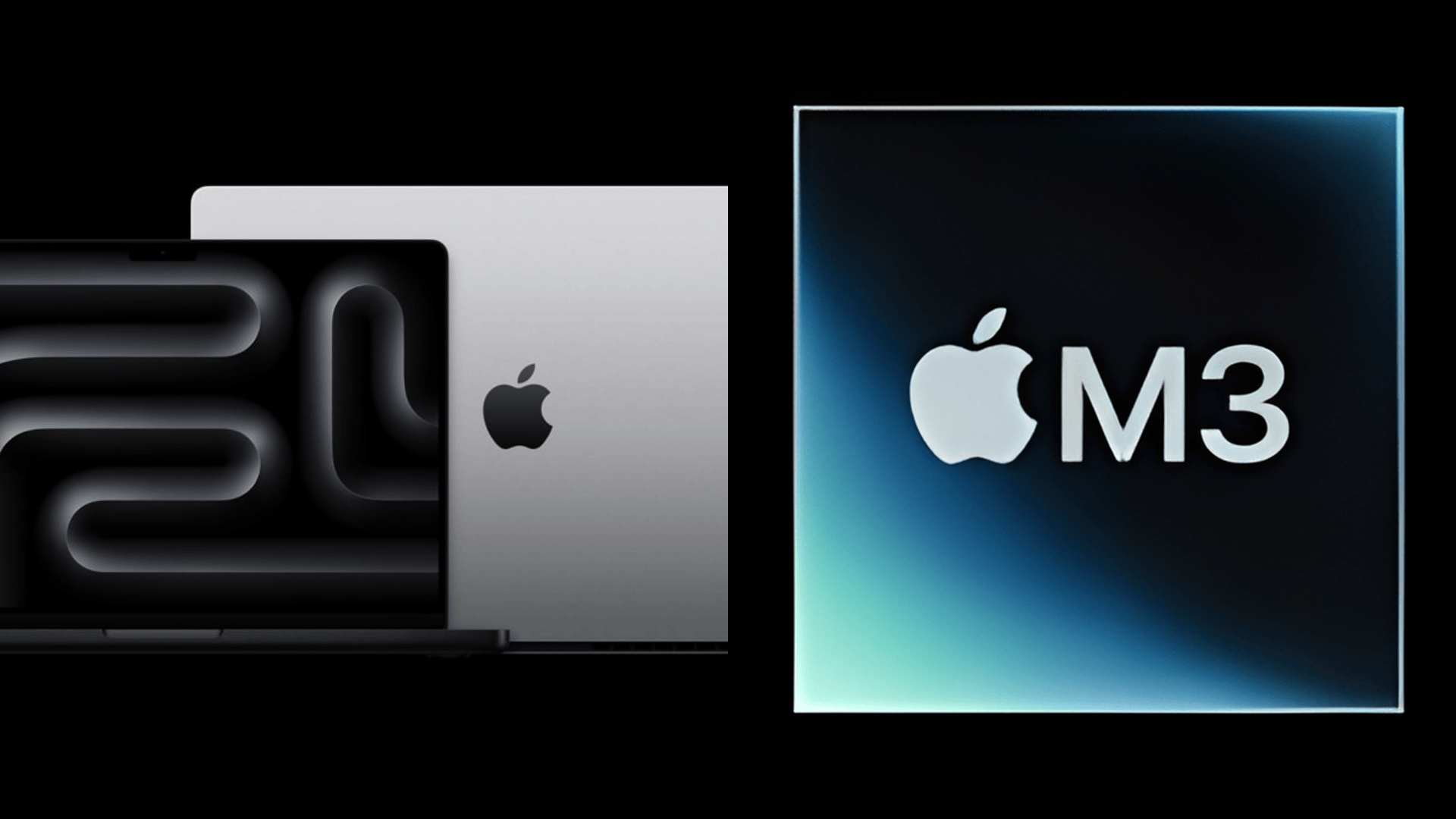
The MacBook Air M4 and iPad Air M3 both deliver excellent performance for everyday tasks, but handle sustained workloads differently.
MacBook Air models have fanless cooling, whereas MacBook Pro models have fans. iPads cool passively without fans, staying silent but throttling during extended tasks.
A 30-minute 4K export that takes 10 minutes on a MacBook might take 15-20 minutes on an iPad. MacBook Air offers up to 24GB RAM, while iPad Air maxes out at 8GB.
2. Display Quality
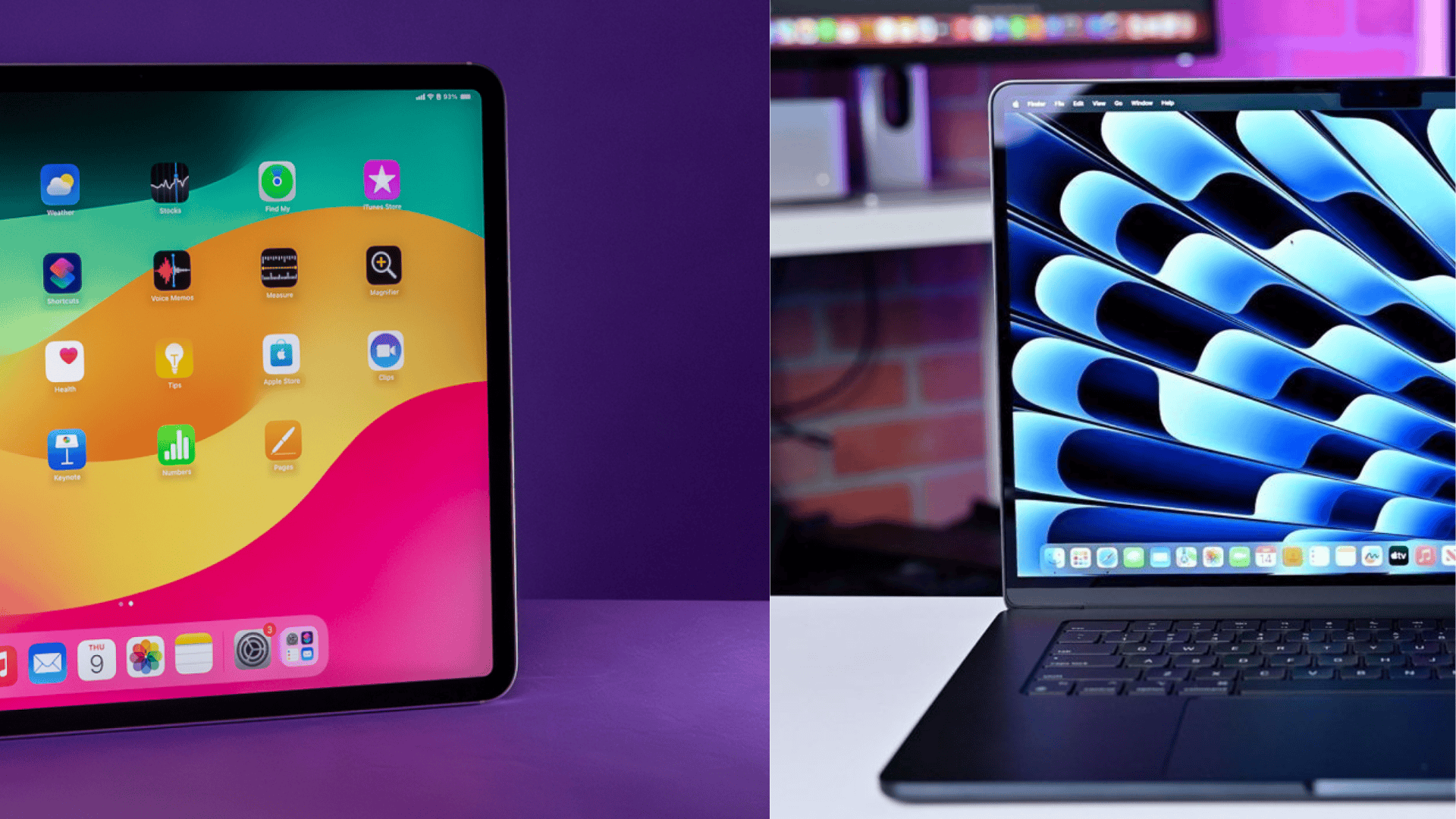
Both devices feature excellent Liquid Retina displays with accurate colors, True Tone, and P3 wide color support.
MacBook Air delivers 500 nits brightness, while iPad Air offers 500 nits on 11-inch and 600 nits on 13-inch models.
The iPad’s touchscreen makes certain tasks intuitive with Apple Pencil, while MacBook’s horizontal screen suits side-by-side documents better.
Both use 60Hz refresh rates. Battery life favors MacBook Air at 18 hours versus iPad’s 10 hours.
MacBook vs iPad for Photography: Which Is Better?
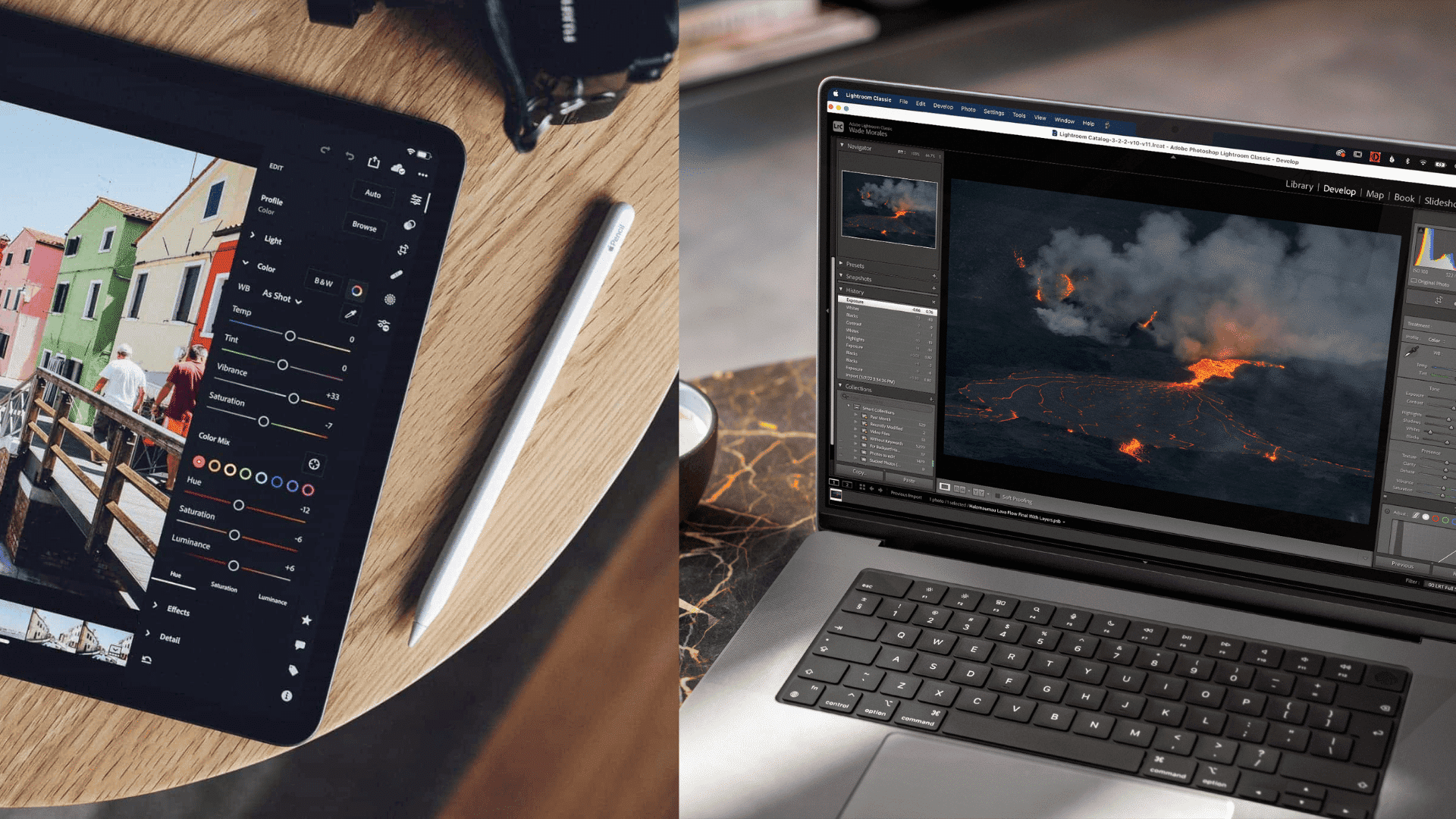
MacBook dominates professional photography with complete software like Lightroom Classic and Capture One, tethered shooting for studio work, and efficient
RAW library organization across external drives. Active cooling handles long editing sessions, while 16-24GB RAM processes multiple high-resolution files simultaneously.
iPad excels for portable editing with intuitive touch controls and Apple Pencil precision.
However, it lacks tethering and advanced features, struggling with large files on 8GB RAM.
Choose MacBook for professional income-generating work, or iPad for casual shooting and mobile convenience.
MacBook vs iPad for Creative Work
From video editing to digital illustration, MacBook and iPads serve content creators differently.
One prioritizes professional power and desktop workflows, while the other excels in portability and touch-based creativity.
1. Video Production
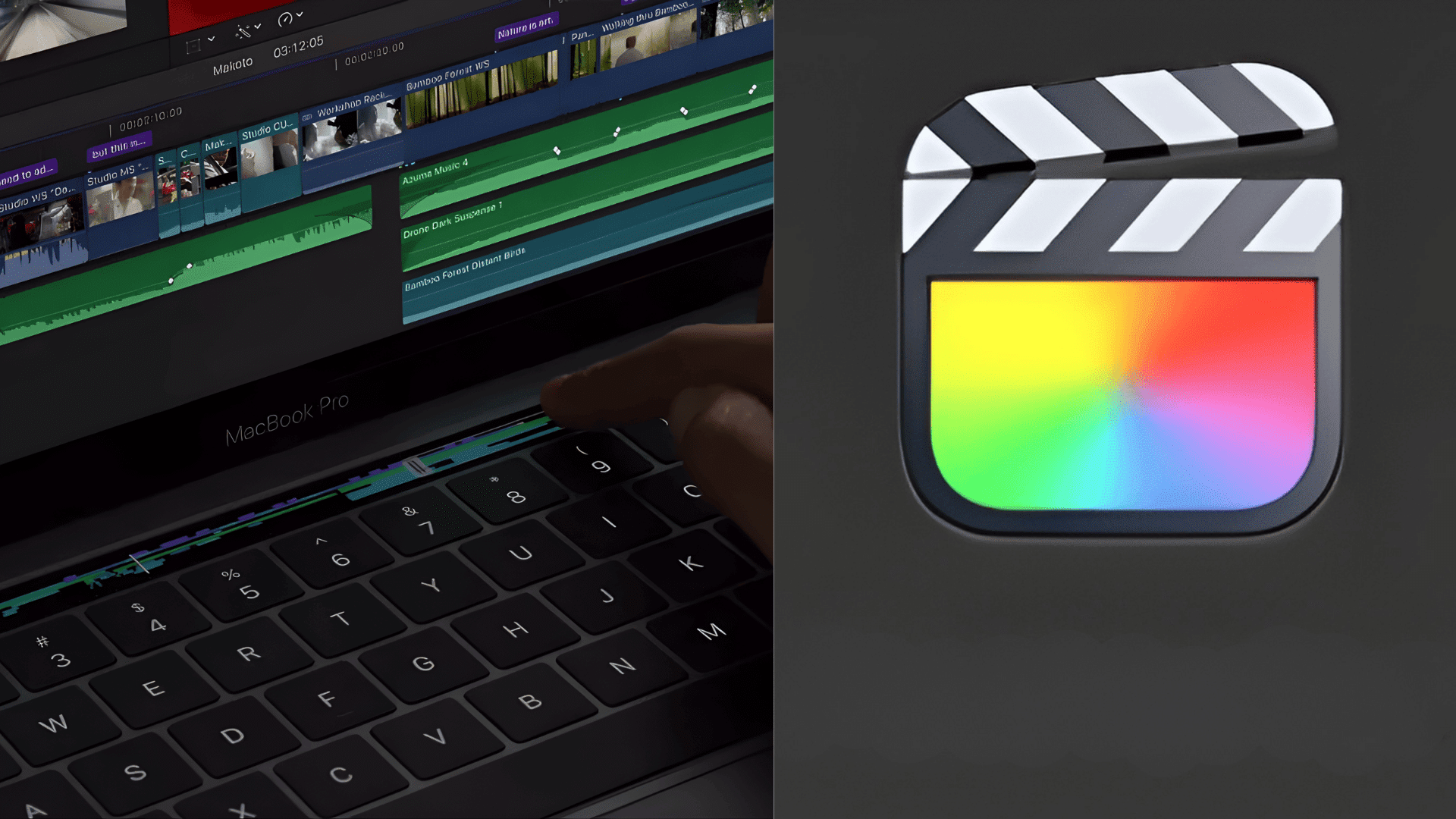
Final Cut Pro runs on both platforms but serves different purposes.
MacBook version provides unlimited timeline tracks, full plugin support, and faster rendering for extended projects.
Active cooling means you can export feature-length films without slowdowns. Professional editors working on client projects need the complete toolset MacBook provides.
Final Cut Pro for iPad impresses with a touch-optimized interface and solid 4K performance.
The magnetic timeline works beautifully with touch gestures, and it’s perfect for travel videos, social media content, or quick projects on location.
2. Digital Art and Illustration
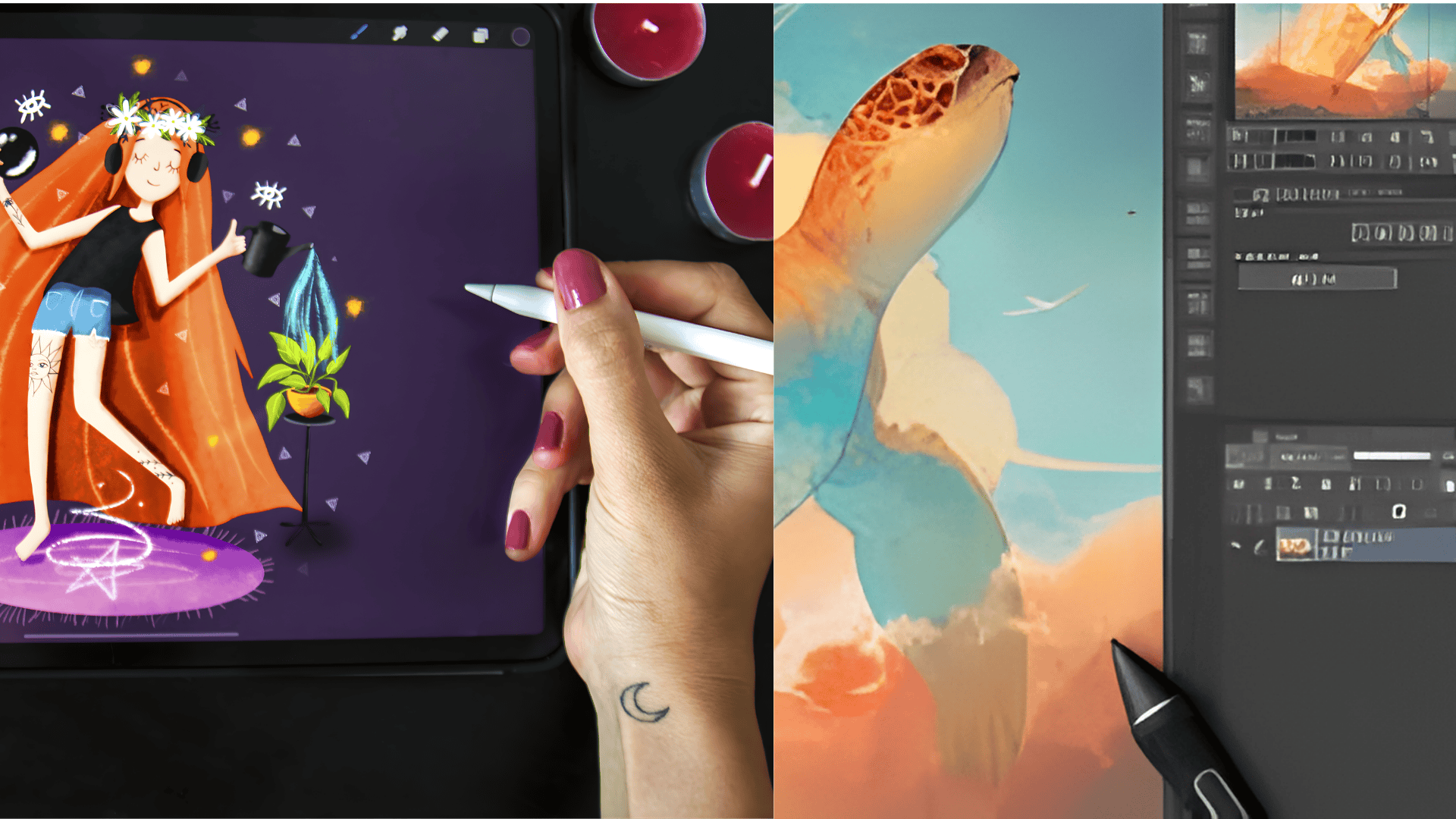
Undoubtedly, iPads dominate digital art, with no close competition. Apple Pencil’s pressure sensitivity, tilt recognition, and low latency create a natural drawing experience.
Procreate has become the industry standard for digital illustration, offering powerful tools designed for stylus input.
The main thing is that many professional artists use both devices as needed for their work.
Many artists sketch on an iPad for its natural drawing feel, then transfer files to a MacBook for final layout, text, and print preparation.
Price Breakdown: MacBook vs iPad Total Cost
The iPad Air starts at $599 for the 11-inch model and $799 for the 13-inch version, while the MacBook Air starts at $999 for the 13-inch and $1,199 for the 15-inch.
At first glance, the iPad looks cheaper, but that price can be misleading once you factor in accessories. To get laptop-like use, you need the Magic Keyboard and Apple Pencil Pro.
The Magic Keyboard costs $269 for the 11-inch and $319 for the 13-inch, while the Apple Pencil Pro costs $129.
An 11-inch iPad Air with both accessories reaches $997, which is almost the same as a $999 MacBook Air that already includes a keyboard and trackpad.
The 13-inch iPad Air goes even higher, hitting $1,247, which is more than the $1,199 MacBook Air 15-inch.
Conclusion
Choosing between a MacBook vs iPad depends on how you actually work each day and what tasks demand your focus most often.
I see the MacBook as a steady tool for long hours, detailed work, and situations where control, speed, and comfort matter daily.
You may find the iPad easier to carry, faster to open, and better suited for short tasks, notes, and relaxed creative moments.
Both devices shine in different ways, and real value comes from matching the device to your habits, not the price tag.
When your tools fit your routine, work feels smoother, less tiring, and easier to manage over time.
Which device fits your daily work better, and why does it make sense for you? Tell us and share with us in the comments below.