Have you ever plugged in a new screen and thought Which cable actually gives you the better setup?
When I compare DisplayPort vs HDMI for devices, I try to look at what I really need instead of going by guesses.
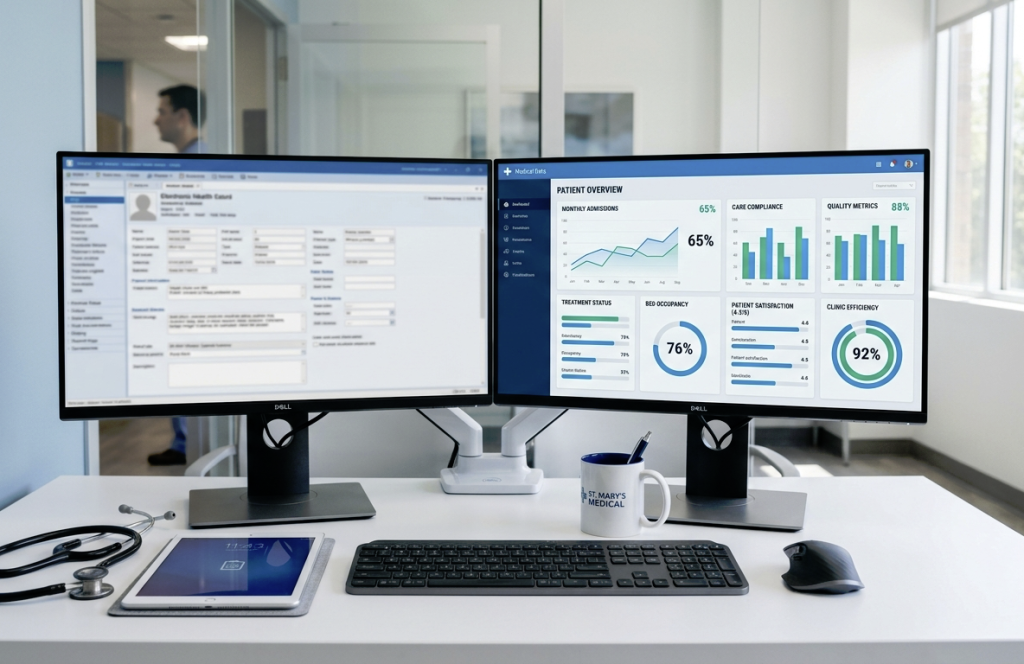
Both cables send audio and video well, but each one works better in some instances. I think about the type of monitor I’m using, the ports I have, and the tasks I handle every day.
Some devices only support one option, while others let me switch without trouble. As you read this guide, keep your own setup in mind so you can see what matters most for you.
By the end, you’ll have a clear idea of which cable fits your daily use.
What are DisplayPort and HDMI?
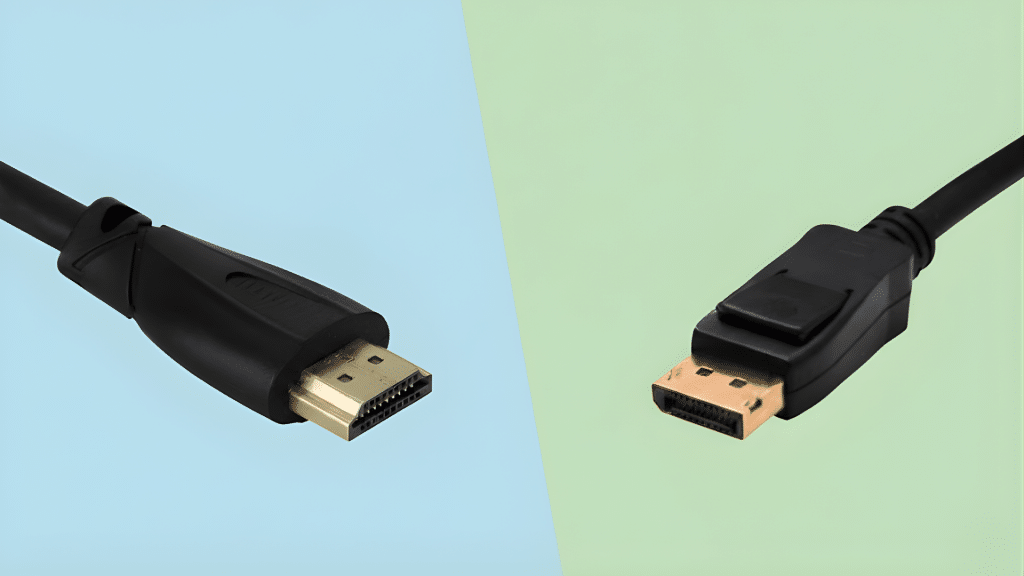
DisplayPort and HDMI are two common connection standards used to send audio and video from a device to a screen.
While both serve a similar purpose, they were designed with slightly different goals in mind.
HDMI is widely used in TVs, gaming consoles, and home entertainment systems because it supports high-quality video and audio through a single, simple cable.
DisplayPort, on the other hand, is often found in professional setups because it offers support for high refresh rates, multiple monitor connections, and advanced features suited for productivity and gaming.
Both cables continue to evolve, offering higher resolutions and better performance with each new version.
Understanding how each one works helps match the right cable to the right device, leading to a smoother and clearer viewing experience.
Key Differences in DisplayPort vs HDMI
A quick breakdown of how both cables compare in real-world situations, helping you understand how each one performs, what it supports, and which one fits different devices best.
- Bandwidth: DisplayPort generally offers higher bandwidth than HDMI, allowing smoother performance, better refresh rates, and improved support for advanced display features on modern monitors.
- Refresh Rates: DisplayPort supports higher refresh rates at high resolutions, making it a preferred choice for gaming setups that rely on fast, fluid motion.
- Daisy-Chaining: DisplayPort allows multiple monitors to connect through one port, while HDMI supports only single-display output, limiting multi-screen workstation flexibility.
- Audio Features: HDMI includes strong audio support for home theaters, while DisplayPort focuses more on display performance with secondary audio capabilities.
- Adaptive Sync: DisplayPort supports adaptive sync natively, offering smoother gameplay, while HDMI requires device-specific compatibility for similar results.
- Cable Length: HDMI maintains signal quality over longer distances, while DisplayPort is better suited for shorter, high-performance setups.
- Device Support: HDMI is common in TVs and consoles, while DisplayPort is standard in PCs and high-end monitors.
These differences help match each cable to the right device, ensuring clear visuals, smooth motion, and reliable everyday performance without unnecessary upgrades or confusion.
DisplayPort vs HDMI for Gaming: Which is Better?
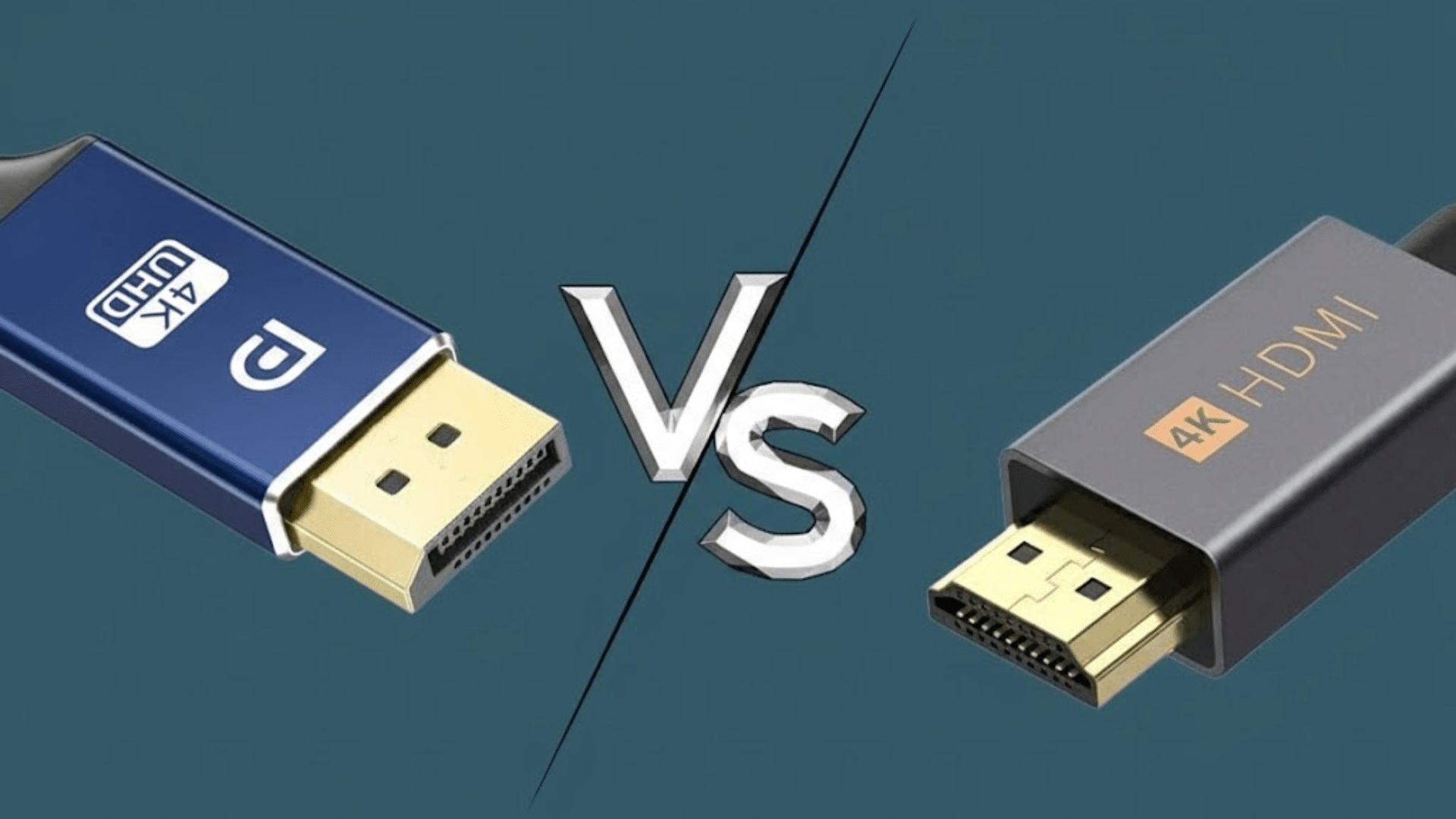
DisplayPort and HDMI both support gaming, but they perform differently depending on the device and display requirements.
DisplayPort is often preferred for high-refresh-rate monitors because it can handle greater bandwidth, making it ideal for fast-paced gameplay where smooth motion is essential.
It also supports adaptive sync technologies more consistently, reducing screen tearing and improving overall stability during intense scenes.
HDMI remains the standard on most gaming consoles and TVs, offering strong compatibility and solid performance for living-room setups.
Newer HDMI versions also support high refresh rates and advanced features, though they depend heavily on device support.
The choice between the two largely comes down to the type of hardware used and the refresh rate or resolution required.
Selecting the right cable helps ensure responsive gameplay, clearer visuals, and a more immersive gaming experience.
DisplayPort vs HDMI for Professional Work
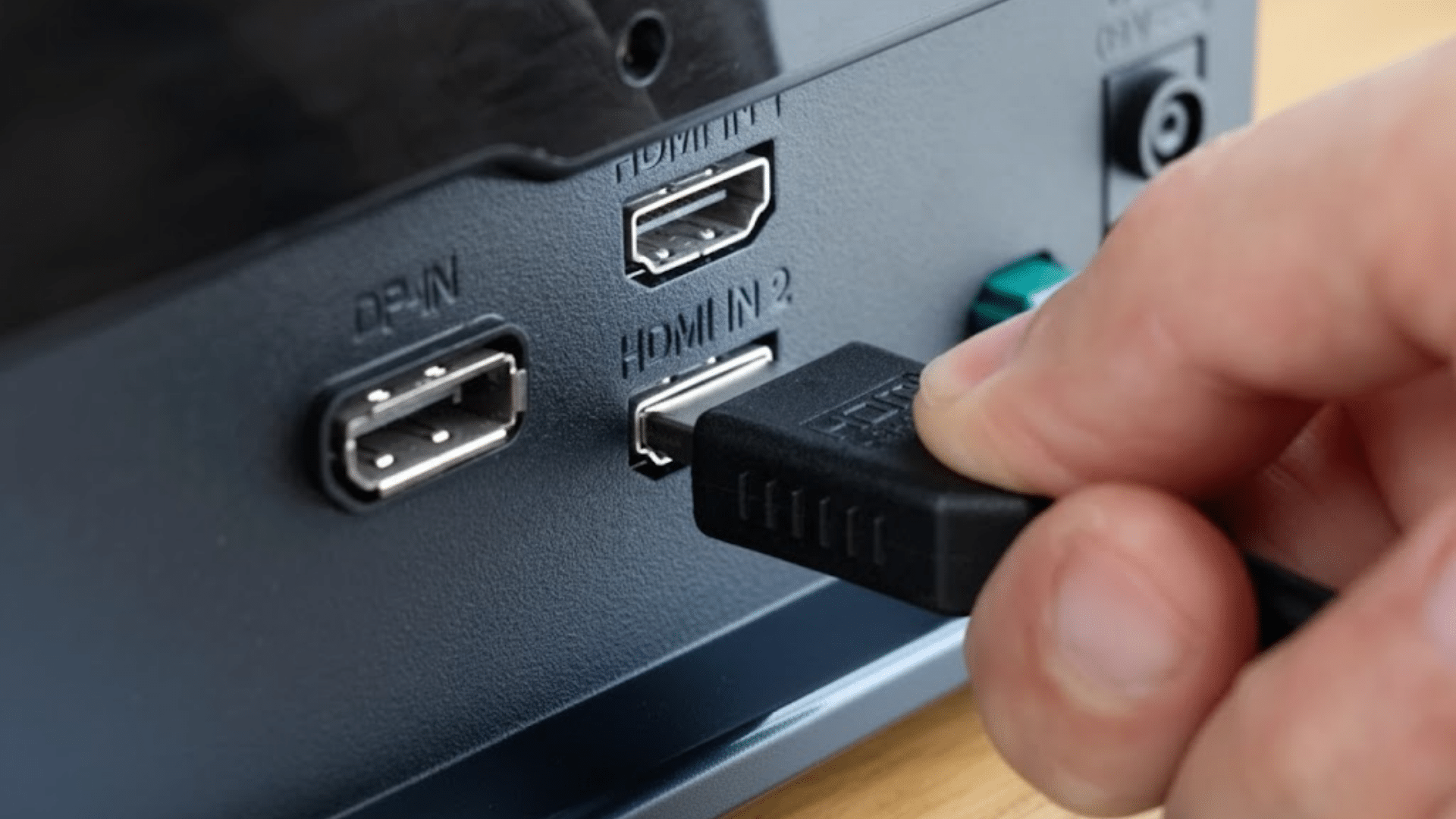
DisplayPort and HDMI both support professional work, but each one serves different needs in an office or studio setting.
DisplayPort is often preferred for tasks that rely on high-resolution displays, multi-monitor setups, or precise visual performance.
Its higher bandwidth and support for daisy-chaining make it suitable for designers, editors, developers, and data analysts who use several screens at once.
DisplayPort also handles high refresh rates and detailed color output, which helps when working with graphics or large visual files.
HDMI, on the other hand, fits well in conference rooms, presentation setups, and mixed-use environments. It connects easily to TVs, projectors, and common office devices.
While newer HDMI versions support strong resolutions, they may not match DisplayPort’s flexibility for complex workstations.
DisplayPort vs HDMI: Cost and Availability
DisplayPort cables and adapters generally cost more than HDMI equivalents due to higher manufacturing and licensing expenses.
HDMI benefits from lower per-port fees around $0.05-$0.15 and broader economies of scale, making basic cables available for $5-10, while DisplayPort cables often range from $10-20 for similar lengths and specs.
High-end versions, like DisplayPort 2.1 for 8K gaming, can exceed $25, compared to HDMI 2.1 at $15-30.
HDMI dominates consumer electronics like TVs and consoles, ensuring ubiquitous access in stores and online.
DisplayPort prevails on PC monitors, graphics cards, and laptops, but remains scarcer for home theater setups.
Both are widely stocked on sites like Amazon, with HDMI offering more budget options globally.
| Aspect | DisplayPort | HDMI |
|---|---|---|
| Basic Cable (1-3m) | $10-20 | $5-10 |
| Premium (High Refresh) | $20-40 | $15-30 |
| Licensing (Per Unit) | ~$0.20 | ~$0.15 |
Best Use Cases for DisplayPort and HDMI
Choosing the right one improves visuals, audio handling, refresh rates, and overall compatibility across modern screens and connected devices and platforms today.
- Gaming monitors: Ideal for high refresh rate gaming, supporting adaptive sync, higher bandwidth, and smoother frame delivery for competitive play on modern PCs.
- Professional workstations: Common in design and editing setups, offering better support for multiple monitors, color accuracy, and stable connections in demanding creative workflows.
- Home entertainment systems: Widely used for TVs and media devices, carrying video and audio together, simplifying connections for streaming, consoles, and home theater setups.
- Office and conference rooms: Reliable for presentations and meetings, ensuring broad compatibility with laptops, projectors, and displays while maintaining consistent audiovisual output quality.
- Dual monitor setups: DisplayPort excels when daisy chaining screens, reducing cable clutter and allowing efficient multi-display configurations for productivity-focused desk environments.
Comparison Table: DisplayPort Vs HDMI
A quick way to compare both options side by side. If you’re unsure which cable fits your setup, this table gives a fast snapshot of the key differences.
| Feature | DisplayPort | HDMI |
|---|---|---|
| Bandwidth | Higher bandwidth for advanced displays | Moderate bandwidth for most screens |
| Refresh Rates | Very high refresh rate support | High rates based on version |
| Multi-Monitor Support | Supports daisy-chaining multiple monitors | Single-display support only |
| Audio Capabilities | Basic audio support | Strong built-in audio |
| Device Compatibility | Common on PCs and monitors | Standard on TVs and consoles |
| Cable Length | Best for shorter cables | Works well over longer distances |
Which Among DisplayPort Vs HDMI Should You Use?
Choosing between DisplayPort and HDMI depends on the device, display, and intended use.
DisplayPort is often the better option for desktop computers, high refresh rate monitors, and multi-display setups.
It supports higher bandwidth, smoother motion, and advanced features suited for productivity and gaming environments.
HDMI is widely used across TVs, consoles, projectors, and streaming devices, making it the more convenient choice for home entertainment and general use.
Newer HDMI versions support high resolutions and refresh rates, but compatibility varies by device. Both cables deliver reliable audio and video when matched correctly.
The best choice comes from evaluating hardware support, display requirements, and daily usage needs to ensure a smooth and efficient viewing experience.
Conclusion
In the end, choosing the right cable comes down to how and where the display is used.
I look at the device, screen type, and daily tasks before deciding. For high refresh monitors or multi-screen desks, one option clearly fits better.
For TVs, consoles, or simple setups, the other makes more sense. Comparing DisplayPort Vs HDMI helped clarify these strengths without overthinking specs.
Neither choice is wrong when matched correctly. The real win comes from smoother visuals, stable connections, and fewer limits in daily use.
If this guide helped clear things up, take a moment to act. Check your ports, review your needs, and choose with confidence.
Have thoughts or questions? Drop a comment below and join the discussion.
Your experience could help others decide faster today, right now.