Custom CRM development services become valuable when event teams need attendee data to keep moving after registration, check-in, badge printing, session tracking, exhibitor conversations, and post-event follow-up. An event may last one day, but the customer journey around it can begin months earlier and continue long after the venue closes.
If attendee records, sponsor leads, sales notes, consent details, and support questions sit in separate tools, the business loses the full picture.
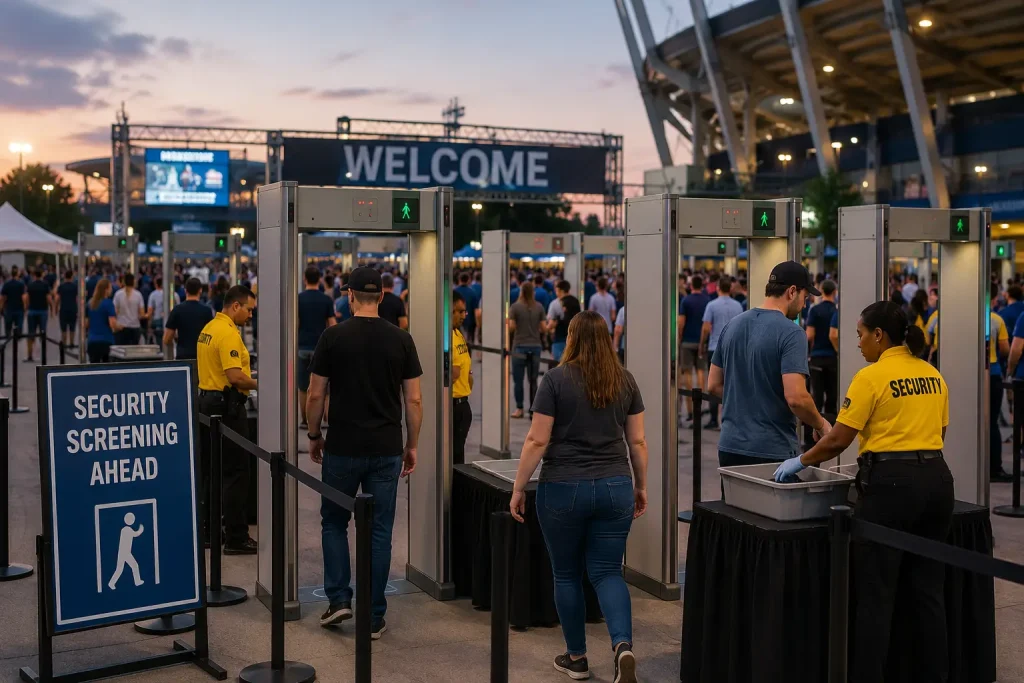
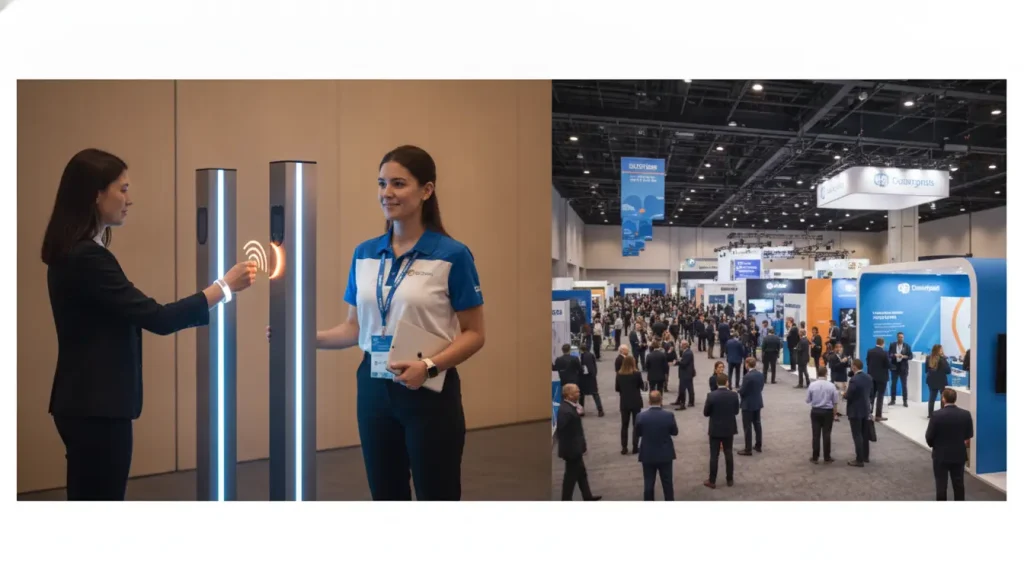
Event technology has made onsite operations faster, but speed alone does not solve the data problem. A guest can register online, check in at a kiosk, receive a badge, visit several sessions, scan at an exhibitor stand, answer a survey, and later request more information.
Without a CRM structure behind that activity, teams often rely on exports, spreadsheets, manual tagging, and inbox searches to understand what happened.
Why Custom CRM Development Services Matter for Event Teams
Event organizers using onsite technology need more than a clean registration list. They need customer records that connect attendance, preferences, company details, session interest, sponsor activity, and future sales or service actions. This is where crm system development services can support event businesses that want attendee data to become organized relationship data instead of a one-time guest list.
A custom CRM can be shaped around the event workflow itself: registration source, check-in status, badge type, session attendance, exhibitor interaction, lead owner, consent history, and post-event task. That structure helps organizers follow up with the right message rather than sending the same generic email to every attendee. It also helps sponsors and internal teams understand which conversations deserve attention after the event.
| Event data point | CRM use | Business value |
|---|---|---|
| Registration source | Track how the attendee entered the event funnel | Shows which channels attract useful audiences |
| Check-in status | Separate no-shows from attended guests | Improves post-event reporting |
| Session attendance | Connect interest with content themes | Supports better segmentation |
| Badge or pass type | Group attendees by role or access level | Helps teams personalize follow-up |
| Lead scans | Assign sponsor or sales follow-up | Prevents valuable conversations from being lost |
| Consent record | Store communication permissions | Keeps outreach controlled and traceable |
Building an Event CRM Around the Attendee Journey
A useful event CRM should follow the attendee journey rather than force event teams into a standard sales pipeline. The first record may come from a registration form. Later, the same person may appear at check-in, in a session room, at a sponsor booth, in a survey response, and in a sales follow-up list. Each touchpoint should strengthen the same profile.
A practical build process can follow these steps:
- Define every place where attendee data enters the business.
- Create a shared profile model for guests, sponsors, exhibitors, speakers, and staff.
- Map check-in, session, and lead retrieval data to the same CRM record.
- Decide which actions should create follow-up tasks.
- Store consent and communication preferences close to contact data.
- Connect event records with sales, marketing, support, or account management tools.
- Review reports after one event, then adjust the workflow before the next one.
Mini Case: a Trade Show With Sponsor Lead Follow-Up
A trade show team may run check-in smoothly and still lose value after the event. Sponsors collect scans, sales teams export CSV files, marketing sends a broad thank-you message, and account managers later ask which attendees showed serious interest. The event itself may have worked, but the relationship data becomes scattered.
A custom CRM can clean up that process. Badge scans can create lead records. Session visits can shape audience segments. Sponsor interactions can trigger tasks. Sales notes can sit beside attendance history. Marketing can separate a casual visitor from a qualified prospect. The result is a follow-up process that feels coordinated rather than improvised.
Custom CRM Development Services for Sponsors and Exhibitors
Sponsors and exhibitors care about what happens after a scan. A badge interaction means little if the data arrives late, lacks context, or cannot be routed to the right person. A CRM designed for event workflows can add structure around each lead: booth visit, product interest, session attendance, company size, region, consent status, and follow-up priority.
This is especially useful for recurring conferences, trade shows, hiring events, product launches, and corporate events. The same attendee may appear across several events over time. A custom CRM can show that history instead of treating every event as a new database. Sponsors can receive cleaner reports, and internal teams can see how engagement develops from one event to the next.
Automation Should Support People Without Replacing Judgment
Event workflows contain many repeatable tasks, but automation should be used carefully. A CRM can assign new leads, send reminders, update attendance status, create post-event tasks, or notify a sponsor team when a qualified attendee appears. Those actions save time when the rules are clear.
Useful automation areas include:
- Check-in follow-up for attendees who arrived but skipped a planned session.
- Sponsor lead routing based on booth scans, industry, or ticket type.
- Sales reminders for high-interest attendees who requested contact.
- Survey prompts after selected sessions or workshops.
- No-show segmentation for people who registered but did not attend.
- Renewal or invitation lists for returning attendees.
Reporting Should Connect Event Activity With Business Outcomes
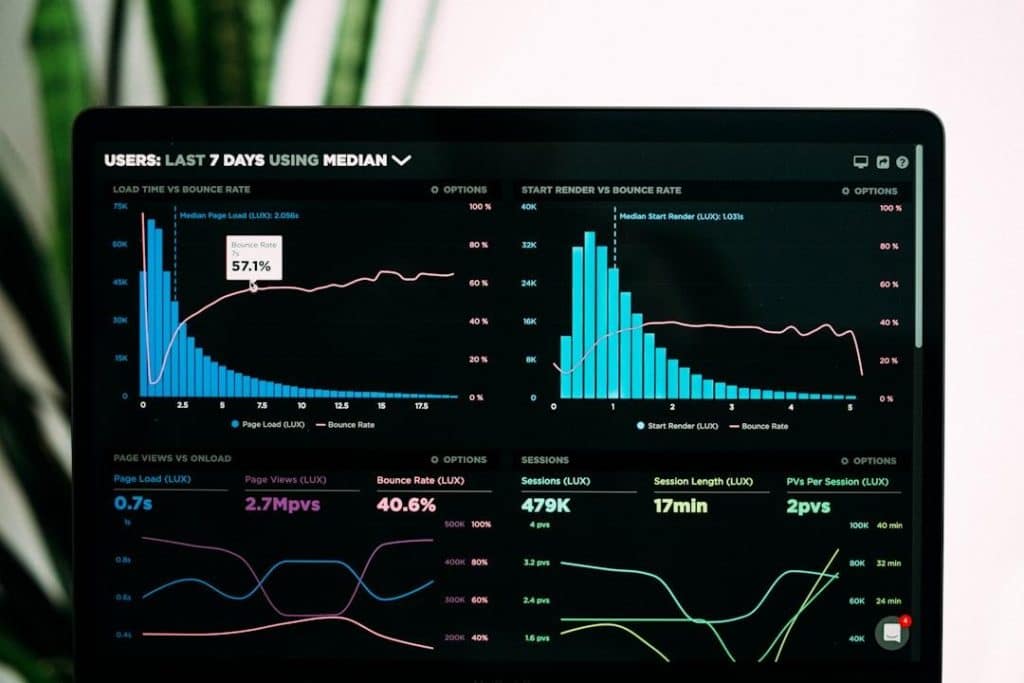
Event reporting should do more than count registrations and check-ins. Leaders often need to know which sessions attracted the strongest audience, which sponsors received qualified interest, which campaigns filled the room, and which follow-up actions produced meetings, renewals, or sales opportunities.
A custom CRM can bring event activity and business results into one reporting layer. That means teams can compare registration sources, session attendance, booth engagement, post-event conversations, and customer outcomes without rebuilding reports by hand after every event.
A clear reporting setup may include attendance by segment, lead quality by sponsor, follow-up completion rates, no-show patterns, returning attendee behavior, and revenue influenced by event participation. These reports help event teams plan better programs and give sponsors stronger evidence that the audience matched their goals.
What to Check Before Developing an Event CRM
A CRM project should start with practical questions. Which event data matters after the event? Which systems already store part of the journey? Which teams need access? Which reports are used by leadership, sponsors, sales, and marketing? Which records must be protected or deleted after a set period?
Teams should also decide whether the CRM will support one event type or many. A product launch, conference, trade show, recruiting event, and executive roundtable may all require different records, access levels, and follow-up rules. A flexible data model prevents the CRM from becoming useful for one format and awkward for the next.
Custom CRM Development Services Make Event Data Easier to Use
Custom CRM development services help event businesses turn check-ins, badge scans, session visits, and follow-up messages into structured customer knowledge. The strongest systems do not treat events as isolated guest lists. They connect attendee activity with relationship history, sponsor value, sales ownership, consent records, and long-term reporting.
When event technology and CRM logic work together, teams can move from “who showed up?” to better questions: who engaged, what did they care about, who should follow up, and which event activity created business value. That is where custom CRM development becomes useful for organizers, sponsors, and companies that want each event to leave a cleaner record than the last.