I’ve seen plenty of budget TVs offer attractive prices while leaving buyers unsure about what they are actually getting. If you are asking are Insignia TVs good, the answer depends on your expectations, viewing habits, and the specific model you choose.
Insignia has built its reputation around affordable smart TVs with useful features, but questions about picture quality, reliability, gaming performance, and overall value are common among buyers.
I’ll share what stands out about Insignia TVs, the areas where they may disappoint, and the key things to consider before deciding if one is right for you.
This will help you understand their strengths, limitations, and whether an Insignia TV fits your entertainment needs before making a purchase.
Quick Answer: Are Insignia TVs Good?
Yes, for the right use case. An Insignia TV is a practical choice if you want basic smart TV features without paying a premium price.
Most models include built-in Fire TV, access to popular streaming apps, simple Alexa voice controls, and picture quality that’s acceptable for everyday viewing.
Insignia TVs work especially well for bedrooms, dorms, guest rooms, rental properties, and casual family spaces. Best Buy’s availability also makes purchasing, returns, and basic support convenient.
If you’re after advanced gaming features, strong HDR performance, premium sound, or top-tier long-term durability, it’s worth comparing other brands before you buy.
Key takeaways: Insignia is a budget-tier brand, not a premium one, and it performs best when judged against that standard. Quality varies significantly by series (F20 through F70), so the specific model matters more than the brand name
Insignia TVs Key Features and Specifications
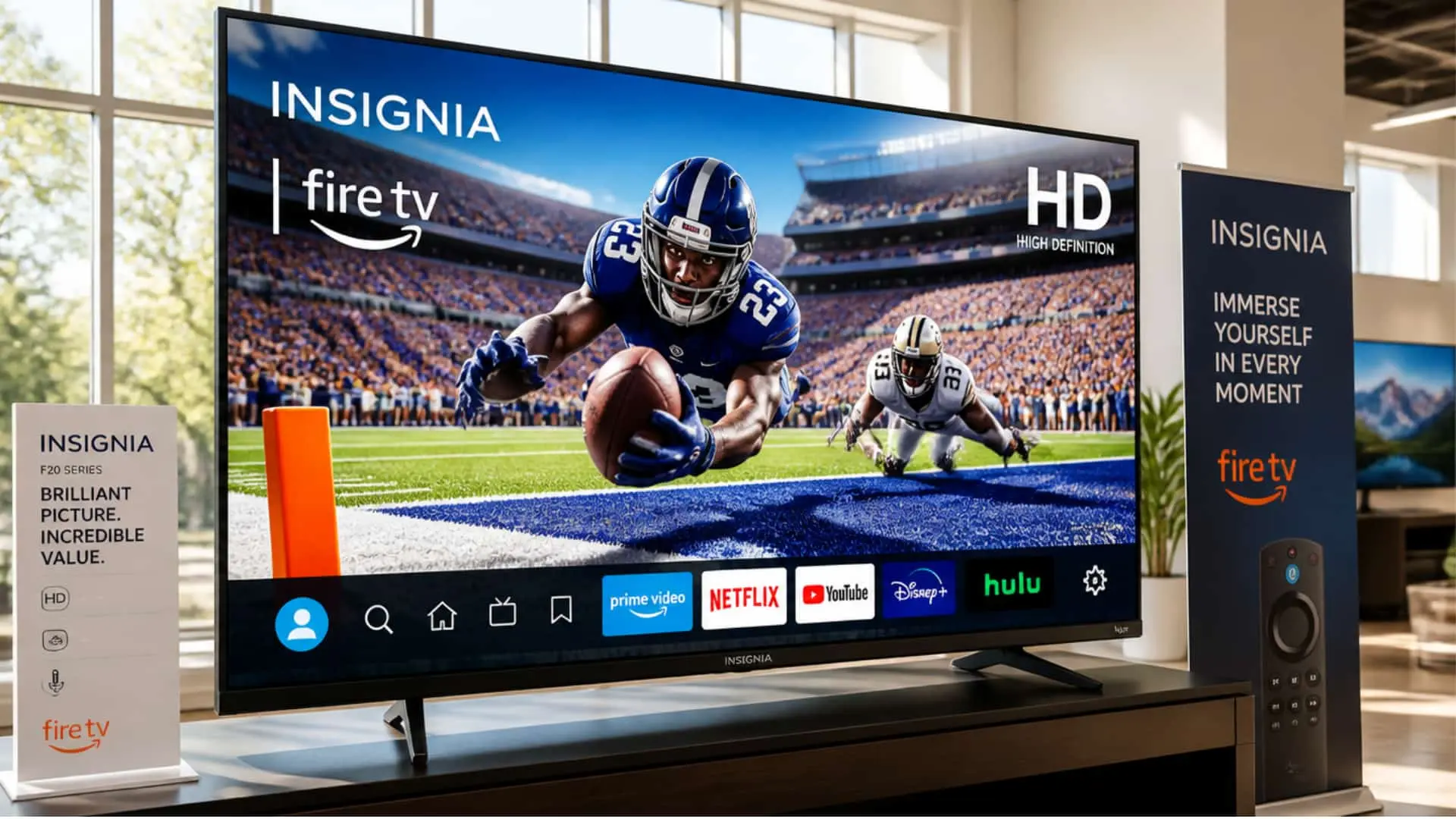
Insignia TVs include practical features designed for everyday viewing, streaming, and casual entertainment. Instead of focusing on premium technologies, the brand prioritizes affordability and easy-to-use smart features.
1. Display Quality and Resolution
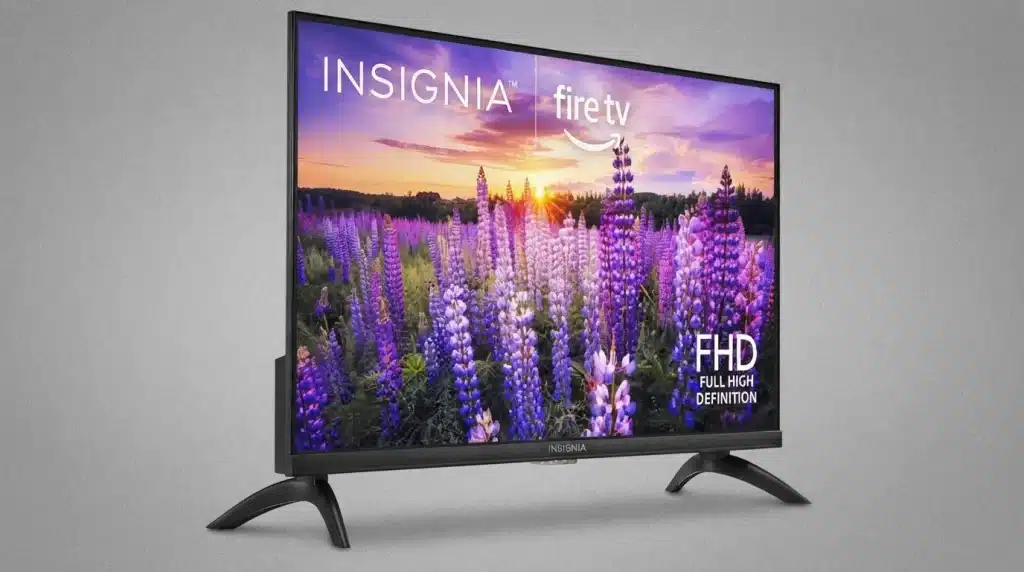
Insignia TVs are available with LED and LCD displays, offering HD, Full HD, and 4K Ultra HD resolution options. Selected models include HDR support, which helps improve contrast and detail in compatible content.
Getting familiar with differing HDR standards can help you judge how much of a difference this actually makes on screen.
These displays are suitable for watching movies, shows, sports, and online videos but may not deliver premium-level picture performance.
2. Screen Sizes and Design Options
Insignia offers TVs in different screen sizes to fit various spaces, including bedrooms, apartments, guest rooms, and living areas. The designs are generally simple and lightweight, making installation easier.
Since many of these sets sit on furniture rather than a wall mount, following basic guidance on anchoring TVs securely is worth a few extra minutes during setup.
While the appearance is functional rather than luxurious, the available sizes give buyers flexibility when choosing a TV according to their room requirements.
3. Smart TV Platform and Streaming Features
Many Insignia TVs come with Amazon Fire TV built in, providing access to popular streaming services like Netflix, Prime Video, YouTube, and more.
Users can download supported apps, connect to Wi-Fi, and enjoy online content without needing additional streaming devices.
Since these apps run on a connected screen, a quick look at protecting your privacy online is a sensible step before signing into multiple accounts. The smart experience may vary depending on the specific model.
4. Performance and Processing Capability
Insignia TVs are built to handle regular smart TV activities, including streaming, app navigation, and daily content playback.
Their processors are designed for basic performance rather than advanced image processing. Checking a model’s ENERGY STAR certification can also give a quick read on how efficiently it runs during long viewing sessions.
Users looking for smooth everyday operation will find them suitable, but demanding viewers may notice differences compared with higher-end television brands.
5. Connectivity and Compatibility
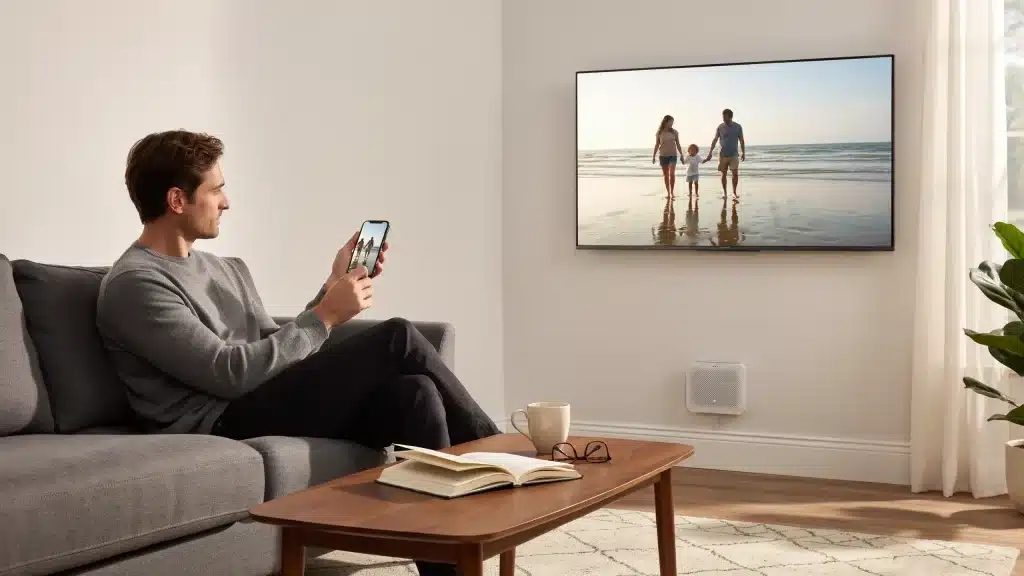
Insignia TVs include essential connectivity options such as HDMI ports, USB connections, Wi-Fi, and Bluetooth support on selected models. Even mirroring a phone screen becomes simple once the right port or app is set up.
These features allow users to connect gaming consoles, soundbars, external storage devices, and other accessories. The number of available ports may differ between models, so checking specifications before buying is recommended.
6. Audio Features and Sound Performance
Most Insignia TVs include built-in stereo speakers designed for regular television viewing, streaming, and casual entertainment. Some models support enhanced audio technologies like Dolby Audio for improved sound quality.
However, users who want a cinema-like experience may prefer adding a soundbar or external speaker system for deeper bass and clearer audio.
7. Voice Control and Smart Assistance
Insignia Fire TV models support Alexa voice control through compatible remotes, allowing users to search shows, open apps, adjust settings, and control certain smart features using voice commands.
This makes navigation easier, especially for users who prefer hands-free control while browsing streaming platforms and managing entertainment options.
8. Gaming Support and Features
Insignia TVs can support casual gaming through HDMI connections with gaming consoles and other devices. However, most models are designed for basic gaming rather than competitive gameplay, and picking between gaming consoles with higher refresh-rate demands may expose these limitations faster.
Advanced features such as higher refresh rates, HDMI 2.1 support, and specialized gaming modes may not be available on many Insignia models.
Insignia TVs: Pros Vs Cons
Every device has its own benefits and disadvantages, and an Insignia TV is no different. While for some it might be a really good choice, for others (like gamers) not so much. Let’s find out why
| Category | Pros | Cons |
|---|---|---|
| Price | Affordable across multiple sizes | Lower cost comes with performance compromises |
| Smart Features | Built-in Fire TV and Alexa support | Interface may feel slower on some models |
| Picture Quality | Good enough for casual streaming | Limited HDR brightness on many models |
| Audio | Works for everyday viewing | Soundbar may be needed for movies |
| Gaming | Supports casual gaming | Limited features for serious gamers |
Insignia TVs provide strong value for basic entertainment but are better suited for casual users than performance-focused buyers.
What Real Owners Say About Insignia TV
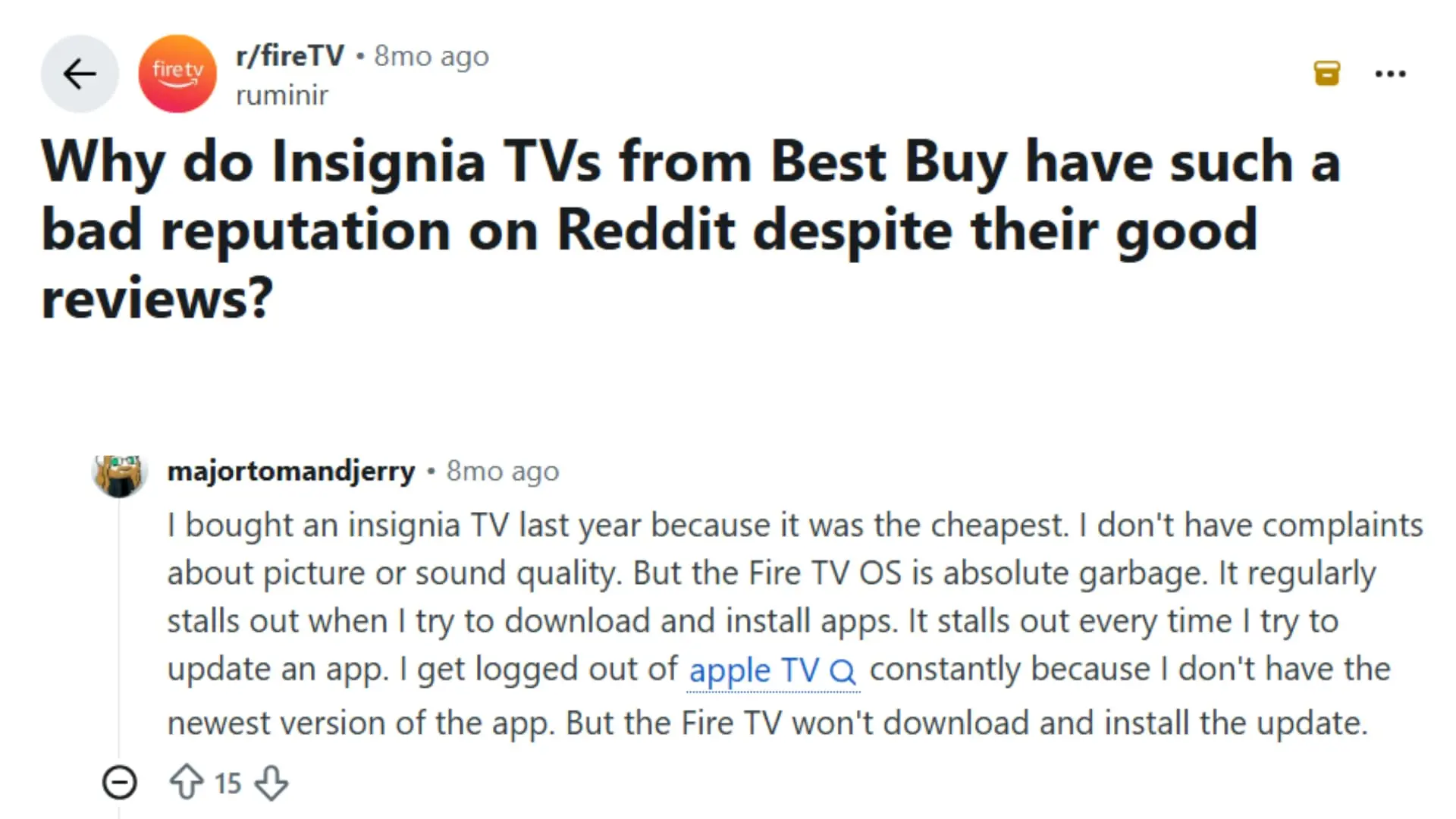
Reddit users have mixed opinions about Insignia TVs from Best Buy, with discussions focusing on why the brand receives criticism despite strong retail ratings.
Many users say the picture quality and value are acceptable for bedrooms, guest rooms, and casual viewing, especially given the low price.
However, the biggest complaints are related to the built-in Fire TV experience, including slow menus, app installation issues, limited processing power, and occasional software problems.
Some users believe the negative reputation comes from comparing budget TVs with expensive premium models, while others report concerns about long-term reliability, backlight failures, and inconsistent performance.
Overall, the discussion suggests that Insignia TVs can be a good budget option, but buyers should understand the compromises that come with lower pricing.
Insignia Model Comparison
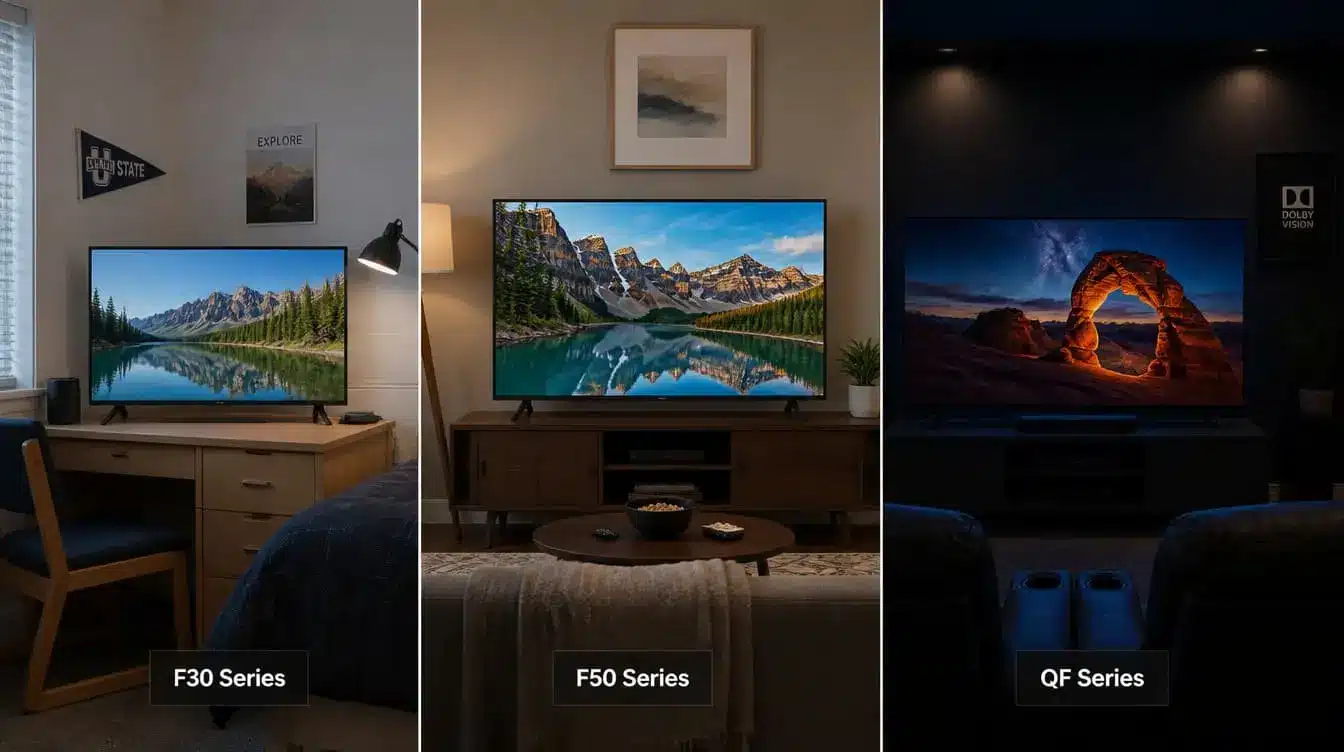
Insignia offers several TV series with different resolutions, display technologies, and prices. Comparing them side by side can help you choose the right model for your room and viewing needs.
| Series | Resolution | Display Type | Best For |
| F20 | HD | LED | Small rooms and basic viewing |
| FE/F40 | Full HD | LED | Everyday streaming |
| F50 | 4K UHD | LED | Affordable 4K entertainment |
| QF Series | 4K UHD | QLED | Better colors and improved picture |
| F70 Series | 4K UHD | QLED Mini-LED | Highest Insignia picture performance |
The F20 and FE/F40 models work well as secondary TVs. The F30 line is best suited to buyers who mainly want a functional second TV, a bedroom, guest room, or dorm setup where picture perfection isn’t the priority.
The F50 sits as a solid all-purpose choice for a primary casual-viewing space. The QF Series is the pick for anyone who wants Insignia’s best possible picture, noticeably more vibrant color, and format support without stepping up to a premium brand entirely.
Is an Insignia TV Good for Gaming?
Insignia TVs can provide a satisfactory gaming experience for casual players, but their features and performance vary by model. Understanding their strengths and limitations helps gamers choose wisely.
Good For:
Insignia TVs are better suited for relaxed gaming sessions where smooth gameplay is preferred over advanced competitive features.
- Nintendo Switch gaming
- Story-based games
- Occasional console use
- Family gaming
Limitations:
While Insignia TVs support console gaming, many models prioritize affordability over advanced gaming performance. Some features serious gamers need may be unavailable.
- 120Hz refresh rates
- HDMI 2.1
- VRR support
- Advanced gaming modes
Insignia TVs are a practical choice for casual gaming, but competitive players using consoles like PS5 or Xbox Series X should consider models with stronger gaming specifications.
Insignia vs Competitors: Which is Better?
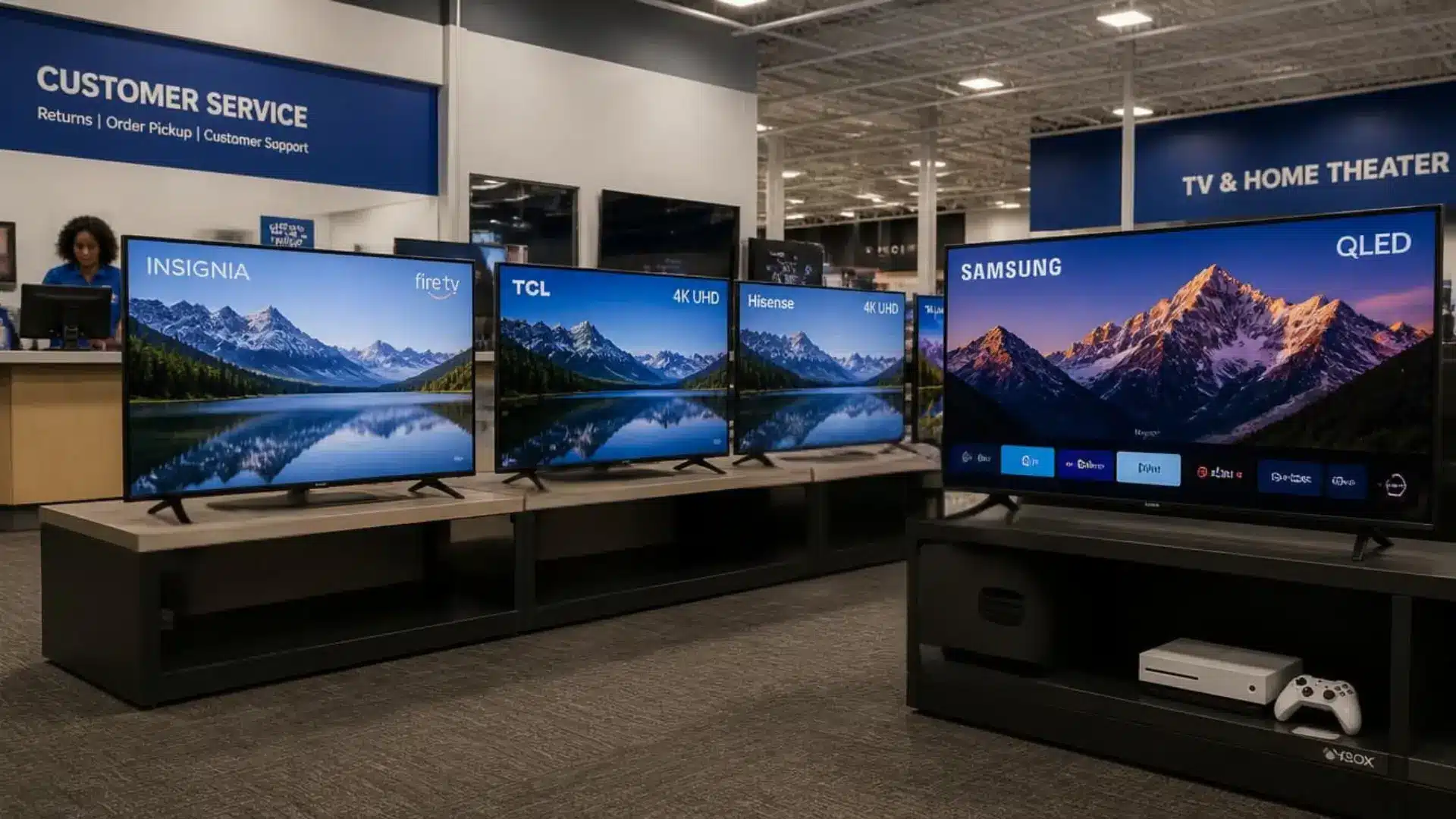
Insignia TVs are great for people buying higher-tier panel displays, but the competition from other companies keeps customers confused, as each company has its own perks.
| Brand | Typical Position | Display Options | Gaming Support | Best For |
| Insignia | Entry-level | LED, QLED, selected Mini-LED | Basic on many models | Low-cost streaming |
| TCL | Entry-level to premium | LED, QLED, Mini-LED | VRR and 120Hz on selected models | Strong overall value |
| Hisense | Entry-level to premium | LED, QLED, Mini-LED | VRR and 120Hz on selected models | Brighter midrange options |
| Samsung | Midrange to premium | QLED, Mini-LED, OLED | Advanced gaming on selected models | Premium viewing and gaming |
The better brand depends on your budget and viewing priorities. Insignia suits basic streaming, while selected TCL and Hisense models generally provide stronger picture processing, HDR, and gaming features.
How Reliable are Insignia TVs?
Insignia TVs offer reasonable reliability for their price range, but long-term performance can vary depending on the specific model and usage conditions. The brand does not provide detailed failure-rate data, so buyers should check individual model reviews and warranty coverage before purchasing.
Many Insignia TVs include a one-year limited warranty, which covers certain issues but may not protect against all repair costs.
Common problems reported by some users include slow software, app crashes, screen issues, backlight failures, and power-related problems.
While software problems can sometimes be fixed through updates or resets, hardware repairs may become expensive compared with buying a new budget TV.
For larger or higher-priced models, a protection plan may be worth considering if the coverage provides meaningful value.
Final Thoughts
Insignia TVs can be a smart choice for buyers who want useful features without spending too much on a television. I found that their biggest strengths are affordable pricing, built-in smart features, and suitability for everyday viewing.
At the same time, areas like gaming performance, sound quality, and long-term reliability depend on the model you choose.
If you are still wondering whether Insignia TVs are good, I’d say they work best when your expectations match their budget-friendly design.
Checking the exact model, features, and reviews can help you make a better decision. I hope this helped you understand what to expect. Share your thoughts or experiences with Insignia TVs in the comments.
Frequently Asked Questions
How Long Is the Warranty on an Insignia TV, and Is It Worth Extending?
Insignia TVs typically come with a standard one-year limited warranty through Best Buy. Given the multi-OEM sourcing variability discussed earlier, some buyers opt for Best Buy’s Geek Squad protection plan for added peace of mind, especially on larger or QLED models.
Are Insignia TVs Compatible with Wall Mounts?
Most Insignia models follow standard VESA mounting patterns, so they work with widely available third-party wall mounts. It’s worth checking the specific model’s manual for exact VESA dimensions before purchasing a mount separately.
Do Insignia TVs Support Screen Mirroring from a Phone?
Yes, since most models run Fire TV OS, they support screen mirroring from compatible Android and Fire OS devices, along with casting from apps that support Fire TV natively. iPhone users may need to rely on supported streaming apps directly rather than native mirroring.