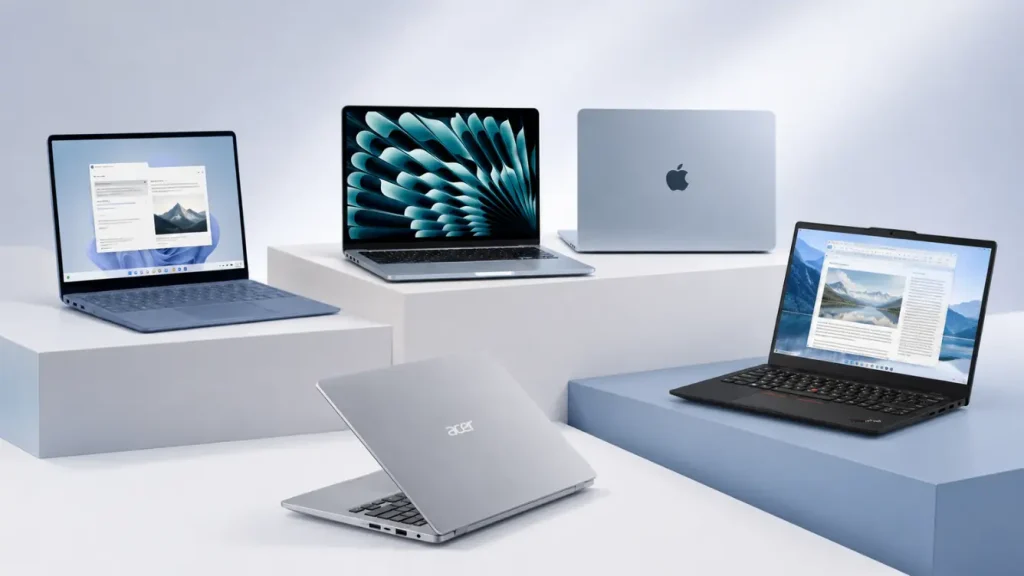
A good sentence can disappear while you wrestle with a stiff keyboard, screen glare, or a charger that never leaves the bag. That frustration matters more than another processor upgrade.
When I compare the best laptops for writers, I focus on the parts that shape a writing day: typing comfort, readable text, battery life, weight, software support, and price.
My shortlist covers quiet MacBooks, Windows machines, budget choices, and a pen-friendly 2-in-1. The quick table gives you an immediate answer, while the reviews explain who should buy each model and who should pass.
By the end, you should know which computer fits your drafts, research habits, workspace, and budget without paying for power you will not use.
What Makes a Writing Laptop Comfortable for Hours
Raw speed matters less than the features your hands, eyes, and shoulders notice during long writing sessions. I prioritize a well-spaced keyboard with steady feedback and a firm deck that does not flex while typing.
The screen should be bright enough for daytime use, while a taller aspect ratio displays more text. A matte finish can also reduce distracting reflections.
Weight becomes important when carrying the laptop between home, cafés, classes, interviews, or trips.
Battery estimates deserve caution because brightness, video calls, browser tabs, and background apps affect actual runtime. Quiet cooling is useful in libraries and shared spaces, although a fan is acceptable if it remains quiet during basic tasks.
Before buying, check support for your writing software, printer, dictation tools, and plug-ins. Comfort, portability, battery life, and compatibility should come before small performance gains.
Top Writing Laptops Compared at a Glance
If you want the short answer, start here. I have assigned every choice a clear role so you can narrow eight machines to two or three without reading every specification.
| Laptop | Best For | Strongest Point | Main Drawback | Recommended Configuration |
|---|---|---|---|---|
| Apple MacBook Air 13-inch M5 | Most writers | Quiet body and long battery | Limited built-in ports | 16GB memory, 512GB SSD |
| Microsoft Surface Laptop 7 | Windows users | Tall touchscreen and comfortable keys | ARM checks may be needed | 16GB memory, 512GB SSD |
| Lenovo ThinkPad X1 Carbon Gen 14 | Heavy typists | Keyboard and low weight | High price | 16GB memory, 512GB SSD |
| Acer Swift Go 14 | Budget Windows buyers | Sharp OLED option | Runtime varies by screen | 16GB memory, 512GB SSD |
| ASUS Zenbook 14 OLED | Bloggers and editors | Display and extra headroom | Glossy reflections | 16GB memory, 512GB SSD |
| Acer Chromebook Plus 514 | Google Docs users | Low cost and simple upkeep | Limited desktop programs | 8GB memory, 128GB storage |
| Microsoft Surface Pro 12th Edition | Handwritten planning | Pen and tablet format | Keyboard costs extra | 16GB memory, 512GB SSD |
| Apple MacBook Air 15-inch M5 | Large-screen writing | Room for draft and research | Costs more than 13-inch Air | 16GB memory, 512GB SSD |
Prices and configurations change often, so compare the full model number before ordering. Once two or three options remain, the product notes below show where each one gives up ground.
Laptop Picks for Different Types of Writers
Writing habits vary by role. Novelists may prioritize keyboard comfort, journalists need portability, and bloggers may require extra power for images and publishing tools. These recommendations match each laptop to a specific writing workload.
1. Apple MacBook Air 13-Inch M5: Best Overall
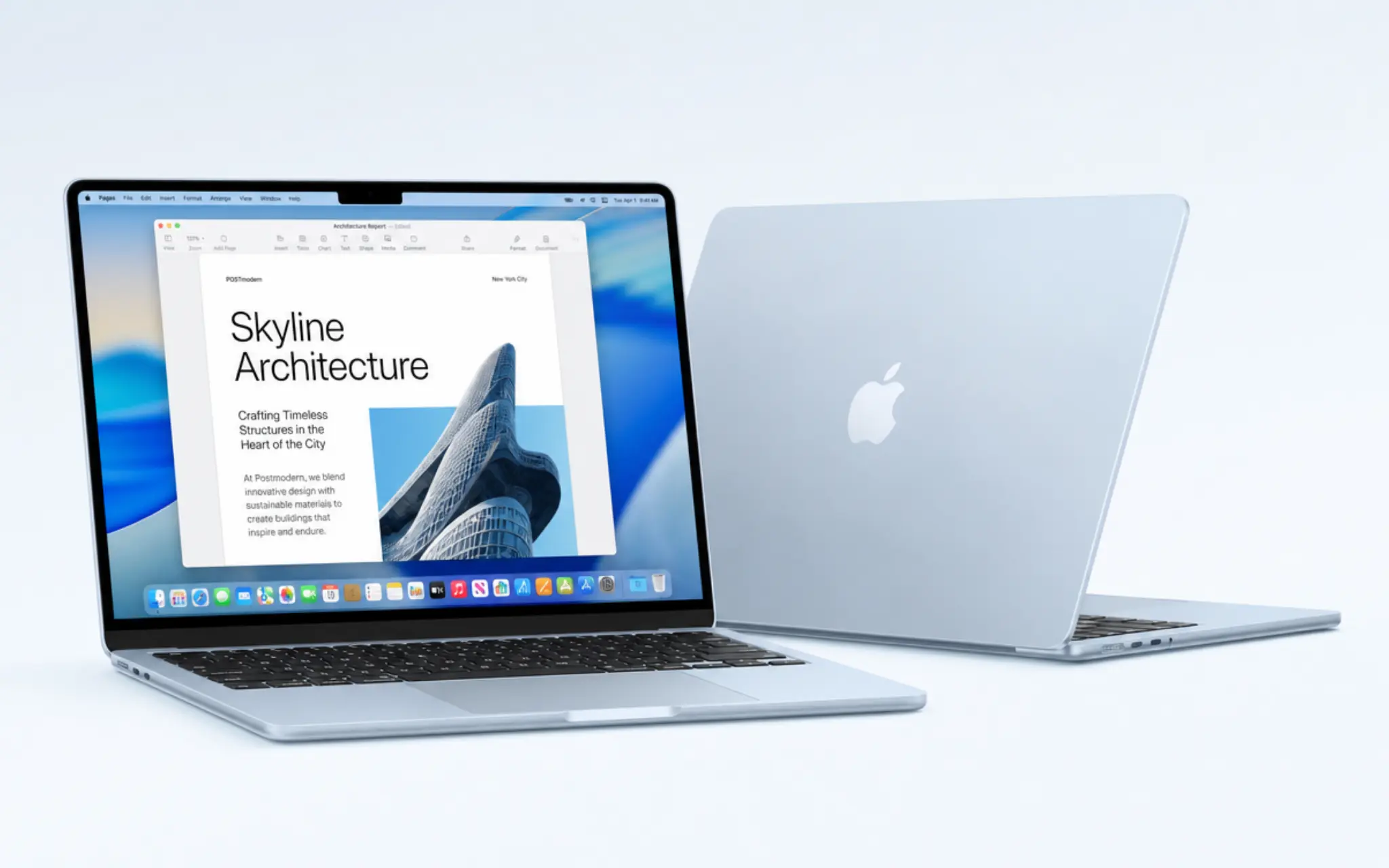
The 13-inch MacBook Air M5 covers the widest range of writing needs. Its fanless body stays silent, its 2.7-pound weight is easy to carry, and Apple rates it for up to 15 hours of wireless web use.
The sharp screen and roomy trackpad suit long documents without making the computer bulky.
Major writing programs work on macOS. Two Thunderbolt 4 ports may feel restrictive once older accessories enter the setup, although MagSafe leaves both data ports free.
Memory and storage cannot be upgraded later, so I would choose 16GB and 512GB at purchase.
- Best for: Novelists, freelancers, students, journalists, and content writers.
- Buy it: If you want a light, silent laptop with long battery life and macOS.
- Skip it: If you need Windows-only software, numerous built-in ports, or upgradeable memory and storage.
2. Microsoft Surface Laptop 7: Best Windows Choice
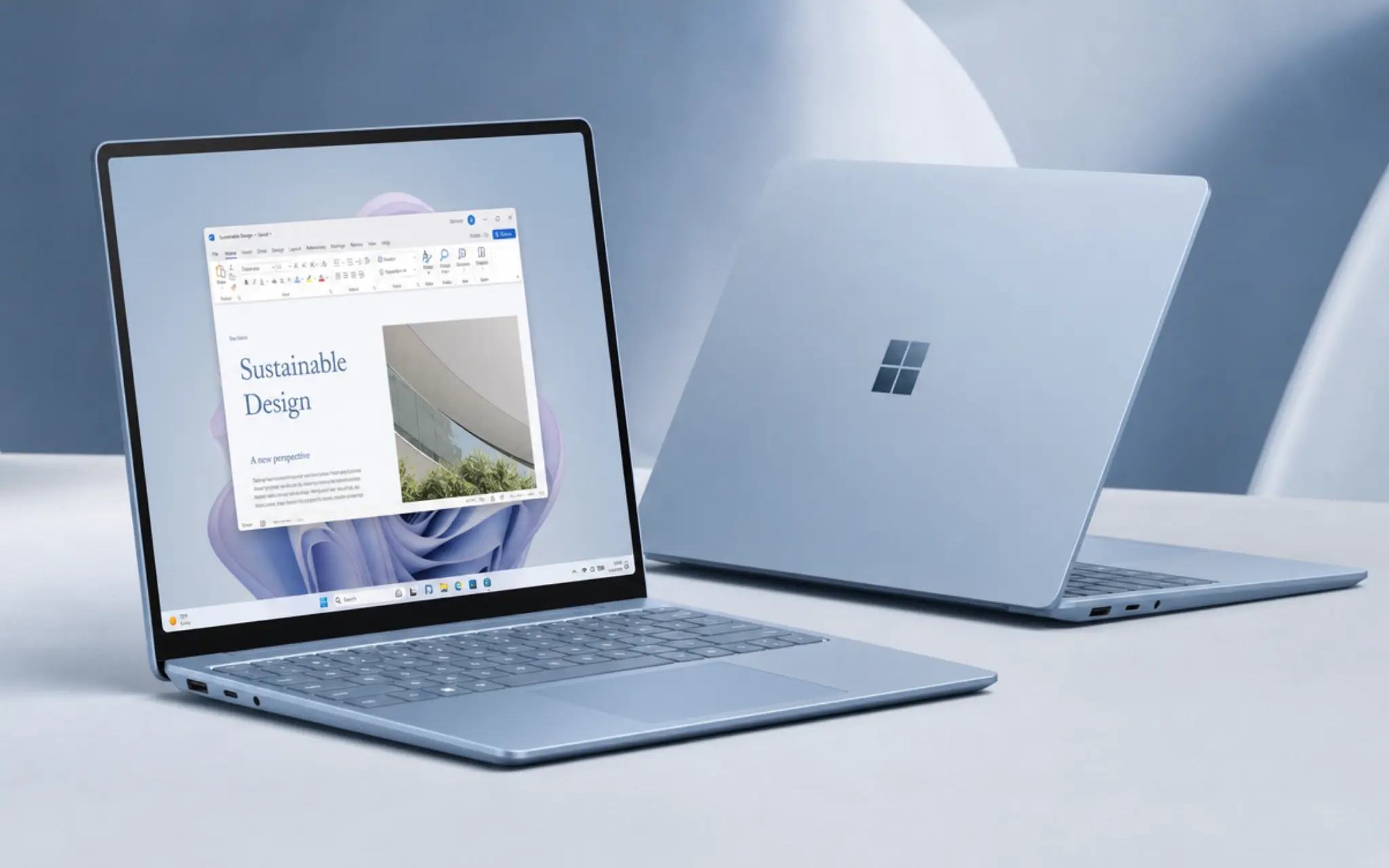
The Surface Laptop 7 is my Windows choice for someone who likes the clean feel of a MacBook but does not want macOS. Its 3:2 touchscreen displays more of a document vertically than a 16:9 panel, which means less scrolling during drafting and editing.
Consumer versions commonly use ARM-based Snapdragon processors. Word, browsers, and many common programs run well, but specialist software still needs checking.
Final Draft 13 officially lists Intel or AMD processors, so screenwriters should confirm support before choosing a Snapdragon model. Intel business versions exist for buyers who cannot risk that uncertainty.
- Best for: Editors, journalists, business writers, and Microsoft Office users.
- Buy it: If you want a polished Windows laptop with a tall touchscreen and strong battery potential.
- Skip it: If essential programs, drivers, or older accessories have not been confirmed to work with ARM processors.
3. Lenovo ThinkPad X1 Carbon Gen 14: Best Keyboard
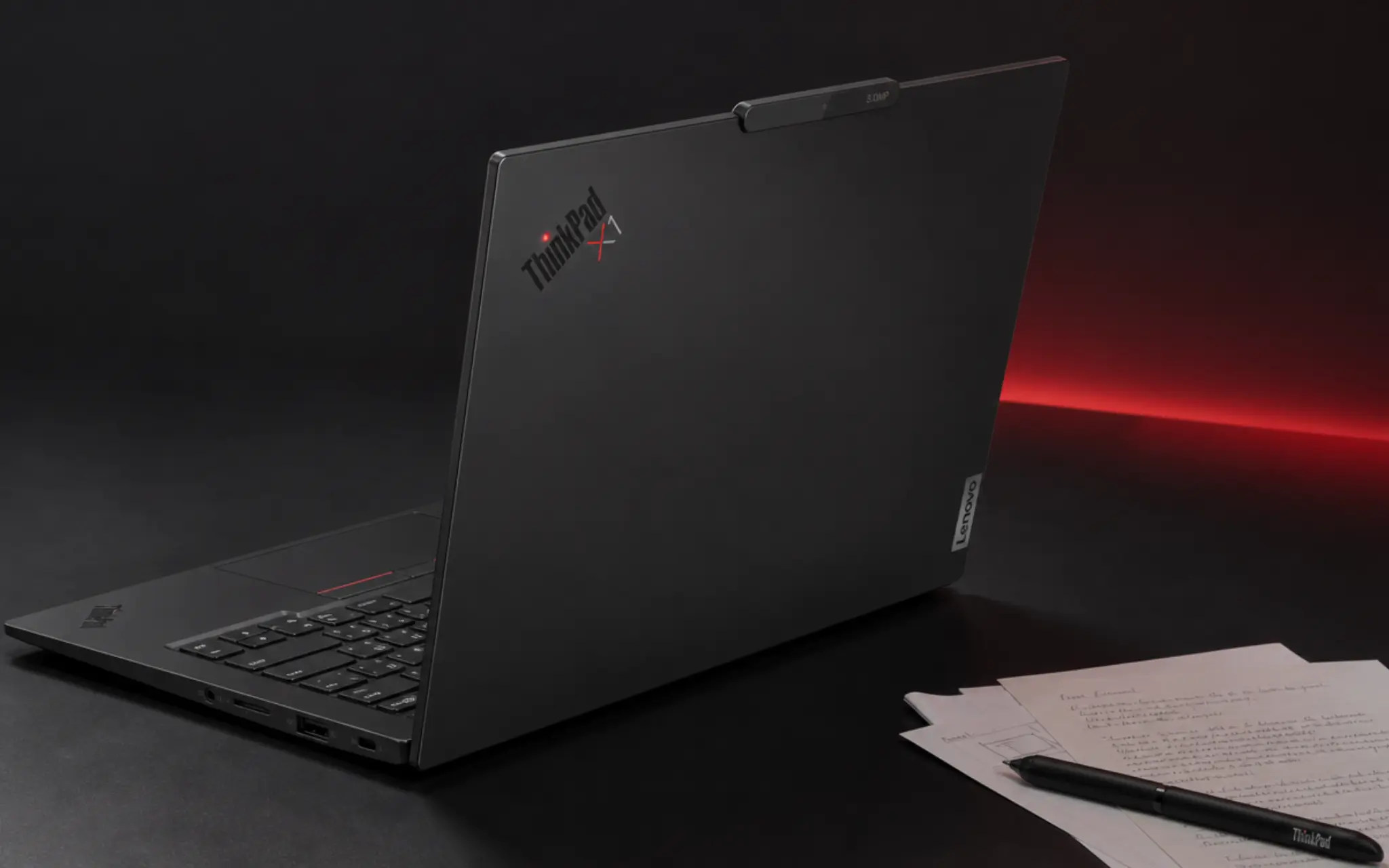
Writers who care about key feel should put the ThinkPad X1 Carbon Gen 14 high on the list. Its sculpted keys and clear feedback suit long documents, while a starting weight below 2.2 pounds makes it unusually easy to carry.
Lenovo offers several displays and memory levels. I would favor a low-power IPS screen for longer battery life and fewer reflections.
The OLED option provides stronger contrast, while the IPS configuration may suit battery-focused buyers better. Price remains the larger concern because many writers will not need its business features.
- Best for: Novelists, copywriters, transcriptionists, and heavy typists.
- Buy it: If keyboard comfort, very low weight, useful ports, and durable construction justify the higher price. If long-term reliability is one of your top priorities, it’s also worth comparing the most durable laptops before making a final decision.
- Skip it: If affordability matters more than business features or you rarely complete long typing sessions.
4. Acer Swift Go 14: Best Budget Windows Pick
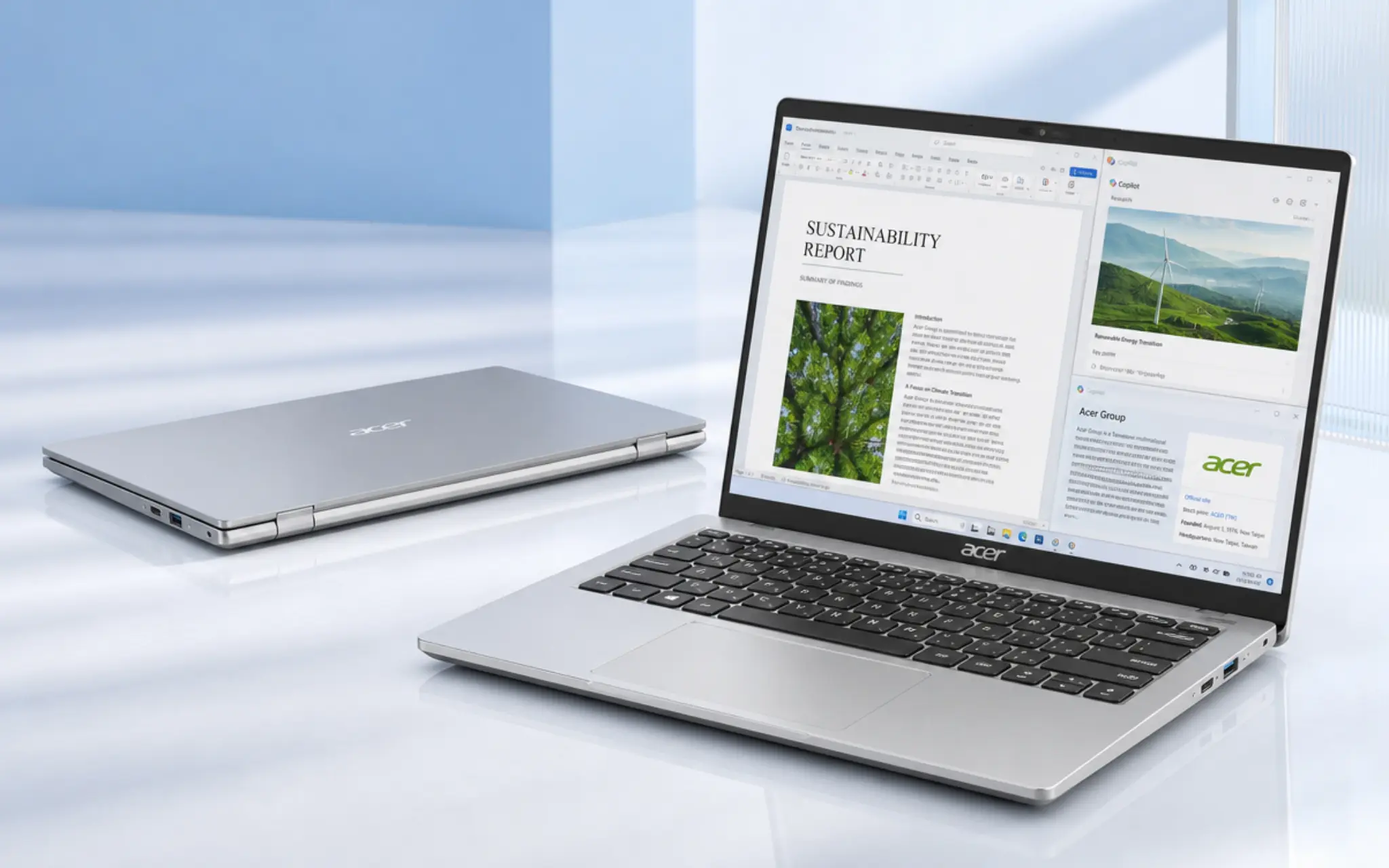
The Acer Swift Go 14 brings a crisp 14-inch OLED option to a lower price tier than many premium ultraportables. Intel Core Ultra configurations can handle large tab groups, office apps, calls, and light photo work without requiring a heavier machine.
The family includes several screen, processor, and memory combinations. Some versions have only 8GB of fixed memory, so I would check the full model code and look for 16GB.
OLED configurations may return shorter runtime during bright, document-heavy work, though the difference depends on the exact screen and brightness setting.
- Best for: Students, new freelancers, and aspiring authors on a budget.
- Buy it: If you want capable Windows performance and a sharp display at a moderate price.
- Skip it: If maximum battery life away from an outlet is your main concern.
5. ASUS Zenbook 14 OLED: Best for Writing and Editing
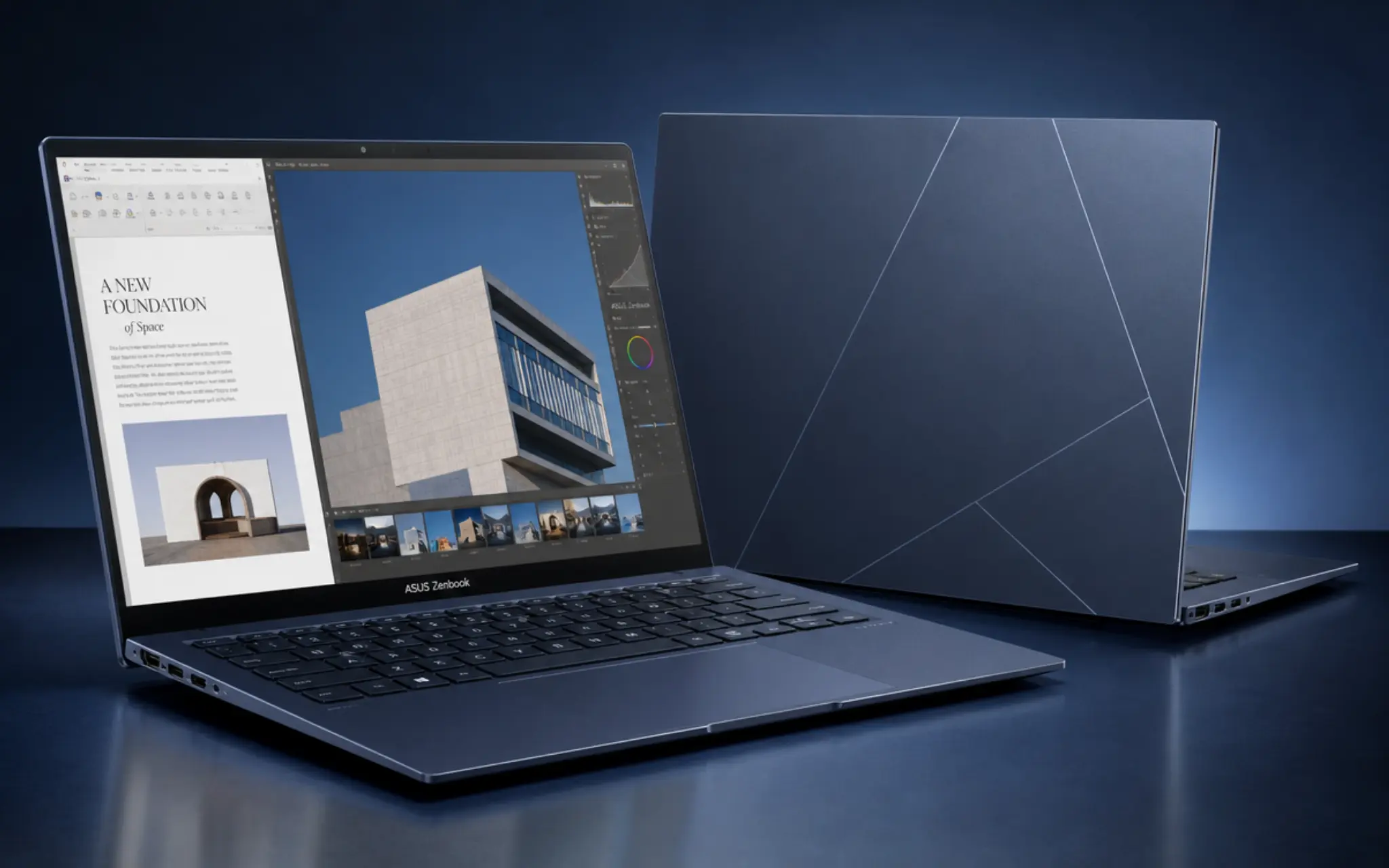
The ASUS Zenbook 14 OLED suits bloggers and content writers who also handle images, presentations, spreadsheets, or site updates. Its 16:10 panel gives documents more vertical room, while current configurations support heavier multitasking than plain drafting requires.
OLED contrast is pleasant for media and dark themes, but the glossy coating can become tiring under bright lights.
Fan noise may also rise during exports or demanding visual work, though ordinary documents place little pressure on the processor. Check the keyboard layout in person because regional versions can differ.
- Best for: Bloggers, content marketers, editors, and website writers.
- Buy it: If your work combines writing, image editing, presentations, and heavy browser use.
- Skip it: If screen reflections bother you or you only use documents and email.
6. Acer Chromebook Plus 514: Best Low-Cost Option
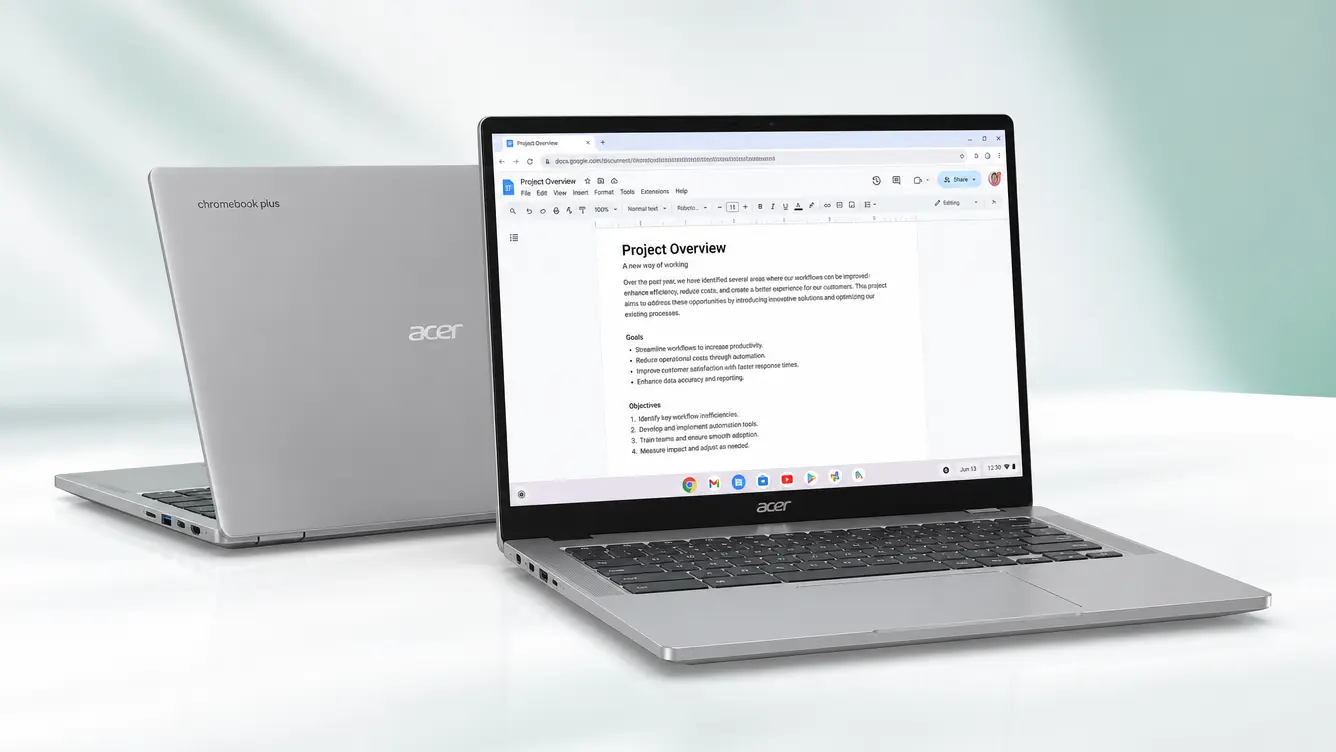
The Acer Chromebook Plus 514 is a sensible choice for Google Docs, research, email, and online publishing systems. Its 14-inch WUXGA screen offers more room than a basic HD panel, while Chrome OS starts quickly and requires little maintenance.
The limit is software. Scrivener has no ChromeOS version, while Final Draft officially states that Chromebooks are unsupported.
Google Docs can work offline once offline access is enabled, but the setup should be completed before travel. Writers who already use browser tools will feel the least restricted.
- Best for: Google Docs users, collaborative writers, and browser-based freelancers.
- Buy it: If most of your work happens in Google Docs and browser-based platforms.
- Skip it: If you rely on full desktop writing, publishing, or editing software.
7. Microsoft Surface Pro 12th Edition: Best for Pen Input
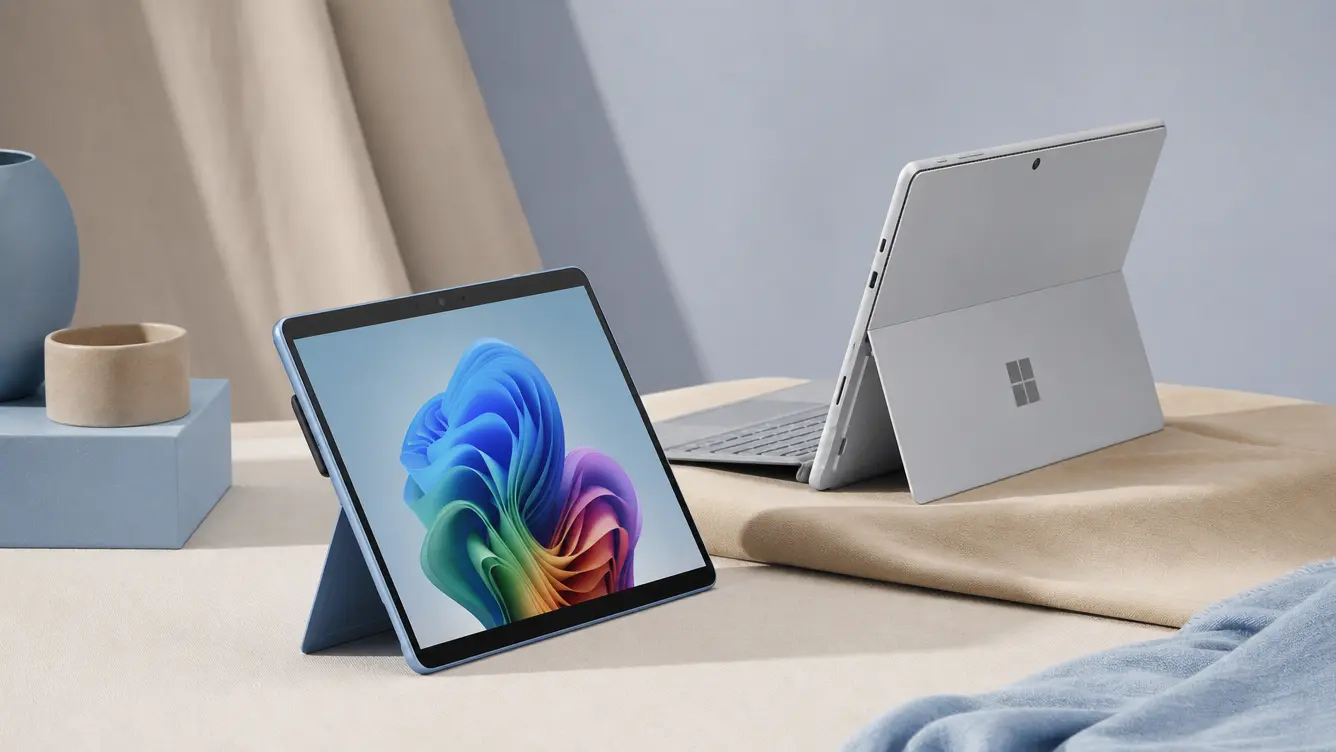
The Surface Pro 12th Edition suits researchers, students, and planners who mark PDFs or sketch an outline before typing. Its adjustable kickstand works well on a desk, while the choice of 12-inch and 13-inch versions balances portability against workspace.
The detachable keyboard is the central compromise. It is less stable on a lap than a normal clamshell, and Microsoft sells the keyboard and pen separately in many packages.
Its Snapdragon processor carries the same specialist-software and driver checks as the Surface Laptop 7. Add every accessory before comparing its final cost with a regular notebook.
- Best for: Researchers, academics, students, and handwritten planners.
- Buy it: If handwritten notes, PDF markup, and tablet use are part of your routine.
- Skip it: If you type on your lap often or want accessories included in the base price.
8. Apple MacBook Air 15-Inch M5: Best Large Screen
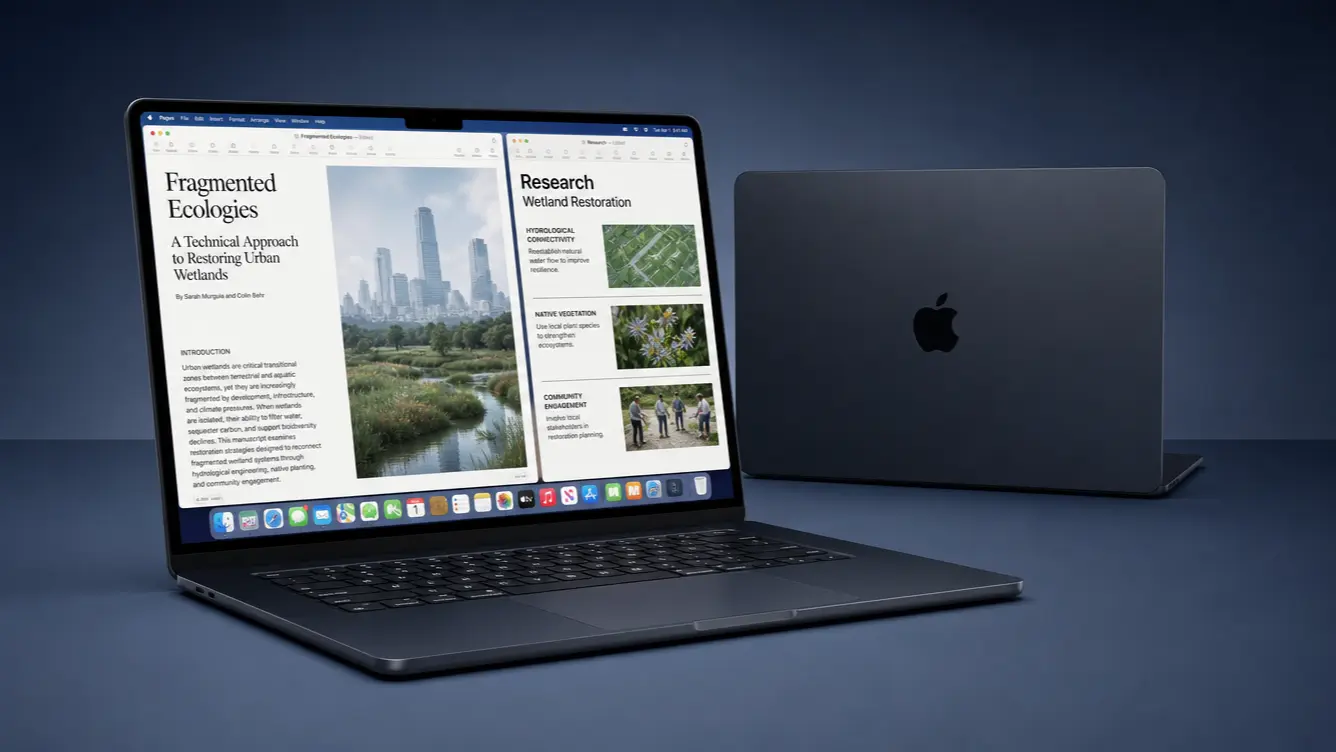
The 15-inch MacBook Air M5 keeps the quiet design of the smaller Air while giving drafts, notes, and research more room. I would choose it for a mostly stationary setup where a separate monitor is unavailable.
This model isn’t a one-size-fits-all answer. It costs more than the 13-inch version, takes more bag space, and offers the same basic port limitation.
Writers who work on trains or small café tables may prefer the compact Air, while home-based editors may value the larger canvas every day.
- Best for: Home-based authors, editors, and researchers.
- Buy it: If a roomy display matters more than carrying the smallest possible laptop.
- Skip it: If you travel frequently or already use an external monitor at home.
No single machine leads every category. Budget, pen input, screen size, portability, and software requirements determine which alternative makes more sense.
Choosing MacOS, Windows, or ChromeOS for Writing
A model may suit your budget and typing preferences but still fail if it cannot run the programs or accessories your work requires. I start with those essentials, then choose an operating system around them.
| Tool or Need | macOS | Windows | ChromeOS |
|---|---|---|---|
| Microsoft Word | Full desktop app | Full desktop app | Web version |
| Google Docs | Browser access | Browser access | Web app with offline support |
| Scrivener | Native app | Desktop app; check ARM support | No ChromeOS version |
| Final Draft | Native app | Desktop app; check ARM support | Unsupported |
| Atticus | Web app | Web app | Web app |
| Adobe Creative Cloud | Full desktop apps | Full desktop apps; check ARM support | Limited web access |
| Older printers and plug-ins | Check support | Usually broad; check ARM | Often limited |
I would choose macOS for Apple device integration, major writing apps, and lightweight MacBook Air models.
Windows offers more hardware choices and usually suits older software and peripherals, especially on Intel or AMD systems. ChromeOS works for browser-based writing but supports fewer desktop programs.
Before switching platforms, test a manuscript with its fonts, comments, and tracked changes. Choose the system that runs your current tools and preserves formatting without costly app replacements or major changes to your routine.
Laptop Specifications That Matter Most to Writers
Once the model list is short, configuration decides how long the purchase remains useful. I would spend on parts that cannot be replaced later before paying for a faster processor.
- Memory: 8GB supports basic documents and light browsing, while 16GB is better for research tabs, calls, and several open programs.
- Storage: 256GB suits cloud-based work, but 512GB provides more room for applications, research, interviews, and local backups. Check if storage can be replaced.
- Screen: A 13-inch or 14-inch display is easier to carry, while larger screens provide more room for side-by-side documents. Matte panels reduce reflections, while OLED screens may use more power with bright pages.
- Keyboard: Check spacing, feedback, backlighting, arrow keys, and deck stability. Type a full paragraph before buying if possible.
These choices affect daily comfort longer than a small speed difference. Choose a configuration that supports daily multitasking without sacrificing screen comfort, keyboard quality, or portability.
Costly Laptop Buying Mistakes Writers Should Avoid
Most poor purchases are not caused by a bad computer. They happen when a capable machine is matched to the wrong workload, software, or working environment.
| Mistake | Main Problem | Quick Check |
|---|---|---|
| Buying dedicated graphics | Higher cost, heat, weight, and battery use | Choose integrated graphics for writing |
| Trusting the family name | Specifications vary between models | Check the full model number |
| Ignoring returns | Keyboard discomfort may appear later | Confirm the return period |
| Forgetting accessories | Extras raise the final cost | Add every required accessory |
| Choosing a large screen | Harder to carry and use in small spaces | Check dimensions and weight |
| Believing battery claims | Actual runtime may be much shorter | Read independent battery tests |
This table can help remove unnecessary extras before final prices are compared. A shortlist based on actual working habits is easier to trust than one shaped by marketing labels.
If you’re considering a second-hand device to save money, it’s equally important to know what to inspect before buying a refurbished laptop.
Final Verdict: Which Writing Laptop Fits You?
After comparing these machines, I would choose the MacBook Air M5 for the widest range of writers, the Surface Laptop 7 for Windows users, and the Acer Swift Go 14 when price matters most.
Still, the best laptops for writers are not defined by processor scores alone. A keyboard that suits your hands, a screen that stays readable, and support for your main software will affect every working day.
Use the comparison table to narrow the field, then check the final configuration and total cost before placing your order today.
Pick the model that fits the way you draft, research, and revise, and share your final choice in the comments.
Frequently Asked Questions
Is a Refurbished Computer Worth Buying?
Yes, when it comes from the manufacturer or a reputable seller with a clear warranty and return period. Check battery health, cosmetic grading, included accessories, and software support before deciding if the lower price offsets the remaining wear.
How Should I Back Up Unfinished Manuscripts?
Keep three copies: the working file, a cloud-synced copy, and a separate local copy on an external drive. Turn on version history where available, then test file recovery occasionally so a failed sync does not erase months of changes.
Is a Desktop Better for Long Writing Sessions?
A desktop can provide a larger screen, adjustable keyboard placement, and easier repairs for less money. A portable computer remains better if you change locations often. Many writers use a lightweight notebook with a monitor and keyboard at home.
Which Accessibility Features Help Readers With Dyslexia?
Useful options include text-to-speech, voice typing, adjustable spacing, color filters, focus modes, and font controls. Both macOS and Windows include accessibility settings, but the preferred screen treatment and reading software should be tried before purchase.