Your living room is where you relax, watch movies, entertain guests, and spend time with family, so having the right technology can make a noticeable difference.
Upgrading living room electronics can boost comfort, simplify daily tasks, enhance entertainment, and reduce energy use.
From modern TVs and surround sound systems to smart lighting, charging outlets, and home automation, there are plenty of ways to make the space more functional.
In this article, I’ll cover both electronic devices and electrical upgrades that suit today’s homes.
You’ll also learn which improvements offer the best value, how to prioritize them based on your needs and budget, and what to consider before investing in your next living room upgrade.
Understanding How Home Electronics Work
Home electronics operate by converting electrical energy into useful functions such as light, sound, movement, or digital information.
When plugged into a power source or powered by batteries, electricity flows through internal components like circuit boards, processors, sensors, and microchips.
These parts work together to receive input, process information, and produce the desired output.
For example, a television converts electrical signals into images and sound, while a refrigerator uses electrical power to regulate temperature and keep food fresh.
Modern smart devices also connect to Wi-Fi or Bluetooth, allowing them to communicate with other devices and be controlled remotely.
Understanding these basic principles makes it easier to troubleshoot common problems, use electronics safely, and choose appliances that best suit your household needs.
Why Upgrade Your Living Room Electronics?
Upgrading your living room electronics improves more than entertainment. The right improvements also increase convenience, energy efficiency, safety, and your home’s overall functionality.
- Better Entertainment Experience: Enjoy sharper picture quality, immersive sound, smoother streaming, and enhanced gaming performance for a more enjoyable viewing and listening experience every day.
- Improved Convenience and Automation: Control lighting, entertainment systems, charging devices, and appliances with voice commands, mobile apps, or automated schedules, all with minimal effort.
- Greater Energy Efficiency: Smart lighting, efficient electronics, and automated controls help reduce electricity consumption, lowering energy bills without sacrificing everyday comfort or performance.
- Enhanced Safety and Electrical Protection: Surge protectors, updated outlets, and organized wiring help protect valuable electronics while reducing electrical hazards and unnecessary cable clutter.
- Increased Home Value and Modern Appeal: Modern electronics and smart home upgrades make your living room more attractive, functional, and appealing to future buyers and guests.
Types of Living Room Electronics Upgrades
Living room electronics upgrades fall into several categories, with each one improving a different aspect of your space.
| Category | What It Includes | Primary Benefit |
|---|---|---|
| Lighting Upgrades | Smart bulbs, LED strips, dimmer switches | Better ambiance, customizable lighting, and lower energy consumption. |
| Entertainment Upgrades | Smart TVs, soundbars, surround sound systems | Improved picture quality, immersive audio, and a better movie or gaming experience. |
| Electrical Upgrades | USB-C outlets, additional outlets, surge protection | Greater safety, easier device charging, and improved everyday convenience. |
| Smart Home Devices | Voice assistants, smart plugs, automation hubs | Simple control of connected devices through voice commands or mobile apps. |
| Network Upgrades | Wi-Fi 6 routers, mesh Wi-Fi systems | Faster, more reliable internet for streaming, gaming, and smart home devices. |
| Comfort Upgrades | Smart ceiling fans, automated climate controls | Better airflow, improved comfort, and increased energy efficiency throughout the year. |
| Organization Upgrades | Cable management systems, charging stations | Cleaner appearance, reduced cable clutter, and a more organized entertainment area. |
How to Choose the Right Electronics Upgrade for Your Living Room?
Focusing on your needs, budget, and home’s existing setup helps you invest in improvements that deliver lasting value.
- Identify Your Daily Needs: Think about whether you primarily watch movies, play games, work from home, or entertain guests to prioritize upgrades you’ll use most often.
- Set a Realistic Budget: Decide how much you can spend and focus on upgrades that offer the best balance of performance, convenience, and long-term value.
- Check Your Existing Electrical System: Make sure your outlets, wiring, and circuit capacity can safely support new electronics before installing additional devices or smart features.
- Prioritize Smart Home Compatibility: Choose products that work with your preferred ecosystem, such as Alexa, Google Home, or Apple Home, for seamless control and automation.
- Plan for Future Upgrades: Select expandable devices and leave room for additional smart technology, making future improvements easier without replacing your entire setup.
Best Electronics Upgrades for the Living Room
The right improvements also make everyday living more convenient, increase electrical safety, and help reduce energy use without requiring a complete room remodel.
1. Upgrade to Smart LED Lighting
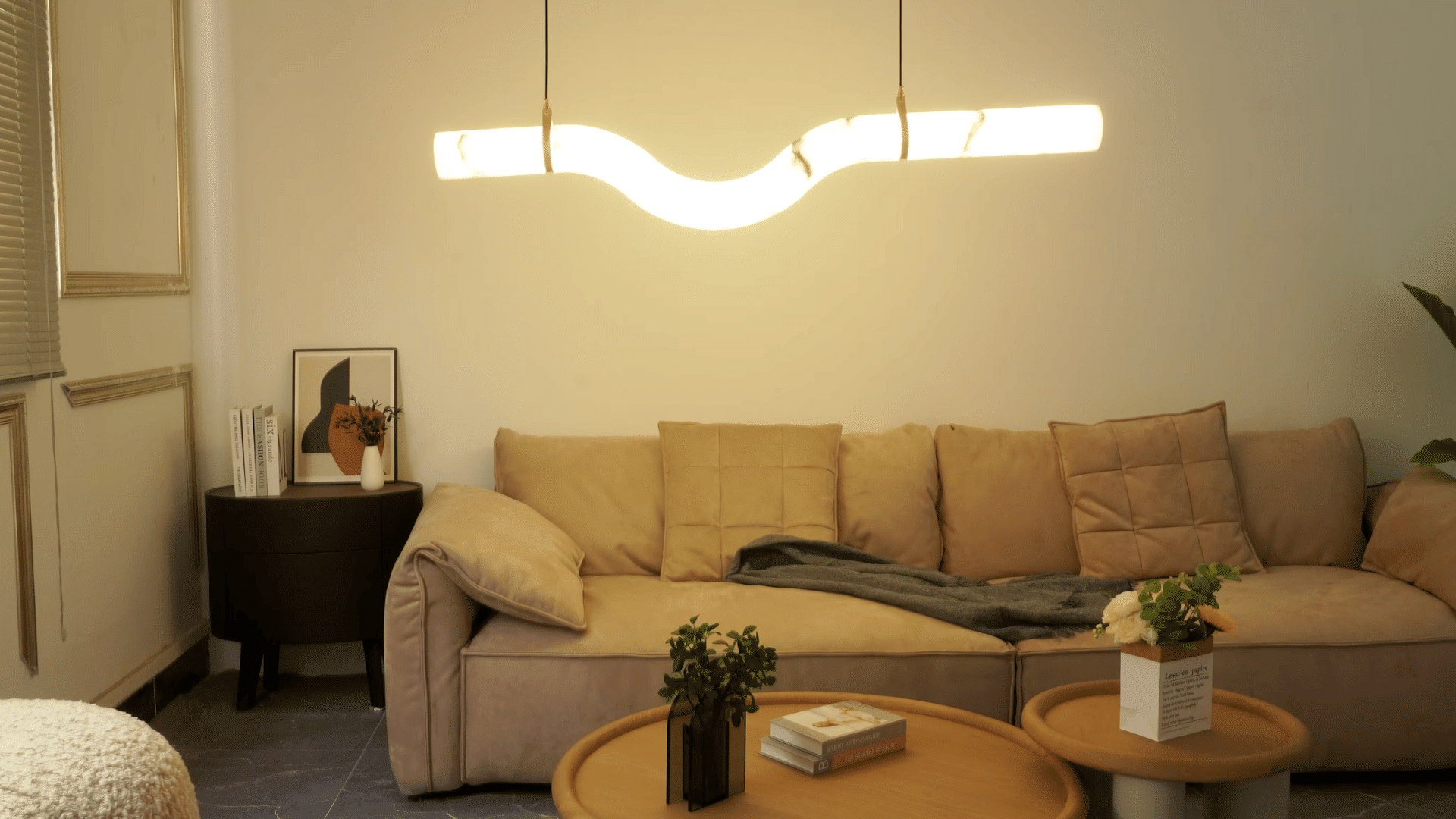
Smart LED lighting is one of the easiest ways to modernize your living room.
Smart bulbs let you change brightness and color using a mobile app or voice assistant, while LED strips add subtle accent lighting behind TVs, shelves, or furniture.
Recessed LED lighting creates a clean, modern look with better room coverage.
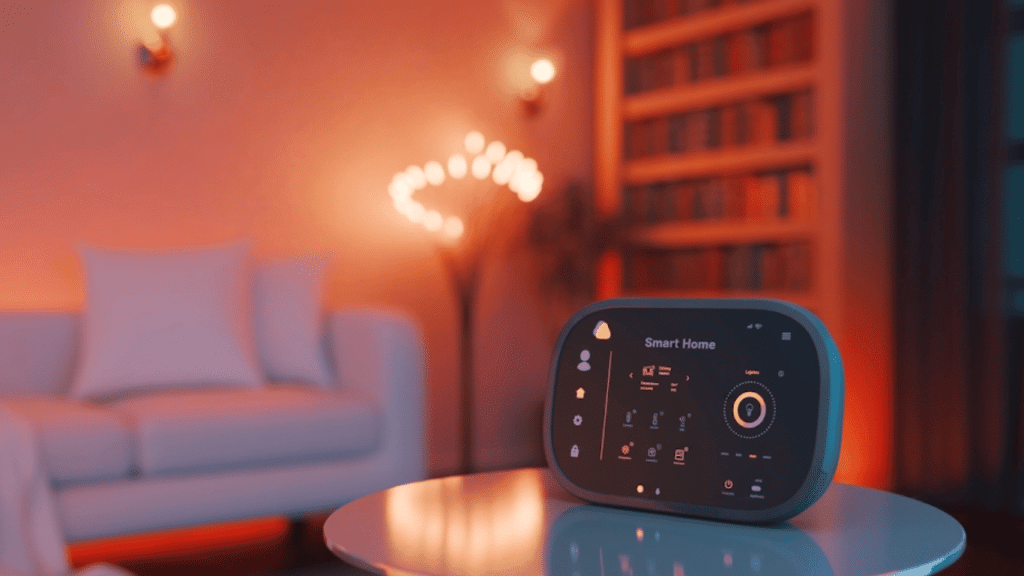
Most systems also work with Alexa, Google Assistant, or Apple Home, allowing you to control lighting without touching a switch.
2. Install Smart Dimmer Switches
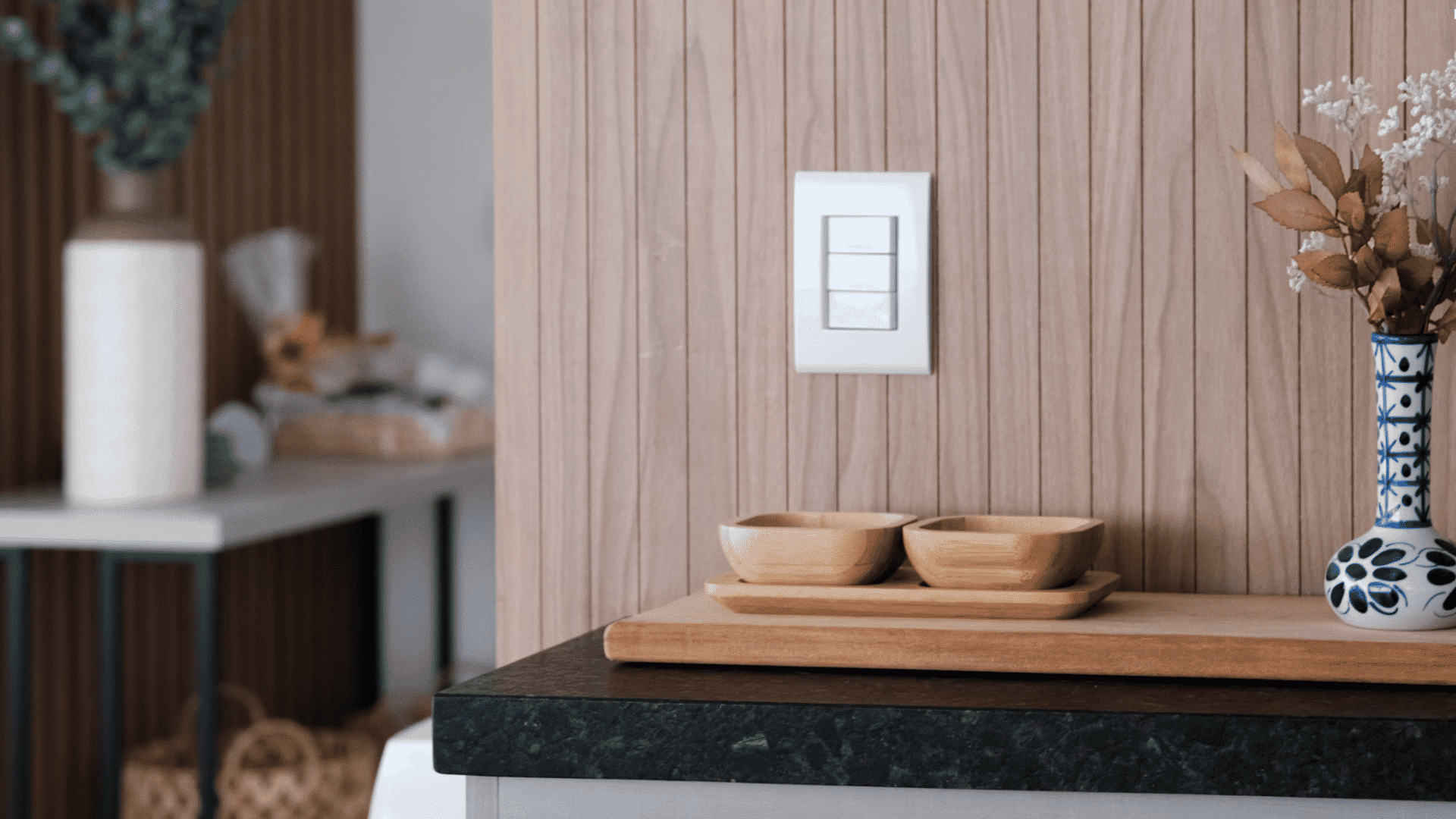
Smart dimmer switches give you complete control over your living room lighting. You can adjust brightness for reading, watching movies, entertaining guests, or relaxing in the evening.
Many models include preset scenes, such as movie mode, that automatically lower the lights with one tap or a voice command.
Since lights often operate at reduced brightness, smart dimmers also help lower electricity usage while extending the life of compatible LED bulbs.
3. Add USB-C and Fast-Charging Wall Outlets
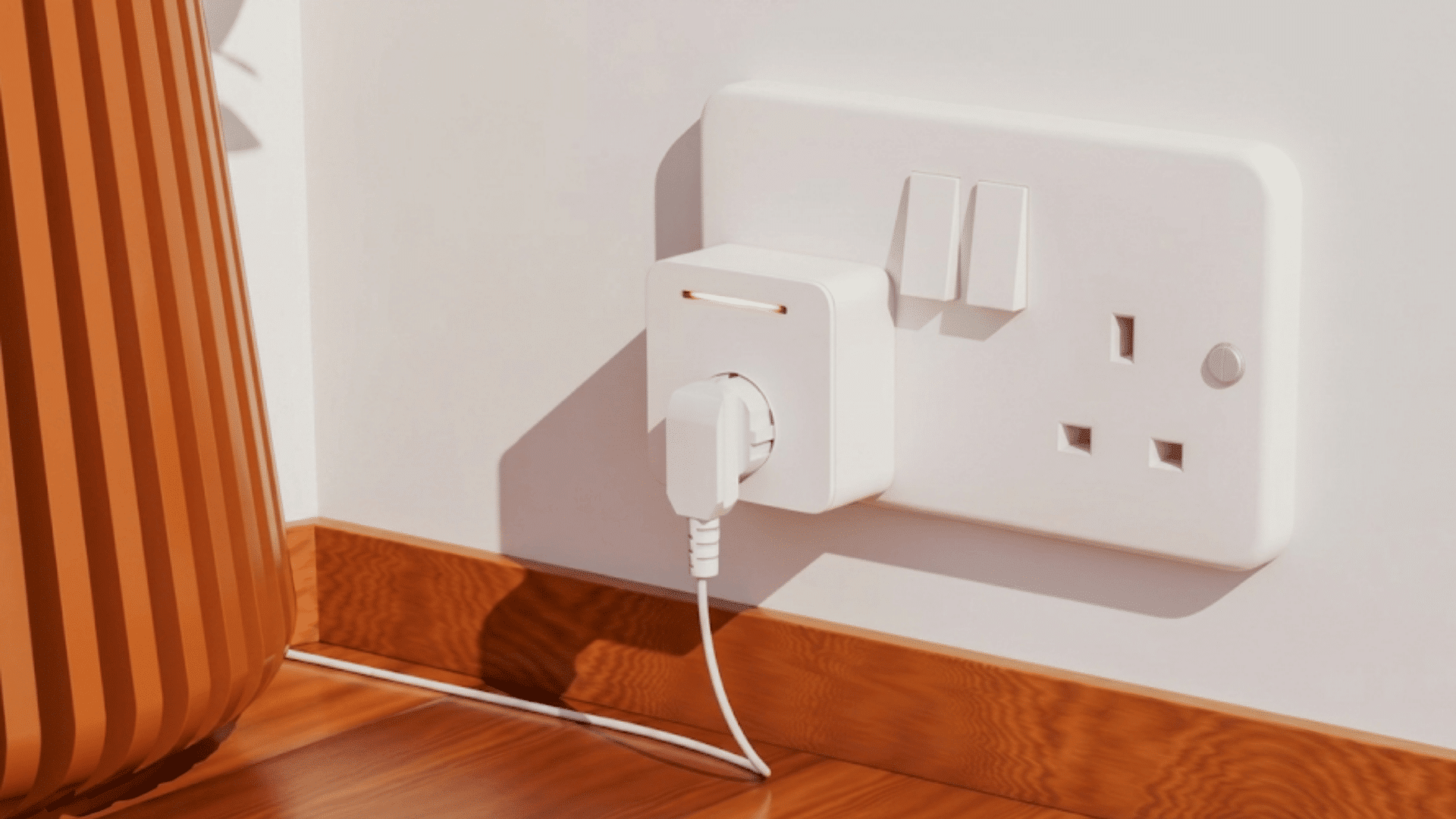
Replacing standard outlets with USB-C and fast-charging wall outlets makes charging everyday devices much more convenient.
Built-in USB ports eliminate bulky charging adapters and free up regular electrical outlets for other electronics. Phones, tablets, wireless headphones, and other compatible devices charge faster while keeping walls less cluttered.
This simple upgrade also reduces the need for extension cords and charging blocks scattered around the living room.
4. Hide Cables with In-Wall Cable Management
Visible wires can make even an expensive entertainment setup look messy. In-wall cable management systems conceal power and HDMI cables behind the wall, creating a cleaner, more organized appearance.
Besides improving aesthetics, hidden wiring reduces tripping hazards and keeps cables protected from accidental damage.
Professional installation helps ensure electrical safety and compliance with local building codes, especially when routing power cables within finished walls.
5. Upgrade to a 4K or OLED Smart TV
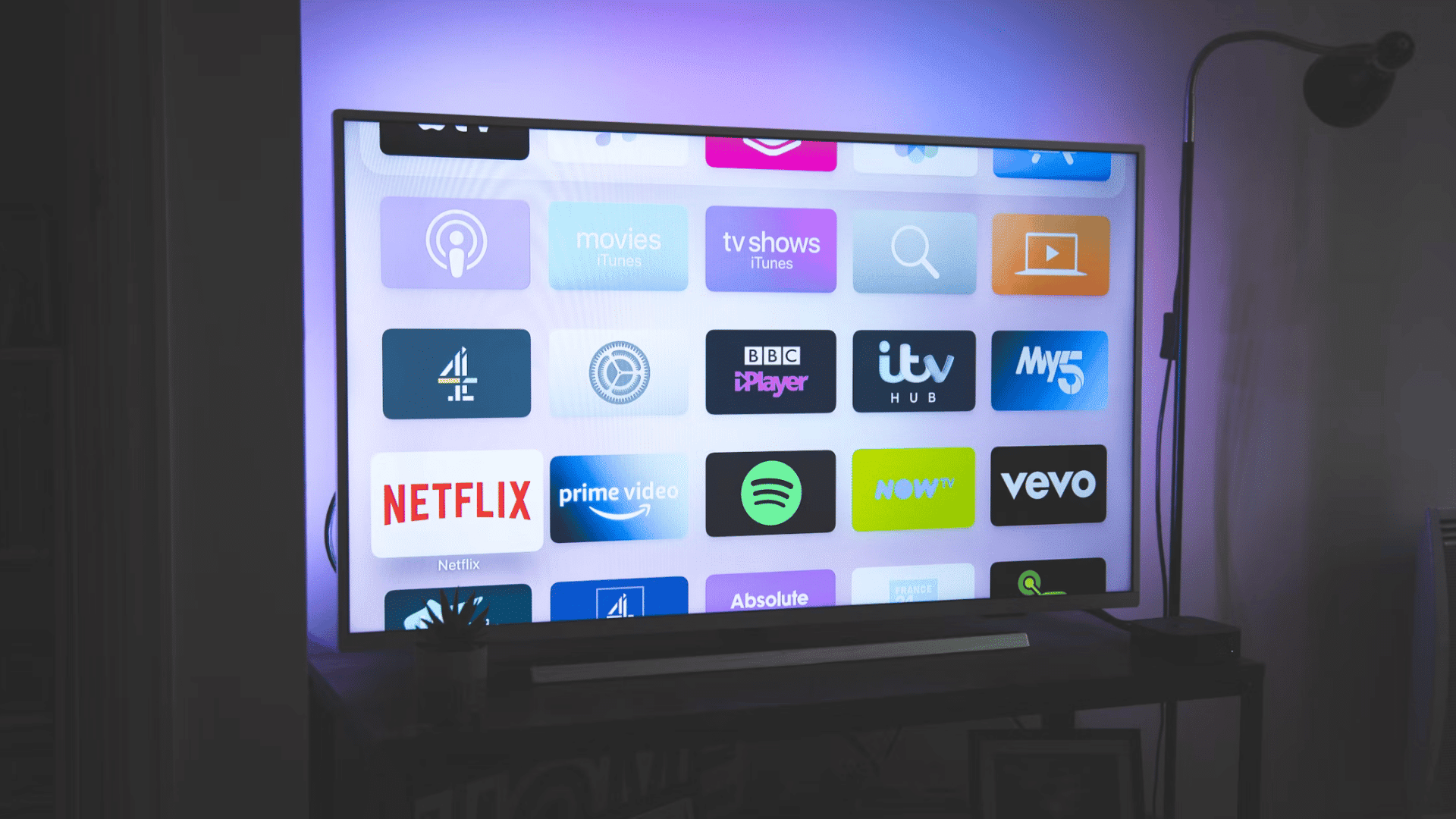
A modern 4K or OLED Smart TV delivers sharper images, richer colors, and a much better viewing experience than older televisions.
HDR support improves contrast, making movies, sports, and games appear more realistic. Built-in streaming apps provide quick access to popular services without requiring separate devices.
Many smart TVs also include voice control, wireless casting, and gaming features that make them the centerpiece of today’s entertainment systems.
6. Install a Dolby Atmos Sound System
Excellent sound can make just as much difference as picture quality.
A Dolby Atmos sound system creates immersive audio by combining soundbars, surround speakers, and upward-firing channels that produce realistic directional effects.
Dialogue becomes clearer, music sounds fuller, and action scenes feel more engaging.
Whatever you choose, a premium soundbar or a complete speaker setup, upgraded audio brings a true home theater experience to your living room.
7. Build a Smart Entertainment Center
A smart entertainment center brings all your devices together for easier control. If you use wireless audio, it’s also helpful to know how to connect Bose headphones via Bluetooth for a seamless listening experience.
You can connect streaming devices, gaming consoles, Blu-ray players, and smart home hubs into one organized setup.
Universal remotes or smart control systems allow multiple devices to operate with a single command instead of juggling several remotes.
This arrangement simplifies daily use while making future upgrades easier as you add new entertainment technology.
8. Add Smart Plugs and Power Strips
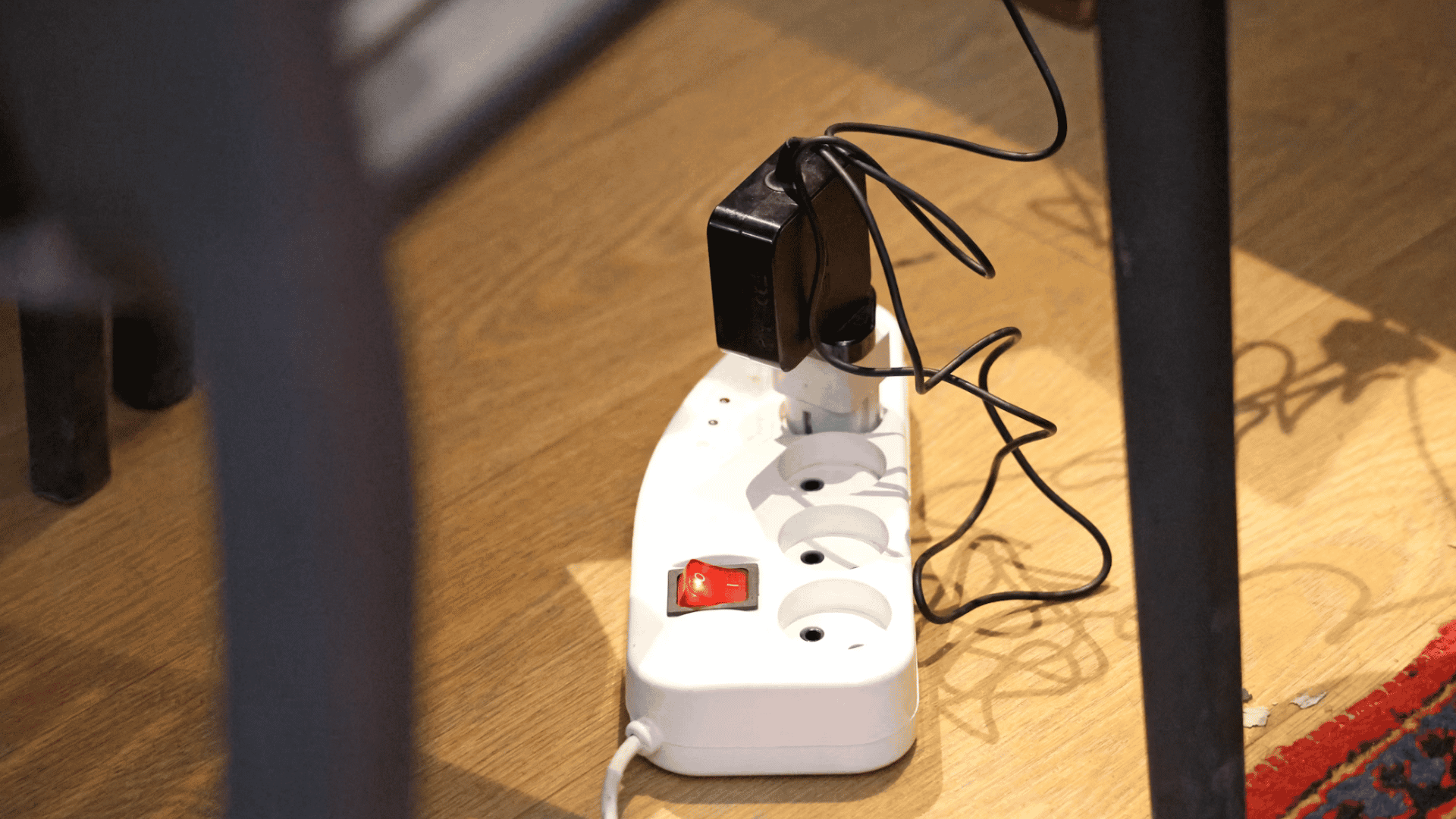
Smart plugs and power strips give ordinary electronics smart capabilities without replacing them.
You can remotely switch devices on or off using an app, create automatic schedules, or activate equipment through voice assistants.
Many models also monitor electricity usage, helping identify devices that consume unnecessary power.
These features improve convenience while reducing energy waste from electronics that normally remain on throughout the day.
9. Install Additional Electrical Outlets
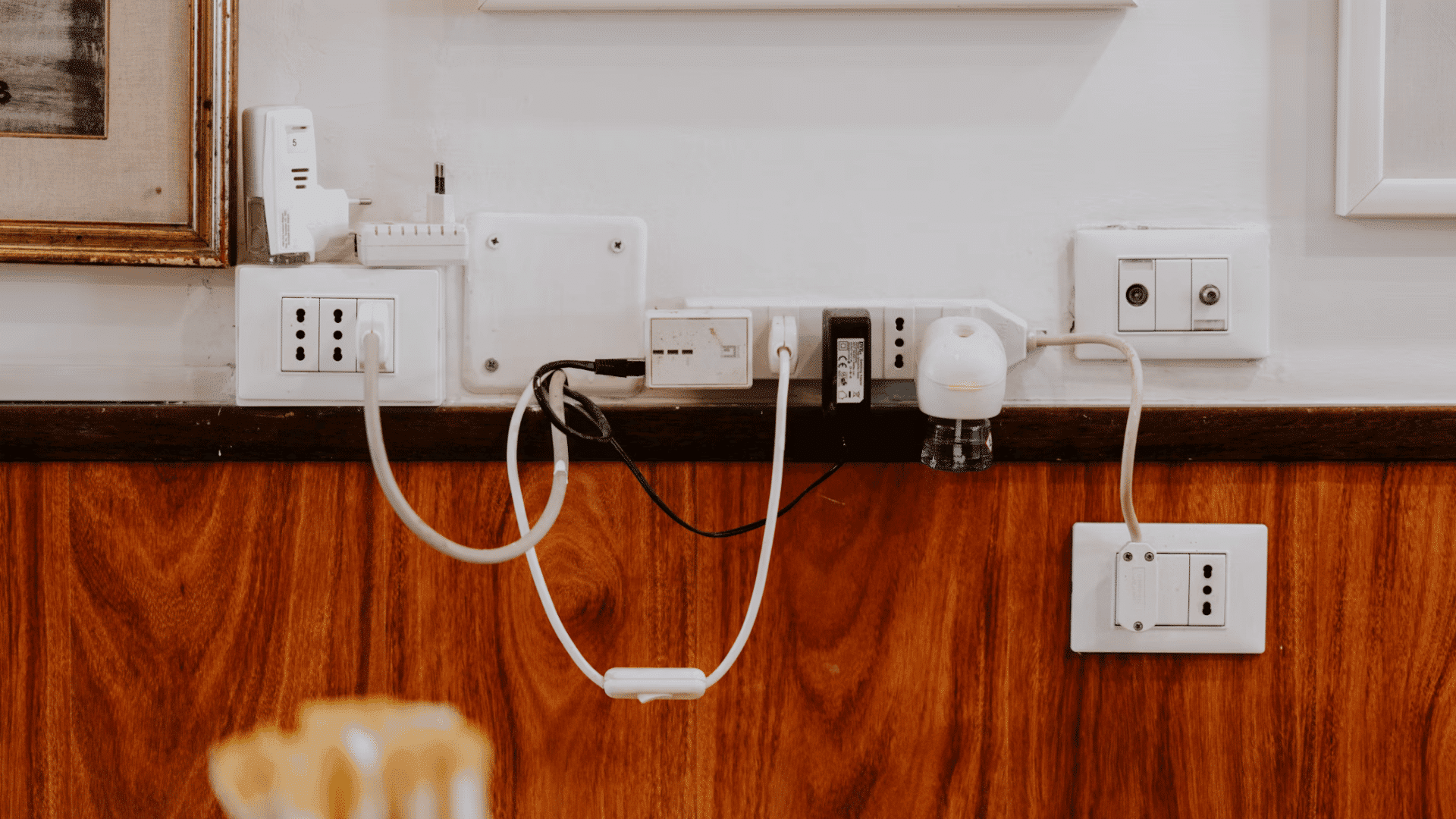
Adding extra electrical outlets makes the living room more practical and reduces cable clutter.
Outlets behind media walls keep television wiring hidden, while outlets near sofas make it easier to charge phones and laptops.
Additional power access also minimizes reliance on extension cords and overloaded power strips.
Planning outlet placement during upgrades creates a safer, more organized space that supports today’s growing number of electronic devices.
10. Upgrade Your Home Wi-Fi Network
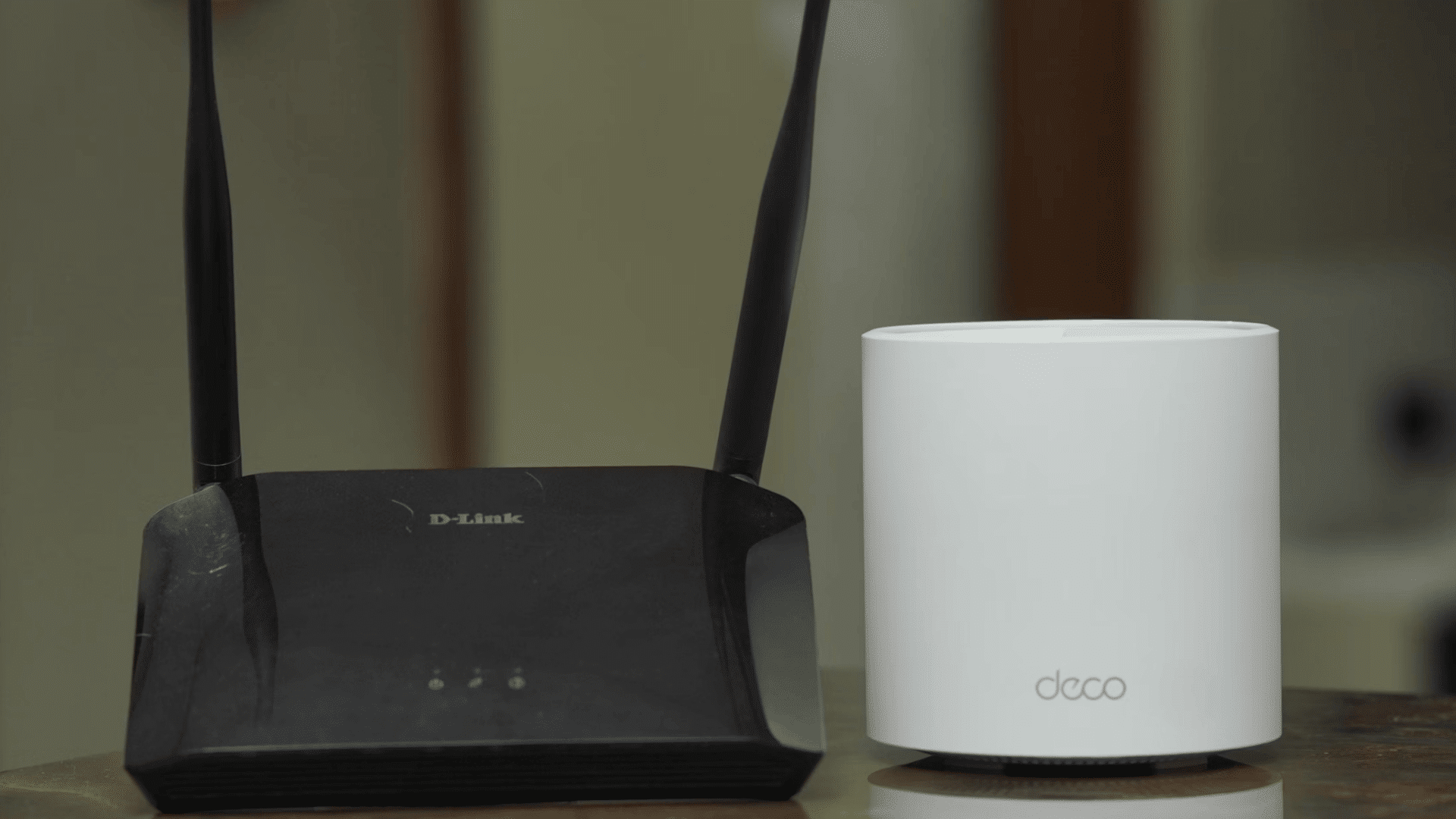
A strong Wi-Fi connection is essential for modern living room electronics. Upgrading to a Wi-Fi 6 router improves speed, capacity, and overall network performance.
Larger homes often benefit from mesh Wi-Fi systems that eliminate weak signal areas.
Better wireless coverage supports uninterrupted streaming, smoother online gaming, faster downloads, and reliable connections for smart TVs, speakers, and security devices.
11. Install Whole-Room Surge Protection
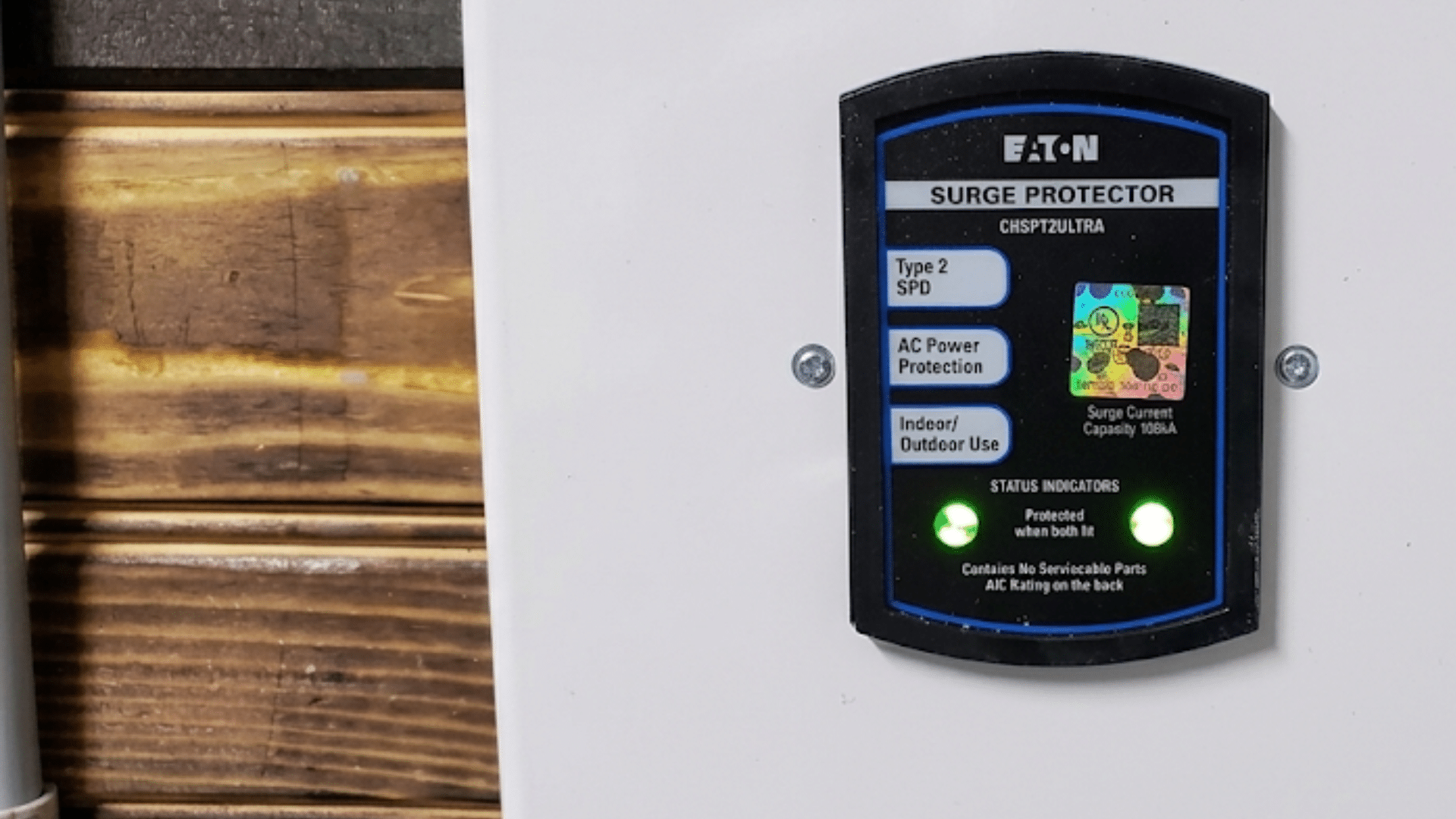
Power surges can damage expensive electronics without warning, even during small electrical fluctuations.
Whole-room surge protection adds another layer of defense beyond basic power strips by protecting televisions, gaming systems, sound equipment, and smart home devices.
Reducing electrical stress helps extend the lifespan of valuable electronics while lowering the risk of costly repairs or replacements caused by unexpected voltage spikes.
12. Add Voice-Controlled Smart Home Devices
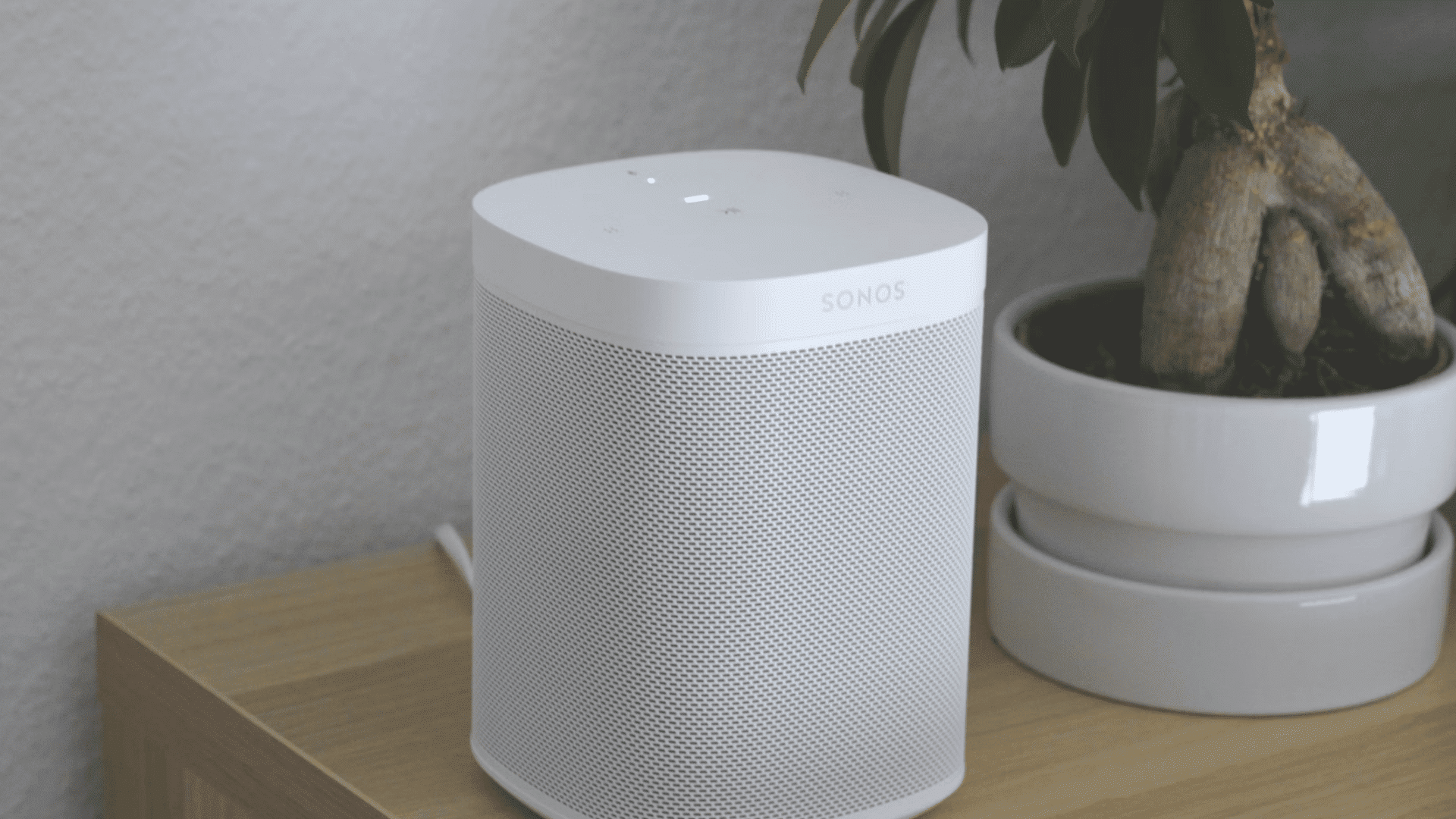
Voice-controlled smart home devices make everyday tasks faster and more convenient.
Smart speakers powered by Alexa, Google Assistant, or Apple Home can control lights, thermostats, TVs, music, and compatible appliances using simple voice commands.
They also provide reminders, weather updates, and hands-free assistance throughout the day.
As your smart home expands, these devices become a central control point for managing connected electronics.
13. Create an Ambient TV Backlighting Setup
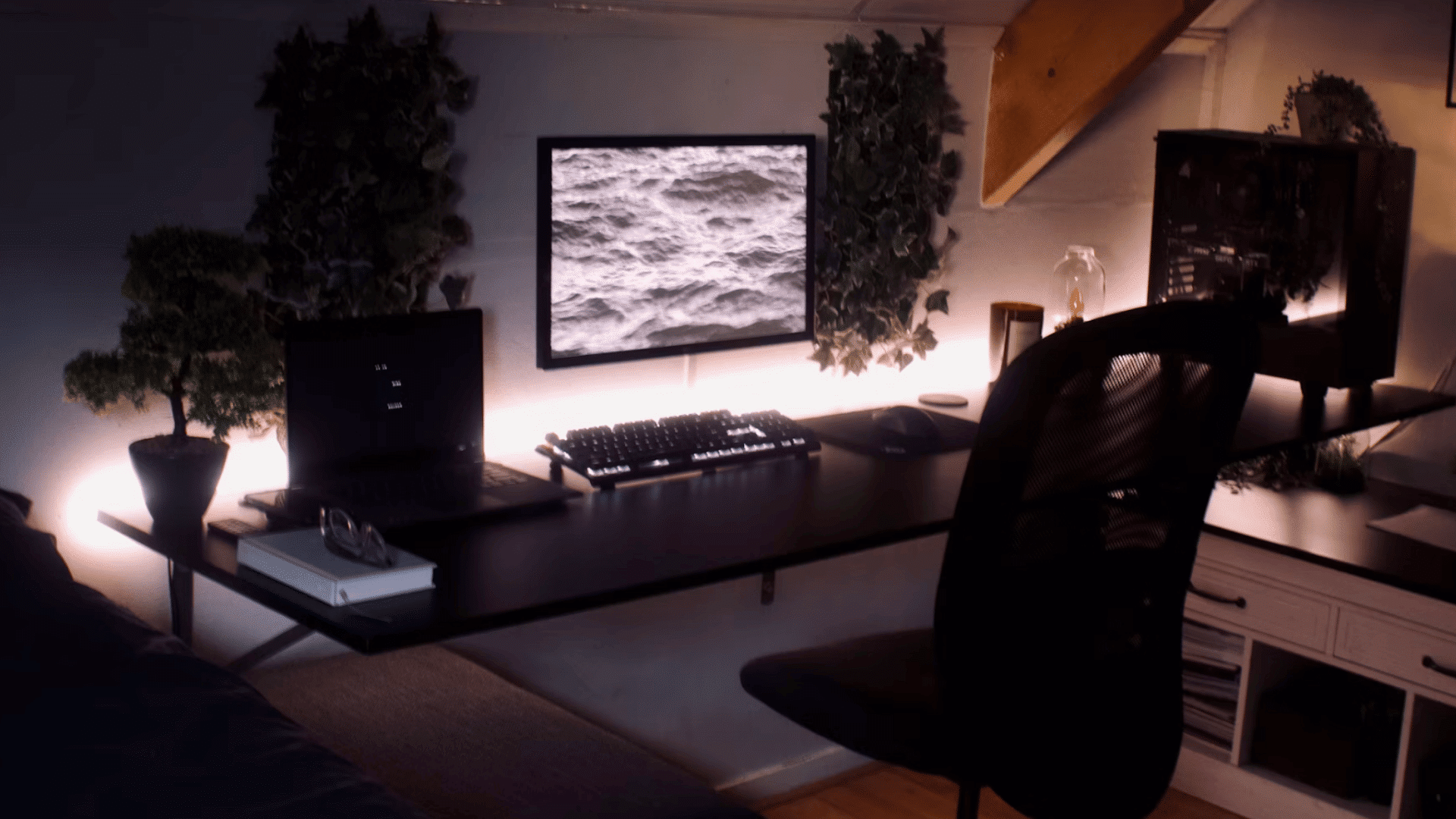
Ambient TV backlighting uses LED bias lighting behind the television to improve the overall viewing experience.
The soft glow reduces eye strain when watching in darker rooms while making screen contrast appear more balanced.
Some systems even synchronize lighting with on-screen colors for added visual impact.
Besides improving comfort, TV backlighting gives the entertainment area a modern appearance without requiring major electrical modifications.
14. Upgrade Ceiling Fans with Smart Controls
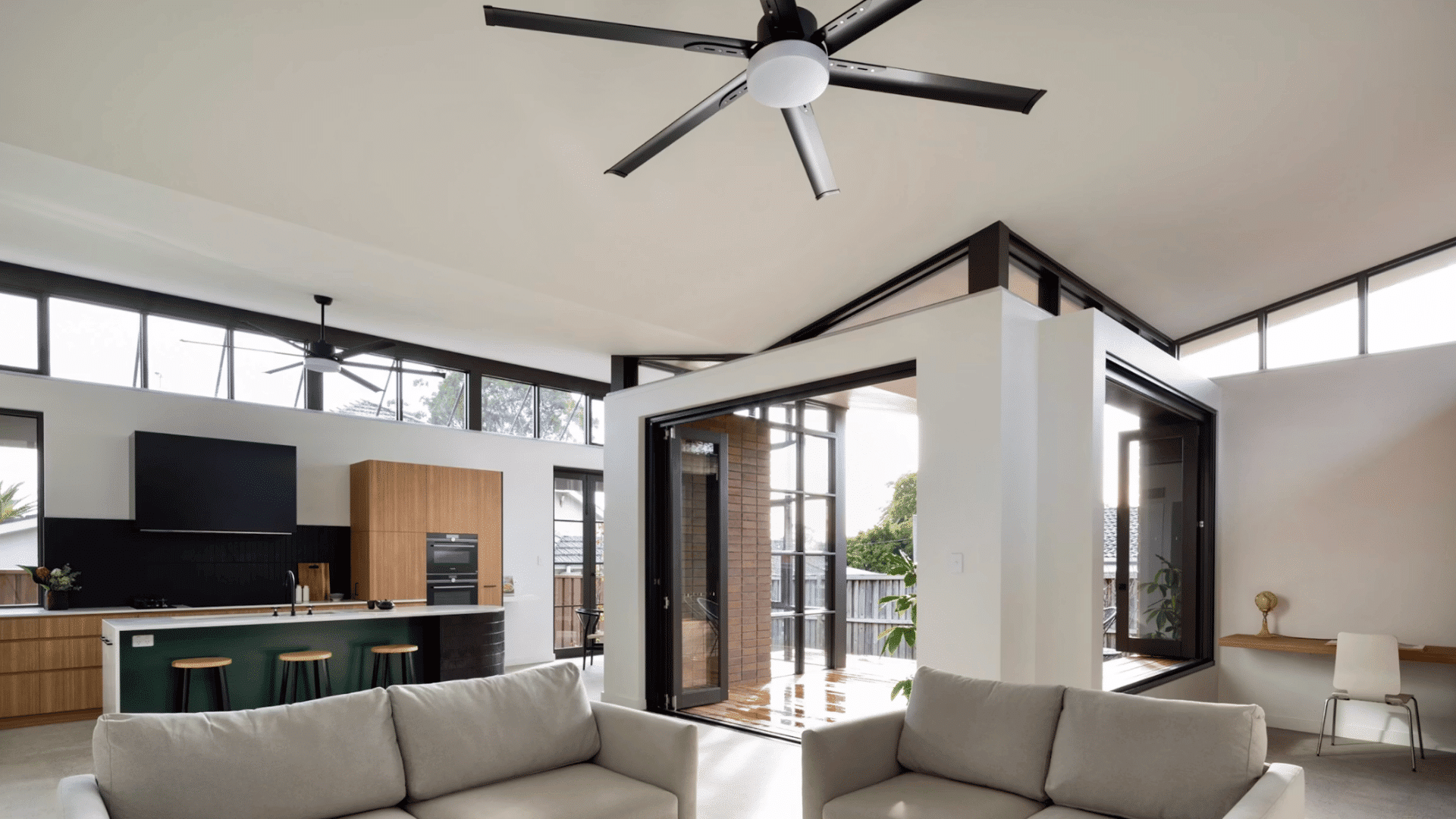
Replacing a standard ceiling fan with a smart model improves comfort and convenience throughout the year.
Smart fans can be controlled via mobile apps, voice assistants, or wireless remotes, eliminating the need to reach for wall switches.
Built-in scheduling automatically adjusts operation based on the time of day or room temperature.
Many energy-efficient models also operate more quietly while helping reduce heating and cooling costs.
15. Set up a Dedicated Charging Station

A dedicated charging station keeps frequently used devices organized and fully powered.
Create a single charging station for phones, tablets, laptops, wireless earbuds, smartwatches, and gaming controllers instead of scattering chargers across the room.
Multi-port charging docks and cable organizers reduce clutter while making devices easier to find.
This simple upgrade improves daily convenience and helps maintain a cleaner, more organized living room.
Tips for Planning a Living Room Electronics Upgrade
Careful planning helps you choose upgrades that match your needs, budget, and home layout. These practical tips can improve performance, safety, and long-term convenience.
- Start with Upgrades You Use Every Day: Prioritize electronics and features you use daily to maximize convenience, improve functionality, and get the best value from your investment.
- Combine Multiple Smart Devices Within One Ecosystem: Choose compatible devices that work together on a single smart platform for simpler control and smoother automation.
- Choose Energy-Efficient Electronics Whenever Possible: Select energy-efficient products to lower electricity consumption, reduce operating costs, and support reliable long-term performance throughout your living room.
- Leave Room for Future Expansion: Plan for extra outlets, storage, and network capacity now so that adding new electronics later is easier without major renovations.
- Use Certified Electricians for Electrical Work: Hire qualified professionals for wiring and installations to improve safety, comply with local codes, and avoid costly installation mistakes.
- Protect Expensive Electronics with Surge Protection: Install high-quality surge protection to shield valuable electronics from voltage spikes and reduce damage.
Electronics Upgrades Cost at a Glance
Every living room has different needs, so the best upgrade depends on your budget and priorities.
| Upgrade | Main Benefit | Difficulty | Estimated Cost |
|---|---|---|---|
| Smart LED Lighting | Better ambiance | Easy | $20–$200 |
| Smart Dimmer Switch | Adjustable lighting | Medium | $40–$150 |
| USB-C Wall Outlets | Faster charging | Medium | $25–$80 per outlet |
| Cable Management | Cleaner appearance | Medium | $30–$200 |
| 4K Smart TV | Better picture quality | Easy | $300–$2,500+ |
| Dolby Atmos Sound System | Better sound | Medium | $300–$3,000+ |
| Smart Entertainment Center | Simplified device control | Medium | $150–$1,000+ |
| Smart Plugs & Power Strips | Home automation | Easy | $15–$100 |
| Additional Electrical Outlets | Greater convenience | Medium | $100–$300 per outlet |
| Wi-Fi 6 or Mesh Wi-Fi | Faster, stable internet | Easy | $150–$700 |
| Whole-Room Surge Protection | Device safety | Medium | $250–$700 |
| Voice-Controlled Smart Assistant | Smart home control | Easy | $50–$350 |
| TV Backlighting | Better viewing comfort | Easy | $20–$150 |
| Smart Ceiling Fan | Improved comfort | Medium | $150–$600 |
| Dedicated Charging Station | Better organization | Easy | $30–$200 |
Common Mistakes to Avoid when Upgrading Living Room Electronics
Careful planning prevents costly mistakes and helps every upgrade perform as expected. Keep these common issues in mind before starting.
- Buying Incompatible Smart Home Devices: Choose devices that support the same smart home ecosystem.
- Ignoring Wi-Fi Coverage Requirements: Ensure strong Wi-Fi reaches every connected device.
- Overloading Electrical Outlets: Avoid plugging too many high-power devices into one outlet.
- Skipping Surge Protection: Protect electronics from unexpected power surges and voltage spikes.
- Choosing the Wrong TV Size: Match screen size to your viewing distance and room.
- Poor Speaker Placement: Position speakers correctly for balanced, immersive sound quality.
- Leaving Visible Cable Clutter: Plan cable routing to keep your setup clean and organized.
Conclusion
Upgrading your living room electronics is a practical way to improve everyday comfort, entertainment, convenience, safety, and energy efficiency.
Simple changes like smart lighting, better Wi-Fi, surge protection, or a modern entertainment system can make your space more enjoyable without requiring a complete renovation.
The best approach is to start with upgrades that match your budget, support your daily habits, and solve your biggest needs first.
You can always expand your setup as new technology becomes available.
Start planning your living room electronics upgrades today and create a smarter, more organized, and future-ready space that works better for you and your family.
Frequently Asked Questions
Can an Electrical Panel Be Upgraded without Rewiring the House?
Yes, an electrical panel can often be upgraded without rewiring the entire house if the existing wiring is safe, code-compliant, and supports current electrical demands.
What Is the 6–12 Rule in Electrical?
The 6–12 rule generally refers to outlet spacing guidelines that improve accessibility and reduce the need for extension cords. Specific requirements depend on local electrical codes.
What Is the 80% Rule for Electrical?
The 80% rule recommends using no more than 80% of a circuit’s rated capacity for continuous electrical loads to improve safety and reduce overheating risks.