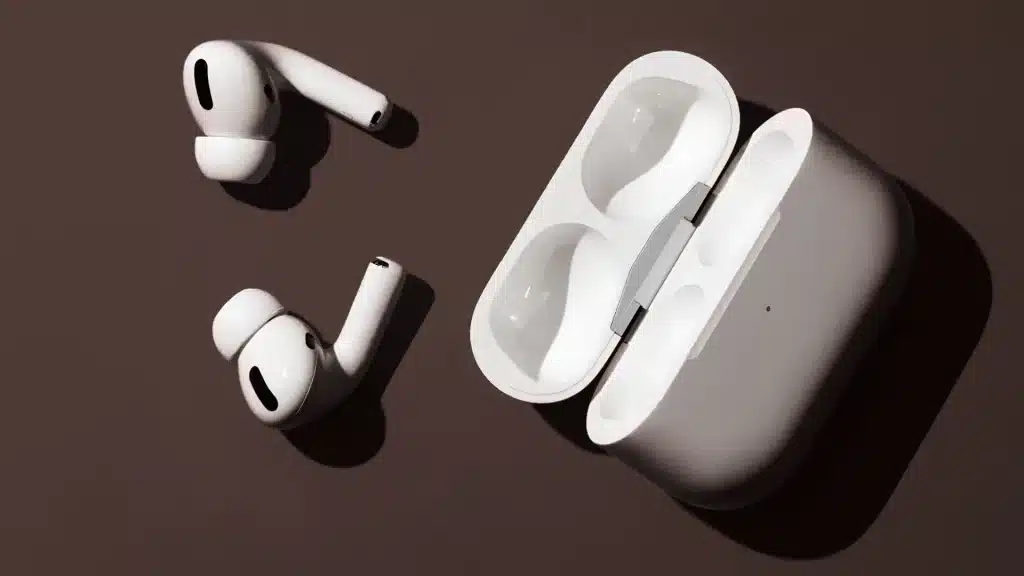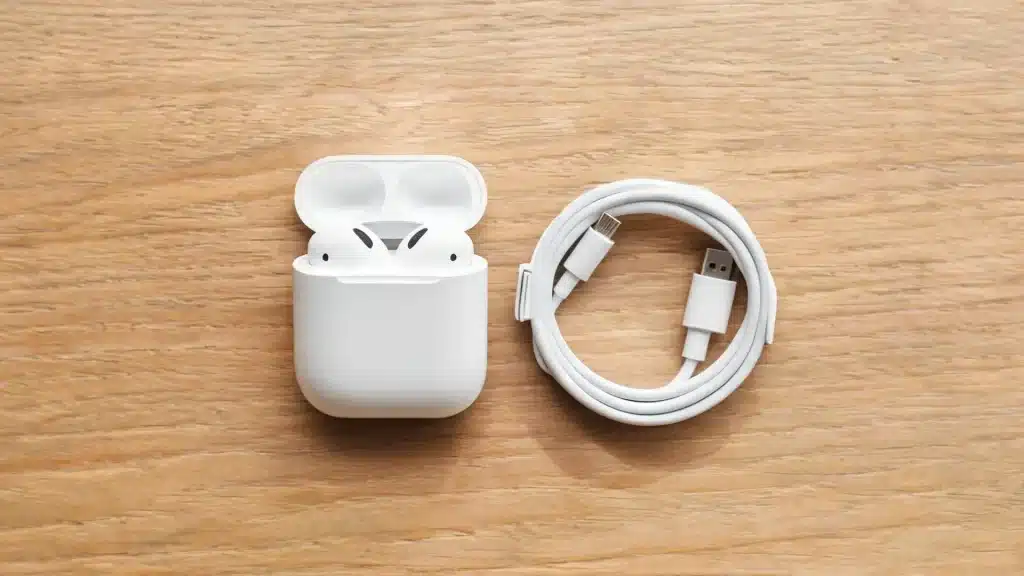
You plug it in, walk away, and come back to a case that’s still sitting at zero. No cracked screen, no water damage, nothing that explains it.
Just a light that won’t turn on and a pair of earbuds you were counting on for your commute or your workout.
An AirPods case not charging is one of those frustrating problems that often appears without warning.
While the usual advice is to clean the charging port or reset the case, those quick fixes don’t always solve the issue. That’s why this breakdown goes beyond the basics.
It combines Apple’s recommended troubleshooting steps with practical fixes shared by real AirPods users who found solutions when the standard advice didn’t work.
The Real Causes Behind an AirPods Case Not Charging
Before you troubleshoot anything, it helps to know what you are actually dealing with. Charging failures on an AirPods case usually trace back to one of four issues:
- Dirty contact pins: Pocket lint, dust, and skin oil build up on the metal contacts inside the case and on the AirPods stems. Even a thin film is enough to block the connection.
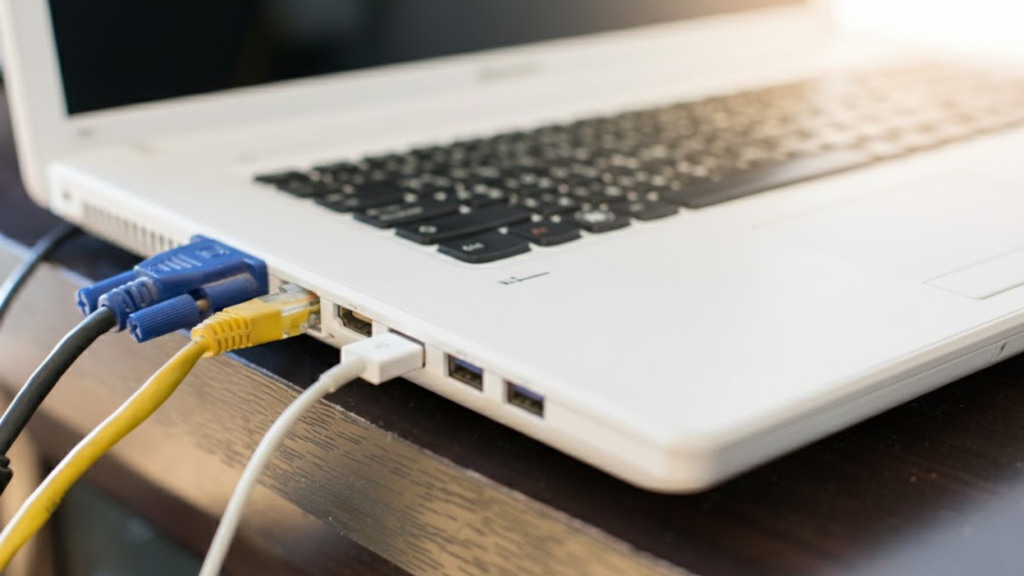
- A weak or incompatible power source: Generic 2A wall chargers, older USB hubs, and some laptop ports do not always deliver clean, steady current, and choosing the wrong type of charging cable or wall adapter is one of the most overlooked reasons a case sits at zero even while plugged in.
- A degraded case battery: Charging cases use small lithium-ion cells that lose capacity over time, the same as any rechargeable battery.
- AirPods not seated correctly: If an earbud is not sitting flush in its charging bay, the case may not register it as present, and that can stop the case itself from topping up.
A failed case battery is rare, but when it happens, the case usually cannot be repaired since it is sealed shut by design.
How to Fix an AirPods Case That’s Not Charging (Step-by-Step)
Work through these in order, drawing on Apple’s official charging checklist alongside a few extra steps that community troubleshooting adds. Most charging problems resolve somewhere in the first three steps.
- Clean the contacts: Use a dry, soft-bristled brush or a cotton swab to remove lint from inside the case, then gently wipe the metal stems on both AirPods. If there’s stubborn residue, lightly dampen the swab with isopropyl alcohol; never spray liquid directly into the case.
- Swap the cable and adapter: Try a different cable, then a different wall adapter. A cable that charges your phone fine can still fail to deliver enough current for the smaller battery in an AirPods case.
- Reposition on a wireless charger: If you’re using a Qi pad, the case needs to sit centered with the status light facing up. Off-center placement is one of the more common reasons wireless charging silently fails.
- Reset the case: Press and hold the setup button on the back for about 15 seconds until the light flashes amber, then white. This clears software glitches without needing a repair.
- Test with a different power source entirely: Plug into a wall outlet instead of a laptop or hub. Laptop USB ports and multi-port hubs sometimes can’t spare enough current for a low-priority accessory like a charging case.
Using the right charging cable can make a bigger difference than many people realize, especially if you’re using an older or damaged accessory.
How To Keep This From Happening Again?
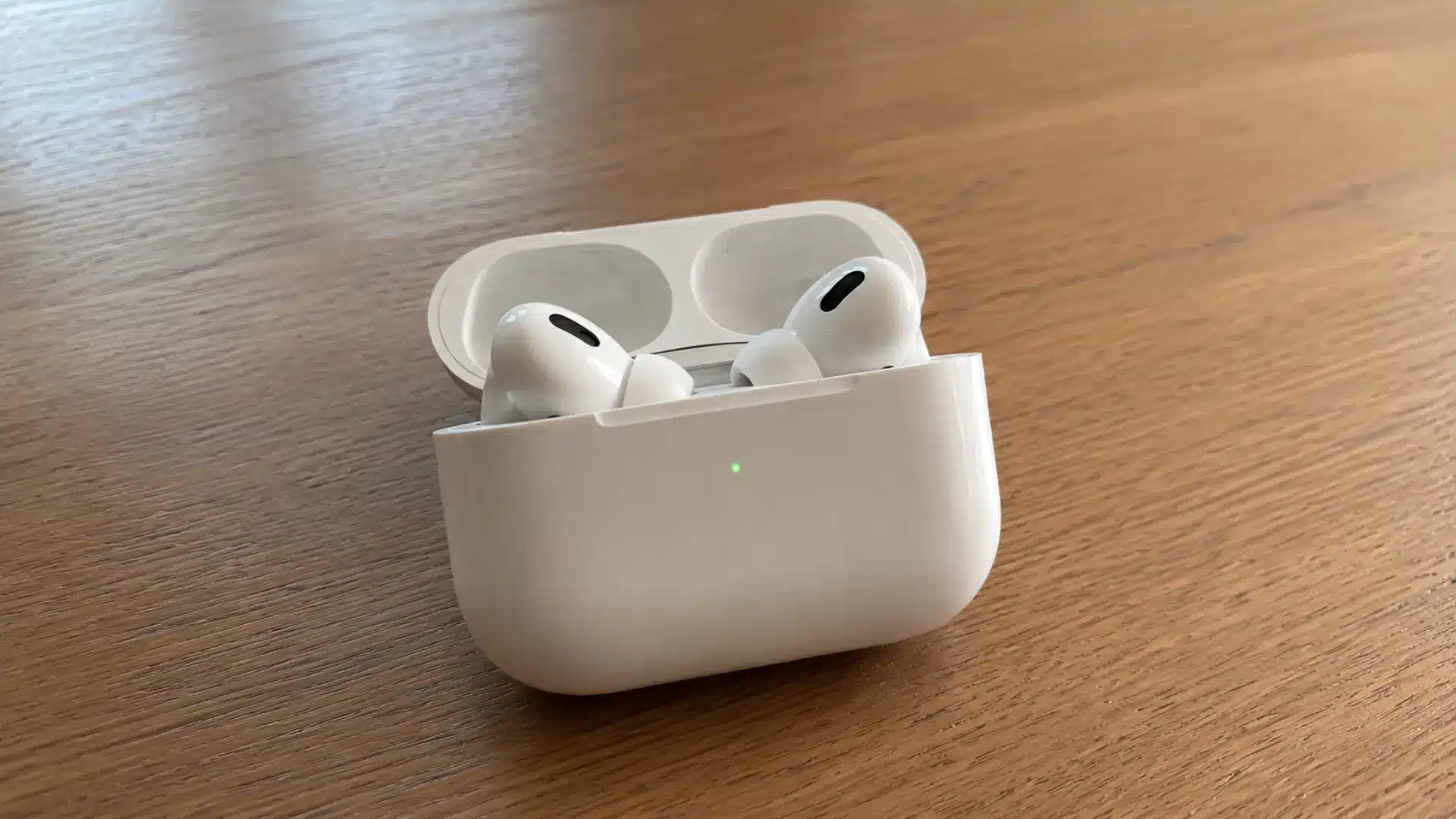
Once the case is charging normally again, a few habits make a repeat problem much less likely.
Clean the charging contacts every week or two, especially if you use your AirPods daily, to prevent lint and oil from interfering with the connection.
Stick to a reliable charging cable and adapter, since worn or low-quality accessories can cause inconsistent charging.
Avoid leaving the case completely drained for long periods, as deep discharge can shorten battery life over time.
It’s also a good idea to keep the case away from excessive heat, such as inside a hot car, because high temperatures accelerate battery wear.
Finally, store your AirPods in the case when you’re not using them so they stay charged and the battery continues to function properly.
One AirPod Not Charging? Here’s the Different Fix
If the case is charging normally but one AirPod is not charging, the issue is usually limited to the earbud or its connection with the case.
Along with Apple’s official single-AirPod troubleshooting, check these common causes:
- Clean the charging contacts: Dirt, earwax, or lint on the AirPods or inside the case can prevent proper contact.
- Reseat the AirPods: Remove it and place it back in the case to make sure it sits correctly on the charging pins.
- Check battery health: If one AirPod drains much faster than the other after years of daily use, its battery may be reaching the end of its lifespan.
- Reset and reconnect your AirPods: This can resolve issues with syncing or charging detection.
- Consider battery wear: If the same AirPod repeatedly refuses to charge despite cleaning and resetting, battery degradation or a hardware fault is more likely than a software issue.
When It’s Actually a Battery Health Problem
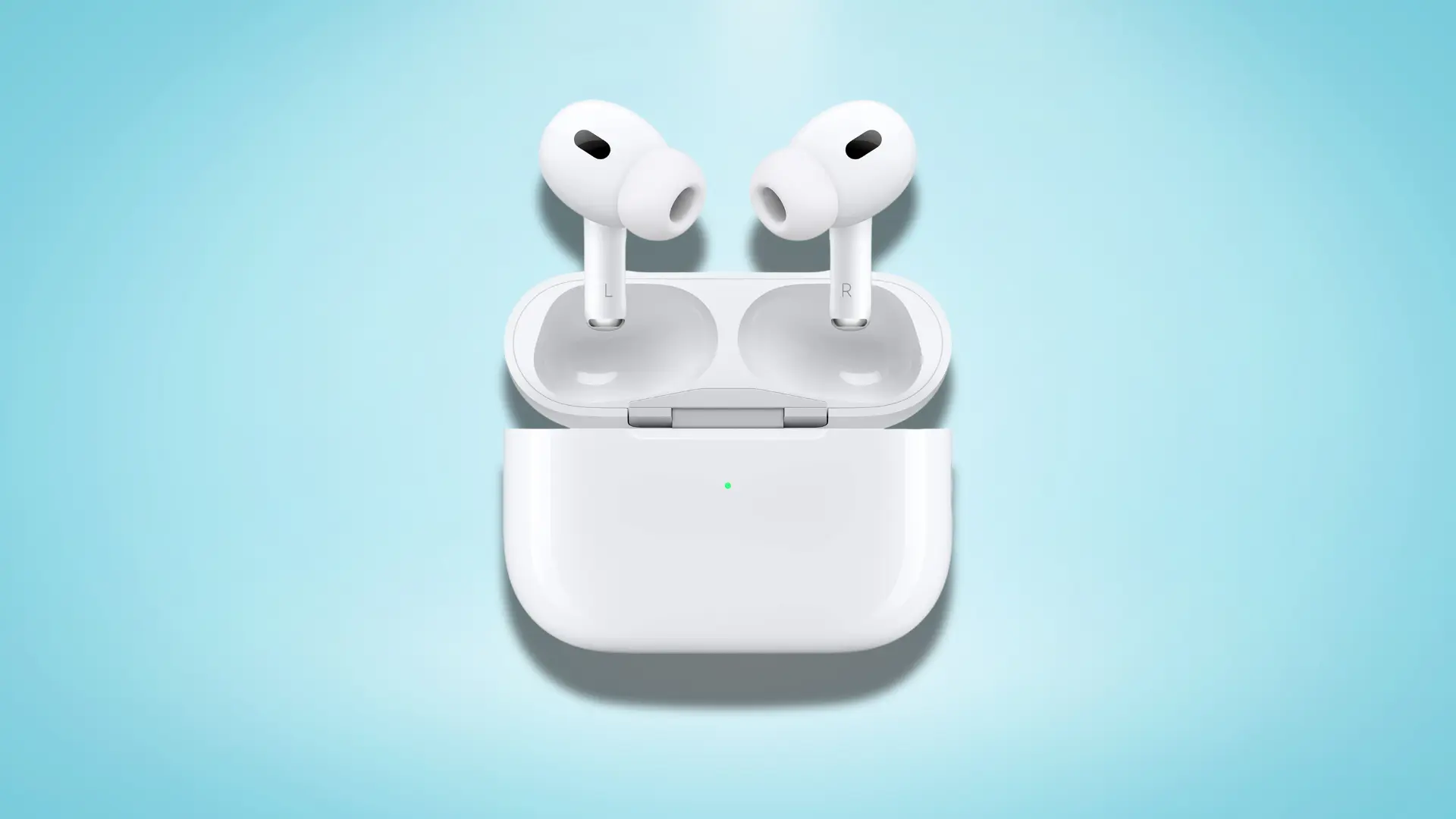
Sometimes cleaning and resetting do not help because the issue is not dirt or software. It is an aging battery reaching the end of its usable life.
Battery researchers generally note that lithium-ion cells hold up for roughly 300 to 500 charge cycles before capacity loss becomes noticeable.
I have seen when reviewing how long AirPods typically holds up under daily use, usually translating to about 1.5 to 2.5 years of regular use for a charging case.
Common signs of battery wear are easy to spot.
The case may take much longer to charge than it used to, lose power quickly even when sitting unused, or appear fully charged but run out much sooner than expected during normal use.
If your case is more than two years old and shows these symptoms alongside charging problems, battery degradation is more likely than dirt or a software issue.
What Reddit Users Reveal About This Problem
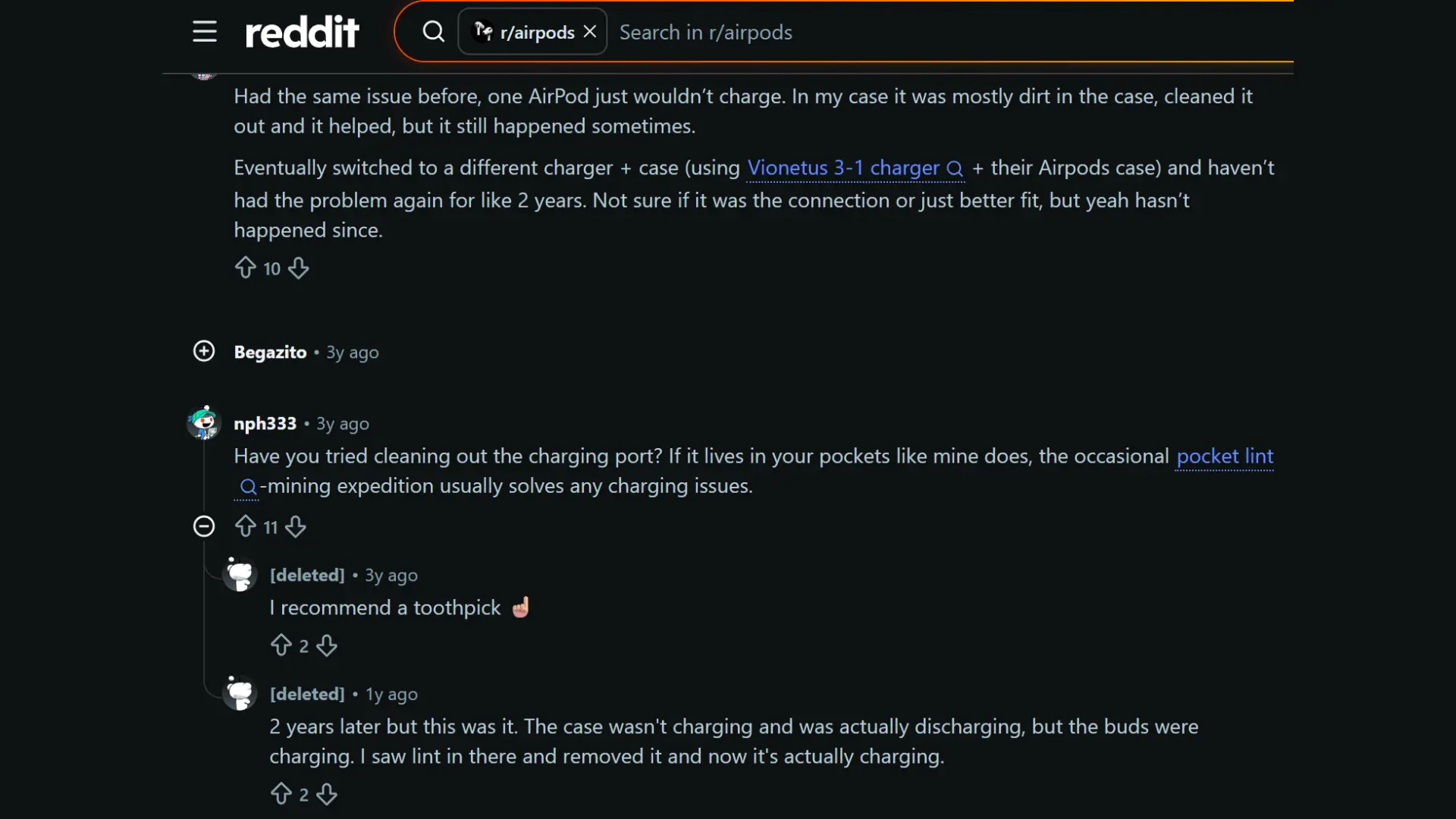
Many AirPods users on Reddit report the same frustrating problem: the charging case suddenly stops charging even though it looks perfectly fine.
A common theme across these discussions is that pocket lint and debris inside the charging port or around the charging contacts often prevent a proper connection.
Several users said that carefully removing the buildup with a soft tool or toothpick restored normal charging almost immediately.
Others found that switching to a different charging cable or adapter solved the issue after repeated failed attempts.
The overall takeaway is to rule out dirt and charging accessories before assuming the case itself has failed.
When to Stop Troubleshooting and Contact Apple?
If none of the fixes above work, it is time to get a professional diagnosis rather than keep guessing at home.
- Tried everything? If you have cleaned the contacts, tested different cables and power sources, and reset the case without success, the issue is likely hardware-related.
- Book an Apple Support or Genius Bar appointment: Bring both the AirPods and the charging case, along with proof of purchase if you are unsure about warranty status.
- Check your coverage: If your case is covered by Apple’s warranty or AppleCare+, a replacement may be available. Otherwise, Apple can confirm whether the problem is with the case or the earbuds.
- Do not overlook battery wear: Cases used daily for two years or more may have an aging battery that no longer holds a reliable charge.
- Avoid guessing: A proper diagnosis can save you from replacing the wrong component.
Conclusion
After troubleshooting enough cases, one thing becomes clear: most AirPods case not charging issues aren’t caused by a major fault.
More often, the culprit is something simple like lint blocking the contacts, a worn charging cable, or a battery that’s reached the end of its lifespan.
Start with the easiest fixes: clean the charging contacts, try a different cable and power source, then reset the case before assuming it needs replacing.
If your charging case is more than two years old and used daily, normal battery wear is also worth considering.
When none of these steps work, getting an official diagnosis is usually more cost-effective than replacing parts by trial and error.
Found a fix that isn’t on this list? Share it in the comments to help other AirPods users troubleshoot faster.
Frequently Asked Questions
How Do I Check the Exact Battery Percentage of My AirPods Case?
Place your AirPods inside the case, close the lid, then open it near your unlocked iPhone or iPad. A card will pop up on screen showing the battery level for the case and each earbud individually.
Is It Safe to Clean AirPods Contacts with Isopropyl Alcohol?
Yes, in small amounts. Lightly dampen a cotton swab or a lint-free cloth with isopropyl alcohol, then gently wipe the contacts. Never spray liquid directly into the case or onto the AirPods.
Will Apple Replace a Charging Case for Free if It Stops Working?
If the case is still within its standard one-year warranty or covered by AppleCare+, a defective case is usually replaced at no cost. Outside of coverage, you’ll likely pay an out-of-warranty service fee.
Why Does My AirPods Case Feel Warm While It’s Charging?
Mild warmth during charging is normal, especially with wireless charging pads, which generate more heat than a direct cable connection. If the case feels hot to the touch or you notice swelling, stop charging it and contact Apple.