When robot vacuums first started appearing in homes, the biggest complaint was always the same: the thing gets stuck, knocks over a cup, or drives straight through a pile of cables.
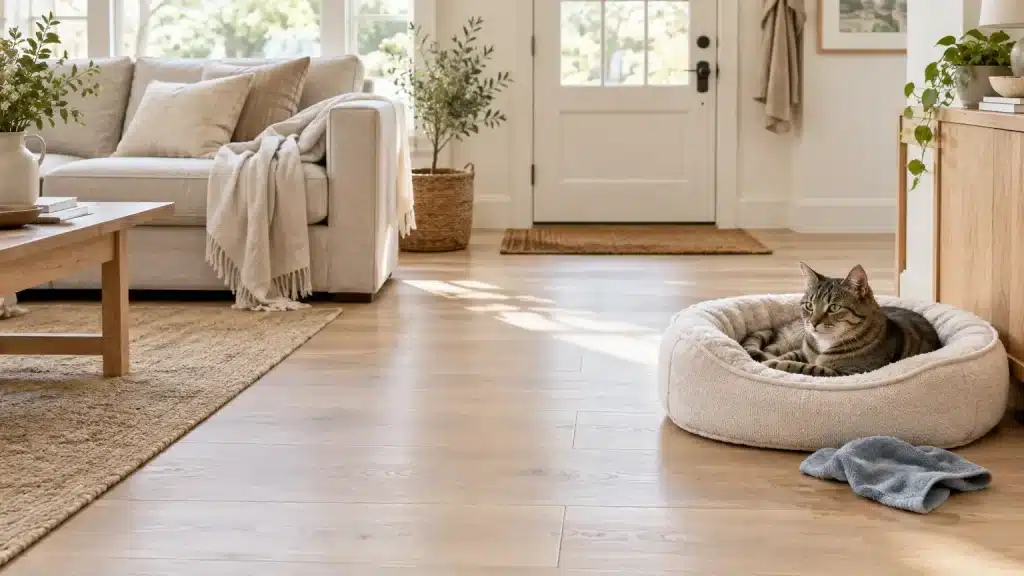
Shoes in the hallway, toys scattered across the living room, water bowls moved between rooms throughout the day.
Most robot vacuums I had tested up to that point would either stop dead or drag obstacles around. The S6 MaxV was the first one that actually navigated around them with any consistency.
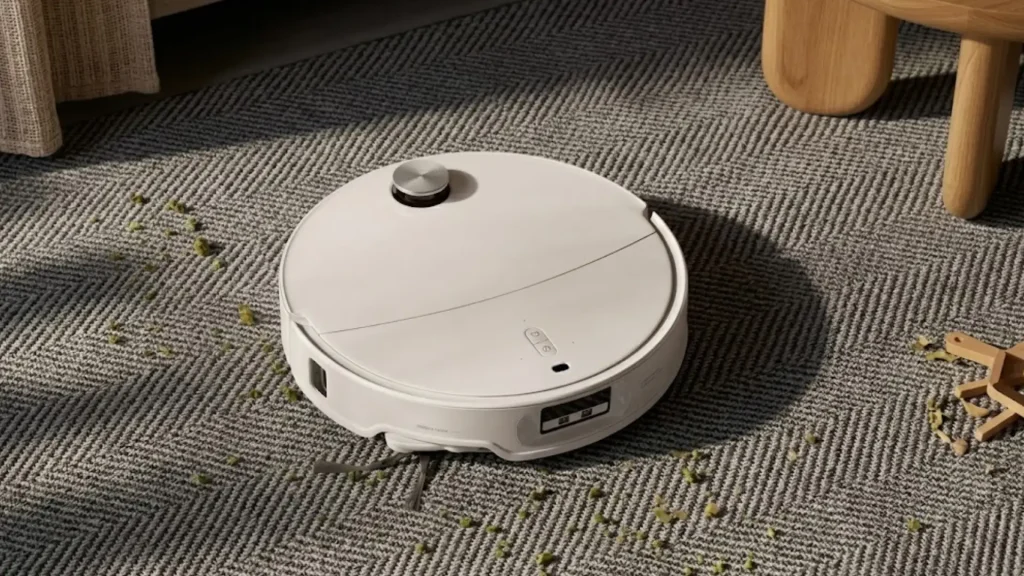
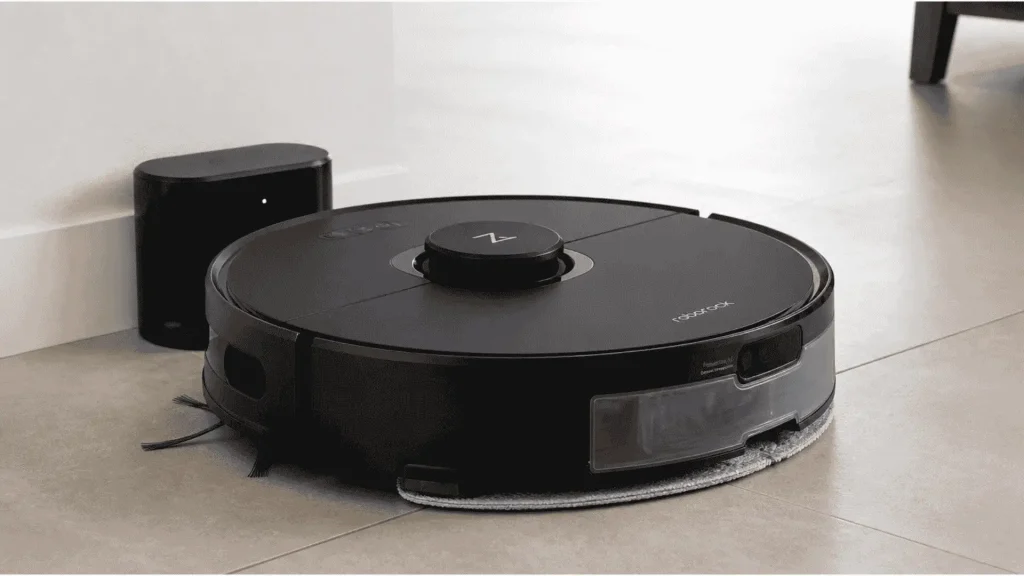
It combines LiDAR navigation with a stereoscopic twin-camera system to detect and avoid common household obstacles such as shoes, cables, toys, and pet bowls.
For anyone researching the S6 MaxV specifically, here is what you need to know about how it works, where it performs well, and where it falls short.
About Roborock S6 MaxV
The S6 MaxV arrived as Roborock’s most advanced model at the time of its release.
Compared with the standard S6, it adds a twin-camera obstacle detection system, a 25% increase in suction power, and the ability to store maps for up to four separate floors.
The “V” in the name stands for vision, which sums up the main engineering difference: this robot sees what is in its path rather than relying on bump detection alone.
It targets users who want a mostly hands-free cleaner for busy homes with mixed flooring and everyday floor clutter.
It is not the right choice for anyone who needs automatic mop lifting on carpet, self-emptying convenience, or the highest available suction for deep-pile rugs.
Roborock S6 MaxV: Key Specs at a Glance
Before getting into performance detail, this table covers the full specification set. These are the numbers most buyers check first when researching this model.
| Specs | Detail |
|---|---|
| Suction | 2500Pa HyperForce |
| Battery/runtime | 5200mAh / up to 180 min (quiet mode) |
| Coverage | ~2,580 sq ft (vacuum) / ~2,150 sq ft (mop) |
| Water tank/dustbin | 297ml SnapMop / 460ml |
| Navigation | PreciSense LiDAR + ReactiveAI twin cameras |
| Floor maps | Up to 4 |
| Smart home | Alexa, Google Assistant |
| Dimensions/weight | 13.9 x 13.8 x 3.8 in / 8.2 lbs |
These specs show why the Roborock S6 MaxV was a strong premium robot vacuum for its time.
Setup and First Run
Setup takes around 10 minutes. Place the charging dock against a wall with approximately 19 inches of clearance on each side and 48 inches of open space in front.
Insert the dustbin, attach the roller brush, fill the water tank if you plan to mop, and clip the mop bracket into place.
Open the lid of the S6 MaxV, press both side buttons simultaneously until the Wi-Fi indicator blinks blue, then follow the in-app pairing steps.
On the first run, the robot maps your floor before cleaning. It traces the perimeter of each room, builds the map in the app, and auto-divides the space into rooms.
From that point, you can rename rooms, assign cleaning sequences, and set no-go zones or no-mop zones before the next cycle.
How Does Reactive AI Obstacle Avoidance Work?
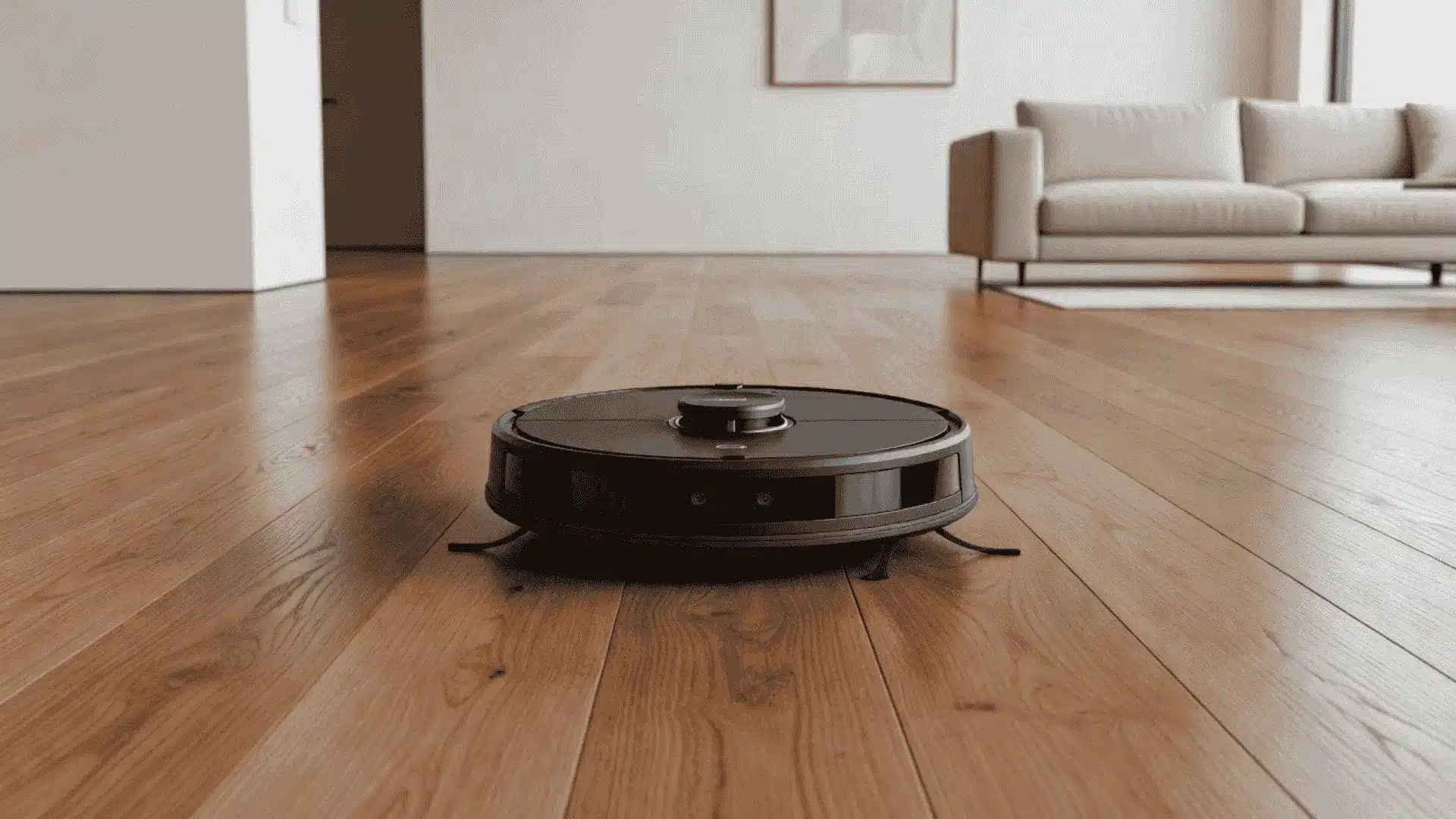
ReactiveAI is the standout feature of the Roborock S6 MaxV.
It uses two front cameras to create stereoscopic depth vision, then processes obstacle data through a neural network on the Qualcomm APQ8053 chip .
The cameras work at up to 30 fps and can detect objects around 3 cm wide and 5 cm tall, including cables, shoes, toys, and pet bowls.
In practice, it handled shoes, tangled cables, and pet bowls well across multiple test environments. The robot would slow down, map the object in the app with a small icon, and route around it.
Seeing your floor plan populate with little obstacle markers in real time is one of those details that makes the product feel genuinely considered.
The robot marks these items in the Roborock app and cleans around them instead of stopping. Images are processed onboard, deleted immediately, and not uploaded.
Accuracy drops with tiny objects, heavy clutter, or very dark rooms, but ReactiveAI improves hands-free cleaning.
If you are comparing the S6 MaxV against newer models with updated obstacle detection, our robot vacuum and mop roundup covers current alternatives with side-by-side specs.
Known Limitations to Consider
ReactiveAI works reliably on clearly defined objects in good lighting. In dark rooms, the cameras lose accuracy because they depend on available light.
Very small or very flat objects, such as rubber bands or thin cables pressed against a dark floor, can also be missed.
Heavy clutter creates a different problem. When objects are densely packed together, the robot may struggle to find a clean path around them and may push lightweight items rather than avoiding them.
The side sweeping brush can also tangle with long hair on hard floors. If your home has occupants with long hair, you will need to clean the brush more frequently than the standard maintenance schedule suggests.
PreciSense LiDAR Navigation and Multi-Level Mapping
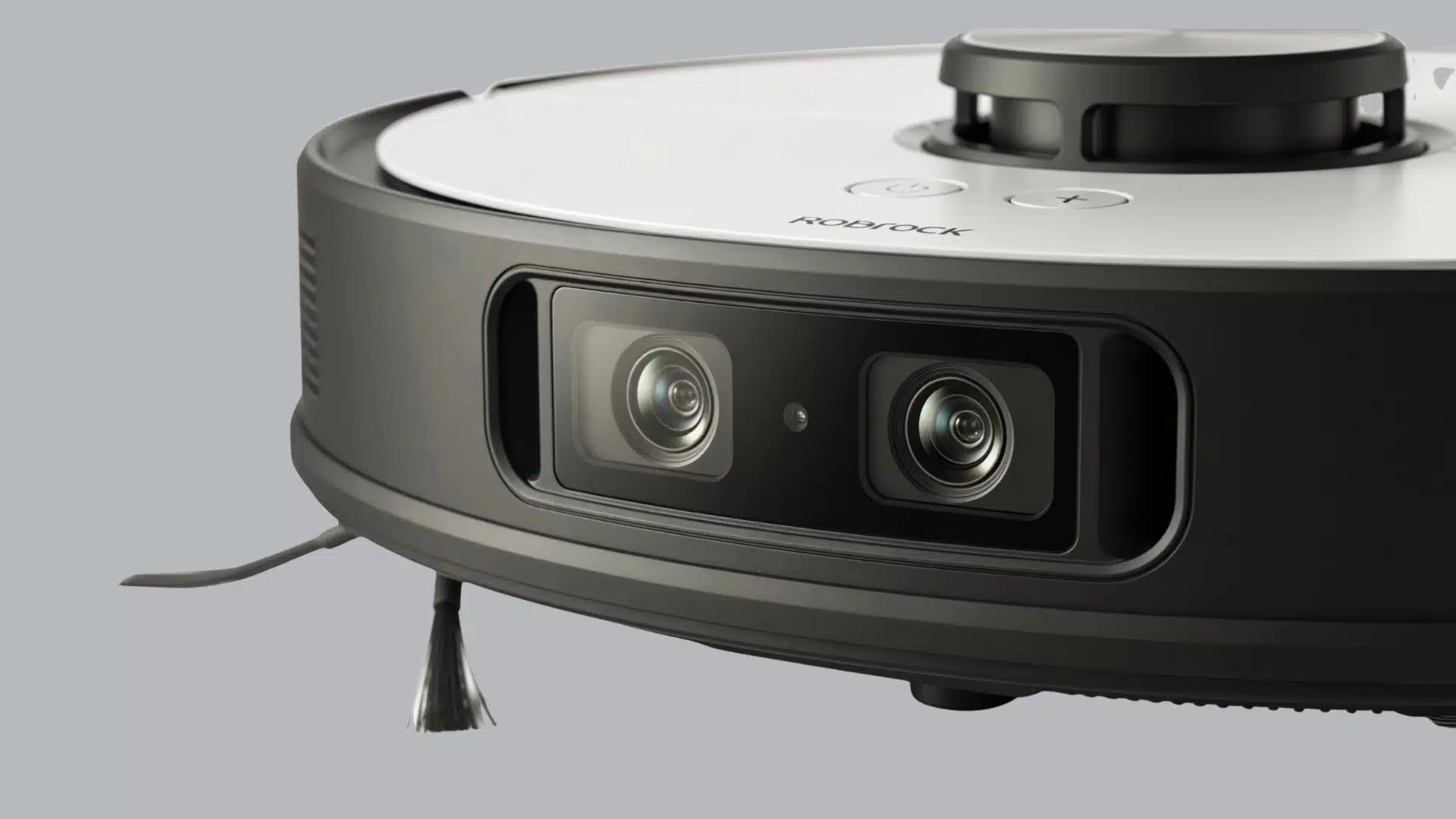
The Roborock S6 MaxV combines PreciSense LiDAR with twin cameras for precise navigation.
Its top-mounted LiDAR scans walls and furniture to build accurate room maps, helping the robot clean along planned rows rather than random paths.
It also stores up to four floor maps and automatically recognizes floors. Each floor map supports:
- No-go Zones: Up to 10 virtual barriers per floor that stop the robot from entering certain areas
- Invisible Walls: Digital dividers that block access to specific zones without physically fencing them off
- No-mop Zones: Areas where the robot vacuums but lifts the mop function, keeping rugs and carpets dry
- Custom cleaning sequence: Lets you specify the exact order in which rooms get cleaned
The no-mop zone setup is worth the 10 minutes it takes to configure properly. Without it, the mop pad runs over carpet edges, and on low-pile carpet, this can leave moisture behind.
Set the zones correctly on the first map save, and you will not need to revisit it.
It also supports Alexa and Google Assistant, making it easy to add voice control to a connected smart home setup.
Suction Power and Cleaning Performance
The S6 MaxV has enough power for daily floor cleaning, but its real performance depends heavily on the surface under it.
- It features a 2500Pa HyperForce motor, about 25% stronger than the S6.
- Performance by floor: 100% on hardwood, 88% on low-pile carpet, and ~85% on high-pile carpet.
- It auto-detects carpets and boosts suction for deeper cleaning.
- When No-Mop Zones are set correctly, it stops mopping automatically.
- Five suction modes let you balance power, noise, and battery life.
- Resume-cleaning recharges and continues unfinished large-area jobs.
What Does the Roborock App Add?
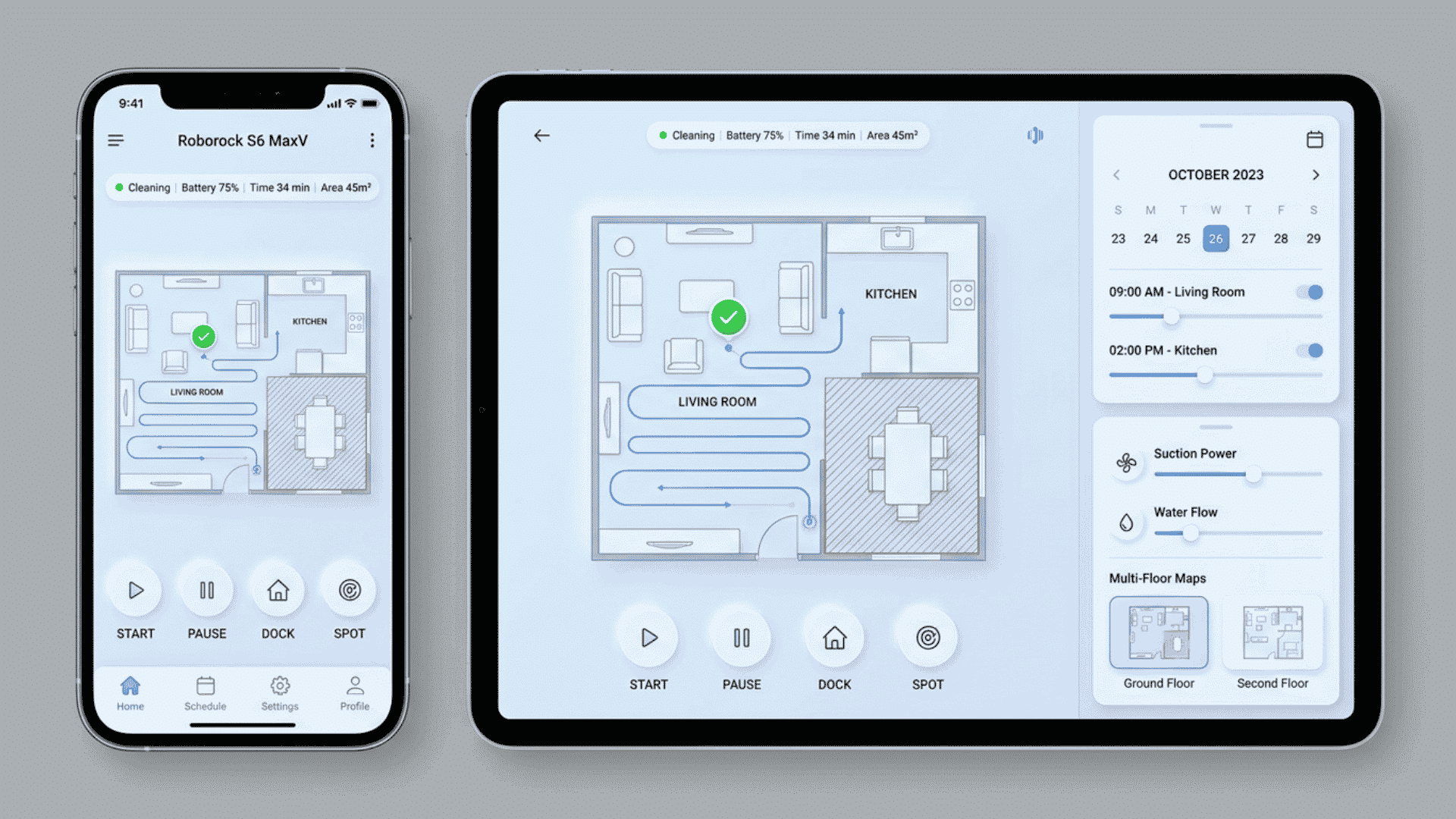
The Roborock app controls every major setting: suction strength, water flow level, cleaning schedule, floor maps, room sequencing, and no-go zone configuration.
An interactive floor map shows the robot’s live position, its cleaning path history, and icons marking where ReactiveAI detected obstacles.
Remote viewing uses the S6 MaxV’s dual cameras for a live feed, still photos, and two-way audio.
Livestream processing happens locally on the device and is not stored. Pet owners can use this feature to check on animals between cleaning cycles.
Voice control is available through Alexa and Google Assistant, allowing basic commands such as starting a cleaning cycle or returning the robot to its dock without opening the app.
Battery Life and Coverage
The 5200mAh battery runs for up to 180 minutes in quiet mode.
In practical terms, the S6 MaxV can cover approximately 2,580 sq ft while vacuuming and around 2,150 sq ft while mopping at lower settings. Higher suction or water flow settings will reduce that range.
For homes larger than a single charge can cover, the resume-cleaning function handles the gap automatically: the robot docks, recharges, and resumes the cleaning route where it left off without requiring manual intervention.
Most multi-room homes under 2,000 sq ft will see the robot complete a full cycle without needing a mid-run recharge.
Larger homes are manageable, but expect the robot to dock and continue at least once per session.
Roborock S6 MaxV vs Newer Robot Vacuums
The Roborock S6 MaxV performs well for a 2020 model, but newer releases have added self-emptying docks, stronger suction, and smarter obstacle detection.
| Feature | Roborock S6 MaxV | Roborock S7 MaxV | Roborock Qrevo Series | iRobot Roomba j7+ |
|---|---|---|---|---|
| Suction Power | 2,500 Pa | 5,100 Pa | 7,000 Pa | 2,500 Pa |
| Self-Emptying Dock | No | Yes | Yes | Yes |
| Self-Washing Mop | No | Yes | Yes | No |
| Battery Life | 180 min | 180 min | 180 min | 75 min |
| Mapping Technology | LiDAR | LiDAR + 3D | LiDAR + 3D | vSLAM |
| Obstacle Detection | PreciViews LiDAR | QD radar | LiDAR + cameras | Front camera |
| Mop-Lifting | No | Yes | Yes | No |
| Price | $249.98 (Discontinued) | $859.99 | $499.99 | $719.95 |
For a broader look at current models with self-emptying docks and updated obstacle detection, the smart home gadgets guide covers complementary home automation options worth considering alongside a robot vacuum purchase.
Who Should Buy the Roborock S6 MaxV?
The Roborock S6 MaxV is a smart pick for:
- Homes with pets, kids, or regular floor clutter
- Mixed flooring with hard floors and carpets
- Buyers who want LiDAR mapping and obstacle avoidance
- Users who do not mind emptying the dustbin manually
- People looking for premium features at a lower used or discounted price
It is less suitable for anyone who needs automatic mop lifting, primarily thick carpet cleaning, or a self-emptying dock for low-maintenance operation.
Conclusion
The Roborock S6 MaxV still makes sense if you want smart mapping, obstacle avoidance, and steady daily cleaning without chasing the newest model.
I would choose it for homes with pets, kids, mixed floors, and small clutter that cheaper robot vacuums may hit or drag around.
You should skip it if you need a self-emptying dock, automatic mop lifting, or stronger suction for thick carpets.
Its camera system, LiDAR mapping, and app controls are still useful, but the missing newer features matter for some homes.
Before buying, compare the price with newer Roborock models, because a small price gap can change the choice.
Have you used the Roborock S6 MaxV in a busy home? Tell us, share with us in the comments below.
Frequently Asked Questions
Does the Roborock S6 MaxV Lift the Mop on Carpet?
No. The S6 MaxV does not automatically lift the mop pad. Users need to create no-mop zones in the app.
Can the Roborock S6 MaxV Clean in the Dark?
Yes. LiDAR navigation works in the dark. However, obstacle detection may be less accurate in very dark rooms.
Can the S6 MaxV Vacuum Work without Mopping?
Yes. The mop tank can be removed, or mopping can be turned off in the app.
Does the Roborock S6 MaxV have a Self-Emptying Dock?
No. The dustbin must be emptied manually.
Is the Roborock S6 MaxV Good for Pet Owners?
Yes. It handles pet hair well, and its obstacle avoidance can help it move around pet bowls, toys, and some floor clutter.