Technology moves fast. A computer that felt powerful just a few years ago may now struggle to keep up with modern software, games, or work demands. As a result, many people upgrade their desktops and laptops regularly, replacing parts such as memory, storage drives, graphics cards, and processors. Unfortunately, these upgrades often leave old components sitting unused in drawers, closets, or storage bins.
What many people don’t realize is that old computer parts can still have value. Some components can be resold to users looking for affordable upgrades, while others can be recycled to recover valuable materials and reduce electronic waste. Taking the time to evaluate your old hardware can help you earn extra money while also making a positive impact on the environment.
Before tossing outdated equipment into the trash, it’s worth understanding which components still have a second life and how to handle them responsibly. A smart approach to recycling and reselling can help you get the most from your old technology while supporting a more sustainable tech ecosystem.
Identifying Computer Components That Still Have Market Value
Not every computer component loses its usefulness when you upgrade. In fact, many parts remain in demand long after they’ve been removed from their original systems.
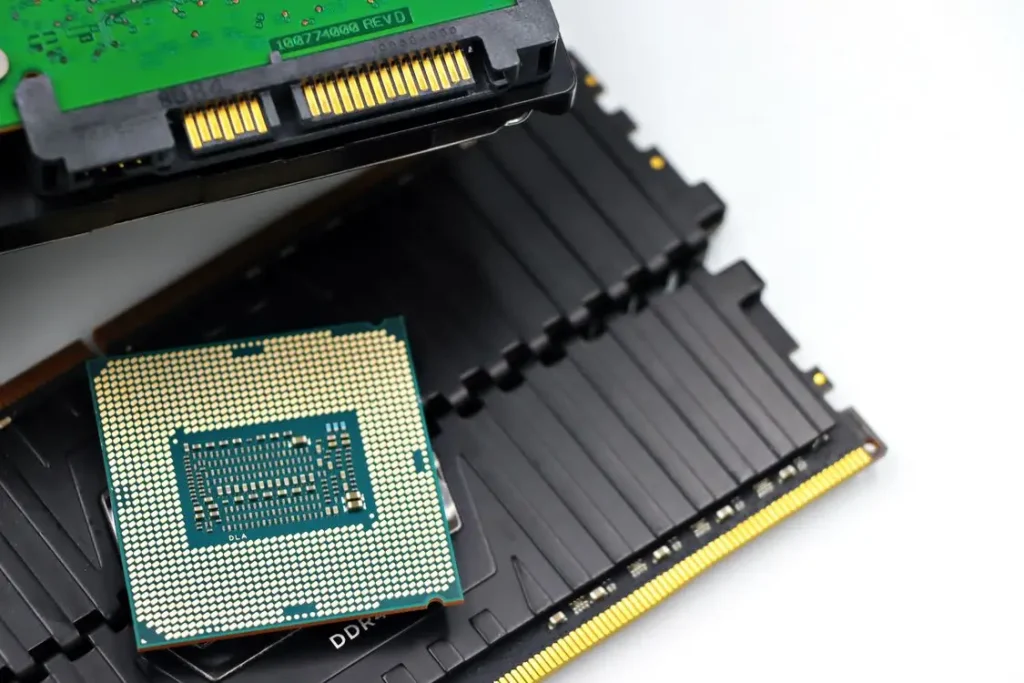
Memory modules, solid-state drives, graphics cards, processors, and even certain power supplies can often be reused by other computer owners. Budget-conscious users, repair shops, students, and hobbyist PC builders frequently look for reliable secondhand hardware at a lower cost than buying new.
Among these components, memory modules are often one of the easiest items to resell. Since many users upgrade to larger memory capacities over time, there is a steady market for used RAM. Instead of letting old modules collect dust, many people choose to sell RAM through trusted electronics-buying services that evaluate hardware, offer competitive pricing, and help extend the useful life of working components.
Before listing any part for sale, inspect it carefully. Look for signs of physical damage, corrosion, missing pieces, or excessive wear. If possible, test the component to confirm it works properly. Buyers are much more likely to purchase hardware when they know its condition and specifications.
You should also verify model numbers, storage capacities, speeds, and compatibility details. Accurate information helps buyers make informed decisions and increases your chances of a successful sale.
Preparing Old Components for Resale
Once you’ve identified valuable hardware, the next step is preparing it for the resale market. Proper preparation can increase buyer confidence and help you secure a better price.
Start by cleaning the components. Dust accumulation is common in computers and can make otherwise functional hardware appear neglected. Use compressed air and soft brushes to remove dust carefully without damaging delicate parts.
Next, gather any information that may be useful to potential buyers. Product labels, serial numbers, specifications, and purchase dates can all help establish credibility. If you still have the original packaging, manuals, or accessories, include them whenever possible.
Testing is another important step. Memory diagnostic tools can verify RAM performance, while drive health utilities can check the condition of storage devices. Graphics cards and processors can be evaluated using basic benchmarking software.
Providing proof that a component functions correctly helps build trust and reduces the likelihood of disputes after the sale.
Best Practices for Safely Selling Used Computer Parts
Selling used computer hardware is easier than ever, thanks to online marketplaces and specialized electronics buyers. However, taking a thoughtful approach can help you avoid common mistakes.
One of the most important factors is creating a clear and honest listing. Include accurate specifications, detailed descriptions, and high-quality photographs. Show the component from multiple angles and highlight any cosmetic imperfections.
Avoid exaggerating the condition of your hardware. Transparency helps attract serious buyers and reduces misunderstandings.
Pricing is another key consideration. Research recent sales of similar components to understand the current market value. Factors such as age, condition, demand, and brand reputation can all influence pricing.
You should also decide where to sell. Some people prefer peer-to-peer marketplaces because they may offer higher returns. Others choose professional electronics-buying services because the process is faster, simpler, and often more secure.
Whichever option you choose, make sure you understand the platform’s policies, payment methods, and shipping requirements before completing a transaction.
When Recycling Is the Better Option
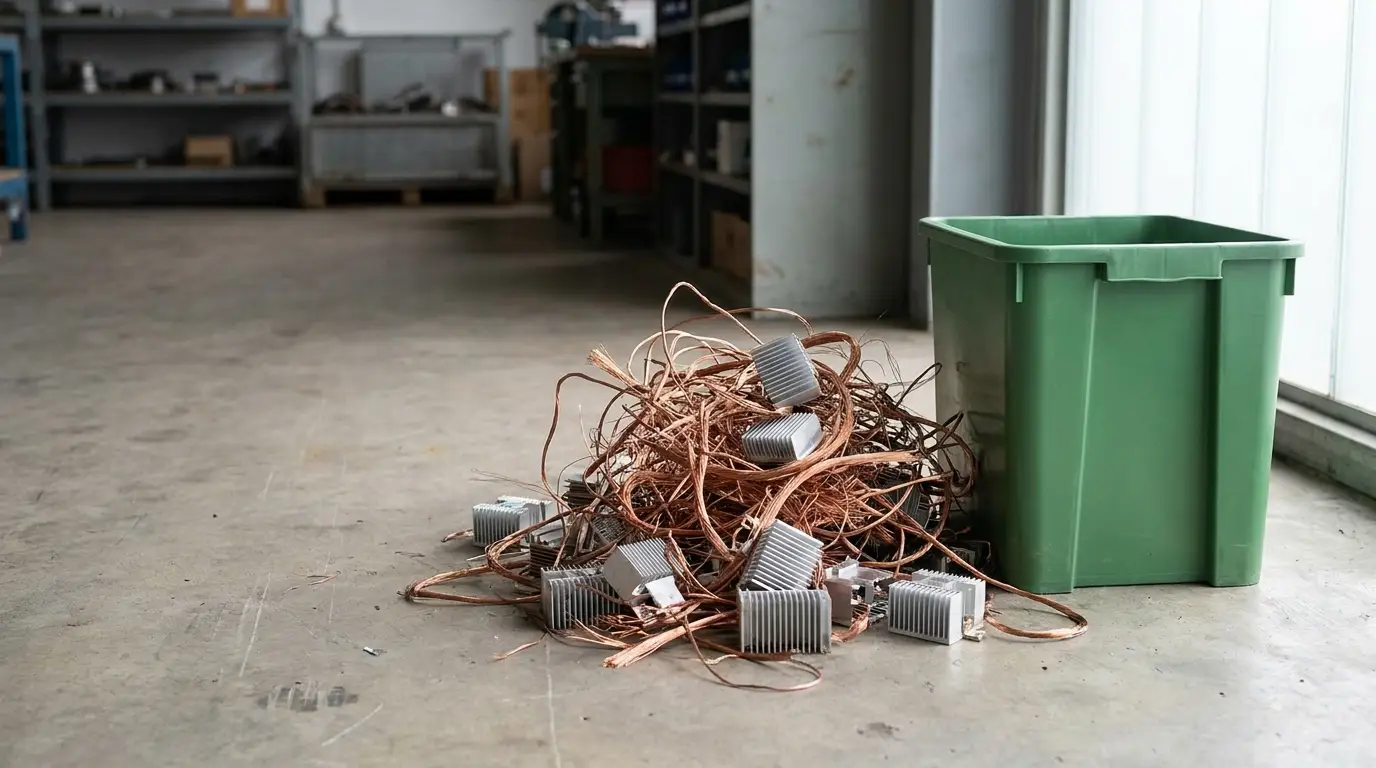
While many components can be resold, others may have little or no market value. Severely damaged hardware, obsolete technologies, and nonfunctional parts are often better candidates for recycling.
Electronic waste contains materials that should not end up in landfills. Improper disposal can release harmful substances into the environment and contribute to pollution. Recycling helps recover valuable resources such as copper, aluminum, gold, and other materials that can be reused in manufacturing.
Many communities offer e-waste collection programs, and numerous retailers and manufacturers provide take-back initiatives for old electronics. These programs ensure that components are processed responsibly and according to environmental regulations.
When choosing a recycling provider, look for organizations that follow recognized industry standards and environmental best practices. Responsible recycling protects both people and the planet.
Data Security Considerations Before Disposal
One of the most important steps before selling or recycling computer hardware involves protecting your personal information.
Storage devices such as hard drives and solid-state drives can contain sensitive data long after files appear to be deleted. Personal documents, financial records, passwords, photos, and business information may still be recoverable if proper precautions are not taken.
Before disposing of any storage device, create backups of important files. Once your data is safely stored elsewhere, perform a secure data wipe using reputable software designed for complete data removal.
Simple file deletion or standard formatting may not fully erase information. Secure erasure tools provide a more reliable method of preventing data recovery.
In situations involving highly sensitive information, physical destruction may be the safest option. Destroying storage media ensures that data cannot be accessed by future users.
Creating a checklist for data protection can help ensure nothing is overlooked before resale or recycling.
Old computer components should never be viewed as worthless simply because they’ve been replaced. Many parts still hold value for other users, while those that no longer function can often be recycled responsibly.
By evaluating your hardware carefully, preparing it properly, and choosing the right resale or recycling option, you can recover value while reducing electronic waste. At the same time, protecting sensitive data ensures that your personal information remains secure throughout the process.
Technology upgrades are a normal part of modern life, but responsible disposal should be part of the process as well. Whether you’re reselling functional hardware or recycling outdated components, taking a thoughtful approach helps both your wallet and the environment.