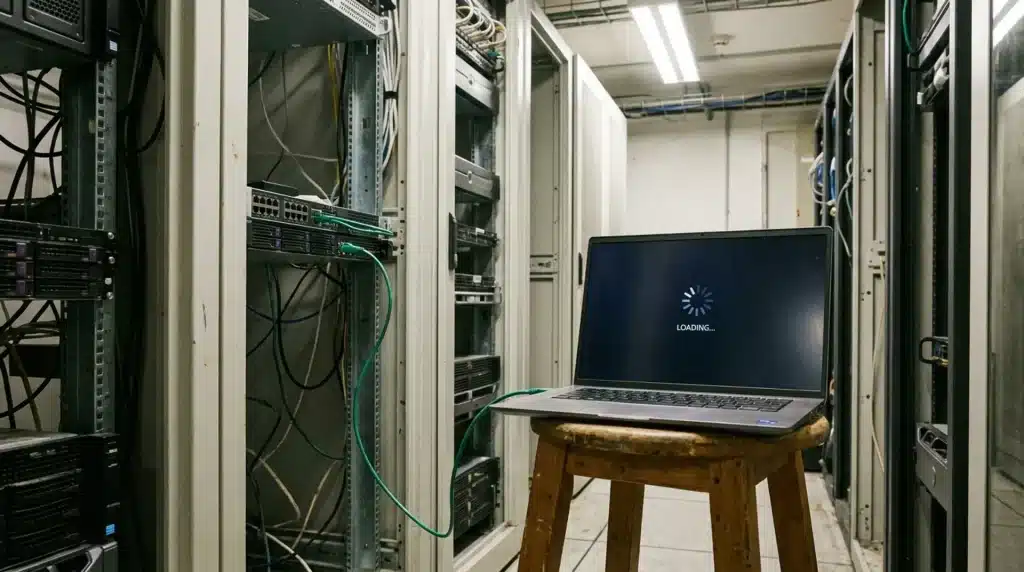
Agency owners don’t want to admit it, but most have lost a client because of hosting. Substandard design or a missed deadline may not have cost them a client, but poor hosting did. A client might be frustrated because their site was slow, went down at the wrong time, or got hacked on a Tuesday afternoon.
Hosting is crucial, but it doesn’t get the credit it deserves. Agencies pour weeks into pixel-perfect designs and clever marketing funnels. Then they park everything on a cheap shared server and hope for the best. But that decision impacts operations eventually.
If your agency runs on WordPress, your hosting setup matters more than you think. Let’s see what actually makes a difference.
Speed and Performance that Clients Can Feel
Clients may not know much about server stacks. But they will pay attention to whether their site loads quickly. When it doesn’t, they question the agency. This may not be fair, but that’s how it works.
It is essential to have hosting with SSD storage, built-in caching, and CDN support included in the standard package. PHP workers matter, too, especially if you’re running WooCommerce or heavy page builders. Nobody on your team should have to spend a Friday night tweaking server configurations just to get a homepage load in under three seconds. That should be handled before you even log in.
Centralized Site Management
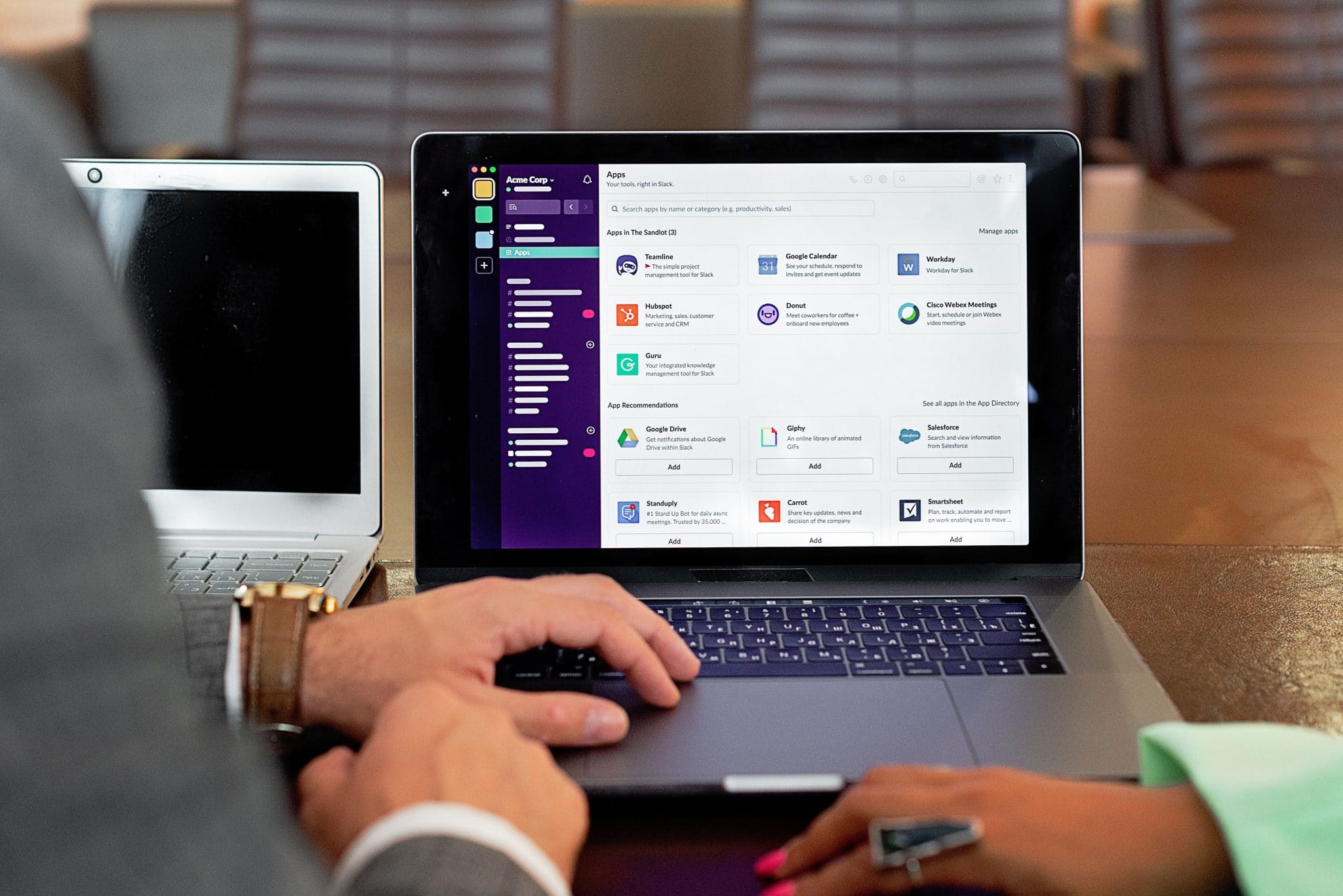
If your team is managing thirty WordPress sites by logging into each one separately, you’re burning hours every day on something that should take minutes. Agencies need a single control panel where they can see every client site at a glance. Plugin updates, security flags, and uptime stats can all be found in one place when you work with a reputable service provider.
Site management is an area where you start to see the gap between regular hosting and what’s built specifically for agency workflows. A centralized management tool is one of the defining traits of the best WordPress hosting for agencies, and it changes how your whole team operates. Less toggling between dashboards means more time doing work that actually pays and keeps clients satisfied.
Rock-Solid Security Across Every Site
One hacked client site can tank your agency’s reputation overnight. It can happen within a few minutes before you have time to react. A small vulnerability on a forgotten staging site turns into a full-blown crisis by morning.
Your host needs to cover the basics, such as SSL certificates, malware scans, firewalls, and daily backups. One-click restores are a must. If something breaks at 2 a.m., you can’t afford to wait on a support ticket. Here’s another aspect that people overlook: site isolation. If one client’s site gets compromised, it shouldn’t drag the rest of your accounts down with it.
Staging Environments and Developer-Friendly Tools
Pushing code straight to a live client site is risky. We all know this. But without a proper staging environment, teams cut corners because the alternative is too slow or too clunky.
Good hosting gives you one-click staging so your developers can test updates safely. When you have SSH access, Git integration, and WP-CLI support, your dev team can actually work the way they want to. These aren’t luxury features anymore. They’re crucial for any agency that delivers real work on a regular basis.
Scalability that Grows with Your Client Roster
Your agency six months from now might look very different. Maybe you signed six new clients, or a client’s site got unexpected traction on social media, and site traffic tripled overnight. Either way, your hosting needs to keep up to support your online presence.
That means you will need easy upgrades, including more storage, RAM, and CPU, without migrating to a whole new server. It also means setting up new sites fast. Onboarding a client shouldn’t take three days of back-and-forth with a hosting provider.
Reliable Support that Understands Agency Workflows

There’s nothing worse than calling customer support and getting told to clear your cache. Agency teams need help from people who understand WordPress at a technical level. You need access to people who know what a staging conflict looks like or why a plugin update broke a WooCommerce checkout flow.
Fast response times matter. Priority access matters. But do you know what matters most? The person on the other end should understand that a client site being down isn’t a minor inconvenience but an emergency with real business consequences.
Conclusion: Making the Right Choice
Choosing hosting for your agency isn’t just an IT decision; it’s a business decision. It impacts client satisfaction, team productivity, and your bottom line. Poor hosting creates problems. Good hosting prevents them.
Take a hard look at what you’re using right now. If your team spends more time fighting the host than building great sites, something needs to change. Your agency deserves infrastructure that works as hard as you do.