Durable laptops are portable computers built to survive physical shock, environmental exposure, and extended daily use that would destroy a standard consumer machine.
I have pushed through enough bad laptop situations to know exactly what breaks first. A 13-inch ultrabook that slid off a tailgate at a job site.
A consumer notebook whose hinge cracked after 18 months of daily commuting. A screen that fogged and never recovered after a day of heavy rain during an outdoor event setup.
The lesson was consistent: most laptops are designed to live on desks, and they perform accordingly.
This guide gives you honest, community-backed reviews of the best durable laptops, drawing on real user experiences from field professionals and community forums.
You get exact configurations and my personal take on each model, because spec comparisons alone are not enough when you are about to spend $2,000 or more on a machine that needs to last.
What Makes a Laptop Truly Durable?
Durability is not a single feature. It is a combination of materials, construction standards, and protection ratings that determine how a laptop handles pressure in the field.
Chassis materials are the foundation. Magnesium alloy is the most common choice for rugged laptops, strong enough to absorb impact without cracking while remaining lighter than steel.
Carbon fiber delivers greater weight savings while maintaining rigidity. Reinforced polycarbonate plastics appear in semi-rugged and business-grade models, offering reasonable protection at a lower price.
Certification standards tell you how a machine was tested, not just how a marketing team describes it.
MIL-STD-810H is the current U.S. Department of Defense testing methodology, covering 29 methods including three-foot drop resistance, temperature cycling between -20 degrees Celsius and 60 degrees Celsius, vibration, humidity, and high-altitude operation.
IP ratings cover dust and water specifically. IP53 means dust-protected and splash-resistant. IP65 adds full dust sealing and low-pressure water jet resistance.
IP66, found on the most capable rugged laptops, resists powerful water jets from any direction.
Internal protection separates real durability from marketing language. Shock-mounted SSDs, sealed keyboard membranes, port gaskets, and reinforced hinges are the details that matter when a bag lands hard on a concrete floor.
Best Durable Laptops: Reviewed and Ranked
Each laptop below was evaluated on durability certification, processing performance, battery life, portability, price-to-value ratio, and real user feedback.
Field professionals who also rely on companion portable devices should factor wearable tech considerations into the full mobile toolkit, since the laptop is often one piece of a larger equipment picture.
1. Panasonic Toughbook FZ-55 Mk3
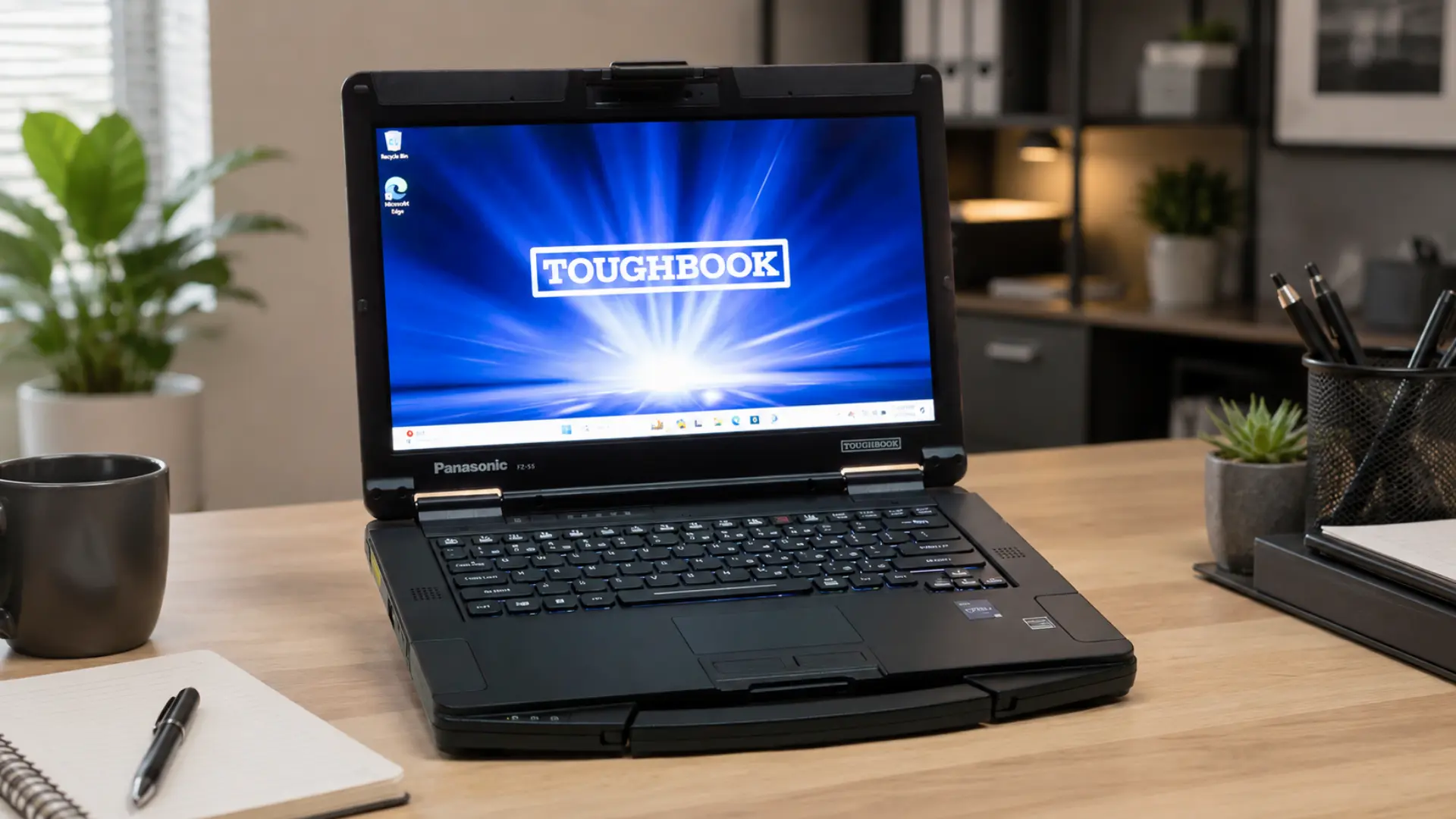
The FZ-55 Mk3 is the laptop I recommend most often when someone asks for a machine they can genuinely rely on at work. It does not try to be the toughest laptop on the market, and it is better for it.
The semi-rugged design keeps the weight manageable, while 23-plus hours of battery life on dual hot-swappable batteries means real all-day operation without searching for an outlet.
Configuration:
- CPU: Intel Core i7 vPro (13th Gen)
- RAM: Up to 64GB DDR4
- Storage: Up to 2TB SSD
- Display: 14″ FHD touchscreen, 1,000 nits (sunlight-readable)
- Weight: 4.7 lbs (2.14 kg)
- Certifications: MIL-STD-810H, IP53
- Battery: Up to 23 hours (dual hot-swappable)
- Price: $2,841.99
2. Panasonic Toughbook 40 Mk2
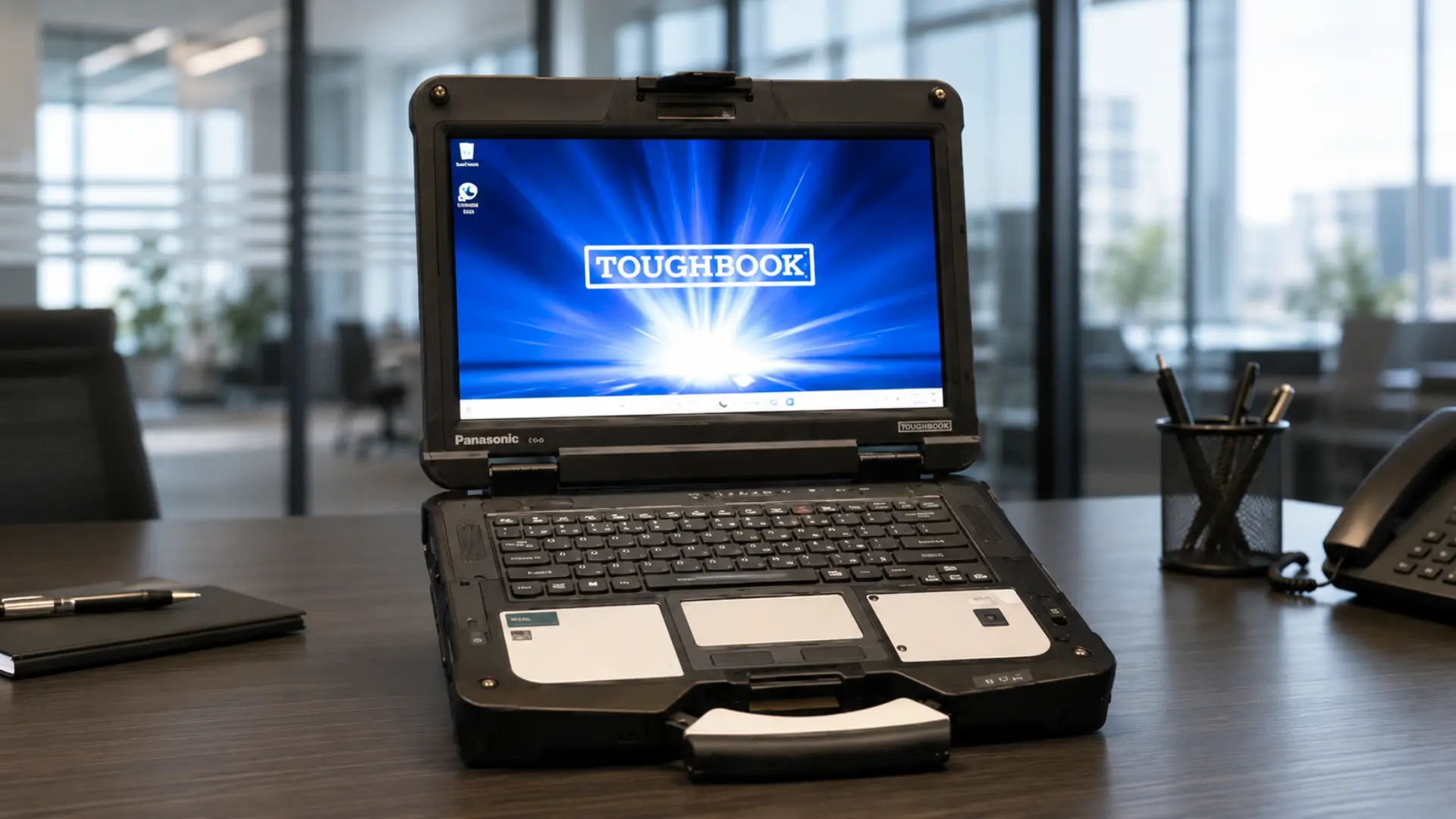
The Toughbook 40 Mk2 is the machine IT support professionals describe when they say a laptop “cannot be broken.” Forum threads are full of accounts from field support teams whose personnel have failed to damage one.
The IP66 rating is what separates it from semi-rugged competitors: it handles sustained water jets from any direction, not just splashes or light rain.
That distinction matters for construction sites, utility work, and any outdoor deployment where the weather is unpredictable.
Configuration:
- CPU: Intel Core i5/i7 (11th Gen)
- RAM: Up to 32GB DDR4
- Storage: Up to 2TB SSD
- Display: 14″ FHD touchscreen, 1,200 nits (glove-operable)
- Weight: 7.4 lbs (3.35 kg)
- Certifications: MIL-STD-810H, MIL-STD-461G, IP66
- Battery: Up to 18 hours with an extended battery
- Price: $5,153.00
3. Dell Latitude 5430 Rugged
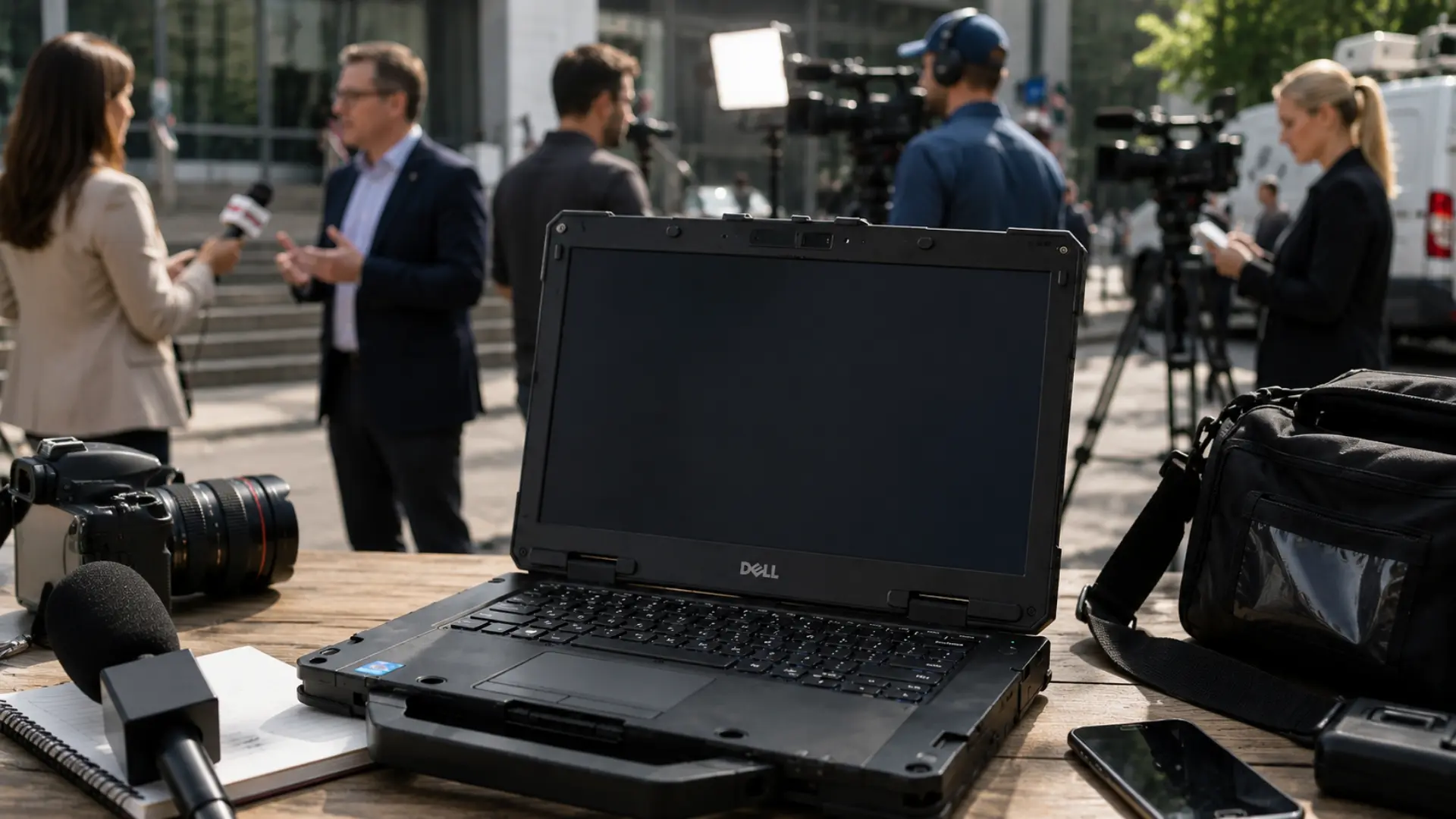
The Dell Latitude 5430 Rugged is the most frequently recommended laptop in community “which rugged laptop” threads, and the reasons are consistent.
The 25-hour dual-battery runtime is the longest spec in this roundup. Its carbon fiber construction looks professional enough for client-facing environments, which few fully rugged laptops can claim.
Storage capacity goes up to 8TB across multiple drive bays, making it one of the few field laptops that can double as a data-collection workstation on extended deployments.
When configuring storage across multiple drive bays, it is worth understanding how RAM and SSD upgrades interact with rugged chassis design, since panel accessibility varies significantly across models.
Configuration:
- CPU: Intel Core i7-1185G7 vPro
- RAM: Up to 128GB DDR4 (expandable)
- Storage: Up to 8TB across multiple drive bays
- Display: 14″ FHD touchscreen, 1,100-nit option
- Weight: 5.73 lbs (2.6 kg)
- Certifications: MIL-STD-810H, IP53
- Battery: Up to 25 hours (dual hot-swappable, Express Charge Boost)
- Price: ~$2,000
4. Lenovo ThinkPad X1 Carbon Gen 12
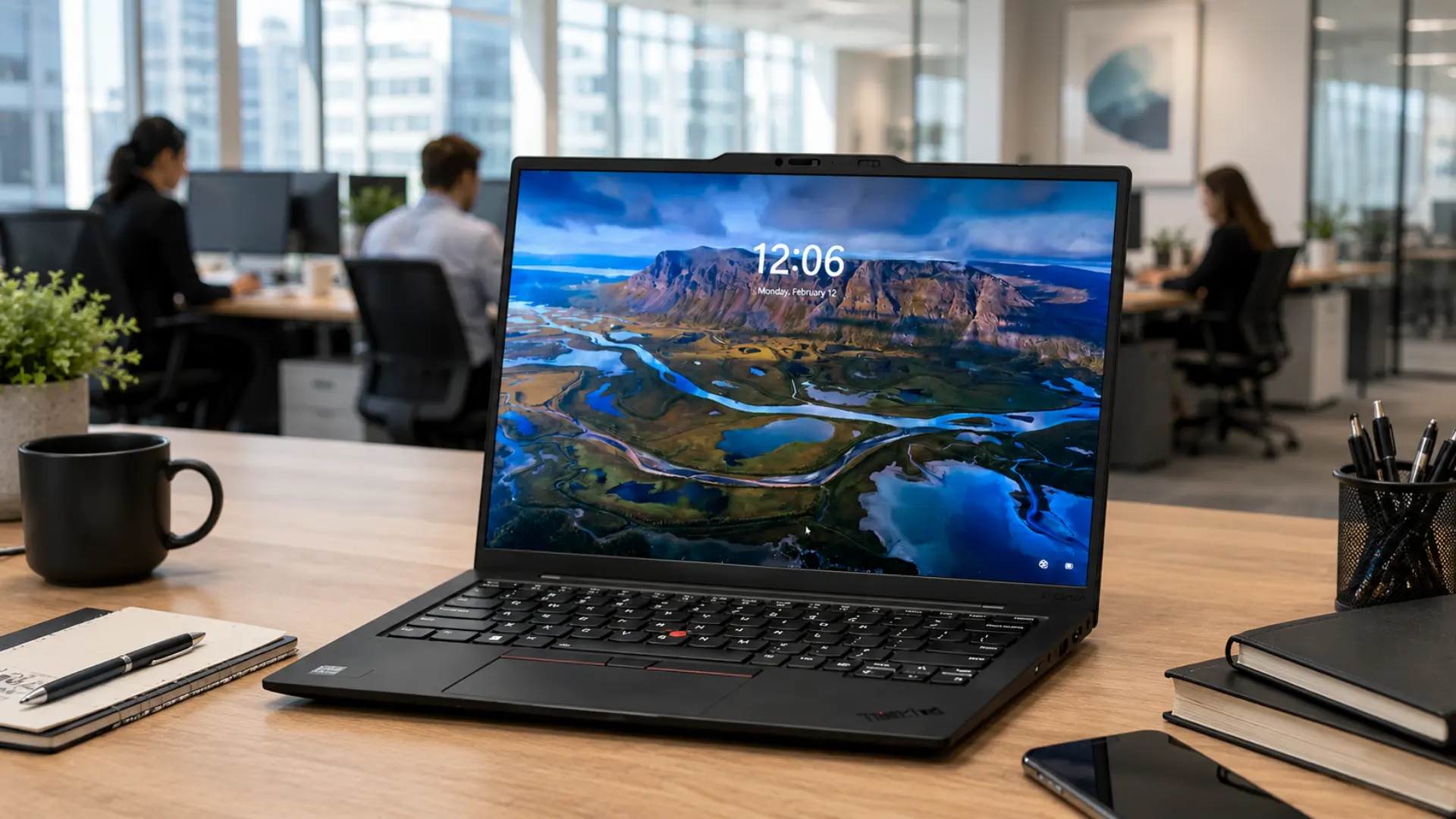
The ThinkPad X1 Carbon is the durability pick for professionals who refuse to carry anything above three pounds. At 2.48 lbs, it is the lightest laptop in this roundup by a significant margin.
Lenovo tests it against 12 MIL-STD-810H methods and 20 procedures, covering altitude, humidity, and drop resistance. It carries no IP rating, which means sustained outdoor exposure to moisture is still a real risk.
For professionals who travel constantly and need a machine that handles everyday abuse without weighing down their bag, nothing here competes.
Configuration:
- CPU: Intel Core Ultra 7 (Series 2)
- RAM: Up to 64GB LPDDR5x
- Storage: Up to 2TB SSD
- Display: 14″ IPS, up to 500 nits
- Weight: 2.48 lbs (1.12 kg)
- Battery: Up to 15 hours
- Price: ~$1,659.77
5. Getac B360 G2
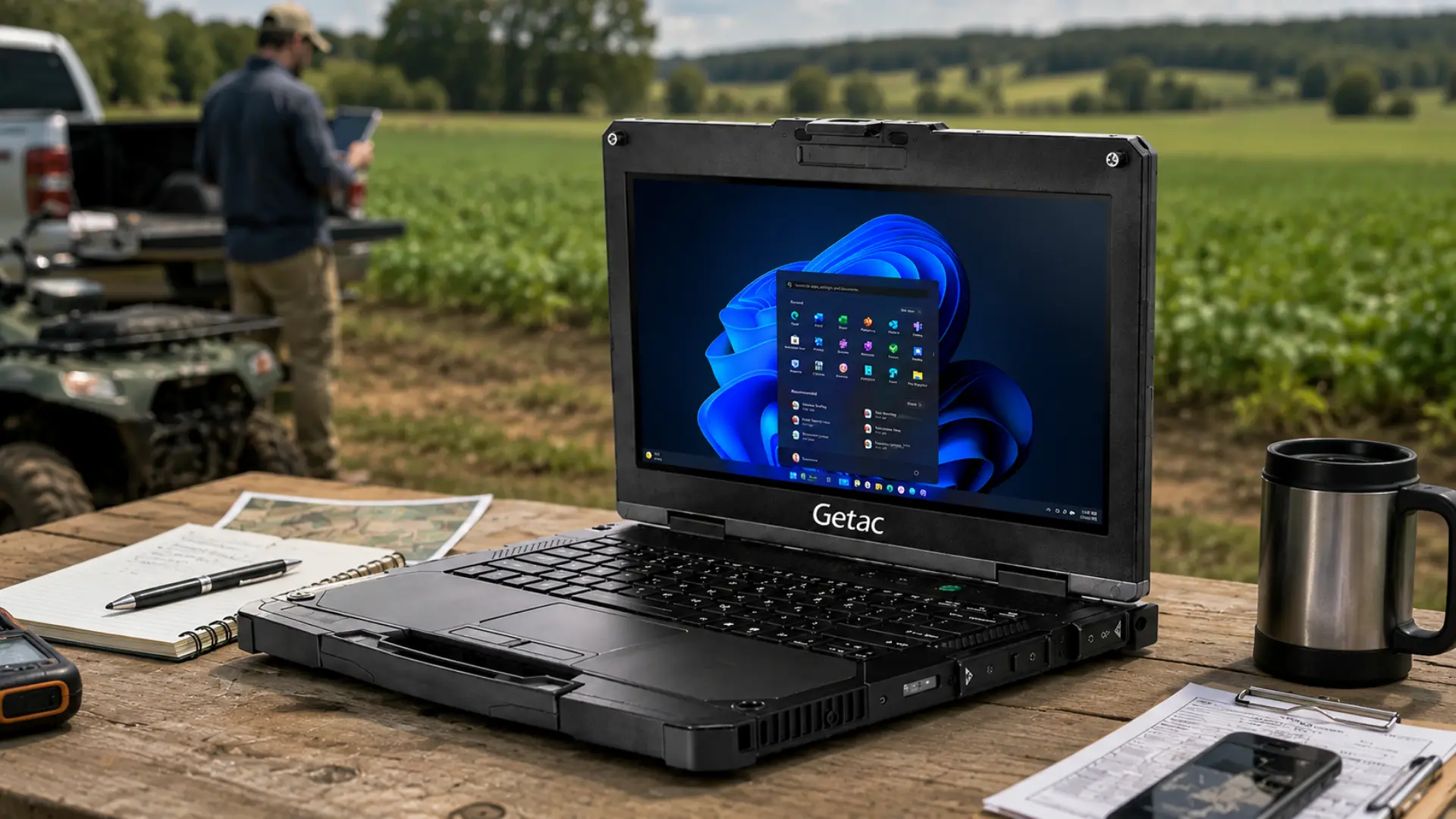
The Getac B360 G2 is the lightest fully rugged laptop in this roundup. At 5.11 lbs, it is more than two pounds lighter than the Toughbook 40 while matching it on IP66 and MIL-STD-810H certification.
Community feedback from field service teams is consistently positive on GPS accuracy and vehicle-mount stability. The price is meaningfully lower than Panasonic’s equivalents.
If the Toughbook 40 is out of budget, but you need full rugged protection, this is where the conversation starts.
Configuration:
- CPU: Intel Core i5/i7 (11th Gen)
- RAM: Up to 64GB DDR4
- Storage: Up to 2TB SSD
- Display: 13.3″ FHD touchscreen, 1,000 nits (sunlight-readable)
- Weight: 5.11 lbs (2.32 kg)
- Certifications: MIL-STD-810H, IP66
- Battery: Up to 18 hours with an extended battery
- Price: ~$4,099.00
6. HP EliteBook x360 1040 G11
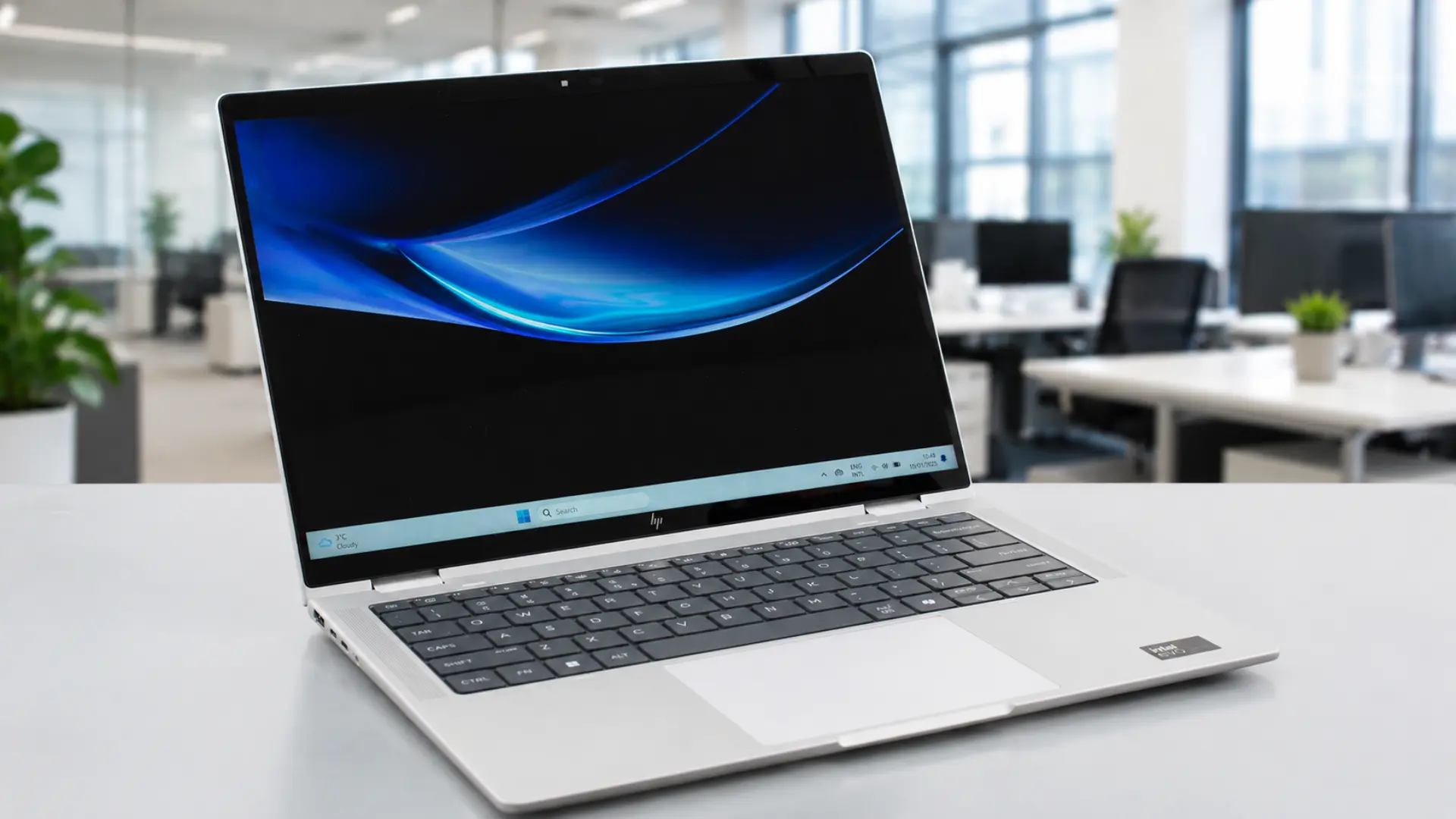
The HP EliteBook x360 1040 G11 is for professionals who need durability and the flexibility of a convertible, and who regularly move between field environments and conference room productivity demands.
The 1,000-nit display option is bright enough for outdoor use, which is rare in the convertible category.
It does not match the rugged laptops in environmental protection, but it beats everything else in this list for form factor versatility.
Configuration:
- CPU: Intel Core Ultra 5/7 (Series 2)
- RAM: Up to 64GB LPDDR5
- Storage: Up to 2TB SSD
- Display: 14″ IPS touchscreen, up to 1,000 nits
- Weight: 3.28 lbs (1.49 kg)
- Certifications: MIL-STD-810H (business-grade, no IP rating)
- Battery: Up to 17 hours
- Price: ~$1,389.00
7. Lenovo ThinkPad P16S Gen 4
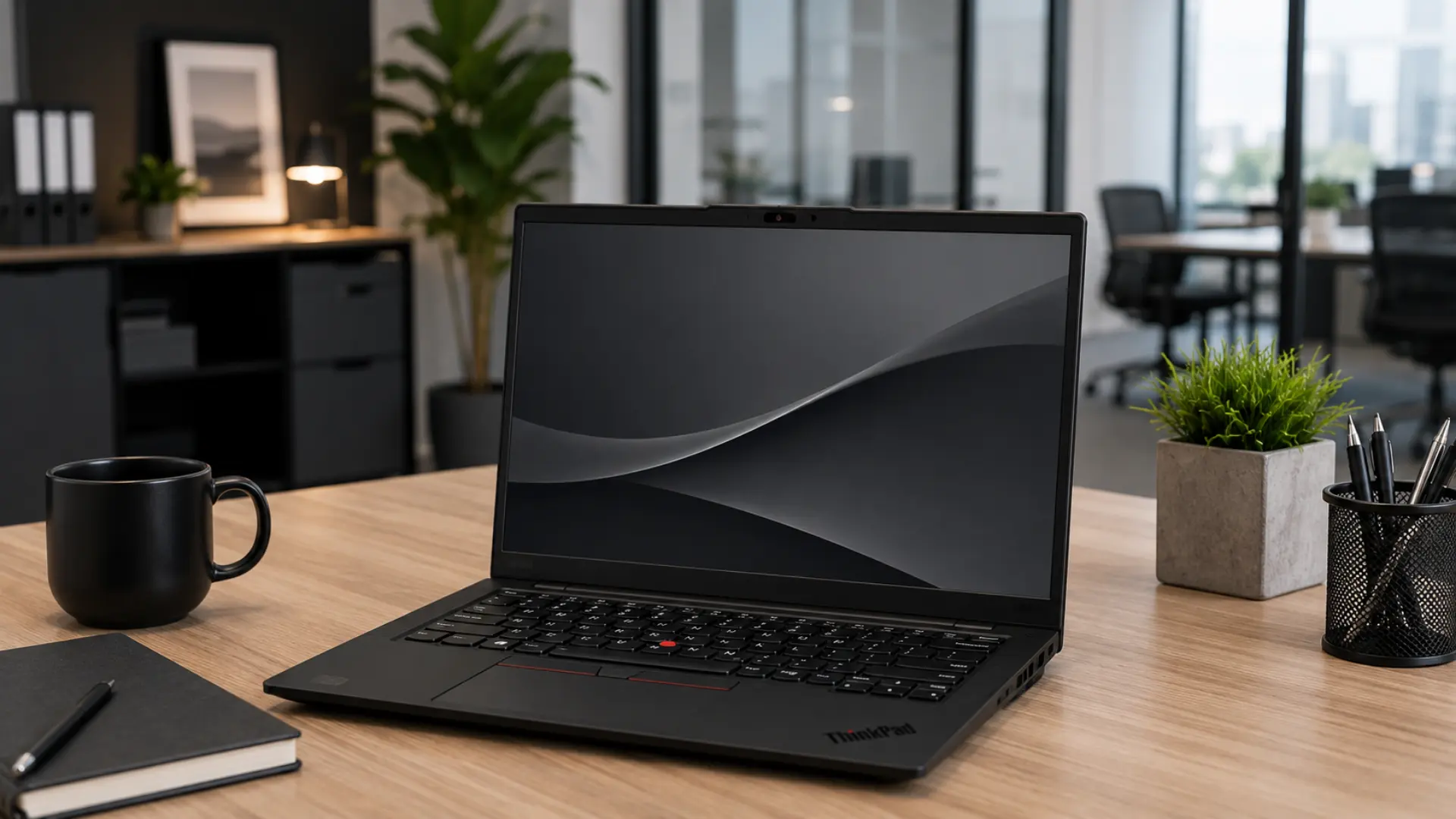
The P16S Gen 4 is for professionals who need serious processing and graphics power in a chassis that can still take a hit. Where the X1 Carbon prioritizes portability, the P16S prioritizes capability.
It carries MIL-STD-810H certification alongside ISV (Independent Software Vendor) validation for engineering and creative applications, making it one of the few laptops that qualify as both a durable field device and a professional workstation.
The aluminum chassis does not flex, the keyboard is spill-resistant, and the dual M.2 SSD slots plus user-replaceable CSODIMM RAM mean you can actually service it without sending it back.
Configuration:
- CPU: Intel Core Ultra 7 265H
- GPU: NVIDIA RTX PRO 500 Blackwell (6GB GDDR7)
- RAM: Up to 64GB CSODIMM DDR5 (user-upgradeable)
- Storage: Dual M.2 SSD slots, up to 2TB
- Display: 16″ WQUXGA OLED, 400 nits, 100% DCI-P3
- Weight: 4.27 lbs (1.94 kg)
- Certifications: MIL-STD-810H
- Battery: Up to 14 hours
- Price: ~$2,263.68
Rugged vs Semi-Rugged vs Business-Grade: Which Tier Do You Actually Need?
The most common mistake people make when buying a durable laptop is purchasing more protection than their environment actually requires.
Fully rugged laptops are heavier, more expensive, and often carry older processors than their semi-rugged counterparts. For most professionals, they are overkill.
| Tier | Key certifications | Typical weight | Price range | Best for |
|---|---|---|---|---|
| Fully rugged | MIL-STD-810H + IP65/66 | 5 to 8 lbs | $2,500 to $5,000+ | Construction, military, emergency services, utilities |
| Semi-rugged | MIL-STD-810H + IP53 | 4 to 6 lbs | $1,800 to $3,500 | Field service, logistics, event production, outdoor enterprise |
| Business-grade durable | MIL-STD-810H only | 2.5 to 4 lbs | $1,200 to $2,800 | Frequent travel, corporate environments, mixed office/field use |
Event professionals managing outdoor event logistics will almost always fall in the semi-rugged tier, since rain exposure, ground transport, and temperature swings are standard job-site conditions.
The practical framework is to map the worst 5% of conditions your laptop will face, then match the tier to that map.
If that worst case involves standing rain, dusty job sites, or vehicle vibration, semi-rugged is the minimum.
Sustained water jets, extreme temperature ranges, or drop heights above three feet require a fully rugged. If the worst case is “I travel a lot and drop things occasionally,” business-grade durability is sufficient.
Overbuying on protection adds weight and cost without protecting you from anything you will actually encounter.
What Community Forums Say About Durable Laptops?

Community forums like Reddit often point buyers toward business-class laptops when durability is a priority.
Lenovo ThinkPad T and P series get the strongest support, with one user calling them the clear choice for professional use. That matches the usual forum view: ThinkPads are trusted for sturdy build quality, reliable keyboards, and long-term use.
HP EliteBook, ProBook, and ZBook models get mixed reactions. Some users agree they are made for professional use, but others criticize their reliability.
One commenter says EliteBooks feel sturdier, yet they saw higher failure rates in business use. ZBooks receive even harsher feedback, with complaints about weak build quality and keyboard marks on the screen.
Dell Latitude and Precision are mentioned as comparable business laptops, but the thread leans more toward ThinkPads as the safer, more durable option.
How to Buy a Durable Laptop without Overspending?
Mapping your environment before choosing a spec is the step most buyers skip.
Write out the actual conditions your device will face, then match the certification tier to that reality rather than purchasing the most ruggedized machine available.
A few buying principles that hold across all tiers:
- Hot-swappable batteries: The batteries matter more than headline battery life ratings because they let you keep working without shutting down when charging is not possible.
- Repairability and modular design: Repairability and design reduce long-term cost because parts can be replaced or upgraded instead of replacing the entire laptop.
- Warranty terms: The terms vary more than many buyers expect, so you should compare service response times and extended coverage before finalizing a purchase.
- Processor generation: A laptop built for 5 or more years of field use should not already feel dated on purchase day. Check the processor generation against current mainstream benchmarks before committing.
- Weight: It is a real daily cost because a laptop that feels manageable on paper can become tiring to carry for a full workday.
Conclusion
Durability is a long-term investment, and the math usually favors the higher upfront cost
A $3,000 Panasonic Toughbook that runs reliably for 6 years is a better financial decision than three $1,200 consumer machines replaced every two years, once you account for data loss risk, productivity disruption, and IT overhead.
My direct recommendation by use case: field service and construction teams should look at the Toughbook 40 Mk2 or Getac B360 G2 for full rugged protection.
Enterprise professionals who split time between office and field will get the best value from the Dell Latitude 5430 Rugged.
Frequent travelers who need durability without the weight penalty should choose the ThinkPad X1 Carbon Gen 12.
If your role requires a machine that folds for client presentations, the HP EliteBook x360 1040 G11 is the clear option.
If you have used any of these durable or rugged laptops in the field, share your experience in the comments below. Real-world feedback from people who carry these machines every day is worth more than any lab test result.
Frequently Asked Questions
How Long Do Rugged Laptops Typically Last Compared to Regular Laptops?
Rugged laptops usually last 5 to 7 years, while regular consumer laptops often last 2 to 3 years. The longer life comes from repairable parts, modular design, and stronger manufacturer support.
Is MIL-STD-810H the Same as Military-Grade?
No. MIL-STD-810H means the laptop passed specific environmental stress tests. It does not mean the device meets full military buying or deployment standards.
Can I Upgrade the RAM or Storage in a Rugged Laptop?
It depends on the model. Many rugged laptops allow RAM and SSD upgrades through service panels, but some models use soldered parts. Always check the service manual before buying.