Choosing the right screen can completely change how you enjoy movies, play games, or even work on important projects.
A right screen makes the colors vivid, details sharp, and every scene more immersive.
I have noticed that with so many options available, it’s easy to feel lost or unsure about what’s truly the best fit for your setup. That’s why understanding the difference between lcd vs led is important.
In this guide, you’ll get a detailed look at how each type works, its key strengths and weaknesses, and what to expect in terms of picture quality, energy use, lifespan, and cost.
By the end, you’ll feel confident in picking the right screen, whether you want bright visuals, smooth performance, or a budget-friendly option that still delivers quality.
An Overview of LCD and LED
LCD and LED screens often get compared, but there’s a simple technical difference.
LCD screens, or Liquid Crystal Displays, rely on CCFL (cold cathode fluorescent lamps) for backlighting. These lamps light up the screen so the images and colors are visible.
LED screens, on the other hand, use light-emitting diodes for backlighting. These tiny diodes are more energy-efficient and can offer better brightness control.
A common misconception is that LED is a completely different type of screen, but in reality, all LED monitors are technically a type of LCD; they just use a different lighting method.
So, when you hear about LED screens, think of them as an upgraded version of LCD, with improved energy use, thinner design, and often better contrast, while still relying on the same liquid crystal technology for the display itself.
As display technology has continued to evolve, QLED and OLED panels have entered the conversation, too.
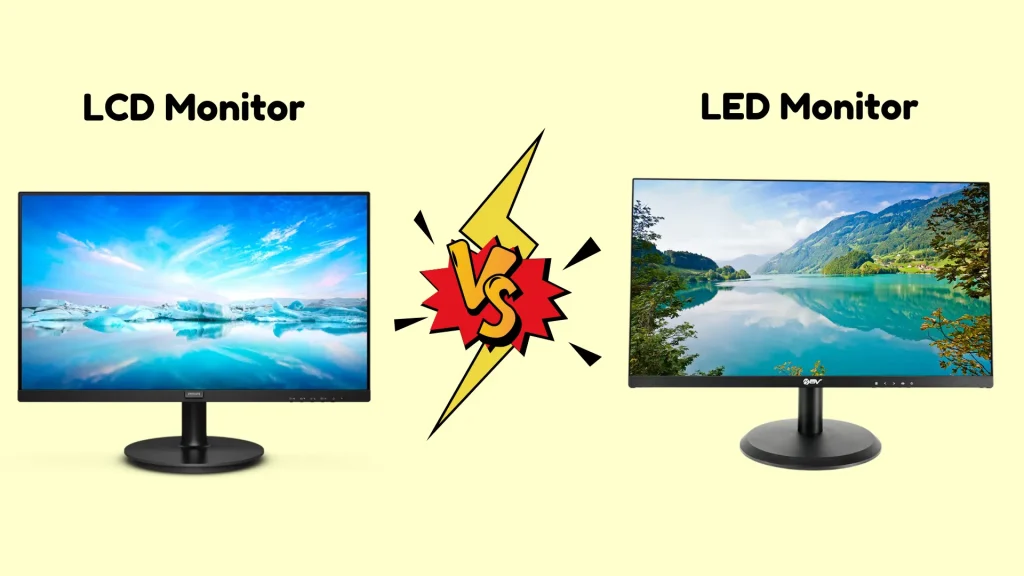
LCD vs LED Monitor: Key Differences Explained
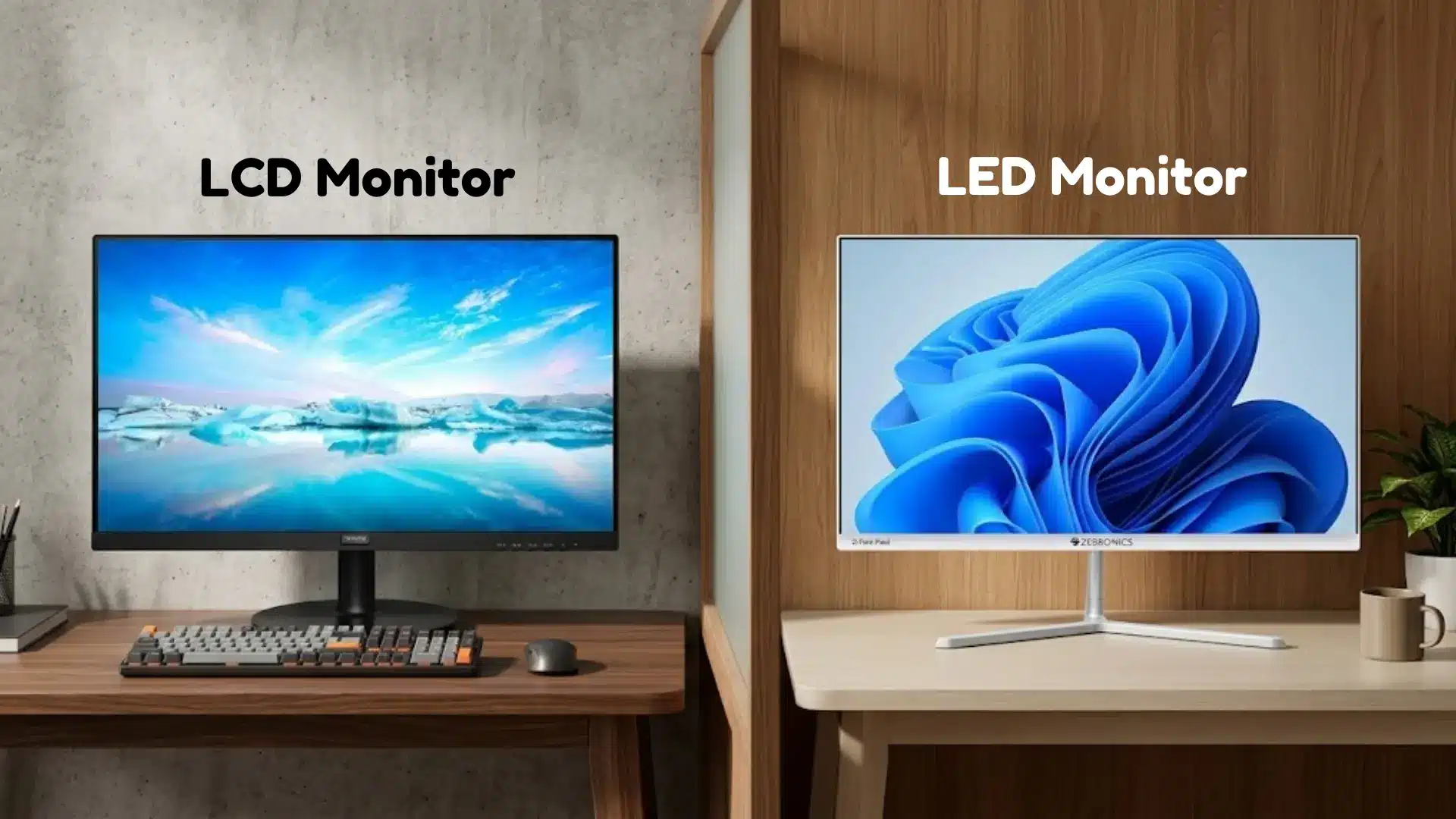
LCD and LED monitors may look similar from the outside, but they differ in several important areas that affect picture quality, design, performance, and energy usage.
1. Backlighting Technology
Traditional LCD monitors rely on CCFL backlighting, while LED monitors use the same LCD panel paired with LED backlights.
That upgrade improves brightness control, sharpness, and screen consistency. LED displays also vary by backlight design.
Edge-lit panels place LEDs around the borders for slimmer screens, but may show uneven brightness. Full array panels spread LEDs across the back for better local dimming and contrast.
Mini LED takes this further with smaller diodes, delivering deeper blacks and contrast closer to OLED quality.
That slim, lightweight build also makes LED the technology behind most portable monitor options worth considering if you need a second screen on the go.
2. Picture Quality and Color Accuracy
LED monitors usually provide better picture quality compared to older LCD monitors with CCFL backlights.
They offer stronger contrast ratios, deeper black levels, and more vibrant colors, which improve the overall viewing experience.
Panel type plays a bigger role in color accuracy than the CCFL vs LED distinction alone.
Within LED monitors, IPS (in-plane switching) panels offer the widest color gamut and most accurate reproduction.
VA (vertical alignment) panels produce the deepest blacks. TN (twisted nematic) panels are the fastest for response time but weakest on color.
If color accuracy matters for photo or video editing, look for an IPS LED panel specifically.
3. Brightness Levels
LED monitors are generally brighter than traditional LCD monitors because LED backlighting can produce stronger and more consistent light output.
Average CCFL LCD monitors typically reach 250 to 400 nits of brightness. LED monitors commonly range from 300 to 600 nits.
Higher brightness improves screen visibility, especially in rooms with large windows or strong indoor lighting.
Images, videos, and text appear clearer and easier to view during daytime use.
Traditional LCD monitors may look slightly dull in very bright environments.
4. Energy Consumption
LED monitors consume less power compared to traditional LCD monitors that use CCFL backlighting.
The LED lighting system is more energy efficient and produces less heat during operation.
Lower power usage can help reduce electricity costs over time, especially for people who use monitors for long hours every day.
LED monitors are also considered more eco-friendly because they require less energy to run. Reduced heat generation further helps improve comfort and may support better long-term monitor performance.
5. Thickness and Design
LED monitors are usually thinner and lighter than traditional LCD monitors because LED backlights take up less space inside the display.
This slim design gives modern monitors a cleaner and more stylish appearance that fits well in home offices, gaming setups, and entertainment spaces.
Lightweight construction also makes LED monitors easier to move and mount on walls or monitor arms. Older LCD monitors with CCFL lighting are often bulkier and heavier, which can make them look less modern in comparison.
Price & Value for Money: LCD vs LED Monitor
Traditional LCD monitors are usually cheaper, making them a good option for basic office work, browsing, and simple daily tasks.
Most budget LCD monitors range from around $70 to $180, depending on size and resolution. Examples include models like the Acer SB220Q and Dell E2020H.
LED monitors are generally priced between $120 and $500 or more, especially for gaming and high refresh rate displays.
Popular examples include the Samsung Odyssey G5 and the LG UltraGear series.
LED monitors often provide better value over time because they use less electricity, produce less heat, and usually last longer.
Traditional LCD monitors typically last roughly 5 to 10 years with normal use.
LED monitors can last around 10 to 15 years or more, depending on usage and maintenance.
Once you have chosen your display technology, taking the time to mount it properly makes a real difference in both comfort and picture quality, regardless of whether you choose LCD or LED.
Real User Reviews About LCD vs LED Monitors
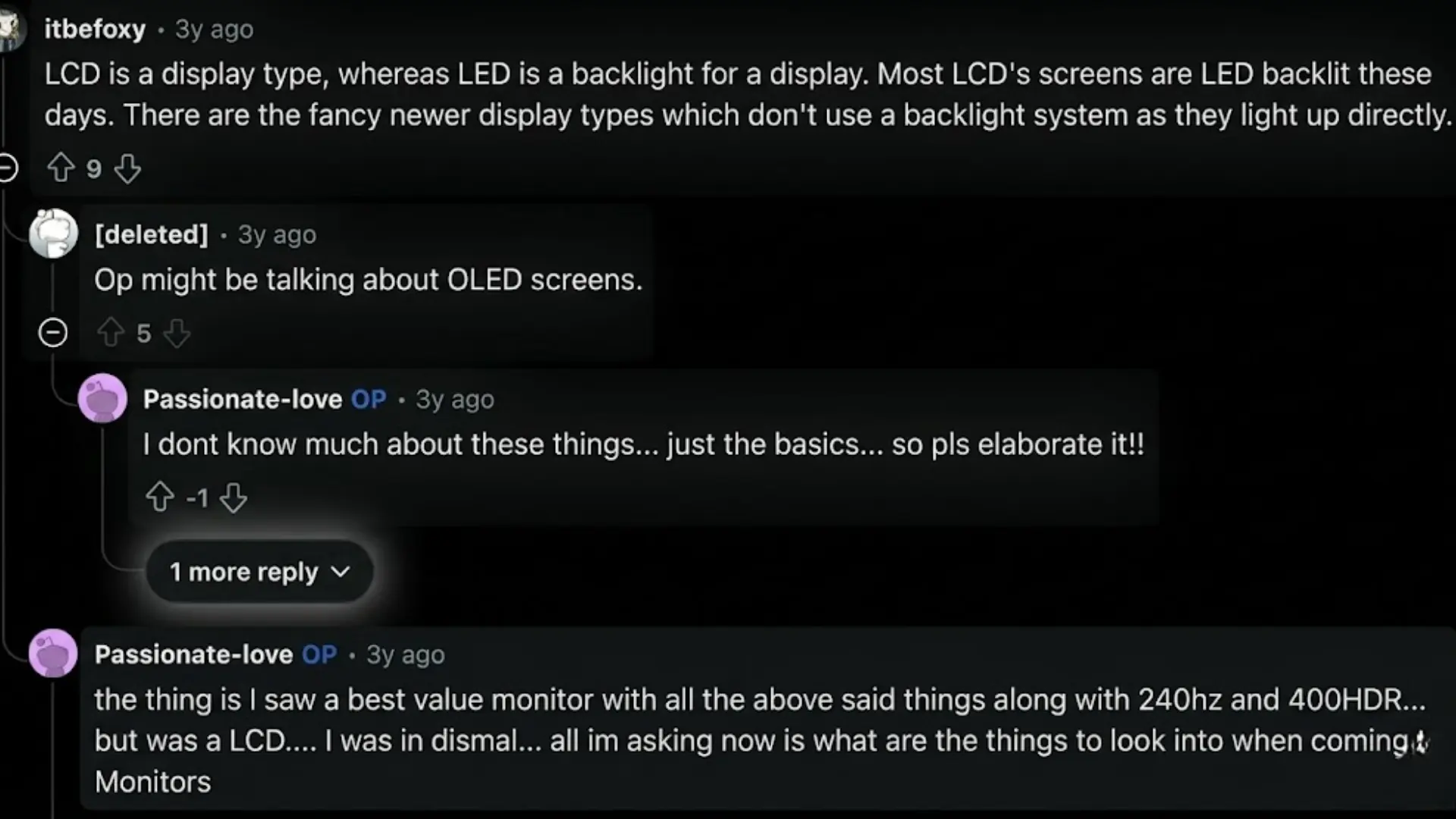
Many Reddit users agree that the terms LCD and LED often confuse first-time monitor buyers.
In one discussion, experienced users explained that LED monitors are still LCD displays but with LED backlighting instead of older CCFL lighting.
Gamers and professionals in the thread suggested focusing more on panel type, refresh rate, and response time rather than just “LCD” or “LED” labels.
Several users recommended IPS LED monitors with 144Hz refresh rates for gaming and long working hours because they offer better color quality and smoother performance.
Others also mentioned that cheap monitors may look attractive on paper but can suffer from dead pixels or poor build quality.
Overall, the Reddit discussion showed that modern LED monitors are usually the preferred choice for gaming, entertainment, and productivity because of their brightness, efficiency, and improved viewing experience.
LCD vs LED Monitor Comparison: At a Glance
LCD and LED monitors may seem very similar, but they differ in several areas that affect daily performance and viewing experience.
| Feature | LCD Monitor | LED Monitor |
|---|---|---|
| Contrast Ratio | Lower contrast | Better contrast and deeper blacks |
| Heat Generation | Produces more heat | Generates less heat |
| Gaming Performance | Suitable for casual gaming | Better for fast-paced gaming |
| Eye Comfort | Basic viewing comfort | Better modern eye care features |
| Price Range | Usually cheaper | Slightly more expensive |
| Best For | Budget users and office work | Gaming, entertainment, and modern setups |
How to Choose the Right Monitor for Your Needs?
Choosing the right monitor depends on how the screen will be used every day.
For gaming, a monitor with a high refresh rate, low response time, and good picture quality usually works best. For office work or studying, eye comfort, screen size, and clear text are more important.
Content creators often prefer monitors with accurate colors and higher resolutions for editing photos or videos. Budget also plays a major role when comparing LCD and LED monitors.
LED monitors are generally better for modern use because they offer improved brightness, energy efficiency, and slimmer designs.
Buyers should also check important features like resolution, panel type, refresh rate, ports, and screen size before making a decision.
Conclusion
Choosing between an LCD and an LED monitor becomes much easier once the differences are clear.
LCD monitors still work well for basic tasks and budget-friendly setups, but LED monitors usually provide better brightness, improved picture quality, lower power consumption, and a longer lifespan.
Looking beyond marketing terms and focusing on features like refresh rate, resolution, panel type, and display quality can help avoid buying the wrong screen.
A good monitor can improve comfort, productivity, and overall viewing experience for years.
Do you have experience with LCD or LED monitors? Share your thoughts, preferences, or recommendations in the comments below to help other readers choose the right display for their setup.
Frequently Asked Questions
Can LCD Monitors Still Be Good In 2026?
Yes, LCD monitors still work well for office tasks, studying, web browsing, and basic entertainment. Many budget users continue choosing them because they remain affordable and reliable.
Does Screen Resolution Matter More Than Display Type?
Screen resolution affects image sharpness, while display type impacts brightness and color quality. A balanced combination of both usually delivers the best viewing experience overall.
Why Do Some LED Monitors Cost Much More?
Premium LED monitors may include advanced features like higher refresh rates, HDR support, better panels, adaptive sync technology, and improved build quality, which increase the overall price.