Choosing an event management platform today is not simply a software decision. Events now depend on connected systems for registration, payments, attendee data, check-in, reporting, and communication. When those parts do not work well together, teams waste time fixing issues that should never have happened.
Most event teams have already tried tools that looked impressive in a demo but became frustrating during setup or onsite use. A polished interface is helpful, but it is not enough on its own. The best platforms support the full event journey and make daily work easier for organizers, vendors, sponsors, and attendees.
That broader view is why event software should be judged more like a serious web product. It needs clear user flows, flexible permissions, stable performance, and room to scale as event programs grow.
Start with the Full Event Journey
A strong platform should cover more than one isolated task. Event teams need software that supports planning, launch, execution, and follow-up without forcing them to jump between too many disconnected tools. In many cases, an established JavaScript web app development company, like Freshcode, can help shape a platform that fits real operational needs instead of forcing teams into rigid workflows.
A useful platform usually handles these core areas well:
- It supports event pages, registration forms, and ticketing without making setup feel heavy.
- It manages attendee records, payments, approvals, and confirmations in one clean flow.
- It connects onsite actions like check-in and badge printing with live data from registration.
That kind of coverage reduces duplicate work. It also lowers the risk of mistakes caused by manual updates across multiple systems.
Registration Should Feel Simple
Registration is often the first moment when attendees judge the event experience. If that process feels slow, confusing, or repetitive, confidence drops early. A strong platform makes registration fast for guests and useful for organizers at the same time. For smaller teams, keeping this in mind is useful at an earlier stage, especially if you still need a growth guide for startups.
That means forms should be easy to complete and easy to customize. Teams often need different ticket types, conditional questions, promo codes, invoices, tax details, approval paths, and confirmation rules. Those features should not feel bolted on. They should be part of one clear flow that collects the right information once and carries it through the rest of the system.
Good registration also helps the business side. Better form design can improve conversions, reduce support requests, and give teams cleaner data from the start.
On-Site Tools Need to Be Fast and Reliable
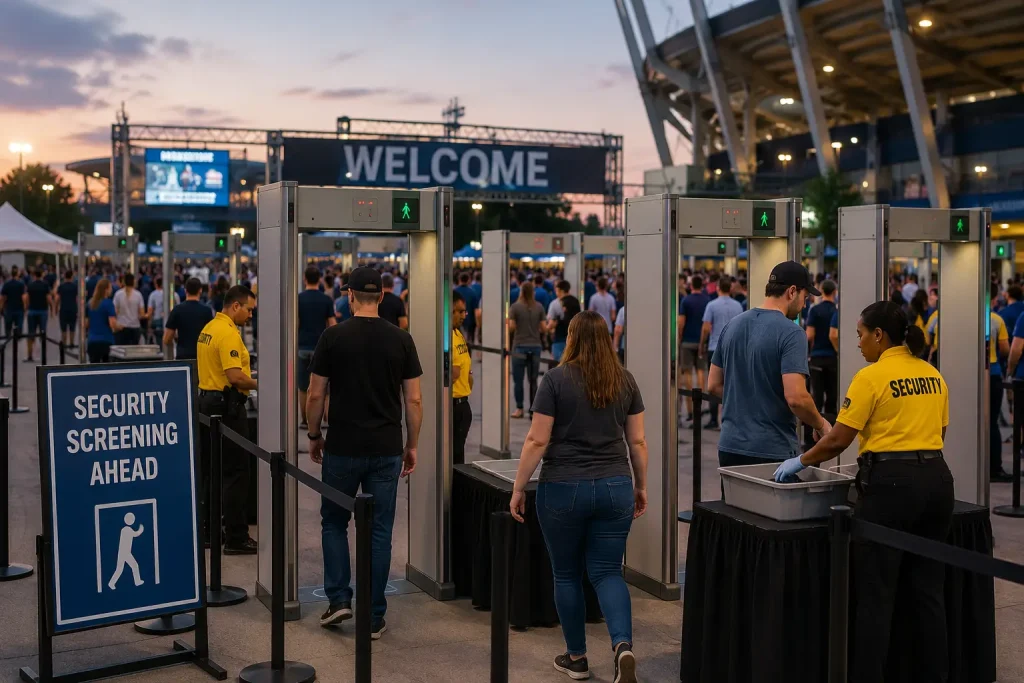
The real test of event software begins when people arrive. Entrance lines, badge issues, last-minute attendee changes, and access questions create pressure very quickly. A platform that performs well under those conditions gives teams a real advantage.
On-site tools should support quick check-in, live status updates, badge printing, and clear access control. They should also work well on the devices and hardware a team actually plans to use. If the system slows down when traffic spikes, the event experience suffers right away.
Many teams spend too much time comparing surface features and not enough time testing what happens at the door. In practice, fast onsite performance matters just as much as strong marketing pages.
The Admin Side Should Save Time Every Day
Attendees mostly see the front end. Organizers live in the back office. That is where a platform earns trust over time.
Useful admin tools often include:
- Role-based access so each team sees the information they need.
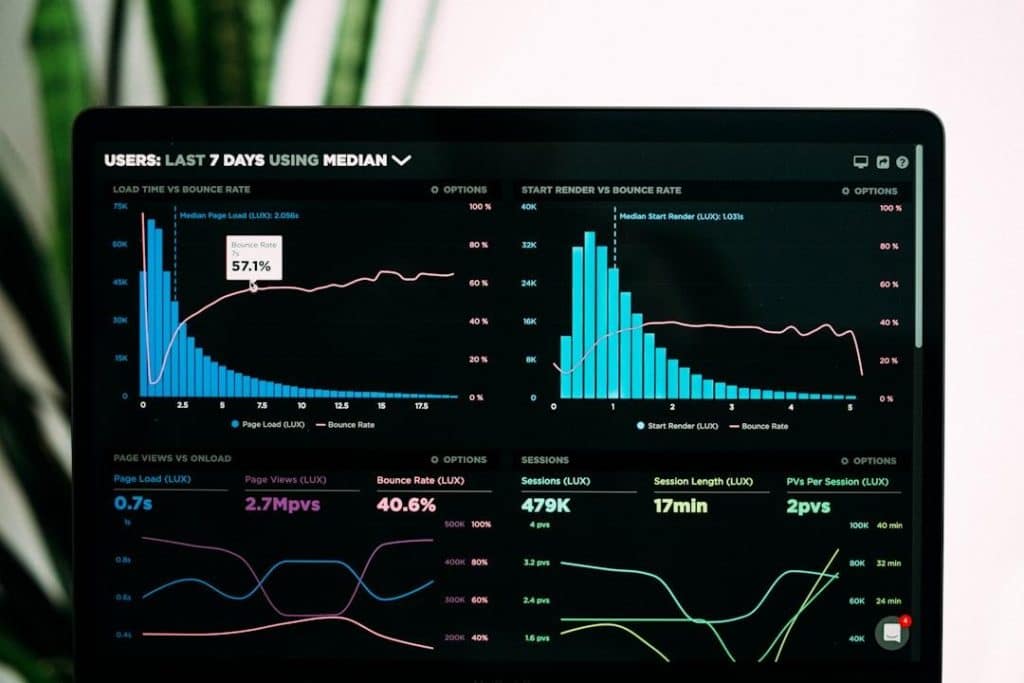
- Clear dashboards for registrations, revenue, attendance, and operational issues.
- Workflow automation for approvals, reminders, updates, and routine tasks.
Without those basics, teams fall back into spreadsheets, manual exports, and internal confusion.
Integrations
Many event teams already use CRM systems, email platforms, finance tools, and internal databases. Event software should fit into that environment instead of creating another silo.
A platform should pass data where it needs to go, keep records aligned, and reduce duplicate entry. That sounds technical, but the business impact is easy to understand. Fewer manual updates mean fewer mistakes, cleaner reporting, and less time spent reconciling records after the event.
From a web application perspective, this is often one of the clearest signs of product quality. A platform with strong integration options is usually easier to extend and more useful in the long run.
Reporting Should Help You Improve the Next Event

Event data only becomes valuable when teams can use it quickly. A strong platform should help organizers track registrations, attendance, revenue, engagement, and session interest without rebuilding reports by hand after the event ends.
Live visibility matters because it gives teams a chance to respond while the event is still active. Afterward, reporting should help with sponsor conversations, budget planning, and decisions about future formats or audience segments. Good analytics should answer real operational questions clearly.
Security and Scalability Cannot Be Afterthoughts
Events now handle personal data, payment records, and access permissions at scale. That means platform quality also depends on security, reliability, and long-term maintainability.
Teams should be able to understand who can access data, how permissions are managed, and how the system performs as event volume grows. Those questions matter for enterprise and regulated events, but they also matter for smaller organizations that want to avoid replatforming after a year or two.