Choosing a fitness tracker is not just about specs; it is about what actually stays on your wrist and slowly shapes your habits over time.
Garmin vs Whoop is a comparison that comes up often because both take very different approaches to fitness and recovery.
Some users prefer detailed tracking for runs, rides, and outdoor sessions, while others focus more on sleep, recovery, and how the body responds day to day.
Garmin usually works better for people who rely on GPS and structured workouts, as it gives more control and deeper metrics.
Whoop, on the other hand, is built around strain, recovery, and sleep patterns, making it feel more focused and less overwhelming.
In the end, the real difference shows up in daily use, where comfort, ease of checking data, and how naturally it fits into your routine decide which one actually sticks.
Garmin vs Whoop: A Quick Look at the Devices Compared
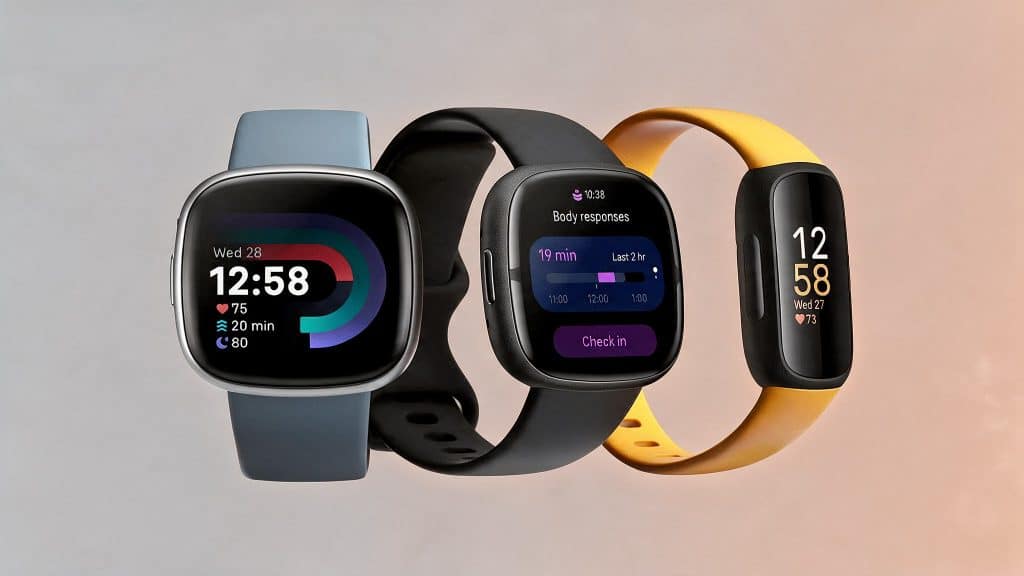
For this comparison, I am focusing on four devices that people actually consider buying: Garmin Instinct 3, Garmin Forerunner, Whoop 5.0, and Whoop 4.0.
Each one targets a slightly different type of user, which is where things start to split.
Garmin Instinct 3 leans toward outdoor use with strong GPS tracking and a rugged build, while the Forerunner series is more tuned for runners and structured training.
I noticed the difference mostly in how each one handles workouts and navigation.
On the Whoop side, Whoop 5.0 is the latest version with better sensors, a new Healthspan feature, and tiered memberships that change what you get.
Whoop 4.0 still works well as a starting point, especially for those getting into recovery tracking.
There is also the Whoop 5.0 MG, which adds ECG and blood pressure tracking for users who care more about long-term health.
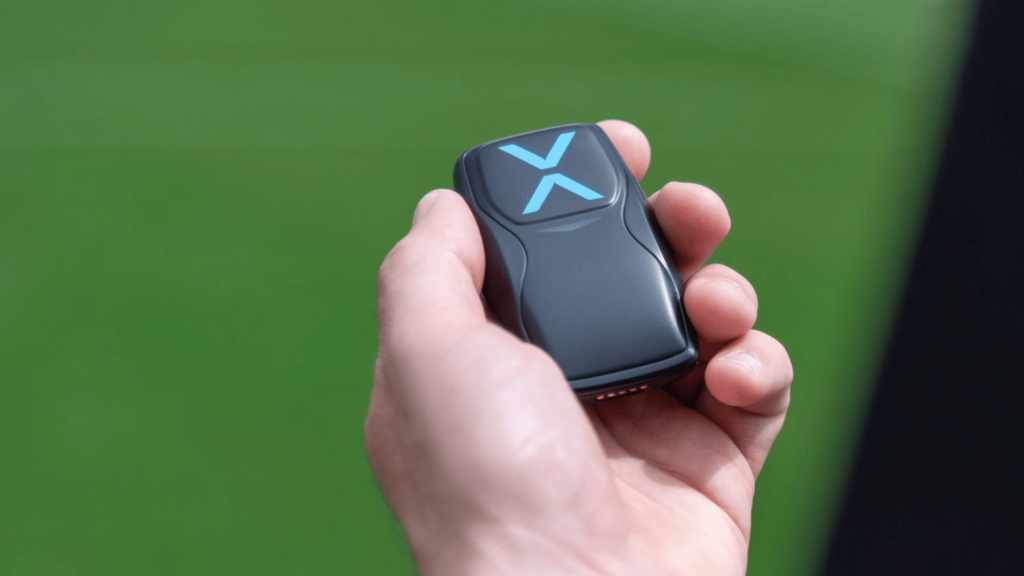
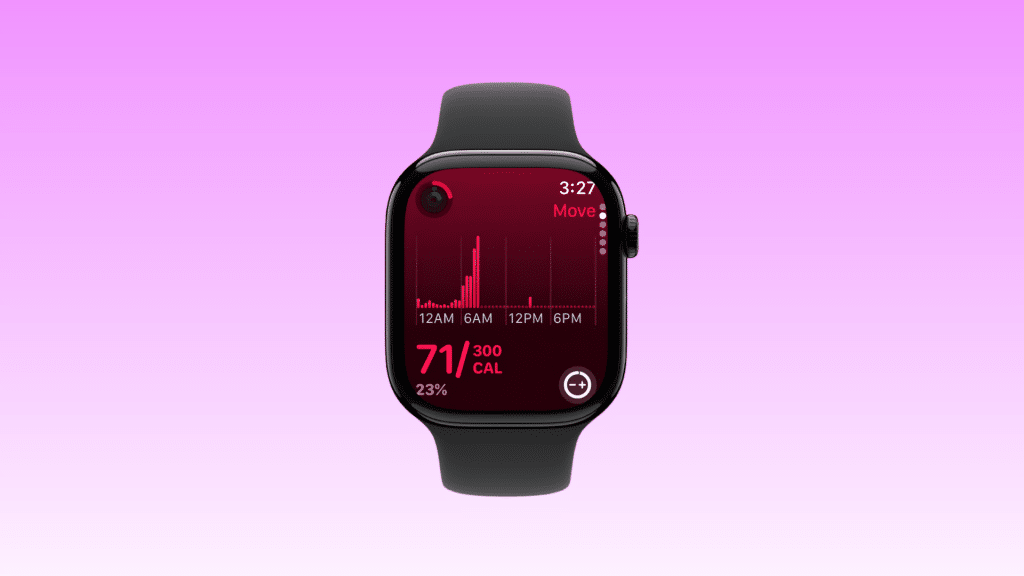
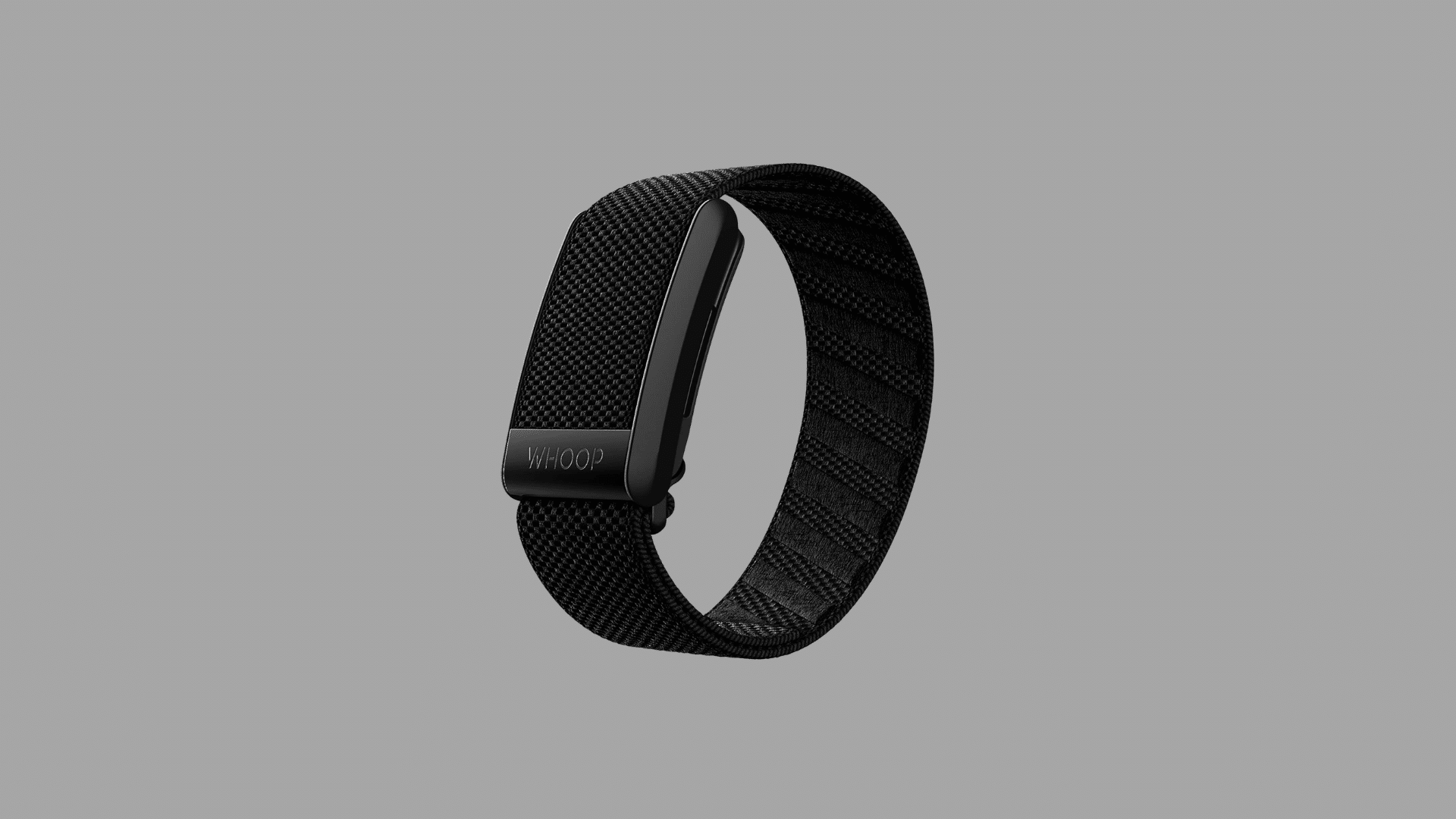
None of the Whoop devices has a screen, which makes the experience feel very different from Garmin right away.
Garmin vs Whoop: Comfort and Wearability in Daily Use

One thing that surprised me early on was how quickly the Whoop strap faded into the background. It feels light, sits flat on the skin, and after a few days, it almost disappears.
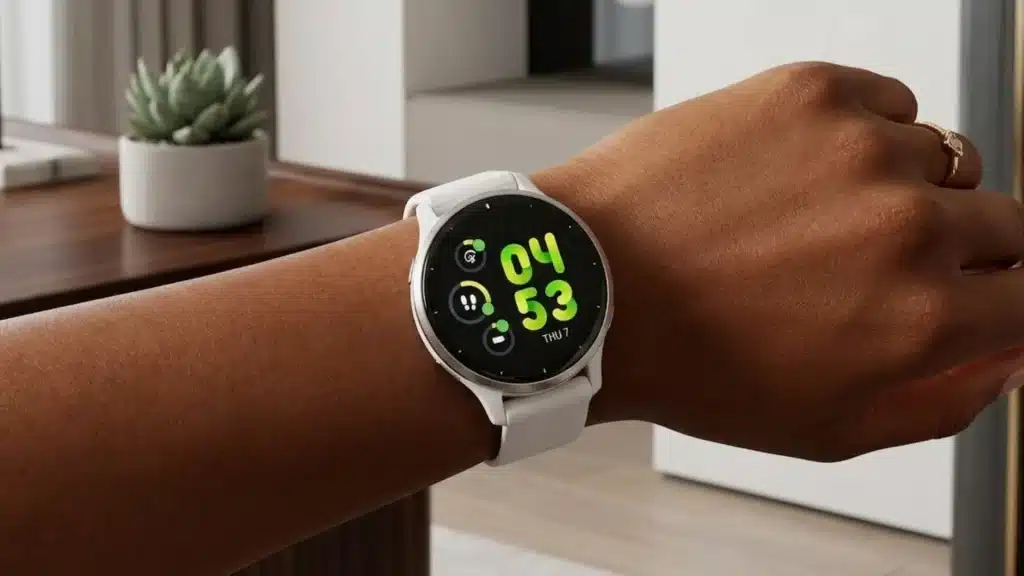
Garmin watches, especially the Instinct 3, feel bulkier with a thicker body that you are always aware of on your wrist.
For sleep, Whoop feels easier to live with. I often forgot it was there during the night, while the Instinct 3 could feel a bit too present during lighter sleep.
Whoop also gives more flexibility in how it is worn. It can sit on the wrist, move to the bicep, or even fit into compatible clothing, which helps if wearing a regular watch during the day matters.
In public, Garmin looks like a proper watch, while Whoop feels more minimal and often gets questions. During workouts, Whoop stays out of the way, while Garmin can feel more noticeable.
Garmin vs Whoop: Fitness Tracking Real World Use
Garmin stands out for structured workout tracking. The Instinct 3 handles GPS, multi-sport modes, and detailed metrics in one place, which works well for outdoor training like running, cycling, or hiking.
The Forerunner takes a more focused approach with features like real-time pace, guided workouts, and training load tracking, making it a strong choice for runners who follow a plan.
Whoop works differently. The Whoop 5.0 and Whoop 4.0 do not rely on traditional workout modes.
Instead, they track strain and compare it with recovery, without showing GPS or pace data during the session.
One thing I noticed was how each device responds after a tough workout. Garmin shows instant stats like splits and heart rate zones, while Whoop focuses on the bigger picture, showing the full impact by the next day.
Understanding how a device captures training load matters, especially when the goal is long-term improvement.
If you want to explore how different wearables fit into structured training environments, wearables assist in sports training in ways that go well beyond basic step counts.
For active sessions, Garmin feels more useful, while Whoop gives better long-term insight into how the body is handling the load.
Garmin vs Whoop: Recovery and Sleep Tracking Compared
Recovery is where Whoop puts most of its focus, and it shows in how the data is presented.
The Whoop 5.0 builds on the 4.0 with improved sensors, a refined HRV system, and the new Healthspan metric that looks at how daily habits affect long-term health.
This feature is backed by research partnerships, which adds more weight to the insights it gives.
The Whoop 4.0 still delivers a solid base with reliable sleep tracking, HRV data, and daily recovery scores that many users actually follow when planning their day.
Garmin has improved a lot in this area as well. Along with Body Battery, it now offers a Training Readiness score that combines sleep, HRV, stress, and recovery into one clear number.
It also introduced Lifestyle Logging, which helps track habits like sleep timing and nutrition to spot patterns over time.
Whoop feels more focused on recovery as a system, while Garmin is catching up by combining multiple data points into one view.
Garmin vs Whoop: Stress Tracking and Daily Insights Breakdown
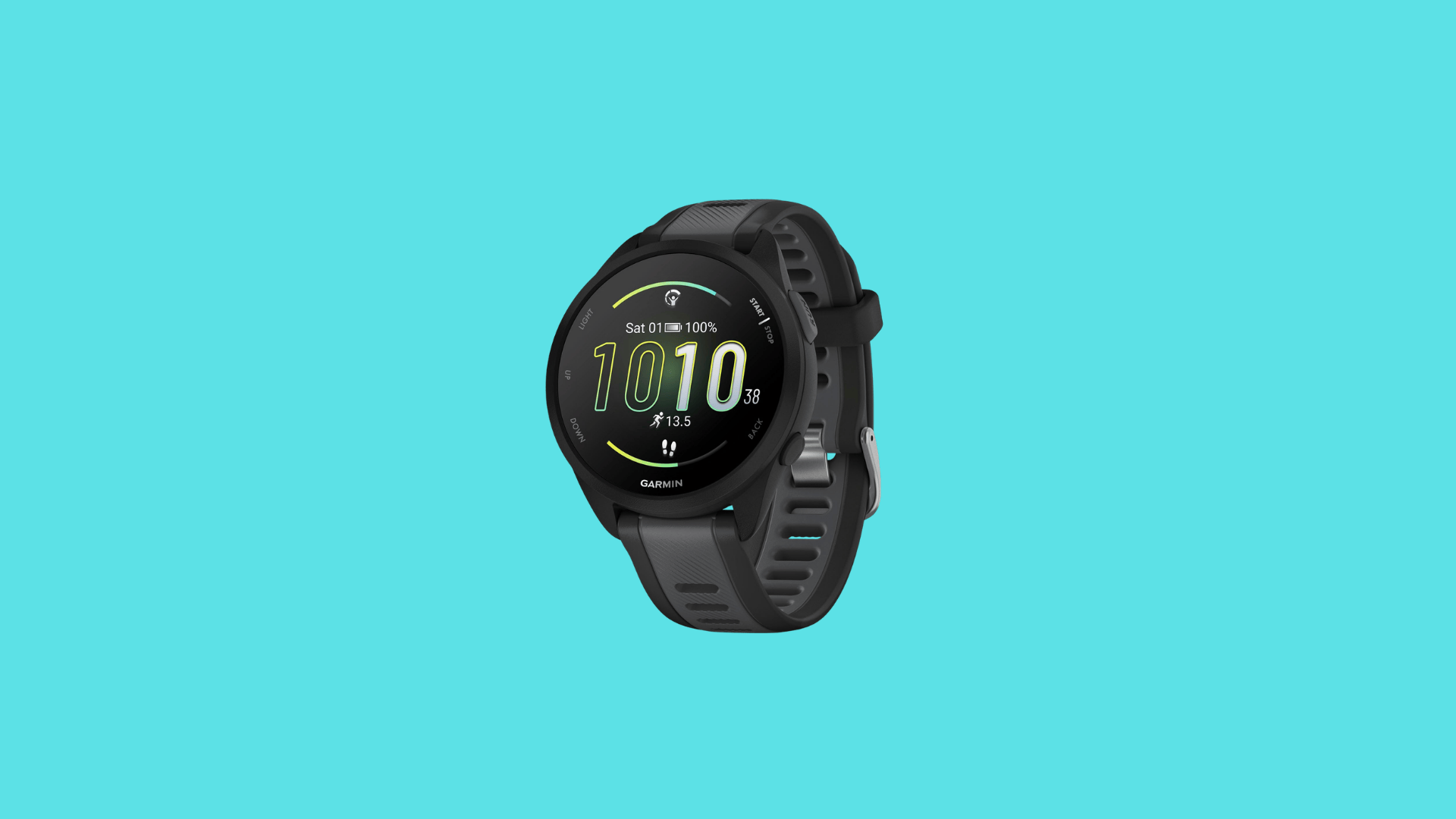
Stress tracking is often overlooked, but it shows a clear difference in how both devices think. Garmin uses a dedicated stress score based on HRV changes throughout the day.
It runs in the background and shows up as a graph, making it easier to spot how daily events affect the body.
With Lifestyle Logging, it also allows tagging habits like poor sleep or high caffeine to see how they connect with stress levels.
Whoop takes a different route. It does not show a direct stress score, but its Journal feature tracks a wide range of daily habits and links them to recovery over time.
After a few weeks of consistent logging, the patterns become easier to understand, especially when certain behaviors start affecting recovery in noticeable ways.
Stress is one of the more underrated factors in long-term fitness, and some users find it useful to explore wearable devices built for stress monitoring before settling on a tracker.
If real-time awareness matters more, Garmin feels more direct. If the goal is to understand how habits shape stress and recovery over time, Whoop offers deeper insight.
Data and Insights: Simple vs Detailed Experience
Garmin gives access to a wide range of data, sometimes more than needed for everyday use. The app shows metrics like VO2 max, training load, stress, sleep stages, and more, all in one place.
For users who enjoy analyzing performance and fine-tuning workouts, this depth feels useful. For others, it can take time to figure out what actually matters each day.
Whoop keeps things focused with three main scores: strain, sleep, and recovery. The recovery score becomes the center point, guiding whether to push harder or take it easy, with suggestions built around it.
One feature that stands out is the AI Coach, which answers health-related questions using personal data. It connects trends across sleep, strain, and habits and explains them simply.
In daily use, simpler insights often lead to more consistent action, while deeper data invites more analysis.
Garmin vs Whoop: Battery Life and Charging Experience
Battery life is where Garmin quietly stands out. The Instinct 3 can last for weeks on a single charge in smartwatch mode, and the solar versions stretch that even further.
The Forerunner series usually runs around 10 to 14 days without GPS, which still means less frequent charging overall. Whoop follows a different system.
The Whoop 4.0 introduced a wireless battery pack that charges the device while it is still being worn, and the Whoop 5.0 improves this with up to 14 days of battery life on a full charge using the same setup.
This means tracking never really stops, even during sleep. The on-wrist charging feels convenient since there is no need to remove the device, but Garmin still wins in terms of raw battery life.
For longer trips or outdoor use, fewer charging cycles make a noticeable difference.
Garmin vs Whoop: What Reddit Users Are Saying?
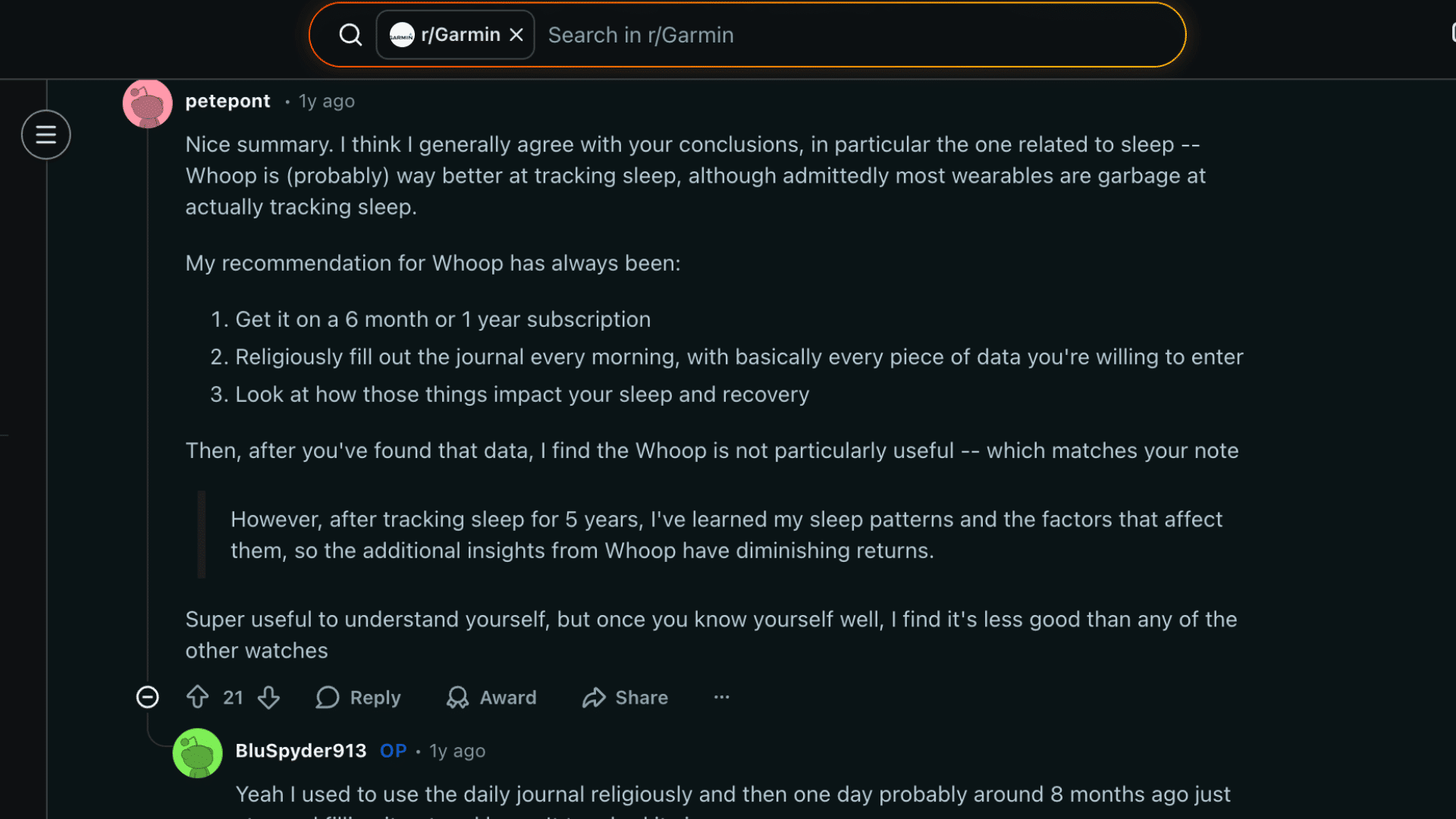
Garmin vs Whoop comes down to what actually matters after long term use, and Reddit users show a clear split in priorities.
Some users switching from Whoop to Garmin mention zero regrets, especially with limited changes in the newer Whoop version.
Others feel the subscription model makes Whoop hard to justify, even if the experience is clean.
There are also users who still prefer Whoop for recovery tracking, sleep data, and HRV insights, especially for mixed training like weights and combat sports.
At the same time, some users running both devices lean toward Garmin for its reliable data, even if the app feels less polished.
The pattern is simple. Garmin wins on value and tracking depth, while Whoop holds on with recovery-focused insights.
Pricing and Value: Subscription vs. One-Time Cost
Cost is often the final deciding factor for many users. Garmin keeps things simple with a one-time purchase.
The Instinct 3 usually falls between $350 and $500, while the Forerunner range starts around $200 and goes up to $650, depending on features.
The Garmin Connect app is free to use, and most features do not require any extra payment. Whoop takes a different route with a subscription model.
The Whoop 5.0 is included with plans starting at $199 per year, rising to $239 for Peak and $359 for Life, which includes the MG hardware. Over time, this can match or even exceed the cost of a mid-range Garmin.
There is a one-month free trial that includes a Whoop 4.0, making it easier to test without a full commitment. In the long run, the value depends on whether the insights actually change daily habits.
Garmin vs Whoop: Which Type of User Fits Each?
Choosing between these devices depends on how you train daily, what data you rely on, and whether performance or recovery plays a bigger role.
- Outdoor and adventure users: Garmin Instinct 3 suits rugged use with strong GPS, long battery life, and reliable tracking in remote environments
- Runners and structured training: Garmin Forerunner supports planned workouts with pace tracking, guided training, and detailed performance insights for consistent improvement
- Recovery-focused users: Whoop tracks recovery, sleep, and strain, helping users understand readiness and manage training load over time
- Beginners in recovery tracking: Whoop 4.0 offers simple insights with clear scores, making it easier to build habits without feeling overwhelmed
- All-day wear and comfort seekers: Whoop fits better for continuous wear with a lightweight design that stays comfortable during sleep and daily use
Conclusion
If your routine depends on GPS tracking, structured workouts, and having a device that works like a proper watch, Garmin fits better.
If the focus is on recovery, managing training load, and building habits around readiness, Whoop feels more aligned.
Garmin vs Whoop is less about picking the better device and more about choosing what actually matches your goals.
Both are built to guide decisions, not just collect data, and that only works if the insights are used consistently.
The bigger mistake is not the device choice, but using it passively. The value shows up when the data starts shaping daily decisions and training patterns.
What are you using right now, and has it actually changed how you train or recover? Share your experience in the comments so others can make a smarter choice.
Frequently Asked Questions
Can You Use Garmin and Whoop Together?
Yes, many users wear both at the same time. Garmin handles workouts and GPS, while Whoop tracks recovery and sleep trends.
Does Whoop Work Without a Phone?
Whoop can track data without a phone, but you need the app to view insights, scores, and detailed analysis.
Is Garmin Better for Beginners in Fitness Tracking?
Garmin can feel complex at first due to many features, but basic tracking is easy once you get used to the interface.
How Often Does Whoop Need to Sync Data?
Whoop syncs automatically when connected to your phone, but it can store data for several days if not synced.
Do Garmin Devices Require Internet for Full Functionality?
Most Garmin features work offline, including workout tracking and GPS, but syncing and updates require internet access.