Replacing an AirTag battery sounds easy, but many people run into issues when the steps are unclear or skipped.
A low battery alert, a missing sound, or tracking problems often lead users to look for clear help.
This guide explains how to replace an AirTag battery correctly, using simple steps that reduce mistakes.
It also covers common problems that can happen after the battery change, such as the AirTag not connecting or still showing a low battery warning.
You will learn the correct battery type, how to open and close the AirTag safely, and how to confirm the new battery is working.
By the end, you will have a clear understanding of the whole process and know what to do if something does not work as expected.
When Should You Replace an AirTag Battery?
An AirTag battery usually lasts about one year, but daily use and settings can shorten that time.
Frequent movement, constant location updates, and repeated sound alerts drain power faster than expected.
Apple sends a low battery notification through the Find My app when the charge drops, which is the clearest sign that action is needed.
Ignoring this alert can cause the AirTag to stop updating its location or lose connection.
Delayed location refreshes, missing sounds, or slow responses also signal a weak battery.
Knowing when to replace the AirTag battery helps prevent tracking gaps, connection errors, and sudden failures.
It ensures the device continues to provide accurate location updates without interruptions.
This is especially important for keys, bags, or other tracked items used during daily travel, storage, commuting, and regular movement across different environments and conditions.
What Type of Battery Powers an AirTag?
Choosing the correct battery is key to keeping an AirTag working properly. Using the wrong type can cause connection issues or prevent the device from turning on after installation.
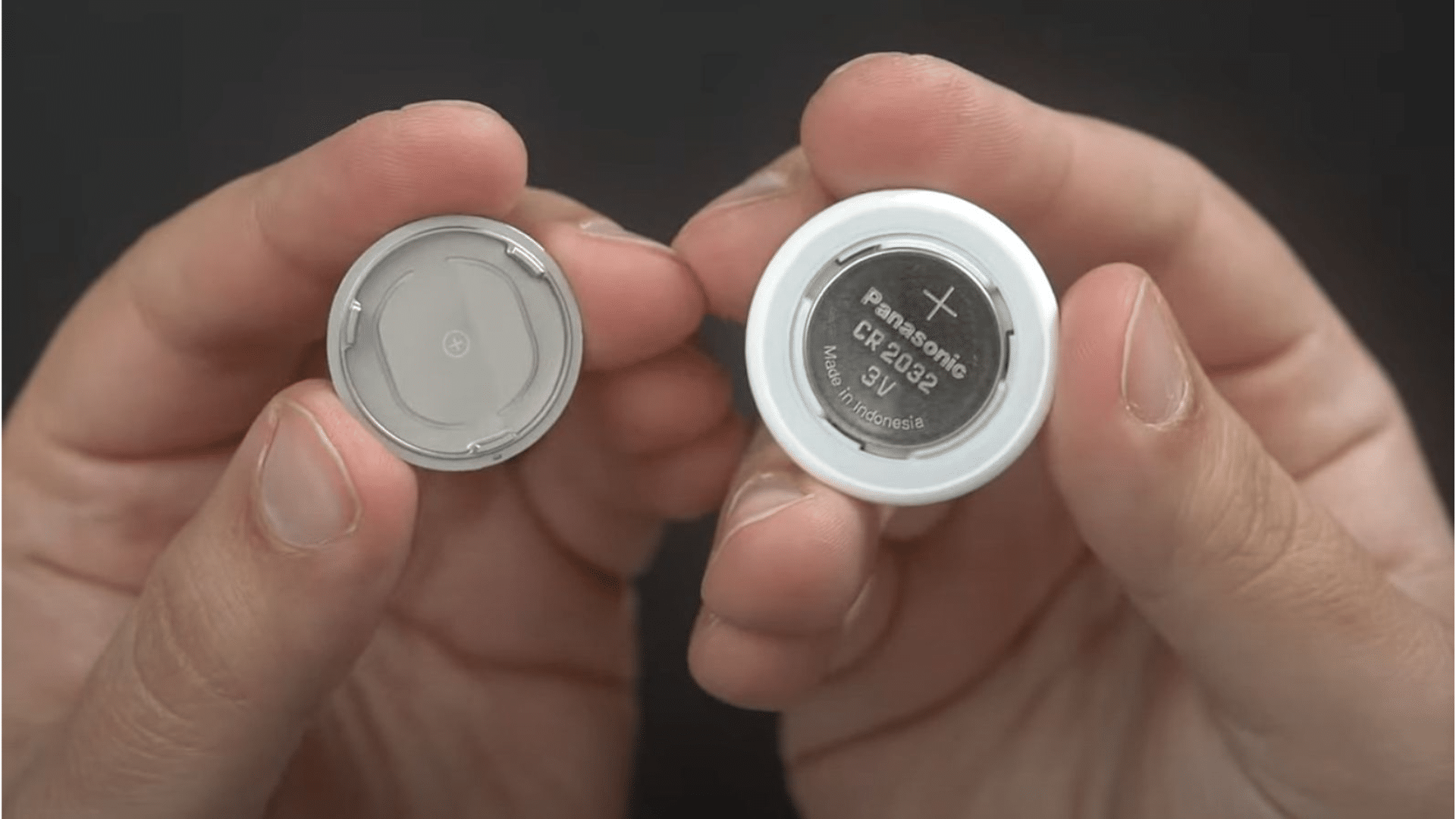
- AirTag uses a CR2032 lithium coin battery, which is easy to find and simple to install.
- The battery must be placed with the positive side facing up for proper contact.
- Some CR2032 batteries include a bitter coating that interferes with electrical contact.
- Coated batteries may cause the AirTag to fail to power on or connect.
- Apple recommends using an uncoated CR2032 battery for reliable performance.
Using the correct battery makes it easier to replace the AirTag battery successfully and ensures the device connects, plays the confirmation sound, and updates correctly in the Find My app.
How to Replace an AirTag Battery?
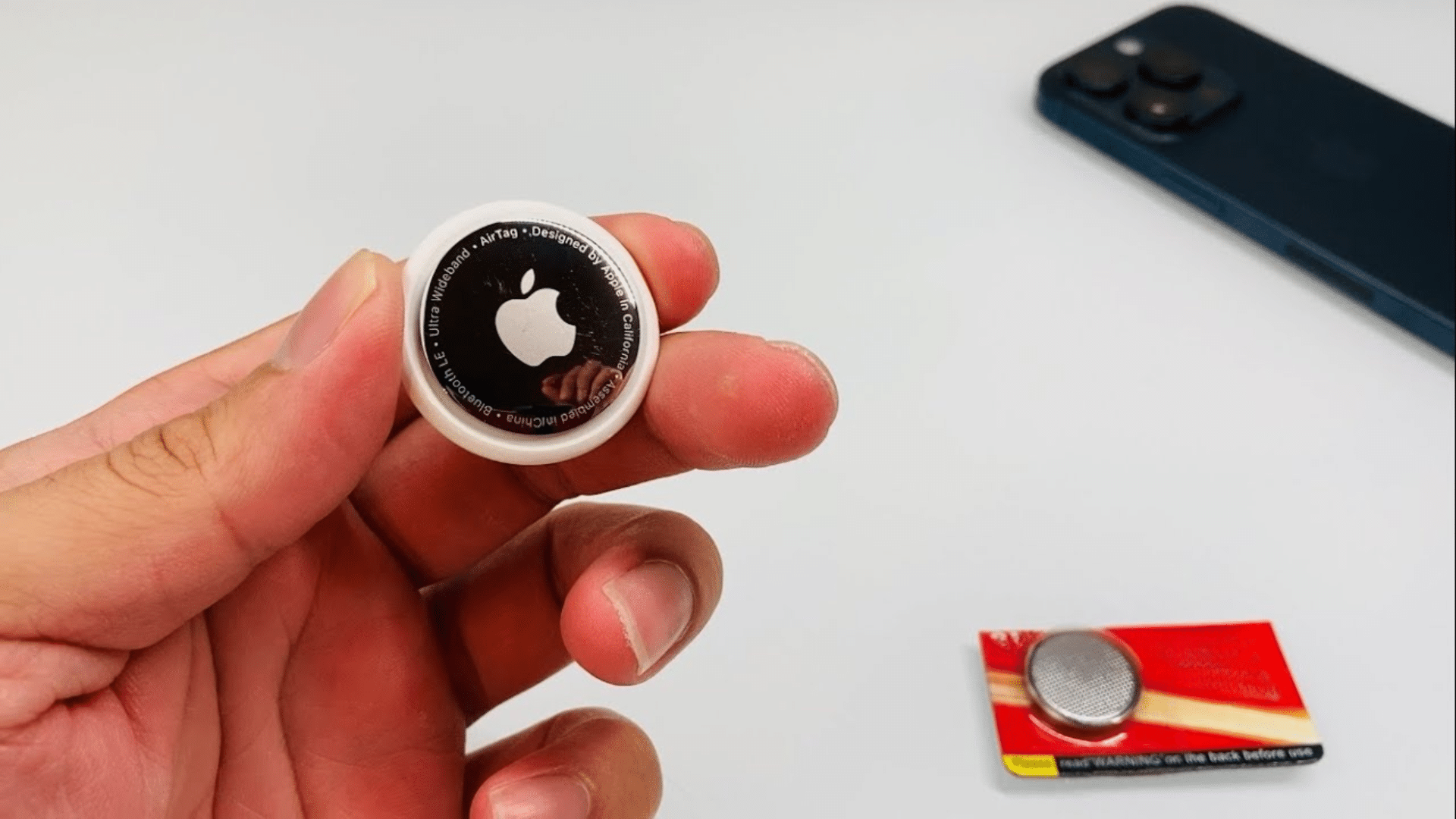
Replacing an AirTag battery is simple when done in the right order. Following each step carefully helps avoid connection issues and ensures the device works properly after the battery change.
Step 1: Open the AirTag
Place the AirTag on a flat surface with the stainless steel side facing up.
The cover will unlock and lift off easily once aligned correctly. Avoid using sharp tools, as they can scratch or damage the casing.
Opening the AirTag gently helps protect the locking tabs and keeps the internal components secure during the battery replacement process.
Step 2: Remove the Old Battery
After removing the cover, gently lift the old battery out of the compartment.
Take a moment to inspect the battery slot for dust, fingerprints, or residue that could block contact. If needed, wipe the area lightly with a clean, dry cloth.
Removing the battery carefully helps protect the contact points and prepares the slot so the new battery can sit flat and connect properly.
Step 3: Insert the New Battery
Place the new battery into the compartment with the positive side facing up. Press it down gently until it sits securely in place.
If no sound is heard, remove the battery and reinsert it to check alignment.
Correct placement is important for restoring power, ensuring proper contact, and allowing the AirTag to reconnect properly.
Step 4: Close and Lock the AirTag
Line up the cover with the AirTag body, making sure the tabs match the slots. Press the cover down lightly and rotate it clockwise until it locks and stops turning.
A properly sealed AirTag helps protect the battery from dust and moisture.
Completing this step correctly finalizes the process to replace AirTag battery and ensures reliable tracking moving forward.
How to Check If the AirTag Battery Worked
After changing the battery, it is essential to confirm the AirTag is working correctly. This quick check helps ensure tracking and alerts function without issues.
- Listen for a sound when the new battery is inserted, which confirms the AirTag has powered on.
- Open the Find My app and check the AirTag status to confirm it shows as connected.
- Look for an updated battery level instead of a low battery warning.
- Test location updates by moving the AirTag slightly and refreshing its position.
- Try playing a sound from the app to confirm the speaker is working correctly.
Completing these steps after you replace the AirTag battery helps confirm the device is active, connected, and ready to provide accurate location updates during daily use.
AirTag Battery Replacement Problems and Fixes
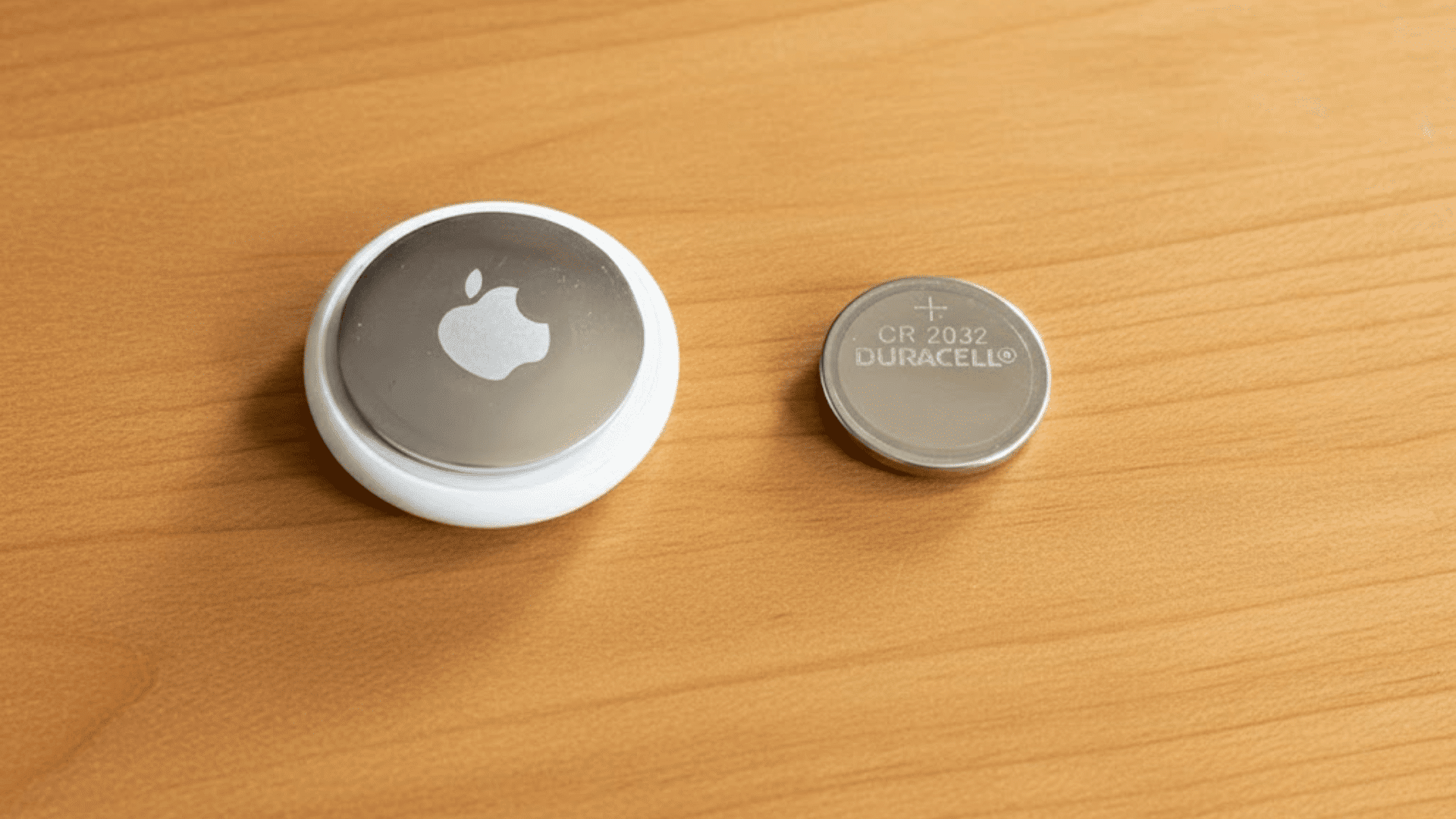
Battery issues can still occur after a replacement, but most problems have simple fixes when identified correctly.
1. AirTag Does Not Make a Sound After Battery Change
If the AirTag does not play a sound after installing a new battery, the battery may not be seated correctly. Please check that the positive side is facing up before reinserting it firmly.
Also, inspect the battery contacts for dirt or residue. Cleaning the contacts lightly can help restore the connection.
This issue is common right after you replace the battery and usually resolves once proper contact is made.
2. AirTag Still Shows Low Battery Warning
A low battery warning after replacement often means the battery type is incompatible.
Some CR2032 batteries have a bitter coating that blocks electrical contact. Removing the battery and switching to an uncoated version usually solves the problem.
Refresh the Find My app after the change. When you replace the battery with the correct type, the warning should disappear within a few minutes.
3. AirTag Not Connecting to Find My App
If the AirTag fails to connect after the battery change, Bluetooth settings may need attention. Turn Bluetooth off and back on, then open the Find My app again.
Removing and reinserting the battery can also reset the connection. Staying close to the AirTag during setup helps improve pairing.
Connection issues can happen after you replace AirTag battery, but they are usually fixed with a quick reset.
4. AirTag Stops Updating Location
When an AirTag stops updating its location, weak battery contact is often the cause.
Reopen the AirTag and ensure the battery is pressed flat and secure. Moving to an area with a better signal also helps refresh updates.
After you replace the AirTag battery, location updates should resume quickly once power and connection stabilize.
How Long Does an AirTag Battery Last?
After installing a new battery, an AirTag usually lasts about one year under regular use.
Battery life depends on how often the AirTag updates its location, how frequently sound alerts are played, and how much the tracked item moves.
Items that travel daily or change locations usually may drain the battery faster than those stored in one place.
Environmental factors like temperature changes can also affect battery performance over time.
Apple designs AirTags to conserve power, but heavy usage can shorten battery life. Checking the battery status regularly in the Find My app helps avoid sudden shutdowns.
Knowing what to expect after you replace the AirTag battery allows better planning.
This ensures the device continues to provide reliable tracking without unexpected interruptions during daily use.
Common Mistakes to Avoid
Small errors during battery replacement can stop an AirTag from working correctly and lead to repeated connection issues.
- Using the Wrong Battery Type: Some CR2032 batteries have a coating that blocks electrical contact and prevents proper power flow.
- Inserting the Battery Incorrectly: Placing the battery with the wrong side facing up will stop the AirTag from turning on.
- Skipping Contact Cleaning: Dust, oil, or fingerprints on the contacts can interrupt the battery connection.
- Not Locking the Cover Properly: A loosely closed AirTag can cause the battery to shift and lose contact.
- Ignoring the Confirmation Sound: Failing to check for the sound after installation may hide connection issues.
Conclusion
Replacing an AirTag battery becomes easy when the correct steps are followed and common errors are avoided.
Using the right battery type, placing it correctly, and locking the cover securely helps prevent connection issues.
Paying attention to low battery alerts ensures the AirTag continues to update locations without delays or missed signals.
Checking the device status in the Find My app after installation confirms everything is working as expected.
Knowing how and when to replace the AirTag battery helps keep keys, bags, and other items reliably tracked.
With proper handling and regular checks, an AirTag can continue delivering accurate location updates without unnecessary interruptions.
Use this step-by-step guide to replace your AirTag battery the right way and keep your items tracking without delays.
Frequently Asked Questions
Can an Air Tag Battery Be Replaced without Removing It?
Yes, replacing the battery does not affect the AirTag’s connection to the Apple ID or its saved settings.
Why Does an Air Tag Stop Working After a Battery Change?
This usually happens when the battery is not seated correctly or the cover is not fully locked in place.
Is It Safe to Use Rechargeable Batteries in An Air Tag?
Rechargeable coin batteries are not recommended because they deliver lower voltage and may cause unstable performance.
How Long to Wait Before Checking the Air Tag Status?
Waiting one to two minutes allows the AirTag to reconnect, update its status, and sync properly in the Find My app.
Can Temperature Affect Air Tag Battery Performance?
Yes, extreme heat or cold can reduce battery efficiency and lead to faster power drain over time.