If your Apple Watch is dying much faster than usual, you’re not alone.
Many users notice their battery draining quickly even when they’re not using it heavily, and it can be frustrating when the watch doesn’t last through the day.
The good news is that this problem often comes from settings, apps, or features that you can fix in minutes.
In this blog post, you’ll learn the most common reasons your Apple Watch battery runs out so fast and the steps you can follow to improve it.
You’ll walk through simple checks, helpful adjustments that keep the battery healthy.
By the end, you’ll know exactly what to change and when it might be time for repair.
Why Does Apple Watch Battery Drain Faster?
Your Apple Watch may drain faster because several features, settings, and background processes use more power than expected.
Knowing these reasons helps you find the proper fix quickly.
-
Background App Refresh: Apps update in the background all day, causing higher battery use even when you’re not actively using them.
-
Too Many Notifications: Constant alerts wake the screen and haptics, leading to steady battery drain throughout the day.
-
Always-On Display: The screen stays active nonstop, using more power than the regular raise-to-wake screen setting.
-
Weak Cellular or Wi-Fi Signal: The watch works harder to maintain a connection, draining battery quickly in weak-signal areas.
-
Outdated watchOS or Bugs: Older software causes glitches that make the watch use more power than usual.
-
Battery Health Degradation: Aging batteries hold less charge, causing the watch to drain faster during normal daily use.
Quick Fixes for Fast Apple Watch Battery Drain
These simple adjustments help you control the features and settings that often drain the battery more than expected.
It allows your Apple Watch to last longer throughout the day without major changes.
1. Reduce Screen Brightness
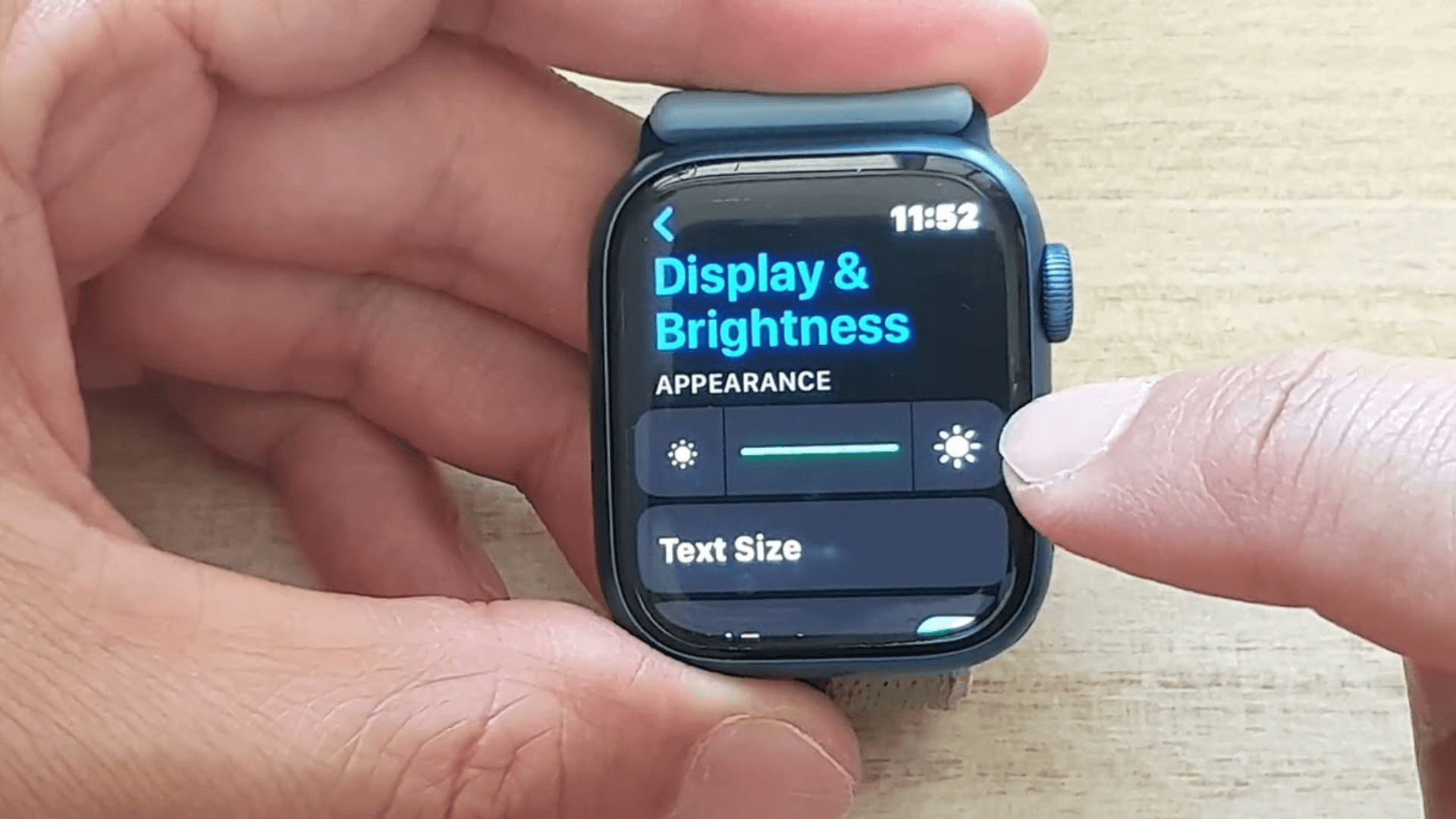
A bright screen is one of the biggest reasons for quick battery drain because it uses more power each time the display turns on.
Lowering the brightness to a comfortable but less intense level helps the watch conserve energy throughout the day.
This small adjustment often makes an immediate difference, especially for users who check their watch frequently or rely on the display for long periods.
2. Turn Off Unneeded Features
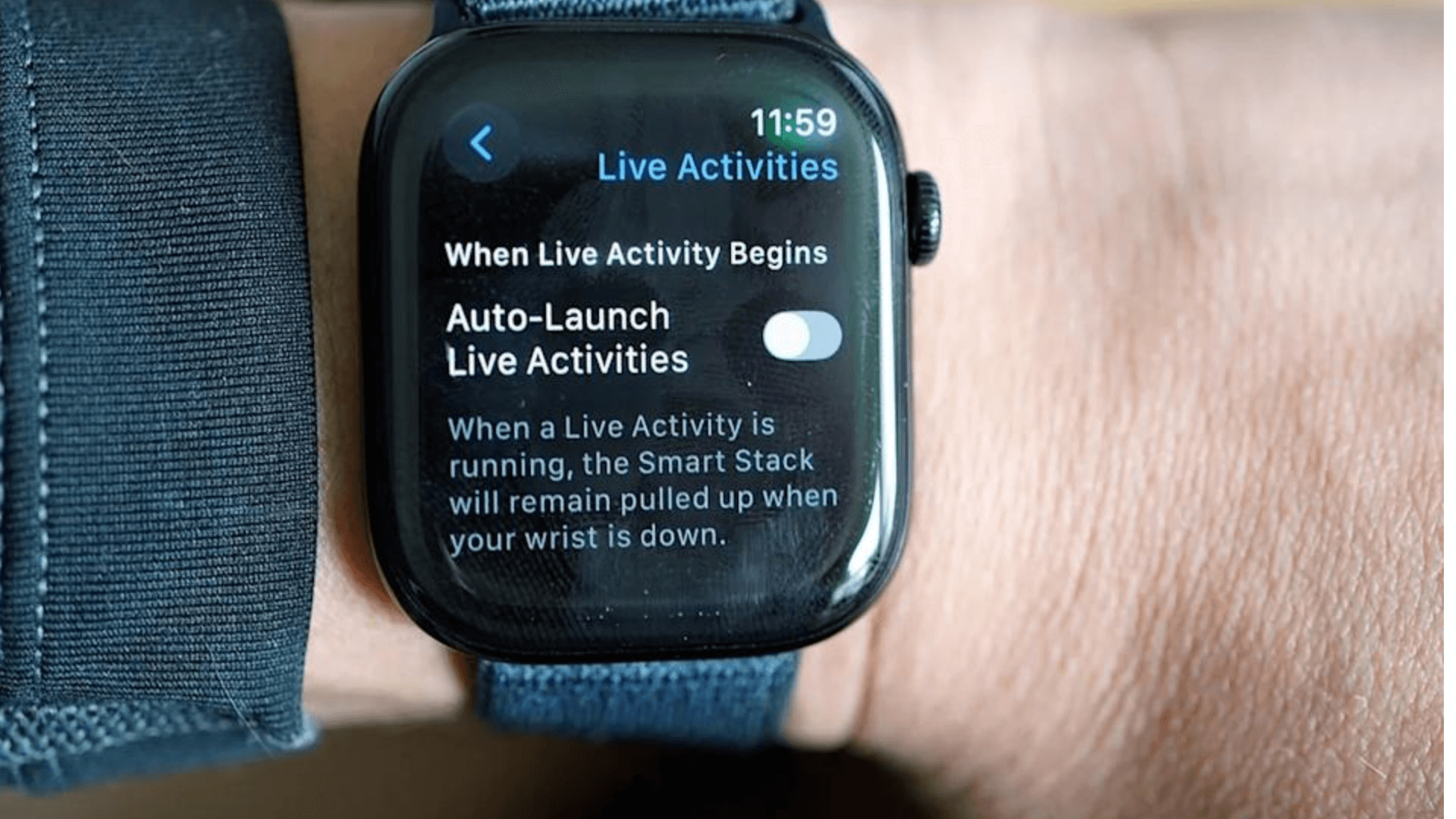
Features like Siri, excessive haptic feedback, or the Raise to Wake option use more power than many people realize.
When these tools run constantly in the background, they keep the watch active more often, causing faster battery drain.
Turning off the features you don’t use every day can significantly extend your battery life without affecting how you use the watch overall, making this a simple but effective fix.
3. Adjust Background App Refresh

Many apps continue updating information in the background even when you aren’t using them, which increases battery usage throughout the day.
Limiting Background App Refresh to only the apps you truly need helps prevent unnecessary activity and reduces power drain.
This change often improves battery life noticeably because it cuts down on constant background processing that isn’t essential for normal watch use.
4. Limit Watch Face Complications
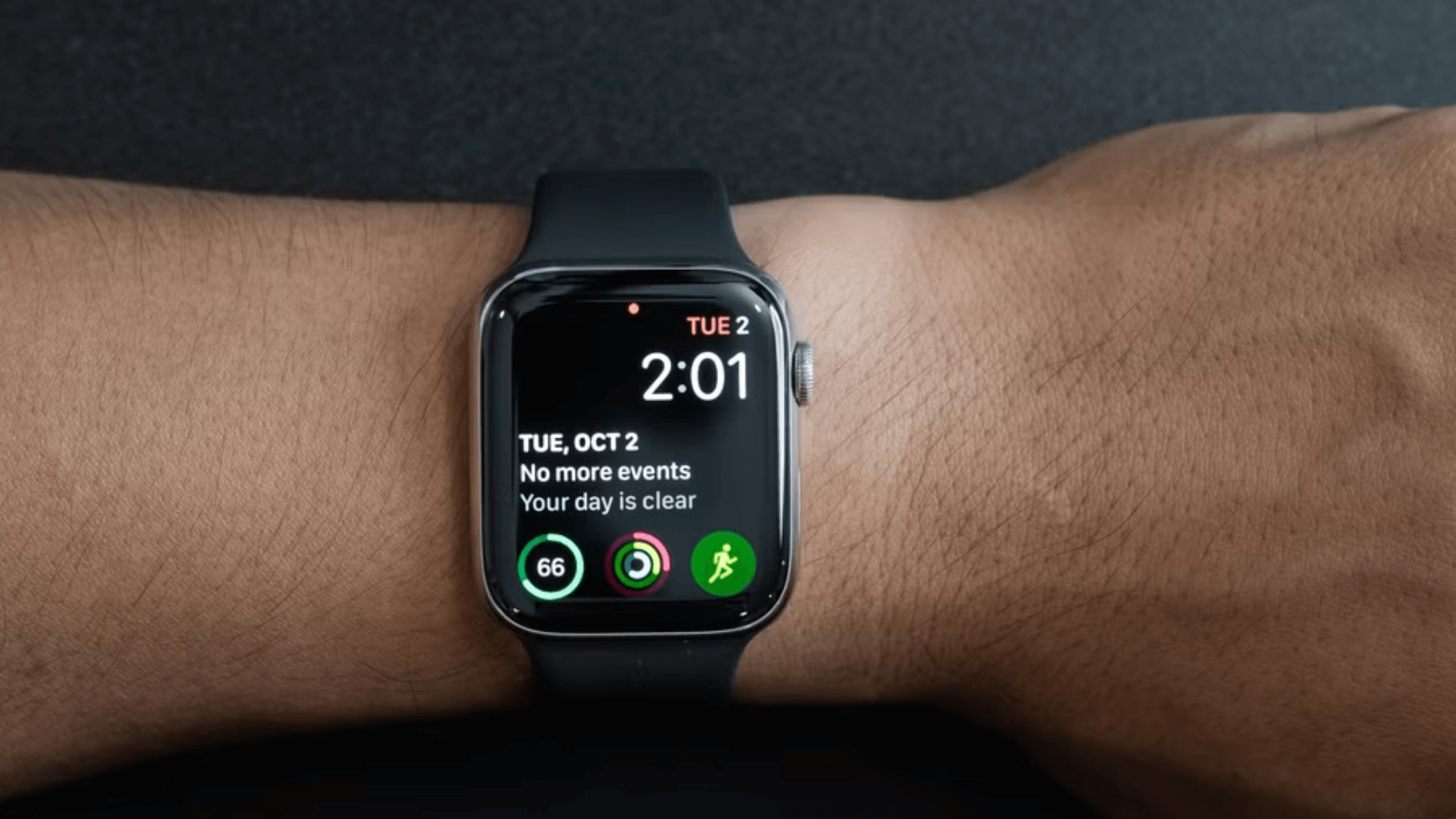
Complications update frequently to show live data, like weather or activity stats, and each refresh uses a small amount of power.
When several complications occur at the same time, the battery drains faster without you realizing it.
Choosing a simpler watch face or reducing the number of complications helps the display use less energy while still giving you the information you need.
This is a quick adjustment with long-term benefits.
5. Turn Off Cellular or GPS When Not Needed
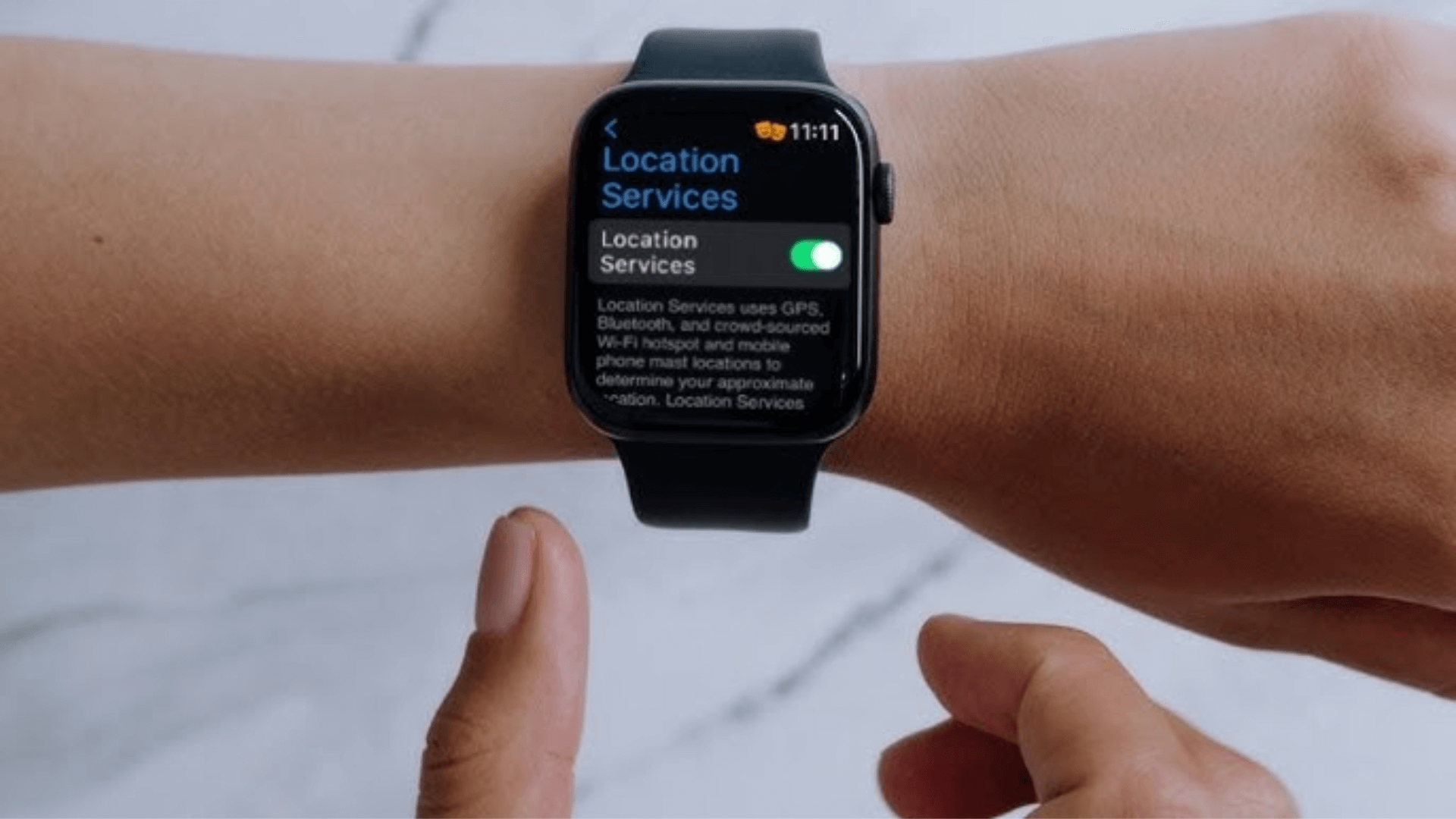
Cellular and GPS features require the watch to work harder to track your location or maintain a connection, which quickly drains the battery.
If you aren’t using these features for workouts or navigation, switching them off can help your battery last much longer.
This fix is especially helpful for users with LTE models or those who spend a lot of time in weak-signal outdoor areas.
6. Restart the Apple Watch

Sometimes battery drain is caused by temporary glitches or apps that aren’t running properly.
Restarting the watch clears these short-term issues and refreshes system processes that may be consuming excess power.
A simple restart often stabilizes battery performance and helps the watch run more efficiently.
It’s an easy step that many users skip, yet it can solve sudden or unexplained battery problems in just a few minutes.
Advanced Fixes for Apple Watch Battery Drain
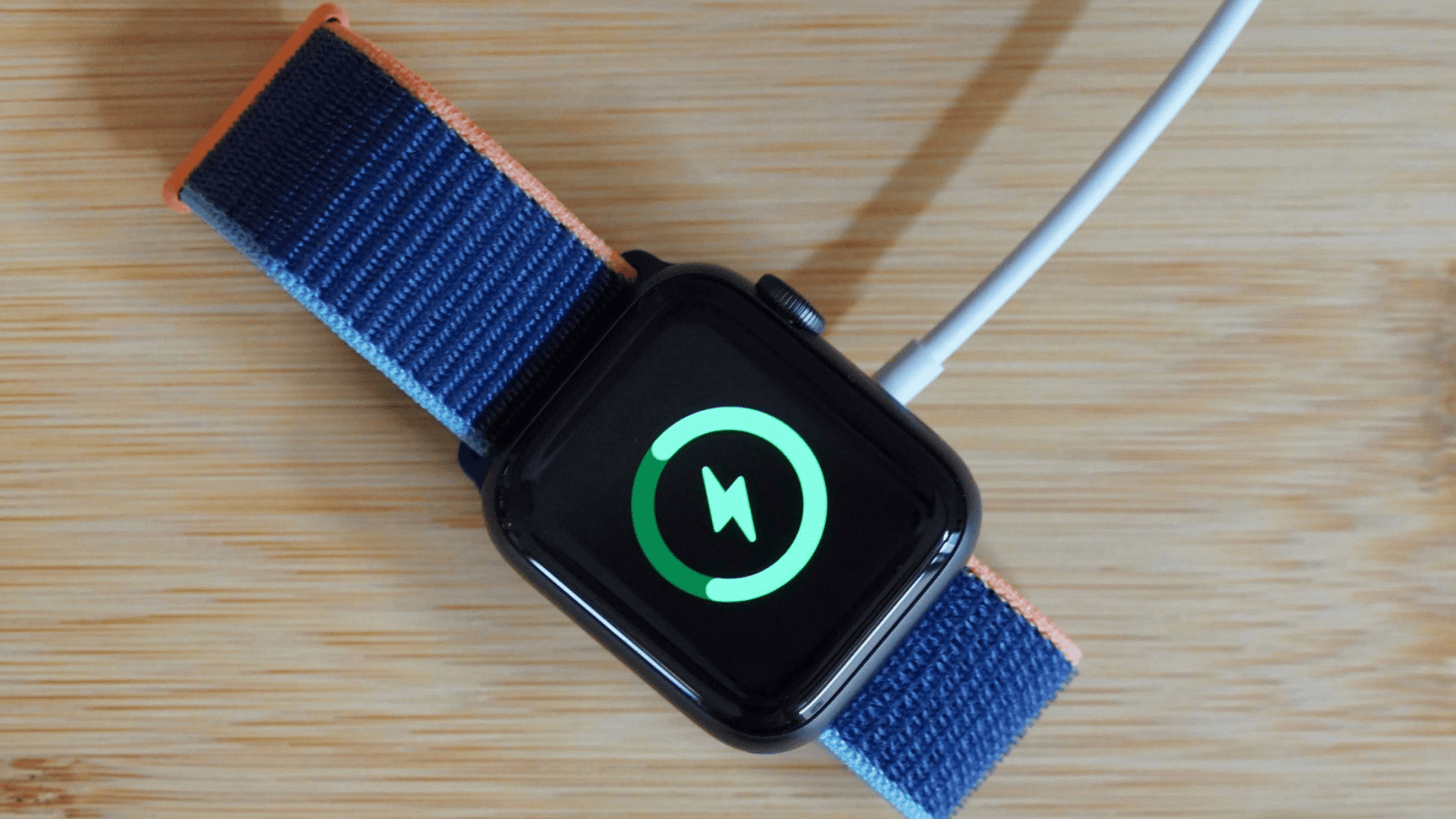
These advanced steps help when simple fixes are not enough, and the battery continues draining faster than expected.
1. Re-Pair the Apple Watch and iPhone.
Re-pairing is a strong solution when you continue thinking why your Apple Watch dies so fast despite adjusting settings.
This process resets the connection between your watch and iPhone and removes hidden syncing glitches that drain extra power.
Because your data is restored from a backup, nothing is lost during the setup.
Many users see improved battery life once the devices reconnect cleanly without background errors affecting performance.
2. Update to The Latest Watch Os
Keeping the watch on the latest version of watchOS is important because updates often include performance improvements and fixes for battery-related bugs.
When the software is outdated, the system may work harder to run apps smoothly, leading to faster battery drain.
Updating ensures your device runs efficiently and supports new optimization features designed to reduce unnecessary power use during daily activity.
3. Run Diagnostics Through Apple Support
If the battery continues draining quickly even after adjustments, running diagnostics through Apple Support helps reveal deeper problems.
The diagnostic check reviews hardware, software, and system performance to identify issues that may not be visible through normal settings.
This is a reliable way to confirm whether the battery or internal components are malfunctioning, making it easier to decide the next step for repair or replacement.
When to Replace the Apple Watch Battery?
You may reach a point where adjustments no longer help, and the battery continues draining faster than expected.
These signs make it clear your Apple Watch likely needs a battery replacement.
-
Battery Health Below 80%: When capacity drops under 80%, the watch can’t hold power well and drains much faster.
-
Rapid Drain After Full Charge: If the battery falls quickly within hours, even with light use, replacement may be necessary.
-
Watch Shuts Down Unexpectedly: Sudden power-offs or restarts often signal a failing battery that can no longer manage normal tasks.
-
Charging Takes Much Longer: Slow charging or inconsistent charging behavior suggests the battery is losing stability.
-
Heat During Use or Charging: If the watch warms up often, the battery may be struggling and nearing the end of its life.
Apple Watch Battery Repair and Replacement Options
When battery issues continue even after advanced fixes, these repair and replacement options help you choose the safest, reliable, and most cost-appropriate next step for your Apple Watch.
- Check Service Eligibility Online: Confirm repair options and estimated costs.
- Ask About Battery-Only Service: Some models allow battery-only replacement.
- Request Turnaround Time: Know how long the repair will take.
- Back Up Before Sending In: Protects your data during service.
- Verify Genuine Parts: Ensures safe, reliable battery performance.
Choosing the right repair path ensures your Apple Watch stays dependable, performs well daily, and avoids unnecessary costs while keeping your device safe and supported long term.
Conclusion
If your Apple Watch keeps losing battery faster than expected, understanding the main causes and using the right fixes can make a clear difference in daily performance.
Each model reacts differently to settings, apps, and long-term wear, so noticing changes early helps you manage battery life more confidently.
When basic fixes don’t work, repair or replacement offers a clear next step to restore reliable performance and avoid ongoing battery frustration.
Keeping your watch updated and checking performance over time also helps you stay ahead of future battery problems.
Is the battery drain happening after a recent update, or during regular daily use?
Share your question or experience in the comments below.