I kept coming across the question When did CarPlay come out while learning about in-car systems, and it made me want a clear answer too.
I like knowing how familiar tools started, so I spent time looking at its early release, the first car models that supported them, and the steps that shaped its growth.
I also paid attention to how drivers responded over the years as more brands added support.
As you go through this guide, you can think about how these changes match the features you use in your own car.
My goal is to share the origin, the models that played the biggest roles in its spread, and the history that explains how CarPlay became part of everyday driving for many people.
When Did CarPlay Come Out: The Origin Story
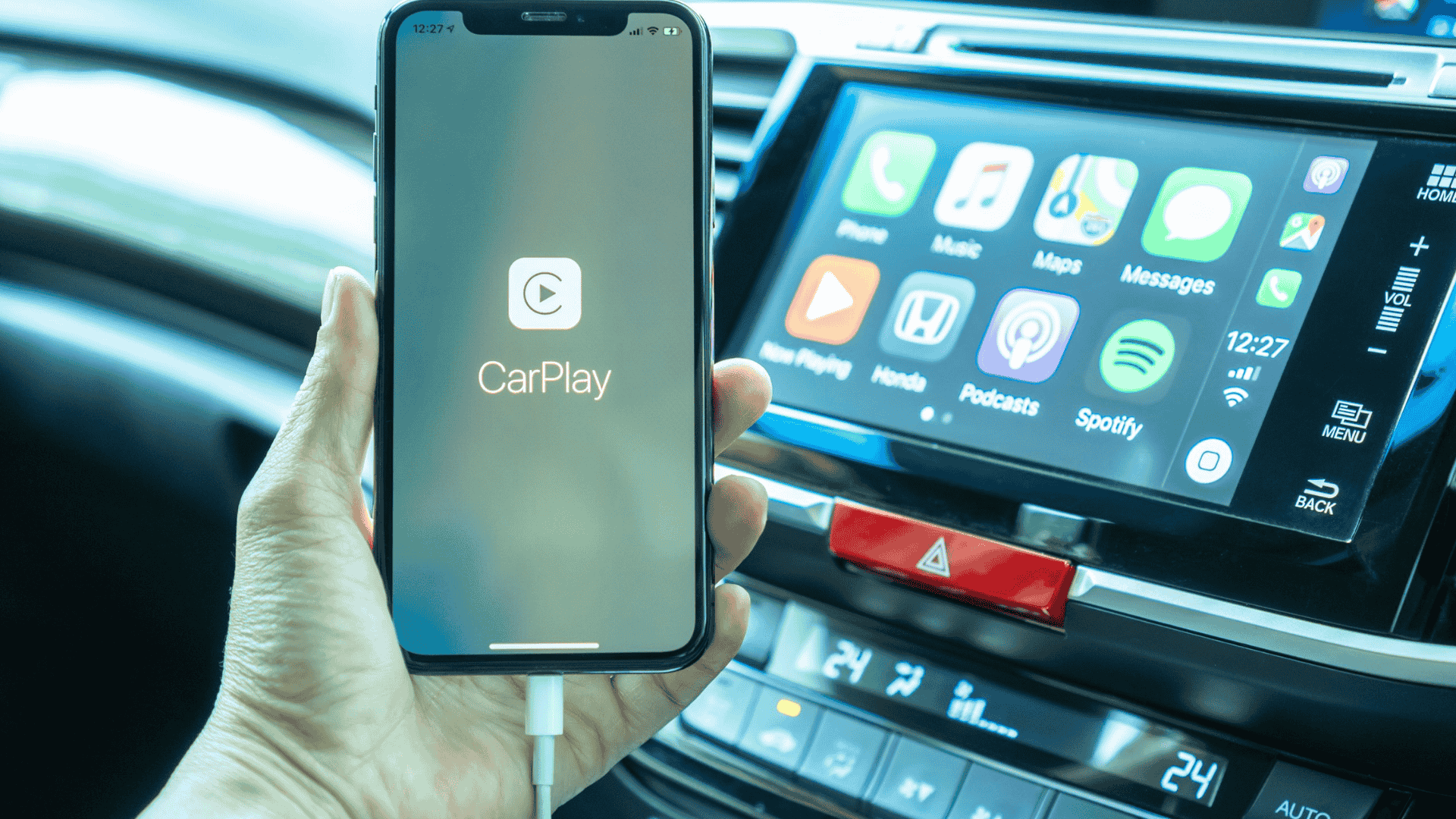
CarPlay began as a significant shift in how drivers connected phones to vehicles, shaping modern dashboard technology and daily use.
Official Launch Date and Initial Announcement
CarPlay made its first public appearance in March 2014 at the Geneva Motor Show, marking a significant moment in automotive software.
The release of iOS 7.1 enabled the system to run on supported vehicles, allowing automakers to integrate Apple’s interface.
Early reception highlighted its simplicity, safer phone interaction, and a clear move toward unified infotainment experiences.
Industry experts viewed the launch as a step that encouraged car companies to adopt more standardized digital systems.
The Pre-CarPlay Era: iOS in the Car
Before the official platform existed, Apple introduced an early version of the idea at WWDC 2013 under the name “iOS in the Car.”
This initial approach aimed to mirror essential iPhone functions on built-in displays, focusing on navigation, calls, and music.
The concept revealed Apple’s intention to create a safer and more unified experience inside the vehicle.
Automakers responded with interest, recognizing the value of a familiar layout for drivers. This early framework set the stage for the system that would follow.
Why did Apple rebrand to CarPlay?
Apple shifted from the name “iOS in the Car” to “CarPlay” to give the system a clearer identity that matched how drivers used it.
The original branding focused on extending the phone’s software.
Still, the new name highlighted a simpler, more action-based idea: bringing key iPhone tools into the car in a way that felt direct and easy to understand.
Automakers also found the new name easier to present because it conveyed a defined feature rather than a software extension.
As interest in “when did CarPlay come out” grew, the rebrand helped position the system as a built-in experience rather than an add-on.
This shift supported wider adoption, clearer marketing, and stronger recognition across different vehicle models.
The Evolution of Apple CarPlay Technology
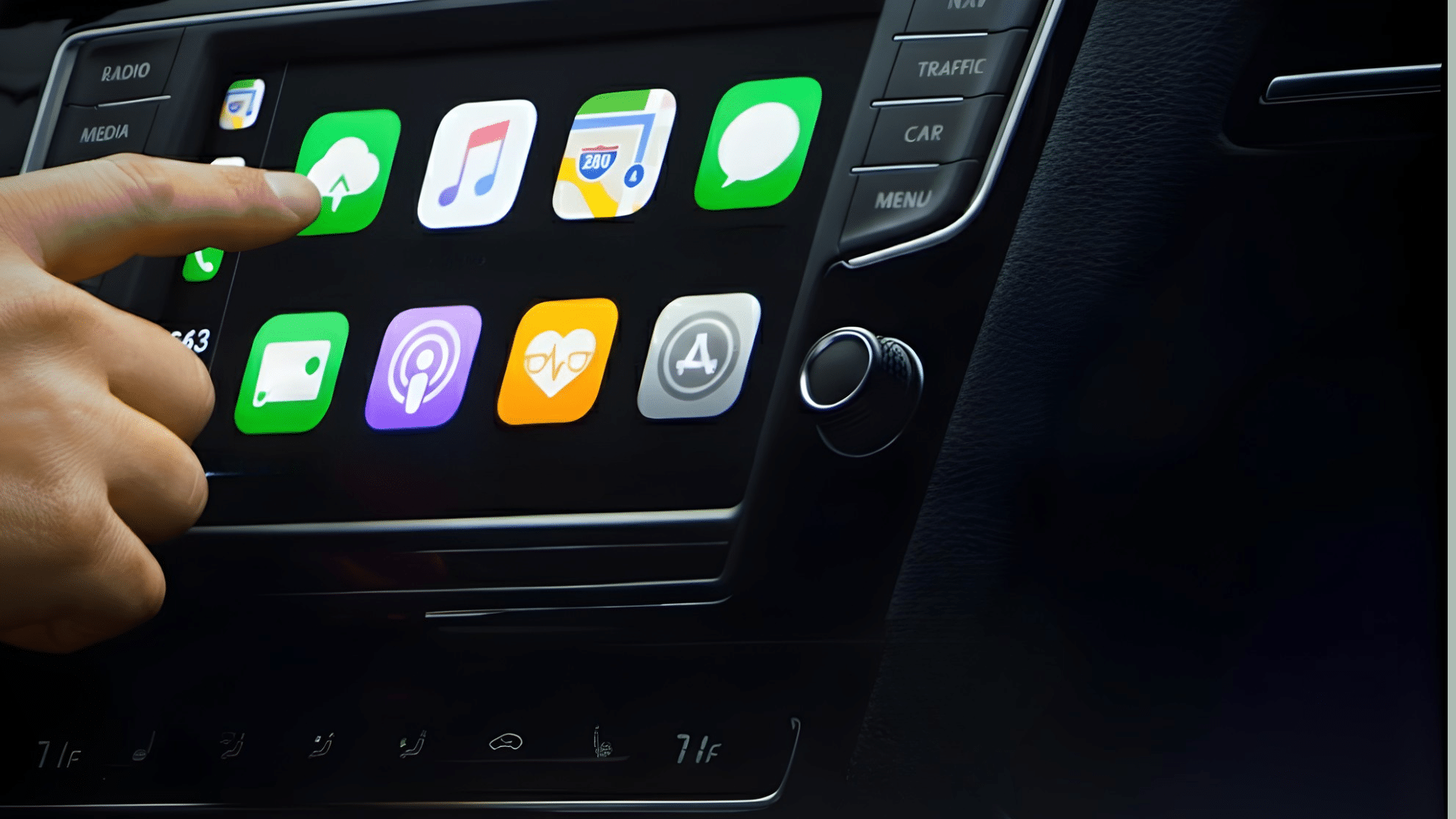
CarPlay has evolved from a basic wired system into a more flexible platform designed to meet modern driving needs.
Early versions launched in 2014 and relied on a Lightning cable to connect the iPhone to the vehicle display, offering navigation, calls, messages, and music.
While reliable, the wired setup limited movement and was affected by cable wear and slower performance in some vehicles.
Wireless CarPlay began development with iOS 9 in 2015, using both Wi-Fi and Bluetooth to remove physical connections.
Adoption grew as vehicle infotainment systems improved. Over time, automakers allowed deeper integration, supporting larger screens, multi-display layouts, and closer alignment with vehicle controls.
Today, wider app support and the shift toward electric and software-based vehicles continue to expand CarPlay’s role in everyday driving.
Modern CarPlay: Recent Updates and Features
Modern CarPlay expands beyond basic apps, offering deeper vehicle integration, more innovative layouts, and better performance to support safer, more connected, and more convenient driving experiences.
- Multi-screen support: Allows CarPlay to span multiple displays, showing navigation, media, and vehicle data at once without constant screen switching.
- Deeper vehicle controls: Integrates climate, seat settings, and driving information into the interface, reducing the need to exit CarPlay for basic vehicle adjustments.
- Improved layouts: Adapts to larger and curved displays with flexible spacing, clearer visuals, and smoother transitions that will enhance readability while driving.
- Expanded app support: Adds more navigation, charging, parking, and audio apps, giving drivers practical tools that fit daily commuting and long-distance travel needs.
- Wireless stability improvements: Enhances Wi-Fi and Bluetooth performance to reduce lag, maintain connection strength, and deliver faster response times during regular use.
Which Car Models Come With Apple CarPlay?
Many shoppers want cars that support Apple CarPlay, and this brief introduction highlights popular models across different brands that offer built-in or wireless compatibility.
1. Toyota RAV4
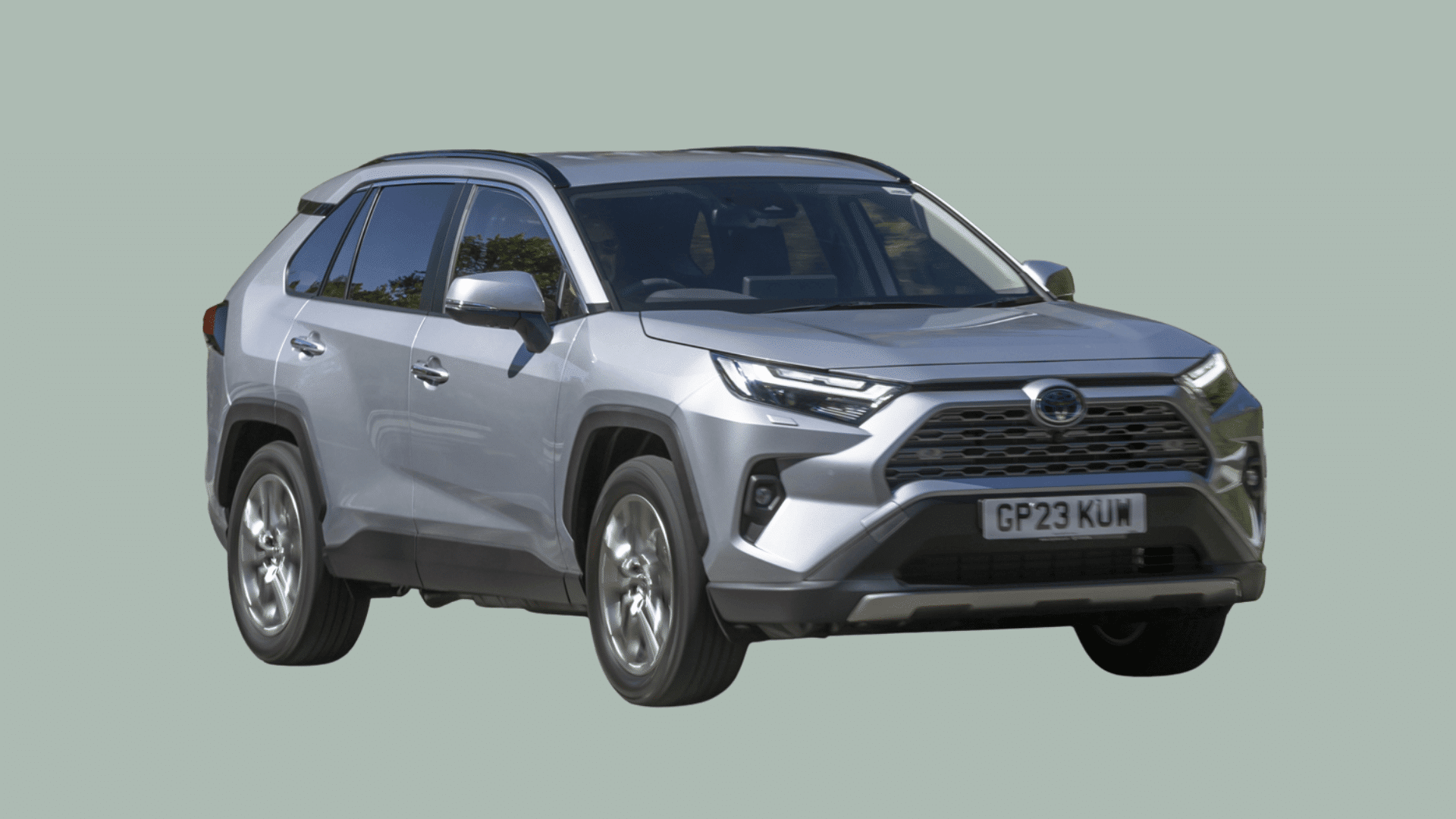
Drivers gain quick access to navigation, hands-free communication, and audio apps through the vehicle’s touchscreen.
Wireless support enhances convenience during short trips, making it easy to start driving without plugging in a device.
The system integrates smoothly with the RAV4’s interface, delivering clear menus and steady performance.
Many trims include advanced driver-assist tools, which pair well with connected smartphone features for practical, everyday driving tasks.
2. Toyota Camry
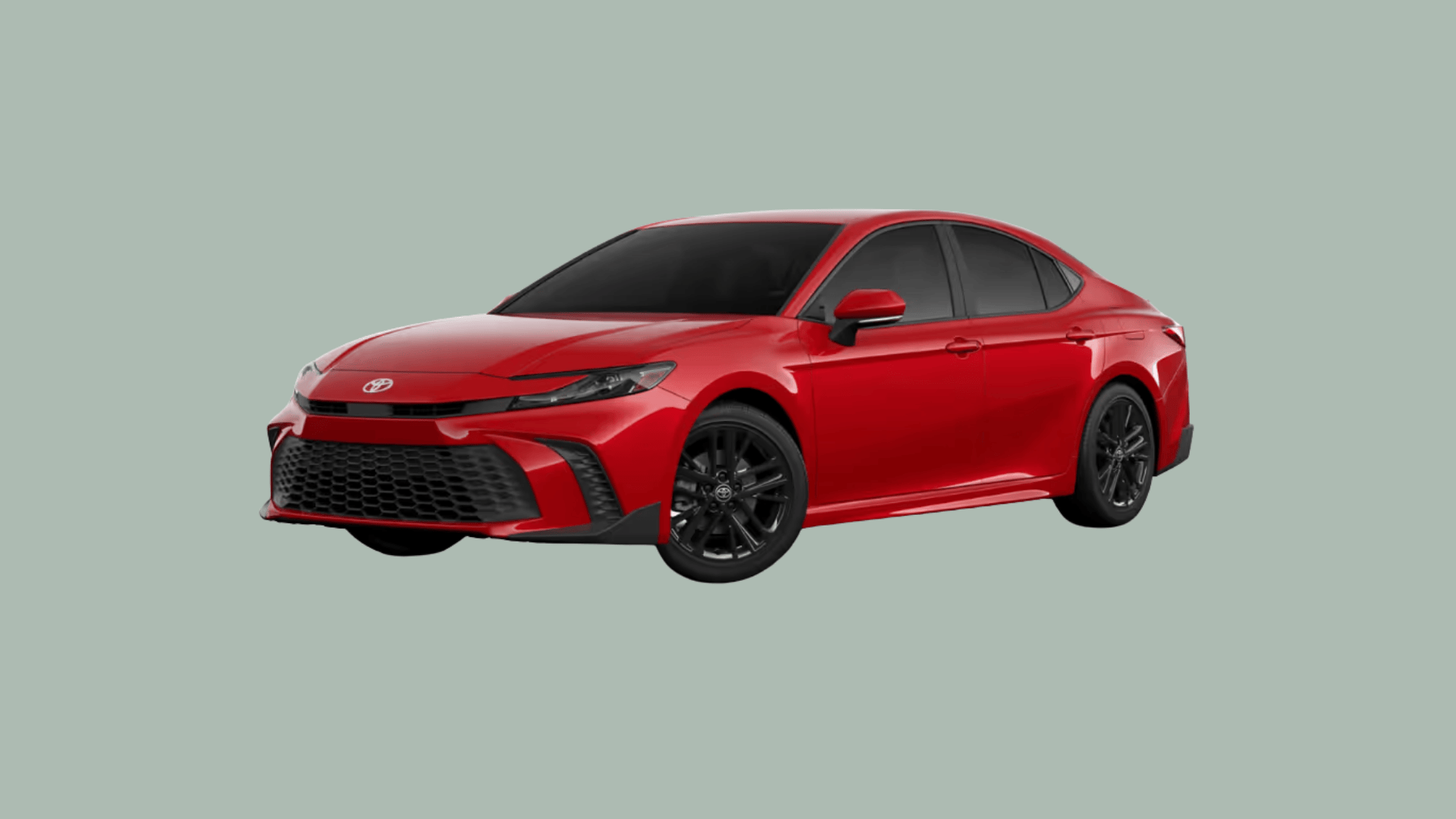
The car includes standard CarPlay across most trims, offering consistent access to navigation, messaging, calling, and audio controls.
This integration allows drivers to use familiar mobile tools without distraction, supported by clear visuals and responsive touchscreen operation.
The system pairs with the Camry’s reputation for reliability, creating a practical blend of comfort and modern technology.
Integrated voice control supports hands-free interaction, helping maintain attention on the road.
3. Toyota Highlander

Apple CarPlay compatibility allows the Toyota Highlander to offer smartphone integration across its three-row SUV platform.
The system enhances long-distance travel by providing streamlined navigation and entertainment controls for families.
CarPlay works smoothly with the Highlander’s built-in features, including available driver-assist tools and multiple USB ports.
Larger screen options in upper trims create clearer visibility for apps and menus. The platform’s ease of use helps reduce distraction by presenting familiar layouts.
4. Chevrolet Trax
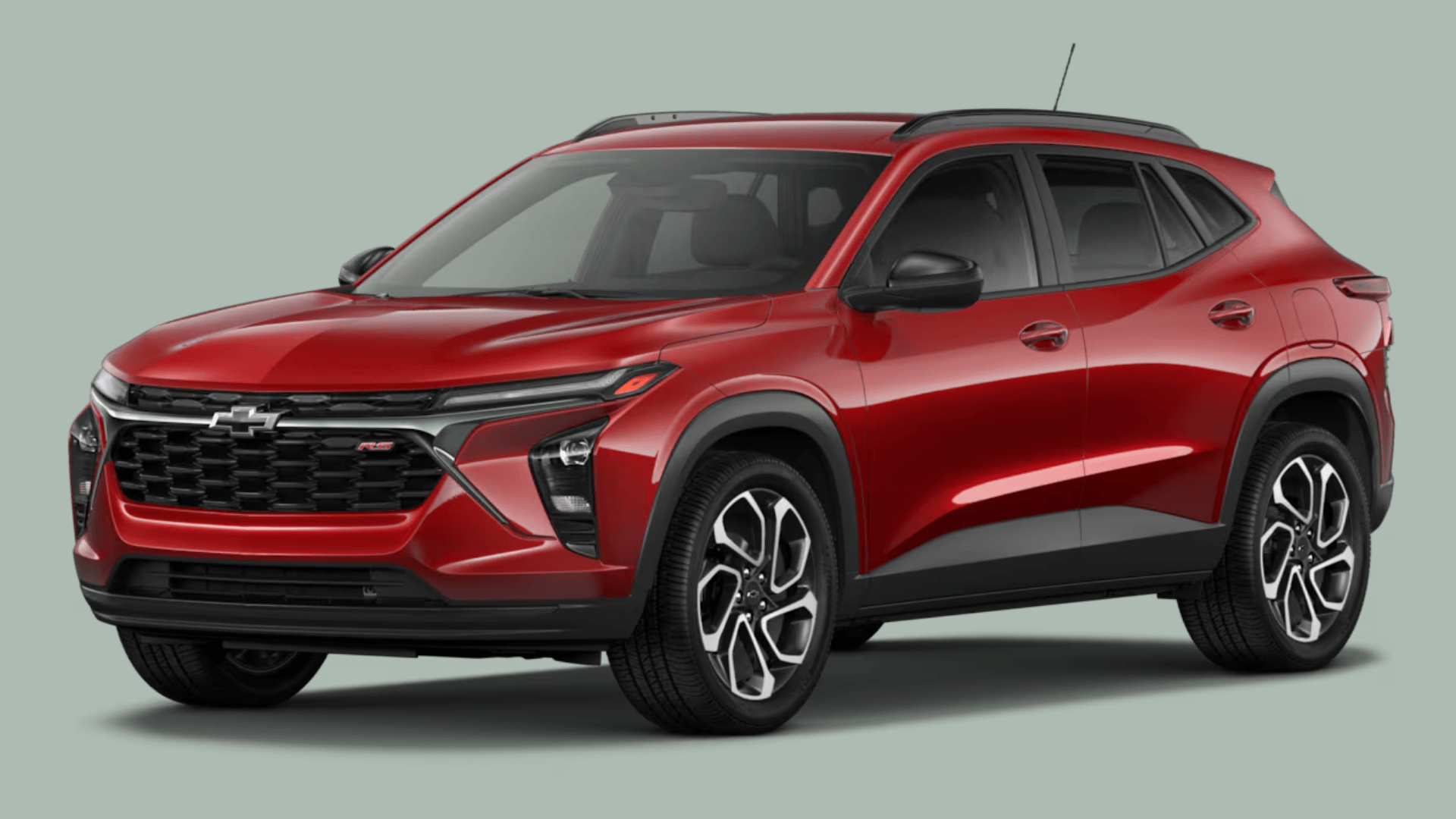
It offers CarPlay to give drivers straightforward smartphone access within a compact SUV layout.
The system brings navigation, audio, and communication tools to the dashboard, helping create a more intuitive driving experience.
Its simple interface supports clear directions, hands-free calls, and quick control of playlists or podcasts.
The Trax’s compact size and tech features appeal to drivers who want convenience in city settings, where navigation and quick communication tools are often used.
5. Chevrolet Silverado
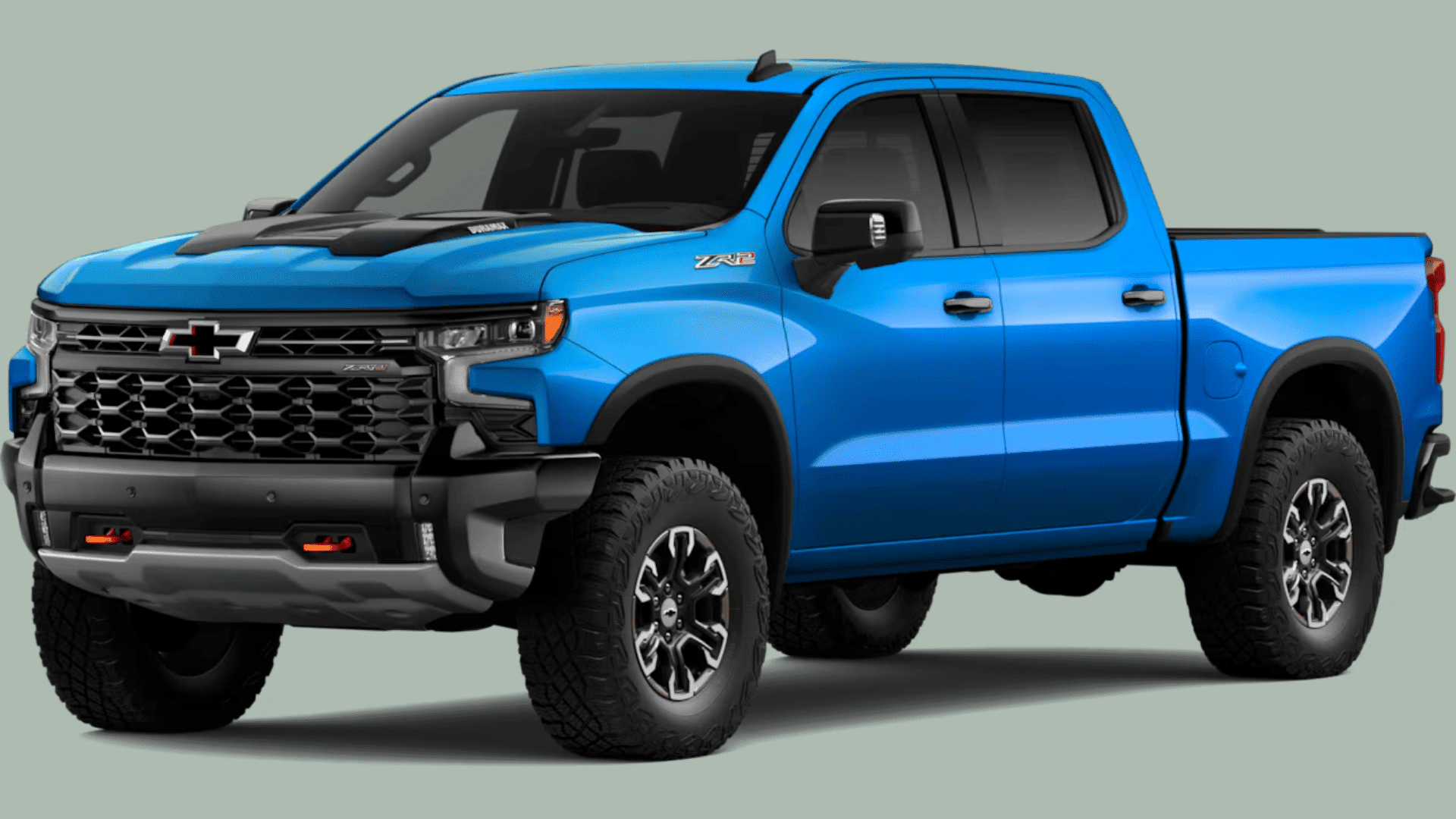
CarPlay compatibility in the Chevrolet Silverado brings smartphone connectivity to a full-size truck platform, supporting navigation, communication, and entertainment needs.
The system appears clearly on the touchscreen, offering quick access to maps, calls, texts, and audio apps.
Truck owners benefit from voice-based controls, allowing navigation and communication without taking hands off the wheel.
The Silverado’s spacious cabin and multiple screen options help present CarPlay features with clarity.
6. Chevrolet Equinox
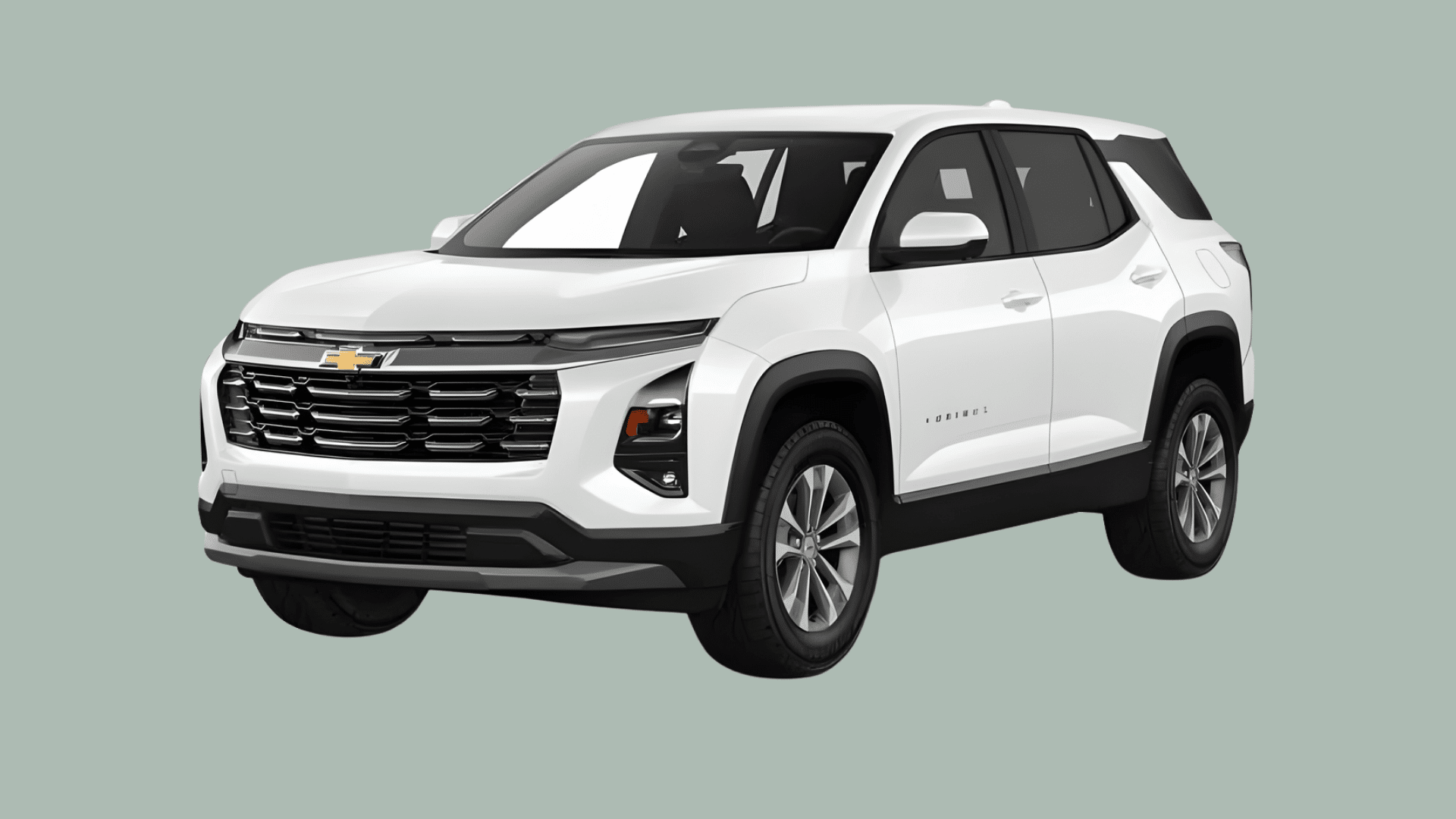
Wireless CarPlay in the Chevrolet Equinox provides cable-free phone integration for drivers who want fewer steps when starting a trip.
The system connects automatically once paired, offering access to maps, calls, music, and messaging without plugging in a device.
This capability suits frequent stop-and-go driving, where convenience matters.
The touchscreen layout displays apps clearly, and voice controls assist with hands-free communication.
7. Chevrolet Corvette Stingray
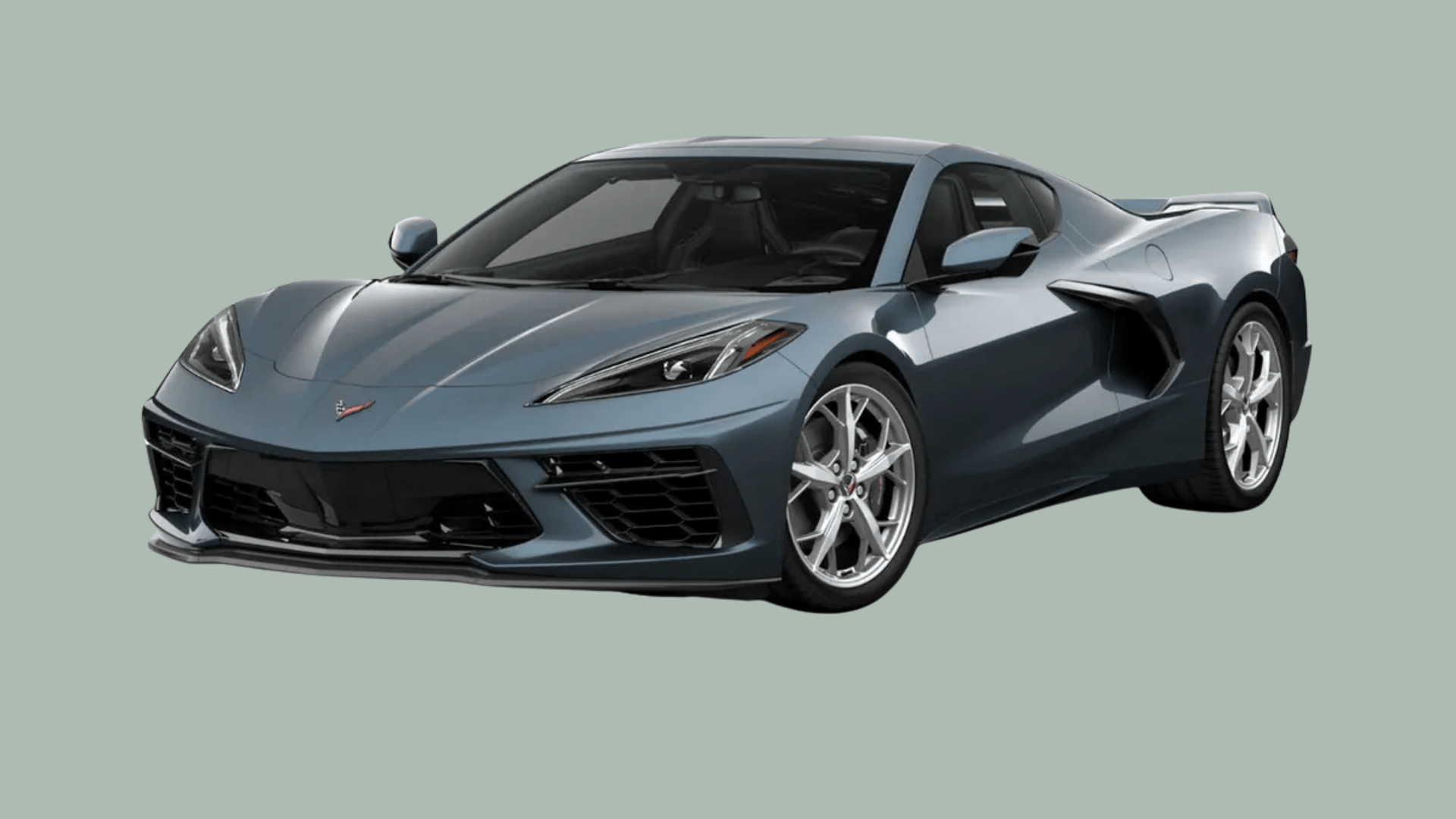
The car includes CarPlay to bring smartphone functionality into its performance-centered interior.
Drivers can access navigation, music, calls, and messaging through a sharp and responsive display angled toward the cockpit.
CarPlay complements the Stingray’s digital design by placing essential information within easy reach, supporting both daily driving and extended trips.
The interface remains steady during rapid acceleration or performance maneuvers, ensuring consistent visibility and control.
CarPlay vs. Android Auto: Timeline and Comparison
Many car buyers want to know which vehicles support Apple CarPlay, and this quick reference table highlights popular models that offer the feature across different brands.
| Feature / Timeline Point | Apple CarPlay | Android Auto |
|---|---|---|
| Official Launch Year | 2014 (Geneva Motor Show) | 2015 (Google Release) |
| Early Connectivity | Wired via Lightning cable | Wired via USB |
| Wireless Availability | Introduced with iOS 9 (2015) | Introduced in 2018 |
| Interface Style | iOS-inspired layout and icons | Material Design with Google services focus |
| Voice Assistant | Siri for navigation, messaging, and control | Google Assistant for broader search and app control |
| App Ecosystem | Strong with music, maps, messaging, and driving apps | Broader variety, especially Google-integrated apps |
The Future of Apple CarPlay
The future of Apple CarPlay is expected to focus on deeper vehicle integration, expanded display control, and more adaptive in-car experiences.
Upcoming versions aim to connect with core vehicle functions, allowing information such as speed, climate settings, and drive data to appear within a unified interface.
Automakers will be able to customize certain elements while maintaining the system’s familiar layout, creating a consistent experience across different models.
As electric and software-defined vehicles continue growing in the market, CarPlay is positioned to play a more central role in shaping how drivers interact with cabin technology.
Conclusion
Looking through the full timeline made it easier to understand when CarPlay came out and how its release shaped later versions.
It revealed how each update shaped the system. I noticed the shift from wired setups to wireless features, which changed daily driving for many people.
The steady growth showed how quickly in-car tech can move. Some improvements felt small, yet they still influenced how drivers connect their phones.
Larger updates created new expectations for screens, controls, and overall ease of use. This journey made the future of CarPlay feel more important to follow.
If you want clearer breakdowns and practical guides, stay connected and add a comment below so I can answer what you want next in future posts that you request soon.
Frequently Asked Questions
Do All New Cars Come With Apple CarPlay?
Many newer cars include CarPlay, but not all models or trims offer it. Availability depends on the brand, model year, and specific package options.
Can I Add CarPlay to My Older Car?
Yes, CarPlay can be added through compatible aftermarket head units, as long as the vehicle supports the required wiring, space, and electrical connections for installation.
Is Wireless CarPlay Better Than Wired?
Wireless CarPlay offers easier access without plugging in, but wired versions can provide more stable performance, especially during long trips or heavy app use requiring strong connections.
Does CarPlay Require a Subscription?
CarPlay itself is free and doesn’t require a subscription, although some connected apps used within CarPlay may need paid plans or active service accounts.