Choosing the wrong creative tablet can feel expensive long before you even reach checkout.
A device may look powerful on paper, but still fall short once drawing apps, stylus comfort, multitasking, and long editing sessions become part of daily work.
That is why the iPad vs Samsung tablet debate matters so much for artists, designers, and digital creators.
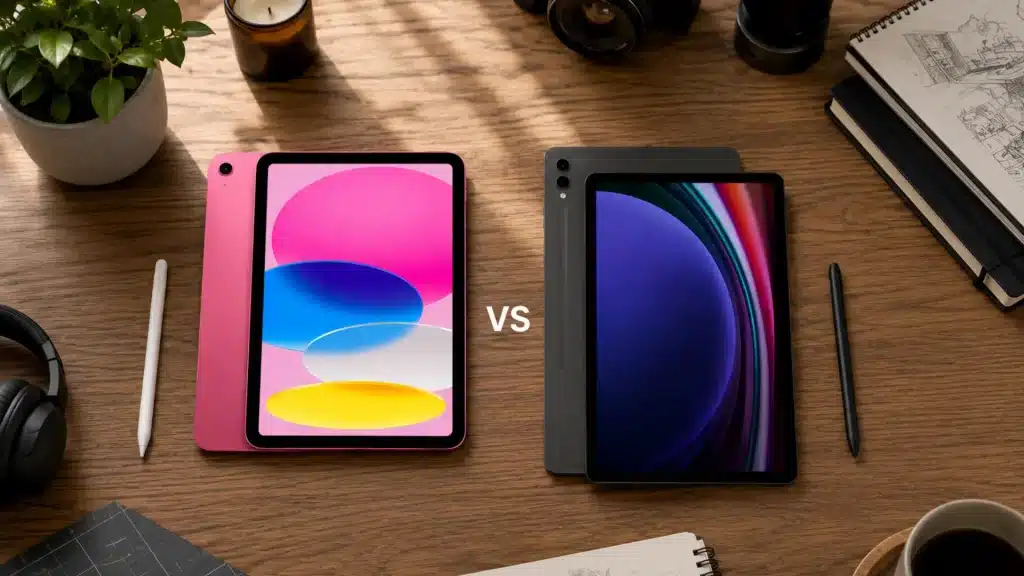
Both platforms offer premium displays, responsive styluses, and serious performance, but they approach creative work very differently.
Apple focuses on app quality, processing power, and ecosystem integration, while Samsung delivers larger screens, flexible multitasking, and better value with the S Pen included.
Understanding how those differences affect real creative workflows makes choosing the right tablet much easier and helps avoid spending money on features that may never actually matter.
What Samsung Tablets Offer Creators?
Samsung tablets have evolved far beyond being simple Android alternatives.
The Galaxy Tab lineup now offers powerful displays, responsive S Pen support, and multitasking features designed for both productivity and creative work.
Most premium Samsung tablets include the S Pen at no extra cost, making them appealing for artists and students who want to start drawing immediately without buying extra accessories.
Samsung also focuses heavily on flexibility through features like DeX mode, expandable storage, and split-screen multitasking.
For digital creators who prefer a larger canvas, customizable software, and a more open ecosystem, Samsung tablets provide a balanced mix of performance, portability, and value that continues to improve each year.
What iPads Offer Creators?
The iPad has become one of the most trusted tablets for artists, designers, photographers, and creative professionals.
Apple combines powerful hardware with iPadOS optimization to deliver smooth performance across demanding creative apps like Procreate, Affinity Designer, Adobe Fresco, and Final Cut Pro.
The Apple Pencil adds precise stylus control with low latency, making sketching, illustration, and note-taking feel natural and responsive.
iPads are also known for long software support, reliable app quality, and seamless integration with other Apple devices like MacBooks and iPhones.
For users focused on professional creative workflows, color accuracy, and polished software experiences, the iPad remains one of the strongest tablet choices available today.
What’s the Difference Between a Tablet and an iPad?
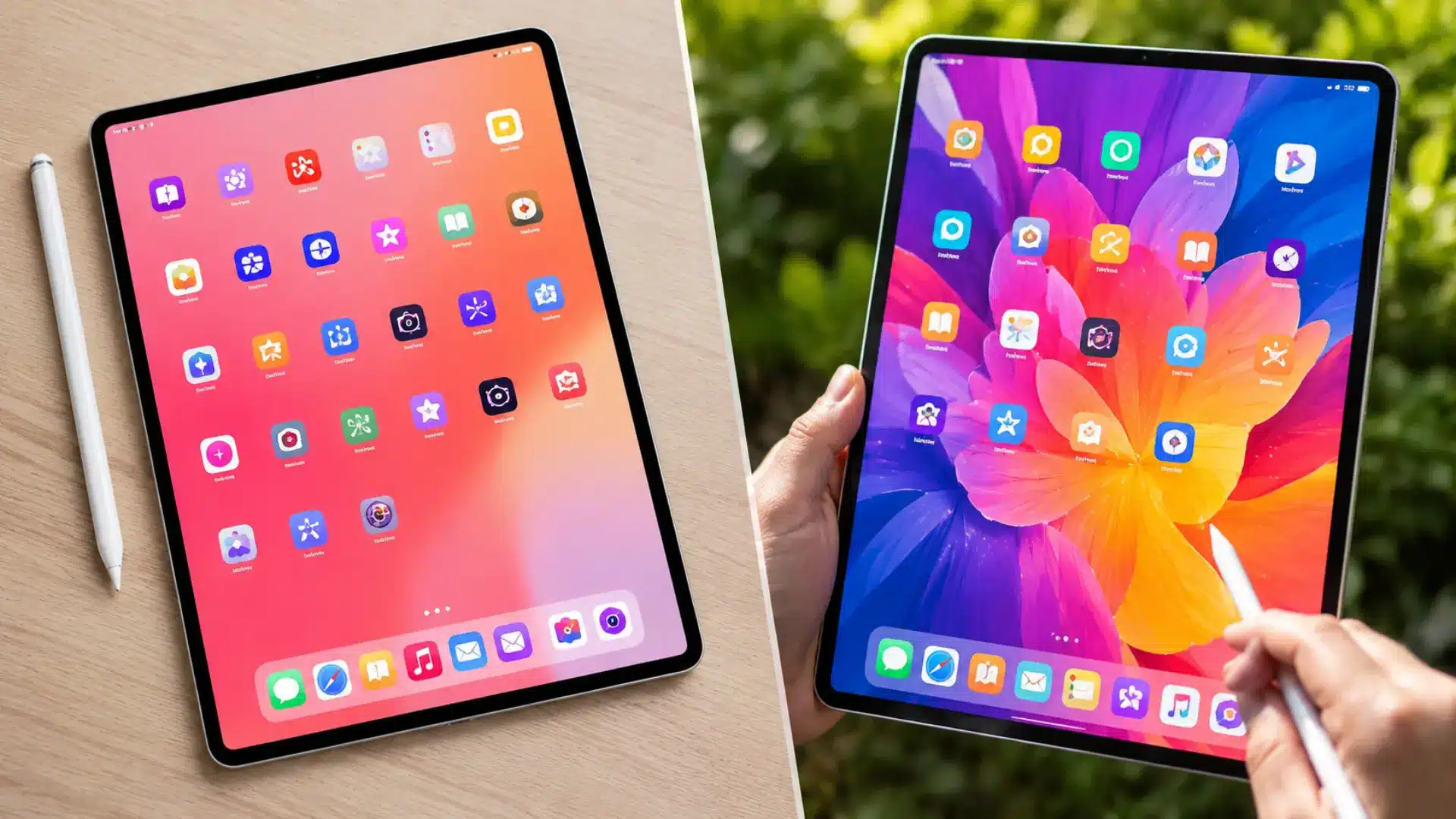
Many people use the words “tablet” and “iPad” interchangeably, but they are not exactly the same thing.
An iPad is a specific type of tablet made by Apple, while the term “tablet” includes devices from brands like Samsung, Lenovo, Microsoft, and others.
The biggest difference usually comes down to the software experience and ecosystem.
Apple focuses on a more controlled, streamlined experience with strong integration across its devices, while Android tablets offer greater flexibility, customization, and a wider range of hardware.
Some Android tablets also support desktop-style features and expandable storage, which appeals to users who want more control over how they work, create, and manage files on their device.
For a broader look at how these two ecosystems compare day to day, our guide to the Android vs. Apple ecosystems covers the key differences in detail.
iPad vs Samsung Tablet: Display and Design Quality
This is one area where both sides genuinely impress. The iPad Pro M4 uses tandem OLED technology, stacking two OLED layers to achieve 1,600 nits of peak brightness and near-perfect black levels.
Its 13-inch screen runs at 120Hz with Apple’s ProMotion display technology, which adjusts the refresh rate dynamically to save battery during static content. The result is one of the sharpest, most color-accurate displays you can find in any portable device.
Samsung’s Galaxy Tab S10 Ultra counters with a 14.6-inch Dynamic AMOLED 2X panel at 120Hz with an anti-reflective coating.
That extra screen real estate is a real advantage for illustrators who want more canvas space. The AMOLED display produces vibrant colors and deep contrast, though color accuracy in professional editing workflows still gives the iPad Pro a measurable edge.
iPad vs Samsung Tablet: Performance and Processing Power
Performance matters most when creative projects become larger, more detailed, and demanding on hardware.
Apple’s M4 chip delivers exceptional speed for illustration, video editing, photo retouching, and multitasking across professional apps without noticeable slowdowns.
Large layered files and heavy rendering workloads feel smoother on the iPad Pro, especially during extended creative sessions.
Samsung’s latest flagship tablets still offer fast and reliable performance for most artists, designers, and everyday creators using Android apps.
The difference becomes more noticeable only during advanced rendering or intensive production work.
Both brands now also provide long software support cycles, making them dependable long-term options for users planning to keep their tablet for several years.
Apple Pencil Pro vs Samsung S Pen for Drawing
The Apple Pencil Pro and Samsung S Pen are both excellent tools for digital artists, but they feel very different in daily use.
Apple focuses on advanced control features like barrel roll gestures, haptic feedback, and precision input for professional creative work.
Samsung’s S Pen delivers a softer, more natural writing feel with lower latency and no charging required. The S Pen also comes included with Galaxy Tab devices, which adds significant value.
Artists who prefer a paper-like drawing experience often lean toward Samsung, while professionals needing extra gesture controls may prefer the Apple Pencil Pro.
| Feature | Apple Pencil Pro | Samsung S Pen |
|---|---|---|
| Latency | 9ms | 2.8ms |
| Pressure Levels | 4,096+ | 4,096 |
| Tilt Support | Yes | Yes |
| Charging Required | Yes | No |
| Included with Tablet | No | Yes |
| Tip Material | Hard Plastic | Soft Rubber |
| Best For | Precision Control | Natural Drawing Feel |
iPad vs Samsung Tablet App Ecosystem for Artists and Designers
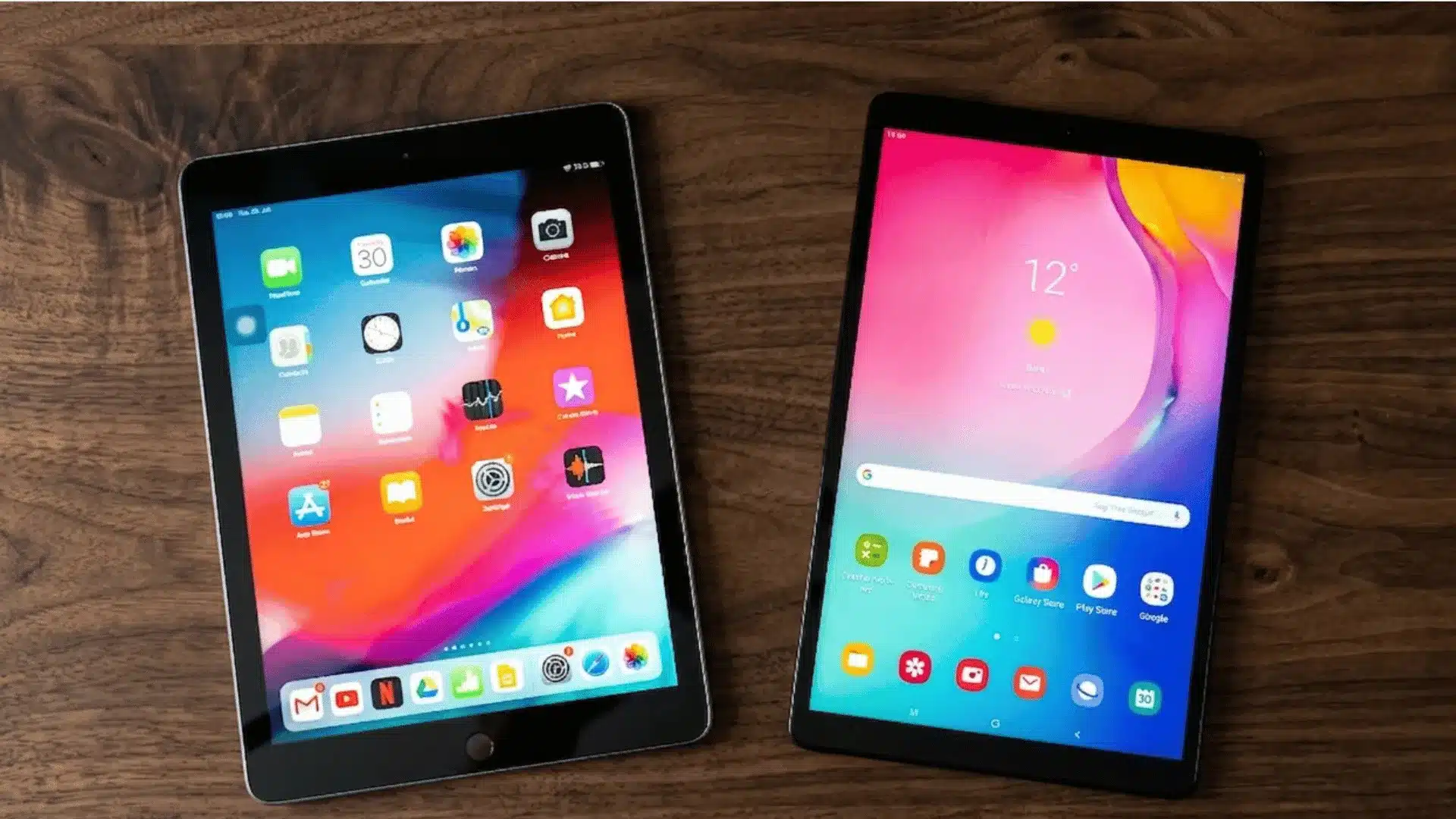
Software support is one of the biggest reasons many creative professionals still prefer the iPad.
Apps like Procreate, Affinity Designer, Adobe Fresco, and Final Cut Pro remain major advantages for artists, illustrators, and video editors working on advanced projects.
Many of these apps are highly optimized for Apple’s hardware and offer smoother long-term creative workflows.
Samsung tablets have improved a lot with strong Android apps like Clip Studio Paint, Krita, Infinite Painter, and ibis Paint X.
For sketching, painting, and casual illustration, Android now feels far more capable than before.
Samsung also adds productivity benefits through DeX mode, which creates a desktop-style workspace that makes multitasking, file management, and creative project management much more flexible.
Which is Better for Different Types of Creative Users?
The right tablet depends less on brand loyalty and more on how you create, multitask, edit, and manage your daily creative workflow.
- Best for Professional Illustrators: iPad Pro suits artists who rely heavily on Procreate, advanced brush controls, and professional creative software for detailed illustration work.
- Best for Beginners: Samsung Galaxy Tab offers better value with the included S Pen, making digital drawing more affordable for first-time artists.
- Best for Graphic Designers: iPad devices handle typography, layout design, and advanced creative apps more efficiently for professional-level design projects.
- Best for Multitasking Creators: Samsung tablets work better for users who manage emails, files, reference windows, and creative apps simultaneously via DeX mode.
- Best for Budget Conscious Buyers: Samsung tablets generally provide larger displays, stylus support, and expandable storage at a more competitive overall price.
Which One Should You Choose?
The better tablet depends entirely on the kind of creative workflow you use every day, and which features actually improve your productivity and comfort.
- Choose an iPad if: You rely on Procreate, need stronger color accuracy, work on demanding layered projects, or already use Apple devices for a connected workflow.
- Choose a Samsung Galaxy Tab if: You want an included stylus, prefer Android flexibility, need a larger drawing canvas, or value multitasking with DeX mode.
Both platforms are now powerful enough for serious creative work. The real difference comes down to software preferences, workflow habits, and whether your projects benefit more from Apple’s app ecosystem or Samsung’s flexibility and value-focused features.
Conclusion
Choosing between these two tablets ultimately comes down to the type of creative experience you want every day.
Some users may prefer stronger app optimization and professional creative software, while others may value flexibility, multitasking, and better overall value.
The good news is that both platforms have become powerful enough to handle serious creative work without feeling limited.
The iPad vs Samsung tablet comparison is no longer about which device is “good” or “bad.” It is about which workflow fits your style, budget, and long-term creative goals more naturally.
Before making a final decision, consider the apps you use most, the accessories you need, and how you normally work.
If you have experience using either platform, leave a comment below and share which tablet worked better for your creative projects.
Frequently Asked Questions
Can You Use Procreate on a Samsung Tablet?
No. Procreate is exclusive to iPadOS and does not have an Android version. Samsung users most commonly use Clip Studio Paint or Infinite Painter as alternatives.
Does the Samsung Galaxy Tab Work Well with Clip Studio Paint?
Yes. Clip Studio Paint performs well on Samsung tablets and supports S Pen pressure sensitivity, tilt, and palm rejection.
Which iPad is Best for Drawing if You’re on a Budget?
The iPad Air M3 (starting around $599) is the best value entry point for serious drawing. It supports the Apple Pencil Pro.