Managing business finances can feel overwhelming, especially when receipts pile up, invoices get missed, and spreadsheets start becoming harder to track every month.
Many business owners reach a point where they realize manual bookkeeping is taking more time and energy than it should.
That is usually when the question comes up: What is accounting software, and can it actually make financial management easier?
The answer matters more today than ever before. Modern businesses want faster ways to organize expenses, track payments, and stay prepared for taxes without spending hours on repetitive tasks.
Accounting software is no longer something used only by accountants or large companies.
From tracking expenses to generating reports, modern accounting systems help businesses stay organized and make smarter financial decisions.
What is Accounting Software?
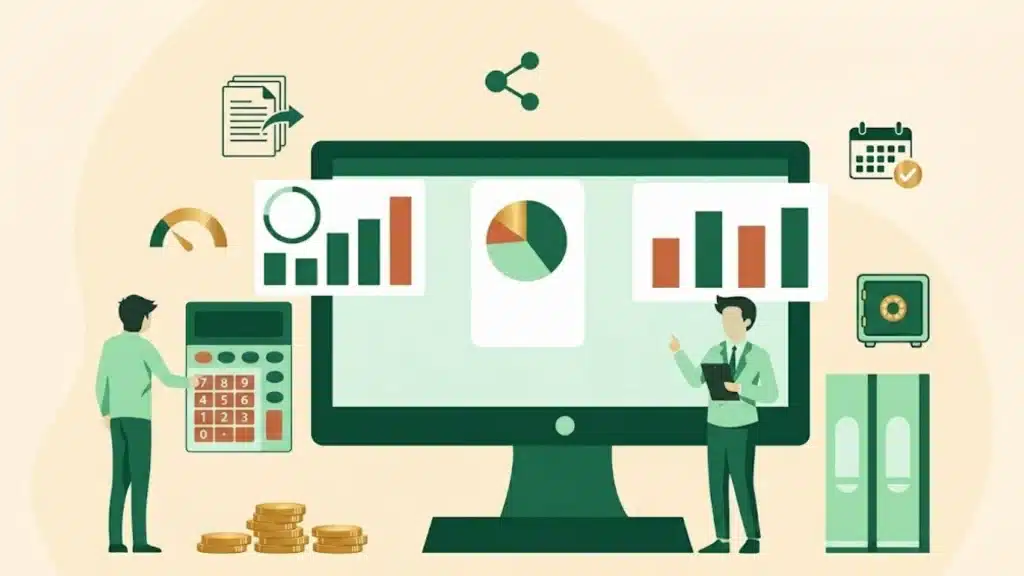
Accounting software is a digital tool that helps businesses manage and organize their financial activities in one place.
It records daily transactions, tracks income and expenses, creates invoices, manages payroll, and prepares financial reports automatically.
Instead of handling bookkeeping manually with paper records or spreadsheets, businesses use accounting software to save time and reduce mistakes.
Many accounting systems can connect directly with bank accounts to track payments and expenses more accurately.
Small businesses, freelancers, startups, and large companies all use accounting software to simplify financial management and improve efficiency.
Modern accounting software also supports tax preparation, budgeting, and secure cloud storage, making it easier for businesses to manage finances, stay organized, and make informed financial decisions.
How Does Accounting Software Work?
Most accounting software follows a consistent workflow. Transactions are entered manually or automatically imported from connected bank accounts and payment processors.
The software then categorizes each entry, whether it is revenue, an expense, or a liability, and posts it to the general ledger.
From there, the system generates reports like profit and loss statements, balance sheets, and cash flow summaries on demand.
More advanced platforms apply rules-based automation to recurring entries and flag anomalies for review. The result is a financial record that remains current without requiring manual month-end reconciliation.
Key Features of Accounting Software
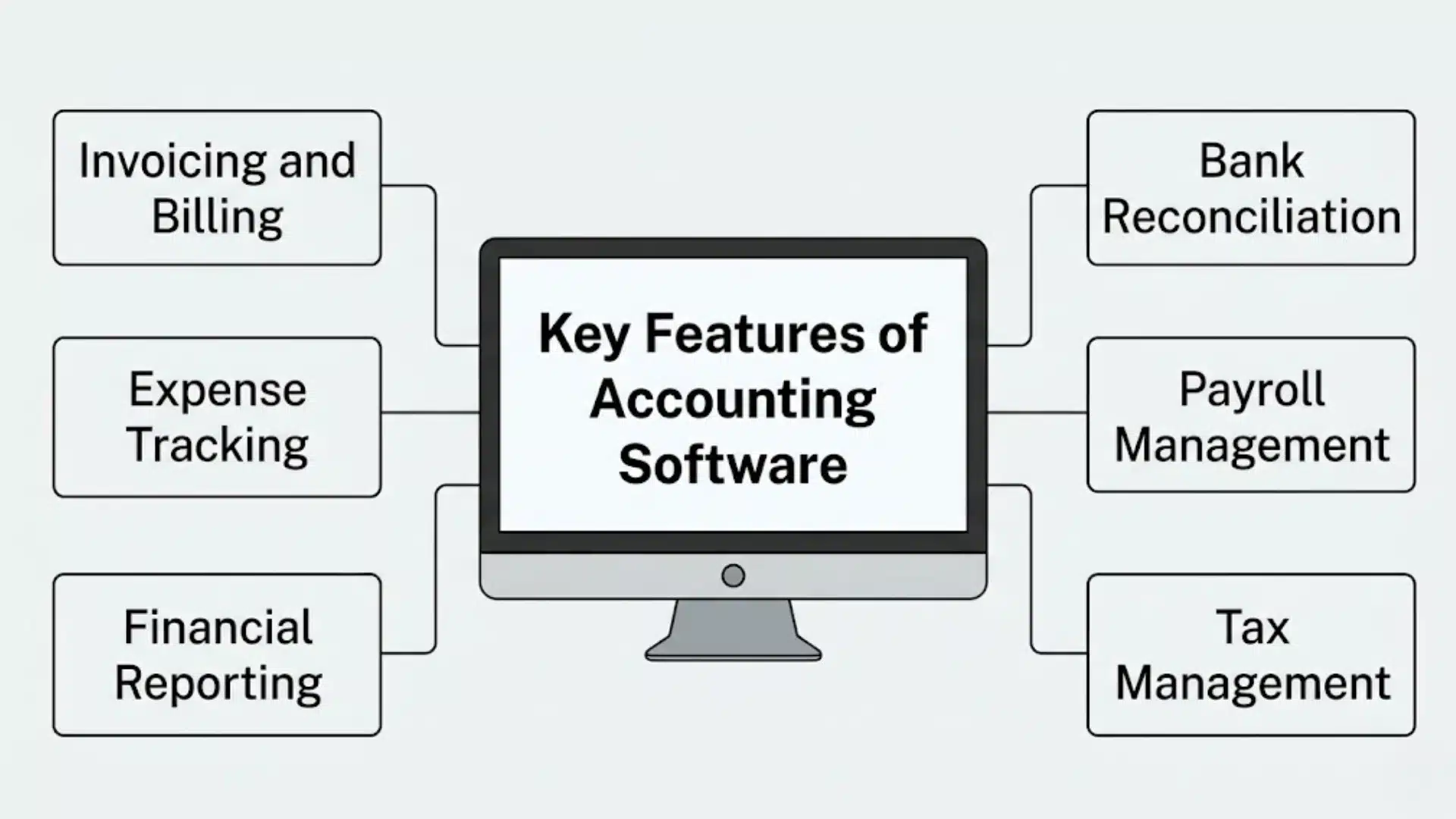
These features are designed to simplify bookkeeping, improve accuracy, and give better control over daily financial operations.
- Invoicing and Billing: Helps businesses create professional invoices, send payment reminders, and track unpaid bills automatically.
- Expense Tracking: Records daily expenses and organizes them into categories for better budgeting and financial monitoring.
- Financial Reporting: Generates reports like profit and loss statements, balance sheets, and cash flow reports to show business performance clearly.
- Bank Reconciliation: Connects with bank accounts to match transactions automatically and identify errors or missing entries.
- Payroll Management: Handles employee salaries, tax deductions, payslips, and payroll records in one system.
- Tax Management: Calculates taxes, tracks tax-related transactions, and helps businesses prepare for tax filing more accurately.
Types of Accounting Software
Accounting software comes in different types to match the needs of different businesses. Some systems are designed for freelancers and small businesses, while others support large organizations with complex financial operations.
1. Spreadsheet-Based Accounting Systems
Spreadsheet-based accounting systems use tools such as Microsoft Excel or Google Sheets to manually manage financial records.
These systems are commonly used by freelancers, startups, and very small businesses with simple accounting needs.
Users can create expense trackers, invoices, and financial reports using custom formulas and templates.
However, spreadsheet accounting offers limited automation and requires manual data entry, which increases the risk of calculation mistakes and missing information over time.
2. Commercial Accounting Software
Commercial accounting software is prebuilt software designed mainly for small and medium-sized businesses.
These platforms provide standard accounting tools like invoicing, expense tracking, payroll, tax management, and financial reporting in one system.
Most commercial software is easy to set up and does not require advanced accounting knowledge, making it a beginner-friendly option for business owners.
Popular examples include QuickBooks and FreshBooks.
If you are evaluating commercial software, it is also worth exploring workflow automation tools for small businesses that pair with accounting platforms to eliminate even more manual work.
3. Enterprise Accounting Software
Enterprise accounting software is built for large organizations that manage complex financial operations across multiple departments or locations.
These systems often connect with ERP platforms and support advanced functions like budgeting, compliance management, inventory tracking, payroll, and financial forecasting.
Well-known examples include SAP and Oracle NetSuite.
Enterprise software is highly scalable and can handle large amounts of financial data efficiently.
4. Cloud-Based Accounting Software
Cloud-based accounting software allows businesses to access financial data online from any device with an internet connection.
This type of software has become very popular because it supports remote work, automatic backups, real-time collaboration, and software updates without manual installation.
Businesses usually pay a monthly or yearly subscription fee to use cloud accounting platforms.
Popular examples include Xero and Zoho Books.
5. Installed or On-Premise Accounting Software
Installed or on-premises accounting software is set up directly on company computers or internal servers instead of being hosted online.
This type of system gives businesses greater control over their financial data and software environment.
Many organizations with strict security or compliance requirements prefer on-premises solutions because they manage the system internally.
Common examples include Sage 50 and TallyPrime.
However, businesses are responsible for maintenance, software updates, backups, and technical support, which can increase operational costs over time.
6. Custom Accounting Software
Custom accounting software is developed specifically for the unique needs of a business or industry.
Unlike standard accounting platforms, custom solutions are designed with personalized workflows, features, and integrations that better align with company operations.
Businesses that require specialized reporting, industry-specific tools, or unique financial processes often choose custom software for better flexibility and efficiency.
Examples include Microsoft Dynamics 365 custom solutions and Odoo ERP custom accounting systems.
If your organization is a nonprofit, the accounting software landscape looks a little different. There are purpose-built platforms designed specifically for fund accounting and donor reporting.
Benefits of Using Accounting Software
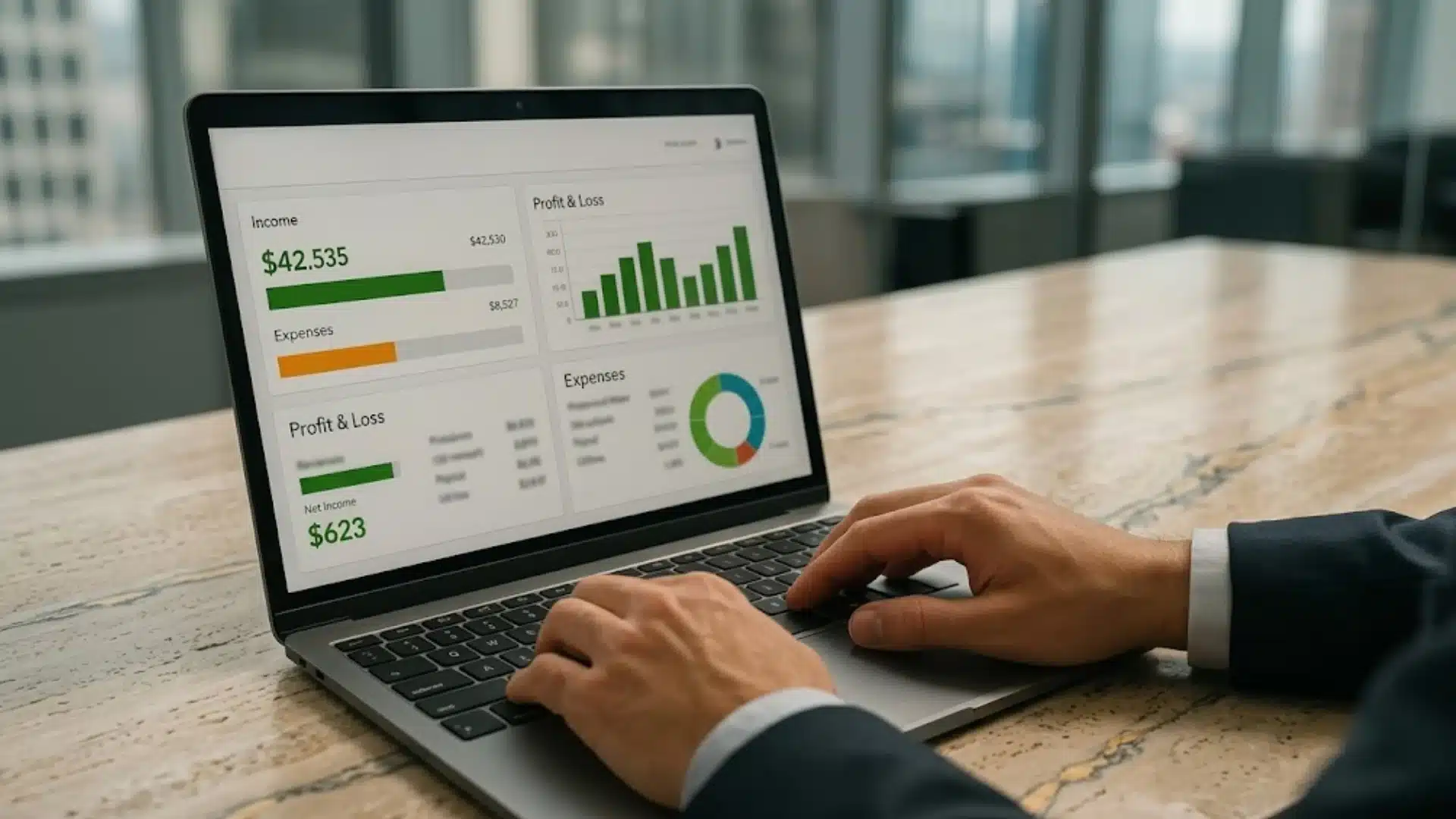
It improves daily operations by organizing financial data in one place and reducing the chances of accounting errors. Businesses of all sizes use accounting software to save time, improve reporting, and make better financial decisions.
- Saves Time: Automates tasks such as invoicing, expense tracking, and financial calculations, reducing manual bookkeeping. Business owners looking to maximize efficiency will also find value in apps that save time across other areas of their workflow.
- Improves Accuracy: Minimizes human errors in financial records and helps maintain more reliable accounting data.
- Better Financial Tracking: Provides real-time insights into income, expenses, profits, and cash flow for smarter business decisions.
- Simplifies Tax Preparation: Organizes financial records and tax-related data, making tax filing easier and more efficient.
- Supports Business Growth: Helps businesses manage increasing financial activities with better reporting, budgeting, and scalability tools.
Cloud Accounting Software vs Traditional Accounting Software
Cloud accounting software works online and allows businesses to manage financial data from anywhere, while traditional accounting software is installed on local systems and managed internally.
Both options help businesses handle accounting tasks, but they differ in accessibility, maintenance, and flexibility.
| Feature | Cloud Accounting Software | Traditional Accounting Software |
|---|---|---|
| Accessibility | Access from anywhere with the internet | Access only on installed devices |
| Updates | Automatic updates | Manual updates |
| Data Storage | Cloud-based storage | Local system storage |
| Collaboration | Easy multi-user access | Limited collaboration |
| Cost | Subscription based | One-time purchase |
| Maintenance | Low maintenance | Requires internal maintenance |
| Best For | Small businesses and remote teams | Businesses needing local control |
Common Challenges Businesses Face With Accounting Software
Although accounting software simplifies financial management, businesses can still face certain challenges while using it. Understanding these common problems helps businesses prepare better and use accounting systems more effectively.
- Learning Curve: New users may find accounting software difficult to understand without proper training or experience.
- Data Migration Issues: Moving financial records from old systems to new software can sometimes lead to errors or missing data.
- Subscription and Upgrade Costs: Some accounting platforms require ongoing monthly fees and additional costs for advanced features.
- Integration Problems: Businesses may face difficulties connecting accounting software with payroll, inventory, or banking systems.
- Security Concerns: Storing financial data online can raise concerns about data privacy, cyber threats, and unauthorized access.
How to Choose the Right Accounting Software?
Choosing the right accounting software depends on the size of the business, budget, and financial needs.
Businesses should first identify the features they need most, such as invoicing, expense tracking, payroll management, tax tools, or financial reporting.
Easy-to-use software is usually a better option for beginners and small businesses because it reduces training time and improves productivity.
It is also important to check whether the software offers secure data storage, automatic backups, and customer support.
Cloud-based accounting software is often preferred for flexibility and remote access, while some businesses may choose traditional systems for greater internal control.
One thing I consistently recommend to business owners just starting this process: do not evaluate accounting software in isolation.
Comparing pricing plans, scalability, and integration options with banking or other business tools can also help businesses make a smarter decision and choose software that supports long-term financial management and growth.
Future Trends in Accounting Software
Accounting software is changing fast in 2026.
AI has become standard, with many professionals already using it for tasks like reconciliation, anomaly detection, and reporting.
AI adoption doubled from 2024 to 2025, and now smarter “agentic AI” handles whole workflows with less human input.
Companies are ditching multiple old systems for unified cloud platforms that deliver real-time data, seamless integration, and easy access from anywhere.
Automation now goes beyond simple rules to predictive insights and fraud alerts.
New rules like ASU 2025-06 are simplifying how businesses account for internal software, while stronger security and ESG reporting features are becoming must-haves.
Accountants spend less time on routine work and more on advising businesses. If you use old tools, now is the time to upgrade.
Conclusion
The right accounting software does more than track transactions. It gives your business a clearer picture of where money is coming from, where it is going, and where decisions need to be made.
The options available in 2026 cover every budget and complexity level, from straightforward cloud tools for freelancers to fully customized enterprise systems.
Choosing well means matching the software to how your business operates today and how you expect it to grow.
If manual bookkeeping is still eating into time that should go toward your actual work, that is a clear signal that it is worth making a change.
Have you used accounting software before? Share your experience or preferred tools in the comments below.
Frequently Asked Questions
How Long Does it Take to Learn Accounting Software?
Most beginner-friendly accounting software can be learned within a few days, especially platforms designed with simple dashboards, tutorials, and guided setup features for new users.
Does Accounting Software Save on Office Space?
Yes, accounting software can help businesses save office space by reducing the need for physical paperwork, filing cabinets, and manual record storage.
What Devices Can Run Accounting Software?
Most cloud-based accounting software works on desktops, laptops, tablets, and smartphones, allowing users to manage finances from different devices with internet access.