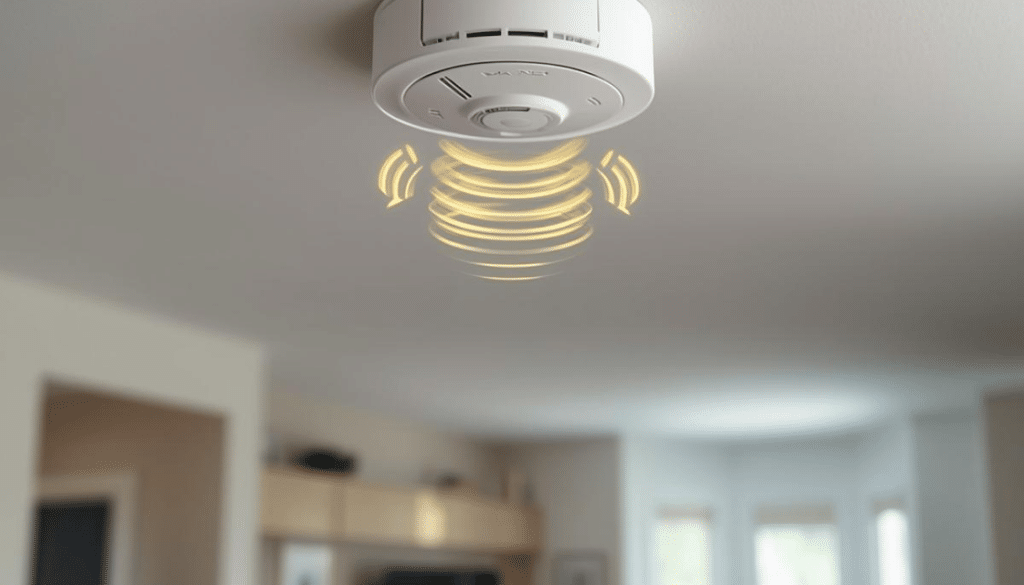
Smart home devices are, indeed, smart—until they start chirping for seemingly no reason.
But before you panic, most of their alerts aren’t emergencies but simply your device politely (or not so politely) asking for a little TLC.
What kind? That’s what this article will help you figure out.
Keep reading and learn how to stop the noise + get your devices behaving again.
Replace a Battery
Your smoke alarm keeps chirping every 30–60 seconds, and it’s driving you up the wall?
Here’s the not-so-dramatic truth: you’ve got yourself a low-battery warning, and one that is easily fixed by putting a fresh battery in and hitting reset.
And smoke alarms aren’t the only drama queens here. Intrusion alarm systems do the same thing.
New beeps after locking, a flashing battery icon, and the motor suddenly sounding tired…these are all your cues to replace all the batteries immediately. That is, before the lock decides it’s done cooperating.
Battery-powered doorbells and cameras are even sneakier.
They don’t chirp. They just quietly stop doing their job. So, in that case, recharging or swapping the battery is the only fix you’ve got.
Replace the Unit
Sometimes the chirp isn’t asking for a new battery. It’s telling you the device itself is done.
Smoke alarms, again, are the biggest example—and there’s a hard rule here: 10 years max per unit. Even if it still “tests” fine.
Why? Because over time, dust, humidity, and aging electronics wear down the sensor, and no amount of fresh batteries can fix that.
Carbon monoxide alarms are even less patient.
Most are only designed to last 5–7 years, so when they start chirping every 30 seconds or flashing messages like “END” or “ERR”? That’s their retirement notice.
Expert tip: When in doubt, flip the device over and check the manufacture date. Also, check the beep-pattern chart.
Relocate Away from Moisture
Sometimes your smart home device is just…damp. That’s it.
You see, smoke detectors—especially ionization models—are notorious for confusing steam with smoke. To the sensor, hot shower steam and a real fire can look annoyingly similar.
That’s why alarms go off when you shower, boil pasta, or run the dishwasher. In fact, in very humid homes, moisture can even cause random chirps when condensation sneaks inside the unit.
Moisture messes with other devices too. Water-leak and flood sensors can trigger on humid concrete floors or near sump pumps, even when there’s no actual leak. Enough moisture in the air or floor can complete the sensor circuit and set it off.
So, what’s the fix? Relocation.
Move smoke and CO alarms at least 10 feet away from bathrooms and kitchens, ideally into nearby hallways. For leak sensors, shift them to slightly drier spots or place them on a thin paper towel so only real pooling water triggers the alarm.
Clean the Detector
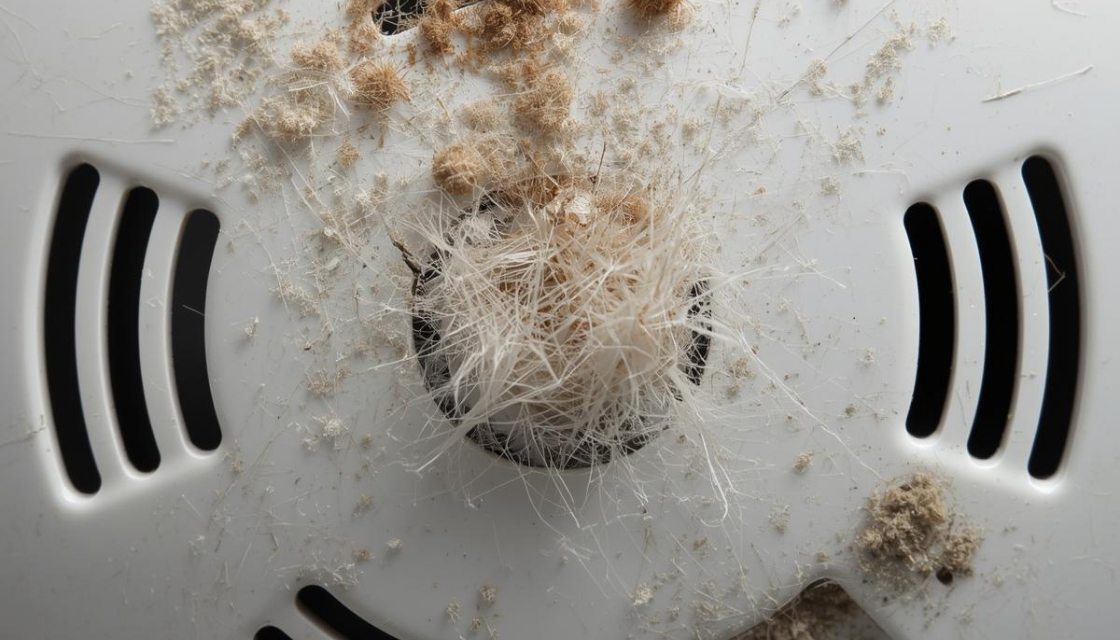
Dust, pet hair, and cobwebs all love smoke detectors (and other smart home devices, too).
So, over time, that buildup messes with the sensor. Airflow stirs the dust, the detector panics, and you get false alarms for absolutely nothing.
Cleaning is usually the right move if the alarm is only a few years old, still passes the test button, and has no low-battery or end-of-life warnings. Bonus points if it’s near a vent, ceiling fan, kitchen, garage, or any place dust naturally gathers.
Essentially, if you can see grime on the grille, that’s your sign.
How do you clean your smart home device properly? Try doing this:
- First, power it down—remove the battery or flip the breaker if it’s hardwired.
- Take the unit off its base.
- Gently vacuum the vents with a soft brush, or use short, light bursts of canned air from a distance.
- Wipe the outside with a dry cloth only. No water or sprays.
- Put it back, restore power, and hit test.
That’s it. If the chirping stops, it just needed a bath.
Inspect Hardwired Connections
Hardwired smoke and CO alarms rely on your home’s power, with a battery as backup. If that power drops in and out, even briefly, the alarm reacts.
Basically, you’ll hear:
- Random chirps.
- Beeps after storms.
- Alarms going off right after electrical work.
And you’ll see batteries draining way faster than they should.
Oh, and if multiple alarms in the house start acting up at once? That, too, is a big clue.
In this case, if you’re comfortable doing a basic check, start with safety. Turn off the breaker that feeds the alarms and, when in doubt, shut off the main.
Then, remove the alarm from its base and unplug the quick-connect. If there are loose wires or wire nuts that have come undone in the ceiling box, and you know what you’re doing, re-secure them with the power still off.
If not, stop there. This is where calling an electrician is the smart move.