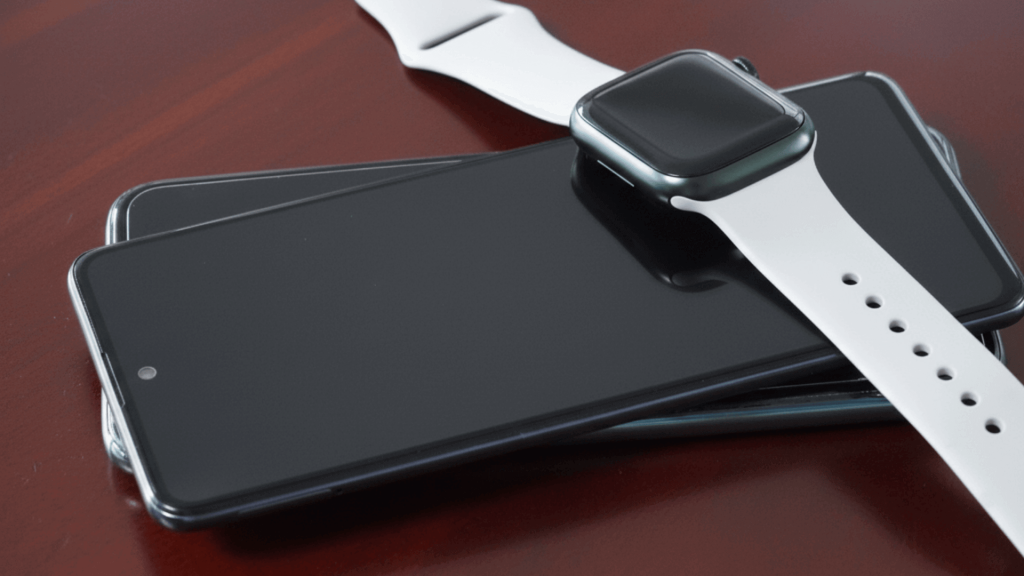
Many Android users have curiosity about the same thing: Is it possible to use an Apple Watch with an Android phone?
The idea is tempting, especially for those who admire the Apple Watch’s features but prefer the freedom of Android.
Yet most answers online feel unclear, leaving many unsure of what actually works.
This blog post brings clarity by explaining how the Apple Watch connects, why it has limits with Android, and what users typically experience when trying different setups.
It also highlights which features can run on their own and where the most significant challenges appear.
By the end, you will understand what is possible, what isn’t, and what to expect before deciding if this pairing is worth attempting.
Can You Connect an Apple Watch to An Android?
No, you cannot connect an Apple Watch to an Android phone in a full or practical way.
Apple requires an iPhone for initial setup, updates, and ongoing syncing, which prevents true Android compatibility.
The watch depends on Apple’s system for setup, updates, and ongoing communication, and these functions are only supported through an iPhone.
Bluetooth alone is not enough, because the watch uses Apple’s private connection methods to handle messages, calls, and app syncing.
Even though the watch and an Android phone may technically connect for limited tasks, they cannot form the full pairing needed for everyday use.
Understanding this gap helps explain why the Apple Watch stays tightly linked to Apple’s ecosystem.
Does Apple Watch Work With Android in Any Way?
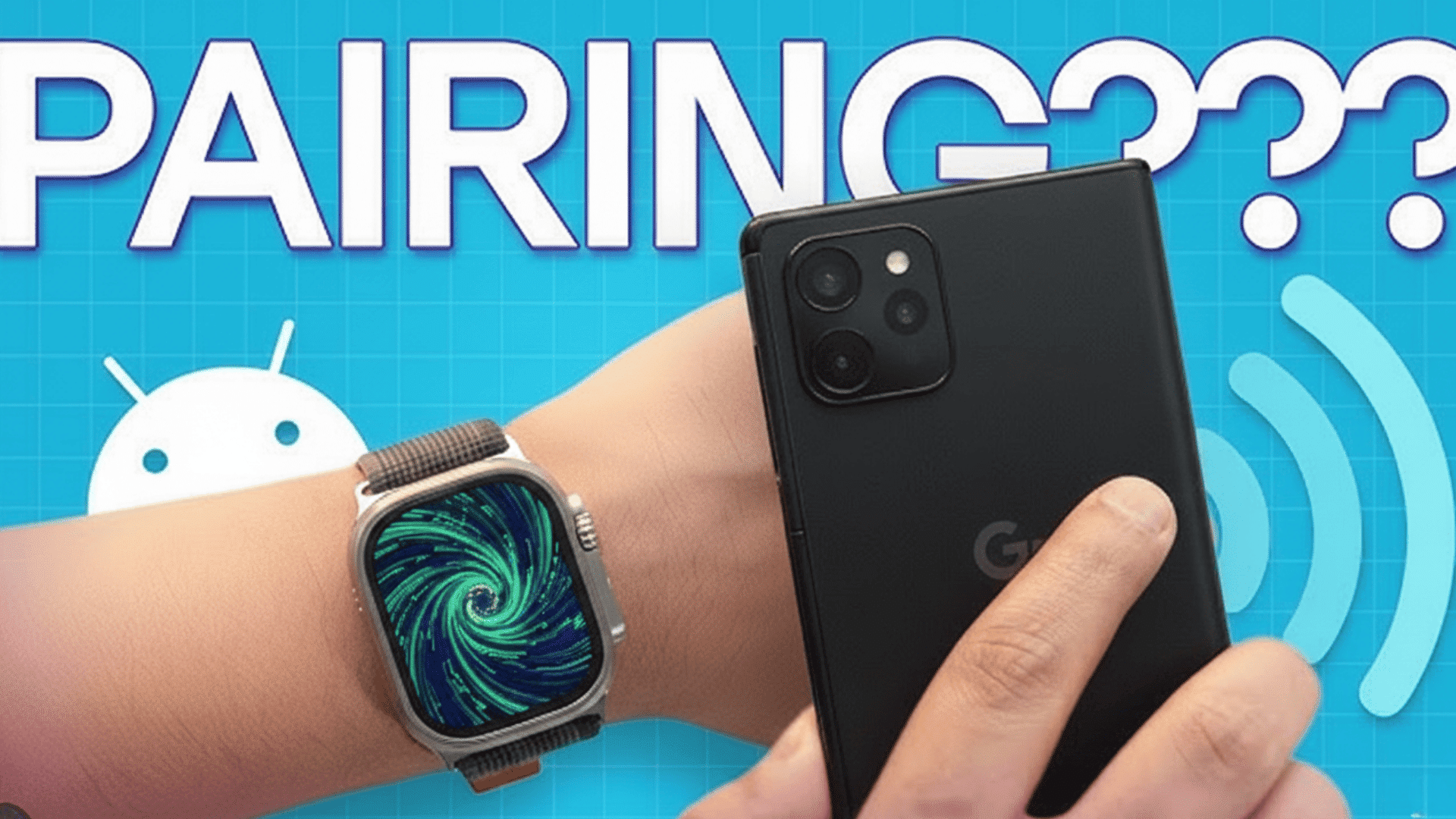
Even though an Apple Watch cannot fully pair with an Android phone, certain functions may still work on their own.
The watch can track steps, workouts, and heart rate without constant phone access.
Music stored directly on the device can play through Bluetooth headphones, and basic timekeeping features remain active.
But these uses are limited because most settings, notifications, and app features depend on the initial setup through an iPhone.
Models with LTE add a bit more flexibility.
They can make calls or send messages when connected to a supported carrier plan, but only within the limits of Apple’s network rules.
Without an iPhone nearby, updates, app installs, and many health features remain unavailable.
Apple Watch Android Tricks That People Use
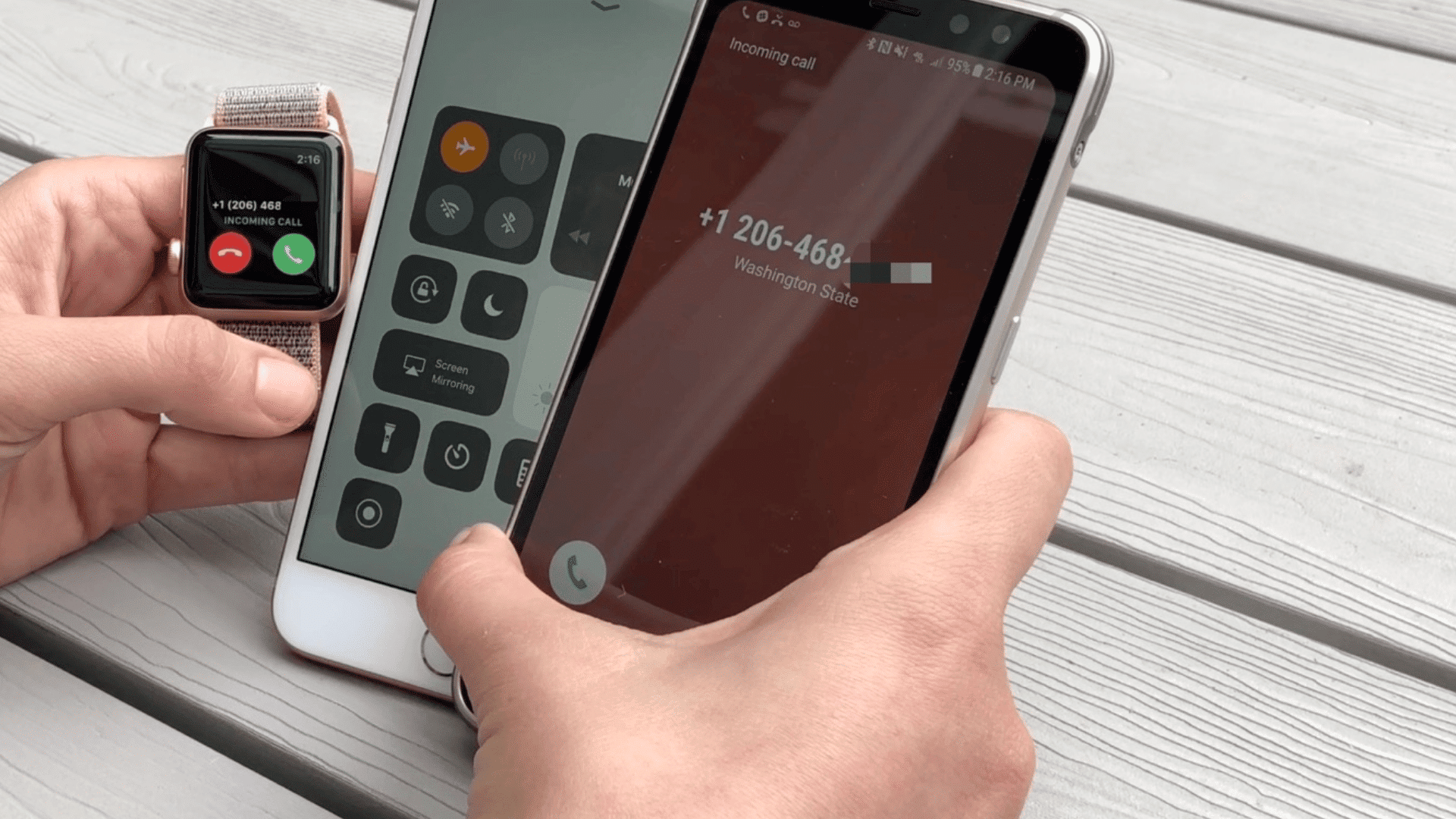
Many users try different methods to use an Apple Watch with Android, but each option offers only limited features and partial compatibility.
1. Using an iPhone Only for Setup
Some users pair the Apple Watch with an iPhone first and then move the SIM back into an Android phone.
The watch keeps basic features like fitness tracking, timers, and offline music, but it loses notifications, updates, and most app functions.
This method keeps the watch active but does not create a full smartwatch experience for everyday use.
- Requires initial setup with an iPhone
- Fitness and offline tools still work
- No notifications or app syncing
2. Using LTE for Limited Functions
Users with LTE models often try relying on a cellular plan to keep the Apple Watch working without an iPhone nearby.
This setup allows calls, texts, and basic communication, which can be helpful during workouts or short trips.
Even with LTE, most features remain tied to Apple’s ecosystem, and advanced tools do not work.
Community feedback shows this method provides some independence, but it still cannot replace full pairing or app support.
- Calls and texts work with LTE
- Helpful when away from a phone
- Advanced features are still limited
3. Using Bluetooth Accessories
The Apple Watch can connect to Bluetooth headphones, allowing users to listen to music stored directly on the watch.
This works well for workouts or outdoor activities when carrying a phone is inconvenient.
While convenient, this method does not improve compatibility with Android or create any new connection between devices.
It upgrades only the watch’s standalone use for personal entertainment, without adding communication or syncing capabilities.
- Works with Bluetooth headphones
- Good for music during workouts
- No Android connection added
4. Using Online Account Sync
Some users access limited Apple Watch data through an Android browser by signing into their iCloud account.
This allows viewing certain synced items, such as photos, notes, or files, depending on what the watch uploads.
Although this method provides a small window into the Apple ecosystem, it does not offer real pairing or device control.
It simply gives Android users a way to check select information without using an iPhone.
- Access iCloud from Android
- View only synced items
- No direct device pairing
5. Using Third-Party Apps and Hacks
Some users turn to unofficial apps that claim to help connect an Apple Watch with an Android device, but the results are mixed at best.
These tools often try to create a “virtual iPhone” environment so the watch thinks it’s paired with iOS.
Popular names mentioned online include Watch Droid, WearCast, and ApowerMirror, though none are officially supported or fully dependable.
In practice, they rarely deliver a working experience close to a genuine pairing, and some may pose privacy risks or unreliable performance.
- Attempts a virtual iPhone bridge
- Features often unstable
- Not officially supported by Apple or Android
Apple Watch Android Use Community Insights

Many users describe their results on Reddit and Apple Discussions after trying to use an Apple Watch with an Android phone.
Most reports highlight that basic tools like step tracking and timers continue working, but essential features stop once the watch is no longer connected to an iPhone.
Users on Reddit often mention missing notifications, failed updates, and limited messaging.
Posts show similar experiences, with many noting that LTE models provide only small benefits and still feel restricted.
Across both platforms, users agree that the setup is inconvenient, support is limited, and the overall experience does not match what a smartwatch should offer
Best Alternatives That Fit Android Naturally
These smartwatch options pair smoothly with Android phones and offer stronger everyday performance than trying to use an Apple Watch.
-
Samsung Galaxy Watch 6: Strong Android pairing with reliable fitness tools and smooth notifications.
-
Google Pixel Watch 2: Easy Android integration with accurate health tracking and built-in Google app support.
-
Garmin Venu 3: Ideal for fitness users who need long battery life and dependable workout tracking.
-
Fitbit Versa 4: Simple wellness tracking with solid Android app support and helpful health features.
-
Amazfit GTS 4: Budget-friendly picks with easy pairing, long battery life, and consistent everyday performance.
Conclusion
Using an Apple Watch with an Android phone is possible only in very limited ways, and most attempts fail to deliver a complete smartwatch experience.
The watch can manage a few basic tasks on its own, but key functions like messaging, syncing, and updates still depend entirely on Apple’s system.
Community feedback consistently shows that workarounds offer short-term success at best and often lead to ongoing issues.
For users who want smooth pairing, dependable notifications, and full app support, an Android-ready smartwatch remains the more practical and reliable choice.
This helps ensure a better everyday experience without relying on complicated setups.
If you found this blog post helpful or have tried any method yourself, share your thoughts in the comment section below.
Frequently Asked Questions
Can an Apple Watch Use Google Apps on Android?
No, Google apps cannot run on the Apple Watch when paired with Android because the watch requires iPhone-based setup and support.
Is There Any Plan for Apple Watch to Support Android?
There is no confirmed plan for Android support, as Apple continues designing the watch to work only within its own ecosystem.
Can Apple Watch Share Health Data with Android Apps?
Health data cannot sync directly to Android apps because the watch relies on Apple Health, which is not available on Android devices.