Can you charge a Tesla in the rain? I know this is one of the first questions many Tesla owners have, and it makes sense to worry about mixing water and electricity.
When you’re standing outside on a wet day, you don’t want to guess if it’s safe to plug in or wonder, can I charge my Tesla in the rain without damage?
I’ve been in that spot too, and it made me look into how Tesla handles rain and what happens when the charging port gets wet.
In this guide, I’ll walk you through what makes Tesla charging safe in wet weather, the built-in protections that keep you from harm, and the situations where you should slow down and be more careful.
You’ll learn the key safety features, the real risks, and the simple steps that help you charge with confidence, even on rainy days.
Can You Charge a Tesla in the Rain?
Yes, you can charge a Tesla in the rain. Tesla designs its charging system to work safely in wet conditions, even during steady or heavy rain.
The charger and port are water-resistant and well-sealed, so water can’t reach the parts that carry power.
The car also checks for a safe connection before any electricity flows. If something isn’t right, it simply won’t start charging.
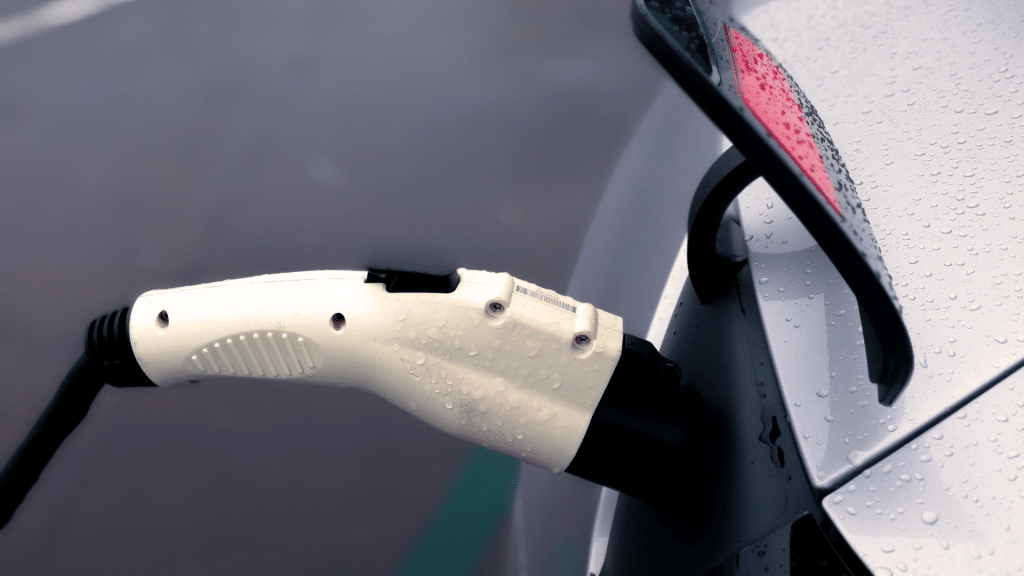
This means you can plug in without worrying about shocks or damage. You may see a few drops of water on the connector, but that won’t affect charging.
The system also shuts off instantly if it senses a problem.
As long as the charger isn’t sitting in standing water and the port is clean, you can expect normal charging in most rainy situations.
Built-In Safety Features that Protect You in Wet Weather
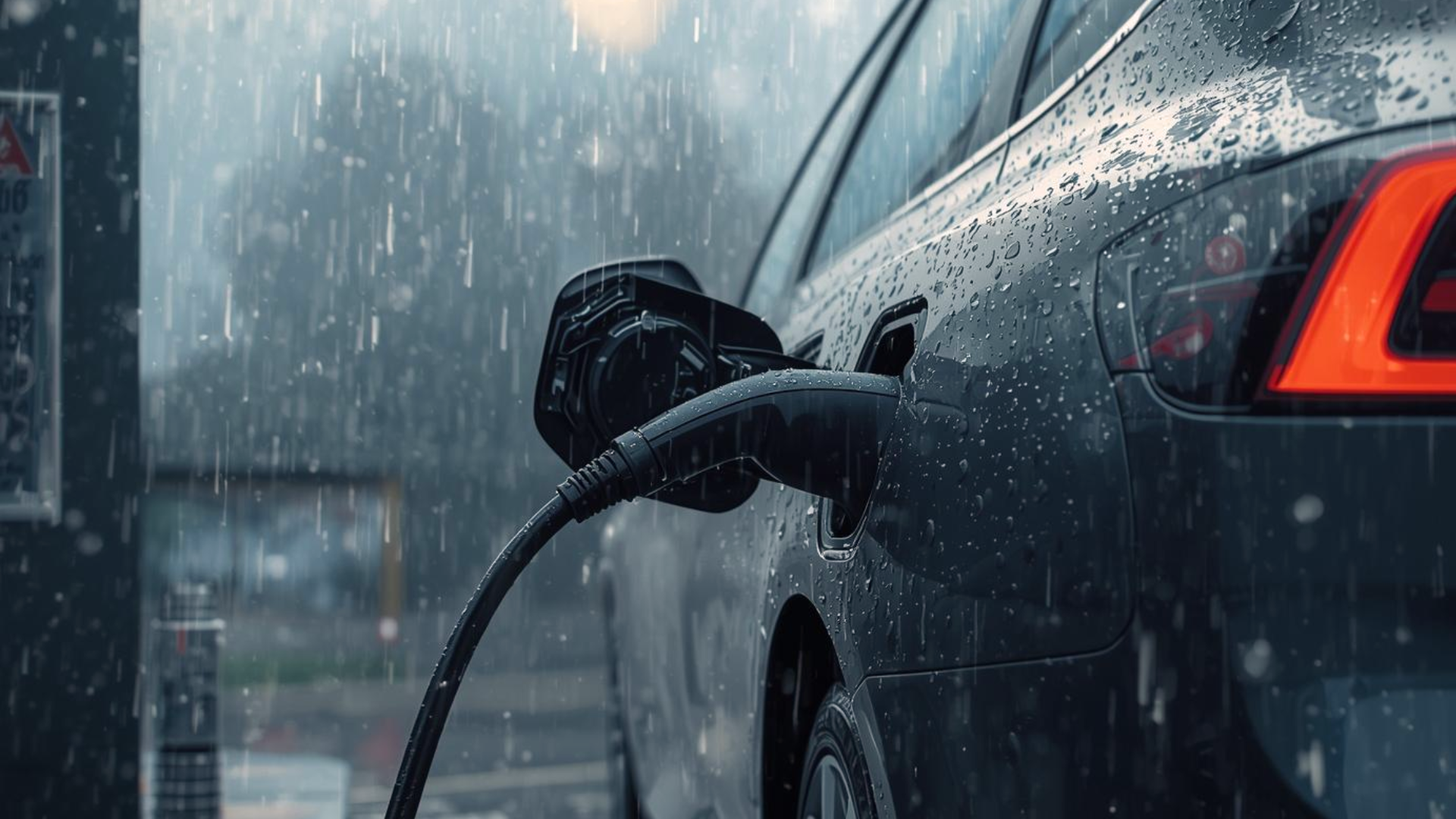
Tesla includes several safety systems that keep charging secure even when the weather is wet. These features work together to block moisture, prevent shocks, and stop power when needed.
1. Sealed Connectors
Tesla uses sealed connectors that keep water out of the parts that carry power.
These connectors fit tightly into the charging port, which helps block moisture even when the cable is wet. The seal keeps the connection steady and reduces the chance of slipping or sparking.
You don’t have to dry the connector before plugging it in because the design protects the internal parts.
This lets you charge in light or heavy rain without worrying about water reaching the electrical system.
2. Weather-Resistant Charging Ports
Tesla’s charging port is built to handle rain, splashes, and humidity. The port has a protective cover and internal barriers that stop water from getting to the electrical contacts.
When you open the port, rain can fall around it, but it won’t reach the areas that matter.
The system also checks the connection before sending power.
If it senses moisture or anything unsafe, it will not begin charging. This gives you reliable protection in everyday wet weather.
3. GFCI Protection
Tesla chargers include GFCI protection, which helps stop electric shock by cutting power in a fraction of a second if something unsafe happens.
This feature is common in outdoor outlets and adds an extra layer of safety.
If the system detects an unusual path of electricity, it shuts off automatically. You won’t feel anything, and your car and charger stay safe.
This makes charging in the rain much safer because the system reacts instantly to potential electrical risks.
4. Supercharger Weatherproofing
Tesla Superchargers are built to handle all kinds of weather, including rain, snow, and strong winds.
The cables, plugs, and internal parts are protected by weatherproof housing. Even during heavy storms, the Supercharger stations stay safe to use because they’re designed for outdoor conditions.
The system also includes sensors that stop charging if anything seems off.
This lets you charge your Tesla confidently on long trips, even when the weather changes suddenly.
Should You Avoid Charging During Lightning Storms?
Charging a Tesla during a lightning storm can be safe in some situations, but it’s important to be careful.
Tesla designs its charging system to handle rain, but lightning adds a higher chance of sudden power surges that can affect any electrical line.
If the storm is far away and you only hear distant thunder, charging is generally fine.
The risk increases when lightning strikes close to your area or when thunder and lightning happen almost at the same time.
In that case, it’s better to pause charging until the storm passes.
Waiting protects your car, home charger, and electrical system from possible surge damage and follows the extra caution Tesla recommends during severe electrical storms.
Signs of a Charging Problem to Watch for
Tesla gives you clear clues when something isn’t right during charging. These signs help you spot issues early so you can stay safe in wet or dry weather.
1. Error Messages
Tesla will show clear error messages on the screen if something isn’t right during charging.
These alerts can point to issues like a weak connection, moisture in the port, or a problem with the charger itself. When you see an error, the system usually stops charging to keep you safe.
It’s important to read the message and follow the steps given.
Most problems can be fixed by unplugging, checking the connector, and plugging it back in once everything looks normal.
2. Unusual Sounds
If you hear strange sounds while charging, it may be a sign of a problem. Normal charging makes a quiet humming or clicking, but loud buzzing, popping, or repeated clicking is not typical.
These noises could mean the connection isn’t secure or the charger is struggling to start.
Tesla’s system will often pause charging if it detects something unsafe. If the sound continues, unplug the car and check the connector, port, and cable for anything unusual.
3. Loose or Unsteady Plug
A loose plug is another warning sign to watch for. When the connector is inserted, it should feel secure and stay in place without movement.
If it wiggles, slips out slightly, or doesn’t click firmly, the connection may not be safe.
This can lead to slow charging or sudden stops. Tesla’s system might also show an alert.
You should remove the plug, check for dirt or damage, and reconnect it. A firm, steady connection helps prevent charging issues.
4. Moisture Inside the Port
Finding moisture inside the charging port can cause problems and may stop the car from charging.
A few drops around the outside aren’t a concern, but visible water inside the port should be checked. Tesla’s system will usually block charging if it senses moisture on the contacts.
You can let the port air-dry naturally or gently wipe around the edges.
Avoid using heat or blowing air directly into the port. Once it’s dry, you can plug in again safely.
Tips to Stay Safe when Charging Your Tesla in the Rain
Charging in wet weather is usually safe, but a few small habits can make it even safer. These simple tips help you avoid problems and keep your charging routine smooth.
- Check the charging cable for cuts, cracks, or damage before plugging in.
- Make sure the charger and your feet are not in standing water.
- Wipe around the charging port if you notice dirt, leaves, or debris.
- Insert the connector fully until it clicks into place.
- Watch for alerts on your Tesla screen and stop if you see a warning.
- Avoid pulling or twisting the cable while charging.
- Keep the home charging area clear so you don’t trip or tug the cable.
- If the rain is extremely heavy, wait a few minutes for it to slow down before plugging in.
Conclusion
Charging a Tesla in the rain is generally safe, and Tesla’s design makes the process simple and worry-free.
The charging system is built to block moisture, seal electrical parts, and stop power if anything doesn’t look right. These features work in light rain, heavy rain, and most everyday weather.
As long as you avoid standing water, check the connector, and pay attention to any alerts on the screen, you can charge without stress.
Even though lightning storms call for a little more caution, normal wet conditions won’t affect your charging routine.
With the right steps, you can rely on your Tesla to charge safely no matter what the weather brings.