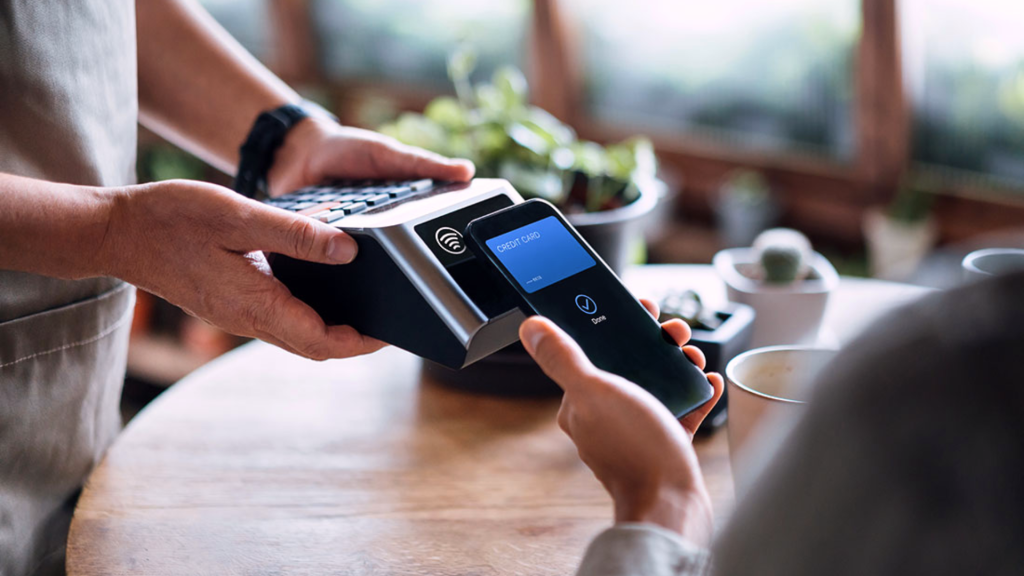
You reach the Walmart checkout, pull out your iPhone, and expect to pay with a quick tap, only to find that nothing happens. So, does Walmart take Apple Pay?
No, Walmart stores in the United States do not currently accept Apple Pay. It is also unavailable as a direct payment option on Walmart.com or in the Walmart app. NFC tap-to-pay methods are not supported at US Walmart registers either.
Instead, Walmart offers Walmart Pay, a phone-based option that lets shoppers scan a QR code through the Walmart app.
Here is what works in stores, at self-checkout, and online, along with the payment alternatives you can use.
Does Walmart Take Apple Pay In-Store or Online?
No, Walmart does not accept Apple Pay in its US stores or list it as a direct payment option on Walmart.com. The same restriction applies at cashier lanes and self-checkout stations. Payment policies outside the United States may differ, so international locations should be checked separately.
| Shopping Method | Is Apple Pay Accepted? | Available Phone-Based Alternative |
|---|---|---|
| Walmart stores in the US | No | Walmart Pay |
| Walmart self-checkout | No | Walmart Pay or Mobile Scan & Go for Walmart+ members |
| Walmart.com | No direct option | Saved cards, PayPal, gift cards, and other listed methods |
| Walmart mobile app | No direct option | Walmart Pay for eligible in-store purchases |
An iPhone can still be used to make a payment at Walmart through Walmart Pay. However, this is different from using Apple Pay because Walmart Pay scans a QR code through the Walmart app instead of communicating with the terminal through NFC.
Walmart’s current list of accepted payment methods includes credit cards, debit cards, PayPal, gift cards, Walmart Balance, Pay by Bank, and eligible benefit cards. Since retailer policies can change, check Walmart’s official payment page before relying on older information.
Like Walmart Pay, peer-to-peer payment apps also let you send or receive money with your phone, although they’re designed for person-to-person transfers rather than paying at retail checkout.
Does Walmart Have Tap to Pay at Checkout?
No, US Walmart registers do not support NFC tap-to-pay transactions. This means shoppers cannot pay by holding an iPhone, Apple Watch, Android phone, or contactless card near the checkout terminal. Walmart offers a touch-free option, but it works differently from standard tap-to-pay services.
Tap to Pay vs. Walmart Pay
Apple Pay and contactless cards use near-field communication, or NFC, to exchange payment information with a compatible terminal.
This is the same technology that powers contactless payments and digital wallets, allowing compatible phones, smartwatches, and payment cards to complete secure tap-to-pay transactions at supported terminals.
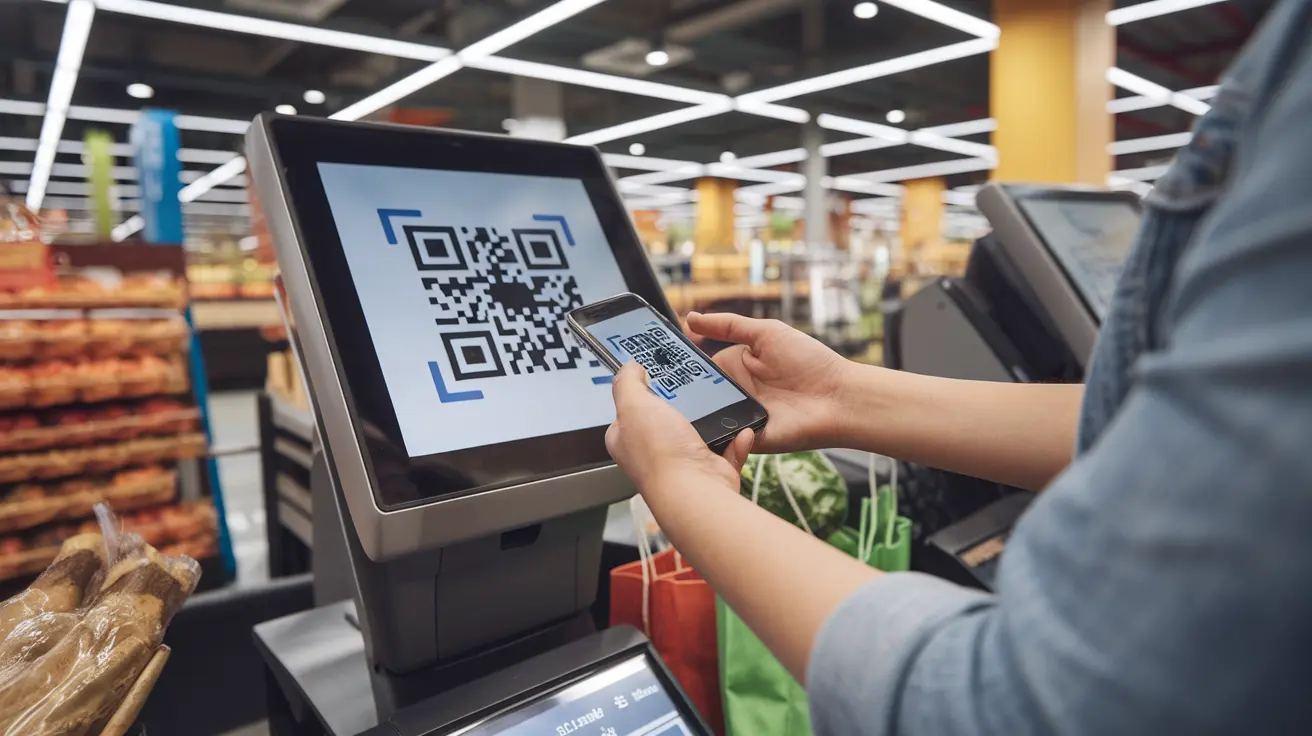
Walmart Pay does not use NFC. It lets shoppers scan a QR code displayed at checkout through the Walmart app.
For the same reason, Google Pay and Samsung Wallet are not accepted at US Walmart registers. A card showing in Apple Wallet or another mobile wallet does not mean Walmart’s terminal can process it. An eligible card may still work when inserted physically or when its details are added separately to Walmart Pay.
Available Payment Options at Checkout
If you hold a contactless card, phone, or smartwatch near the terminal, the payment will not be processed through NFC.
Depending on the terminal, it may not respond or may prompt you to choose another payment method.
You can insert the card’s chip, swipe when supported, scan the Walmart Pay QR code, pay with cash, or use another accepted option. Carrying a physical card provides a useful backup if Walmart Pay is unavailable or has not been set up.
How to Pay with Your Phone Using Walmart Pay
Walmart Pay is the retailer’s main phone-based checkout option. It works through the Walmart app and is separate from Apple Wallet. Instead of tapping your phone against the payment terminal, you scan the QR code shown at checkout.
Set Up Walmart Pay Before Shopping
You will need the Walmart app, a Walmart account, and an eligible payment method.
- Download or open the Walmart app on your iPhone or Android phone.
- Sign in to your Walmart account.
- Go to the account section and open Wallet.
- Select Add New Payment Method.
- Add an eligible credit card, debit card, or Walmart gift card.
- Choose the payment method you want Walmart Pay to use.
- Check that the card number, expiration date, and billing information are correct.
A card stored in Apple Wallet does not automatically appear in Walmart Pay. You must enter or scan its card details separately if that card is eligible.
Use Walmart Pay at the Register
Complete payment by scanning the checkout QR code rather than tapping your phone.
- Scan your items at a cashier lane or self-checkout.
- Open the Walmart app and select Walmart Pay.
- Confirm or change the payment method shown in the app.
- Hold your phone over the QR code displayed on the register.
- Wait for the confirmation sound or message.
- Check the electronic receipt saved to your Walmart account.
Walmart provides full Walmart Pay instructions for setting up and using the service. You need to be signed in, and an expired card or connection problem could interrupt the payment. Setting everything up before reaching the register can prevent delays. Walmart Pay does not require a Walmart+ membership.
Which Payment Methods Does Walmart Accept?
Walmart offers several ways to pay, but the available choices differ between store checkout and online orders. Some benefit cards can only be used to pay for qualifying products.
Common In-Store Payment Options:
| Payment Method | How It Works In Store |
|---|---|
| Credit cards | Major cards such as Visa, Mastercard, American Express, and Discover are accepted |
| Debit cards | Insert the card, or swipe when supported, and enter a PIN when required |
| Cash | Accepted at staffed registers and cash-enabled self-checkout stations |
| Walmart gift cards | Physical or electronic gift cards can pay for purchases but cannot be used to buy another gift card |
| EBT cards | Accepted for eligible products where the benefit is supported |
| HSA and FSA cards | Can pay for qualifying health-related products |
| Benefit cards | Programs such as Healthy Benefits and OTC Network may cover eligible items |
| Walmart Pay | Uses an eligible card saved in the Walmart app to complete payment through a QR code |
Walmart.com and App Payment Options:
| Payment Method | Important Detail |
|---|---|
| Credit and debit cards | Card details can be entered or saved to the Walmart account |
| PayPal | Available as an online checkout option |
| Walmart gift cards | Can be applied using the card number and PIN |
| Walmart Balance | Uses available funds connected to the account |
| Pay by Bank | Connects an eligible bank account at checkout |
| EBT cards | Limited to qualifying products and participating states |
| HSA, FSA, and benefit cards | Cover eligible items only |
Walmart’s official payment methods page provides the latest accepted options. Availability may vary for international shipping, restricted items, or certain Marketplace purchases, so review the methods displayed during checkout.
Can Walmart+ Members Use Mobile Scan & Go?
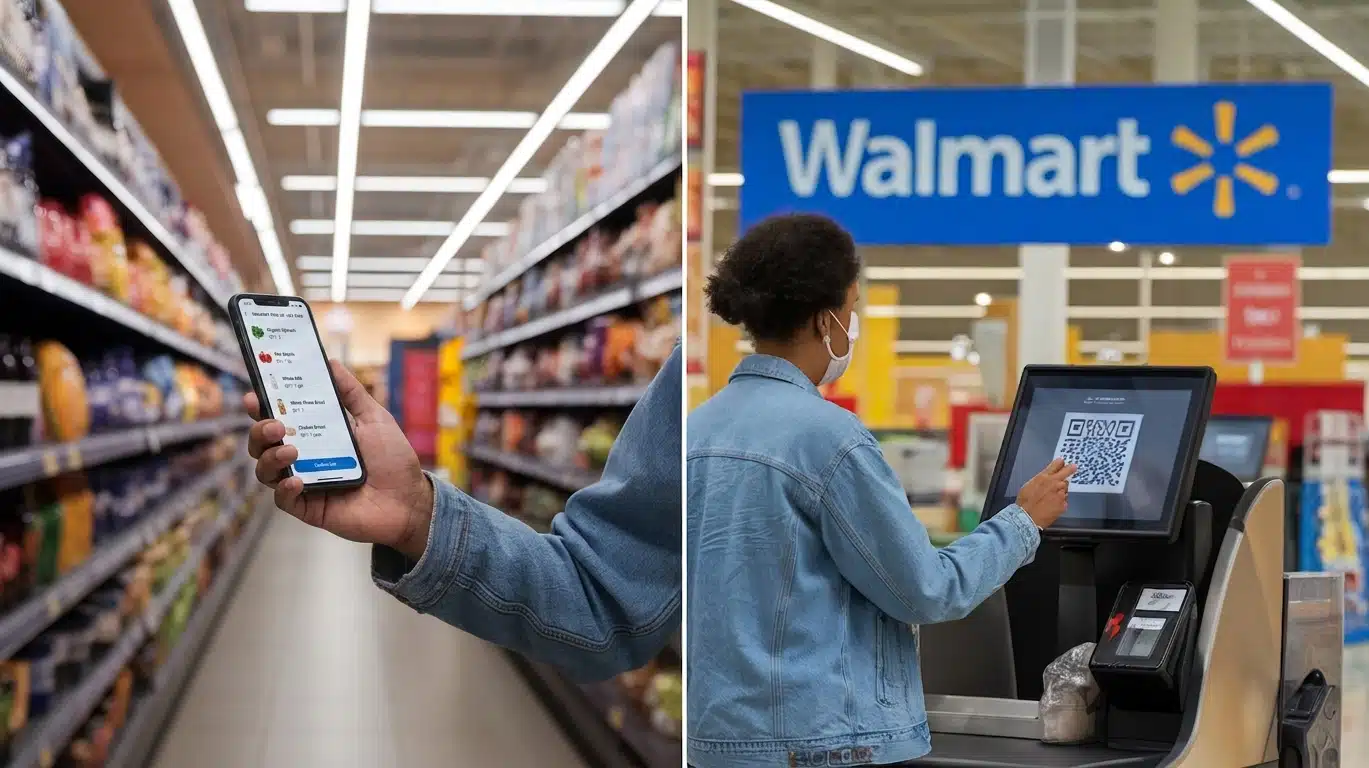
Yes. Mobile Scan & Go is a Walmart+ benefit that allows eligible members to scan products with the Walmart app while moving through the store. It reduces the need to unload and rescan every item, but shoppers must still stop at self-checkout to complete the required QR-code step.
How Mobile Scan & Go Works:
The process starts inside a participating Walmart store and uses a payment method saved in the customer’s Walmart wallet.
- Open the Walmart app after entering the store.
- Select Start Shopping.
- Scan each item’s barcode before placing it in the cart.
- Adjust the quantity in the app when buying more than one of the same item.
- Select Review & Pay after finishing the shopping trip.
- Go to self-checkout and scan the QR code displayed on the screen.
- Choose the preferred payment method from the Walmart wallet.
- Follow any verification instructions.
Walmart Pay and Mobile Scan & Go are not the same service. Walmart Pay is available without a Walmart+ membership and is used when paying at the register. Mobile Scan & Go is linked to Walmart+ and lets members scan products while shopping.
Walmart’s official Mobile Scan & Go instructions confirm that users must visit self-checkout and scan its QR code before leaving. It is not an Apple Pay transaction.
Why Does Walmart Not Accept Apple Pay?
Walmart has not provided a detailed public explanation for why it does not accept Apple Pay. Its official position is that it focuses on payment features within the Walmart app, including Walmart Pay and Mobile Scan & Go.
Walmart Pay links payment methods, purchase history, digital receipts, and other shopping features to a Walmart account. It uses QR codes instead of NFC, allowing Walmart to operate its own mobile checkout system in US stores.
A 2026 MacRumors report suggests purchase-data tracking may be one reason, since Walmart Pay connects transactions to customer accounts while Apple Pay does not share the actual card number. However, Walmart has not said this is the sole reason.
Some also suggest payment system costs play a role, but Walmart has not confirmed this. Claims that Apple Pay charges retailers an extra fee are unsupported because it uses standard card-processing fees. Walmart has not announced whether Apple Pay will be added to US stores in the future.
What is the Best Apple Pay Alternative at Walmart?
The best alternative depends on how you shop, the device you use, and your preferred payment method. Here are the most practical options:
- Use Walmart Pay: The closest alternative to Apple Pay. Open the Walmart app and scan the QR code displayed at checkout to pay with a saved card.
- Pay with a Physical Card: Insert the chip or swipe your credit or debit card if you prefer not to use the Walmart app.
- Use Mobile Scan & Go: Walmart+ members can scan items while shopping and complete payment at self-checkout.
- Pay Online with a Saved Card or PayPal: Walmart.com accepts saved credit or debit cards and PayPal during checkout.
- Use a Walmart Gift Card: Present a physical gift card at checkout or save it to your Walmart account for easier payment.
- Use the Card Linked to Apple Pay: If your card is stored in Apple Wallet, add it separately to Walmart Pay. The purchase is processed through Walmart Pay, not Apple Pay.
Tip: Set up Walmart Pay and confirm your saved payment method before shopping. If it isn’t available, keep a physical card, cash, or a Walmart gift card as a backup.
Final Say
Choosing the right payment method before you shop can make your Walmart checkout much smoother.
If you usually rely on Apple Pay, be prepared to use Walmart Pay, a physical card, or another accepted option instead. Taking a few minutes to set up your preferred payment method in advance helps prevent delays and keeps the checkout process simple.
Because Walmart may update its payment policies over time, it is always a good idea to review the latest information before your visit.
Staying informed ensures you can complete your purchase without unexpected issues, whether you shop in-store, at self-checkout, or online.
Frequently Asked Questions
Can I Use an Apple Watch to Pay at Walmart?
No. Apple Watch payments normally run through Apple Pay, which Walmart does not accept at its US registers. Use Walmart Pay on a phone, a physical card, cash, or another supported method.
Can I Use a Physical Apple Card at Walmart?
Yes. The physical Apple Card operates on the Mastercard network so that it can be inserted at Walmart checkout like another supported Mastercard. This is a card transaction, not an Apple Pay payment.
Does Walmart Accept Apple Cash?
Apple Cash is not a direct Walmart payment option, so it cannot be tapped at US registers. Its virtual Visa card number may work on Walmart.com if the transaction is eligible and approved.
Can I Get Cash Back When Using Walmart Pay?
No. Walmart Pay does not offer cash back at checkout. Ask about using an eligible physical debit card at a supported register if you need cash back with your purchase.