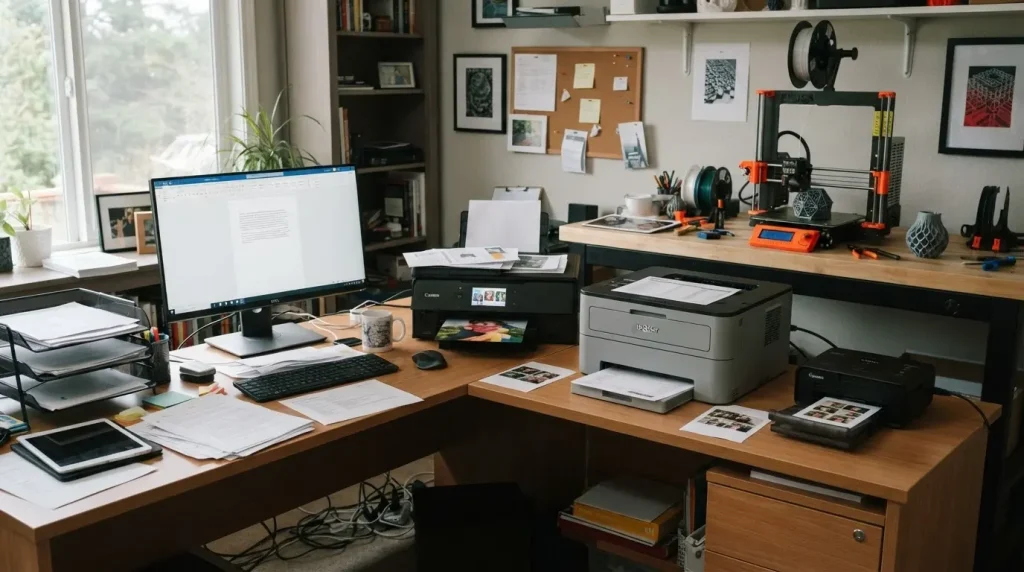
Choosing the right printer can feel overwhelming because every model highlights different speeds, features, and technologies. Understanding thetypes of printers makes it easier to see which devices match real-world needs.
Some printers excel at producing crisp documents quickly, while others focus on delivering vibrant photos or handling specialized tasks like labels and receipts.
Knowing how each printer works, what it does best, and what limitations it has can prevent wasted money and frustration.
You might notice that a printer looks simple, but the cost of ink, maintenance, or connectivity can create surprises. Learning about printer types clarifies these differences and shows what fits your workflow, printing habits, and long-term expectations.
What is Printer Technology and Its Purpose?
Printers are more than just machines that produce paper copies; they are devices that convert digital information into physical form using different technologies.
Each printer type uses a specific method to apply ink, toner, or heat to paper, which affects print quality, speed, and suitability for particular tasks.
Understanding printer technology helps identify which device aligns with everyday needs, professional work, or specialized printing.
Some printers focus on sharp text and fast output, making them ideal for offices, while others prioritize color accuracy and fine details, catering to photography and creative projects.
There are also printers designed for industrial or business applications, such as receipts, labels, or multi-part forms. Learning how these technologies work and what they are best used for provides clarity and ensures that the right printer is chosen for the intended purpose.
Understanding the Main Types of Printers
Printers come in various technologies, each designed for specific purposes. Understanding the main types of printers helps identify which model best suits your printing needs and usage patterns.
1. Inkjet Printers
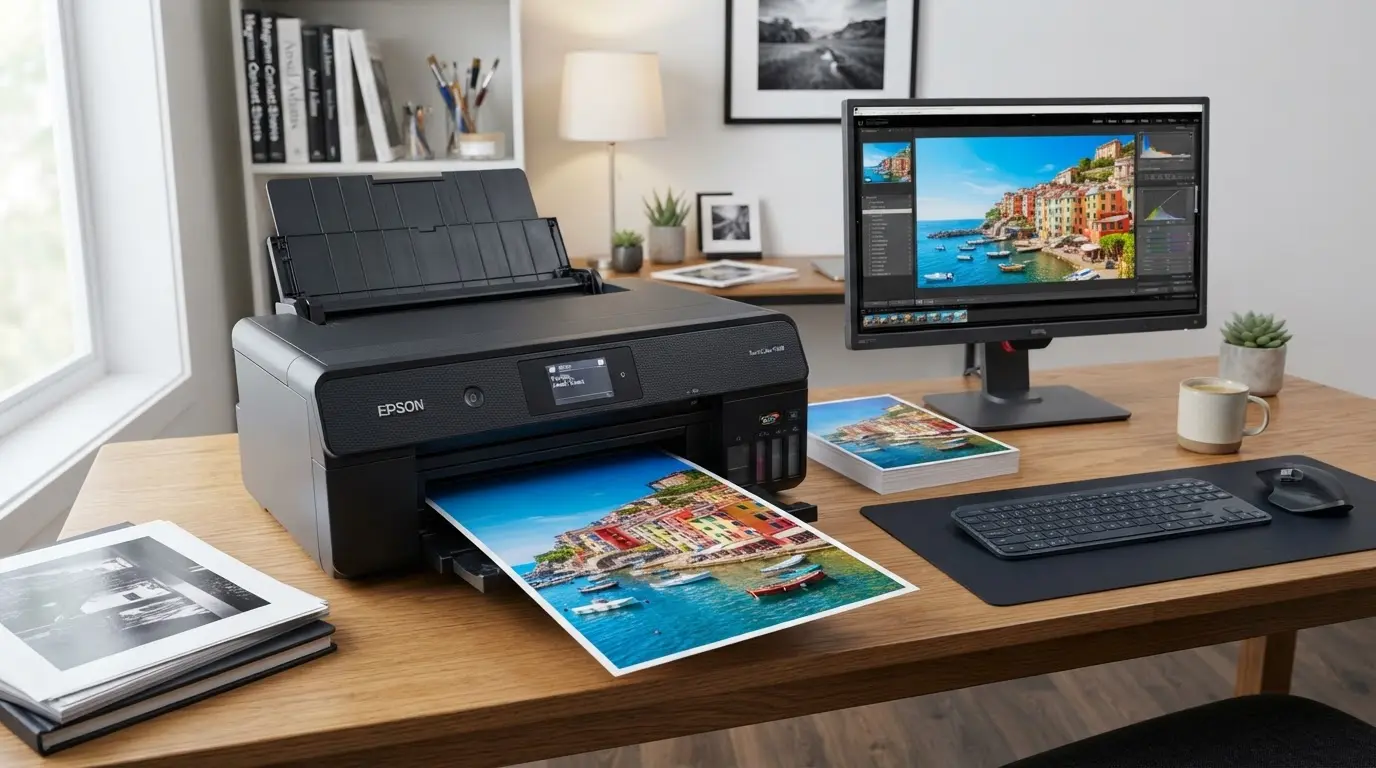
Inkjet printers produce detailed prints with smooth color blending, perfect for photos, illustrations, and precise documents. They handle moderate printing volumes efficiently without sacrificing quality.
How It Works: Fine nozzles spray tiny ink droplets onto paper, layering colors to create sharp text and clear images. Models may use replaceable cartridges or refillable tanks to reduce costs, and picking an energy-efficient certified model keeps power use lower over time.
Best Uses: Home users, students, and photographers needing color-rich occasional prints
| Advantages | Disadvantages |
|---|---|
| Excellent color accuracy | Ink cartridges can be costly |
| Affordable purchase price | Slower for large documents |
| Works on various paper types | Ink may dry if unused |
| Good for occasional printing | Not for heavy workloads |
2. Laser Printers
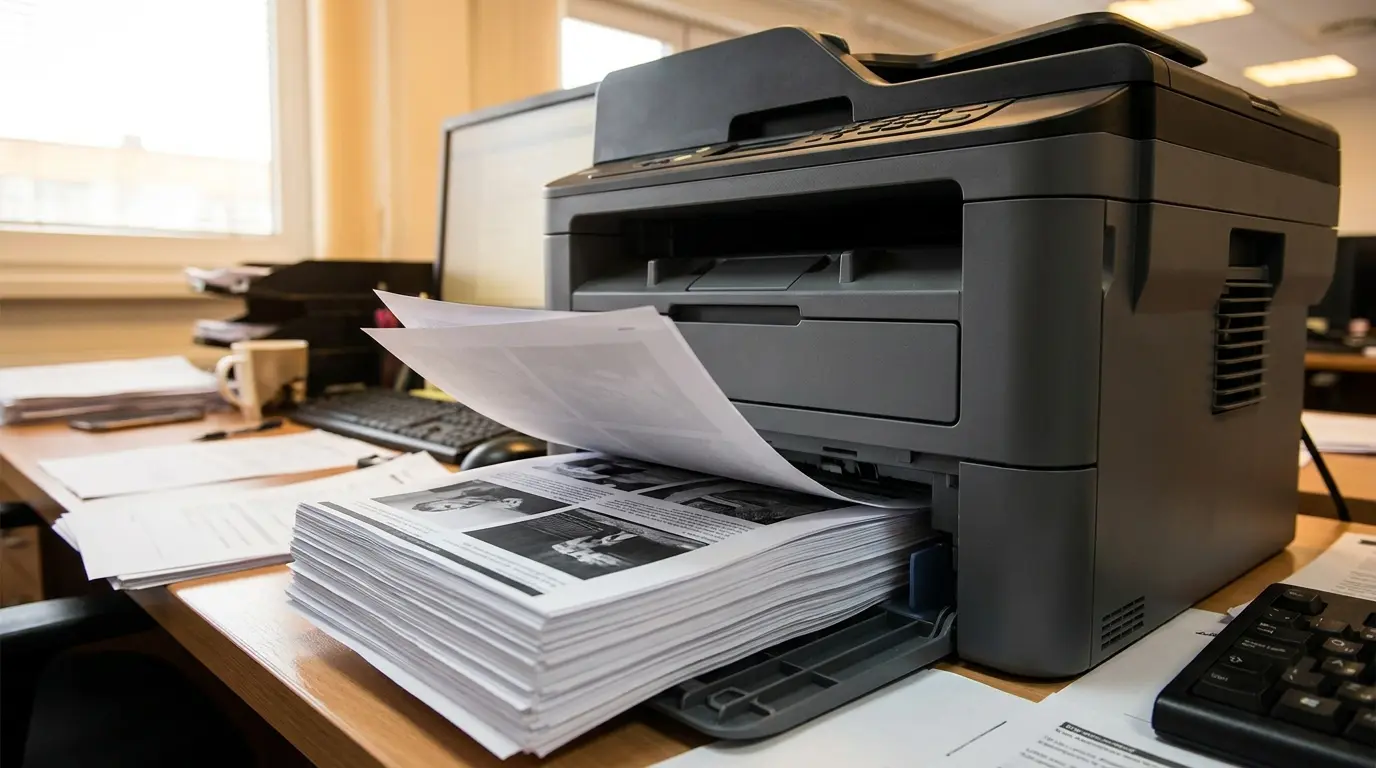
Laser printers deliver fast, consistent text and graphics, suitable for environments with high document output. They maintain sharp quality even with heavy workloads, so weighing the two options helps before you commit.
How It Works: A laser beam draws the page image on a drum. Toner particles stick to the pattern and are fused onto paper using heat, producing durable, precise prints.
Best Uses: Office reports, business documents, invoices, and high-volume text printing
| Advantages | Disadvantages |
|---|---|
| Rapid printing speed | High initial cost |
| Low cost per page | Color models expensive |
| Sharp and clear text | Limited photo quality |
| Durable output | Not ideal for photos |
3. All-In-One Printers
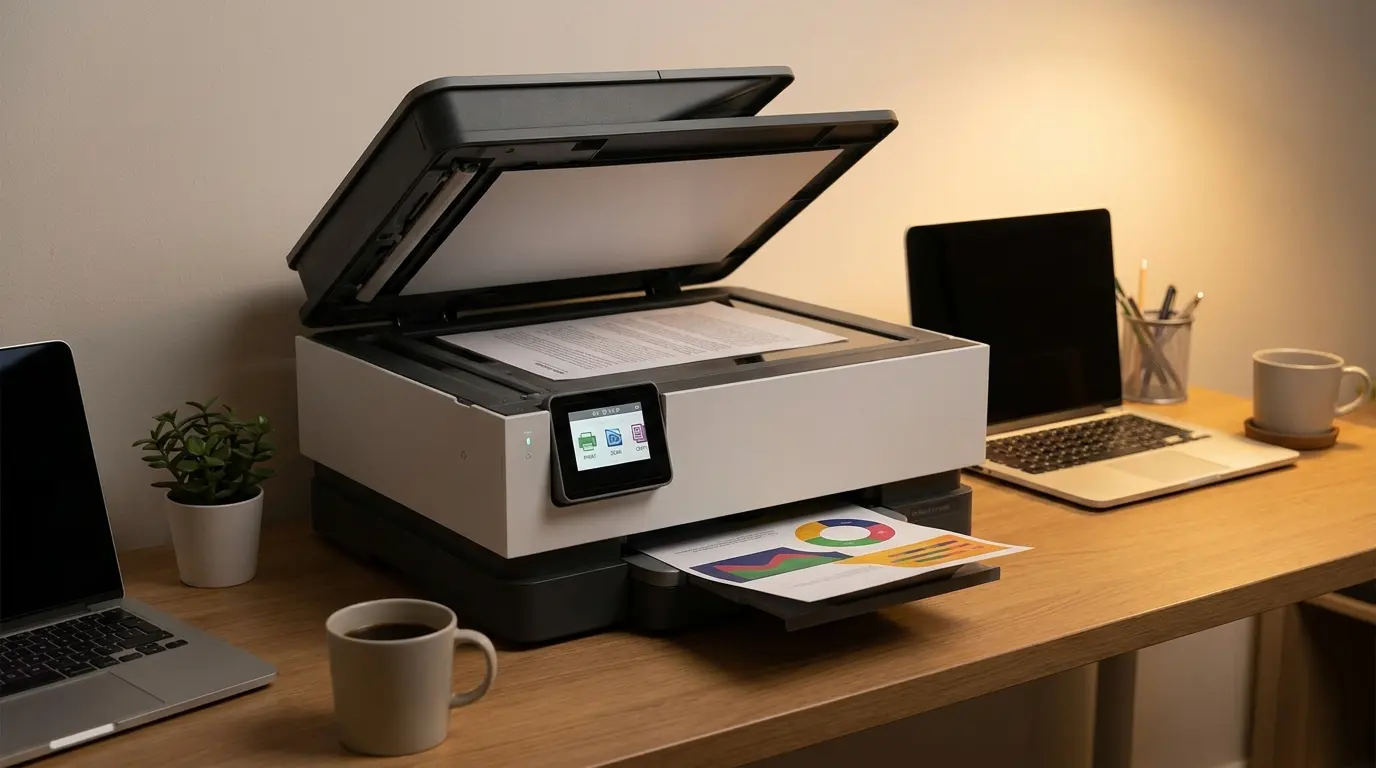
All-in-one printers combine printing, scanning, copying, and sometimes faxing, providing multiple functions in a single machine while saving desk space.
How It Works: Functions are integrated into one device. Available as inkjet or laser, they handle different document sizes and file types efficiently, though standby power adds up when the unit stays on all day.
Best Uses: Home offices, small businesses, and remote work requiring multifunction printing
| Advantages | Disadvantages |
|---|---|
| Combines multiple tasks | Single malfunction affects all functions |
| Saves space | Specialized performance may be lower |
| User-friendly operation | Repairs may be complex |
| Versatile for daily use | Slower than dedicated printers |
4. Photo Printers
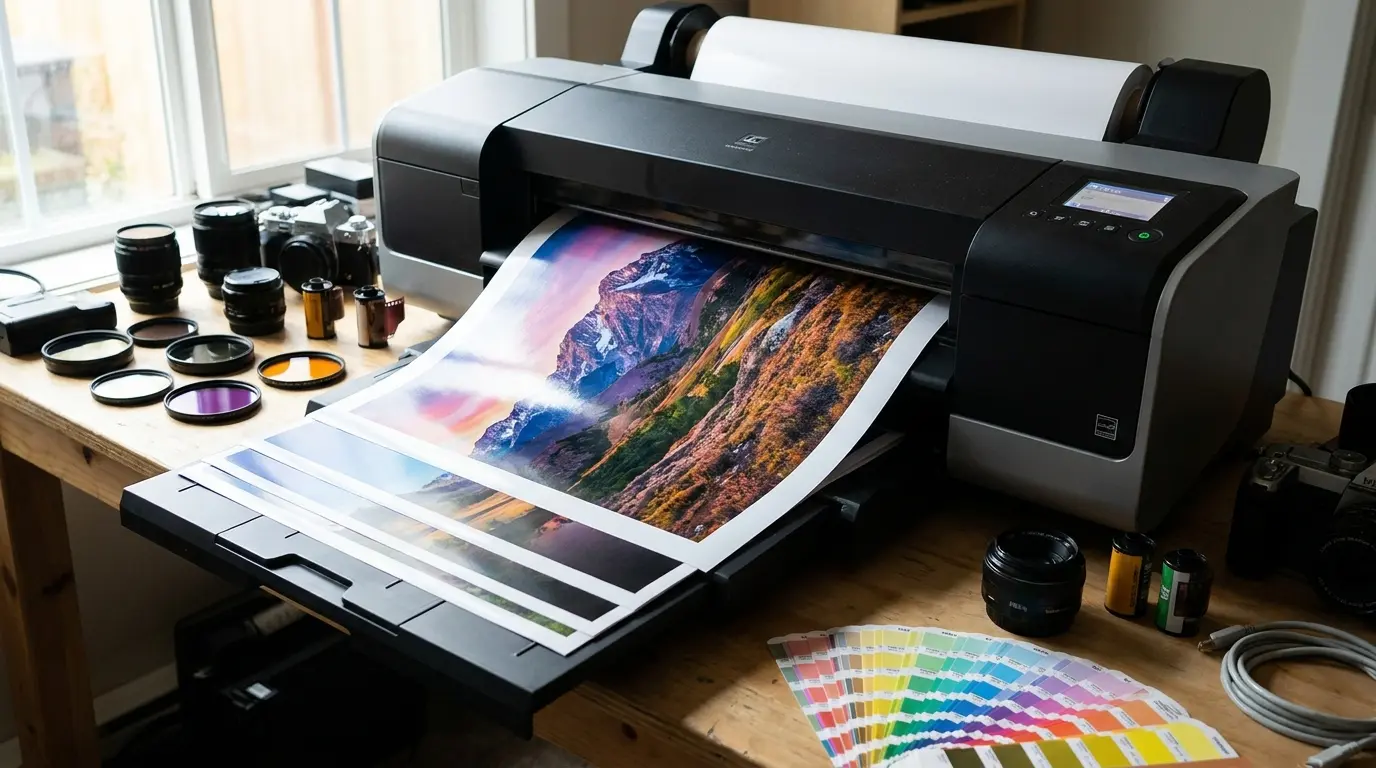
Photo printers produce high-resolution images with precise color reproduction and fine details, suitable for photography and detailed visual projects. They can handle specialty papers and achieve smooth gradients without losing clarity.
How It Works: Extra color cartridges beyond CMYK expand the color range. The printer layers inks precisely to create crisp lines, smooth shading, and vibrant, accurate images, which makes recycling used printer supplies worth planning for.
Best Uses: Printing personal photographs, professional artwork, and design projects requiring high visual fidelity
| Advantages | Disadvantages |
|---|---|
| Exceptional color accuracy | Ink consumption is high |
| Smooth gradients | Slower for batch printing |
| Handles specialty papers | Not suitable for text-heavy work |
| Sharp image details | Limited document functionality |
5. Dot Matrix Printers
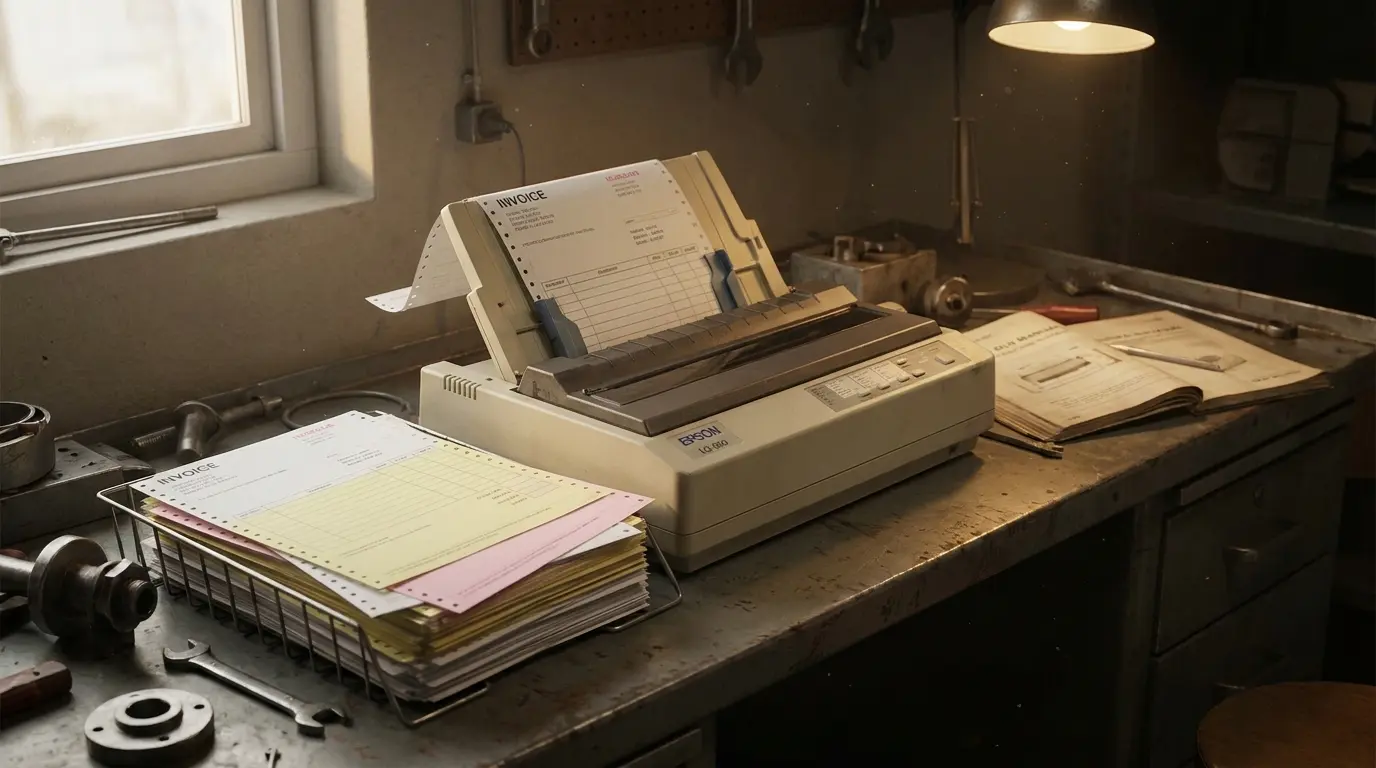
Dot matrix printers are impact printers using pins to strike an ink ribbon, creating text and graphics in a dot pattern. They are extremely durable and can produce duplicate copies.
How It Works: Pins hit the ribbon against paper to form letters and images. Multi-copy printing is possible using carbon paper, ideal for repetitive industrial documentation.
Best Uses: Printing invoices, multi-part forms, and warehouse logs
| Advantages | Disadvantages |
|---|---|
| Durable and long-lasting | Low-resolution output |
| Prints multiple copies | Noisy operation |
| Works in industrial environments | Slower than modern printers |
| Low operating cost | Limited color capability |
6. Thermal Printers
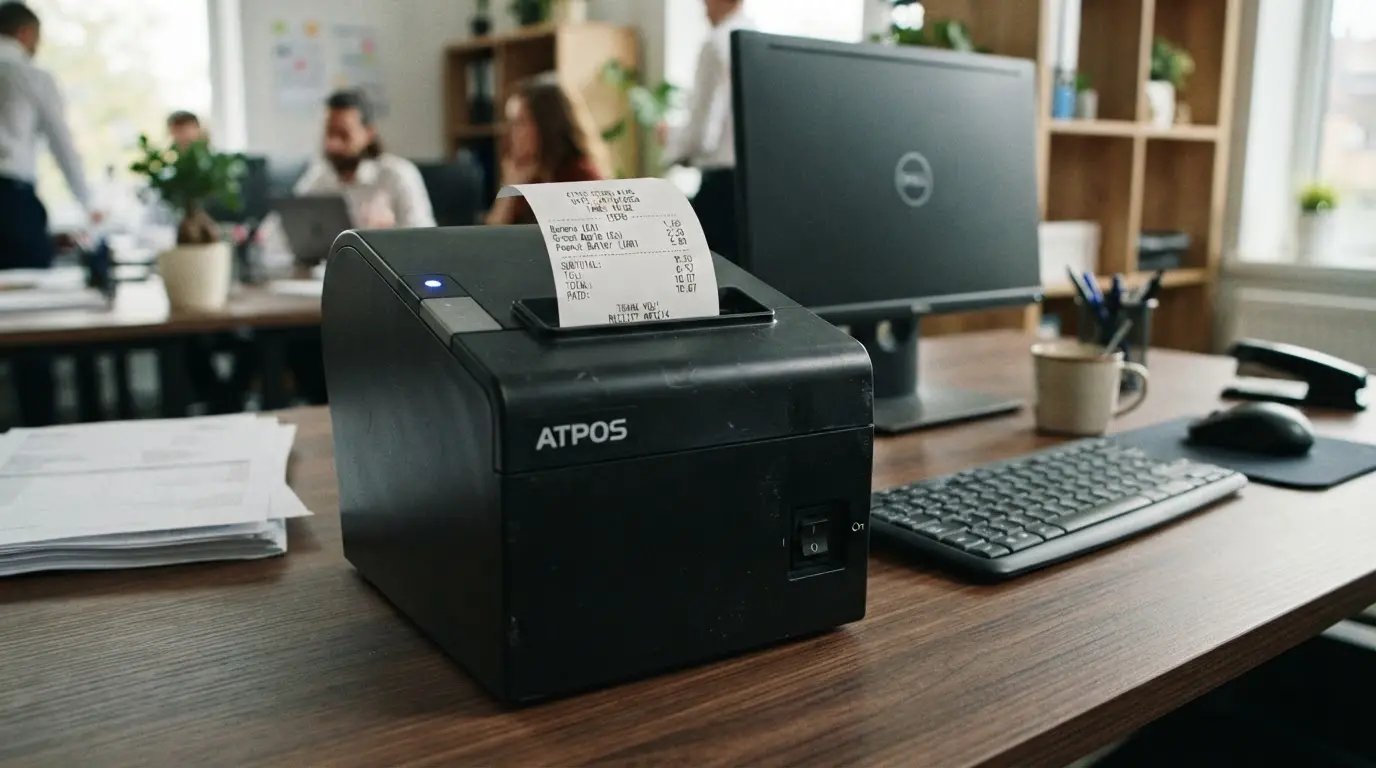
Thermal printers use heat to transfer images onto paper or labels, offering rapid, reliable printing with minimal maintenance. They are compact and energy-efficient.
How It Works: Direct thermal printers react with heat-sensitive paper, while thermal transfer printers use ribbons to deposit ink for longer-lasting labels and receipts.
Best Uses: Printing shipping labels, receipts, barcodes, and tickets in retail or logistics environments
| Advantages | Disadvantages |
|---|---|
| Very fast output | Limited color range |
| Low maintenance | Prints may fade over time |
| Few moving parts | Not suitable for standard documents |
| No cartridges needed | Requires special paper |
7. 3D Printers
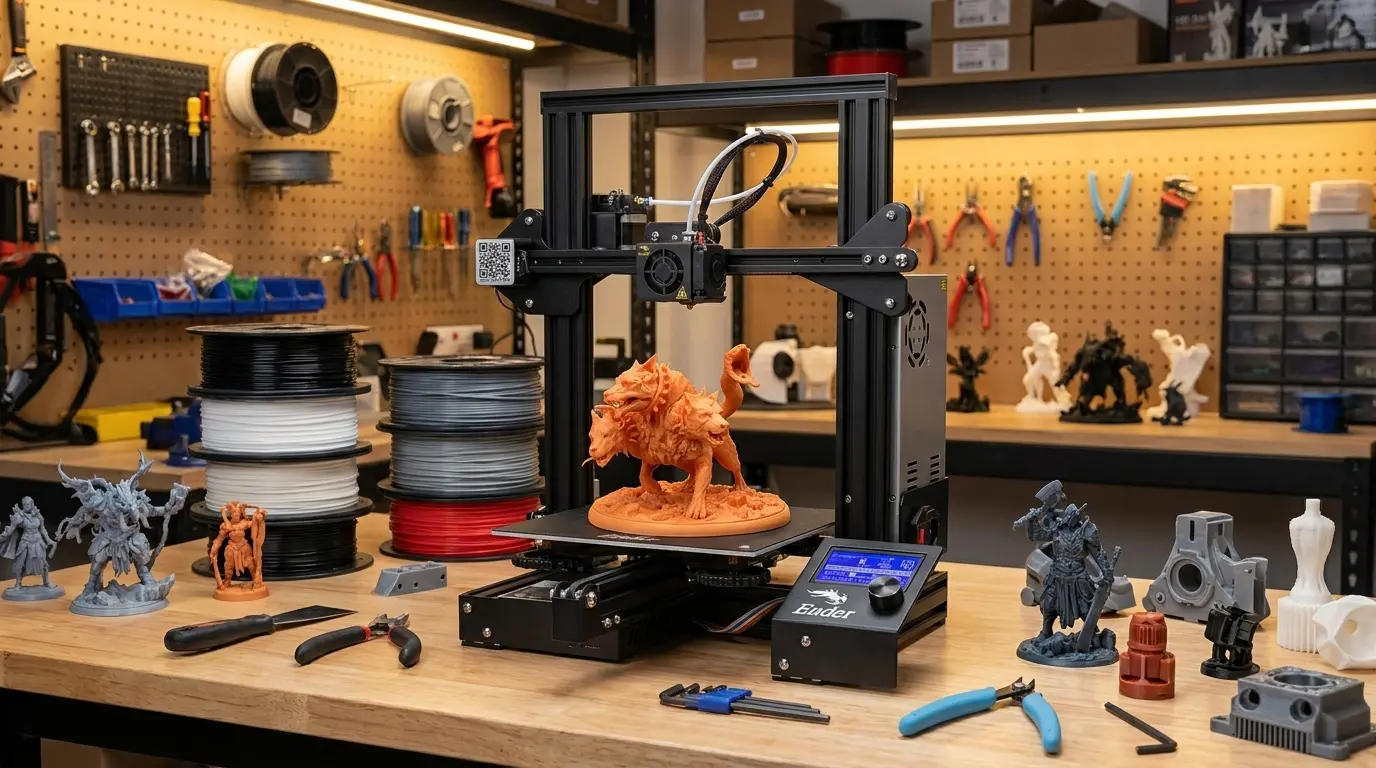
3D printers build objects layer by layer from digital models, enabling physical prototypes and custom components. They are widely used in education and design, with plenty of things to make at home.
How It Works: Materials such as plastic, resin, or metal are deposited sequentially based on a digital design file, forming a tangible three-dimensional object with accurate dimensions.
Best Uses: Producing prototypes, educational models, and custom design components
| Advantages | Disadvantages |
|---|---|
| Can create complex shapes | Slower for large objects |
| Ideal for prototyping | Materials can be expensive |
| Supports intricate designs | Requires software knowledge |
| Useful for learning | Not for mass production |
8. Solid Ink Printers
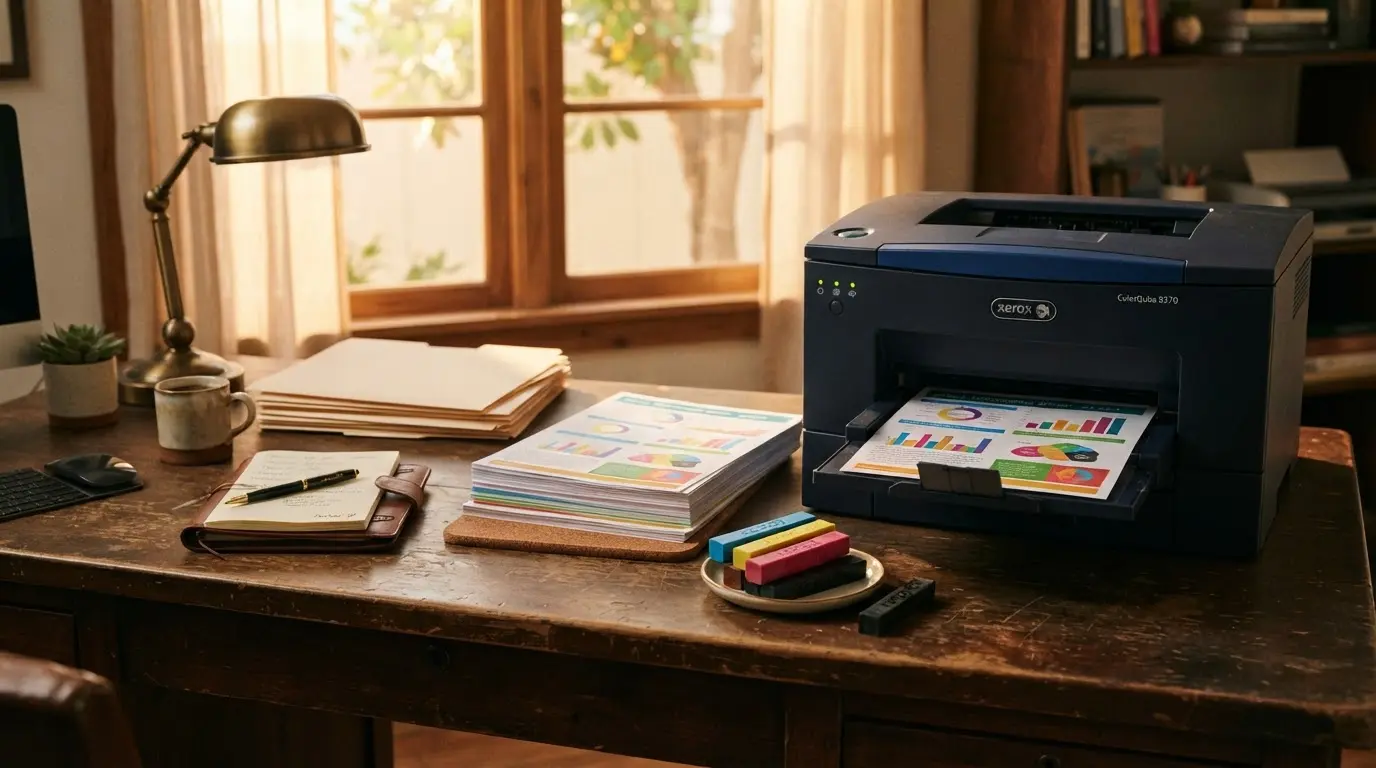
Solid ink printers melt wax-based sticks onto paper to produce consistent, bright colors for presentations and visual-heavy documents. They reduce waste and deliver uniform coverage.
How It Works: Ink sticks are heated and applied in thin layers. As the wax solidifies, it forms vivid, sharp images with minimal cleanup.
Best Uses: Marketing materials, colorful reports, and presentation handouts
| Advantages | Disadvantages |
|---|---|
| Vivid and consistent colors | Ink sticks can be expensive |
| Minimal waste | Slower warm-up |
| Works on multiple paper types | Not for high-volume text |
| Easy maintenance | Limited availability |
9. Dye-Sublimation Printers
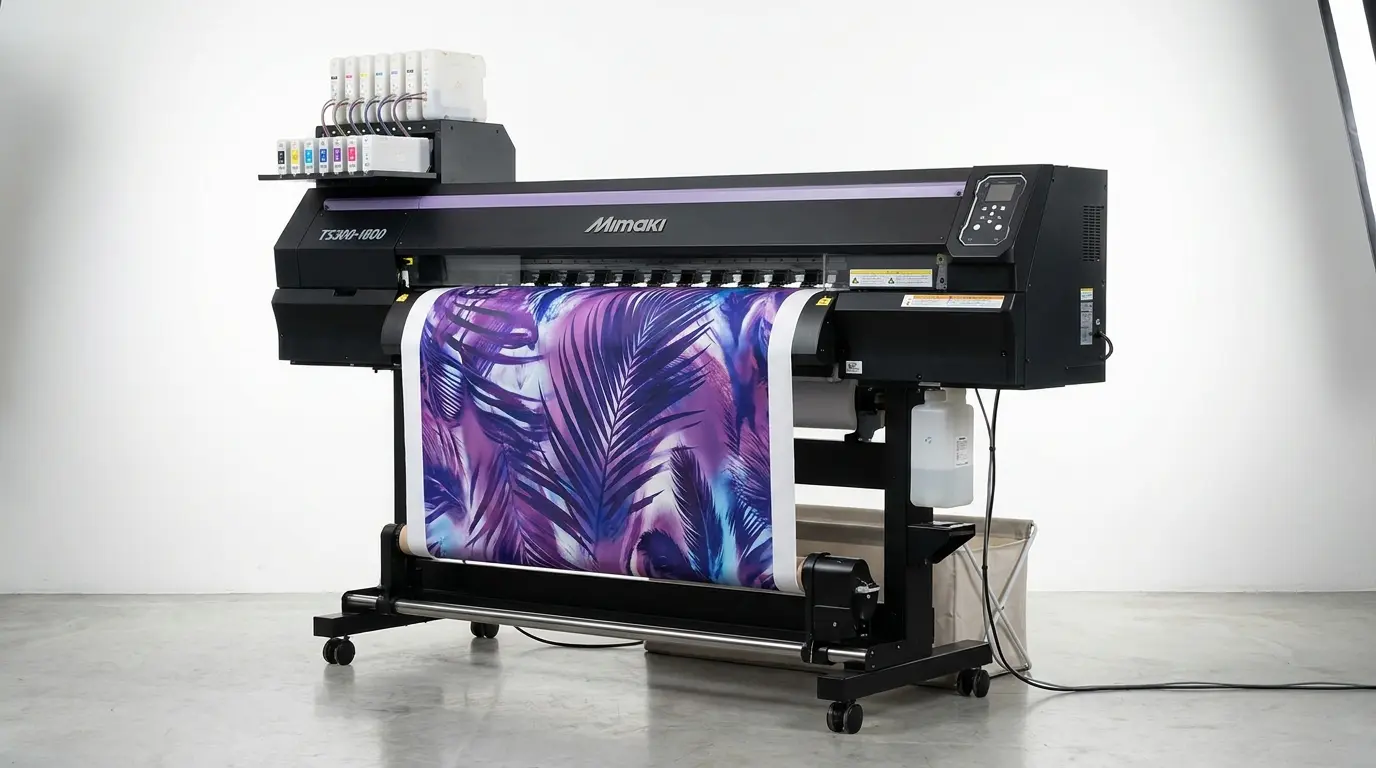
Dye-sublimation printers use heat to transfer solid dye onto paper or other surfaces, creating smooth, continuous-tone images with precise color transitions.
How It Works: Heat vaporizes the solid dye, which permeates the printing surface to form accurate, long-lasting images with subtle color gradients and great detail.
Best Uses: Professional photo printing, ID cards, and personalized merchandise
| Advantages | Disadvantages |
|---|---|
| Smooth color transitions | Slower than inkjet printers |
| Accurate and detailed images | Consumables can be expensive |
| Durable, professional output | Limited media types |
| High-quality image fidelity | Not for text-heavy documents |
Key Factors to Consider When Choosing a Printer
Selecting the right printer requires understanding your printing habits, document types, and the features you truly need. Focusing on essential factors ensures a cost-effective, efficient choice.
- Printing Purpose: Determine whether you mainly print documents, photos, labels, or creative work to choose a suitable printer type.
- Printing Volume: Consider monthly page output. High-volume users need faster printers with low running costs; occasional users may not.
- Cost of Ink/Toner: Factor in replacement cartridges or toner over time, not just the initial price.
- Connectivity Options: Look for Wi-Fi, USB, mobile, or cloud printing based on your devices.
- Print Quality: Ensure sharp text for documents and accurate colors for images.
- Paper Support: Verify compatibility with paper types like photo sheets, envelopes, or labels.
- Extra Features: Check if scanning, copying, duplex printing, or faxing are necessary.
- Maintenance: Choose a printer with simple cleaning and cartridge replacement to reduce long-term hassle.
Evaluating these factors carefully ensures you select a printer that matches your actual needs, avoids hidden costs, and delivers reliable performance for years.
Is a Used Printer Worth Buying?
A used printer can be worth buying, but it depends on several key factors. If you’re looking to save money upfront and don’t need advanced features, a well‑cared‑for used unit can be a practical choice.
Before purchasing, check the printer’s age, total page count, and whether replacement parts and consumables (like cartridges or drums) are still available and affordable. Older printers may lack modern connectivity options such as Wi‑Fi or cloud printing, and some manufacturers discontinue support over time.
You’ll also want to test print quality and check for physical issues like paper jams or worn rollers. For light, occasional use, like home document printing or basic photos, a used model can be a cost‑effective option.
However, for heavy workloads or business needs, investing in a new printer often provides better reliability, warranty protection, and long‑term value.
Tips To Maintain A Printer For Better Performance
Regular care can help improve printer reliability and reduce common printing problems. Simple maintenance habits can keep the device working properly for longer.
- Clean print heads when prints appear faded or uneven
- Keep paper stored properly to avoid feeding issues
- Replace cartridges before they completely run out
- Update printer drivers when required
- Turn off the printer properly after use
- Use the recommended paper type for better results
Taking care of a printer does not require advanced technical knowledge. Small maintenance steps can prevent many common issues and help maintain consistent print quality.
Common Mistakes That Can Make Printer Buying Costly
Many buyers focus only on price or brand, overlooking factors that affect daily printing. Recognizing common pitfalls helps make smarter, cost-effective decisions and ensures long-term satisfaction.
| Common Mistake | Why It Matters |
|---|---|
| Choosing only based on initial price | Cheaper printers may have expensive cartridges, raising long-term costs |
| Ignoring printing frequency | Low-end printers may perform poorly with heavy printing, causing delays and higher maintenance |
| Not checking cartridge availability | Some models use specific cartridges that are hard or costly to replace |
| Buying unnecessary features | Extra features increase price without adding value if unused |
| Ignoring device compatibility | Printer may not work with your computer, phone, or operating system |
Avoiding these mistakes ensures the printer you purchase meets your actual needs, reduces unexpected expenses, and provides reliable, hassle-free performance for daily use.
Final Thoughts
Choosing a printer is mainly about matching the device to your actual printing habits rather than focusing solely on price or features.
After learning about different types of printers, I think the most practical choice depends on purpose, print volume, and maintenance costs.
Inkjet models work well for colorful prints, laser printers handle frequent documents efficiently, and specialized options serve specific business needs.
You can make a better decision by checking running costs, required features, and long-term usage before buying.
I hope this information helps you choose a printer that fits your needs. Share your thoughts or printing experiences in the comments, and check out related technology guides for more helpful tips
Frequently Asked Questions
Can a Printer Work Without a Computer?
Yes, many modern printers can work without a computer. Wireless models support printing directly from smartphones, tablets, cloud services, and cameras using built-in connectivity features.
How Long Does a Printer Usually Last?
A printer’s lifespan depends on usage, maintenance, and build quality. Most home printers last several years, while business models designed for heavy workloads can continue working longer with proper care.
Are Ink Tank Printers Better than Cartridge Printers?
Ink tank printers can be more economical for frequent printing because refill bottles usually cost less than replacement cartridges. Cartridge printers may still suit users with occasional printing needs.
Do Wireless Printers Need Internet to Print?
Wireless printers do not always need internet access. Many can connect directly to devices through a local Wi-Fi network, while cloud-based printing features may require an active internet connection.