Planning an event brings excitement, anticipation, and big expectations, but managing payments often introduces unexpected stress that many organizers underestimate at first.
Tickets need to sell without glitches, and attendees expect a checkout process that feels quick, secure, and effortless from start to finish.
Even one failed transaction or a confusing payment page can lead to abandoned carts and lost revenue.
This growing demand for smoother experiences is why organizers are studying banking apps’ event ticketing integration examples to understand how in-app payments can reduce friction.
At the same time, selecting the best event ticketing software has become a critical decision that directly impacts convenience and credibility.
The right solution does more than process payments; it simplifies settlements, supports flexible payment methods, which makes attendees feel confident before they even arrive.
What is Event Payment Processing?
Event payment processing is the system that allows organizers to accept and manage payments for tickets, registrations, and onsite purchases.
It covers everything from online checkout before the event to card swipes, QR payments, and digital wallets at the venue.
When someone buys a ticket, the payment processor securely handles the transaction, confirms the payment, and transfers the funds to the organizer’s account.
It also manages refunds, chargebacks, and sales reports within the system.
A strong event payment processing setup supports multiple payment methods, works smoothly on mobile devices, and reduces failed transactions.
How Banking Apps Simplify Event Payment Processing?
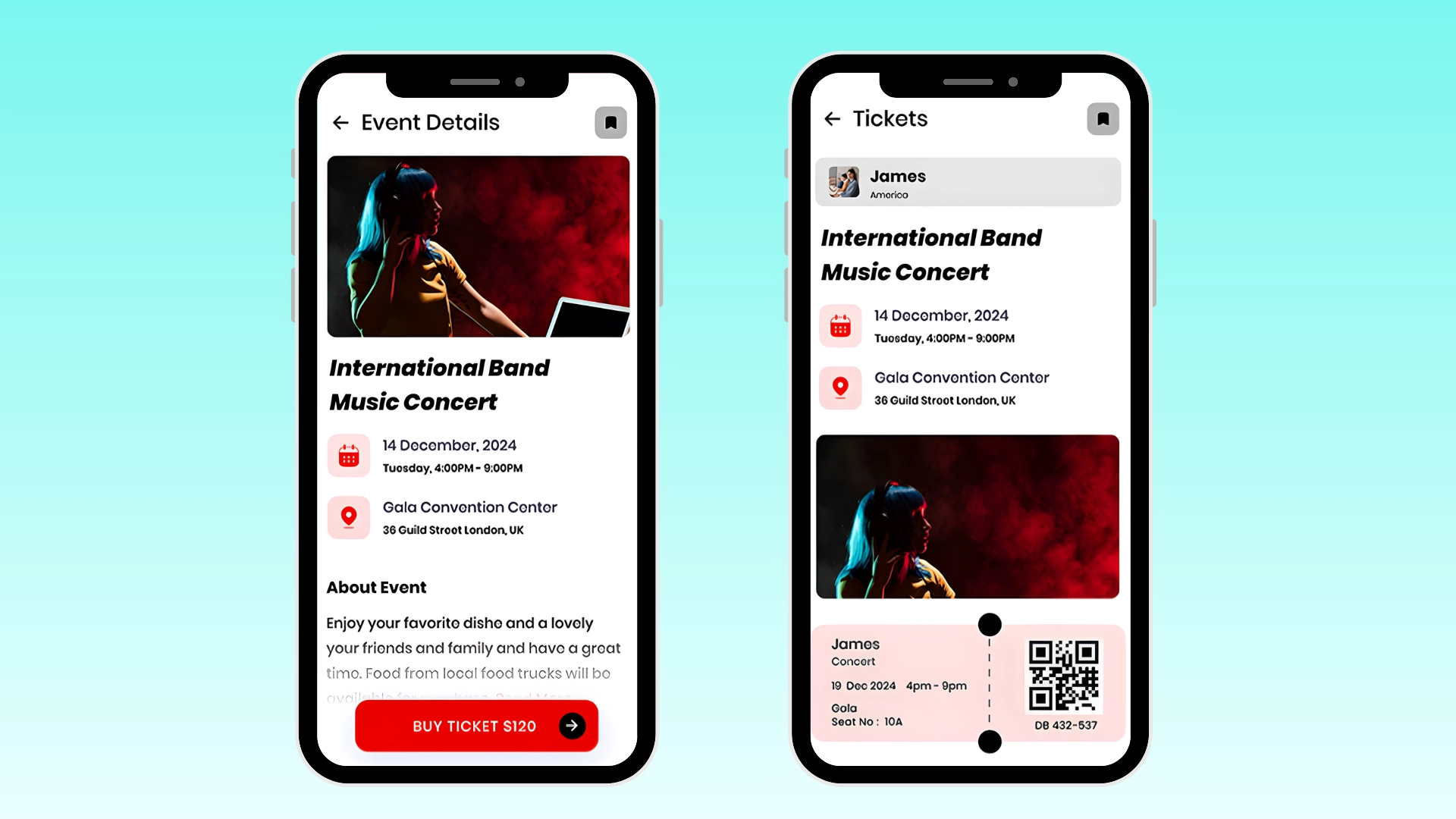
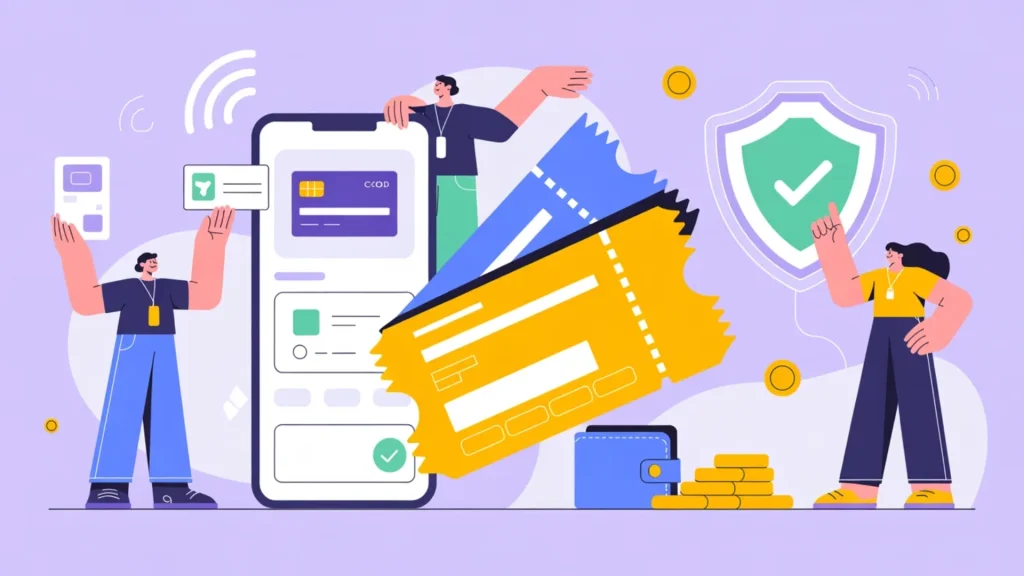
Banking apps simplify event payment processing by allowing users to find, purchase, and manage tickets directly from a secure financial platform they already trust.
Instead of entering card details on multiple websites, attendees can complete payments inside their banking app using saved accounts, digital wallets, or instant bank transfers.
This reduces checkout steps, lowers failed transactions, and improves overall convenience.
Many banking apps’ event ticketing integration examples show how users can access special event offers, receive instant payment confirmations, and store digital tickets within the same app.
For organizers, these integrations mean faster settlements, better fraud control, and clearer transaction tracking.
The result is a smoother payment experience for attendees and a more reliable, streamlined revenue system for event hosts managing both online and onsite sales.
Features to Look for in the Best Event Ticketing Software
Choosing the right platform requires more than basic ticket sales tools. The best event ticketing software should combine payment strength, usability, and operational efficiency in one system.
- Secure Payment Processing: Supports encrypted transactions, fraud monitoring, and compliance standards to protect attendee data.
- Multiple Payment Methods: Accepts cards, digital wallets, and bank transfers to reduce checkout friction.
- Mobile Friendly Checkout: Provides fast, responsive ticket purchasing across devices.
- Integration Capabilities: Offers API access and compatibility with banking apps, accounting tools, and CRM systems.
- Real Time Reporting: Delivers clear dashboards for sales tracking, refunds, payouts, and financial reconciliation.
Banking Apps Event Ticketing Integration Examples
Banking apps are changing how people buy and manage event tickets. Instead of switching between multiple platforms, users can complete purchases directly inside trusted financial apps.
1. Chase Mobile App Integration with Ticketmaster
Chase has partnered with event platforms like Ticketmaster to offer cardholder benefits and early ticket access.
Users can log into the Chase mobile app, view eligible events, and use saved card details for faster checkout. In some cases, special presale codes are automatically applied for Chase customers.
Payments are processed securely within the bank’s trusted ecosystem, and users receive instant confirmations.
Banking apps’ event ticketing integration examples improve security, shorten checkout time, and give attendees added perks while helping organizers reach verified buyers more efficiently.
2. PayPal App Integration with Eventbrite
PayPal works with platforms like Eventbrite to provide wallet-based checkout options.
Attendees can select PayPal during ticket purchase and complete the payment without entering card details manually.
The PayPal app sends instant payment alerts and keeps a digital record of the transaction. In many setups, users can manage refunds or disputes directly through their PayPal account.
This integration reduces payment friction and supports buyer protection.
3. Cash App Integration with Local Event Platforms
Cash App is often used for smaller events, pop-up shows, and community gatherings.
Some local ticketing platforms allow attendees to pay using Cash App-linked debit cards or balance transfers.
Users can complete payments quickly and receive immediate transaction notifications inside the app. For organizers, funds are deposited directly into their Cash App account.
This setup works well for informal or regional events where attendees prefer mobile-first payment methods over traditional credit card checkout.
4. Square Banking and POS Integration for Live Events
Square provides both payment processing and point of sale tools that connect with ticketing systems.
Event organizers can sell tickets online and then use Square hardware at the venue for on-site sales.
The Square app tracks every transaction in one dashboard, including ticket upgrades and merchandise purchases. Attendees can pay with cards or digital wallets.
Funds are settled quickly into the linked bank account. These banking apps’ event ticketing integration examples are popular for reliable onsite payment handling.
5. Bank of America App Integration with Digital Wallet Ticketing
Bank of America supports digital wallet payments through its mobile app, which can be used when purchasing tickets on compatible event platforms.
Customers can authorize payments using biometric security, such as fingerprint or face recognition.
Some event platforms allow tickets to be stored in mobile wallets after purchase. This reduces the need for printed tickets and speeds up event entry.
Secure authentication and instant payment confirmation improve trust.
Comparing Best Event Ticketing Software
Selecting the right event ticketing platform can feel overwhelming, especially when each provider offers different pricing models, payment methods, and feature sets.
| Platform Name | Best For | Payment Methods Supported | Fee Model |
|---|---|---|---|
| Weezevent | Festivals, sports events, and mid to large-scale gatherings | Credit and debit cards, online payments, and POS payments | Custom pricing based on event size and features |
| EventBookings | Small to mid-sized events and community functions | Credit and debit cards, PayPal, Stripe integrations | Free plan available; paid plans with service fees |
| EventZilla | Conferences, fundraisers, and corporate events | Credit and debit cards, PayPal, Stripe | Free basic plan; transaction-based fees |
| RSVPify | Private events, weddings, nonprofits, and formal gatherings | Credit cards via Stripe integration | Free limited plan; premium subscription plans available |
Benefits of Banking App Integration for Event Payments
Banking app integrations are reshaping how event payments are handled by reducing friction, increasing security, and simplifying financial management.
- Faster Checkout and Reduced Drop Off: Attendees complete transactions inside familiar banking apps using saved payment methods.
- Higher Payment Security: Built-in bank-level encryption, biometric authentication, and fraud monitoring increase trust and reduce chargebacks.
- Instant Payment Confirmation: Real-time transaction approvals and digital receipts give attendees immediate assurance.
- Simplified Settlement and Reporting: Direct bank integration streamlines fund transfers, improves reconciliation accuracy, and provides clearer financial visibility.
- Improved Attendee Convenience: Users can store tickets, manage refunds, and review transactions within one secure app.
Common Pitfalls that Make Event Payments Messy
Many banking apps’ event ticketing integration examples show how smooth payments should work; gaps in setup or planning can create delays and errors.
- Limited Payment Methods: Accepting only one or two payment options can increase failed transactions and cart abandonment.
- Poor System Integration: When ticketing platforms and payment processors do not sync properly, data mismatches and reporting errors occur.
- Slow or Complicated Checkout: Too many steps or forced account creation can discourage attendees from completing purchases.
- Weak Onsite Payment Setup: Unreliable internet or untested hardware can delay entry and create long lines.
- Unclear Refund and Payout Policies: Confusing processes for refunds or delayed settlements can damage trust and create financial confusion.
How to Choose the Best Event Ticketing Software for Your Event Type?
Choosing the best event ticketing software starts with understanding your event size, audience, and payment needs.
A small community event may need simple checkout and quick payouts, while a large conference may require advanced reporting, multiple ticket tiers, and strong fraud protection.
Look for platforms that support several payment methods, including cards, wallets, and bank transfers.
Many banking apps’ event ticketing integration examples show how smooth bank connections can reduce failed payments and improve attendee trust.
Also, review payout speed, refund tools, and mobile checkout performance.
If the event includes onsite sales, make sure the software supports reliable scanning and point of sale tools.
Comparing features based on your event type helps you avoid overpaying for tools you do not need while ensuring a smooth payment experience for attendees.
Conclusion
Event payment success depends on choosing the right integration model and software that fits your event goals.
The best setups combine secure checkout, multiple payment options, fast settlements, and smooth onsite processing.
Many banking apps’ event ticketing integration examples show how embedded payments, wallet support, and direct bank transfers reduce friction and improve attendee confidence.
When shortlisting ticketing platforms, focus on payment flexibility, reporting clarity, refund tools, and integration capability.
Do not just compare pricing, but review payout timelines, supported payment methods, and mobile performance carefully before making a final decision.
Have you used any of the best event ticketing software or banking app integrations for payments? Share your experience or recommendations in the comments below.