Imagine racing against deadlines while moving city to city and choosing between a tablet that draws ideas fast or a laptop built for nonstop work.
That exact choice sits behind the iPad Pro vs MacBook Pro question, where portability and power collide during real, daily creative and professional routines.
I see many people torn because each product have their own advantages & capabilities, forcing you to weigh what truly powers your workflow.
I will be telling you how both devices differ in features, performance, and usage, so you can match the right machine to your needs.
But before beginning with detailed comparisons, let’s understand what each product is meant to offer at a basic level.
About iPad Pro and Macbook Pro
iPad Pro and MacBook Pro are high-end devices for people who want reliable performance, long software support, and smooth integration with other Apple products.
The iPad Pro is built as a tablet-first device that focuses on touch interaction, lightweight use, and flexible setups for work, study, or creative tasks.
It runs on iPadOS and supports accessories that let users switch between casual use and focused work without carrying a traditional laptop everywhere.
On the other hand, the MacBook Pro is a full laptop designed for people who prefer a fixed keyboard setup and desktop-style software for daily work.
It runs on macOS and is commonly used for professional tasks like editing, coding, writing, and long work sessions that need stable performance.
iPad Pro vs MacBook Pro: Key Differences
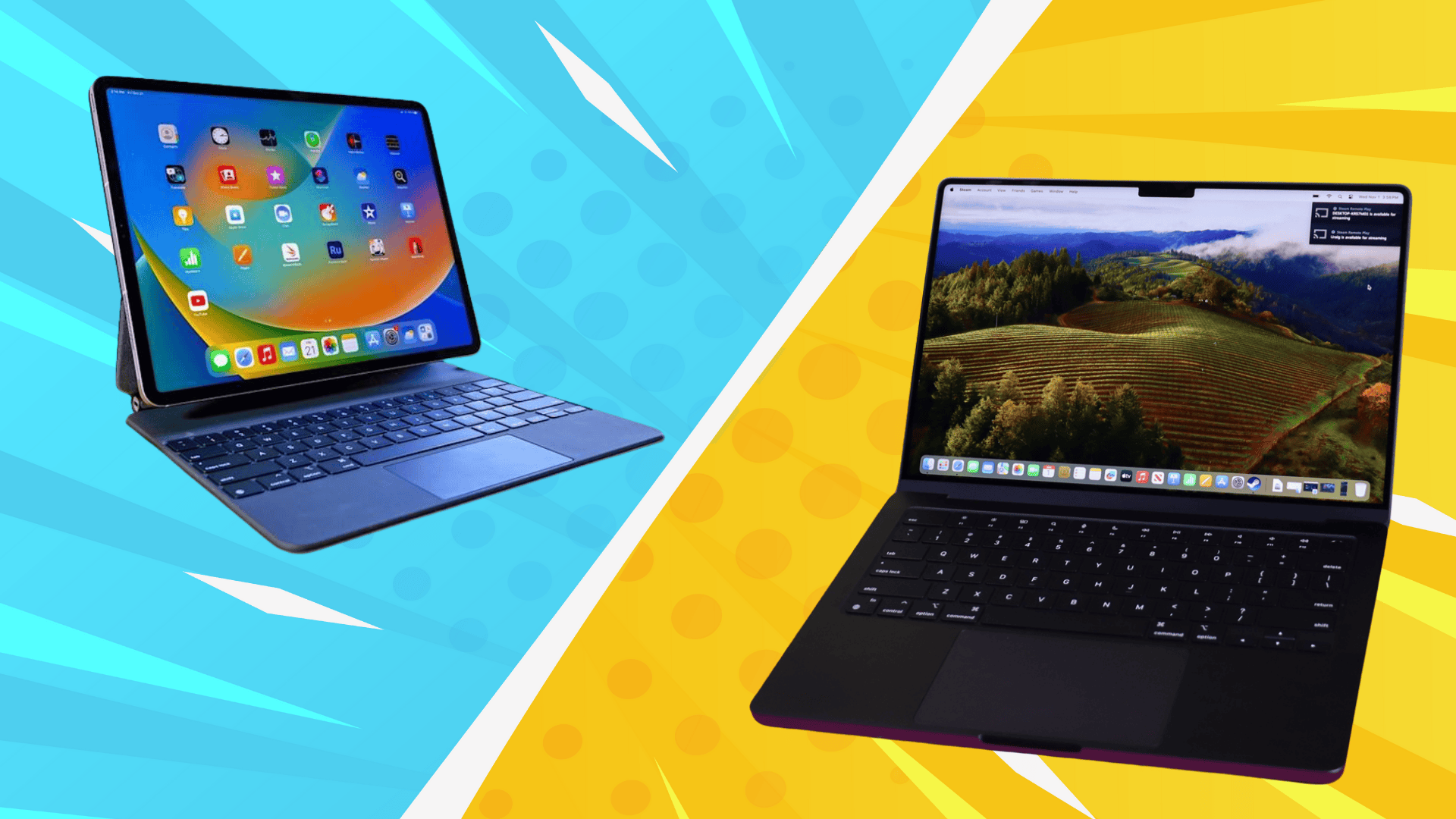
Now you know the basics of iPad & Macbook, let’s understand their key differences in terms of factors when you use them day to day, beyond specs and marketing talk.
1. Design and Physical Comfort
The iPad Pro feels light and flat in hand, making it easy to hold, tap, or move around, while the MacBook Pro feels solid and fixed.
Using the iPad Pro feels flexible since you can switch positions easily, while the MacBook Pro feels more stable when placed on a desk.
Both use strong metal builds, but one feels more casual and mobile, while the other feels planted and ready for longer sitting sessions.
2. Screen Quality and Display Comfort
Current iPad Pro models use Ultra Retina XDR tandem OLED displays in 11-inch and 13-inch sizes with very strong contrast.
These OLED screens show deep blacks and smooth motion, which helps during long reading, drawing, or media sessions without causing quick eye fatigue.
On the other side, the MacBook Pro models use Liquid Retina XDR mini-LED displays in 14-inch and 16-inch sizes, built for steady brightness during long work hours.
3. Speed and Overall Performance
The iPad Pro uses the standardM5 chip with a 9 to 10-core CPU (depending on size variant), 10-core GPU, and a strong Neural Engine for quick everyday tasks.
It handles browsing, note-taking, photo editing, and creative apps smoothly, though very long or heavy jobs can feel slower without active cooling when compared to MacBooks.
The MacBook Pro uses higher power M5, M5 Pro, or M5 Max chips with more CPU and GPU cores, staying fast (25-35%) than the iPad, during long video editing, coding, or multitasking sessions.
Apps like Final Cut Pro work smoothly on the latest Macbook Pro without any issues.
4. Typing vs Touch Control Style
The iPad Pro lets you work using touch or Apple Pencil, while the MacBook Pro sticks to a keyboard and trackpad for direct, traditional control.
This difference changes how tasks feel, since drawing, browsing, or quick edits feel natural on the iPad, while typing heavy work feels faster on the MacBook.
Earlier MacBook Pro models used a dynamic function row, but Apple removed it after complaints, keeping physical keys that many users prefer.
You can add a Magic Keyboard, trackpad, and an iPad stand for iPad Pro, yet this setup adds weight and cost compared to the MacBook’s built-in layout.
5. Battery Life
The iPad Pro is built for portability, with around 9 to 10 hours of mixed use, while the MacBook Pro is clearly aimed at all-day work.
When both handle demanding tasks, the MacBook Pro stays usable much longer, while the iPad Pro often needs charging sooner.
MacBook Pro can reach 22 to 24 hours for non-stop work, which makes it easier for long days without planning charging breaks.
6. Cameras, Sensors, and Connectivity
The iPad Pro includes a 12MP front camera and a 12MPrear camera with extra sensors, making it useful beyond calls and meetings.
This setup allows scanning documents, capturing reference photos, and using apps that depend on camera input, which the MacBook Pro does not support.
MacBook Pro only includes a 12MP front camera, designed mainly for video calls, virtual meetings, and online events without extra camera functions.
Considering connectivity, the iPad Pro has a single Type-C port, while the MacBook Pro comes with three Thunderbolt 4 or 5 ports, an HDMI port, and a MagSafe 3 port.
7. Operating System & Apple Intelligence
The iPad Pro runs on iPadOS 26, which focuses on touch use, while the MacBook Pro runs macOS Tahoe for desktop-style work.
Apple Intelligence works on both devices, but it feels more hands-on with touch tools on iPad, and more workflow-focused on MacBook.
Tasks like notes, translations, and image tools feel quicker on iPad, while MacBook suits longer projects using advanced apps.
8. Portability & Storage Needs
The iPad Pro stays very light at around 0.98 to 1.28 pounds, while the MacBook Pro sits much heavier between roughly 3.4 and 4.8 pounds.
This makes the iPad Pro easier to carry alone, but adding a keyboard and stand increases weight and bag space closer to laptop territory.
MacBook Pro feels heavier upfront, yet it carries everything built in, which suits users who move work setups without extra accessories.
Price Differences in iPad Pro and MacBook Pro
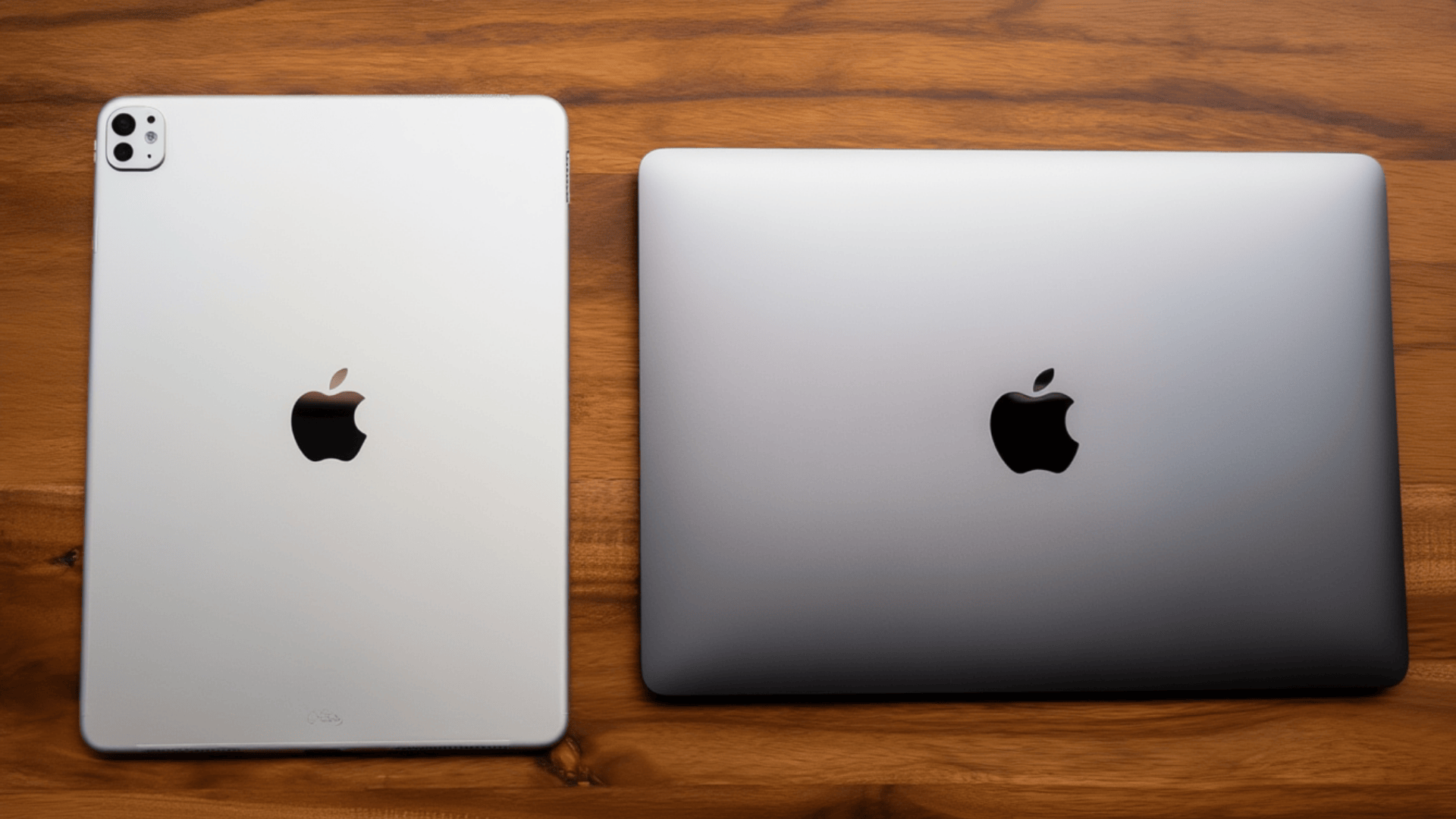
When comparing iPad Pro vs MacBook Pro pricing, the difference starts with entry cost and grows based on upgrades and accessories.
The iPad Pro starts at about $999 for the 11-inch WiFi model, while the 13-inch version begins at $1,299 for base variants (256GB).
If you choose WiFi + cellular on iPad Pro, the price increases by around $200, and higher storage options (like 512GB, 1TB, and 2TB), and opting for nano texture glass can reach the price upto $2,399
The MacBook Pro starts at roughly $1,599 for the 14-inch base model, with the 16-inch base version beginning at close to $2,499 for the base model.
Choosing the highest-end chip, RAM, and size with the highest storage can go up to $3,199. Opting for more sizes (like 2TB, 4TB, or even 8TB) can double the price.
Unlike the iPad Pro, the MacBook Pro pricing already includes a keyboard and trackpad, which reduces the need for extra spending later.
Once accessories like Magic Keyboard (~$350), Magic Trackpad(~$129) & Apple Pencil(~$80), and extra storage are added, iPad Pro setups can approach upto the price of MacBook Pro.
iPad Pro vs MacBook Pro: Quick Comparison Summary
Sometimes seeing everything side by side makes decisions way easier, so here’s a quick table comparing how iPad Pro and MacBook Pro differ in real daily use.
| Aspect | iPad Pro | MacBook Pro |
|---|---|---|
| Design and Feel | Light, flat, and easy to move around | Solid, heavier, and desk-friendly |
| Display | Ultra Retina XDR tandem OLED | Liquid Retina XDR mini-LED |
| Screen Sizes | 11-inch and 13-inch | 14-inch and 16-inch |
| Performance Style | Fast for daily and creative tasks | Better for long, heavy workloads |
| Input Method | Touch and Apple Pencil support | Built-in keyboard and trackpad |
| Battery Life | Around 9 to 10 hours | Around 22 to 24 hours |
| Cameras and Sensors | 12MP front and rear with sensors | 12MP front camera only |
| Portability | Very light alone, heavier with accessories | Heavier but no add-ons required |
iPad Pro vs MacBook Pro: Which One Should You Choose?
Choosing between iPad Pro and MacBook Pro depends on how you work, how long you work, and how much gear you want to carry daily.
One favors touch and lighter setups, while the other favors long sessions, built-in controls, and steady power without added accessories.
If you mainly jot notes, sketch ideas, watch content, or handle light creative tasks, the iPad Pro fits better without feeling bulky or demanding.
If your days involve heavy apps, long edits, coding, or nonstop work hours, the MacBook Pro handles that load more comfortably without relying on extra gear.
Look for factors like budget, usage, need for extra accessories, portability (if you travel a lot), and how long you want to use it; these will help you in deciding which Apple product fits your lifestyle.
Conclusion
At the end of the day, choosing between iPad Pro vs MacBook Pro depends on how you work and what feels comfortable daily.
You might prefer the freedom of a lighter device, or you might value steady performance that stays strong during heavy daily workloads.
Both options fit different routines, and your choice should support how you create, plan, and stay productive without adding friction.
I always suggest thinking about future needs, too, since software demands and work habits can change faster than expected.
Once those pieces feel clear, picking the right device becomes simpler and far less stressful.
Which one fits your daily routine better, iPad Pro or MacBook Pro? Tell us and share your thoughts with us in the comments below.