Skylight frame reviews often come up when people want a simple way to share photos without stress, especially when phone galleries are full of pictures that never get seen.
A digital frame brings those photos back into daily life. The Skylight Frame is one of the most talked-about options right now, especially for families and gifts.
This frame lets people send photos straight to the screen using email or an app. It does not need memory cards or cables.
Many people like it because it feels easy and less technical. In this blog, I will walk through how the Skylight Frame works, what features it offers, and what real users say about it.
You will also learn about setup, display quality, sharing options, and pricing. By the end, you should have a clear idea if this frame fits your needs or not.
What is the Skylight Frame?
The Skylight Frame is a digital photo frame made to show your favorite pictures without fuss. Instead of printing photos or scrolling on your phone, you get a screen that displays them all day.
You can set it up once and enjoy memories with family or friends. The price usually starts around $139.99, depending on the size.
There are a few versions of the Skylight Frame. Some are larger, like 10 inches, while others are smaller. All models work in almost the same way, with only minor feature differences.
The main goal stays simple: show photos with ease. This frame suits older adults, busy parents, and anyone who wants photos visible in shared spaces.
If you want a photo display without extra tech steps, this could be a good fit.
Key Features of Skylight Frame
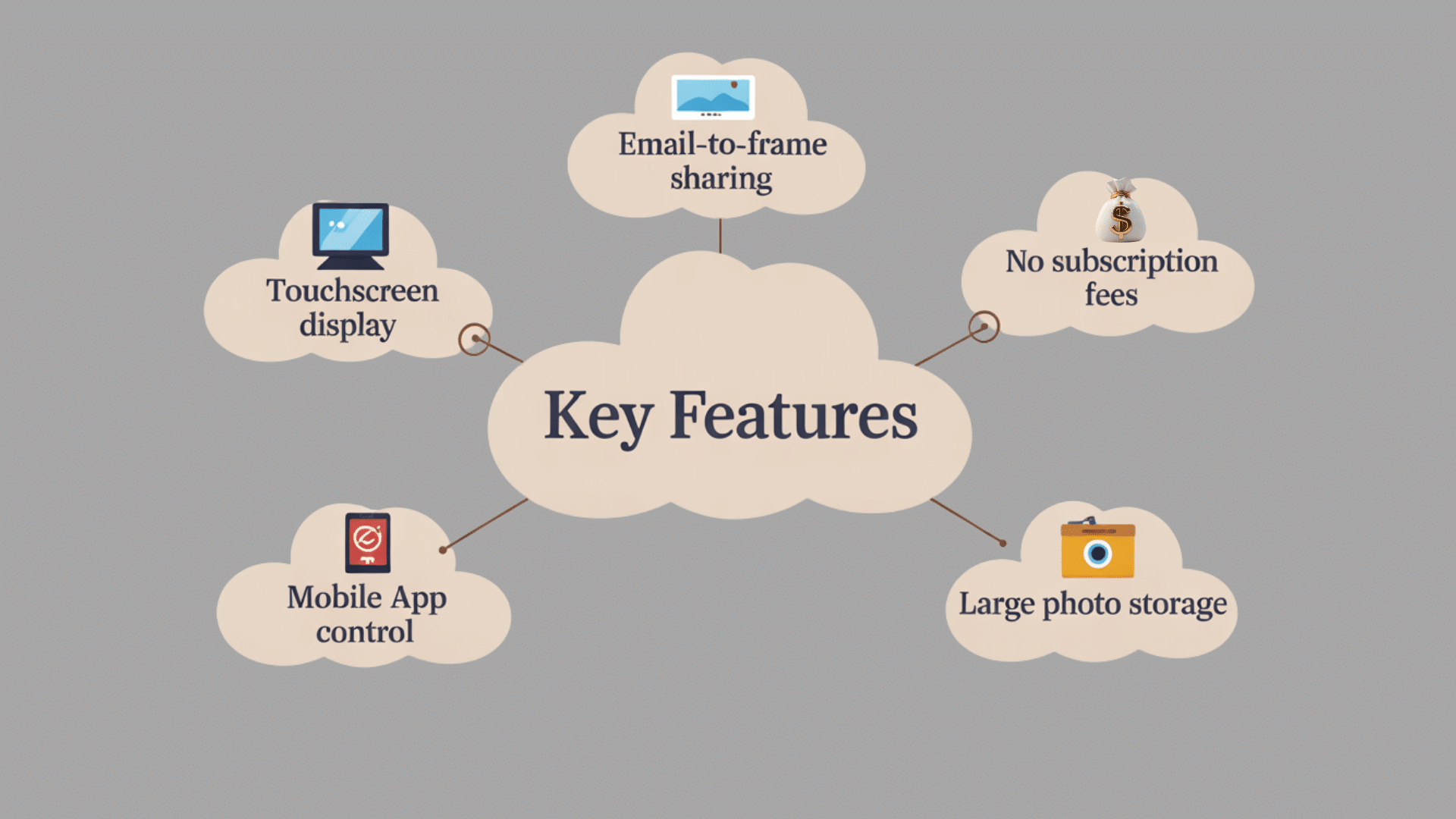
This section looks at the main features that make the Skylight frame useful for daily photo sharing, simple use, and long-term value for families.
1. Touchscreen Display
The touchscreen display makes the frame easy to use without extra buttons. Swiping through photos feels smooth and simple.
Tapping the screen allows quick access to settings like brightness, rotation, and photo order. The screen responds well and does not lag during normal use.
The display is clear enough for indoor spaces and works well in living rooms, bedrooms, or offices. It removes the need for remote controls or complicated menus.
2. Email-to-Frame Photo Sharing
Email-to-frame sharing is one of the most useful features. Each frame gets its own email address. Photos sent to that address appear on the frame within seconds or minutes.
This works well for families sharing pictures from different places. There is no need to download files or sync devices.
The process stays simple even for people who are not tech-savvy. This feature makes the frame feel more personal and connected.
3. No Subscription or Hidden Fees
One major benefit is the lack of monthly fees. After buying the frame, all core features stay unlocked.
Photo uploads, email sharing, and storage access do not require extra payments. This makes the Skylight frame easier to budget for over time.
Many similar products add costs later, but this one keeps things straightforward. The pricing stays clear, which adds long-term value and reduces frustration.
4. Mobile App Functionality
The mobile app allows photo uploads directly from a phone. The app layout is simple and easy to understand.
Photos can be selected, uploaded, and arranged without much effort. The app also helps manage multiple frames from one account.
This is helpful for families gifting frames to relatives. Updates happen quickly, and the app does not feel cluttered. It works well for regular photo sharing without technical steps.
5. Storage Capacity
The frame includes built-in storage that holds thousands of photos. This allows long-term use without constant photo removal.
Images load quickly and display smoothly once stored. The storage works well for daily family photos, travel pictures, and event memories.
Users rarely hit limits under normal use. This makes the frame practical for years of photo sharing. Extra storage management tools are not needed for basic use.
How to Set Up the Skylight Digital Photo Frame?
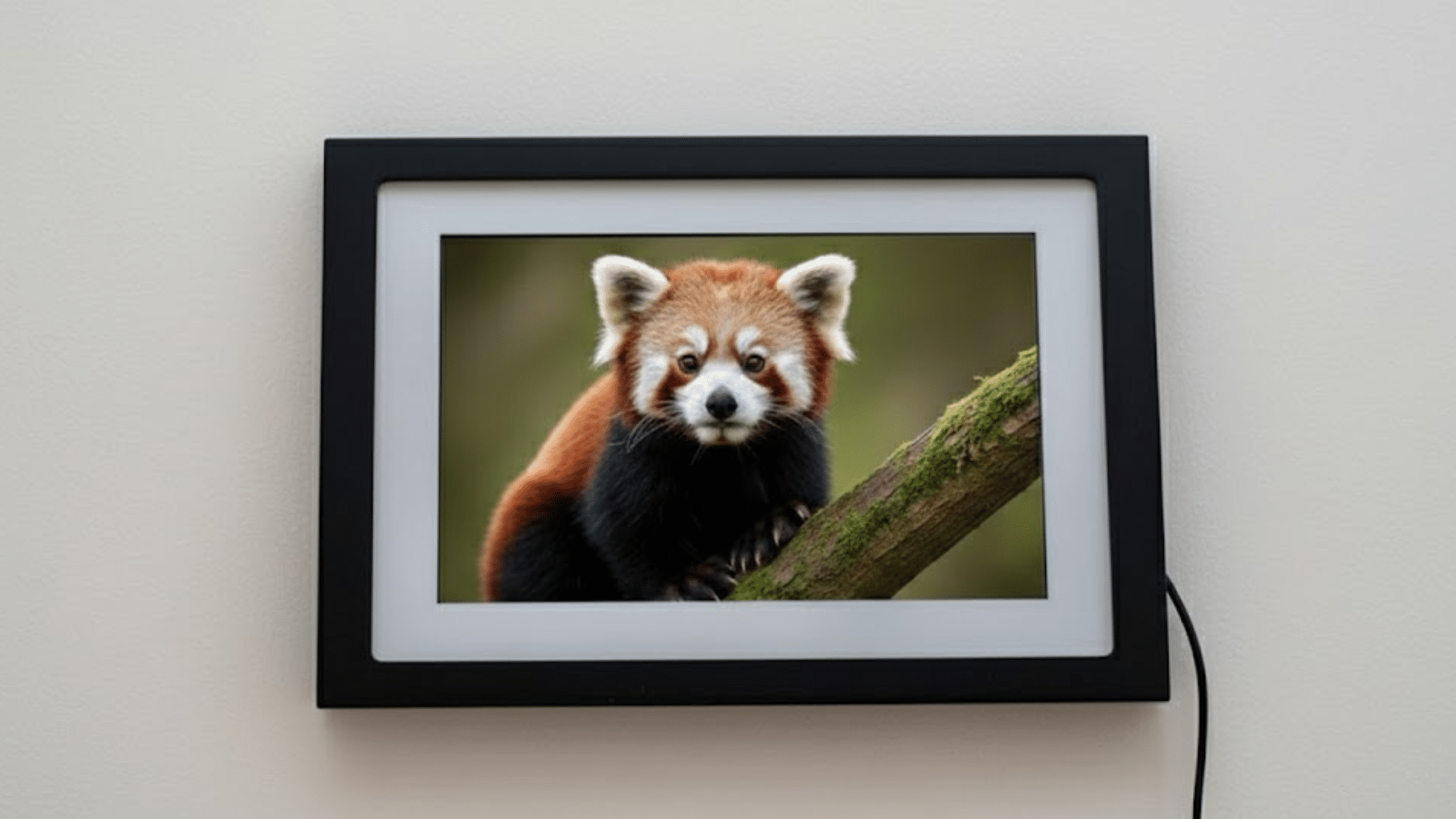
Setting up the frame starts with a clean unboxing experience. The packaging feels neat, and everything is easy to find right away.
Inside, you get the frame, power cable, and simple instructions. The setup process does not feel hard. Turning it on guides you through each step on the screen.
Most people can finish the setup without help. Getting started usually takes about ten minutes from start to finish. Connecting to WiFi is simple and uses on-screen prompts.
The frame quickly finds nearby networks and connects without delay. Once WiFi is active, photos can be sent right away.
Overall, the setup feels smooth and beginner-friendly, even for users who are not comfortable with technology.
Photo Quality and Screen Performance of Skylight Frame
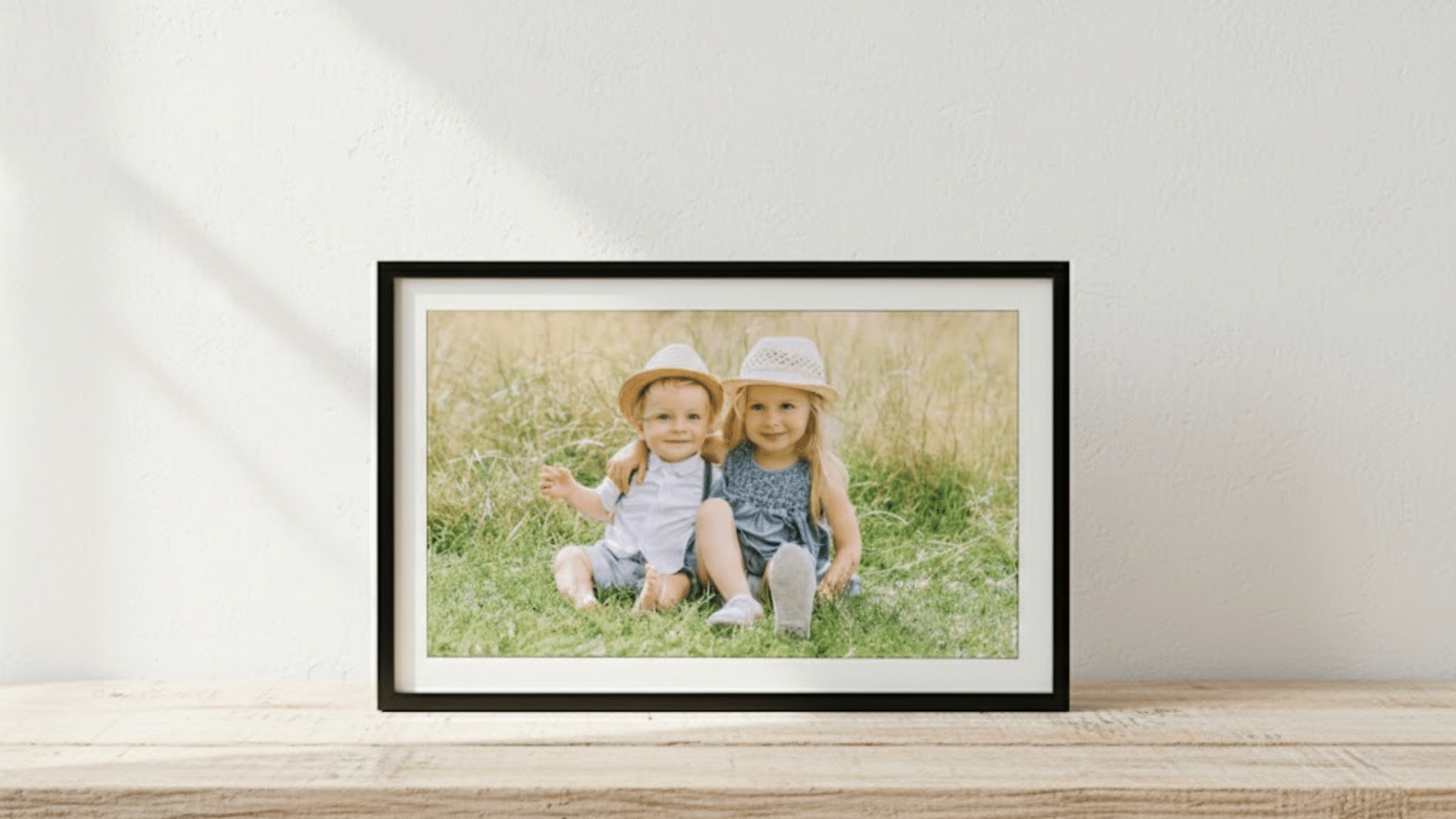
Let’s look at how the screen performs with real photos, including resolution, size options, brightness, and how colors actually show up in daily use.
1. Screen Resolution and Size Options
The Skylight frame comes in a few sizes, so you can choose what fits your space. While not the highest resolution on the market, the display still looks clear for most photos.
Details show up nicely for everyday snapshots, travel pics, and family moments. The size options help match wall space or tabletop spots.
Overall, it feels bright enough and sharp enough for casual viewing without overthinking specs.
2. Photo Display Experience on the Skylight Frame
Photos on the Skylight frame generally look clean and sharp. Faces, landscapes, and everyday moments show up with good detail and clarity.
Some tiny details may not pop like on high-end screens, but most users won’t notice this in normal use. Images feel natural and warm.
The frame shows photos in the order they arrive, keeping the viewing experience smooth and friendly for daily memories.
3. Brightness and Color Accuracy
Brightness on the Skylight screen works well in most indoor spaces. Rooms with lots of light may need minor angle adjustment, but the screen stays visible.
Color accuracy leans toward warm tones that make photos feel soft and pleasant. Colors are not overly bright or dull.
They look close to how pictures appear on phones. This makes everyday photos feel real and enjoyable without harsh tones.
4. Viewing Angles
Viewing angles on the Skylight framework work well for shared spaces. Photos stay clear when viewed from the side or across the room.
Colors do not shift much, and images remain easy to see. This helps when the frame is placed on shelves, tables, or wall mounts.
You do not need to stand directly in front of it to enjoy photos. The screen stays readable from most common angles.
Skylight Frame Reviews from Real Reddit Users
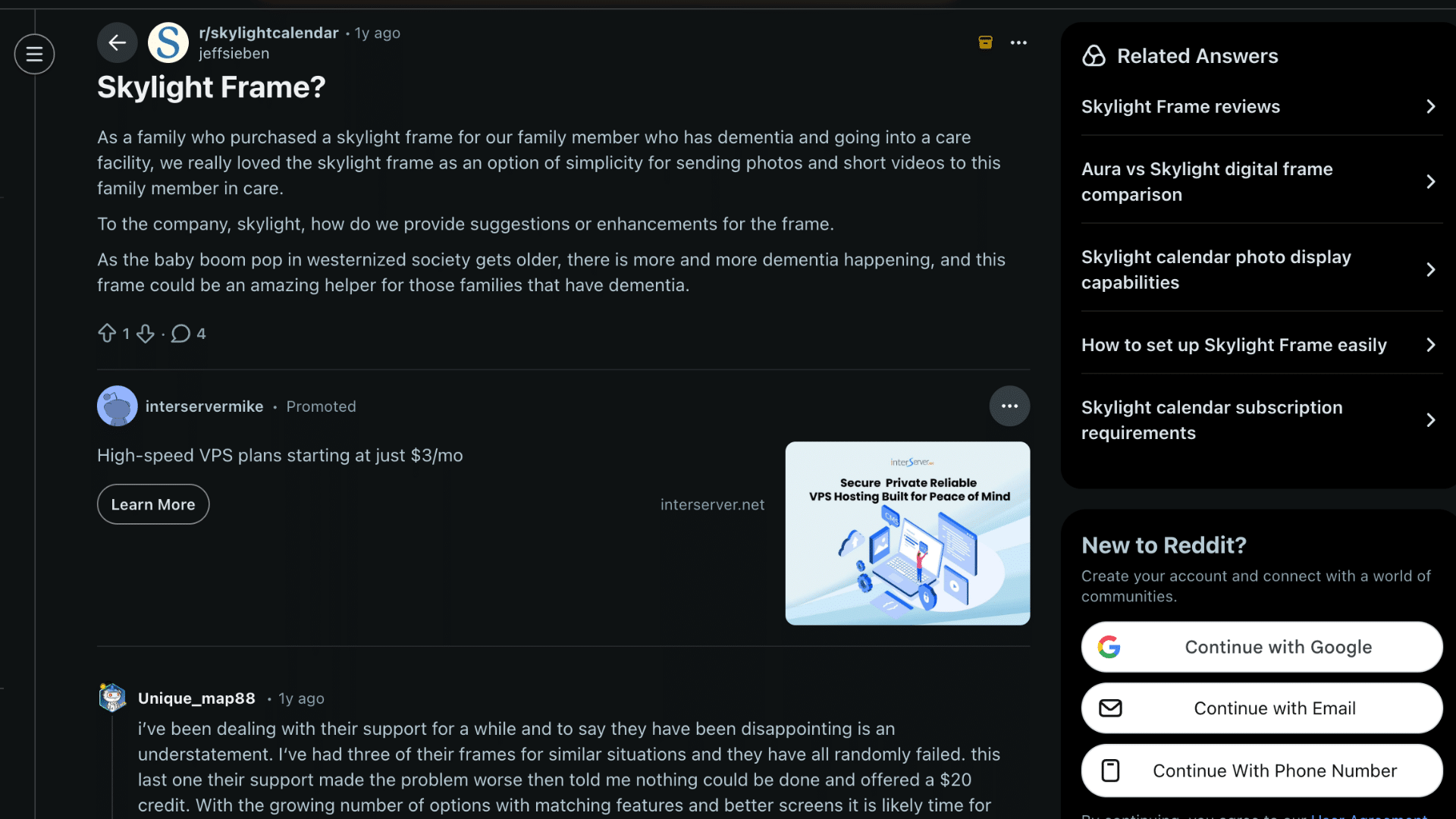
These skylight frame reviews from Reddit show a mix of strong praise and clear frustration from real users. One family shared a positive experience using the frame for a loved one with dementia in a care facility.
They liked how simple it was to send photos and short videos. They felt the frame could help many aging families and suggested Skylight add features focused on memory care.
On the other hand, some long-time users reported repeated hardware failures. One former Kickstarter backer said multiple frames stopped working and support made issues worse, offering only a small credit.
Another user shared disappointment after replacing the frame three times, saying support was kind, but the product was unreliable.
Overall, these reviews show strong emotional value but raise concerns about long-term reliability and product consistency.
What Users Love About Skylight Frame?
Many users highlight how the frame fits easily into daily life, especially for families who want simple photo sharing without learning new tech skills.
- Ease of use for older family members: The framework works well for seniors because it needs very little interaction.
- Gift-worthiness: People often say it feels like a thoughtful gift. Photos can be added before or after gifting, which makes it more personal and useful right away.
- Sharing with distant relatives: Users enjoy sending photos to family members who live far away. New pictures show up quickly, helping everyone feel more connected.
- Simple interface: The menus stay clean and clear. Settings are easy to find, and nothing feels confusing or cluttered during daily use.
- Hands-off daily experience: Once the frame is set up, it runs on its own. Photos rotate automatically without needing constant taps or adjustments.
Skylight Frame Common Issues and Limitations
While feedback is mostly positive, some users mention a few downsides that are worth knowing before buying, especially related to price and extra features.
- Price point concerns: Some buyers feel the cost is higher than that of basic digital frames. They wish it were more affordable for casual use.
- Limited video support: The frame focuses mainly on photos. Short clips work, but longer videos are not a strong point.
- No built-in battery: The frame must stay plugged in at all times. This limits where it can be placed in the home.
- Frame design options: A few users want more style choices. The design looks clean but may feel plain for some tastes.
How Skylight Frame Compares to Other Digital Frames?
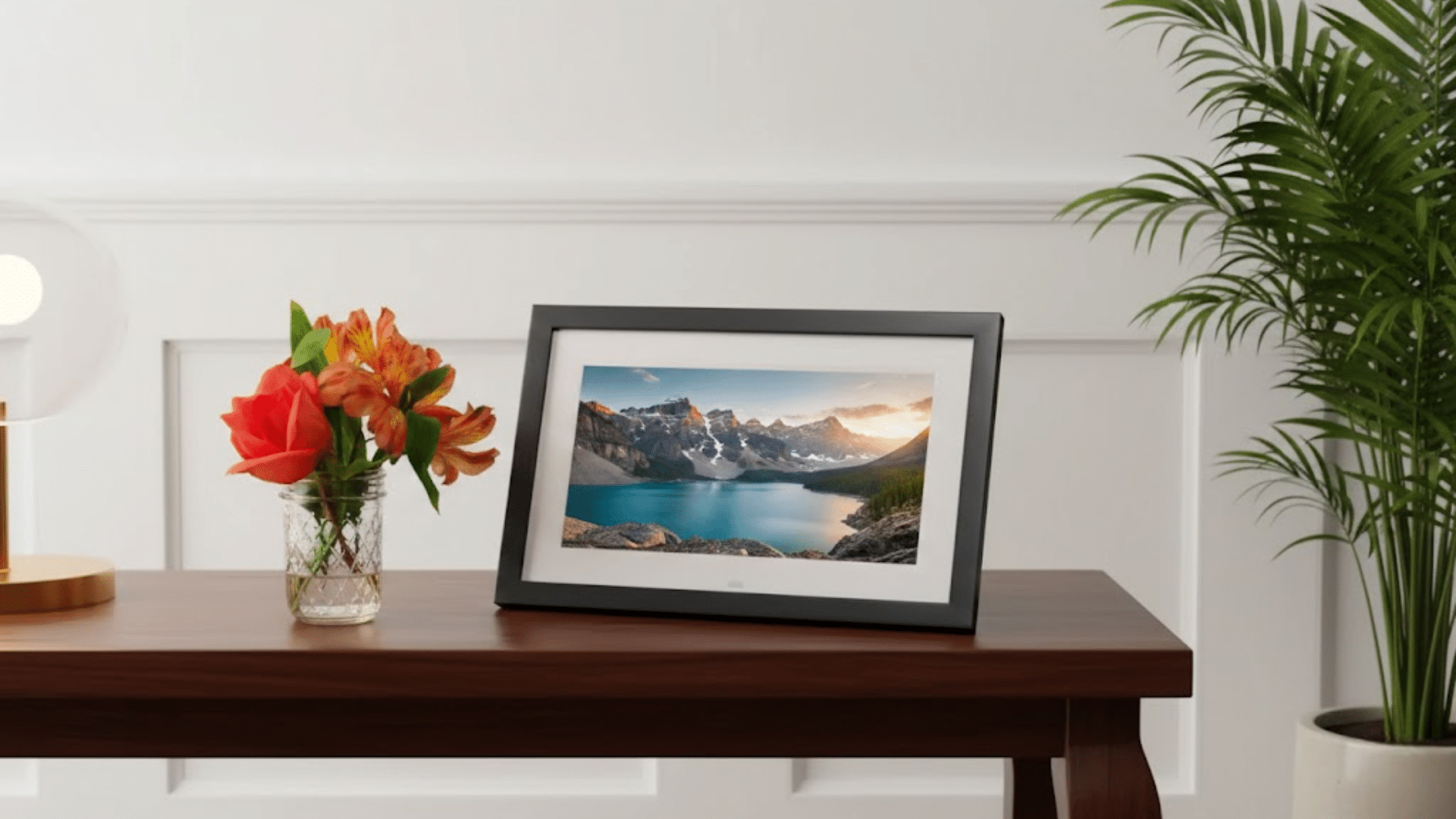
The Skylight Frame falls in the mid-to-high price range when compared to other digital frames. Brands like Nixplay and Aura offer similar features.
However, they often charge monthly fees. Skylight does not. Once you buy it, there are no extra costs. This makes it easier to manage over time and more appealing for long-term use.
Some competing frames offer stronger video support. Options like Dragon Touch allow longer video clips. Skylight focuses more on photos instead.
Where it stands out is photo sharing. The email feature is faster and easier than most apps used by other brands. It works well for all age groups.
User experience is where Skylight performs best. Many other frames feel crowded with settings and menus. Skylight keeps everything simple. Frames like Pix-Star offer more control but need more setup time.
Conclusion
Not every digital photo frame needs extra tools or endless settings to feel useful at home.
This is where skylight frame reviews tend to agree. This frame stands out for staying focused on everyday photo viewing. It works best once set up and does not demand regular changes or attention.
Sending pictures feels quick, which helps families stay connected without extra steps. The screen handles daily photos well, and viewing angles make it easy to enjoy images from around the room.
There are a few limits worth noting. The price may feel high for some buyers, and the Video support stays basic, and the frame needs constant power.
For households that value ease over extra features, this frame fits naturally into daily life. It focuses on showing memories without getting in the way.
Share your thoughts in the comments and let others know if this frame fits your home.