Looking for PagerDuty alternatives? You’re not alone. While PagerDuty dominates the incident management space with 700+ integrations and enterprise-grade features, many teams need something different, whether that’s simpler setup, better pricing, or specific features like SMS routing or Slack-native workflows.
This guide covers the best PagerDuty alternatives, comparison criteria, and a practical framework to help you choose the right on-call management tool for your team.
What Makes a Good PagerDuty Alternative?
Before diving into specific tools, let’s establish what “PagerDuty alternative” actually means for most teams.
Core On-Call Management Features
Any legitimate alternative needs these fundamentals:
- On-call scheduling – Rotation management, overrides, timezone support, and PTO coverage
- Alert routing & escalations – Intelligent routing rules, escalation policies, and fallback options
- Incident lifecycle management – Acknowledge, assign, resolve, and post-incident workflows
- Multi-channel notifications – App push, email, SMS, phone calls, and webhook integrations
- Integration ecosystem – Connect with your monitoring tools, chat platforms, and ticketing systems
PagerDuty excels at these. Your alternative should match or exceed these capabilities for your specific use case.
Best PagerDuty Alternatives: Complete Comparison
1. TaskCall – Best for Phone & SMS Routing
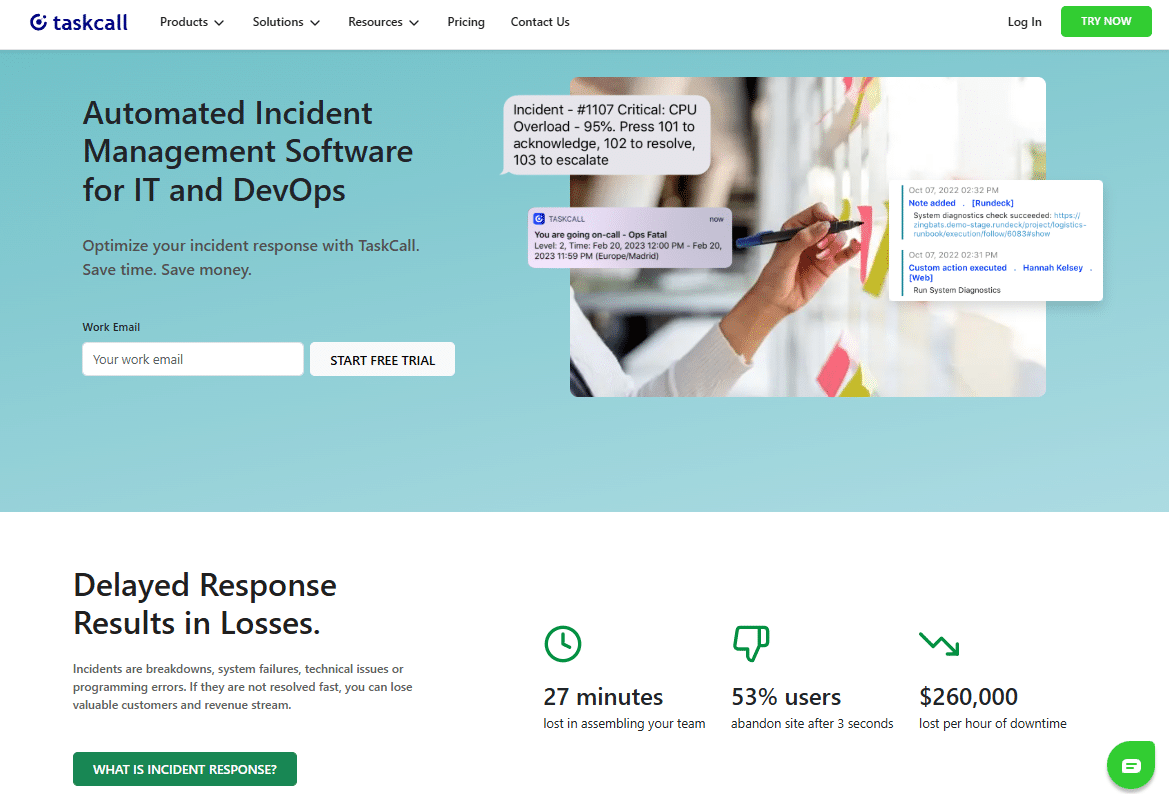
What it is: Incident response and on-call management platform designed for IT/DevOps teams who need reliable phone and SMS escalation paths.
Standout features:
- Live Call Routing with IVR-style greetings, call forwarding, voicemail handling, and acceptance prompts
- SMS Routing that auto-creates incidents from incoming texts, routes messages to on-call responders, and groups follow-up texts into the same incident thread
- Full on-call scheduling with rotations and escalation policies
- Integration with popular monitoring tools
Best for: Teams where “call the on-call” or “text the on-call” are business-critical workflows, customer support teams, field operations, healthcare IT, or any 24/7 service organization.
Pricing: Plans start at $9/user/month
Important note: Live Call Routing is billed separately, even during trial periods.
When to choose TaskCall: If your on-call team isn’t always at a desk, supports customers who call in emergencies, or operates in environments where internet access isn’t guaranteed, TaskCall’s phone/SMS capabilities become essential infrastructure, not just nice-to-have features.
2. incident.io – Best for Slack-Native Incident Response
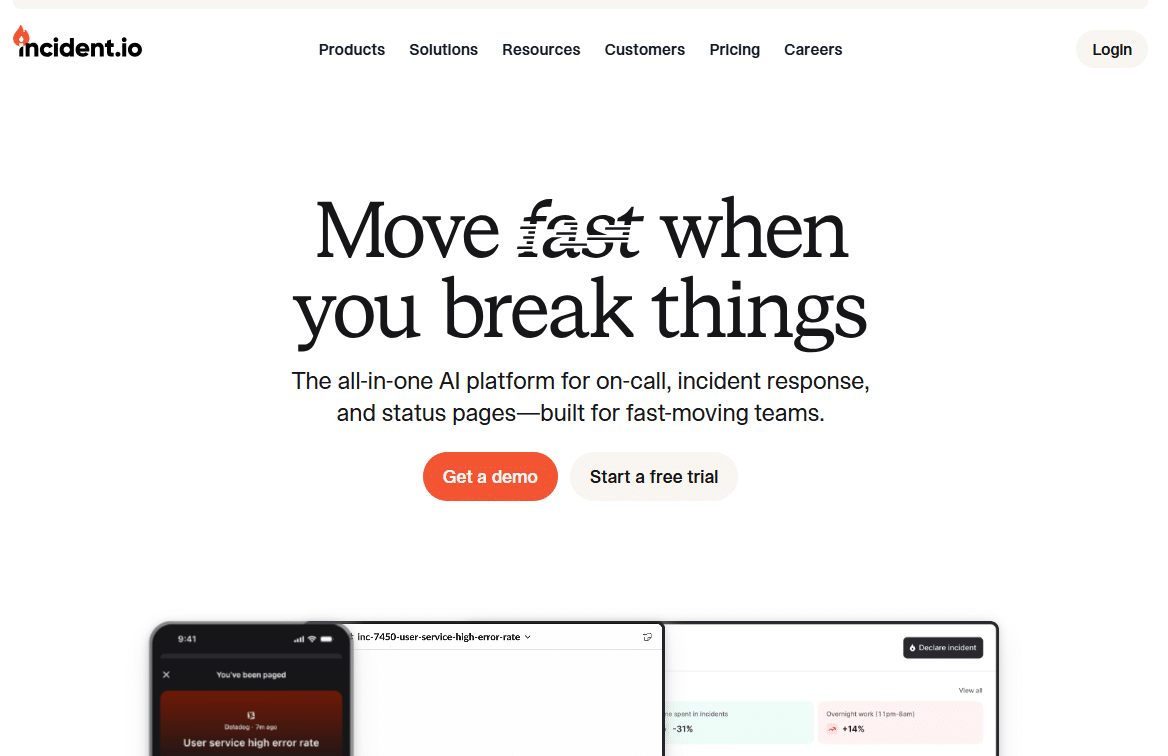
What it is: Incident management platform built specifically for teams that coordinate in Slack or Microsoft Teams.
Standout features:
- Create, manage, and resolve incidents without leaving Slack
- Chat-native commands and workflows
- Automated incident timelines and updates
- Built-in post-incident review templates
- Role assignment and status tracking in-channel
Best for: Teams that live in Slack/Teams and want incident workflows embedded directly in their primary communication tool.
When to choose incident.io: If your responders already coordinate in chat and you want to avoid forcing them into another UI during high-pressure outages, incident.io delivers the smoothest experience.
3. FireHydrant – Best for Comprehensive Incident Platform
What it is: End-to-end incident management platform combining response workflows, runbooks, status pages, and team collaboration.
Standout features:
- Incident response orchestration in Slack/Teams
- Runbook automation and templates
- Integrated status page management
- Post-incident review and retrospective tools
- Service catalog and dependency mapping
Best for: Teams wanting a single platform for the entire incident lifecycle, from initial alert through resolution and learning.
When to choose FireHydrant: If you need more than just on-call scheduling and want to centralize runbooks, status updates, and incident process improvement in one place.
4. Splunk On-Call (formerly VictorOps) – Best for Splunk Ecosystem
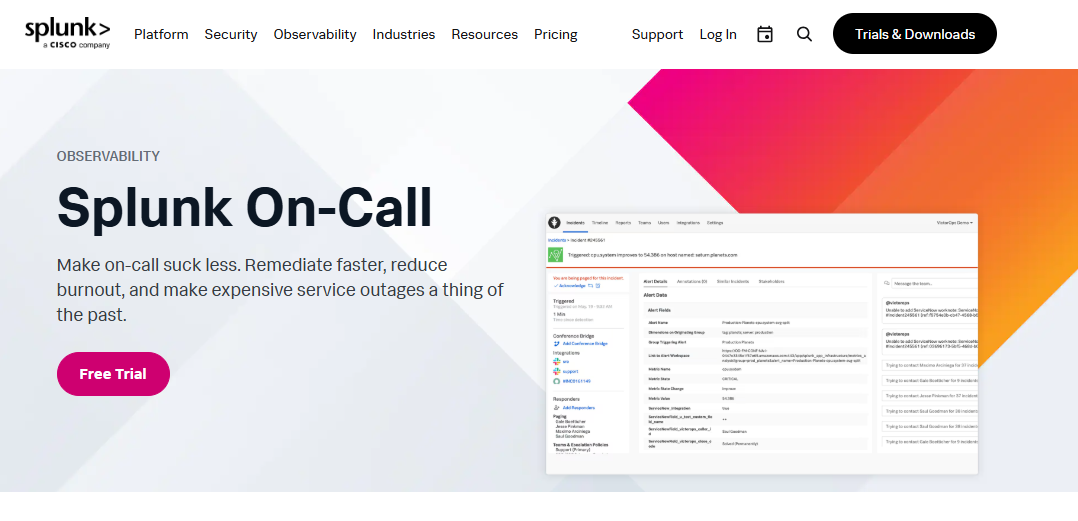
What it is: Enterprise-grade on-call management and incident response platform, particularly strong for DevOps teams already using Splunk tools.
Standout features:
- Advanced alert routing and escalation logic
- Robust scheduling capabilities
- Strong mobile apps for iOS and Android
- Deep integration with Splunk monitoring ecosystem
- Team performance analytics and reporting
Best for: DevOps teams on the Splunk stack or organizations requiring enterprise-grade routing with strong mobile response capabilities.
When to choose Splunk On-Call: If you’re already invested in Splunk’s observability tools or need sophisticated routing patterns across multiple teams with formal handoff processes.
5. Grafana OnCall (Open Source) – Best for Open-Source Solution
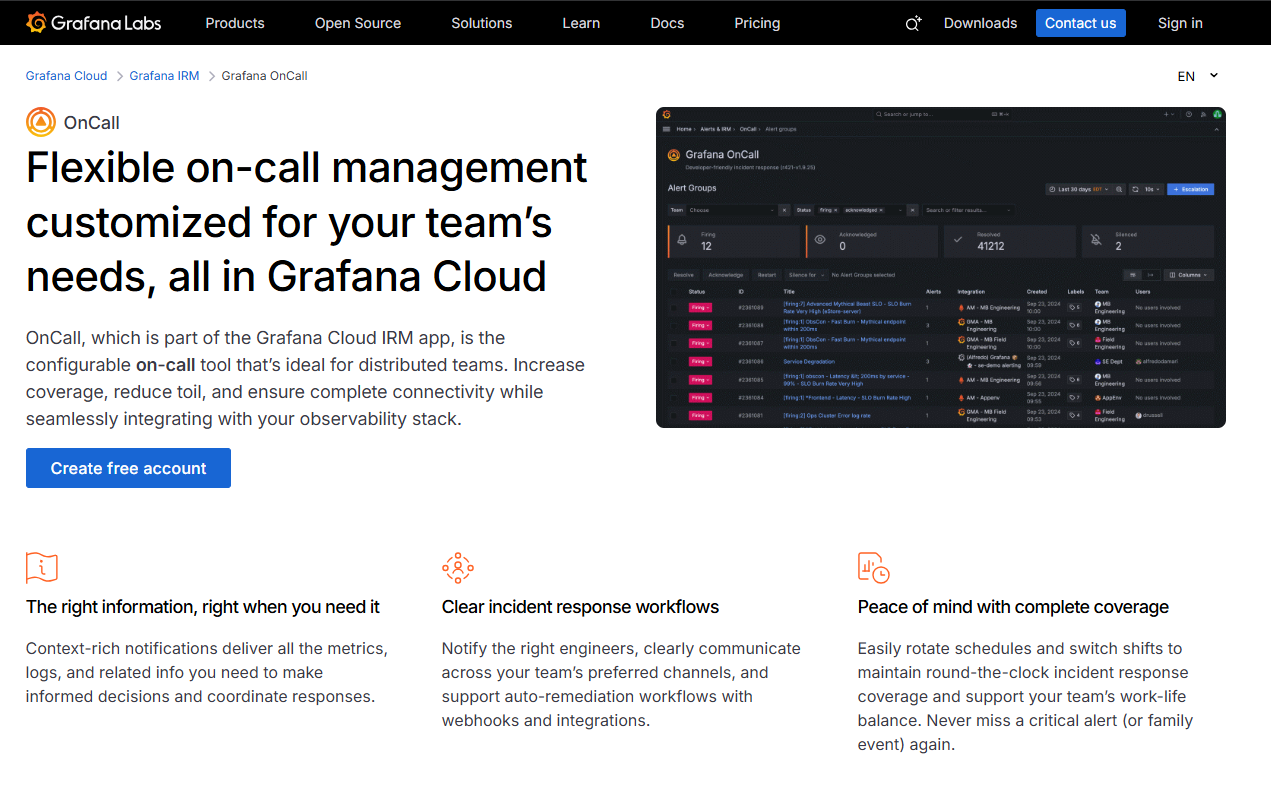
What it is: Open-source on-call management tool with alert routing, escalations, and scheduling capabilities.
Standout features:
- Completely open-source and self-hostable
- Alert routing and escalation policies
- Integration with Grafana monitoring ecosystem
- Phone and SMS notifications (depending on configuration)
- No vendor lock-in
Best for: Teams wanting open-source flexibility, full control over their infrastructure, or those already standardized on Grafana.
Watch out: Requires self-hosting and ongoing maintenance, which adds operational overhead.
When to choose Grafana OnCall: If you have the engineering resources to maintain self-hosted infrastructure and want to avoid vendor lock-in, or if you’re already deeply invested in the Grafana ecosystem.
6. Datadog On-Call – Best for Unified Monitoring & Paging
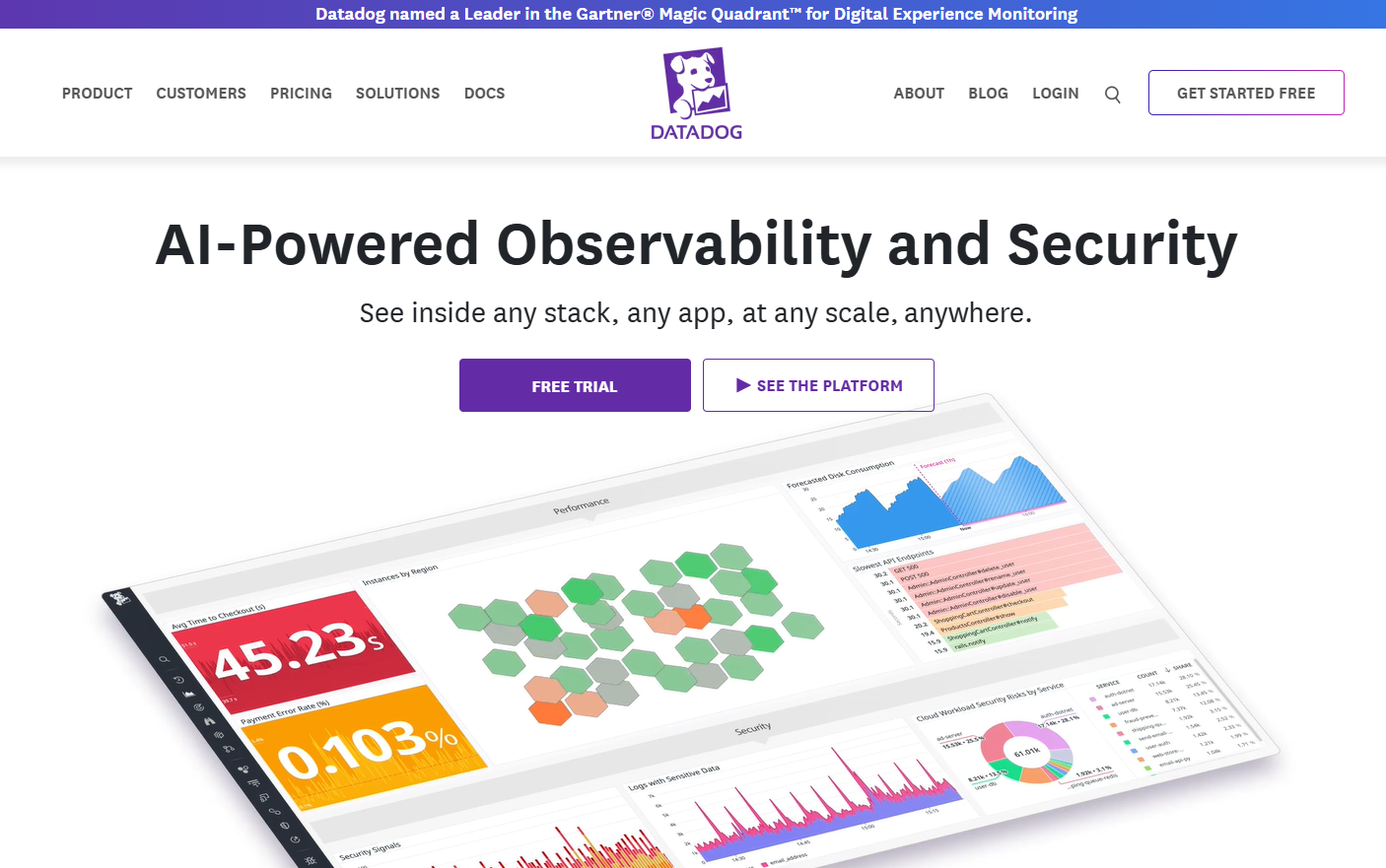
What it is: On-call management integrated directly into the Datadog monitoring platform.
Standout features:
- Monitoring, alerting, and incident response in one unified platform
- Seamless alert-to-page workflow
- No context switching between monitoring and paging tools
- Leverages existing Datadog dashboards and metrics
- Integrated incident timelines
Best for: Teams already standardized on Datadog who want to reduce tool sprawl and keep everything in one ecosystem.
Watch out: Less useful as a standalone solution; value proposition strongest for existing Datadog customers.
When to choose Datadog On-Call: If you’re already paying for Datadog and want to simplify your stack by consolidating monitoring and on-call management.
7. xMatters – Best for Enterprise Workflow Automation
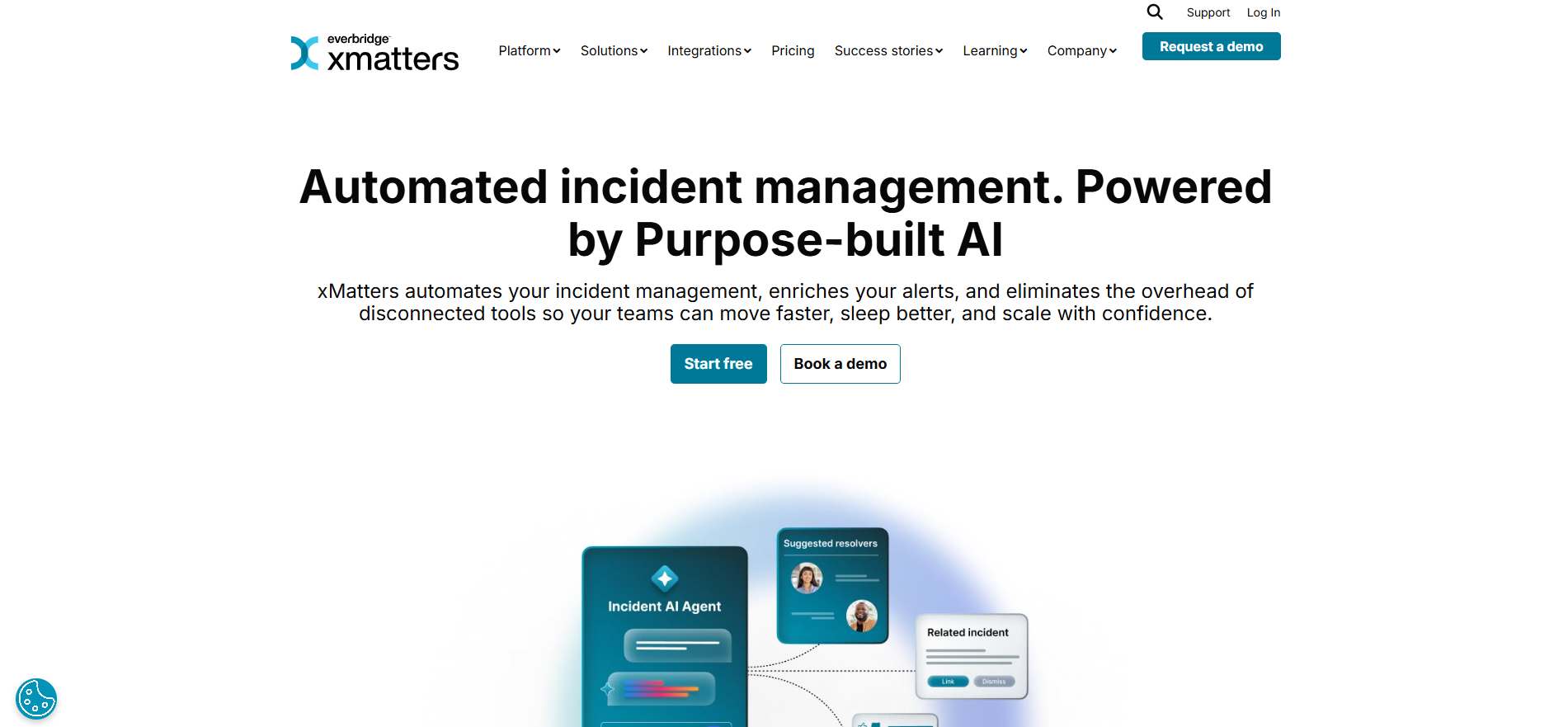
What it is: Enterprise-grade on-call management platform with advanced workflow automation and scheduling capabilities.
Standout features:
- Sophisticated on-call scheduling and escalations
- Workflow automation for complex processes
- Role-based response coordination
- Audit trails and compliance features
- Multi-team orchestration
Best for: Larger organizations with complex processes, multiple teams, and formal incident response protocols.
When to choose xMatters: If you’re an enterprise that needs robust routing patterns, workflow automation, and structured handoffs across departments.
8. Better Stack On-Call – Best for Lightweight Setup
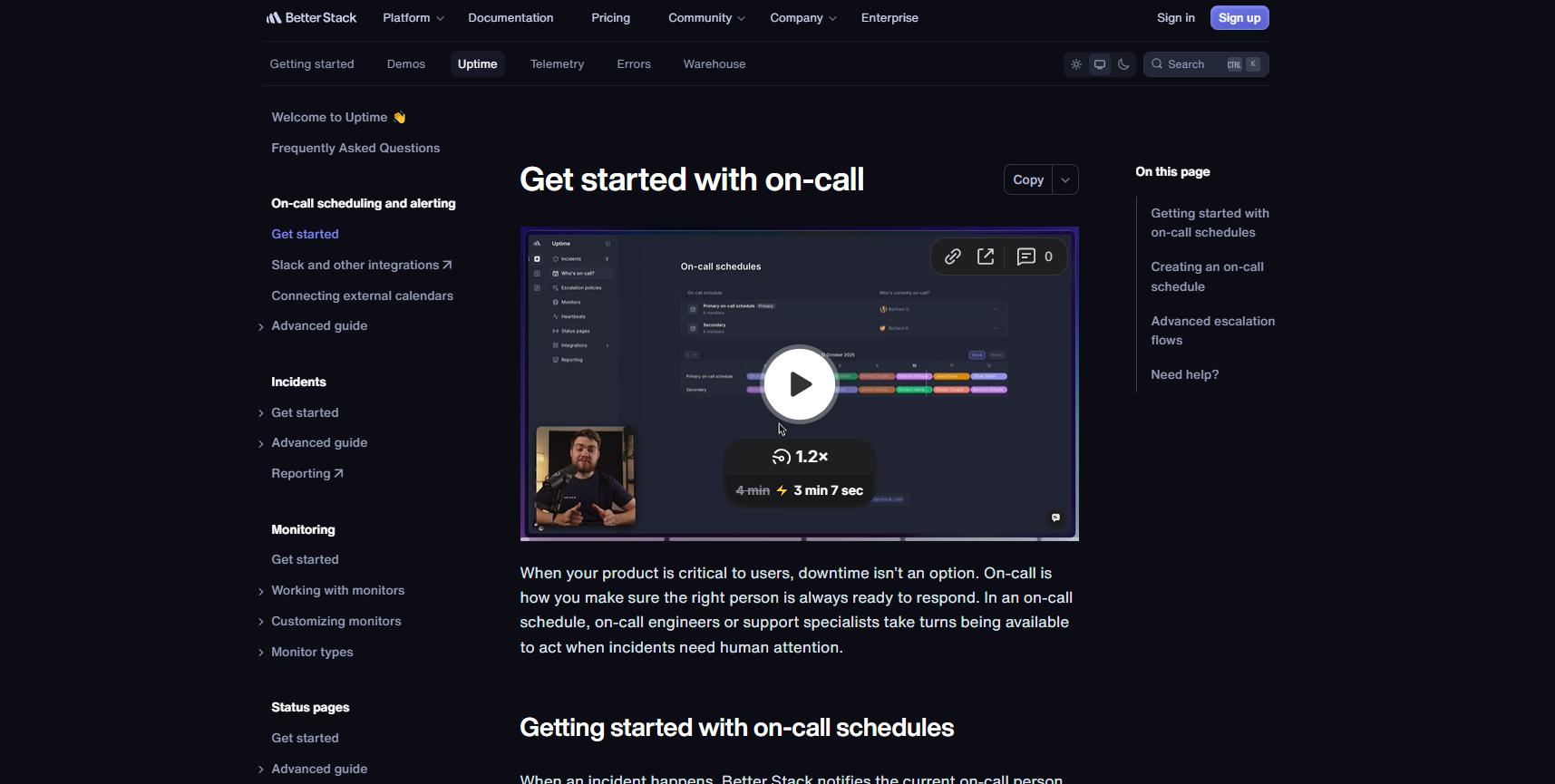
What it is: Straightforward on-call management with escalation policies and scheduling as part of the Better Stack platform.
Standout features:
- Simple escalation policy configuration
- On-call scheduling and rotations
- Integration with Better Stack monitoring
- Clean, intuitive interface
- Quick setup time
Best for: Teams wanting a no-frills on-call solution without heavy configuration overhead.
Watch out: Feature depth may be limited compared to more specialized platforms.
When to choose Better Stack On-Call: If you value simplicity and quick time-to-value over advanced features, or if you’re already using Better Stack for uptime monitoring.
9. PagerTree – Best for Straightforward On-Call & Alerting
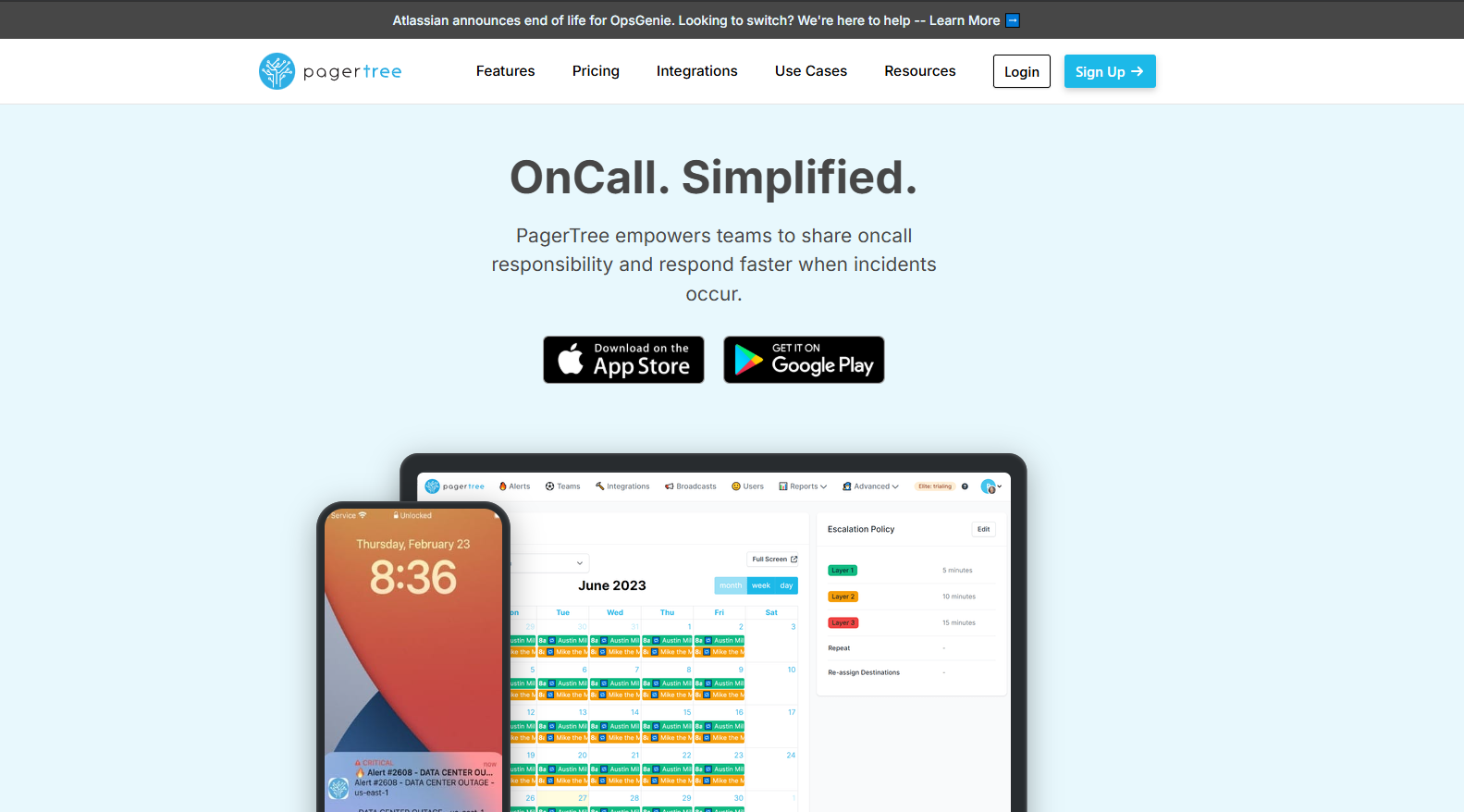
What it is: On-call management platform with schedules, escalations, and multi-channel notifications.
Standout features:
- On-call schedules and rotation management
- Escalation policies
- Multi-channel notifications (email, SMS, push, phone)
- Alert aggregation and deduplication
- Calendar integrations
Best for: Teams needing solid on-call fundamentals without unnecessary complexity.
Watch out: Verify that available integrations cover your specific monitoring and alerting tools.
When to choose PagerTree: If you need reliable on-call scheduling and alerting with straightforward setup and transparent pricing.
PagerDuty Alternatives Comparison Table
|
Tool |
Best Use Case |
Pricing Starting Point |
Key Differentiator |
Integration Strength |
|---|---|---|---|---|
|
Phone/SMS routing critical |
$9/user/month |
Live call & SMS routing |
Good monitoring integrations |
|
|
incident.io |
Slack-first teams |
Custom pricing |
Native Slack workflows |
Strong chat platform focus |
|
FireHydrant |
Comprehensive platform |
Custom pricing |
All-in-one incident platform |
Broad ecosystem |
|
Splunk On-Call |
Splunk ecosystem |
Custom pricing |
Enterprise routing logic |
Deep Splunk integration |
|
Grafana OnCall |
Open-source preference |
Free (self-hosted) |
No vendor lock-in |
Grafana-focused |
|
Datadog On-Call |
Datadog customers |
Included with Datadog |
Unified monitoring & paging |
Datadog ecosystem |
|
xMatters |
Enterprise workflows |
Custom pricing |
Workflow automation |
Enterprise systems |
|
Better Stack On-Call |
Lightweight needs |
Part of Better Stack |
Simple, fast setup |
Better Stack platform |
|
PagerTree |
Straightforward on-call |
Varies |
No-frills reliability |
Standard integrations |
How to Choose the Right PagerDuty Alternative
Decision Framework: Match Tool to Workflow
Choose based on where incidents actually happen:
If phone calls and SMS are real escalation paths
→ TaskCall
This matters if your on-call team isn’t always at a desk, you support customers who call in emergencies, or you operate field services. TaskCall’s Live Call Routing (with IVR options) and SMS Routing (auto-creates incidents from texts) turn phone/SMS from edge cases into first-class workflows.
If incidents are coordinated in Slack/Teams
→ incident.io or FireHydrant
Don’t force responders into another UI during outages. If your team already coordinates in chat, your incident tool should live there too. incident.io is purpose-built for Slack-first response, while FireHydrant offers broader incident platform capabilities with strong chat integration.
If you’re already on Datadog or Grafana
→ Datadog On-Call or Grafana OnCall
Keep alerts and paging in one ecosystem. This reduces context switching, speeds up response, and often reduces costs. Datadog On-Call unifies monitoring and paging; Grafana OnCall offers open-source flexibility if you’re willing to self-host.
If you need enterprise-grade routing and formal processes
→ Splunk On-Call or xMatters
Larger organizations with multiple teams, structured handoffs, and compliance requirements need robust routing patterns and audit trails. Both tools excel at complex escalation logic and role-based response coordination.
If you want simple and lightweight
→ Better Stack On-Call or PagerTree
Sometimes you don’t need every feature, just reliable on-call scheduling and alerting that works. These tools offer straightforward setup without overwhelming configuration options.
Why Teams Leave PagerDuty
Understanding why organizations seek alternatives helps frame the decision:
1. Complexity & Setup Time
PagerDuty’s enterprise focus means powerful features but potentially heavy setup for smaller teams. Many alternatives offer faster time-to-value.
2. Pricing Structure
As teams scale, PagerDuty costs can increase significantly. Teams often look for more predictable or economical pricing models.
3. Feature Mismatch
Some teams need specific capabilities (like advanced SMS routing or Slack-native workflows) that aren’t PagerDuty’s core strength.
4. Ecosystem Fit
If you’re standardized on Datadog, Grafana, or Splunk, staying within that ecosystem often makes more operational sense.
5. Over-Engineering
Not every team needs enterprise-grade complexity. Sometimes a simpler tool better matches team size and incident volume.
Important Context: Opsgenie End of Life
If you’re researching alternatives because of the Opsgenie shutdown, here’s what you need to know:
Atlassian confirmed that Opsgenie end of support is April 5, 2027. The product will be completely shut down on that date.
This isn’t speculation, it’s official. If you’re currently using Opsgenie, start planning your migration now. Finding the right Opsgenie alternative and executing the transition typically takes most teams 4-8 weeks for a clean migration including:
- Rebuilding schedules and rotations
- Recreating escalation policies
- Reconnecting alert sources
- Training team members on new workflows
- Running parallel systems to ensure continuity
Don’t wait until the last minute.
Migration Checklist: Moving from PagerDuty (or Opsgenie)
Use this checklist to keep your migration smooth:
Step 1: Planning & Mapping
□ Audit current setup
- Document all services and their owners
- List current on-call schedules and rotations
- Map escalation policies and routing rules
- Identify all alert sources and integrations
□ Map to new platform
- Identify equivalent features in new tool
- Plan for any feature gaps or workarounds
- Determine migration timeline
- Assign migration responsibilities
Step 2: Configuration
□ Rebuild core infrastructure
- Create on-call schedules (rotations, overrides, timezones)
- Configure escalation policies and routing rules
- Set up user accounts and permissions
- Connect alert sources and integrations
□ Test thoroughly
- Trigger test alerts through each integration
- Verify escalation paths work correctly
- Check notification delivery across all channels
- Test schedule overrides and edge cases
Step 3: Transition
□ Run parallel systems
- Keep old and new platforms running simultaneously
- Monitor for any missed alerts or gaps
- Compare response times and reliability
- Document any issues and adjust configuration
□ Train the team
- Walk through acknowledge/assign/resolve workflows
- Practice handoff procedures
- Review mobile app functionality
- Document new processes and update runbooks
Step 4: Cutover & Optimization
□ Complete migration
- Disable old platform alerting
- Monitor closely for first few days
- Gather feedback from on-call responders
- Fine-tune based on real-world usage
□ Optimize & improve
- Review incident response metrics
- Adjust escalation timing if needed
- Add integrations as needed
- Conduct post-migration retrospective
Key Features to Evaluate in Any On-Call Tool
When comparing alternatives, assess these critical capabilities:
1. Scheduling Capabilities
- Rotation management (daily, weekly, custom)
- Schedule overrides and temporary coverage
- Timezone handling for distributed teams
- PTO and availability calendar integrations
- Multi-layer escalations (primary, secondary, fallback)
2. Alert Routing & Escalations
- Intelligent routing based on service, severity, time
- Escalation policy flexibility
- Deduplication and alert grouping
- Routing rules and conditional logic
- Fallback and catch-all policies
3. Notification Channels
- Mobile app push notifications
- SMS text messages
- Phone calls (automated or live routing)
- Email notifications
- Webhook integrations for custom channels
4. Incident Management
- Acknowledge and assignment workflows
- Incident timeline and context tracking
- Collaboration features (notes, status updates)
- Post-incident review capabilities
- Incident analytics and reporting
5. Integration Ecosystem
- Monitoring tools (Datadog, Grafana, Prometheus, etc.)
- Chat platforms (Slack, Teams, Discord)
- Ticketing systems (Jira, Linear, ServiceNow)
- Status page integrations
- API and webhook support
6. Mobile Experience
- Native iOS and Android apps
- Push notification reliability
- Offline functionality
- Quick acknowledge/resolve actions
- Schedule visibility on mobile
7. Compliance & Security
- SOC 2 compliance
- GDPR compliance
- Role-based access controls
- Audit logs
- Data residency options
Frequently Asked Questions
Which alternative is best if we need phone calls and SMS, not just app notifications?
TaskCall specializes in phone and SMS routing. Its Live Call Routing includes IVR-style greetings, call forwarding, and voicemail handling, while SMS Routing auto-creates incidents from incoming texts and keeps conversation history attached to the incident.
What’s the most cost-effective PagerDuty alternative?
It depends on your team size and needs. Grafana OnCall is free if you self-host. TaskCall starts at $9/user/month. Better Stack On-Call and PagerTree offer competitive pricing for smaller teams. Best approach: calculate total cost including integrations and add-ons, not just base pricing.
How long does it take to migrate from PagerDuty to an alternative?
Most teams need 4-8 weeks for a clean migration including planning, configuration, testing, parallel running, and training. Rushing increases risk of coverage gaps or missed alerts during the transition.
Is PagerDuty’s 700+ integrations claim accurate?
Yes, PagerDuty actively maintains and promotes its ecosystem of 700+ integrations as a core platform strength. When evaluating alternatives, verify they support your specific monitoring tools and workflows, raw integration count matters less than covering your actual stack.
What happens to Opsgenie users after April 2027?
Atlassian has confirmed Opsgenie will be completely shut down on April 5, 2027. Users must migrate to another platform before that date. No extension or grace period has been announced.
Conclusion: Choose Based on Workflow, Not Features
The right PagerDuty alternative isn’t determined by the longest feature list, it’s about matching your team’s actual incident response workflow.
Quick decision guide:
- Slack/Teams-first coordination? → incident.io or FireHydrant
- Phone/SMS routing critical? → TaskCall
- Already on Datadog/Grafana? → Stay in that ecosystem
- Enterprise with complex processes? → Splunk On-Call or xMatters
- Want simple and lightweight? → Better Stack On-Call or PagerTree
- Open-source preference? → Grafana OnCall
For Opsgenie users: You have until April 2027, but don’t procrastinate. Start evaluating now, run a pilot with your top 2-3 choices, and migrate with time to spare.
For PagerDuty evaluators: Test alternatives with real alerts and actual on-call rotations, not just demos. The tool that looks best in a sales presentation might not fit your operational reality.
The stakes are high: missed alerts during migration can mean outages, customer impact, and revenue loss. Choose deliberately, test thoroughly, and migrate carefully.