Many believe WiFi and the internet are the same thing. It sounds true, feels true, and most of us never question it until something suddenly stops working.
A video freezes, a page refuses to load, and frustration kicks in fast.
We blame the WiFi, reset the router, and hope for the best. What’s really happening is often something different.
WiFi and the internet do two separate jobs, but they work so closely together that the line between them feels invisible.
WiFi is a tool that shares a connection, and the Internet is a global network of information.
The blog clears that up. You’ll learn what the difference between wifi and the internet is, how they work, and whether wifi and the internet are the same thing.
What is Wifi?
WiFi is a tool that helps devices connect to the internet, but it is not the internet itself.
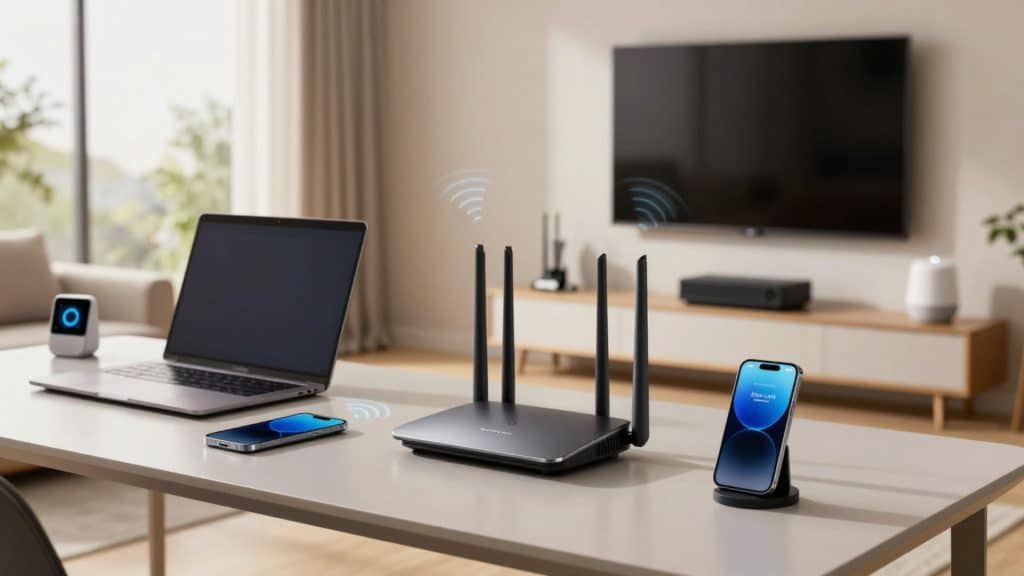
Think of WiFi as a wireless bridge that sends internet access from a router to nearby devices.
WiFi connects phones, laptops, tablets, and smart TVs inside a home, school, or office without using cables.
The router receives the internet from a service provider and then shares it using radio signals. This makes it easy to move around while staying connected.
If the internet service stops, WiFi still works, but there will be no online access.
WiFi simply helps devices talk to the router and share one internet connection safely and easily.
What is the Internet?
The internet is a global network that connects computers, phones, and other devices so they can share information.
It lets people send and receive data from anywhere in the world in seconds.
Through the internet, websites show pages with text and images, apps run on phones and computers, videos stream for learning or fun, and emails carry messages quickly.
WiFi is one way to access the internet, but it is not the only option.
Mobile data lets phones connect using cellular networks, wired connections use cables at home or work, and hotspots share internet access with nearby devices.
What is the Difference Between WiFi and the Internet?
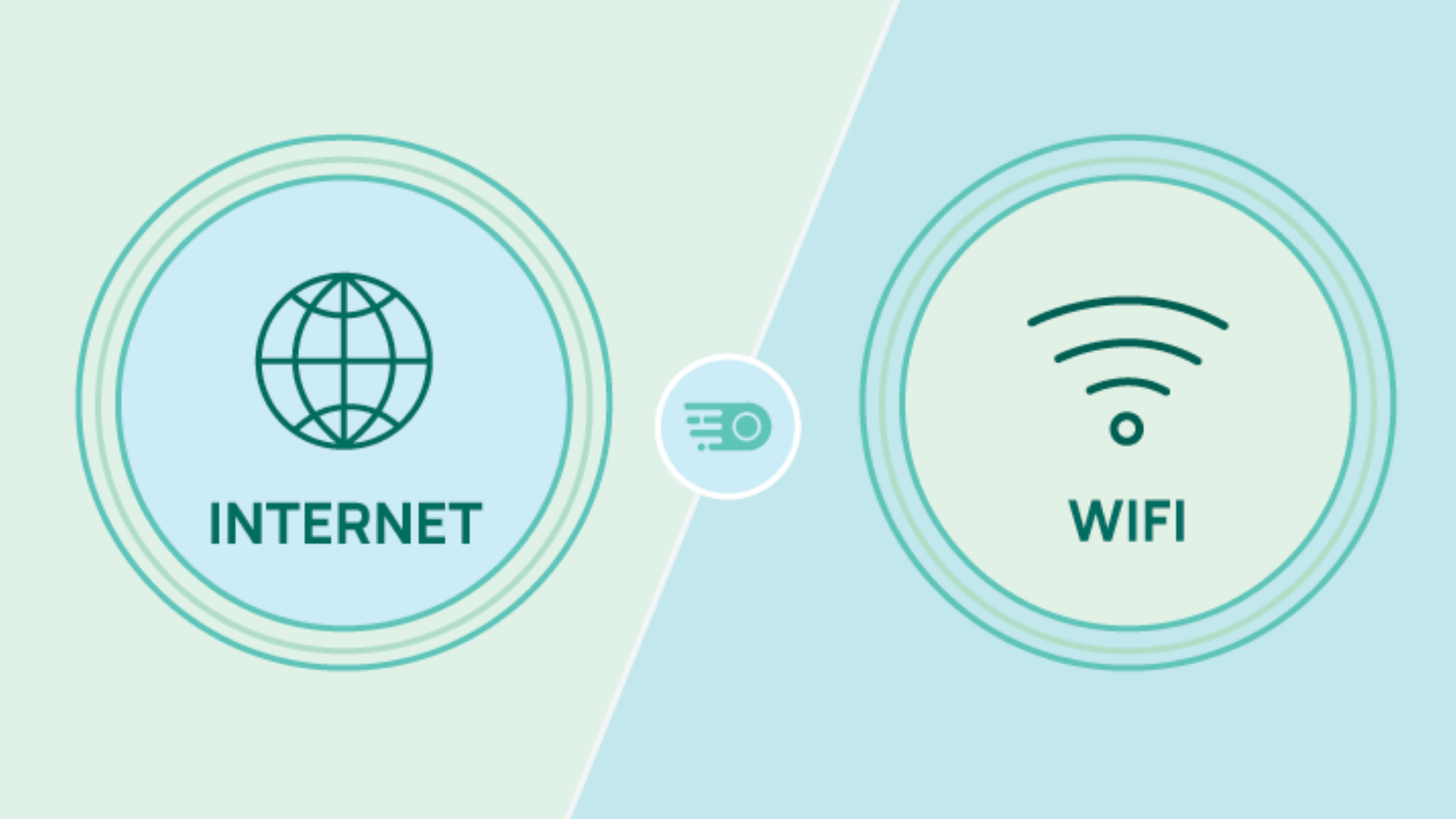
WiFi and the Internet differ fundamentally. This comparison breaks down their invention, range, speed, reliability, security, connection types, and ideal uses.
1. Origins of the Internet and WiFi
The internet came first. It started in 1969 as ARPANET, a project by the U.S. Department of Defense.
By 1983, it switched to the TCP/IP system, which still runs the internet today.
Now it connects billions of devices worldwide through internet providers like Comcast or Verizon, with no distance limits whatsoever.
WiFi came much later. It was standardized in 1997 under IEEE 802.11 and made popular in 1999 by the Wi-Fi Alliance.
WiFi was created for short-range, local connections inside homes and offices, not for global communication like the internet.
2. Distance Covered
WiFi works over short distances. Indoors, it usually covers about 150 feet on 2.4GHz signals and around 50 feet on 5GHz due to walls and furniture.
Outdoors, newer WiFi can reach several hundred feet in open space. The internet has no fixed distance limit.
It connects places across cities, countries, and continents using fiber cables, satellites, and cellular networks. Fiber lines can run for miles, and satellites like Starlink cover wide areas.
WiFi is best for rooms and buildings, while the internet connects the entire world.
3. Speed
WiFi can be very fast at short range; it can reach high speeds close to the router, but real home speeds often stay between 300 and 600 Mbps due to distance and interference.
Internet speed depends on your service plan. In the U.S., average download speeds are around 242 Mbps, while fiber plans can go much higher.
Even if your internet is fast, weak WiFi can slow it down.
The internet sets the speed limit, and WiFi controls how well that speed reaches your device.
4. Reliability
In many homes, WiFi drops can happen due to walls, nearby networks, or devices like microwaves.
Newer routers improve stability, but short interruptions still occur. Internet reliability depends on the provider and connection type.
Fiber internet often reaches very high uptime, while cable can slow down during busy hours.
If WiFi fails, the internet connection may still be active. If the internet fails, WiFi can still connect devices locally.
Both depend on power, but internet networks have more backup paths.
5. Security Threats
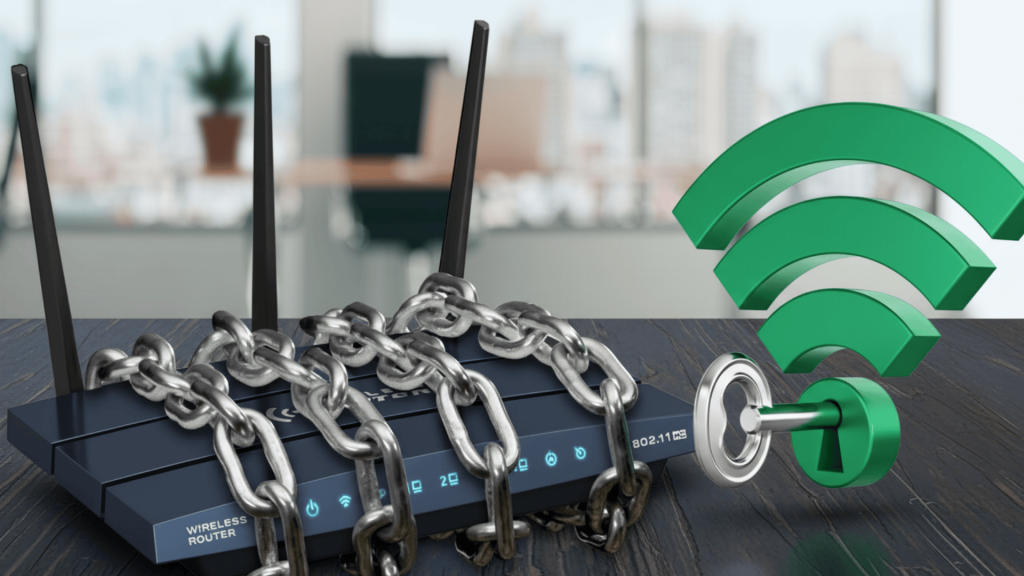
WiFi security risks often come from weak passwords or public networks.
Older WiFi systems had known flaws, and open hotspots can expose users to attacks nearby. Newer security standards help, but local access is still a risk.
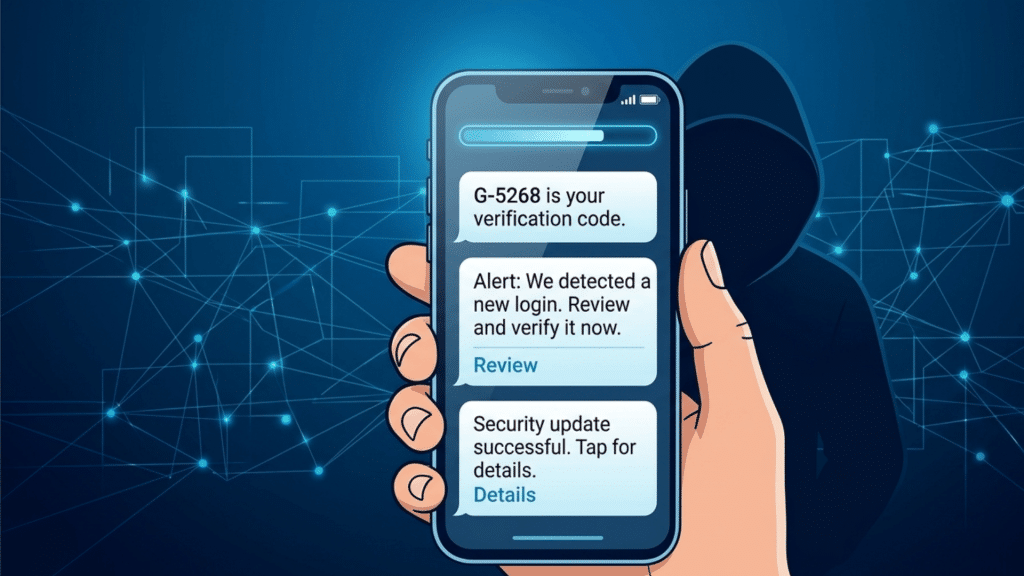
Internet threats are wider in scale. These include phishing emails, fake websites, and large attacks on servers.
Most threats happen online, not through WiFi itself. WiFi risks are local and physical, while internet threats come from anywhere in the world.
Using strong passwords, updates, and basic safety tools helps protect both.
6. Connection Type
WiFi uses radio waves to connect devices wirelessly to a router inside a limited area.
It works on shared frequency bands and does not need cables between the device and router. The internet uses many connection types.
These include fiber, cable, phone lines, mobile networks, and satellites. Many homes use a modem to receive the internet and a router to spread it using WiFi.
WiFi handles local connections. The Internet handles wide-area data movement between networks across the globe.
7. Best Suited For
WiFi is best for local use inside homes, offices, and public places.
It allows phones, laptops, TVs, and smart devices to connect without cables. It works well for moving around freely indoors.
The internet is best for global access. It lets users browse websites, stream videos, send emails, and use cloud services from anywhere.
WiFi is ideal for local sharing, like printers and smart devices.
The internet is essential for online banking, streaming, work calls, and worldwide communication.
WiFi vs Internet: Key Differences at a Glance
WiFi and the internet are often confused; one helps connect devices nearby, while the other connects the world online. Read through to know the difference.
| Criteria | WiFi | Internet |
| Device Limit | Performance drops as more devices connect | Can support many users through provider networks |
| Main Purpose | WiFi helps devices access an existing internet connection wirelessly. | The Internet provides access to websites, apps, emails, and online services. |
| Range Control | Controlled by router placement and signal strength. | Controlled by service provider infrastructure |
| Dependency | WiFi needs an internet source to provide online access. | The Internet does not depend on WiFi to function. |
| Cost | No monthly cost after buying the router | Monthly subscription or data plan |
Why do People Think WiFi and the Internet Are the Same?
People often think WiFi and the internet are the same because they are usually used together. Since both seem to work at the same time, the difference is easy to miss.
- WiFi and the internet often turn on together
- Background connections are not visible
- WiFi icons appear on phones and laptops
- Connection problems feel the same to users
- Internet issues are often blamed on WiFi
Phones and laptops also show a WiFi icon, which adds to the confusion. The icon makes it look like internet access is active, even when WiFi is connected, but the internet is not working.
How Does WiFi and the Internet Work Together?
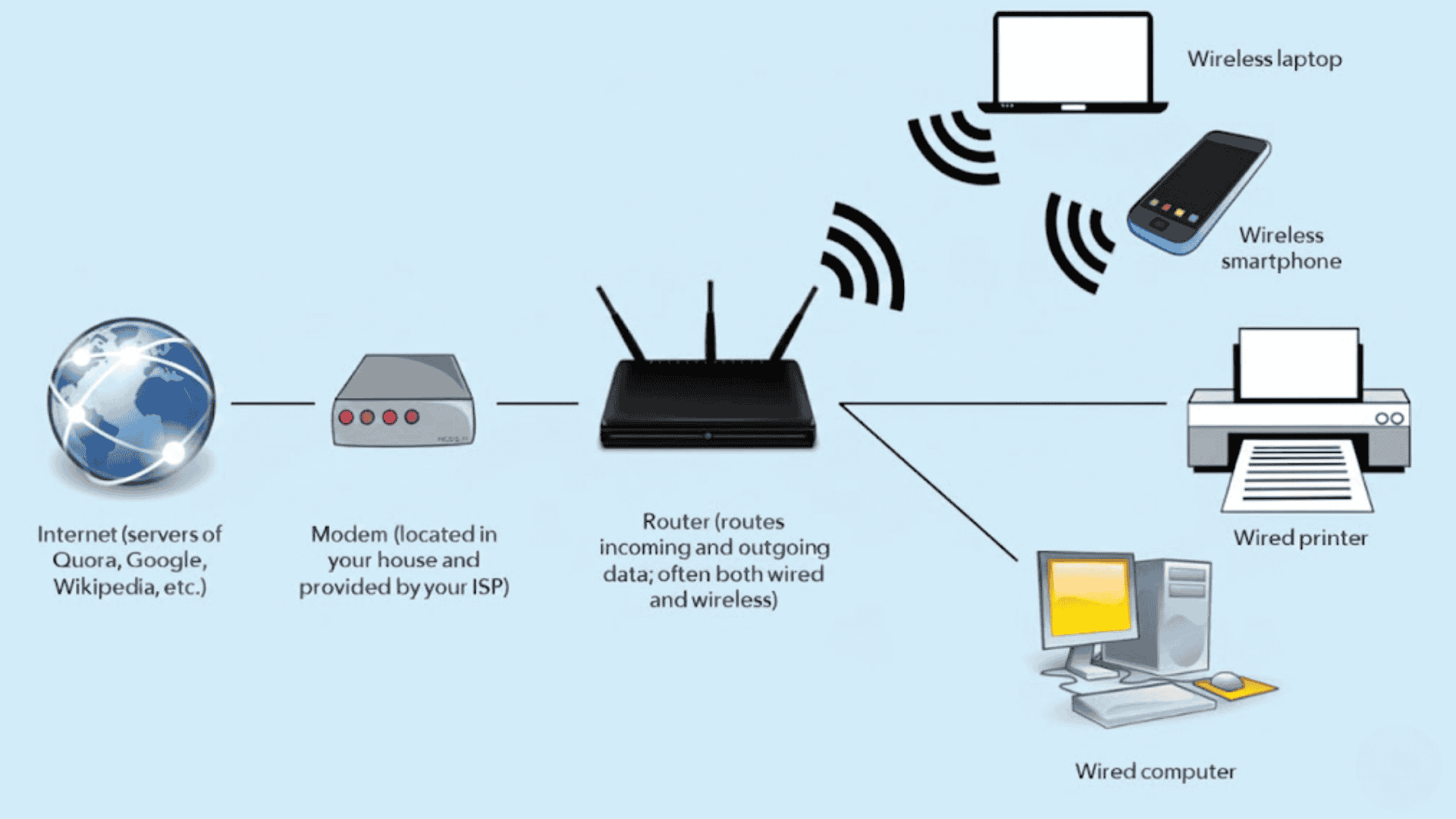
WiFi and the internet work together in a simple chain, working as a team to bring online access, from the service provider to your phone, laptop, or TV.
- The Internet service provider sends the connection: The process starts when your internet service provider sends data to your home or building.
- The modem brings the internet inside: The data reaches a modem, which connects your home to the wider internet.
- The router manages the connection: The modem passes the internet to a router, which controls and directs the connection.
- WiFi shares the internet wirelessly: The router sends the internet using WiFi signals throughout the space.
- Devices connect to WiFi: Phones, laptops, and TVs connect to these signals to go online.
- Everything works together: Each step depends on the previous one, so if one part fails, the connection may not work properly.
Does the Internet Work Without WiFi?
Yes, you can have internet without WiFi.Internet access does not always need WiFi to work.
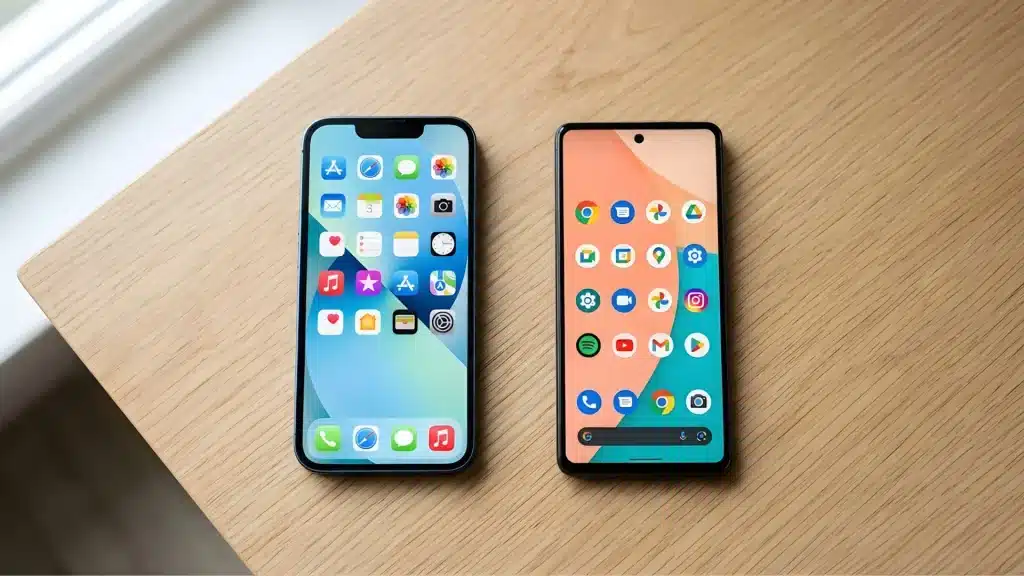
One common way is through mobile data. Phones use 4G or 5G networks to connect directly to the internet using cellular signals.
This is why websites load even when WiFi is turned off. Phones can also create hotspots, which share mobile data with other devices like laptops or tablets.
Another way is through wired connections. An Ethernet cable can connect a computer directly to a modem or router.
This gives a steady internet connection without using WiFi at all. WiFi is just a wireless method to share the internet.
Choosing Between Wired and Wireless Connections
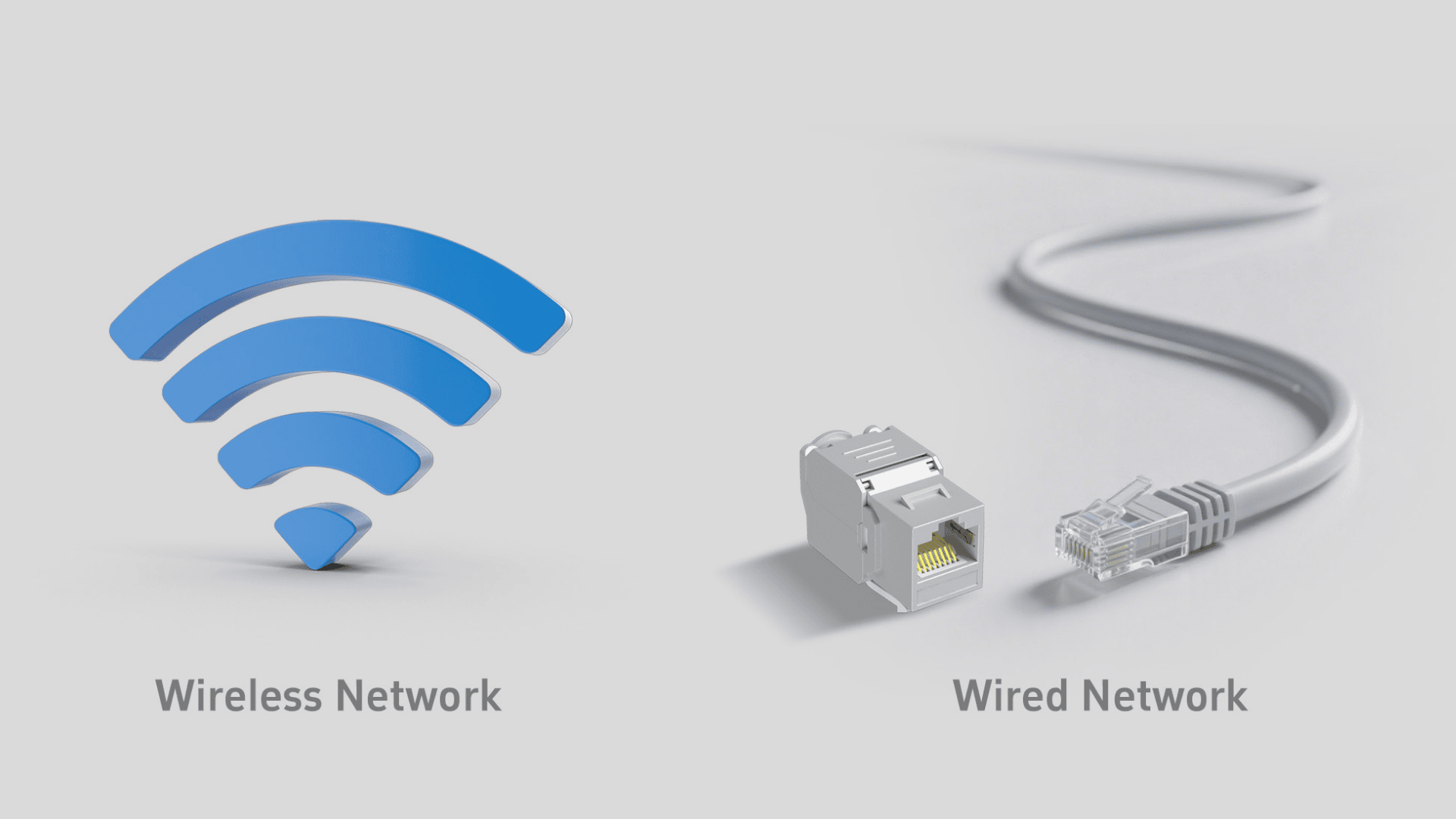
Wired and wireless connections each serve different needs depending on speed, stability, and flexibility. Choosing the right one helps you get better performance.
Wired Connections
The points below show when wired connections work best and why they are useful for steady and reliable access.
- Use cables to link devices directly to the router or modem.
- Offer stable speed and fewer interruptions.
- Better for gaming, work calls, and large downloads.
- Less affected by walls or interference.
Wireless Connections
The points below show when wireless connections are more convenient to use and how devices connect using WiFi signals without cables.
- Use WiFi signals to connect devices without cables.
- Allow easy movement and flexible device use.
- Better for phones, tablets, and smart devices.
- Easier to set up and manage.
Conclusion
Knowing the difference between WiFi and the internet helps you feel more confident and less frustrated when things go wrong.
The internet is what connects you to the world, while WiFi is simply the tool that brings that connection to your devices nearby and within the range.
An easy way to remember the difference is to think of pipes and water. WiFi is like the pipes inside your house, while the internet is the water flowing through them.
Without water, the pipes are useless. In the same way, WiFi cannot give you online access without the internet.
Take the next step by checking your own setup today and making small changes that improve your internet experience right away.
Comment below your WiFi or internet problem and share a tip that improved your internet speed.
Frequently Asked Questions
Why Does WiFi Show Connected But Pages Do Not Load?
This usually happens when your device connects to the router, but the internet service from the provider is down, slow, or temporarily unstable.
Is Public WiFi Safe For Personal Use?
Public WiFi can be unsafe because others may access the network, so avoid sensitive tasks unless using secure sites, strong passwords, and a trusted VPN.
Is WiFi Faster Than Mobile Data?
WiFi can be faster than mobile data when connected to a strong broadband connection, but speed depends on signal quality, router strength, and network load.