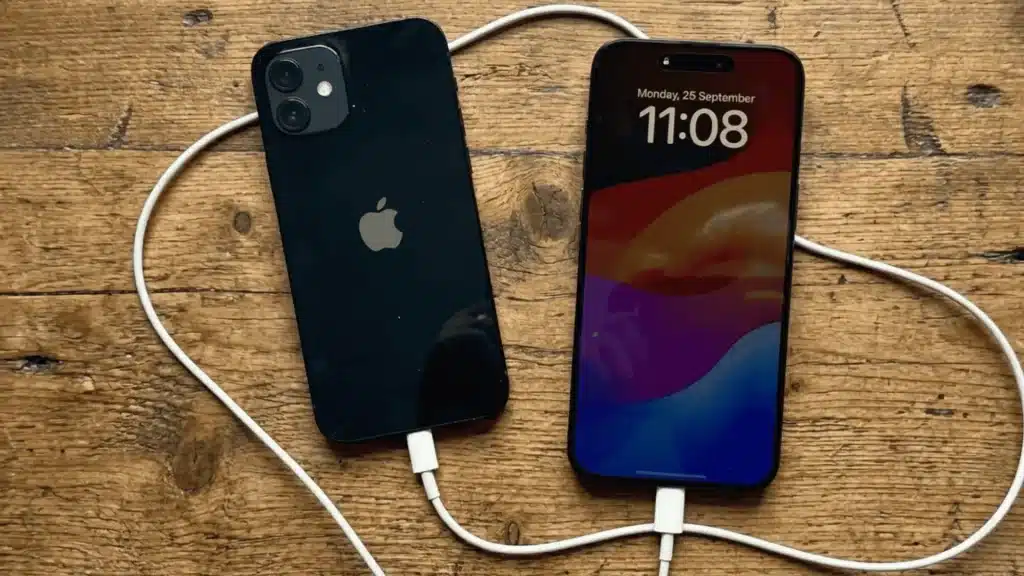
Have you ever been caught with a dying phone while your friend’s iPhone sits at 80% battery?
You might wonder if there’s a way to borrow some power directly from their device. The answer might surprise you, and it’s not as straightforward as you’d expect.
Newer iPhones offer a hidden emergency charging feature, but it only works under specific limits.
You’ll need the right hardware setup, compatible devices, and realistic expectations about how quickly power transfers between phones.
This capability involves USB technology, and it works very differently from the wireless charging methods you might be familiar with.
I’ll cover which iPhones support it, how it works, when to use it, and reliable emergency power alternatives.
Understanding these options can help you stay connected when traditional charging methods aren’t available.
How iPhone-to-iPhone Charging Works?
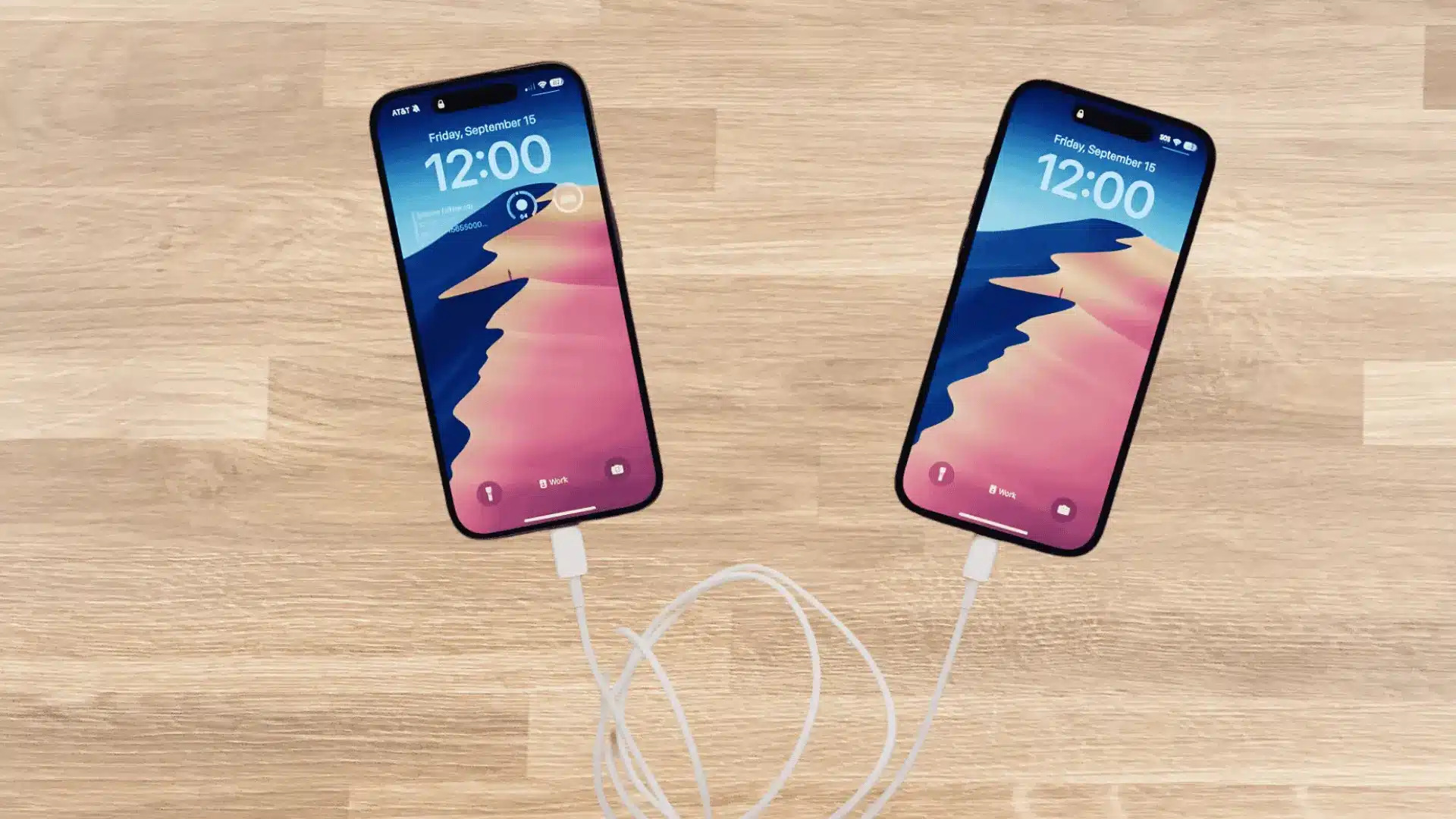
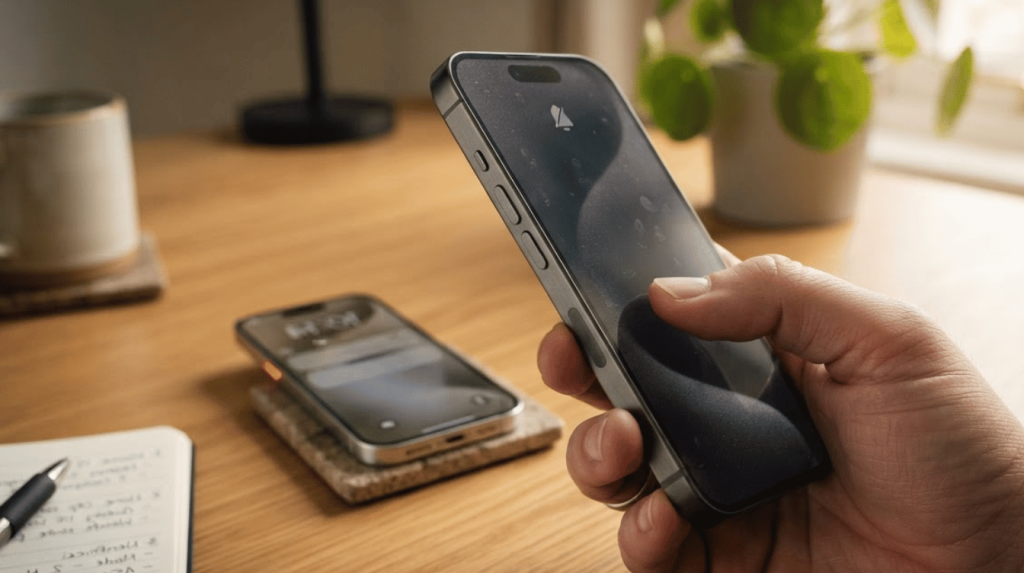
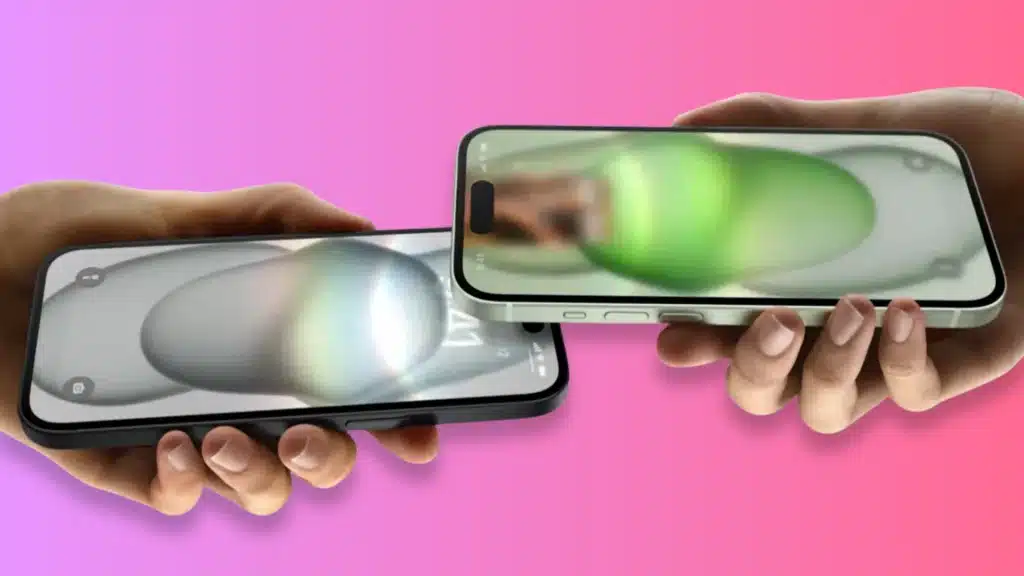
Apple enables limited power transfer between iPhones through a feature called reverse charging.
This allows one iPhone to act as a temporary power source for another device when connected through a compatible cable setup.
The technology behind this capability relies on USB-C ports that can output a small amount of power, typically around 4.5 watts, when connected to another compatible device.
But this transfer happens slowly compared to traditional charging methods from wall outlets or power banks.
The feature only activates when both devices recognize each other, battery levels meet certain thresholds, and neither device is performing power-intensive tasks that would drain the source phone too quickly.
This makes it suitable for emergency situations rather than regular daily charging needs.
Can You Charge an iPhone With Another iPhone?
Yes, you can charge an iPhone with another iPhone, but only through a wired connection using specific models.
Apple has not enabled wireless iPhone-to-iPhone charging due to heat generation and efficiency concerns that could damage battery health.
Many users mistakenly believe all iPhones support this feature or that it works wirelessly like some Android devices.
Currently, only USB-C-equipped iPhones, such as iPhone 15, iPhone 15 Plus, iPhone 15 Pro, iPhone 15 Pro Max, and newer models, can share power through a cable connection.
These devices can also charge other USB-C gadgets like AirPods, Apple Watch, or compatible accessories when needed. Just keep in mind that accessories with older batteries may not charge as efficiently over time.
How to Charge an iPhone With Another iPhone?
Here’s a practical way to share power between compatible iPhone models when you need a quick boost.
Follow these steps to set up the connection properly and maximize the power transfer process.

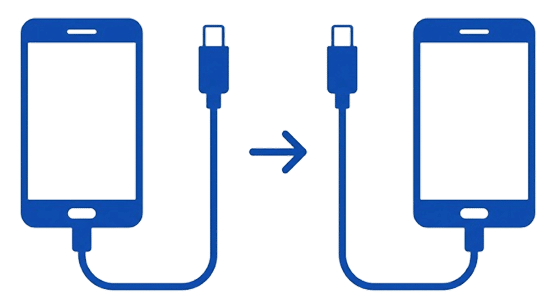
1. Check Model Compatibility
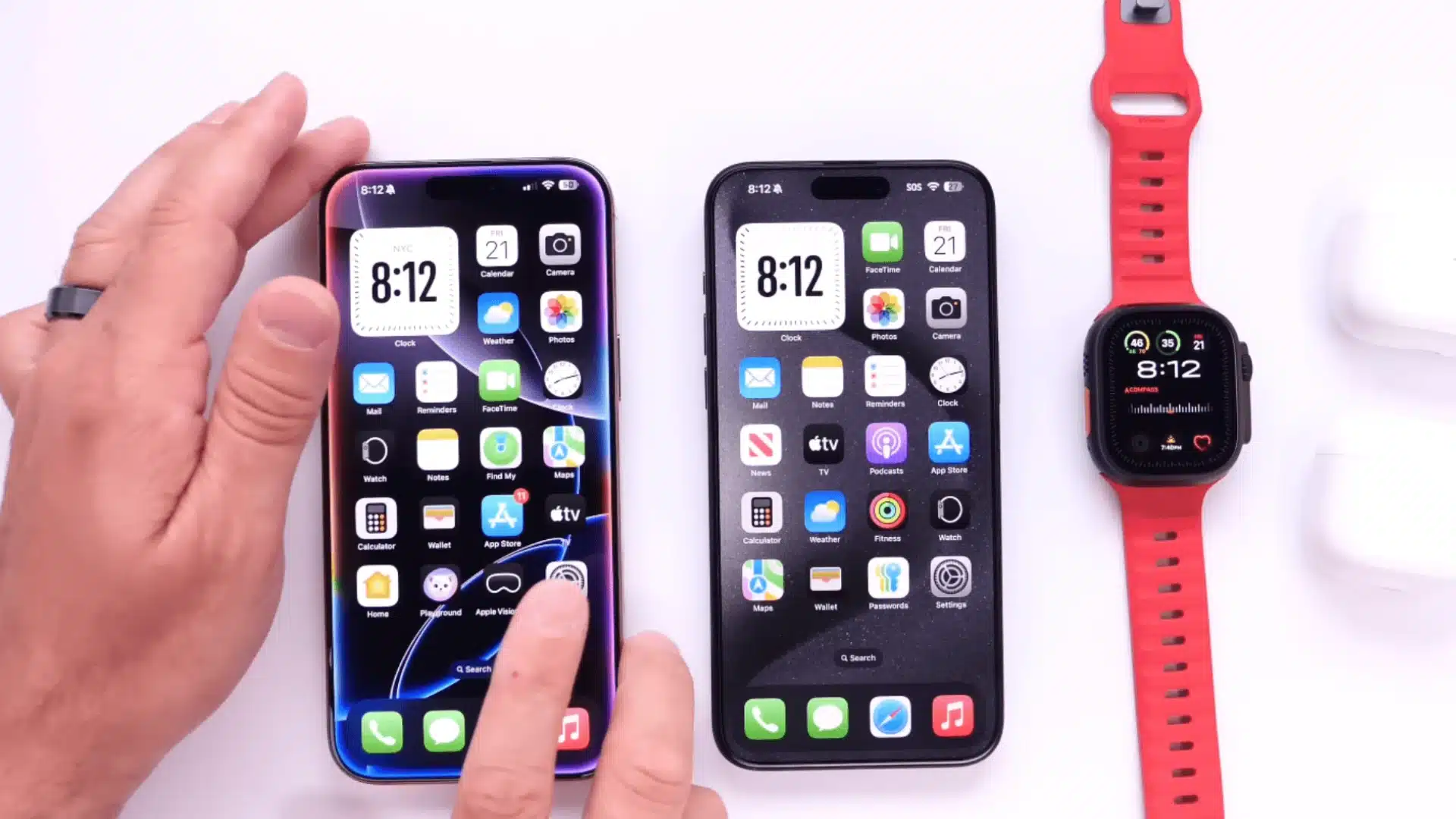
Your iPhone must have a USB-C port to share power with another device.
This includes iPhone 15, iPhone 15 Plus, iPhone 15 Pro, iPhone 15 Pro Max, and newer models released after these.
The receiving device can be any iPhone with USB-C, or even older Lightning models if you use an adapter.
Also, both devices should have iOS 17 or later installed for optimal functionality.
Keep in mind that the source iPhone needs at least 20-30% battery to initiate power transfer, as the system prevents complete battery drain on the host device.
2. Use the Correct Cable
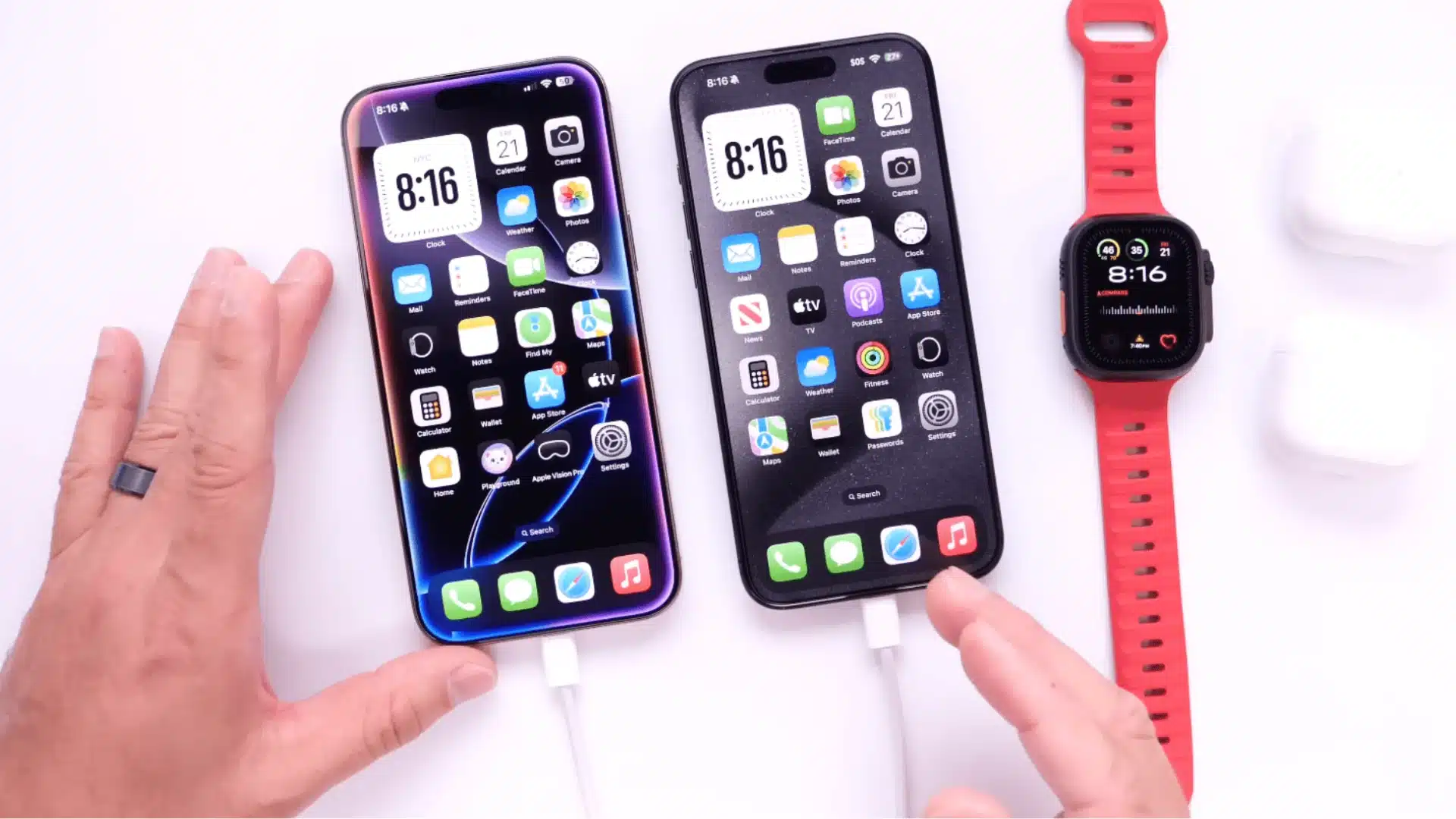
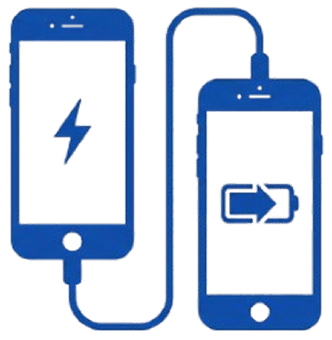
You’ll need a USB-C to USB-C cable to connect two compatible iPhones directly.
Once you plug the cable into both devices, they automatically detect each other and determine which device has more battery remaining.
The iPhone with a higher battery level becomes the power source by default.
No additional settings or permissions are required; the transfer begins immediately after connection.
Make sure you’re using an Apple-certified or high-quality third-party cable, as low-quality cables may not support the data communication needed for the phones to recognize each other properly.
3. Follow These Steps
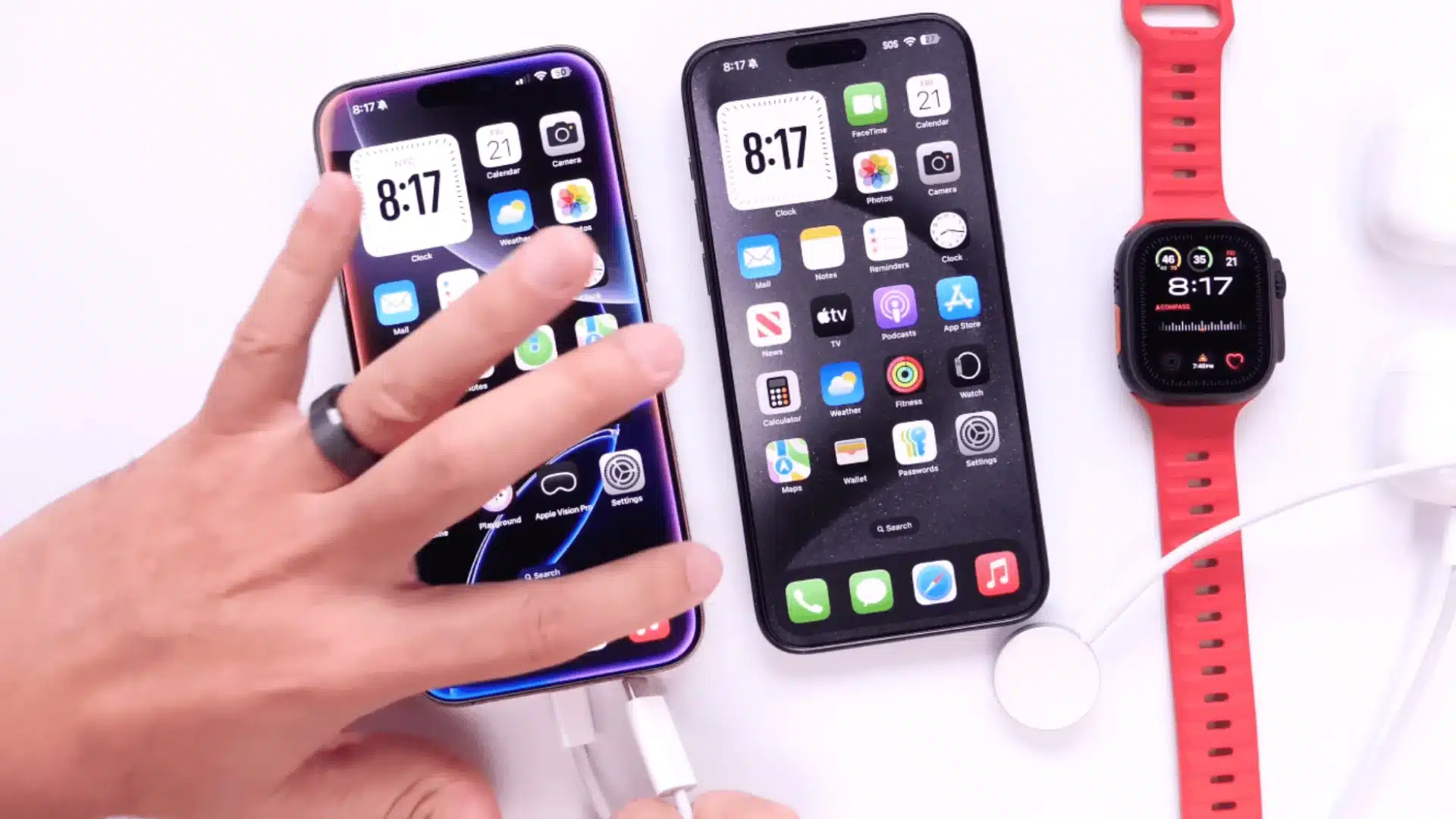
Connect one end of the USB-C cable to each iPhone’s charging port.
The device with more battery charge automatically becomes the power source, while the other begins receiving power.
You’ll see a small notification on both screens confirming the power transfer is active.
The charging speed will be slow, expect roughly 2-5% battery gain per 30 minutes, depending on usage during charging.
Both phones remain fully functional during this process, though using power-intensive apps on either device will slow the transfer further or stop it entirely if power demand exceeds supply.
4. When This Method Works Best
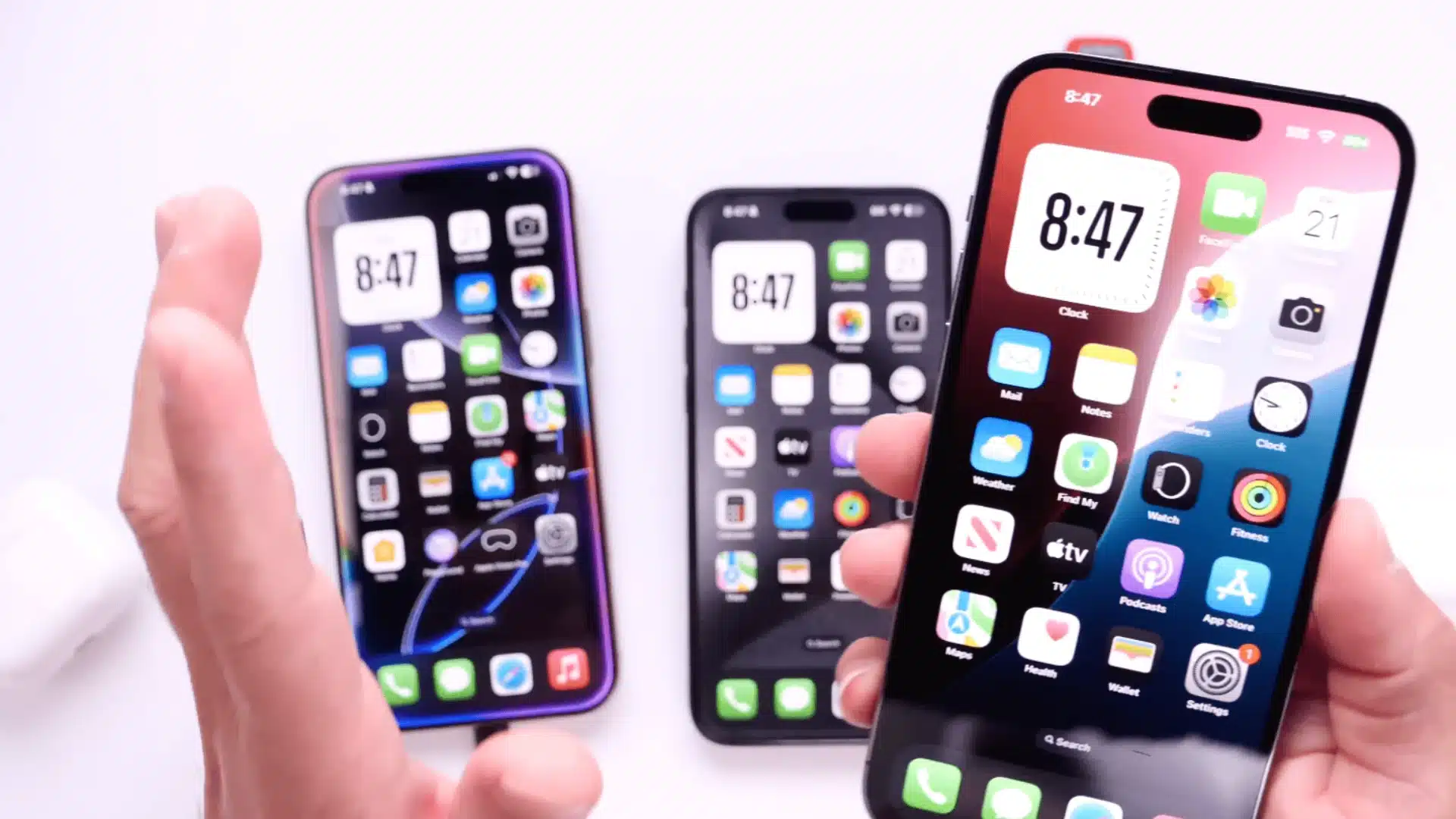
iPhone-to-iPhone charging works well for emergency situations when you need just enough power to make an important call or check directions.
It’s ideal for light top-ups that give you 10-15% battery, enough to get through the next hour until you find a proper charger.
This method makes sense for short-term use only, as it drains the source phone’s battery relatively quickly.
If your Apple Watch is also low on charge, you will need to manage that separately, since it cannot be charged this way.
Avoid relying on this feature for full charges or daily use, but rather treat it as a last resort when traditional charging options aren’t available, and you need minimal power to complete an urgent task.
Here is a helpful video demonstration below for the same by iDeviceHelp
Alternatives to Battery Sharing on iPhone
When direct iPhone-to-iPhone charging isn’t practical, several more efficient options exist to keep your device powered throughout the day.
These alternatives offer faster charging speeds and better overall performance compared to phone-to-phone power transfer.
- Power-sharing adapters connect multiple phones to a single power source, splitting power between USB ports safely without draining one device
- MagSafe battery packs attach magnetically to compatible iPhones (iPhone 12 and newer), providing wireless charging on the move with 50-75% battery restoration
- Portable power banks remain the most reliable solution, offering high-capacity charging that fully recharges your iPhone multiple times before needing a refill
Look for power banks with at least 10,000mAh capacity for optimal performance.
These alternatives charge significantly faster than phone-to-phone transfer and prevent unnecessary battery wear on your devices.
Tips to Save Battery When No Charger is Available
Quick adjustments can significantly extend your battery life when you’re away from charging options. These simple settings changes help maximize every percentage point remaining on your iPhone.
🔋 Low Power Mode: Reduces background activity and extends battery life by 2–3 hours
🔆 Screen Brightness: Lower to 30% or less to cut battery use by 20–40%
📶 Wireless Connections: Turn off Wi-Fi, Bluetooth, and mobile data when not needed
📱 Background Apps: Close unused apps to prevent unnecessary power drain
📍 Location Services: Disable GPS for apps that don’t need real-time tracking
✈️ Airplane Mode: Use in weak signal areas to stop constant network searching
Conclusion
Charging one iPhone with another is possible but limited to specific USB-C models like the iPhone 15 and newer.
While you can charge an iPhone with another iPhone in emergencies, this method works slowly and should be reserved for situations when you need a small battery boost to handle urgent tasks.
The feature requires compatible hardware and the right cable and comes with speed limitations that make it impractical for daily use.
For reliable charging, consider carrying a portable power bank, MagSafe battery pack, or power-sharing adapter instead.
These alternatives provide faster, more efficient charging without draining your primary device.
What’s your preferred method for staying charged throughout the day?
Share your experience in the comments below.
Frequently Asked Questions
Does Charging Another iPhone Affect the Battery Health of the Source Device?
Yes, frequent use of reverse charging can contribute to faster battery wear over time. Since the source iPhone is discharging while powering another device, it may go through more charge cycles, which can impact long-term battery health.
Can You Control Which iPhone Sends or Receives Power During Charging?
No, the system automatically decides which iPhone acts as the power source based on battery levels. The device with the higher charge will supply power, and there is currently no manual override to change this behavior.
Will iPhone-to-iPhone Charging Work if One Device is Turned Off?
In most cases, no. Both devices need to be powered on and functional for the connection to be recognized and for power transfer to begin. If one iPhone is completely off, the feature may not activate properly.