Setting up a TV or sound system is much easier when you understand the difference between HDMI and HDMI ARC.
These two ports look the same, yet they work in very different ways, and that can cause a lot of confusion.
In this blog, I’ll walk you through how both options work, how they move audio, and what changes when you switch from regular HDMI to HDMI ARC.
I’ll also explain when each one is useful, so you can pick the right setup without guessing.
My goal is to keep things clear and help you make sense of the features you already have at home.
By the end, you’ll know how these connections work, what makes them different, and how to get better sound from your devices with the right choice.
What is Standard HDMI?
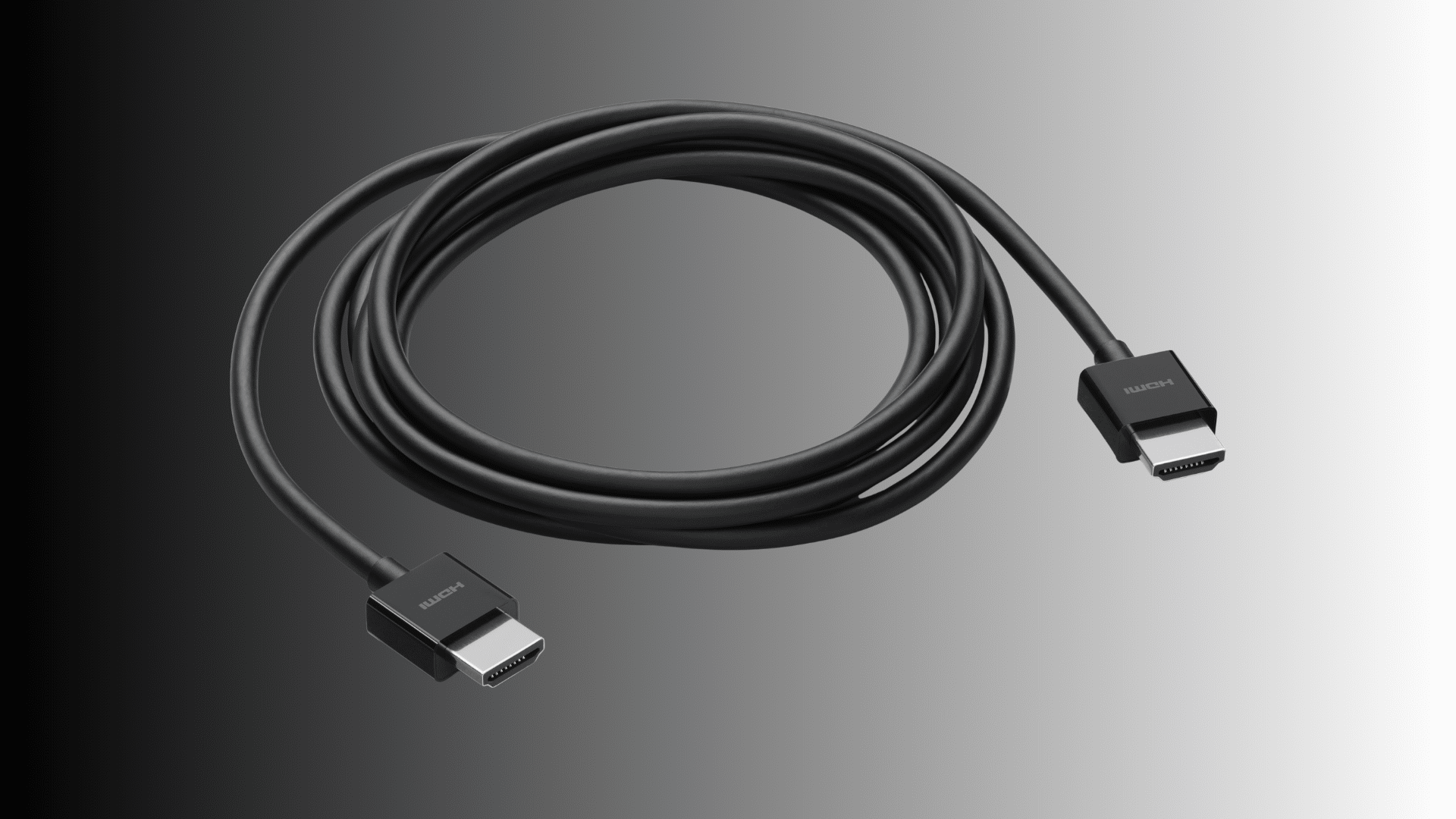
Standard HDMI is the widely used interface for transmitting high-definition video and audio from a source device to a display.
It carries both signals through a single cable, simplifying connections for TVs, monitors, computers, gaming consoles, streaming devices, and Blu-ray players.
The technology supports various resolutions, including Full HD, 4K, and even 8K, depending on the HDMI version.
Standard HDMI prioritizes delivering high-quality video and multichannel audio from the source to the screen, but does not return audio to the device sending the signal.
This means a separate audio connection is required when using external speakers or sound systems.
HDMI cables and ports are interchangeable across versions, but features such as bandwidth, refresh rates, and color depth vary.
Standard HDMI is the base for most home entertainment setups because it’s reliable and widely compatible.
What is HDMI ARC?
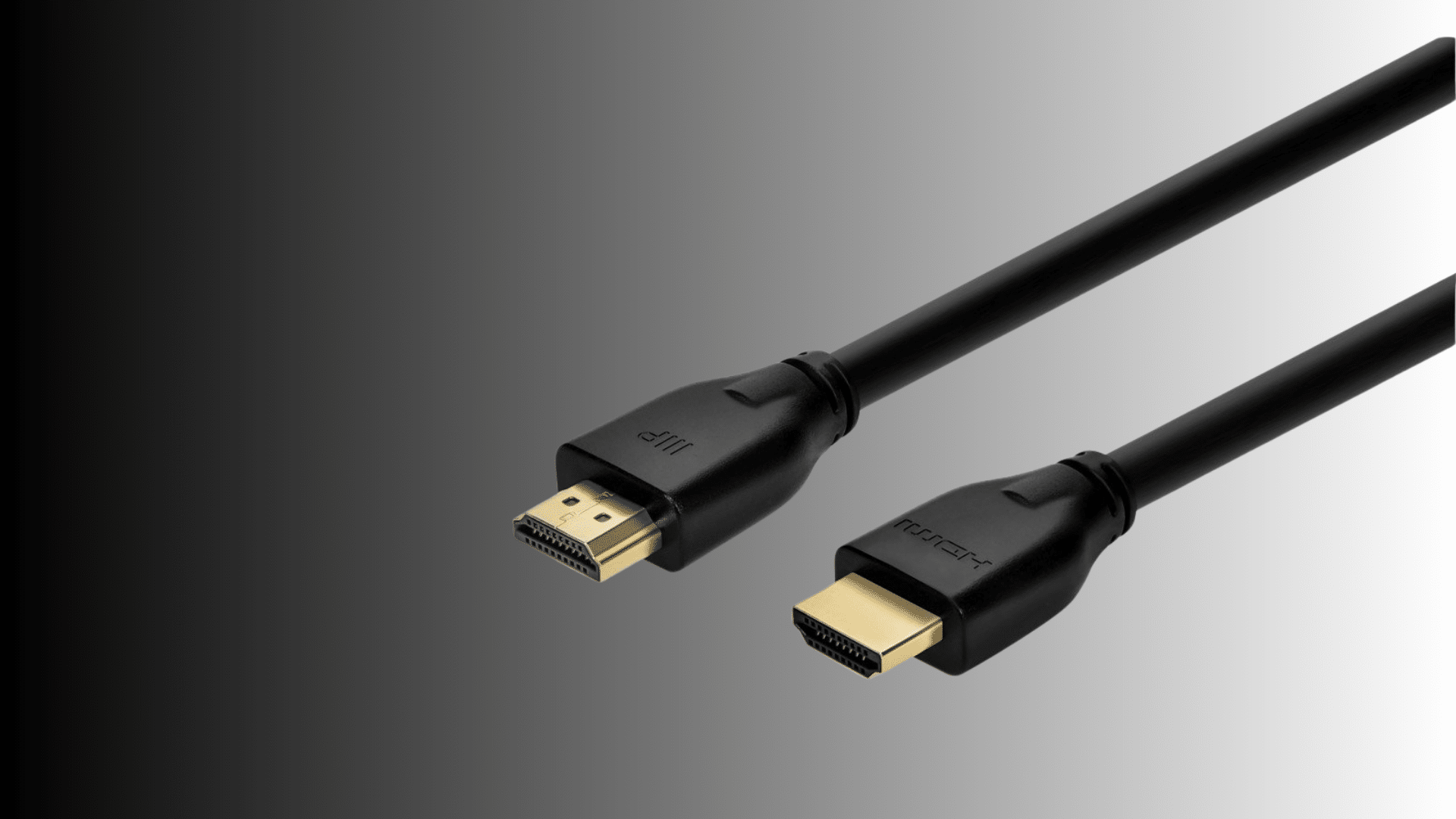
HDMI ARC, or Audio Return Channel, is a feature built into specific HDMI ports that allows audio to travel in both directions through a single cable.
Unlike standard HDMI, which only sends audio and video from a source to a display, HDMI ARC enables the TV to send audio back to an external sound system such as a soundbar.
This eliminates the need for separate optical or auxiliary audio cables, simplifying home theater setups and reducing cable clutter.
HDMI ARC supports standard audio formats, including stereo, Dolby Digital, and DTS, making it suitable for most consumer audio systems.
TVs and audio devices must both include ARC-compatible ports for the feature to work correctly.
HDMI ARC gives a cleaner setup by simplifying connections and improving audio routing.
Key Differences Between HDMI And HDMI ARC
Understanding how HDMI and HDMI ARC differ makes setting up your TV and sound system much easier. These points give you a clear view of what each one does and why it matters.
1. Signal Direction
HDMI sends video and audio from a device to your TV in one straight path. HDMI ARC adds a return path, letting sound travel from the TV back to your soundbar or receiver.
This means ARC can handle two-way communication, while standard HDMI cannot.
The two-way design makes ARC more useful when your main audio source is the TV itself. Regular HDMI stays focused on sending content forward, but ARC is built to move audio backward without extra steps.
The ports look the same, yet their roles are noticeably different once you understand how they move signals.
2. Audio Capabilities
Standard HDMI carries audio, but HDMI ARC handles audio formats in a more flexible way.
ARC can send TV audio directly to a speaker system without adding more cables, making sound easier to manage.
It also supports better audio formats like Dolby Digital, while basic HDMI only passes audio from connected devices. ARC improves how your TV works with external speakers by reducing delays and creating a cleaner setup.
Even though both ports can send sound, ARC is designed to handle audio output in a smarter and more efficient way.
3. Cable Reduction
One of the biggest differences is how each port affects cable clutter. Regular HDMI often requires an extra cable if you want your TV audio to reach a soundbar or receiver.
HDMI ARC removes that need by sending the audio through the same HDMI cable already connected to your TV.
This keeps the setup simpler and avoids confusion when switching inputs. With ARC, you get fewer wires, a cleaner look, and easier control over your audio system.
Standard HDMI still works well, but it usually means dealing with more cables to get the same results.
4. Device Control
HDMI and HDMI ARC also differ in how they interact with device control features.
With ARC, many TVs support CEC controls, which let you manage the TV and soundbar using the same remote.
Volume changes, mute functions, and power sync often work more smoothly with ARC. Standard HDMI can support CEC, too, but it doesn’t handle audio return, so the control is not as unified.
ARC helps devices communicate better and respond together, making the experience easier for everyday use.
This added control is one reason people prefer ARC when setting up external speakers.
5. Audio Return Path
The key feature that separates HDMI and HDMI ARC is the audio return path.
Regular HDMI sends audio forward, but cannot bring sound back from the TV. ARC fixes this by creating a channel that returns audio to your soundbar or receiver.
This is useful when your TV apps, like Netflix or YouTube, are your main viewing source.
Without ARC, you would need an extra cable to move audio out of the TV.
ARC keeps everything on one line, making audio return simple and direct while reducing setup issues that come from extra wires.
HDMI vs. HDMI ARC at a Glance
A quick side-by-side view to help you see how both connections differ in the most important ways. Use this chart to understand which option fits your setup better.
| Feature | Standard HDMI | HDMI ARC |
|---|---|---|
| Signal Direction | Sends audio and video from the source to the TV | Sends video to the TV and returns audio to the sound system |
| Audio Return Capability | No, requires a separate audio cable | Yes, supports audio return through the same HDMI cable |
| Primary Use | Connecting consoles, PCs, Blu-ray players, and streaming devices | Connecting TV to soundbars or AV receivers |
| Audio Format Support | Standard multichannel audio | Supports stereo, Dolby Digital, DTS (varies by device) |
| Cable Requirements | Any HDMI cable | Requires an ARC-compatible HDMI port on both devices |
| Setup Complexity | Straightforward video connection | Simplifies audio setup by reducing cable clutter |
Best Use Cases for HDMI
Standard HDMI is best suited for direct connections that prioritize high-quality video transmission.
It’s ideal for connecting consoles, Blu-ray players, PCs, and streaming boxes to a display with one-way audio and video.
HDMI supports high resolutions, fast refresh rates, HDR formats, and low latency, making it essential for gaming, home theater setups, and professional displays.
It also works well for projector systems, computer workstations, and setups requiring stable, high-bandwidth video output.
Whenever the goal is to deliver crisp visuals and synchronized audio from a source device to a screen, standard HDMI remains the most reliable and versatile option.
Best Use Cases for HDMI ARC
HDMI ARC is best suited for setups that require simplified audio routing between a TV and an external sound system.
It is ideal for those who want to connect a soundbar without running multiple cables, as ARC allows audio to travel from the TV back to the speaker system through a single HDMI cable.
This is especially useful when streaming apps are built directly into the TV, since ARC can output the TV’s audio to the external speakers seamlessly.
HDMI ARC is a good way to upgrade TV sound for movies, sports, and shows without a full surround system.
It works well for moderate home theater setups, offering better sound quality than built-in TV speakers while keeping cable management clean.
For households seeking a straightforward, clutter-free audio solution, HDMI ARC offers an efficient, modern option.
What About HDMI eARC?
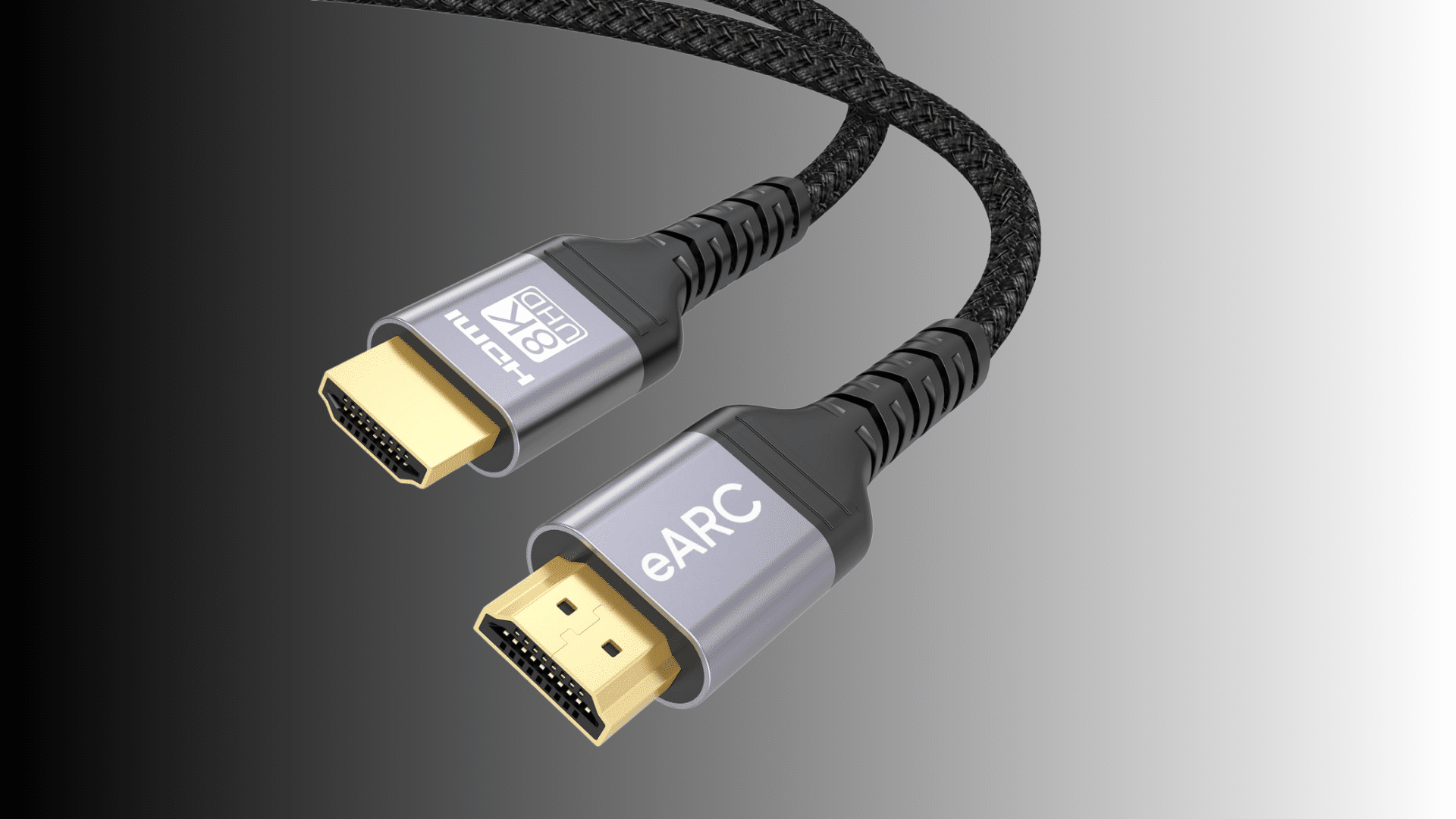
When I first learned about HDMI eARC, I realized it was designed to fix many of the limitations of regular HDMI ARC.
eARC, or Enhanced Audio Return Channel, gives access to higher-quality audio formats, including uncompressed Dolby TrueHD, DTS-HD Master Audio, and full Dolby Atmos.
With eARC, I don’t have to worry about audio compression or signal loss, especially when I’m using premium soundbars or AV receivers.
It also feels more reliable because the connection doesn’t depend on older HDMI protocols or device-specific quirks.
Another advantage is better lip-sync correction, which helps keep dialogue and visuals aligned automatically.
For anyone building a modern home theater setup, eARC makes a noticeable difference in clarity, depth, and overall audio performance.
If both the TV and sound system support it, choosing eARC is absolutely worth it.
Should You Upgrade to eARC?
Upgrading to HDMI eARC is most beneficial for users who want higher-quality audio and a more reliable connection between their TV and sound system.
eARC supports uncompressed formats such as Dolby TrueHD, DTS-HD Master Audio, and full Dolby Atmos, offering significantly improved clarity and depth compared to standard ARC.
It also provides better lip-sync correction, ensuring audio remains aligned with on-screen visuals without manual adjustments.
For users with premium soundbars or an AV receiver, eARC fully unlocks the device’s capabilities.
However, upgrading is only worthwhile if both the TV and audio system support eARC; otherwise, the feature cannot function. For simple setups or basic TV audio, ARC remains sufficient.
Those building or upgrading a home theater will see the most significant benefit from eARC, as it delivers a noticeable boost in audio performance and reliability.
Common Problems and Troubleshooting Tips
HDMI and HDMI ARC connections can sometimes experience issues such as no sound, signal instability, or devices not detecting each other.
- Ensure the correct HDMI or ARC port is used.
- Enable ARC or CEC settings on the TV and sound system
- Replace damaged or outdated HDMI cables
- Restart both devices after making changes
- Update TV and soundbar firmware
These quick steps resolve most HDMI and ARC connectivity issues.
Conclusion
After comparing HDMI, HDMI ARC, and even eARC, I’ve realized how much simpler home entertainment becomes once I understand what each connection is designed to do.
Standard HDMI gives the best performance for video sources like consoles and streaming devices, while HDMI ARC helps me cut down on cables and send audio cleanly to a soundbar.
eARC takes things even further with higher-quality sound, which is excellent for a more immersive setup.
Knowing these differences makes it easier for me to choose the correct ports, fix common issues, and build a cleaner home theater experience.
With the proper HDMI setup, everything feels more organized, efficient, and enjoyable each time I turn on the TV.
If you’ve tried these connections or made changes to your setup, share your experience in the comments below.