What is ProMotion technology? Many people see this term when looking at Apple devices and wonder what it really means.
It is often mentioned as a reason why certain screens feel better to use, but the details are not always clear at first.
In this blog, you will learn what this technology means in simple words and why Apple added it to some of its devices.
I will explain how it improves display quality when you scroll, watch videos, or play games. You will also get a quick idea of how it feels different from a standard screen.
By the end, you will know what ProMotion does, why it matters for screen performance, and who will notice the change the most.
What is ProMotion Technology?
The ProMotion technology is a display feature that helps Apple screens adjust how smoothly content moves on the screen.
It changes the screen refresh rate based on what you are doing at that moment. When you scroll, play games, or use a stylus, the screen can refresh faster.
When you read or view still content, it slows down to save power. This makes the screen feel smooth without wasting battery.
Apple first launched ProMotion in 2017 with the iPad Pro. Later, it came to more devices, including iPhones and MacBooks.
The main goal was to make motion look natural and reduce lag during touch and pencil use. Over time, Apple improved how ProMotion works so it runs quietly in the background.
Most users notice it as smoother scrolling and better screen response, even if they do not know the feature is turned on.
Key Features of ProMotion
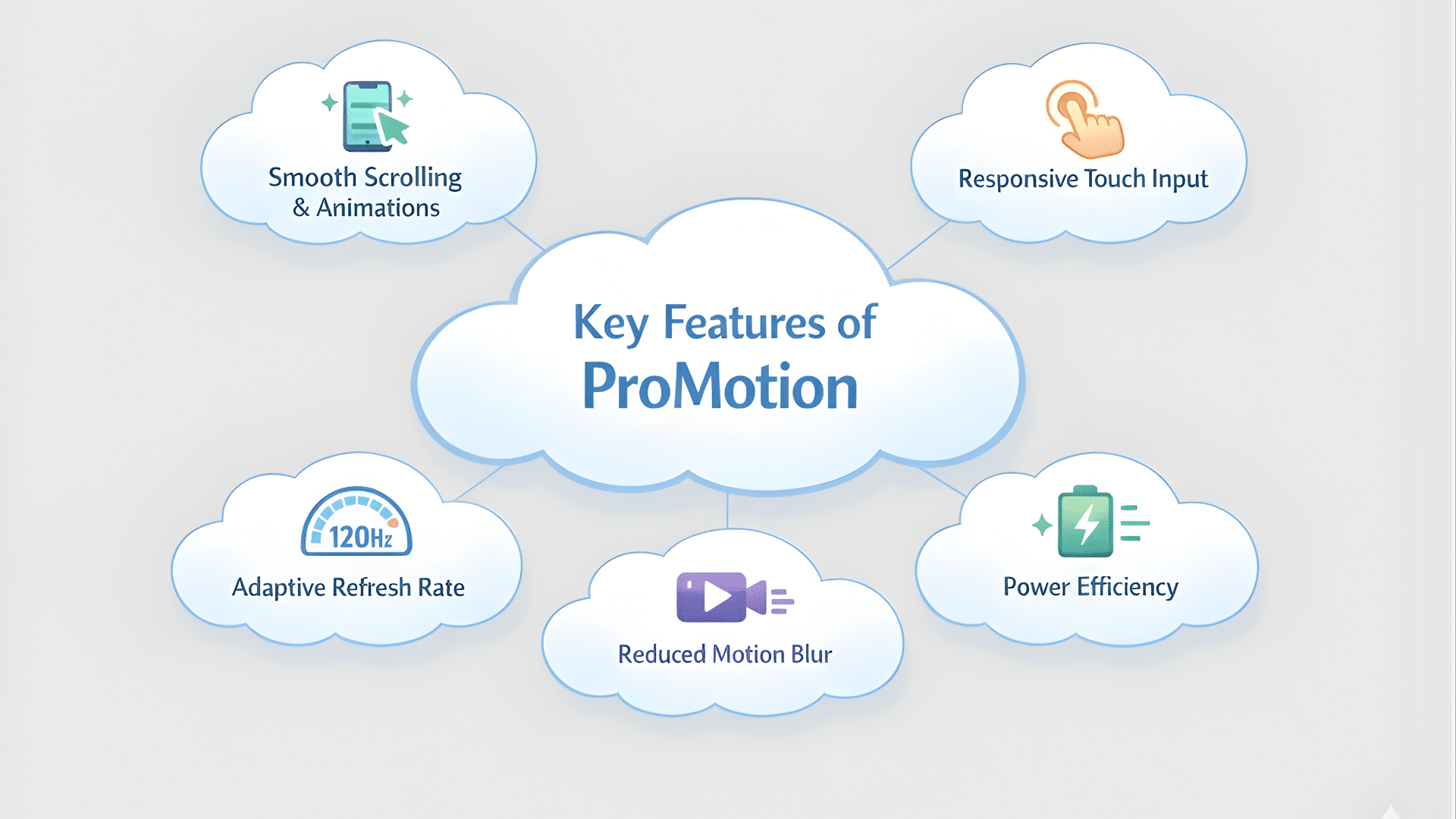
This section explains the main features of the ProMotion display and how each one improves screen performance during everyday tasks like scrolling, gaming, and watching content.
1. Smooth Scrolling and Animations
ProMotion makes scrolling feel smooth and steady across apps and web pages. When you swipe through social media, settings, or long articles, the motion feels fluid instead of jumpy.
Animations also look cleaner when opening apps or switching screens. This smooth flow helps reduce eye strain during long use.
I notice it most when reading or moving fast through content. Everything feels more natural and less forced, even during quick movements.
2. Responsive Touch Input
ProMotion display improves how fast the screen reacts to touch. When you tap, swipe, or draw, the screen responds right away.
This helps typing, gaming, and using the Apple Pencil on supported devices. The delay between touch and action feels very small.
It makes interactions feel direct and connected. You feel more control, especially in games or drawing apps where timing matters and a quick response makes a difference.
3. Adaptive Refresh Rate Adjustment
One key feature of ProMotion is how it changes the refresh rate on its own. The screen speeds up during motion and slows down when things stay still.
This happens automatically in the background. You do not need to change settings. It adjusts based on what you are doing at that moment.
This smart change keeps the screen smooth when needed and calm when not, without affecting your experience.
4. Power Efficiency Benefits
ProMotion display helps save battery by lowering the refresh rate when high speed is not needed. When you read text, view photos, or pause on a page, the screen refreshes less often.
This reduces power use without lowering quality. It is one reason devices with ProMotion can still have good battery life.
You get smooth motion when needed and power savings when the screen stays still.
5. Reduced Motion Blur and Sharper Visuals
With ProMotion, fast-moving content looks clearer on the screen. Motion blur is reduced when scrolling quickly or watching action scenes.
Text stays easier to read while moving, and images look sharper during motion. This makes videos and games feel more polished.
Even simple tasks feel cleaner. The screen keeps details clear instead of smearing them during fast movement, which improves overall viewing comfort.
How Does ProMotion Work?
ProMotion works by changing how often the screen refreshes each second. This refresh rate controls how smooth motion looks on the display.
A standard screen refreshes at a fixed rate, but ProMotion can adjust it as needed. It can go up to 120Hz when you scroll, play games, or use touch input.
This higher refresh rate makes the moves look smooth and clear. When the screen shows still content, the refresh rate drops automatically.
This is part of Apple’s adaptive display technology. It allows the screen to balance smooth motion and power use without user input.
Everything happens in the background, so you do not need to change any settings. The result is a display that feels fast during motion and calm during quiet moments, while also helping save battery life.
Devices that Support Pro Motion Technology
This section covers the Apple devices that support ProMotion and explains how this display feature improves the experience across different screens and use cases.
1. iPad Pro models
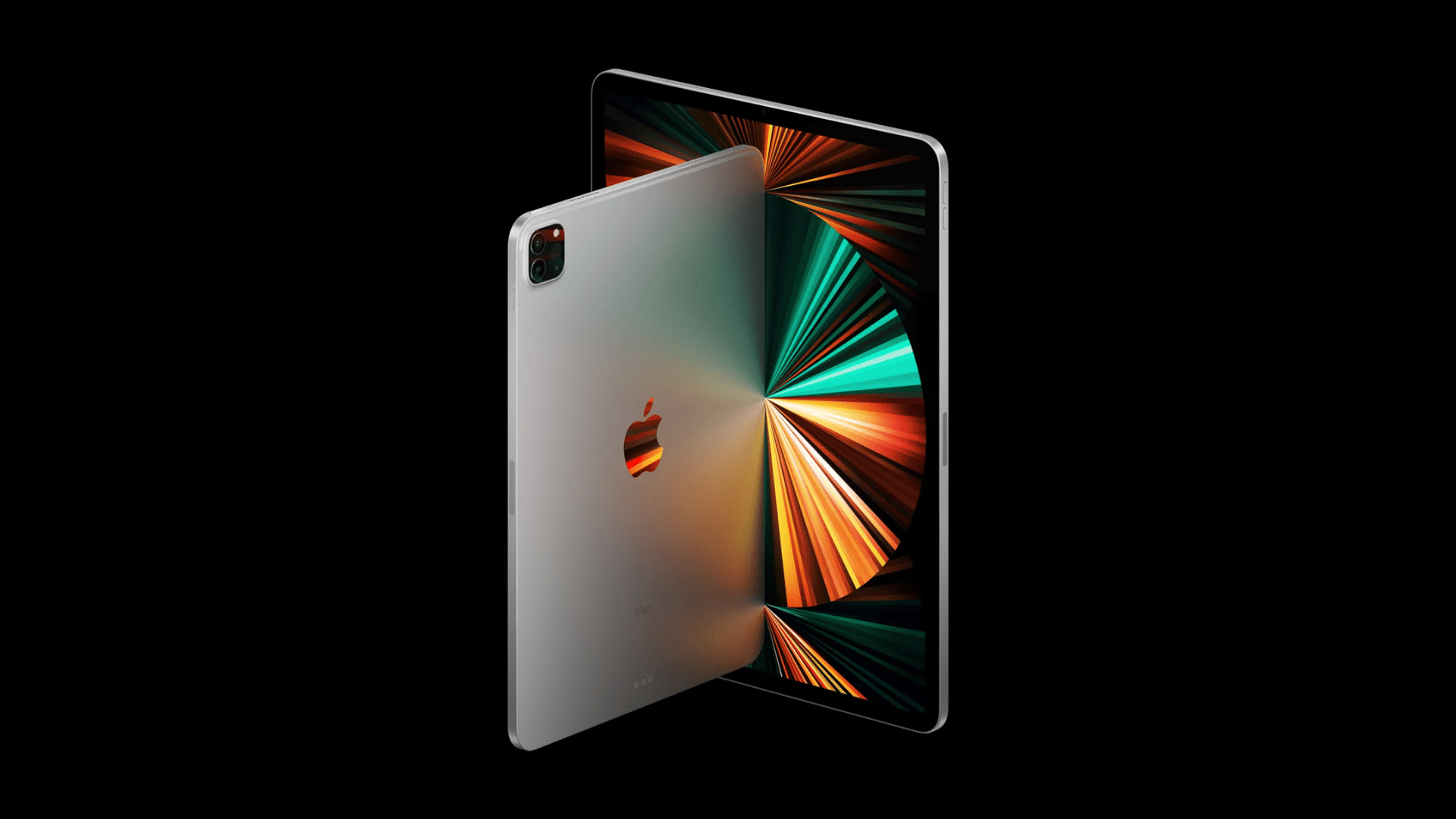
Apple first introduced ProMotion on iPad Pro models, starting in 2017. On iPads, it helps scrolling feel smooth and makes drawing with the Apple Pencil more accurate.
The screen refreshes faster when you write, sketch, or move quickly through apps. When the screen is still, it slows down to save power.
This makes the iPad Pro feel responsive during work and relaxed during reading or watching content.
2. iPhone Pro Models (13 Pro onwards)
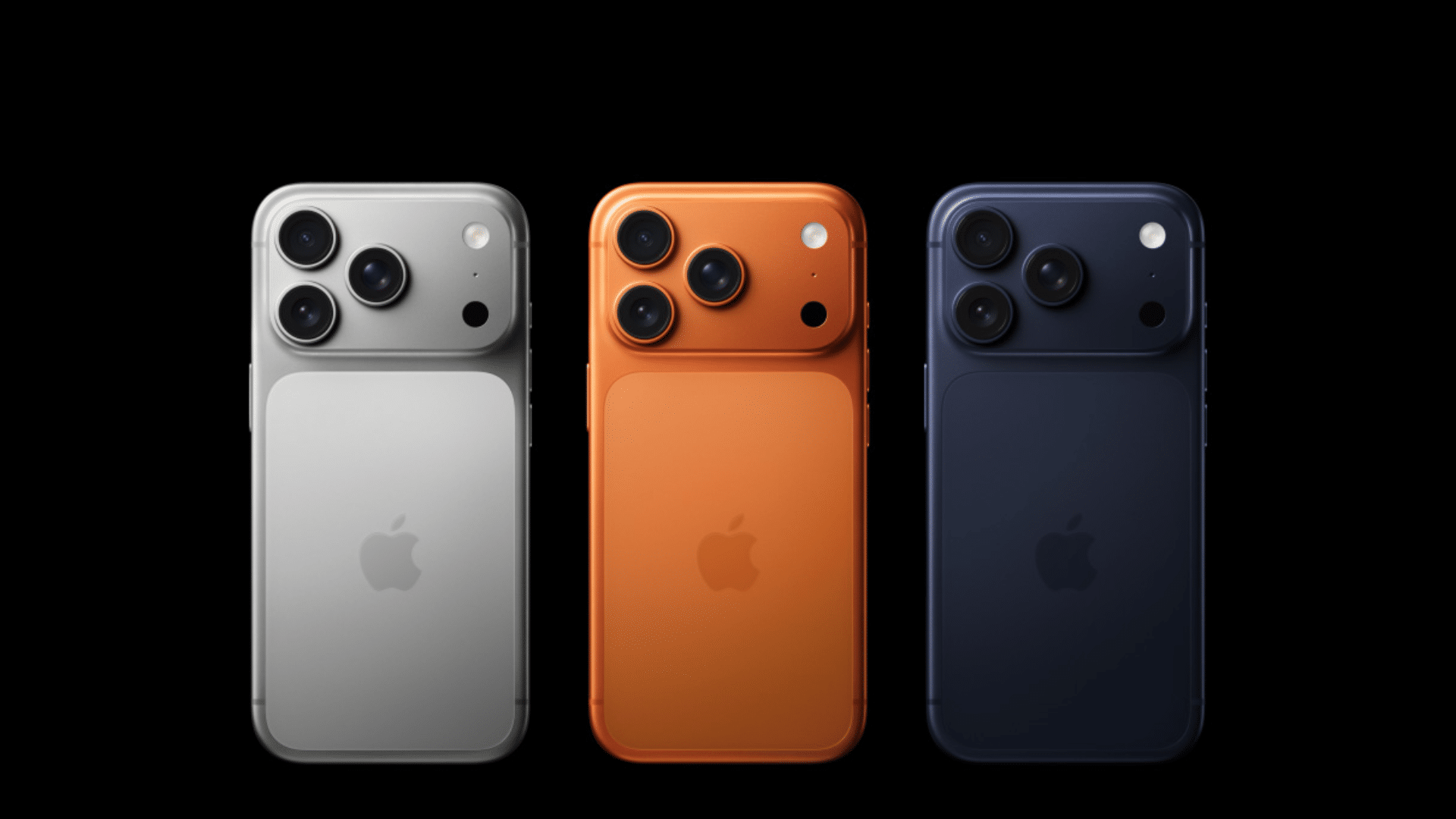
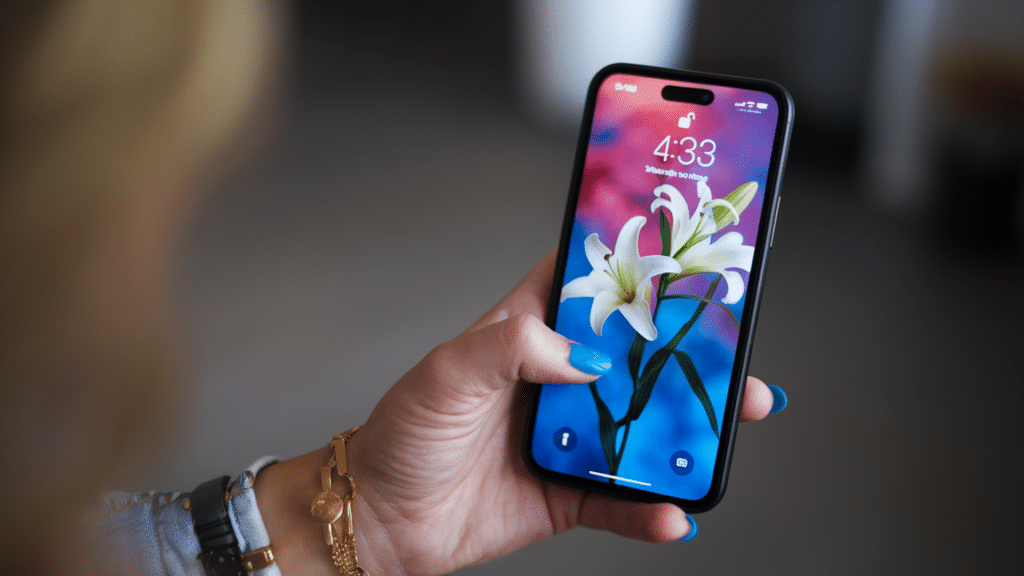
ProMotion display arrived on iPhones with the iPhone 13 Pro and later Pro models. It allows the display to refresh up to 120Hz when scrolling or gaming.
When you read messages or view photos, the refresh rate drops automatically. This balance helps keep the phone smooth without hurting battery life.
Many users notice it right away when scrolling through apps or switching between screens quickly.
3. MacBook Pro Models
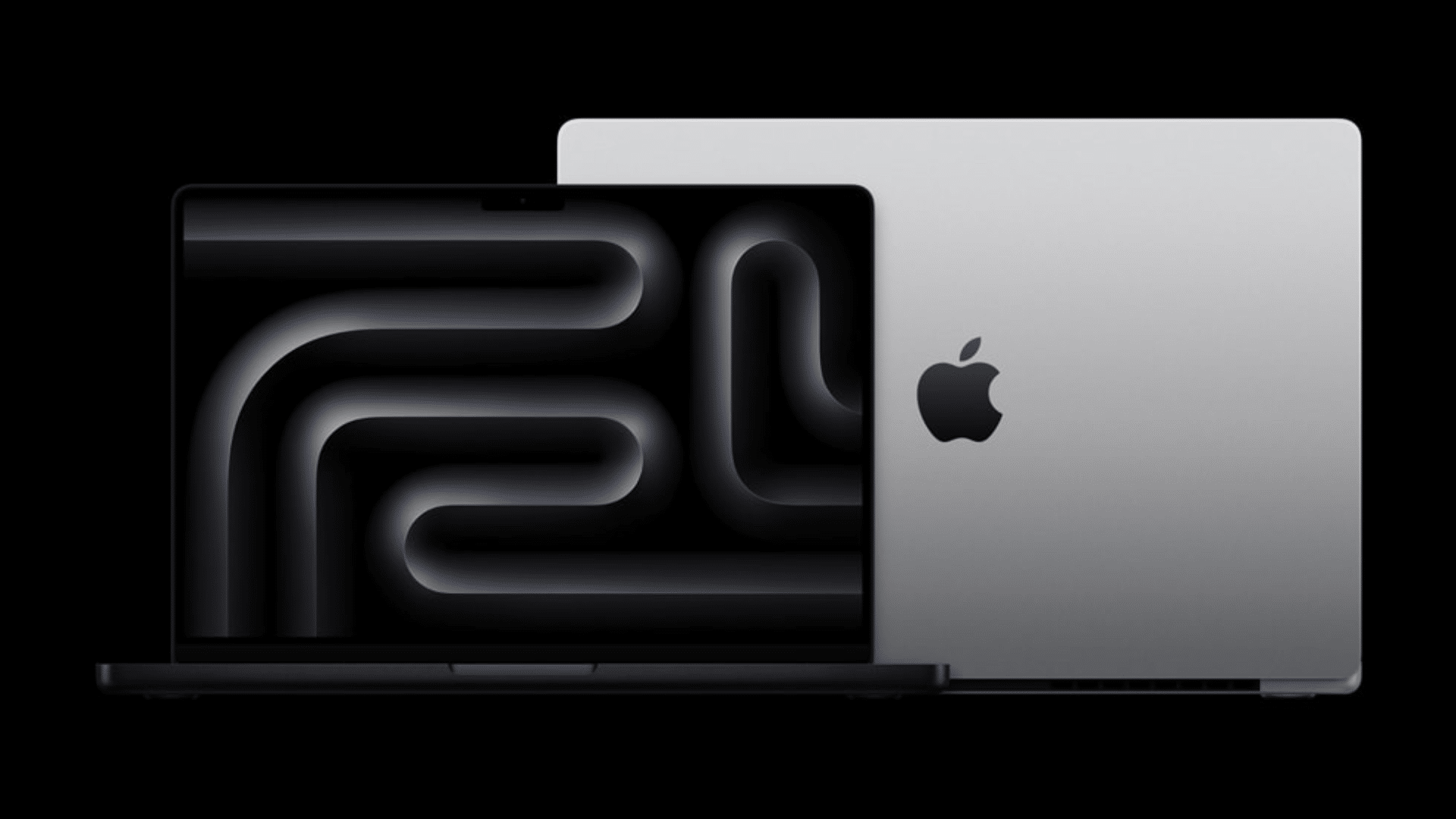
Apple added ProMotion to MacBook Pro models with Liquid Retina XDR displays. On laptops, it helps scrolling feel smooth, and animations look clean.
It is useful when browsing, editing videos, or switching between apps. The screen adjusts its refresh rate based on what is on display.
This helps reduce power use while keeping motion clear, especially during creative or multitasking work.
4. Apple Watch Models
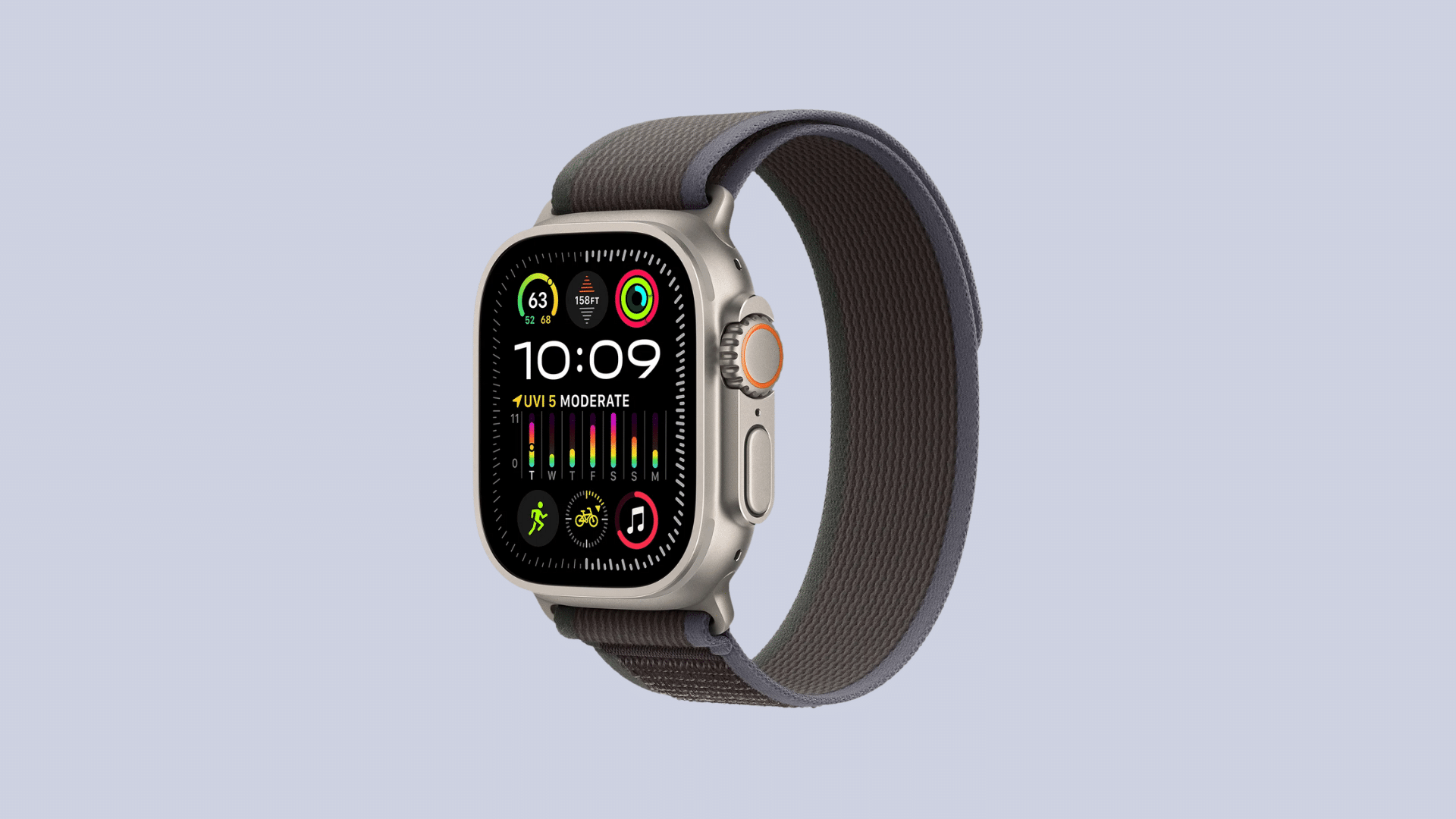
Some Apple Watch models use a version of ProMotion to support smooth animations and always-on display features.
The refresh rate changes based on activity. It stays high during active use and lowers when the screen is idle.
This helps animations look smooth while keeping battery use low. On a small screen, this balance helps everything feel quick without draining power too fast.
ProMotion Displays vs Regular Displays
This section compares ProMotion displays and standard displays to help you understand how they differ in smoothness, response, power use, and everyday screen performance.
| Feature | ProMotion Display | Regular 60Hz Display |
|---|---|---|
| Refresh Rate | Up to 120Hz (adjusts as needed) | Fixed 60Hz |
| Scrolling Experience | Very smooth | Smooth |
| Touch Responsiveness | Faster and more accurate | Good response |
| Motion Blur | Very low | More noticeable |
| Battery Impact | Adjusts to save power | Uses steady power |
| Best For | Gamers, creators, heavy users | Everyday users, lower-cost devices |
Is ProMotion Worth It?
ProMotion is worth it for people who use their devices for gaming, drawing, or content work. In these cases, the faster refresh rate and smoother motion make a clear difference.
Scrolling feels nicer, animations look cleaner, and touch input feels more natural. For basic tasks like reading texts, browsing photos, or watching regular videos, you might not see a big change.
A standard display still works fine for everyday use, and the difference feels small. Price also matters, as Devices with ProMotion tend to cost more.
If you want the best feel and smoother motion, it is worth the extra. If you mainly do simple tasks, then a regular display may be enough.
Benefits of ProMotion
These are the real-world benefits people notice during daily use, gaming, and creative work, without needing to change settings or understand display tech.
- Smoother everyday use: Scrolling through apps, websites, and menus feels steady and clean, especially during fast swipes and quick app switching.
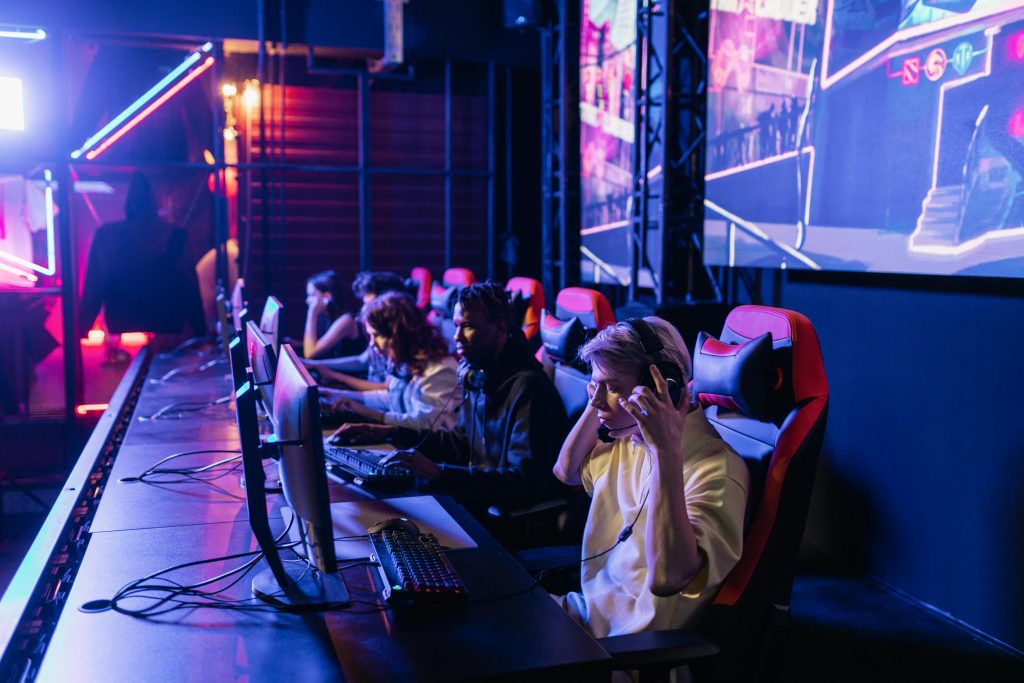
- Better gaming experience: Games react faster to touch, motion looks clearer, and fast scenes feel easier to follow during gameplay.
- Improved Apple Pencil performance: Writing and drawing feel closer to real pen movement, with less delay between your hand and the screen.
- Battery life optimization: The screen slows down when nothing moves, which helps reduce power use during reading or still content.
Conclusion
So, what is ProMotion technology? Most of you would now know that it is the feature that makes Apple screens feel smoother and faster during everyday use.
Throughout this blog, I explained how ProMotion adjusts refresh rates, improves scrolling, and makes touch input feel faster.
It also helps games look clearer and makes Apple Pencil use feel more natural. Another key point is battery handling, since the display slows down when fast motion is not needed.
ProMotion adds value for users who scroll a lot, play games, draw, or work on screens for long hours. It is not just about speed, but how smooth and balanced the screen feels during daily use.
Do you think smoother motion is worth paying extra for on your next device? Share your thoughts or questions in the comments, and let’s talk about it.