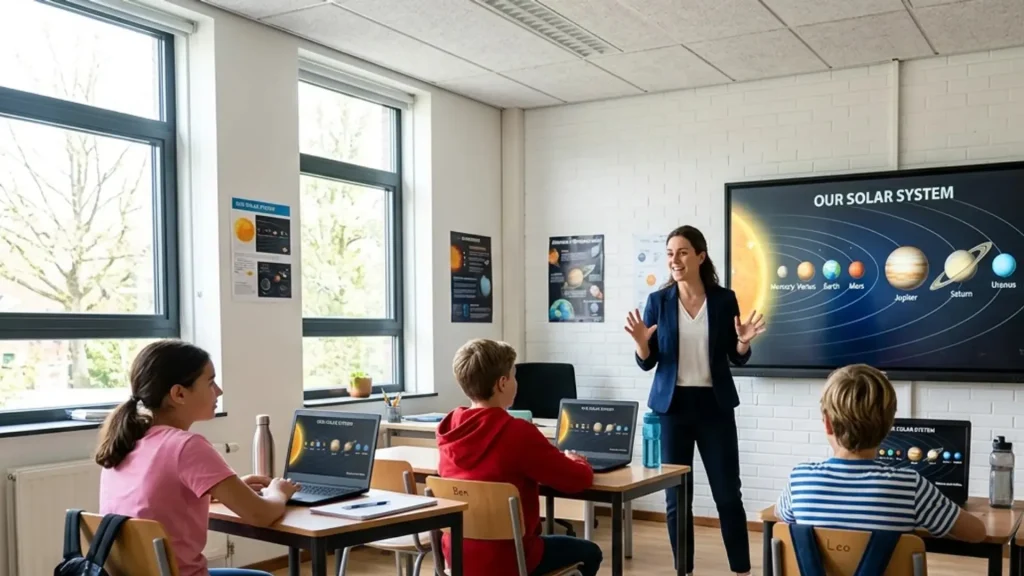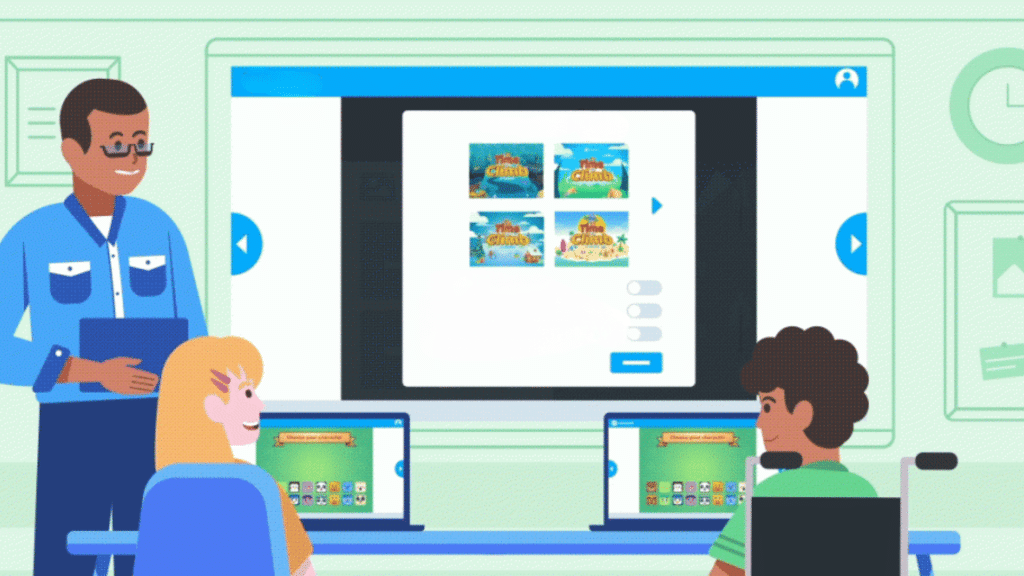
Classrooms today move fast, and teachers often look for tools that keep lessons clear while holding student attention.
Digital platforms now play a bigger role in daily instruction, which leads many educators to ask new questions about how these tools actually help learning.
One name that often appears in these conversations is Nearpod. Understanding what Nearpod is? Helps teachers see how interactive lessons can fit into real classroom routines.
Nearpod is built to support guided teaching, student participation, and quick checks for understanding within one lesson flow.
It allows teachers to present content, ask questions, and gather responses without switching tools.
The goal is to give a clear and practical overview of how Nearpod fits into lessons and why it has become a widely used tool for supporting active and engaging learning.
What is Nearpod?
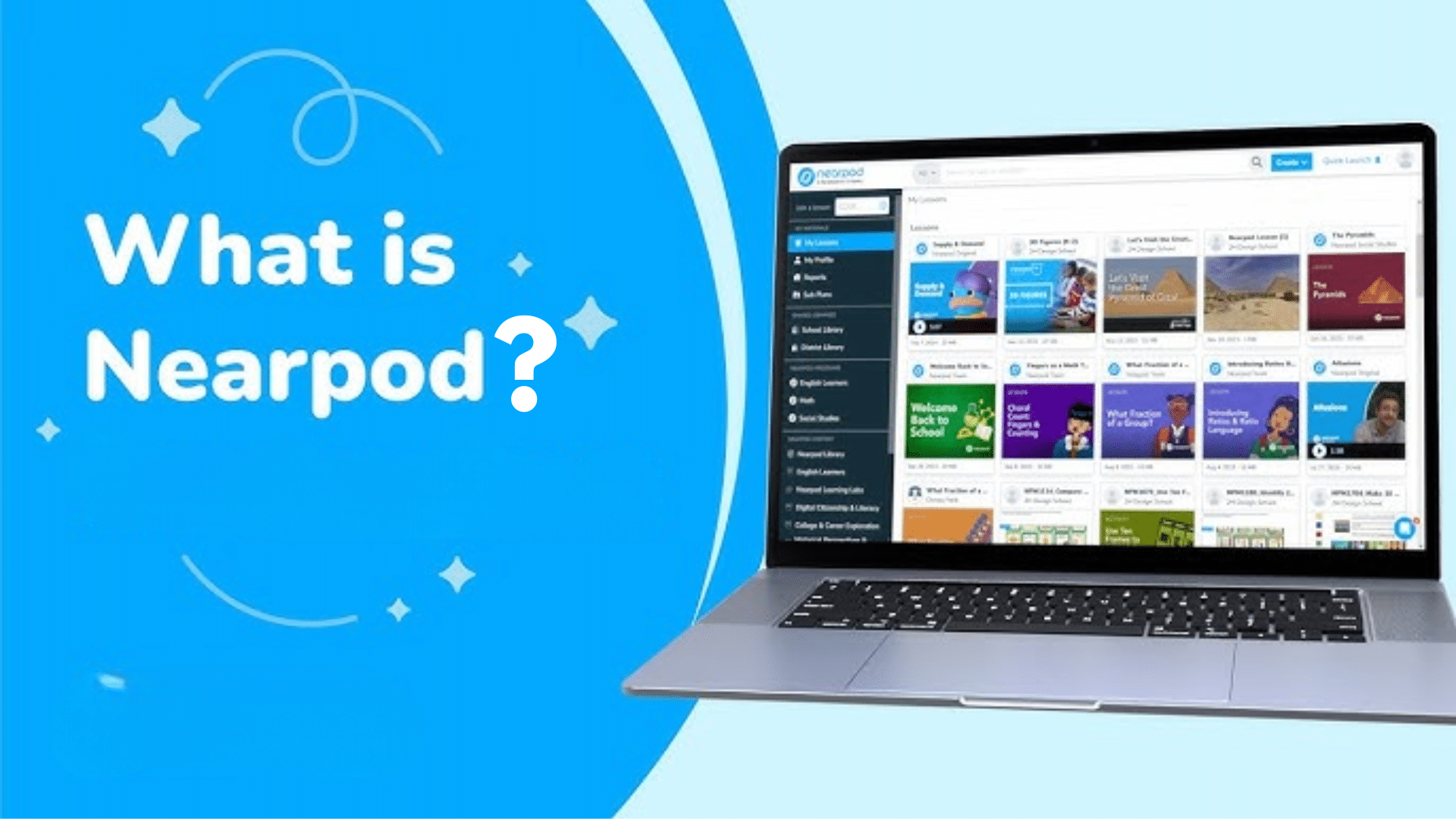
Nearpod is a digital teaching platform designed to deliver interactive lessons that students can join from any device.
For educators, Nearpod is a tool that allows lessons to include videos, questions, polls, and short activities within one structured flow.
Students move through lessons slide by slide while teachers can view responses in real time. The primary purpose of Nearpod is to help guide instruction more interactively.
Instead of students only watching or listening, they actively participate throughout the lesson.
This approach makes it easier to check understanding, adjust instruction when needed, and keep students involved.
Whether used in in-person, online, or blended classrooms, Nearpod provides a clear and straightforward way to add interaction to daily teaching.
What is Nearpod used for?
Teachers often want simple ways to keep students involved and see what they understand during each lesson.
Nearpod helps by guiding lessons, adding interaction, and giving quick feedback without adding extra steps.
1. Interactive Learning
Nearpod makes lessons more active by allowing students to respond throughout the lesson in simple, structured ways.
The activities feel low-pressure, which encourages participation from all students, including those who may be quieter during class.
This steady interaction helps students stay focused while giving teachers ongoing feedback without interrupting lesson flow or adding extra steps.
2. Real-Time Checks
Nearpod allows teachers to see student understanding quickly through built-in quizzes, polls, and open-ended questions.
Student responses update in real time, helping teachers identify who needs support and who is ready to move forward.
This approach keeps assessment short, clear, and connected to the lesson while supporting better instructional decisions.
3. Better Lesson Flow
Nearpod gives teachers control over lesson pacing, which helps instruction feel more organized and structured.
Lessons can move forward slide by slide as a class, or switch to a self-paced mode when students need additional time. This flexibility supports whole-group teaching, small-group work, and individual practice.
By keeping all students aligned with the lesson while allowing different learning speeds, Nearpod helps maintain focus and clarity throughout instruction.
4. Flexible Teaching Use
Nearpod fits many teaching setups, which is why educators use it for in-person, online, and blended learning. Students join lessons using a simple code, removing the need for complicated steps or logins.
The platform works well for live instruction, independent practice, and assigned work outside of class.
This flexibility allows teachers to maintain consistent lesson structure and student engagement across different learning environments without adding extra tools or processes.
HowNearpod Works?
Nearpod is designed to help teachers deliver interactive lessons while keeping students engaged and organized.
Lessons can be launched from a single dashboard, allowing teachers to control slides, start activities, and view student responses in real time.
This keeps instruction focused and aligned without switching between tools. Students join lessons using a simple code and follow along slide by slide on their devices.
They can answer questions, complete tasks, and watch videos within the same lesson space, which helps reduce confusion and keep attention on learning.
Live mode lets teachers move the class through the lesson together in real time, while self-paced mode allows students to progress on their own.
This flexibility supports classroom instruction, homework, and blended learning environments with ease.
Top Nearpod Features Teachers Should Know
Nearpod includes tools designed to support interactive teaching and organized lesson delivery.
These features help teachers engage students, check understanding, and manage lessons.
- Interactive Activities: Nearpod includes quizzes, polls, and open-ended questions that keep students involved throughout the lesson.
- Real-Time Feedback: Teachers can view student responses as they are submitted during the lesson. This helps identify learning gaps and adjust instruction without delay.
- Live and Self-Paced Modes: Nearpod supports both teacher-led lessons and independent student progress.
- Multimedia Integration: Lessons can include videos, images, audio clips, and VR content in one place. This helps explain topics clearly while keeping students focused.
- Lesson Library: Nearpod offers ready-made lessons and templates across subjects and grade levels.
- Easy Student Access: Students join lessons using a simple code on any device.
This removes login barriers and helps lessons start quickly.
How Educators Can Use Nearpod in Their Teaching?
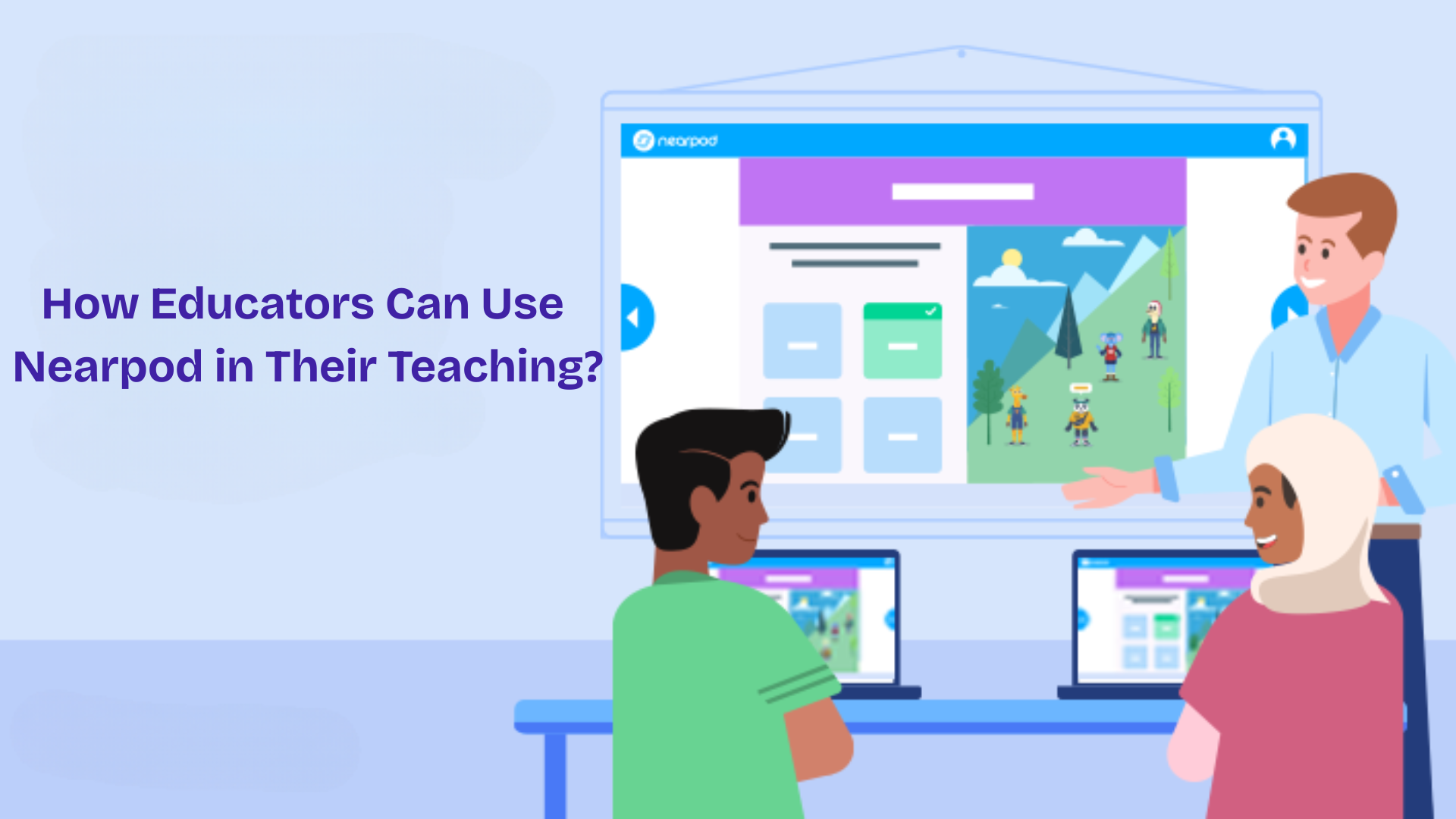
Teachers use Nearpod to guide lessons, support student engagement, and check understanding during instruction. These practices help bring structure to lessons while giving students more chances to participate.
1. Using Nearpod to Start a Lesson
Teachers often begin lessons with a Nearpod activity, such as a poll or quick question. This helps check prior knowledge and sets an interactive tone from the start.
Opening activities encourage students to focus and take part right away. Because responses update in real time, teachers can adjust instruction based on student understanding.
This approach helps lessons begin with clarity while supporting early engagement and active participation.
2. Using Nearpod During Direct Instruction
Nearpod works well during direct instruction because students follow lessons slide by slide. Teachers can add questions, short tasks, or videos to break up instruction and maintain engagement.
Student responses show understanding in real time, making it easier to slow down or move forward as needed.
This steady lesson flow helps keep learning clear, organized, and interactive without adding extra steps or disrupting instruction.
3. Using Nearpod for Small Groups and Centers
In small-group settings, Nearpod helps students stay on task by guiding them step by step through activities.
The platform works well for independent work or station rotations, allowing students to complete tasks, watch videos, and answer questions without frequent reminders.
This structure supports focused learning while giving teachers time to work with other groups, knowing students remain engaged with meaningful tasks aligned to the lesson.
4. Using Nearpod for Homework or Review
Nearpod’s self-paced mode works well for homework because students can move through lessons at their own speed.
They can replay videos, reread slides, and answer questions when ready. This approach supports review lessons by showing which topics students understand and which need more support.
Self-paced assignments also keep homework structured and aligned with classroom instruction, helping maintain consistency between in-class learning and independent practice.
Nearpod Plans and Cost Overview
Nearpod offers a range of pricing options so educators can choose what fits their needs and budget.
The most basic option is the Silver plan, which is free. It allows teachers to create and deliver digital lessons using multiple media and formative assessment tools.
Educators also get access to Nearpod’s lesson library and can use different teaching modes for live or self-paced instruction.
The Gold plan costs about $120 per year and adds more storage, higher student limits per lesson, a Google Slides add-on, sub plans, and direct email and phone support.
For educators who need the most features, the Platinum plan is priced at around $349 per year. It includes much more storage, larger class sizes per lesson, and student note-taking tools.
Tips for Getting Started With Nearpod
Teachers often want clear steps when trying a new tool. These simple tips help you begin using Nearpod in your lessons with confidence and ease.
- Set Up Your Account: Explore the dashboard to get familiar with the main tools you’ll use during lessons.
- Use a Ready-Made Lesson First: Start with a pre-built lesson to see how Nearpod arranges slides and activities.
- Add Your Own Content When Ready: Add simple elements like polls or quizzes to keep students involved without extra steps.
- Prepare Students Before the Lesson: Give a quick walkthrough so students can join smoothly and take part with confidence.
Conclusion
Nearpod supports teaching by bringing lessons, activities, and student responses into one clear system.
It helps teachers guide instruction, check understanding, and keep students involved without adding extra steps to daily planning.
When educators understand what Nearpod is? They can better decide how to use its tools for live lessons, self-paced work, reviews, or small groups.
The platform works across different classroom settings and adapts well to changing teaching needs.
Its structured flow helps students stay focused while giving teachers useful insights during instruction.
For educators looking to improve lesson organization and student participation, Nearpod offers a practical solution worth trying.
If you have used Nearpod or are thinking about it, leave a comment below to share your experience, ask questions, or discuss how it works in your classroom.