Running out of battery at the wrong time can feel stressful. Your phone might be your alarm, your camera, your map, or your way to stay in touch.
When it stops working, everything pauses. Many people grab the nearest charger without thinking, then wonder why the phone charges slowly, heats up, or does not charge at all.
A wrong cable or charger can waste time, lower charging speed, or even harm your phone over time.
Once you understand the chargers, you stop guessing what your phone needs, whether you are at home, at work, or traveling.
This blog explains different types of chargers, USB cables, and ports, and how to identify your charger.
How Do Phone Chargers Work?
Phone chargers are tools that send power from a wall outlet or power source to your phone’s battery.
They work by changing wall power into a safe level your phone can handle, then moving that power through a cable or wirelessly into the device.
They come in different types of chargers designed for specific needs.
A charger that does not match your phone can lead to slow charging, heat buildup, or no charge at all.
Many people feel stressed when their battery drops low, often around 20 percent.
A good charger improves the overall experience by charging faster, staying cool, and working reliably. Poor chargers do the opposite and cause delays and frustration.
Types of Chargers
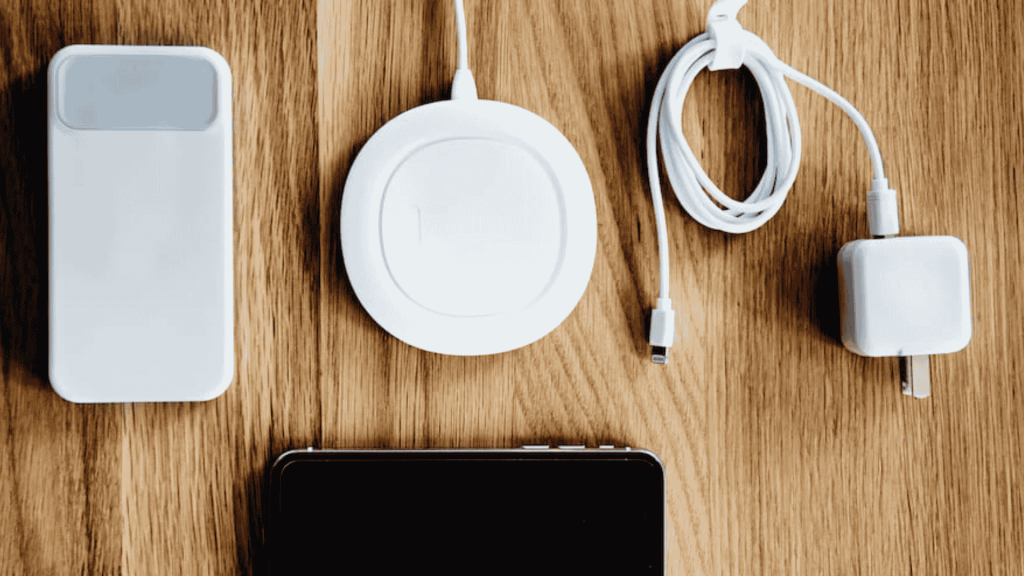
Phone chargers generally fall into two main groups: wired and wireless.
Wired chargers use a cable to send power straight from the outlet to your device, while wireless chargers transfer power through a charging pad without the need for a cable connection.
1. USB-A Chargers
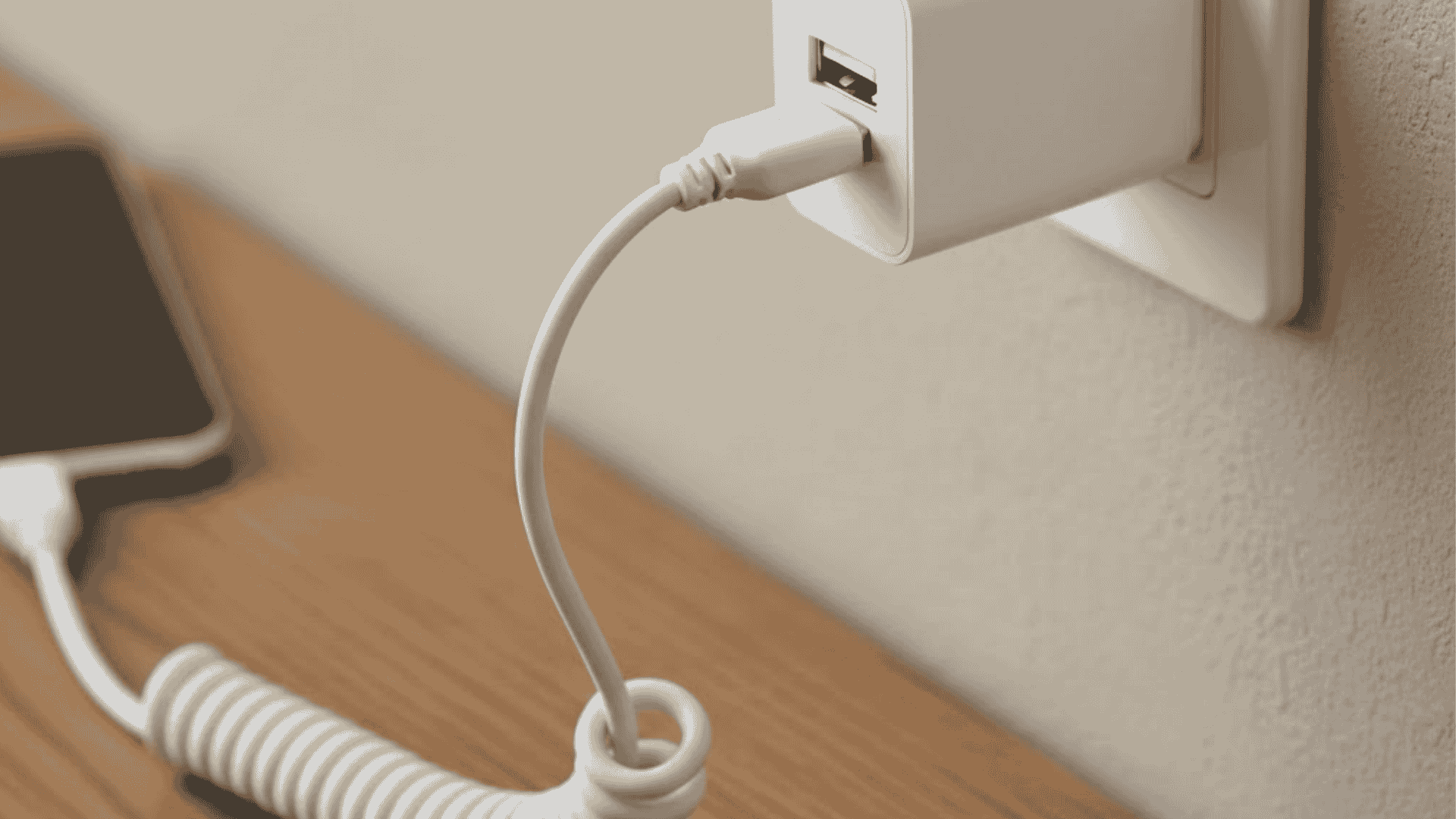
USB-A chargers use a flat, rectangular connector commonly found on older wall adapters, computers, and power strips.
They are widely used for basic charging needs and work well with older smartphones, tablets, and small electronics.
Many people keep them at offices, shared spaces, or as backup chargers since they support many devices.
Charging speeds are slower than newer options, usually taking 2 to 3 hours for a full charge, but they remain reliable for everyday use.
A common recommendation among types of chargers includes the Anker PowerPort USB-A wall charger for everyday charging.
- Price range: $5–$15 USD
- Charging speed: Up to 18W (standard charging)
- Cable length options: Typically 3–10 feet
2. USB-B Chargers
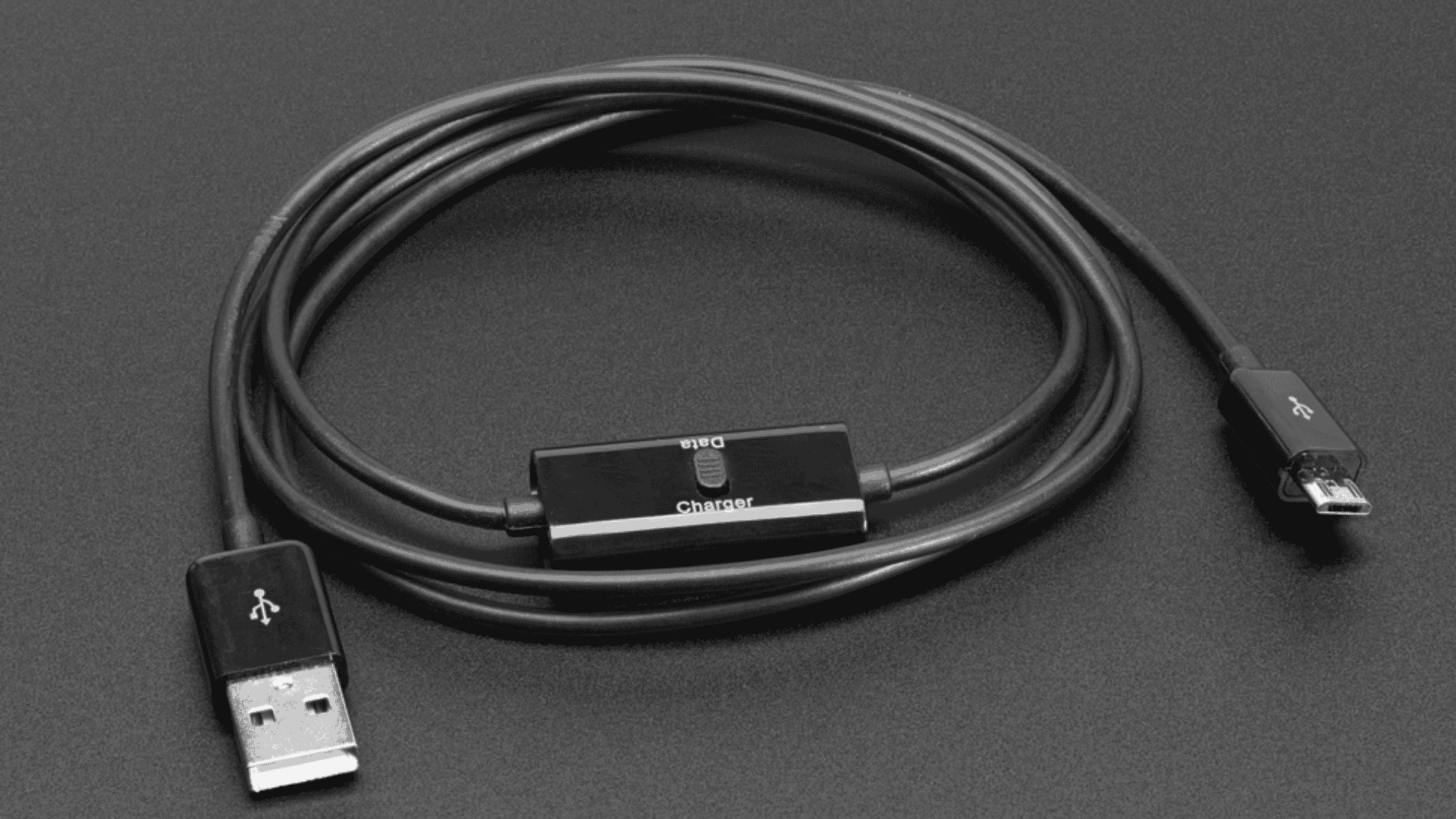
USB-B chargers use a square-shaped connector with slightly beveled corners, making them easy to spot.
This connector is mostly found on older or larger electronic devices rather than modern smartphones.
These chargers were designed for stable, stationary connections.
They are commonly used with printers, scanners, external hard drives, and other office or industrial equipment, not for everyday phone charging.
A standard recommendation includes the StarTech USB-A to USB-B Cable for dependable connections with older devices.
- Price range: $5–$12 USD
- Charging speed: Up to 15W (slow charging)
- Cable length options: Usually 3–6 feet
3. USB-C Chargers
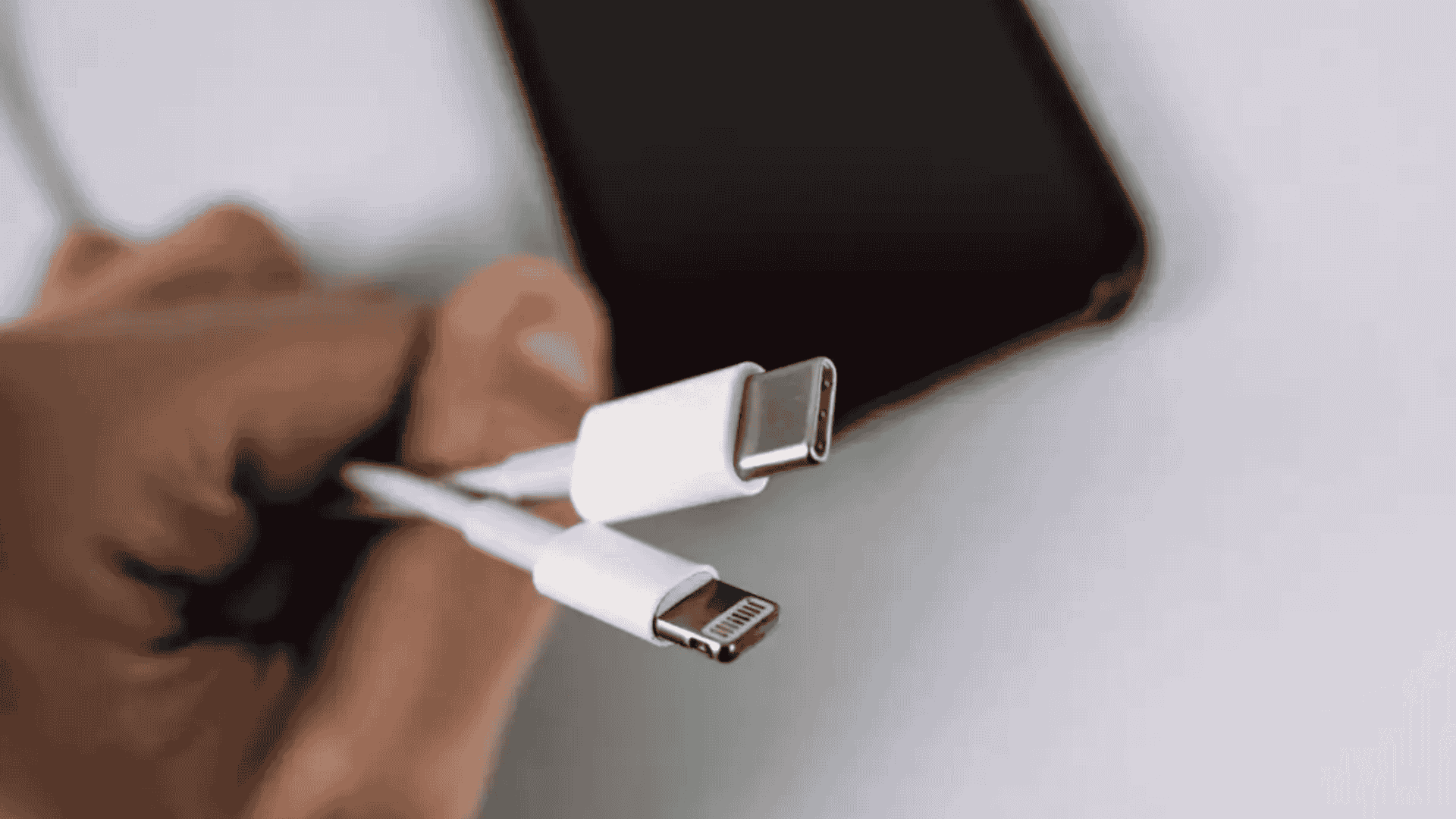
USB-C chargers use a small, oval-shaped connector that plugs in either direction. This makes them simple to use and reduces wear on ports.
They support advanced power delivery and fast data transfer in one cable.
Because of the higher power output, USB-C has become the standard for many newer devices and is replacing older charger types.
These types of chargers are well-suited for fast charging phones, tablets, and even laptops.
The Anker Nano II 30W is a good option for fast and reliable charging at home or while traveling.
- Price range: $10–$30 USD
- Charging speed: 60W or higher with Power Delivery
- Cable length options: Usually 1–6 feet
4. Lightning Chargers
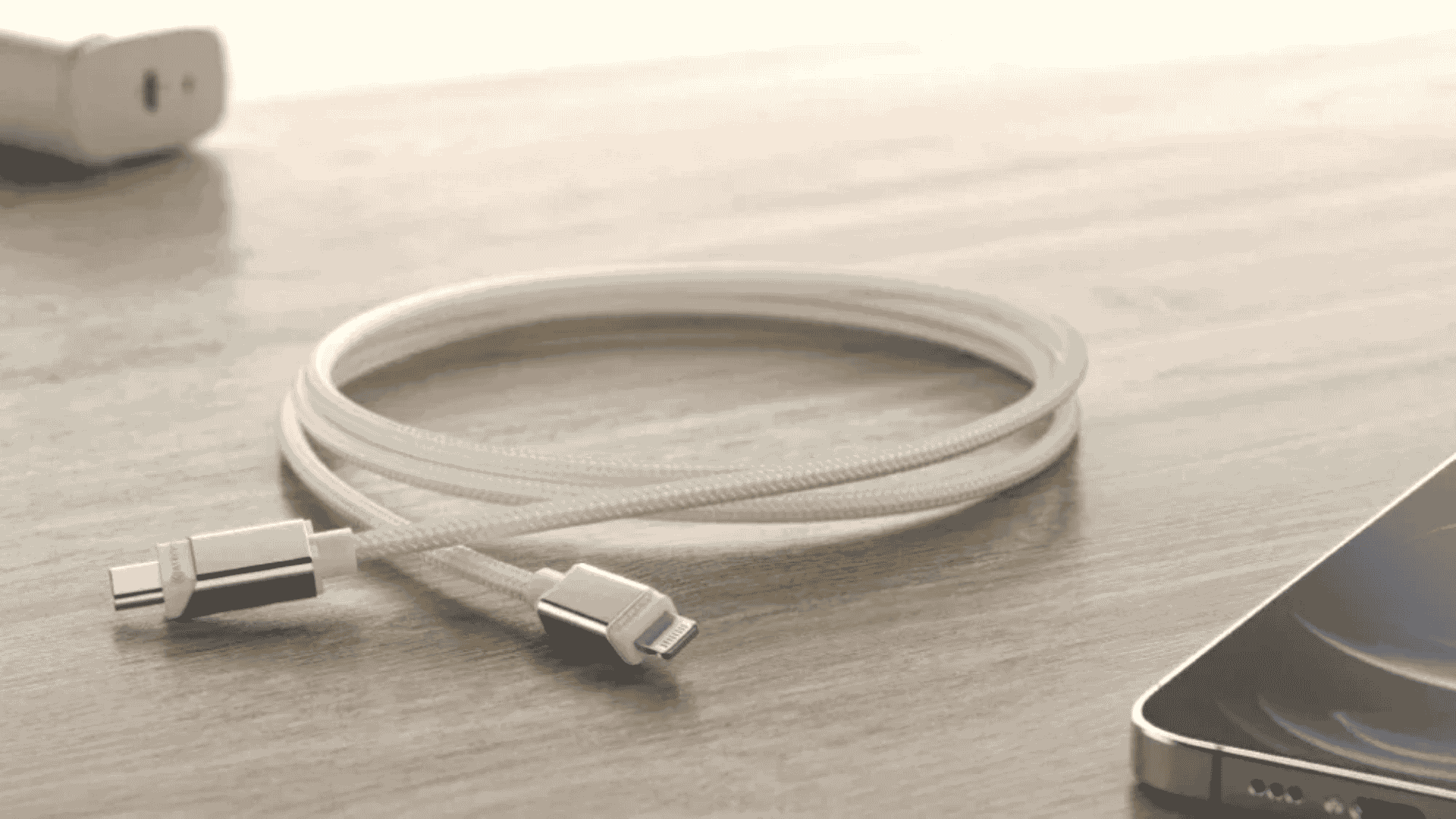
Lightning chargers use Apple’s flat, eight-pin connector with a reversible design.
This allows the cable to be plugged in either direction without checking the orientation.
The connector is made only for Apple devices and is not used by other phone brands. They are commonly used to charge iPhones and connect Apple accessories.
Belkin BoostCharge Lightning is often recommended for dependable charging of Apple devices
- Price range: $15–$25 USD
- Charging speed: Up to 20W (fast charging)
- Cable length options: Usually 1–10 feet
5. Micro-USB Chargers
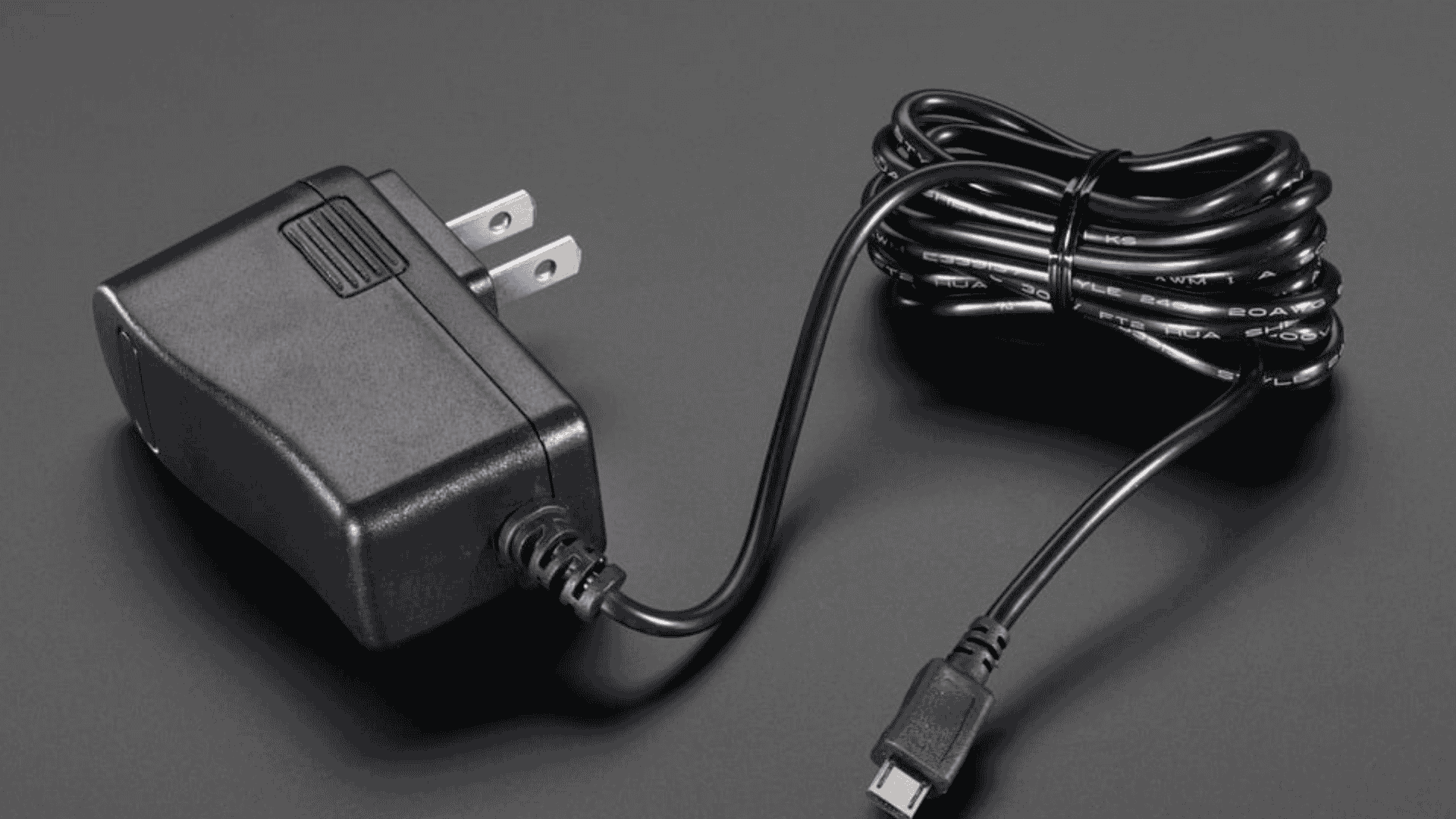
Micro-USB chargers use a small, trapezoid-shaped connector that must be plugged in the correct direction. This design makes them less convenient than newer reversible connectors.
This charger type was once very common but has mostly been replaced by USB-C.
Today, Micro-USB is mainly kept as a backup option for older or budget devices.
These types of chargers are still used with older Android phones released before 2018 and some accessories like earbuds, Bluetooth speakers, and basic power banks.
Use the UGREEN Micro-USB Cable to charge older phones and compatible accessories safely and reliably.
- Price range: $5–$10 USD
- Charging speed: Up to 15W
- Cable length options: Usually 3–6 feet
6. Wireless Chargers
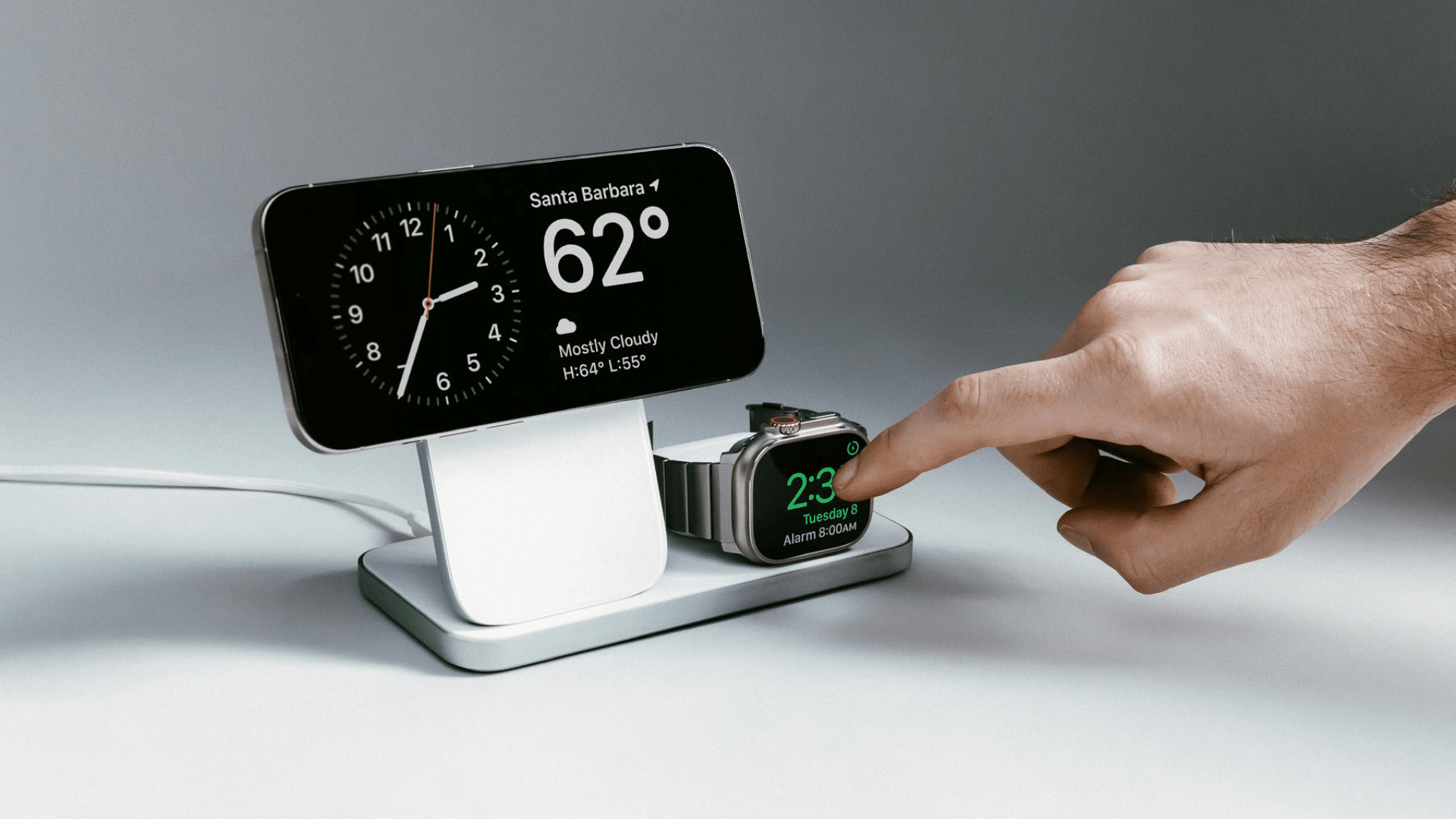
Wireless chargers use electromagnetic induction through Qi-standard charging pads. You place your phone on the pad, and charging starts without plugging in a cable.
They are often used on desks or nightstands where convenience matters.
Wireless chargers help reduce cable clutter and work well for overnight charging or quick top-ups during the day.
Charging speeds are slower than most wired options. Wireless chargers focus more on ease of use than fast charging.
Go with Belkin BoostCharge Qi for simple cable-free charging at desks or nightstands.
- Price range: $15–$40 USD
- Charging speed: Up to 15W
7. Portable Chargers
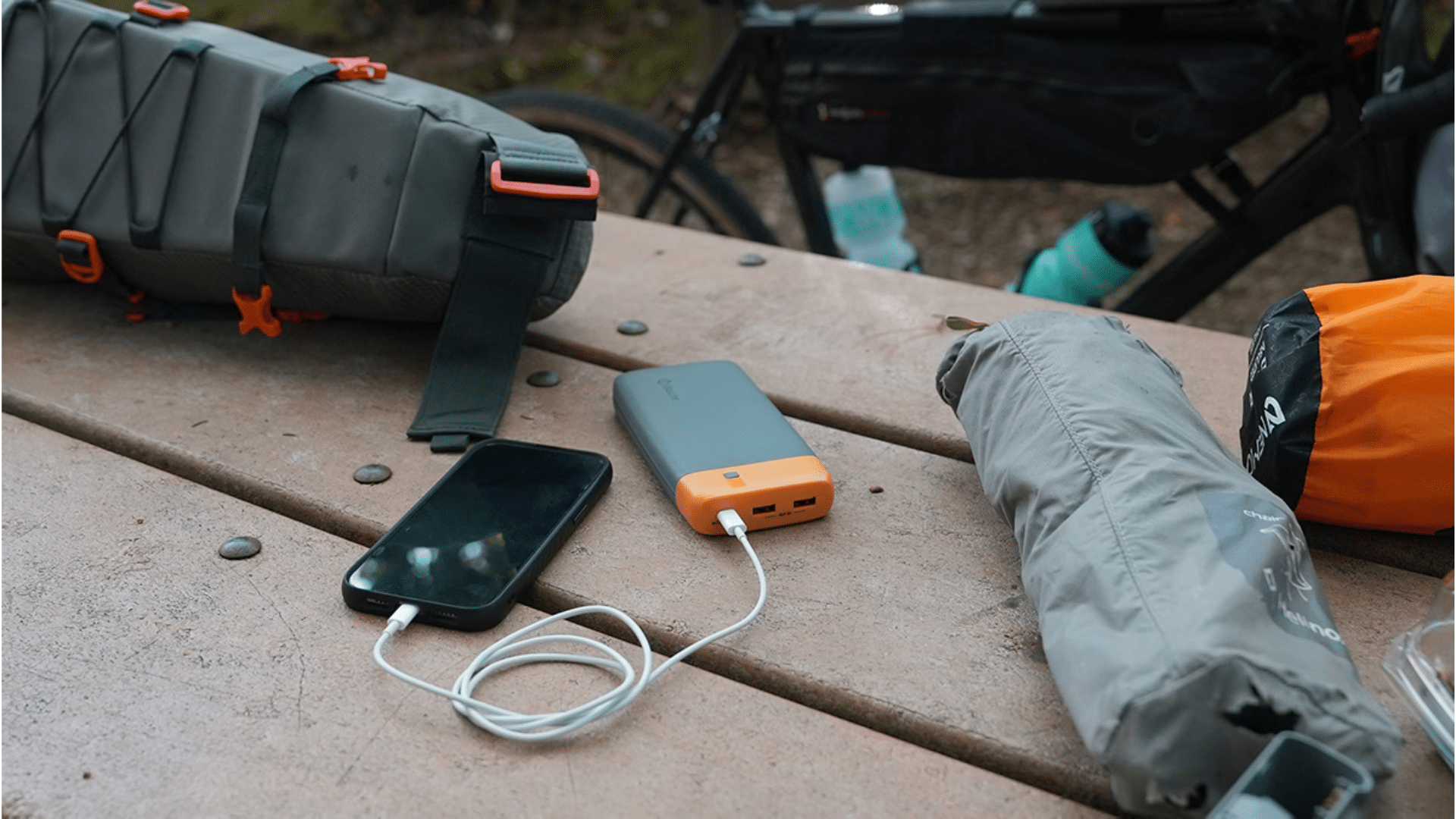
Portable chargers are external battery packs that store power for later use. They let you charge devices when a wall outlet is not available.
They are useful during travel, long workdays, power outages, or outdoor events.
Portable chargers work with many devices using USB-A, USB-C, or Lightning ports, depending on the model. Some include built-in cables, while others require your own.
Many modern portable chargers support fast charging, but most focus more on power than data transfer.
Among the types of chargers, the RAVPower 20000mAh power bank provides reliable backup power to keep phones charged during long, busy days.
- Price range: $20–$60 USD
- Charging speed: Up to 65W (model dependent)
- Capacity options: Usually 5,000–20,000mAh
8. Magnetic Chargers
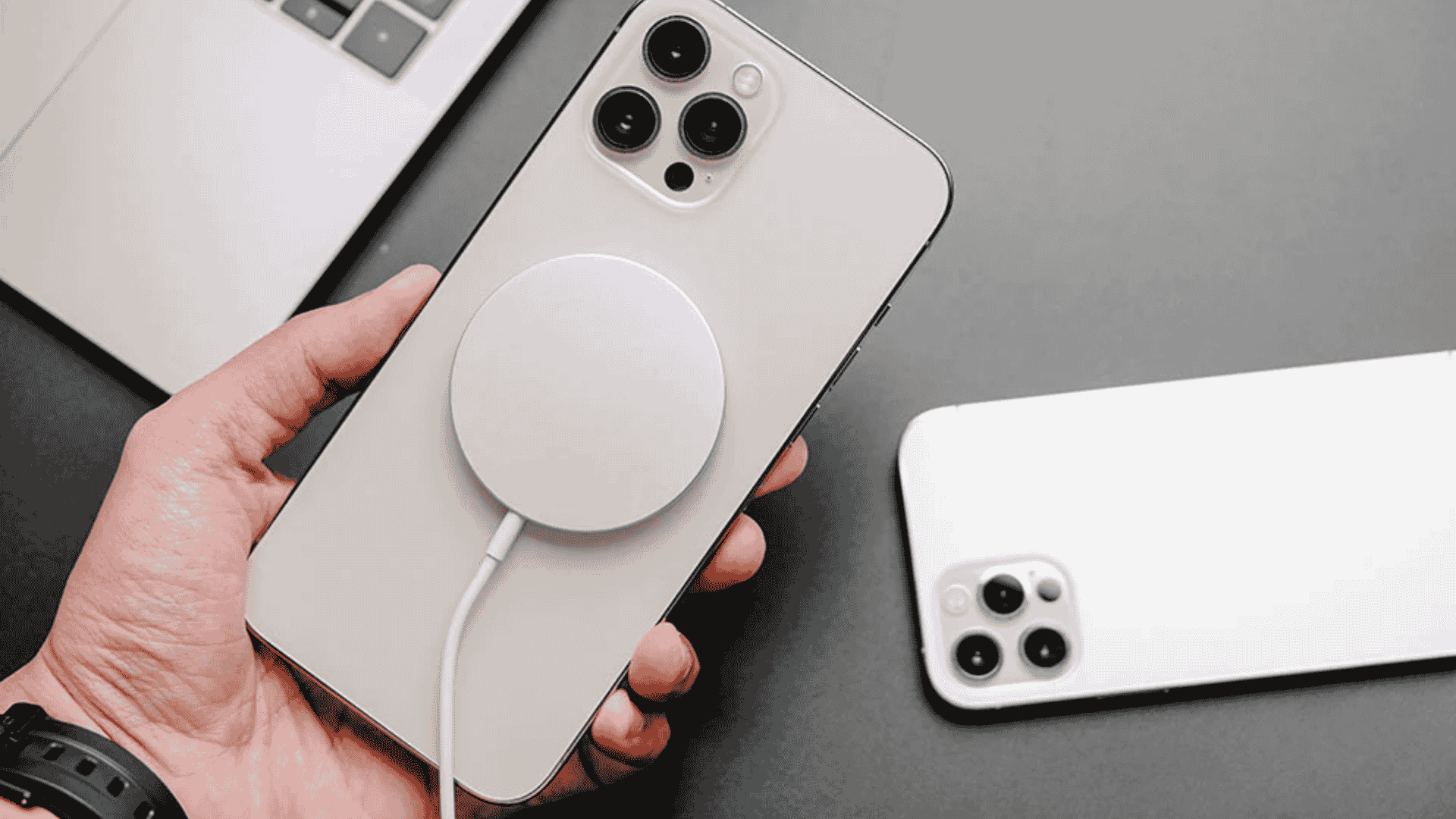
Magnetic chargers use built-in magnetic rings to snap into place on the back of a phone. This design keeps the charger aligned and steady during charging.
The magnetic hold helps reduce charging interruptions caused by misalignment.
Charging speeds are faster than standard wireless pads, but they are still slower than wired fast chargers.
Apple’s MagSafe Charger offers secure, properly aligned charging for a smooth and reliable wireless charging experience.
- Price range: $25–$50 USD
- Charging speed: Up to 15W
- Cable length options: Usually 1–3 feet
9. Solar Chargers
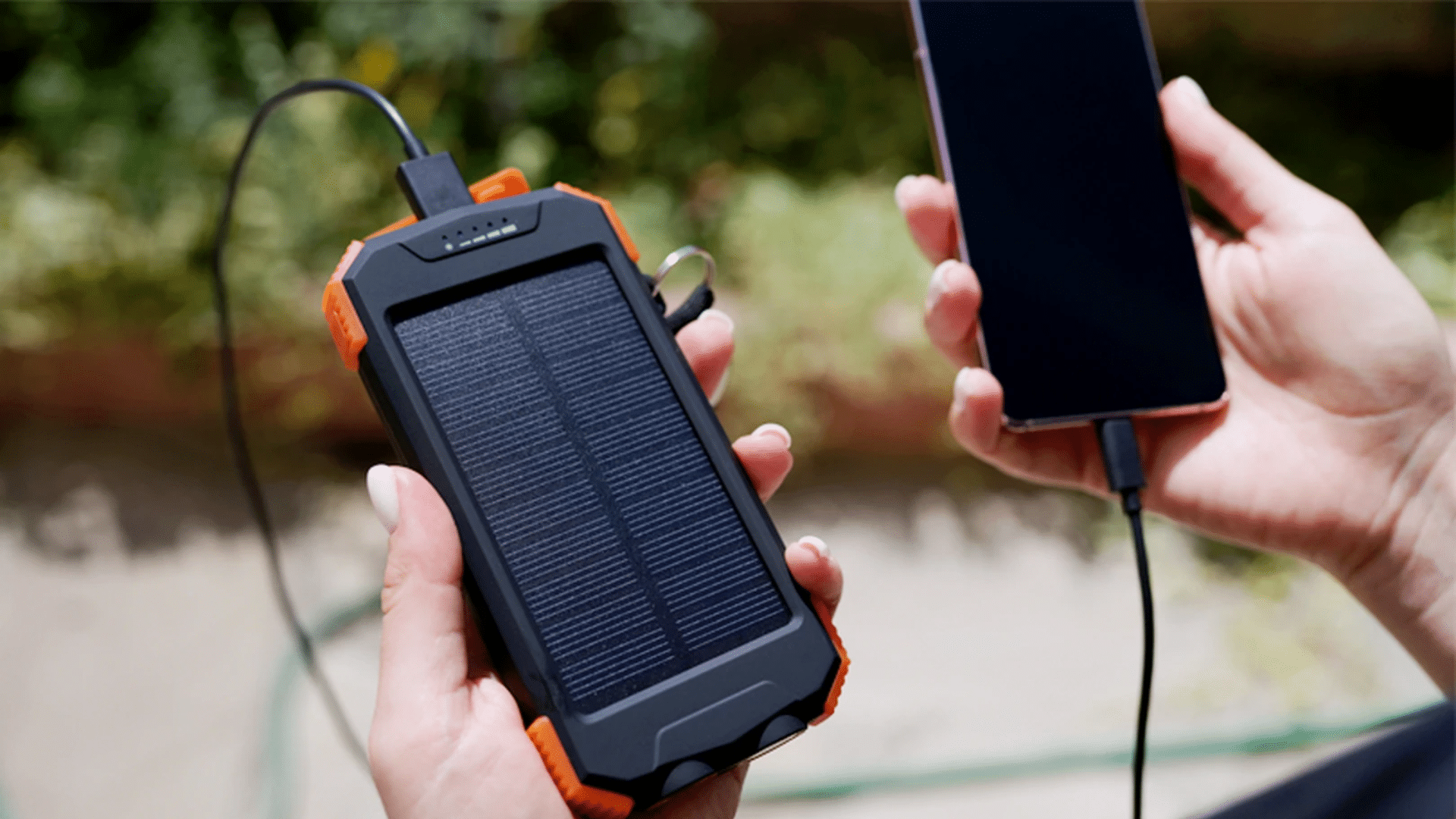
Solar chargers are the types of chargers that use built-in panels to collect energy from sunlight and turn it into power.
This stored energy can then be used to charge devices without a wall outlet.
Most models include standard USB output ports, so they work with many phones and small devices.
Solar chargers focus on portability and backup power. They are helpful when electricity is limited, but not ideal for fast charging.
The BigBlue 28W Solar Charger is recommended for off-grid charging when power outlets are unavailable.
- Price range: $30–$80 USD
- Charging speed: About 5–10W (sunlight dependent)
- Cable length options: Short, built-in cables
10. Multi-Port Chargers
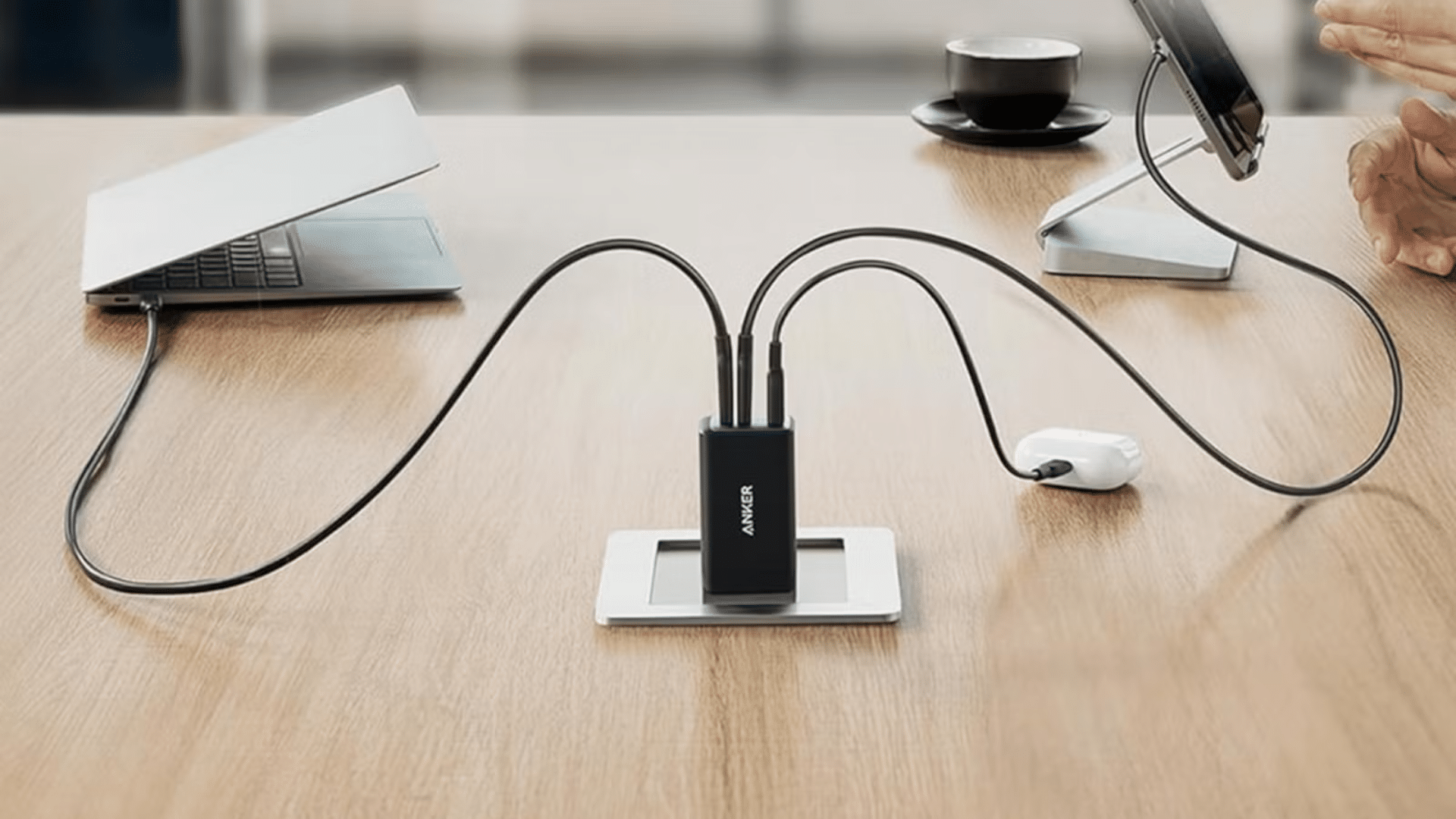
Multi-port chargers include several USB slots built into one wall adapter or charging dock. This design lets you plug in multiple cables at the same time using a single outlet.
They are useful for charging several devices together, such as phones, tablets, earbuds, and some laptops.
These types of chargers support different cable types, including USB-A, USB-C, and Lightning, based on the cables you use.
Power is shared across ports and adjusts depending on how many devices are connected.
Consider the RAVPower 6-Port USB Charging Station for powering many devices from one outlet.
- Price range: $20–$50 USD
- Charging speed: 20–100W total shared output
- Cable length options: Usually 3–6 feet
Types of USB Cables
Phone charging setups include power adapters and cables, with different types of chargers affecting compatibility, charging speed, and power delivery.
1. USB-A to USB-C Cables
These cables have the older rectangular USB-A plug on one end and the newer oval USB-C on the other.
They are common with budget chargers, car chargers, power banks, and many accessories. Most Android phones, some tablets, earbuds, and controllers support USB-A to USB-C.
They usually offer regular or moderately fast charging and standard data transfer, and cost around $5–$15 in the US.
2. USB-C to USB-C Cables
USB-C to USB-C cables have the same reversible USB-C connector on both ends.
They are used for fast charging newer Android phones, iPads with USB-C, many laptops, and power banks that support USB-C Power Delivery.
Typical prices in the US range from about $8–$25, depending on length and speed rating.
3. USB-A to Lightning Cables
These cables pair a USB-A plug with Apple’s Lightning connector.
They are mainly used to charge and sync older iPhones, some iPads, AirPods, and other Apple accessories with traditional USB-A chargers or computers.
In the US, they typically cost around $10–$25, with Apple-branded options at the higher end.
4. USB-C to Lightning Cables
USB-C to Lightning cables are designed to connect Apple devices to modern USB-C chargers.
When used with a compatible USB-C power adapter, they enable fast charging for newer iPhones and some iPads.
They also support syncing with USB-C laptops and desktops. In US markets, these cables usually range from about $15–$30, depending on brand, durability features, and length.
Types of USB Ports You Should Know
USB ports play a big role in how fast your devices charge and how well they connect to various types of chargers. Each port type has a different shape and purpose.
1. USB-A Ports
USB-A ports are the most common and recognizable type. They have a flat, rectangular shape and are found on wall chargers, power strips, computers, cars, and older devices.
USB-A ports usually work with many cable types, making them widely compatible.
They are reliable for basic charging and data transfer, but they do not support the fastest charging speeds.
Most older phone chargers and accessories still rely on USB-A connections for everyday use.
2. USB-C Ports
USB-C ports are newer, smaller, and oval-shaped, with a reversible design that plugs in either way.
These ports support faster charging, higher power output, and quicker data transfer.
USB-C is commonly used on modern phones, tablets, laptops, and power banks. It can handle both charging and data through a single cable.
Because of its speed and flexibility, USB-C is becoming the standard port for many new devices.
3. Charging Ports on Phones
Phone charging ports are the connectors built directly into your device.
Most modern phones use either USB-C or Lightning ports. USB-C is common on Android phones and newer devices.
Lightning charger is used on certain iPhone models. Older phones may still use Micro-USB ports.
The charging port and types of chargers determine which cable you need and affect charging speed, data transfer, and accessory support.
Fast Charging vs Standard Charging
Fast charging and standard charging differ mainly in speed and types of chargers. Knowing the difference helps you choose the right charger for daily use or quick top-ups.
| Criteria | Fast Charging | Standard charging |
| Charging Time | Devices can reach up to 80 percent battery within 30 to 60 minutes | Charging happens slowly and usually takes up to 2 hours to reach 100 percent. |
| Cable Requirement | Requires high-rated USB-C cables that support 3A to 5A. | Works with basic USB-A or USB-C cables that support around 2A. |
| Battery Impact | Modern fast chargers use smart systems that adjust power to reduce battery wear. | Causes minimal battery stress and can support longer battery life over time. |
| Heat Generation | Fast charging creates more heat, so phones and chargers use built-in controls. | Standard charging produces less heat and stays more stable during long charging sessions. |
How to Identify the Right Charger for Your Phone?
To identify the right types of charger, check these key steps and often-overlooked details that common users miss, like hidden specs or compatibility traps.
- Check your phone’s charging port: Look at your phone’s port. Newer phones usually use USB-C, while older iPhones use Lightning.
- Look up your phone’s charging specs: Check your phone settings or search your model online to find the supported wattage.
- Match the charger wattage: Use a charger that meets or exceeds the recommended wattage. The phone controls how much power it uses.
- Check cable quality: Use cables rated for at least 3A. Poor cables can slow charging and cause heat.
- Choose the right charger head: USB-C heads suit modern phones. Older devices may still need USB-A.
- Buy trusted, certified chargers: Stick to known brands with safety markings to avoid damage.
Safety Tips When Using Different Types of Chargers
Charger safety depends on both the adapter and cable, and small mistakes many people ignore can damage devices or cause hazards. This applies to all chargers.
- Cable handling: Avoid yanking cables from the cord. Always pull from the plug to protect the connector and port.
- Port care: Keep ports and connectors clean and dry. Use a soft brush or compressed air to remove pocket lint from phone ports.
- Adapter and cable match: Higher-watt adapters are usually safe, but the cable must support the correct current rating, such as 3A or 5A for USB-C.
- Safe charging location: Do not sleep with your phone charging in bed or under a pillow. Charge it on a hard, stable surface like a table.
- Battery health: Across all the chargers, avoid constant 0–100% charge cycles. Partial top-ups are generally better for modern lithium batteries.
Conclusion
Knowing the different types of chargers makes everyday phone use easier and far less stressful, especially when devices rely on specific charging standards.
This knowledge helps you avoid slow charging speeds, excess heat, and wasted time waiting for your battery to fill.
It also helps you stay prepared in different situations, whether you are charging at home, at work, in a car, or while traveling.
Small details like the right port type, good cable quality, and proper wattage can make a noticeable difference in charging performance and battery care.
Before your next trip, take a moment to review the charger and cable your phone needs. Share your best charging tip in the comments to help other readers.
Frequently Asked Questions
Is Wireless Charging Slower than Using a Cable?
Wireless charging is usually slower than cable charging because energy transfers through a charging pad instead of a direct connection.
Can Using One Charger for Multiple Devices Cause Problems?
Using one charger for several devices is safe only if the charger supports proper power sharing. Depending on the types of chargers, it may split power unevenly and slow down charging.
What Charger is Best for Digital Cameras?
Most digital cameras use dedicated battery chargers or USB-based charging. Always check the camera manual, since using the wrong charger can reduce battery life or cause charging errors.