In today’s tech-filled world, iPhones play a big role in our daily lives. These sleek devices have features that make tasks easier.
However, like any gadget, iPhones can have problems now and then. A battery that drains too quickly, a cracked display that needs iphone screen repair, or charging issues can quickly disrupt your daily routine.
The good news is that many common iPhone problems have simple solutions. Some can be fixed at home with basic troubleshooting steps, but others may require professional repairs, especially if you’re dealing with hardware damage.
Battery Draining Too Fast
One of the most common issues iPhone users encounter is rapid battery drainage. If your battery percentage drops rapidly, it can affect your device’s performance.
To fix this, first make sure your iPhone isn’t overworking itself.
Turn off Background App Refresh, automatic downloads, push notifications, Bluetooth, and cellular data when you don’t need them. You can also check which apps use the most battery and look at your battery health to understand its peak performance and capacity.
iPhone Not Charging Properly
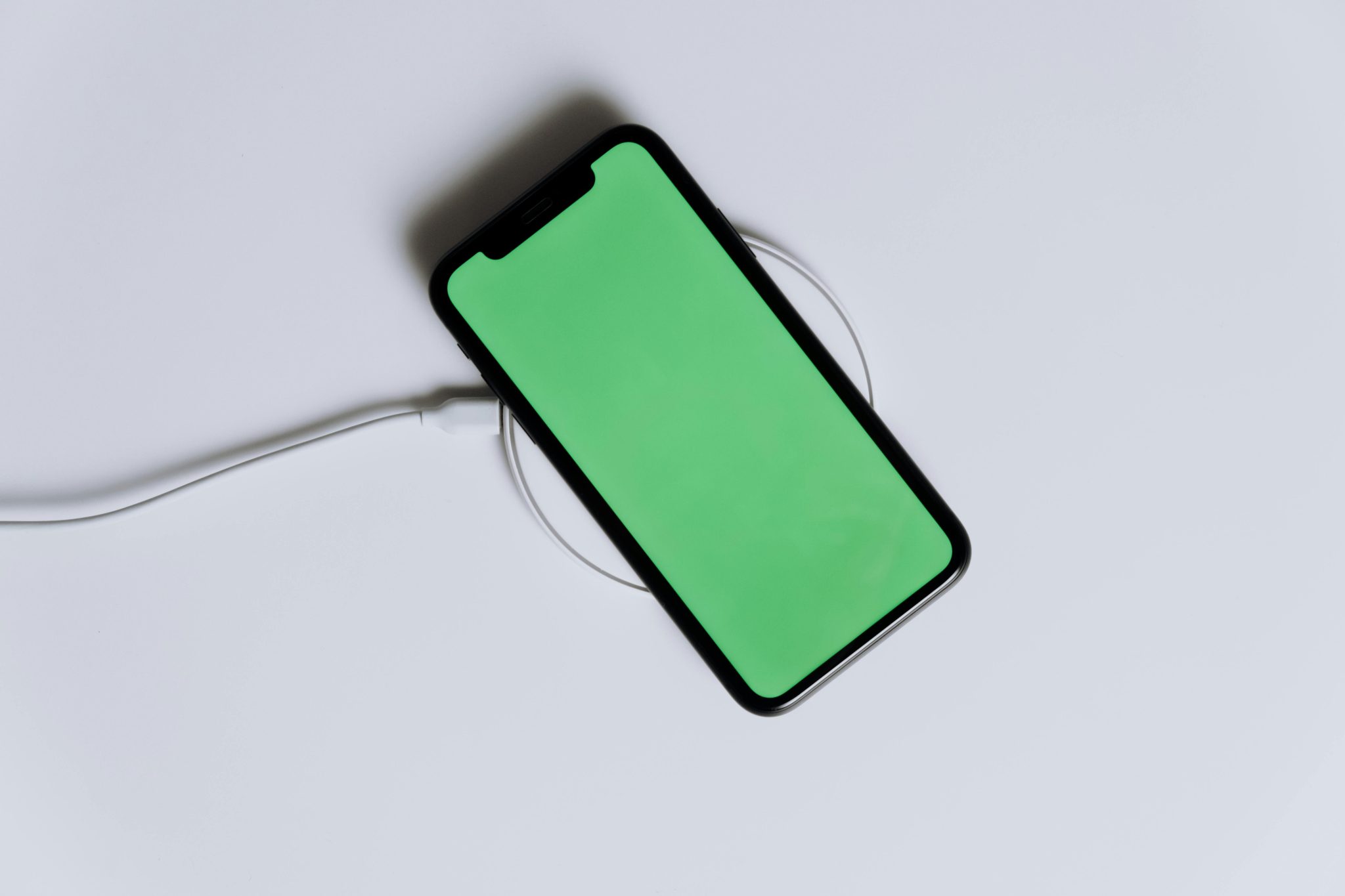
Few things are more frustrating than plugging in your iPhone and finding out it’s not charging properly. It might charge very slowly, only work at a certain angle, or not respond at all.
The problem could be with the battery or a minor software issue. Start by cleaning the charging port with a soft brush or a wooden toothpick. Don’t use anything sharp or metal, as it can damage the sensitive internal components.
Slow Performance or Lagging
Your iPhone might be running a bit slow for a few reasons. One of the most common ones is that you probably have too many apps or websites open at the same time, so close anything you don’t need anymore.
It’s also a good idea to clear the cache on Safari or whatever browser you’re using to speed things up. Another reason could be that your IOS version is outdated and needs an update.
Overheating Issues
An overheating iPhone can significantly impact its performance and safety. To keep your device in top shape, avoid exposing it to extreme temperatures and refrain from using it while it’s charging.
If your iPhone continues to overheat, close any resource-heavy apps, remove thick cases, and check if your software is up to date. If the issue persists, contact a team of professionals with iPhone repair experience.
WiFi Connectivity Problems
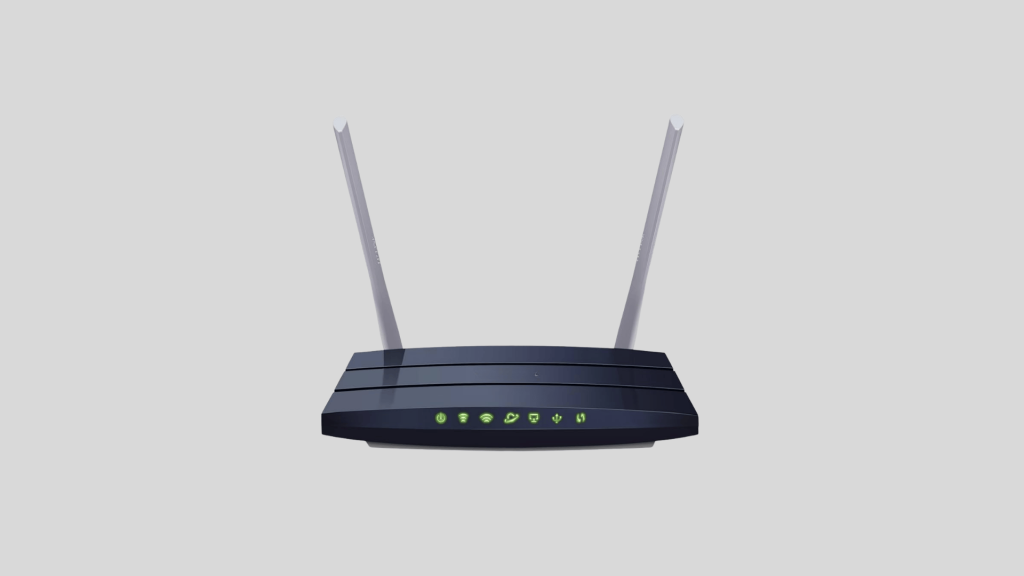
This is a common issue, but it’s also easy to fix. Instead of blaming your iPhone right away, try restarting your modem and check how strong your WiFi signal is.
Then, restart your iPhone before connecting to the WiFi, or just tap ‘Forget This Network’ and re-enter your password. If you’re still having issues, set the HTTP proxy to automatic, or reset your network settings for a fresh start.
Apps Crashing Frequently
Apps that crash often or won’t open can be frustrating. This often develops due to software bugs and compatibility issues. Start by checking whether you have the most recent version of the app.
If the issue continues, try closing the app and opening it again. You can also clear the app cache, free up some storage space, or reinstall the app to help fix the crashes.
Unresponsive or Frozen Screen
An unresponsive or frozen screen can instantly cause stress, especially when your iPhone won’t react to touch or gets stuck on one screen.
Start by performing a force restart, which can quickly resolve temporary software issues. It’s also a good idea to check for IOS updates, as system bugs are often fixed in newer versions.
Face ID or Touch ID Not Working
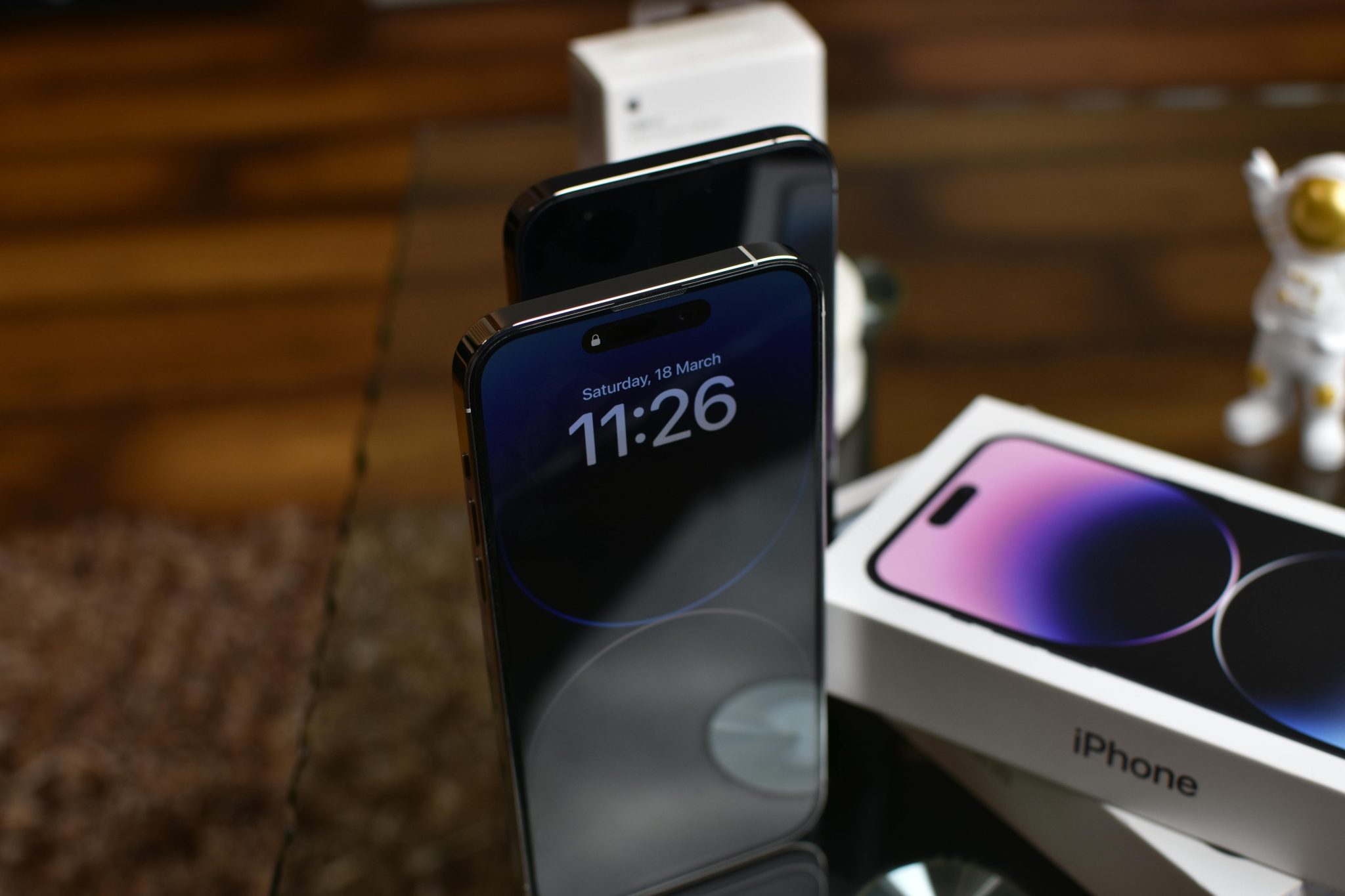
If your iPhone’s Touch or Face ID isn’t working, it can definitely be irritating, but there are some quick fixes. First off, make sure your fingers or face are clean and dry before attempting to unlock your phone.
Also, you can check the biometric settings in the Settings app to make sure everything’s set up right. If it’s still acting up, try deleting and re-enrolling your fingerprints or face data.
Camera Not Working Properly
If your camera crashes, shows a blurry screen, or takes blurry photos, it can ruin some of life’s most important moments. Start by gently cleaning the lens to remove dust and smudges, then restart your phone to check for updates that could fix temporary software problems.
You can also reset the camera settings or all device settings to address ongoing issues. If your camera still doesn’t work or shows a black screen, the problem is likely hardware-related, and that means it’s time to call a professional.
Storage Almost Full
Seeing the “Storage Almost Full” message on your iPhone can be annoying. Photos and videos can quickly fill up space, especially if you take a lot of high-quality pictures.
The good news is that freeing up space is usually easy. Start by deleting apps you don’t use and getting rid of old files that you no longer need. You can also transfer photos and videos to cloud storage or your computer to make more room. Clearing your browser cache and turning on the “Offload Unused Apps” feature can help manage storage automatically.
When to Seek Professional Repair for Your iPhone
Many small iPhone problems can be fixed at home, but some issues need professional help. Knowing when to seek assistance can save you time and money and prevent more damage.
If your screen is cracked, shattered, or unresponsive, you usually need iPhone screen repair. The same is true if your battery drains quickly, even after changing settings, or if your phone won’t turn on at all.
A loose or broken charging port, issues with Face ID, the camera, or the speakers, and any signs of water damage also indicate you should seek professional iPhone repair.
These issues often involve sensitive internal components that require specialized tools and expertise to repair safely. While trying DIY repairs might seem cheaper, iPhones have small, delicate connectors and tightly packed components. A small mistake could damage the display, Face ID system, or even the motherboard, and that could be the end of your device.
Conclusion
iPhone are known for their reliability, but they can occasionally encounter issues. Battery drain, charging issues, slow performance, Wi-Fi connectivity problems, overheating, and cracked screens—these are all common problems, but they’re also often manageable.
By proactively addressing common iPhone problems, you can significantly extend your device’s lifespan, ensure optimal performance, and avoid costly replacements. With a bit of attention and quick fixes, you can keep your iPhone in great shape for years to come.