Too many screens make it hard to focus, yet paper piles grow fast. A digital paper tablet aims to fix both problems by keeping writing simple and quiet.
This reMarkable 2 review explains what the device actually feels like to use every day.
It covers writing feel, speed, battery life, and how the tablet fits into work, study, and planning routines.
The reMarkable 2 is built for people who want to write by hand, read documents, and keep notes organized without apps, alerts, or web browsing.
You will learn how the tablet woarks, what it handles well, and where its limits may matter. The goal is clarity, not hype.
By the end, you should know if this digital notebook fits your routine for work and study.
ReMarkable 2 Tablet Overview
The reMarkable 2 is a digital paper tablet made for writing, reading, and organizing notes without distractions.
It focuses on handwriting rather than apps, alerts, or web browsing, which helps users stay focused on tasks.
This Remarkable 2 review highlights how the device works as a paper replacement for notebooks, planners, and printed documents.
The tablet uses an E Ink display that feels close to real paper and is easy on the eyes during long sessions.
It supports handwritten notes, PDF markup, and document reading in a clean, simple layout.
Many people use it for work notes, study materials, meeting notes, or daily planning.
Its slim design, light weight, and long battery life make it easy to carry and use throughout the day without feeling like a traditional tablet.
Key Features of ReMarkable 2
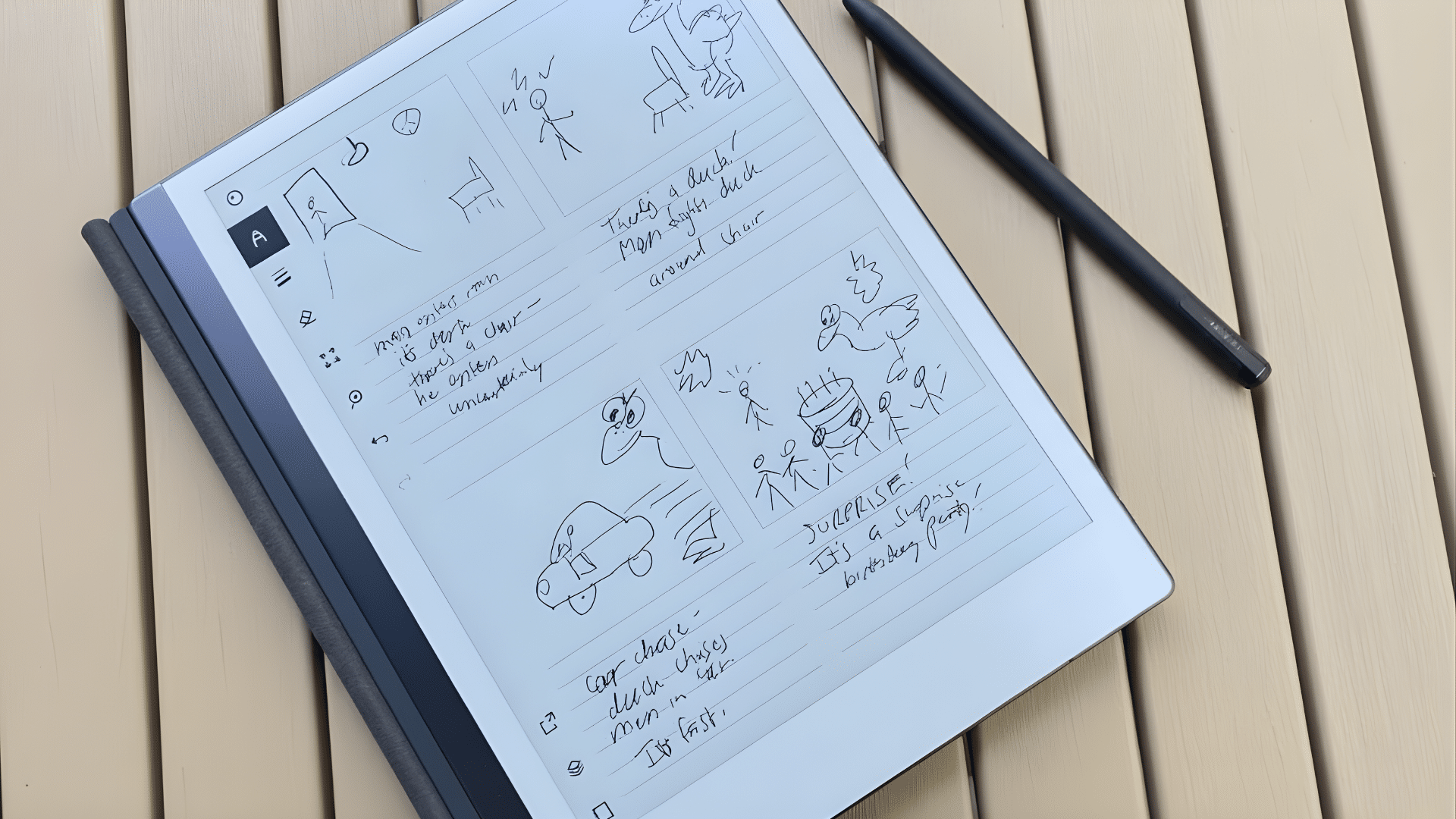
This section covers the main features that define how the tablet works for writing, reading, and focused daily use.
1. Paper-Like Writing Experience
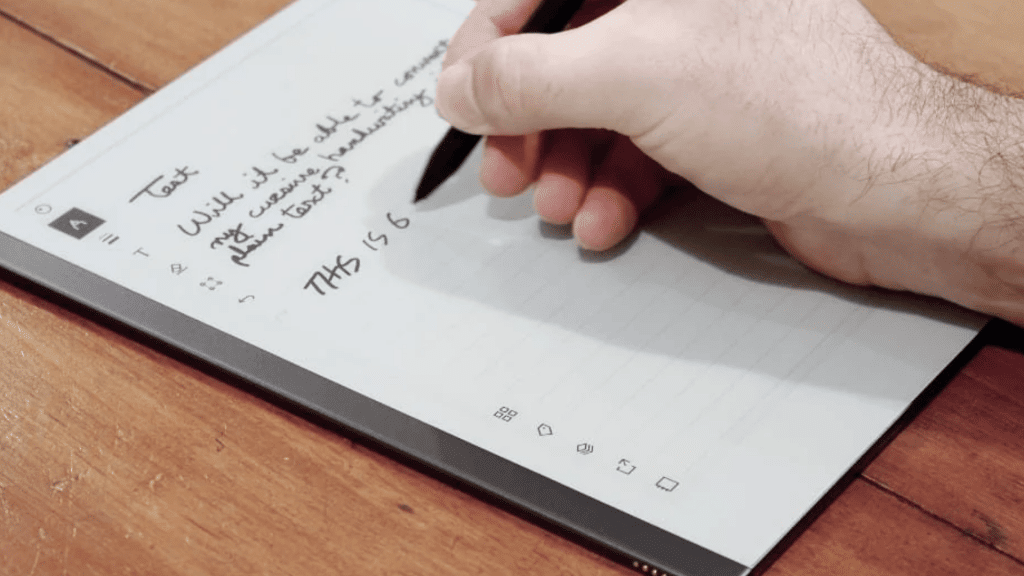
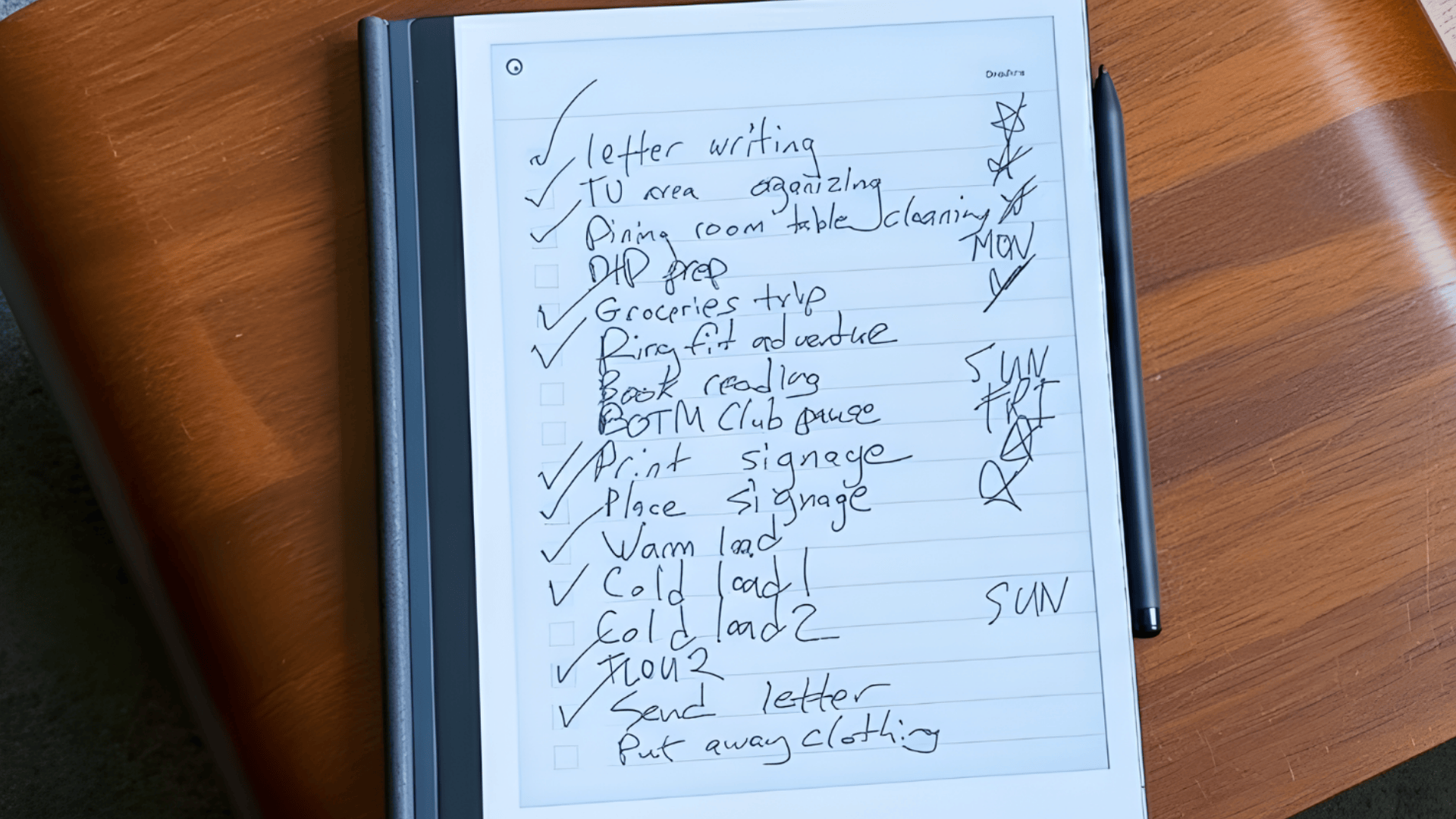
The reMarkable 2 is designed to feel as close to writing on paper as possible.
Its textured E Ink surface adds slight resistance, which helps handwriting feel steady and controlled instead of slick.
This makes it comfortable for long note-taking, journaling, and planning sessions.
Many users choose the tablet mainly for this reason, especially those who write by hand often and want a screen that feels natural and easy on the eyes during extended use.
2. Display and Design
The tablet features a 10.3-inch E Ink display that stays clear in bright environments and remains comfortable during long reading or writing sessions.
Unlike traditional screens, it does not cause glare or visual fatigue. The slim body and lightweight build make it easy to carry between work, school, or meetings without feeling bulky.
Its simple design keeps attention on notes and documents, which suits users who want a calm and focused writing setup without visual distractions.
3. Stylus and Marker
The Marker is designed to feel balanced and responsive, making handwriting and sketching feel natural from the start.
Pressure sensitivity allows lines to look consistent and controlled, similar to using a real pen.
The Marker Plus includes an eraser on the back, which makes corrections quick without switching tools.
Many users say the stylus feels familiar, helping them move from pen and paper to the tablet without changing their writing habits or adjusting their grip or technique.
4. Battery Life
Battery life is one of the practical strengths of the reMarkable 2 for daily use. With regular note-taking, reading, and planning, it can last several days on a single charge.
The E Ink display only uses power when content changes, which keeps energy use low throughout the day.
This makes the tablet reliable for work or study without frequent charging. Users who carry it daily often appreciate not having to worry about battery levels during long sessions.
ReMarkable 2 Performance and Use
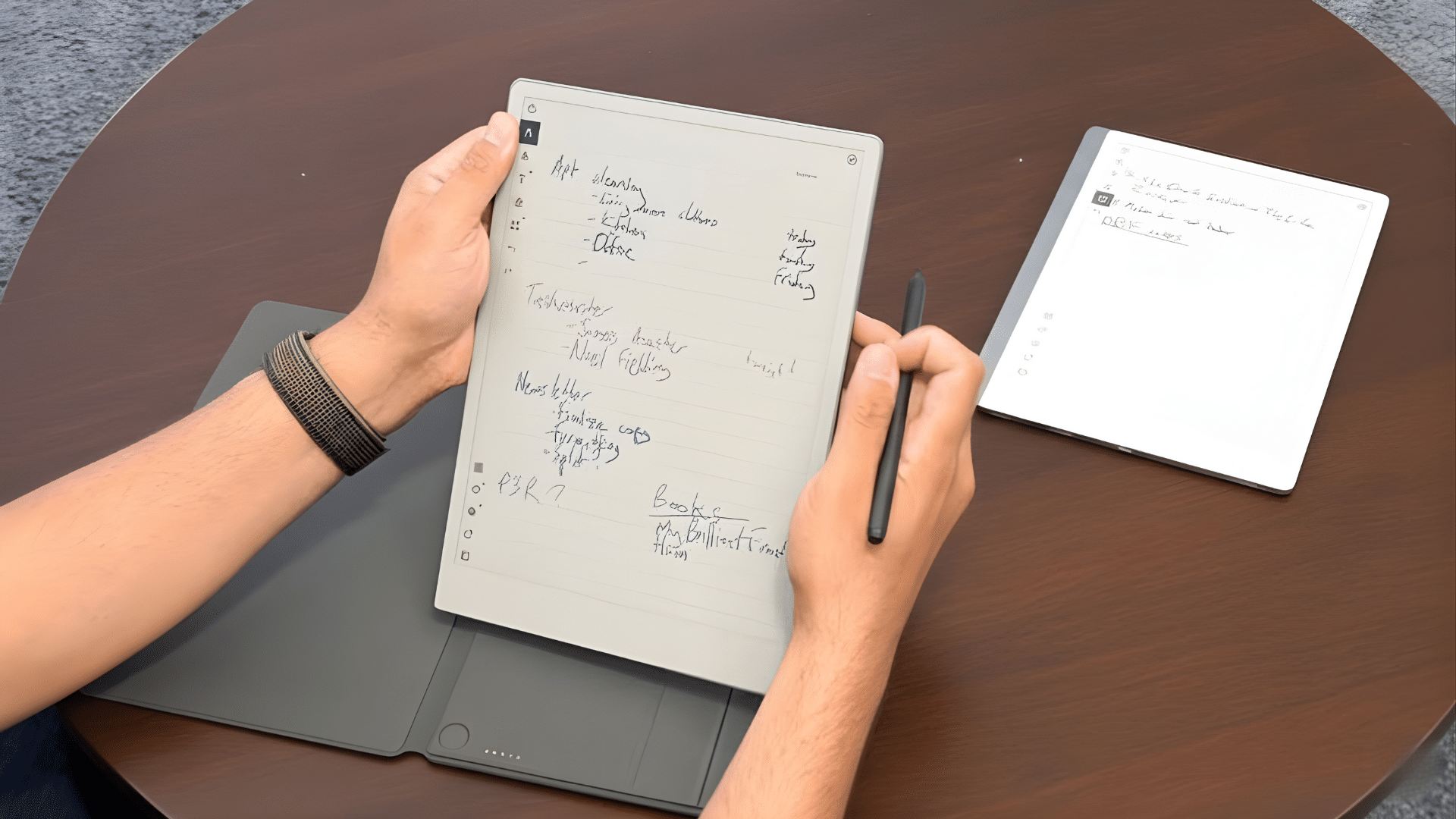
This section covers how the reMarkable 2 handles everyday use, including writing speed, organization, syncing, and document work in real-life situations.
- Performance and Writing Speed: Writing feels smooth and responsive, with pen strokes appearing quickly and no noticeable delay during regular use.
- Page Navigation and Menus: Page turns and menus work smoothly but move more slowly than standard tablets, which supports the tablet’s focused design.
- Note-Taking and Organization: Users can create notebooks, add pages, and sort content into folders using a clean system that stays easy to manage.
- Interface Simplicity: The uncluttered layout makes it simple to find older notes without digging through extra settings or menus.
- Writing Tools and Templates: Built-in pens, pencils, markers, and brushes give enough choice for notes and sketches without crowding the screen.
- Software Experience: The software stays stable and writing-focused, avoiding extra apps that could distract from note-taking.
reMarkable 2 Review: User Insight
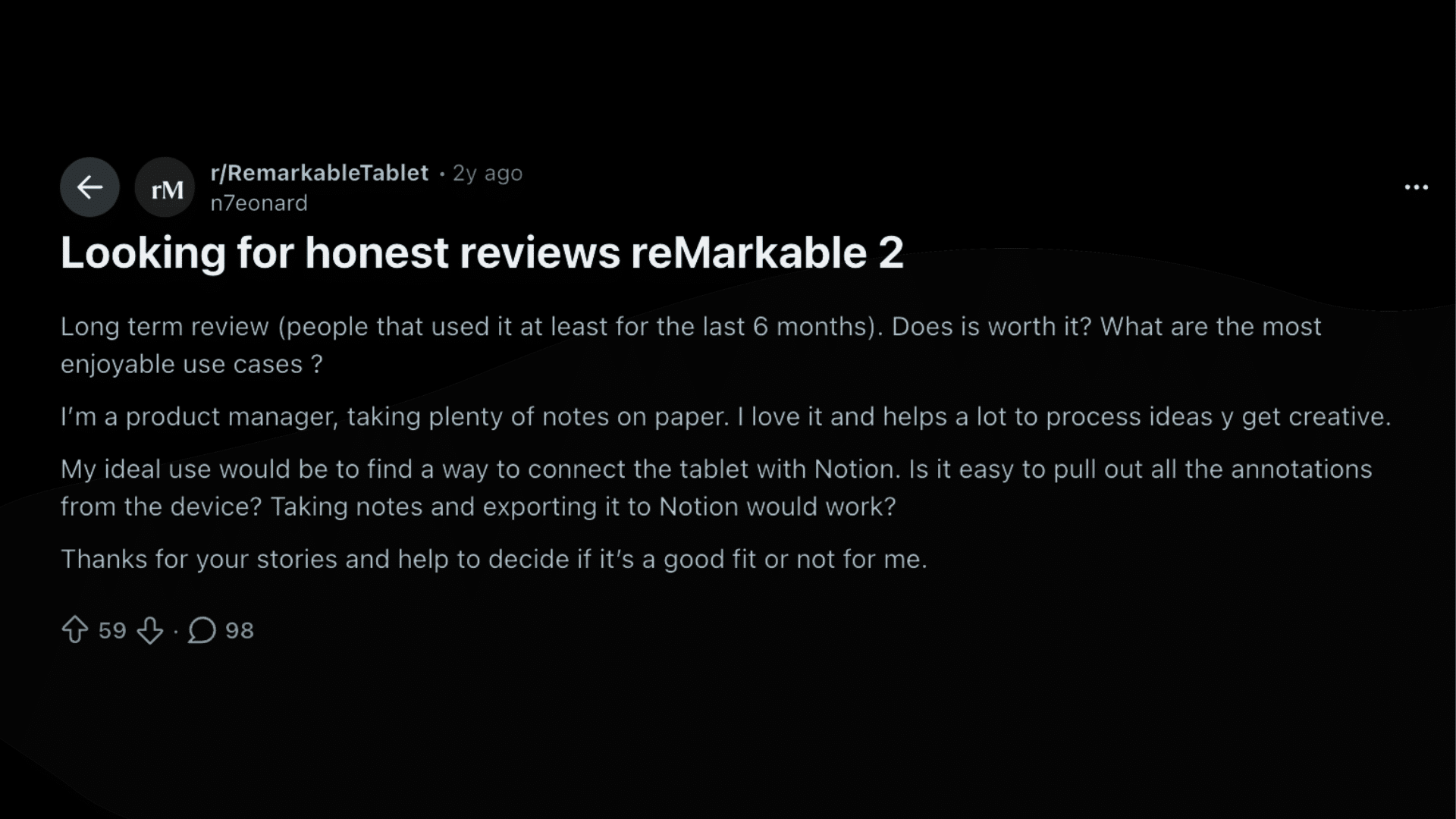
Many users on Reddit share open and detailed thoughts about using the tablet in daily life, which helps paint a clearer picture beyond product pages.
Feedback often highlights the paper-like writing feel and the calm, distraction-free setup that supports note-taking, PDF reading, and focused work or study time.
Long-term users say the writing surface stays comfortable even with regular use, and battery life remains reliable over days of writing and reading.
At the same time, common concerns include software limits, cloud syncing consistency, and the extra cost tied to the subscription.
Some users also note that the device can feel too simple if expectations lean toward tablet-style functions.
Overall, this reMarkable 2 review shows steady performance over time, with satisfaction closely tied to using it as a digital notebook rather than a full-featured tablet.
Is the reMarkable 2 Worth the Price?
The reMarkable 2 sits in a premium price range, which makes value a vital part of the buying decision.
The tablet is typically priced around $449 for the standard bundle, with the Marker Plus and accessories costing extra depending on the package.
In a reMarkable 2 review, many users point out that the cost feels high when compared to general tablets, primarily since it does not support apps or browsing.
But the value comes from its focused design, paper-like writing feel, long battery life, and distraction-free experience.
For people who rely heavily on handwritten notes, planning, reading PDFs, or organizing work daily, the price can feel justified.
Those expecting a multifunction tablet may find it less cost-effective for their needs.
Who Should Buy the reMarkable 2?
The reMarkable 2 is best suited for people who prefer simple tools that support focus and handwritten work.
It works well for students who take notes, read PDFs, and organize study material without digital distractions.
Professionals who attend meetings, plan tasks, or review documents may also find it useful, and Writers and journal users often appreciate the paper-like feel for long writing sessions.
This shows that the tablet fits users who want a clean workspace without apps or alerts.
It may not suit those who expect web browsing, email, or multitasking features.
People who rely heavily on handwritten notes and daily planning will get the most value.
Before buying, it helps to consider if a distraction-free digital notebook matches your routine and work style
Conclusion
The reMarkable 2 stands out as a focused digital paper tablet built for writing, reading, and organizing notes without distractions.
Throughout this reMarkable 2 review, the device shows clear strengths in its paper-like screen, long battery life, and clean interface designed for deep focus.
It works best for users who value handwritten notes, PDF reading, and simple organization over apps and multitasking.
The higher price and limited features may not suit everyone, but the overall experience stays consistent and purpose-driven.
I approach the value on how closely your daily needs match what the tablet is designed to do.
When used for its intended purpose, it can easily replace notebooks and printed documents.
Check the latest pricing and see if the reMarkable 2 fits your note-taking routine.
If you have used the tablet or are considering it, comment below with your thoughts or questions, and compare your options to decide if it suits your focused work style.