Installing home automation in your home doesn’t have to feel complicated or expensive.
With the right setup, everyday tasks like adjusting lights, checking security, or managing temperature become easier and more efficient.
The goal of home automation installation is simple: create a smarter, more comfortable home that works for you, not the other way around.
Whether you want to automate just a few rooms or build a fully connected system, the process is more straightforward when you understand the basics.
In this guide, you’ll learn how smart home systems work, how to plan your setup, and how to install devices step by step.
You’ll also see the differences between DIY and professional installation, get a clear idea of costs, explore recommended devices, and learn how to keep everything secure and running smoothly.
What is Home Automation Installation?
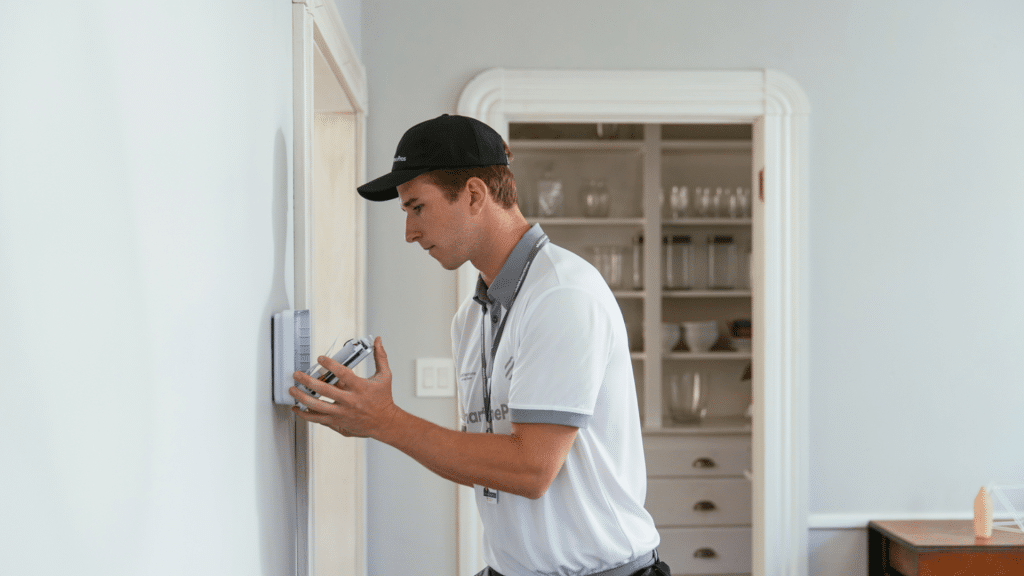
Home automation installation sets up smart devices to control lighting, climate, security, and home functions through a phone, hub, or voice assistant.
Instead of managing devices separately, automation connects them into a single system that works together.
This setup can range from installing smart bulbs to integrating cameras, locks, thermostats, and sensors throughout your home.
The goal is to make daily routines easier, safer, and more efficient.
With proper installation, your home can automatically adjust the lights, lock doors when you leave, or change the temperature before you arrive.
learning the basics of how these systems connect and operate helps you plan better and choose devices that fit your lifestyle and long-term needs.
How Do Smart Home Systems Work?
| Protocol | Best For | Strength |
|---|---|---|
| Wi-Fi | Cameras, plugs, doorbells | Easy setup, no hub needed |
| Zigbee | Sensors, bulbs | Fast + reliable mesh |
| Z-Wave | Locks, sensors | Strong stability, less interference |
| Matter | Cross-brand setups | Better compatibility + future-proofing |
Smart home systems work by connecting everyday devices into one coordinated network that responds to your routines.
Once set up, your home can automate tasks to make daily life easier and more efficient.
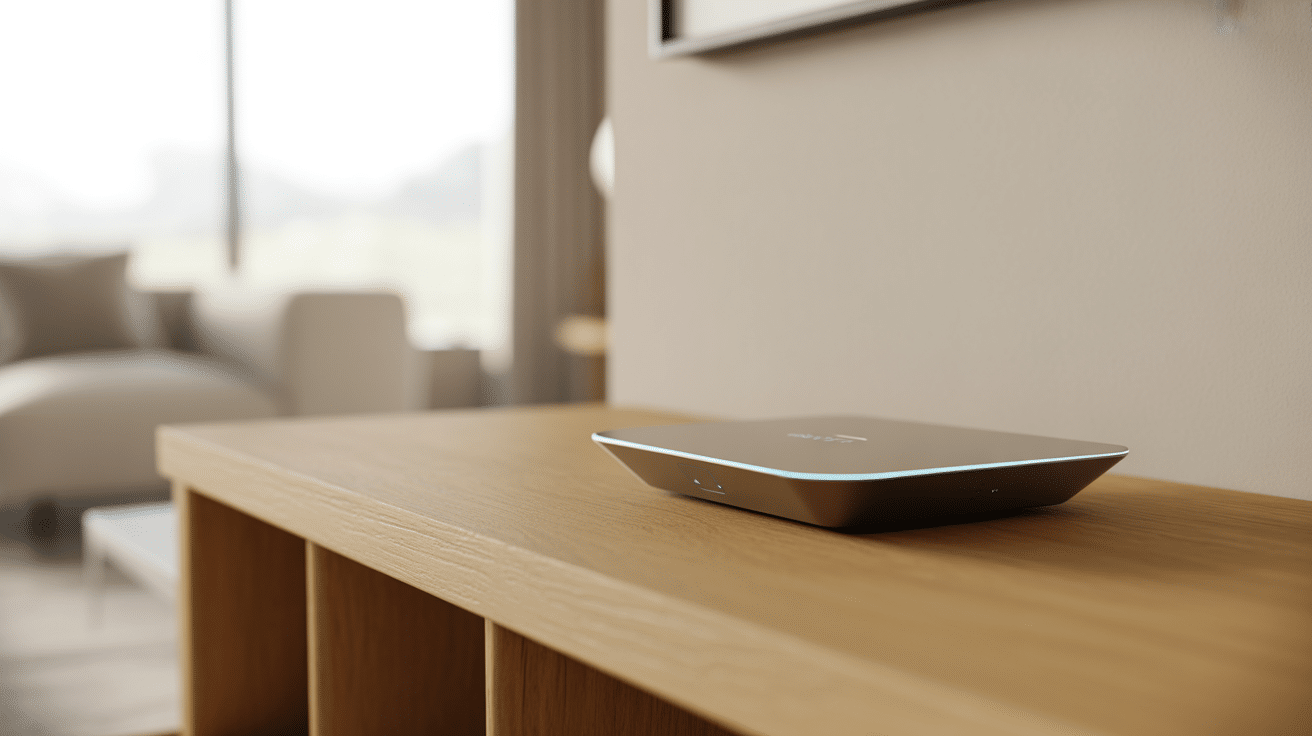
A central hub acts as the control center, allowing different devices and brands to work together through one system.
Devices communicate using wireless technologies such as Wi-Fi, Zigbee, Z-Wave, or Matter, which help them share information quickly and reliably.
Most systems include a mobile app that lets you control lights, locks, cameras, and thermostats from anywhere.
Easy Steps for Smart Device Installation
Setting up smart home devices becomes much easier when you follow a simple, organized process. These steps help you install everything correctly and avoid common mistakes that can slow down your system.
Step 1: Choose Your Smart Home Hub
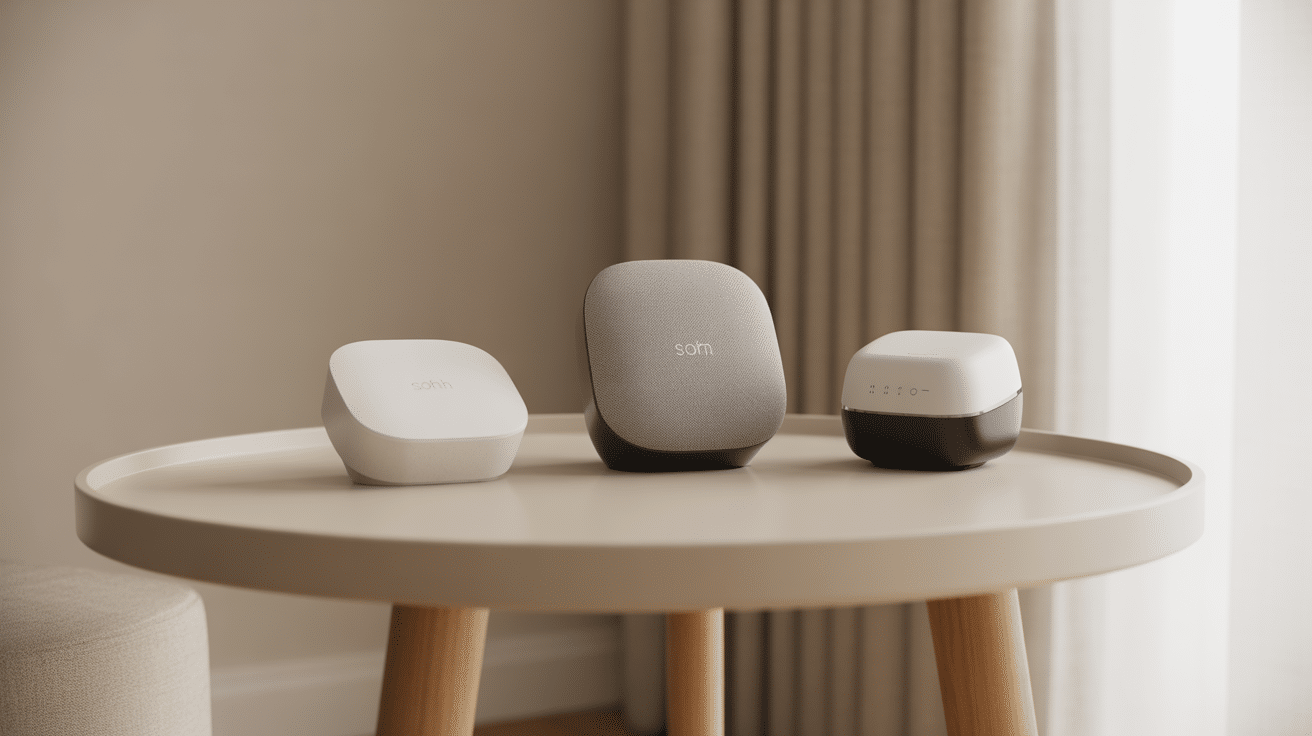
Your smart home hub is the main controller, so placing it correctly is essential. Set it in a central spot with a strong Wi-Fi connection to reach every device easily.
Follow the setup instructions to link it to your phone, update the firmware, and confirm that it responds quickly.
A stable hub ensures smooth communication between your devices and keeps your entire smart home functioning the way it should.
Step 2: Positioning and Installing Each Device
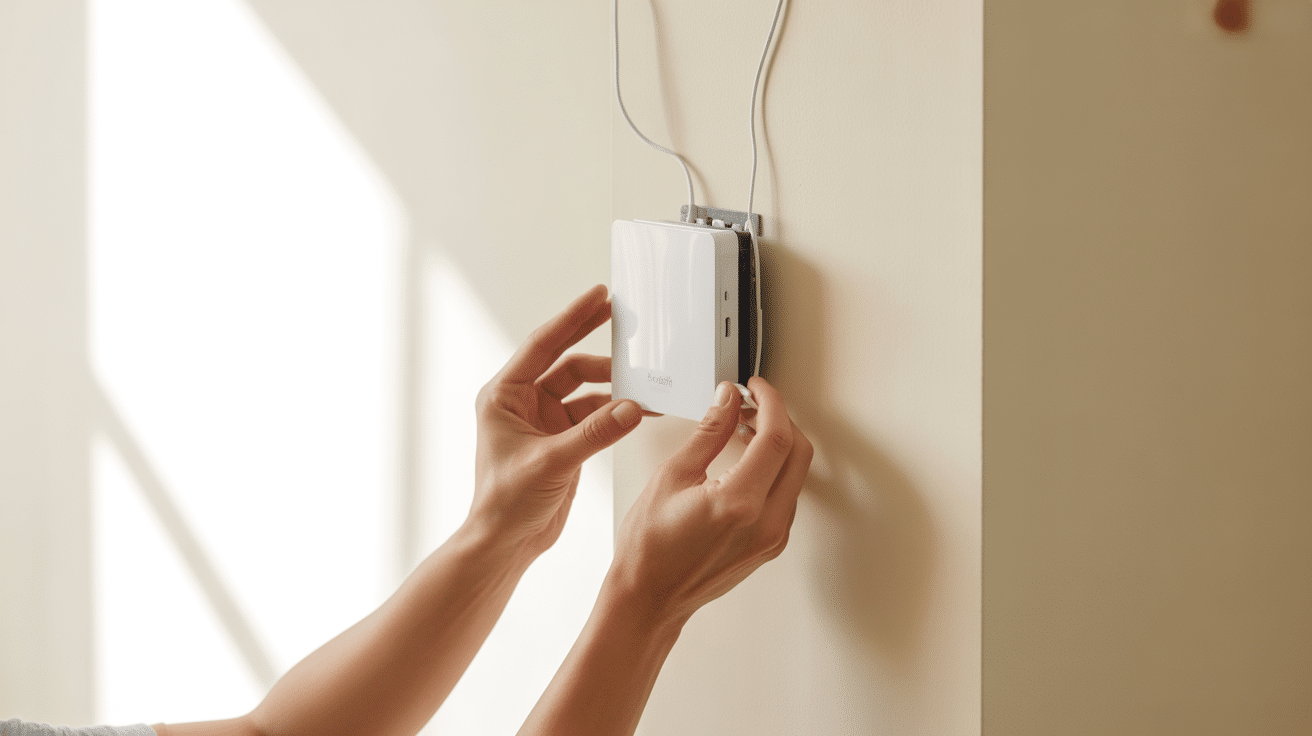
Begin by placing devices where they work best, such as cameras near entrances or sensors in busy areas.
Make sure each device is within range of your Wi-Fi or hub for reliable communication. Follow the instructions for mounting or plugging in the device, and ensure it is secured properly before turning it on.
Good placement helps every device operate smoothly and keeps your smart home system accurate and consistent throughout daily use.
Step 3: Handling Power and Wiring Safely
Some devices require wiring, especially switches or smart thermostats. Always turn off the power at the breaker before touching any wires to prevent electrical hazards.
Use proper tools, avoid loose connections, and follow the manufacturer’s wiring diagrams carefully. If anything looks confusing or unsafe, calling a licensed electrician is the best option.
Safe wiring ensures long-term reliability, protects your devices from damage, and keeps your smart home running smoothly without unnecessary risks.
Step 4: Connecting Devices to Your Smart Home App
After installation, open your smart home app or hub app and connect each device one at a time. Make sure your phone and hub are on the same Wi-Fi network so pairing runs smoothly.
Rename devices clearly, like “Bedroom Lamp” or “Front Door Camera,” to make them easier to control later.
Testing each device after pairing helps confirm everything is working properly and reduces issues when creating automations for your daily routines.
Step 5: Creating Routines and Automations
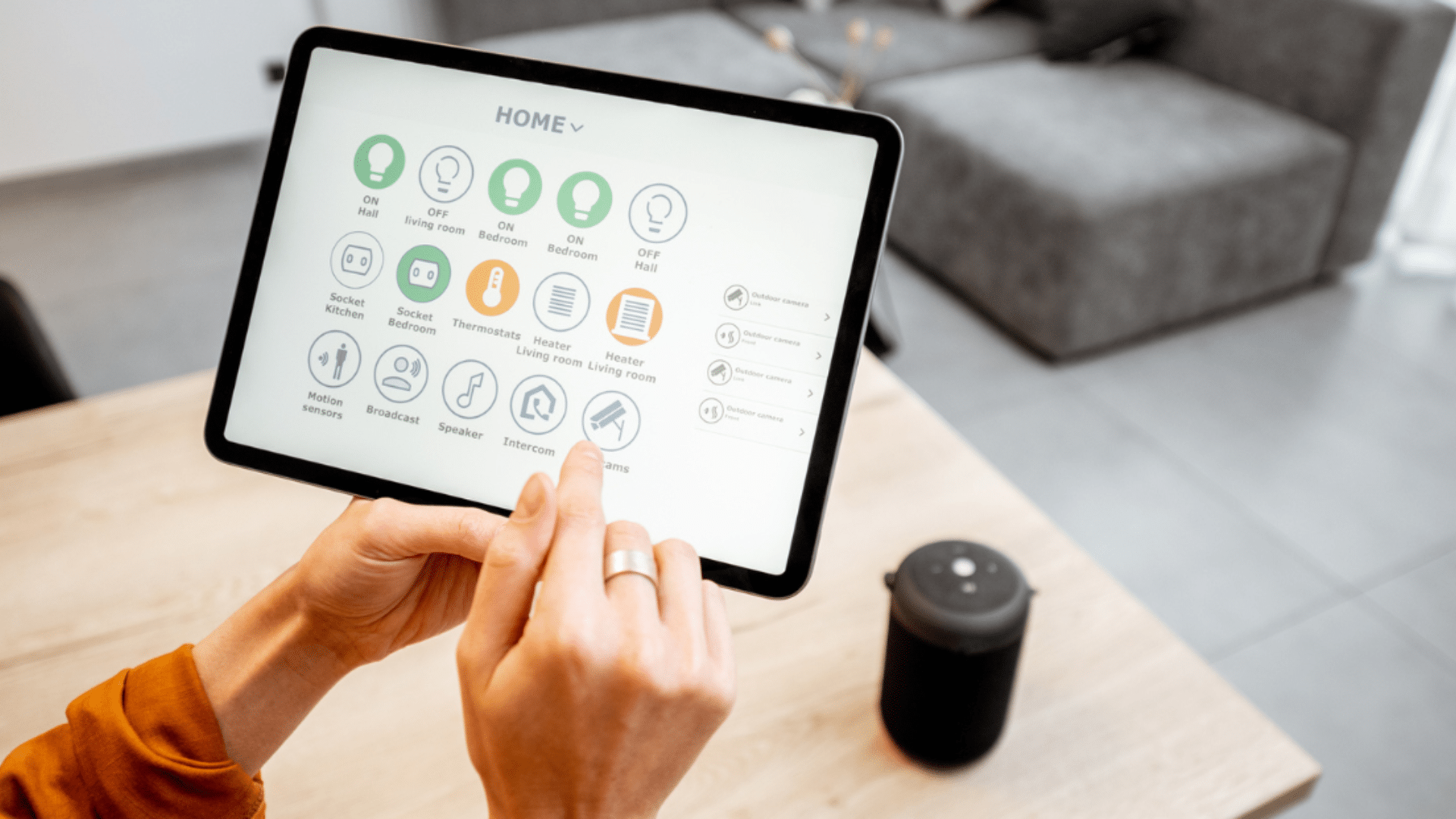
Once your devices are paired, you can create routines that automate daily tasks.
Set lights to turn on at sunset, adjust the thermostat before bedtime, or automate cameras to record when motion is detected. Begin with simple routines and expand as you learn what works best.
Automations help your home run smoothly without manual control and make everyday living more convenient, comfortable, and energy-efficient in a way that fits your lifestyle naturally.
Step 6: Testing and Fine-Tuning Your System
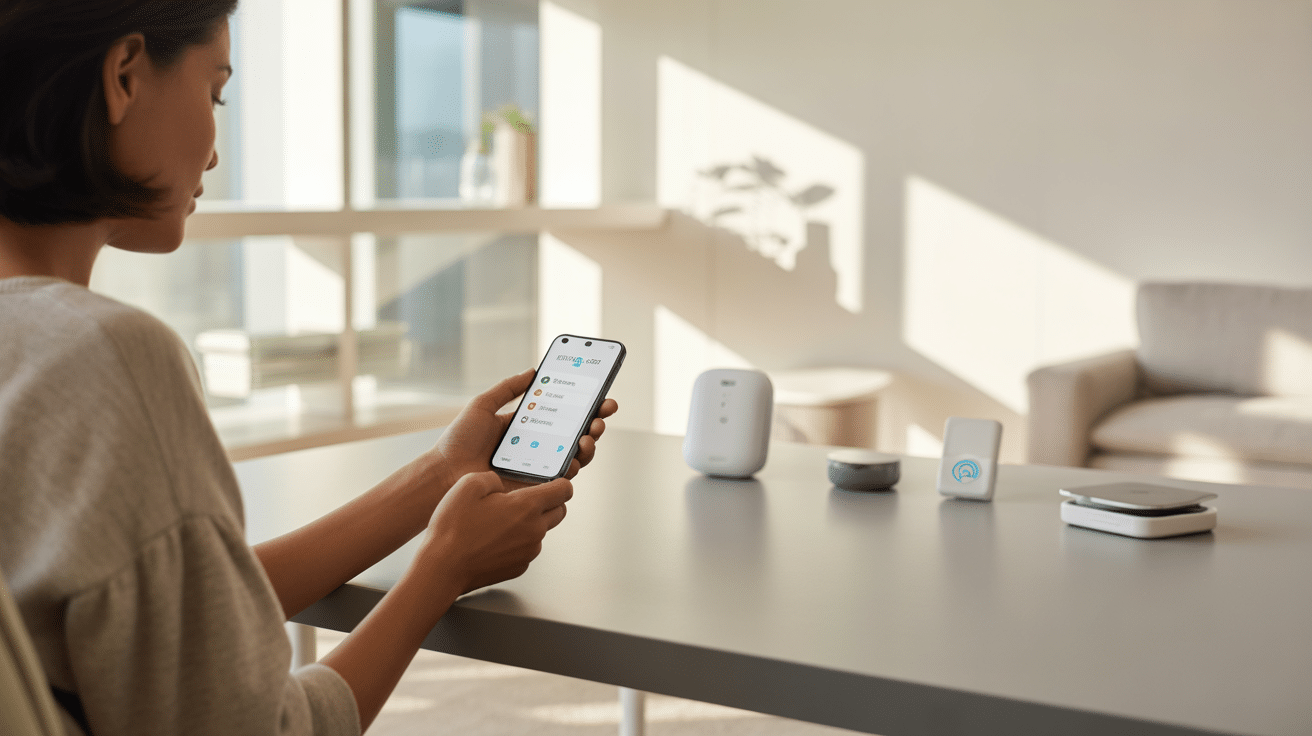
After setup, test each device to make sure it responds quickly and consistently. Check for weak Wi-Fi areas, delayed commands, or routines that don’t trigger properly.
Adjust device placement, update firmware, or rename items if needed. Testing at different times of day helps confirm reliability.
Fine-tuning early prevents long-term issues and ensures your smart home works smoothly, responds faster, and remains easy to control as your system grows over time.
Home Automation Installation Cost Breakdown (DIY vs Professional)
Costs vary depending on your home size and how many devices you install. This table gives a realistic range so you can plan without guessing.
| Installation Type | Typical Cost Range | Best For |
|---|---|---|
| DIY Basic Setup (5–10 devices) | $150–$600 | Smart plugs, bulbs, cameras, doorbells |
| DIY Mid-Level Setup (10–25 devices) | $600–$2,000 | Sensors, thermostats, mesh Wi-Fi, routines |
| Professional Install (Small Home) | $1,500–$5,000 | Wired switches, security, whole-home setup |
| Professional Install (Large Home / Luxury) | $5,000–$25,000+ | Control4, Crestron, Savant systems |
Tip: If your setup includes wiring (switches, thermostats, panels), professional help often saves time and prevents expensive mistakes.
Should You DIY or Hire a Professional?
DIY works best when your setup is plug-and-play and doesn’t require electrical work. Professional installation makes more sense when your system needs wiring, advanced programming, or long-term reliability.
DIY is best if:
-
You are installing smart plugs, bulbs, cameras, or voice assistants
-
You want to automate 1–3 rooms first
-
You are comfortable using apps and troubleshooting Wi-Fi
Hire a professional if:
-
You want smart switches, smart panels, or wired thermostats
-
You are installing a whole-home system like Control4 or Crestron
-
You want a clean setup with hidden wiring and long-term stability
Top Smart Home Systems and Devices
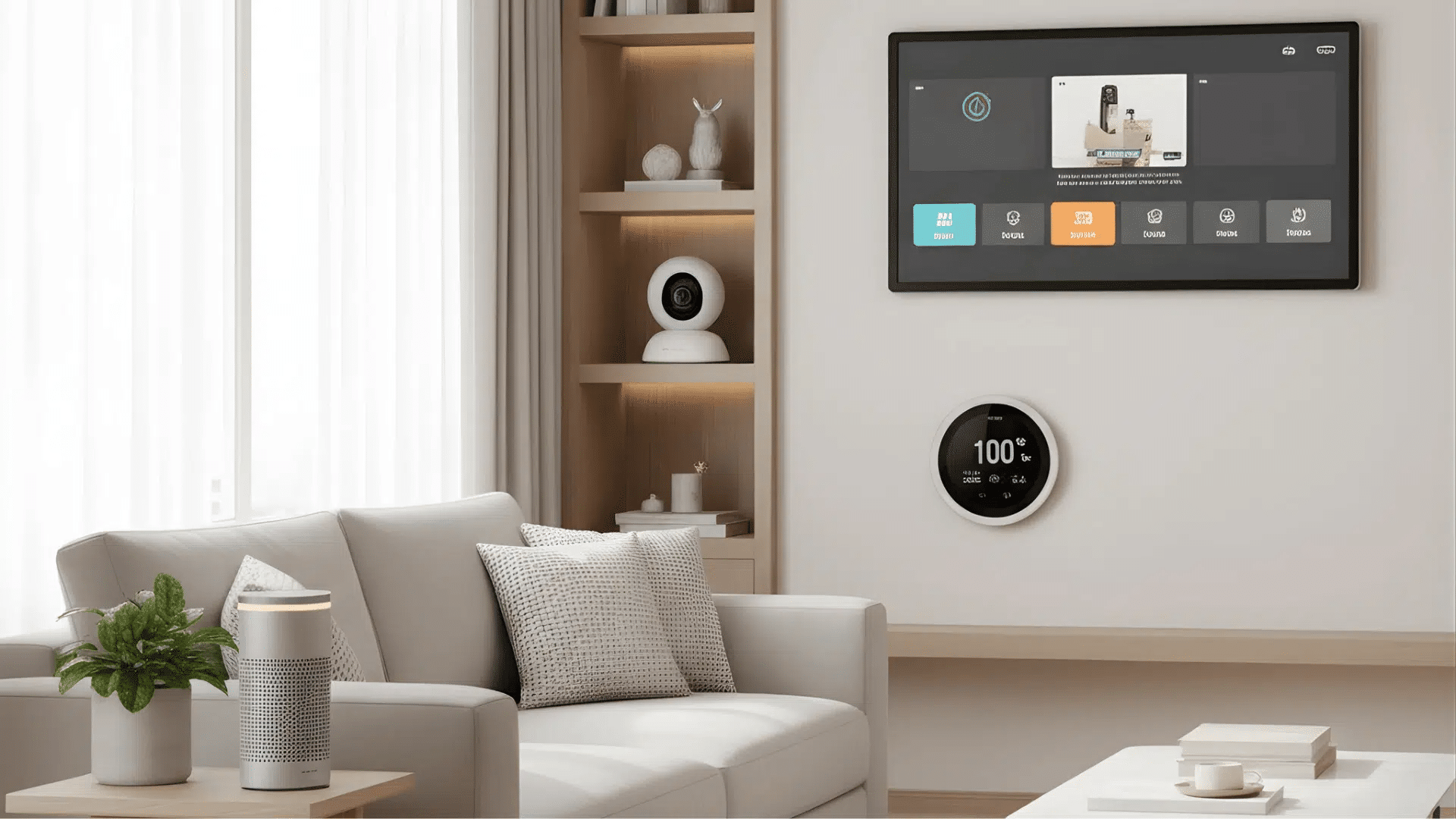
Smart home platforms vary in features, budget, and how much control you want over your setup. The options below cover trusted systems that offer reliable performance for different types of users.
1. Control4
Control4 is a premium whole-home automation system designed for users who want a polished, hands-off experience.
It brings lighting, security, entertainment, and climate together under one interface.
Since it’s professionally installed, the setup is smooth and tailored to your home layout. Control4 excels in reliability and integrates well with high-end devices.
It’s a strong choice for homeowners who want a clean, streamlined system without managing settings themselves.
2. Home Assistant
Home Assistant is an open-source platform built for users who want full control over every part of their smart home. It runs locally, which keeps your data private and reduces cloud dependence.
The system supports hundreds of brands, making it one of the most flexible options available.
It’s ideal for tech-savvy users who enjoy customizing dashboards, automations, and device behavior.
Home Assistant offers deep control that grows with your setup over time.
3. Savant, Crestron, and URC
Savant, Crestron, and URC are luxury systems created for high-end homes with more advanced smart-home needs.
They offer custom lighting scenes, multi-room audio, and detailed control options through professional installation.
These systems focus on smooth performance, long-term reliability, and tailored programming.
Their strength lies in the ability to build personalized, complex setups that run quietly in the background.
4. TP-Link, Wyze, and Aqara
TP-Link, Wyze, and Aqara offer budget-friendly ecosystems that make building a smart home simple and affordable.
TP-Link works well for lighting and plugs, giving quick setup and steady performance.
Wyze provides low-cost cameras and sensors with useful features for everyday monitoring.
Aqara focuses on smart sensors and automation tools that work smoothly with larger platforms.
Together, these brands offer an easy starting point without high upfront costs or complicated installation.
5. Matter-Supported Devices
Matter-supported devices focus on easy communication between different brands, so everything works together with fewer apps.
This new standard helps reduce compatibility issues and keeps devices running smoothly across platforms like Apple, Google, and Amazon.
Matter also makes setup quicker and offers more reliable local control. It’s ideal for homeowners who want flexibility and long-term support.
How to Keep Your Smart Home Secure?
Keeping your smart home secure begins with protecting your Wi-Fi network using a strong, updated password and a separate guest or IoT network to keep personal data safe.
Turning on two-factor authentication adds extra security to your apps and hubs.
Regularly updating device firmware helps close security gaps, while reviewing app permissions prevents unwanted access.
Avoid public Wi-Fi when controlling devices, and strengthen your router by updating the admin password and disabling unused features.
Checking activity logs can help you spot unusual behavior early.
Encrypted platforms, Matter devices, and backups help keep smart homes secure and easy to restore.
Common Home Automation Installation Mistakes to Avoid
Even good devices fail when the setup is rushed. These are the mistakes that cause the most problems long-term.
-
Buying devices before choosing a platform (you end up with 3 apps and no automation)
-
Ignoring Wi-Fi coverage (smart homes fail more from a weak signal than from bad devices)
-
Mixing too many cheap brands early (some work well alone but fail in routines)
-
Installing smart switches without checking neutral wires
-
Over-automating too soon (start with 2–3 routines, then build gradually)
Smart Home Troubleshooting Tips
Small issues can pop up in any smart home, but most problems are simple to fix once you know where to look. These tips help fix common smart home issues quickly and keep your system running smoothly.
- Restart your devices first: Power-cycle smart bulbs, plugs, hubs, or routers. This solves most connection problems instantly.
- Check your Wi-Fi signal: Weak coverage causes delays and device dropouts. Move your router or use a mesh system for better range.
- Update apps and firmware: Old software can cause glitches, so keep everything up to date regularly.
- Verify automation settings: If routines don’t run, confirm triggers, schedules, and device permissions in your app.
- Factory reset as a last resort: When nothing works, reset the device and set it up again, just back up your settings first.
Conclusion
Creating a smart home doesn’t have to feel complicated. Once you understand how the systems work and follow a simple installation plan, everything starts falling into place.
Everyday convenience, remote control, and energy savings make the difference.
Whether you install everything yourself or bring in a professional, the key is to choose reliable devices and approach home automation installation step by step.
With the right planning, a smart home becomes more than a collection of gadgets; it becomes a space that feels personalized, efficient, and easy to manage.
Start with one upgrade, learn how it fits into your routine, and grow your system at your own pace.
Want to make your home smarter and easier to manage?
Share your thoughts or questions in the comments below.