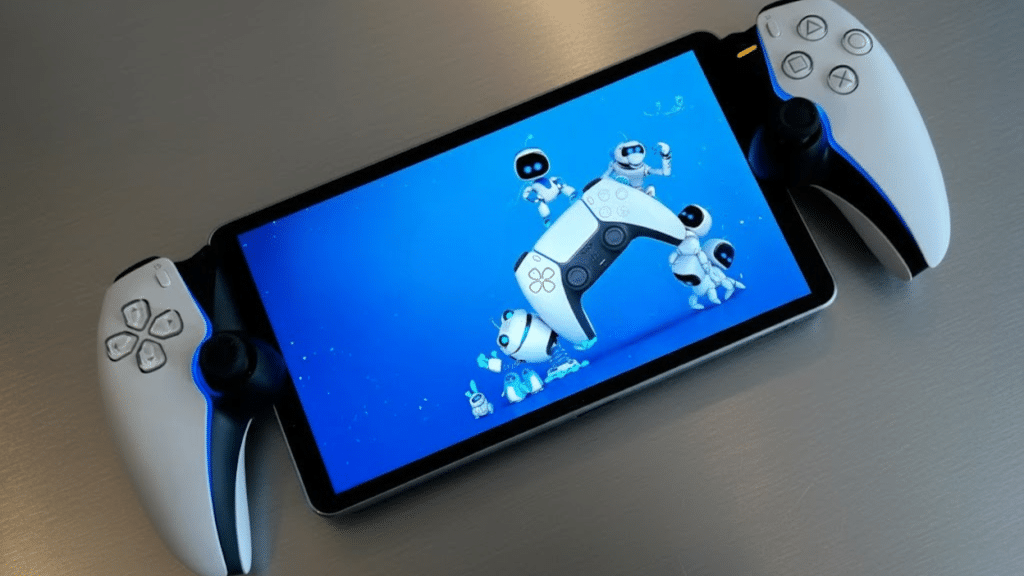
Is the PlayStation Portal actually applicable, or is it just another screen tied to your PS5? I wanted answers before judging it, so I spent time looking at how it fits into real gaming habits.
This PlayStation Portal review focuses on what matters day to day, not hype. I look at how it handles remote play, screen quality, controls, battery life, and setup.
Not only that, but I also talk about who this device makes sense for and who might want to skip it.
If you play at home but share the TV, travel between rooms, or want a lighter way to game, these details matter.
I keep things practical and balanced, pointing out strengths and limits without leaning either way. By the end, you should know if it fits your routine and expectations.
What’s Included in the PlayStation Portal Package?
A clear breakdown of the items packaged with the PlayStation Portal so buyers know what to expect right out of the box.
- PlayStation Portal device: A handheld unit with built-in DualSense controls and an 8-inch display explicitly made for smooth PS5 Remote Play sessions around the home
- USB-C charging cable: A standard charging cable used to power the device, making recharging simple without requiring a separate dock or special adapter
- Quick start guide: A printed manual that explains initial setup, PS5 pairing steps, and basic controls to help users begin playing without confusion
- Safety and regulatory leaflet: Printed information covering usage warnings, handling instructions, and compliance details meant to support safe and proper long-term use
- Warranty information: Official paperwork outlining coverage terms, service options, and regional support details for repairs or assistance after purchase
PlayStation Portal Review: Key Specifications
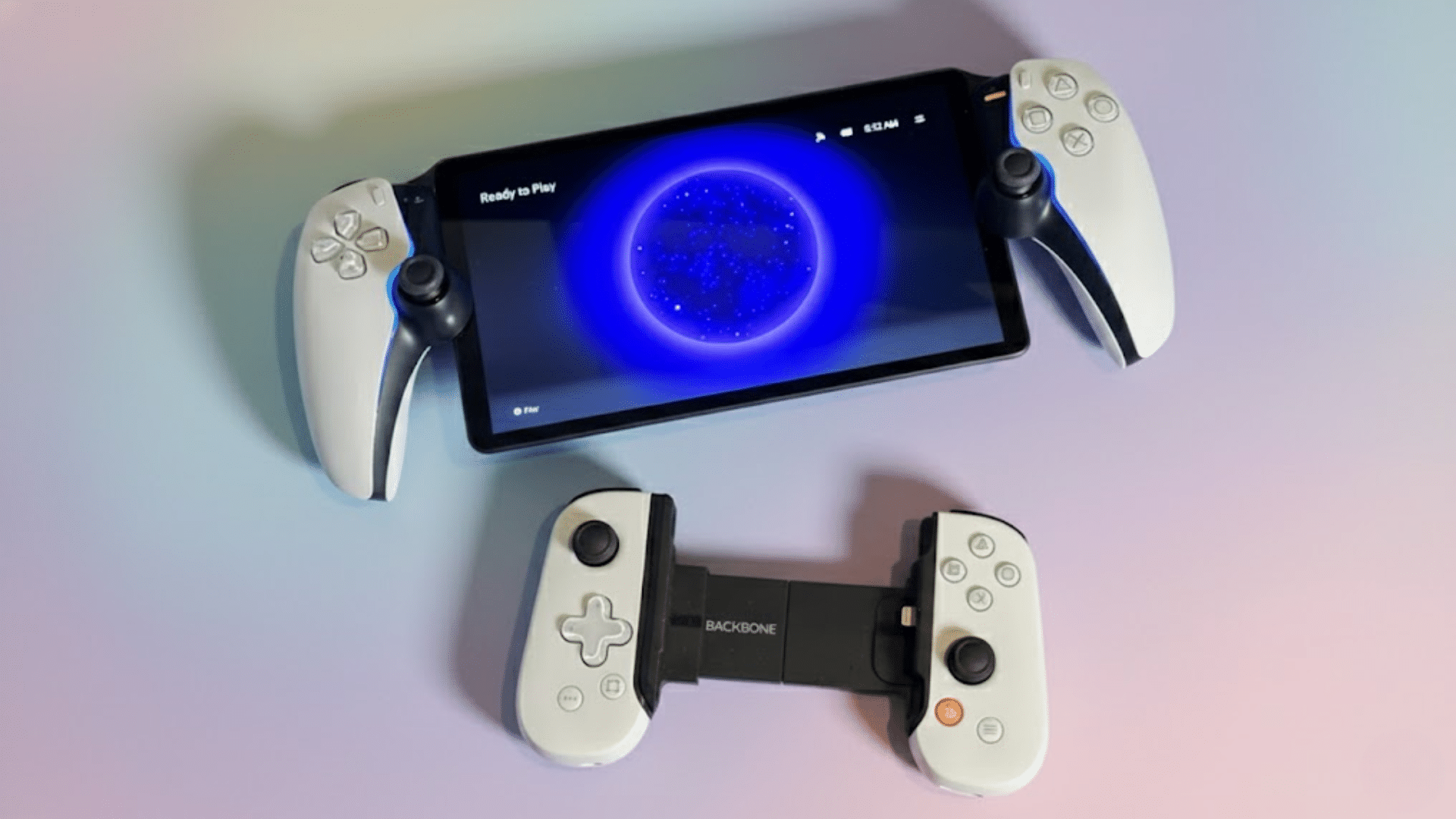
An overview of core hardware details, performance limits, and usability factors shaping expectations before deciding if the device fits needs.
1. Display Quality and Screen Performance Analysis
The handheld uses an eight-inch LCD panel tuned for 1080p resolution at sixty frames per second, prioritizing clarity over visual effects.
Colors appear balanced, with solid contrast for indoor play, though brightness struggles in intense lighting. Motion stays smooth during steady connections, helping fast-paced games remain readable.
Image quality depends heavily on network stability, since compression artifacts can soften edges during congestion.
Input feedback stays visually aligned when latency remains low, avoiding distracting delays. Text remains legible across menus, and icons scale well for longer sessions.
2. Controller Integration and DualSense Features
The built-in input layout mirrors the PS5 pad closely, keeping muscle memory intact during handheld play. Buttons feel familiar in spacing and resistance, reducing adjustment time.
Advanced vibration and adaptive triggers translate supported game feedback effectively, adding tension and subtle cues.
Touchpad functions are mapped logically, though the smaller size limits precision for some actions. Motion sensing remains available for compatible titles, expanding control options.
Speaker placement avoids interference with grip, supporting clear audio feedback. Extended sessions remain comfortable due to balanced weight distribution.
3. Battery Life and Charging
Power endurance supports several hours of continuous play under stable network conditions, varying with brightness and vibration intensity.
Extended haptic use and higher audio levels reduce runtime noticeably. Sleep mode helps conserve energy between sessions, allowing quick restarts.
Refill times remain reasonable through USB-C connections, working with standard adapters or power banks. Heat management stays controlled, preventing discomfort during longer use.
Indicator prompts clearly signal remaining capacity, helping plan sessions without surprise shutdowns.
4. Connectivity Requirements and Wi-Fi Performance
Network reliance defines the overall experience, since the device functions entirely through remote streaming.
A strong home router and a low-latency environment are essential for consistent responsiveness. Wired connections on the console side improve stability, reducing drops and resolution shifts.
Congested households may notice occasional artifacts or brief input delays during peak usage. Dual-band routers and modern standards improve reliability across rooms.
Distance from the access point directly affects smoothness, primarily through walls. Setup remains simple, but results vary based on infrastructure quality.
PlayStation Portal Review: Real User Feedback
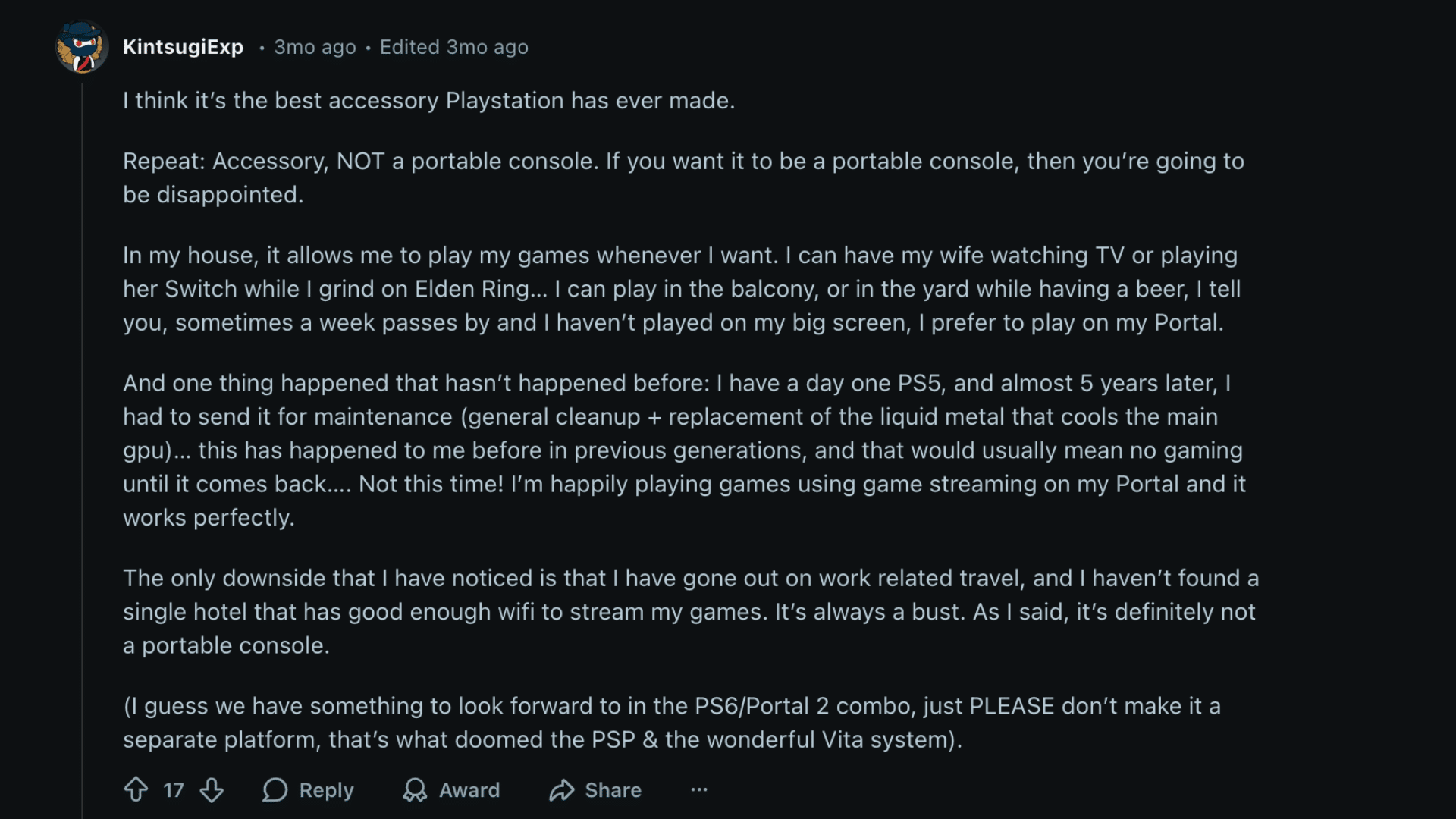
Community feedback from Reddit highlightsintense satisfaction with the PlayStation Portal as an accessory rather than a standalone device.
Users stress repeating expectations: accessory, not a portable console, noting disappointment comes from treating it otherwise.
Many describe flexible home use, allowing gaming while others use the television, with play extending to balconies or yards.
Several comments mention preferring the handheld screen over the primary display for daily sessions.
One notable experience shared involves continued gaming through cloud streaming while a launch-era PS5 was away for maintenance, something previous generations did not allow.
Criticism centers on travel limitations, as hotel Wi-Fi often fails to support stable streaming.
PlayStation Portal Review: Pros and Cons
A quick side-by-side look at strengths and limits helps decide if this accessory fits daily play habits, network setup, and expectations at home.
| Pros | Cons |
|---|---|
| Large, clear 8-inch display | Requires a constant internet connection |
| Comfortable DualSense-style controls | No native game support |
| Easy setup with PS5 | Input lag on weak Wi-Fi |
| Smooth Remote Play experience | Limited use outside the home |
| Good battery life for sessions | No Bluetooth audio support |
| Lightweight and well-balanced | Expensive for a single-purpose device |
| Adaptive triggers feel solid | No cloud gaming option |
| Quiet, fanless operation | Works only with PS5 |
Who Should Buy the PlayStation Portal?
The PlayStation Portal suits players who already own a PS5 and want more flexible ways to play at home without competing for the central television.
It works well for households with shared screens, letting gaming continue in other rooms, outdoor spaces, or quiet corners.
Players who value familiar DualSense controls and quick session access will appreciate its design. Strong home Wi-Fi is essential, making it best for users with reliable networks and modern routers.
It is not ideal for frequent travelers or those expecting offline or on-the-go gaming.
In a balanced PlayStation Portal review, the device fits gamers who understand it as an accessory, not a replacement console.
Those comfortable with remote play and streaming limits are most likely to enjoy consistent, practical use over time.
Conclusion
I see the PlayStation Portal as a focused accessory that knows its role and sticks to it well. It does not try to replace a console or compete with handheld systems, and that clarity helps set fair expectations.
In this PlayStation Portal review, I found the experience depends heavily on home Wi-Fi quality, but when conditions are right, it feels smooth and reliable.
The screen, controls, and ease of pickup make short sessions easy and long sessions comfortable. Limits appear when traveling or relying on unstable networks, which may matter to some players.
For the right household, it becomes a regular part of daily play rather than a novelty.
If you are considering it, think about how and where you play. Share your thoughts or experiences in the comments below.
Frequently Asked Questions
Are Parental Controls Available on PlayStation Portal?
Parental controls mirror those set on the PS5, including playtime limits, content restrictions, and communication settings managed through the main console account.
How Often Does PlayStation Portal Receive Software Updates?
System updates are delivered periodically through Sony, focusing on performance improvements, stability fixes, and compatibility updates tied to PS5 firmware changes.
Is PlayStation Portal Repairable If Damaged?
Repairs are handled through Sony service centers, with options depending on warranty status, regional support availability, and the type of hardware issue reported.